
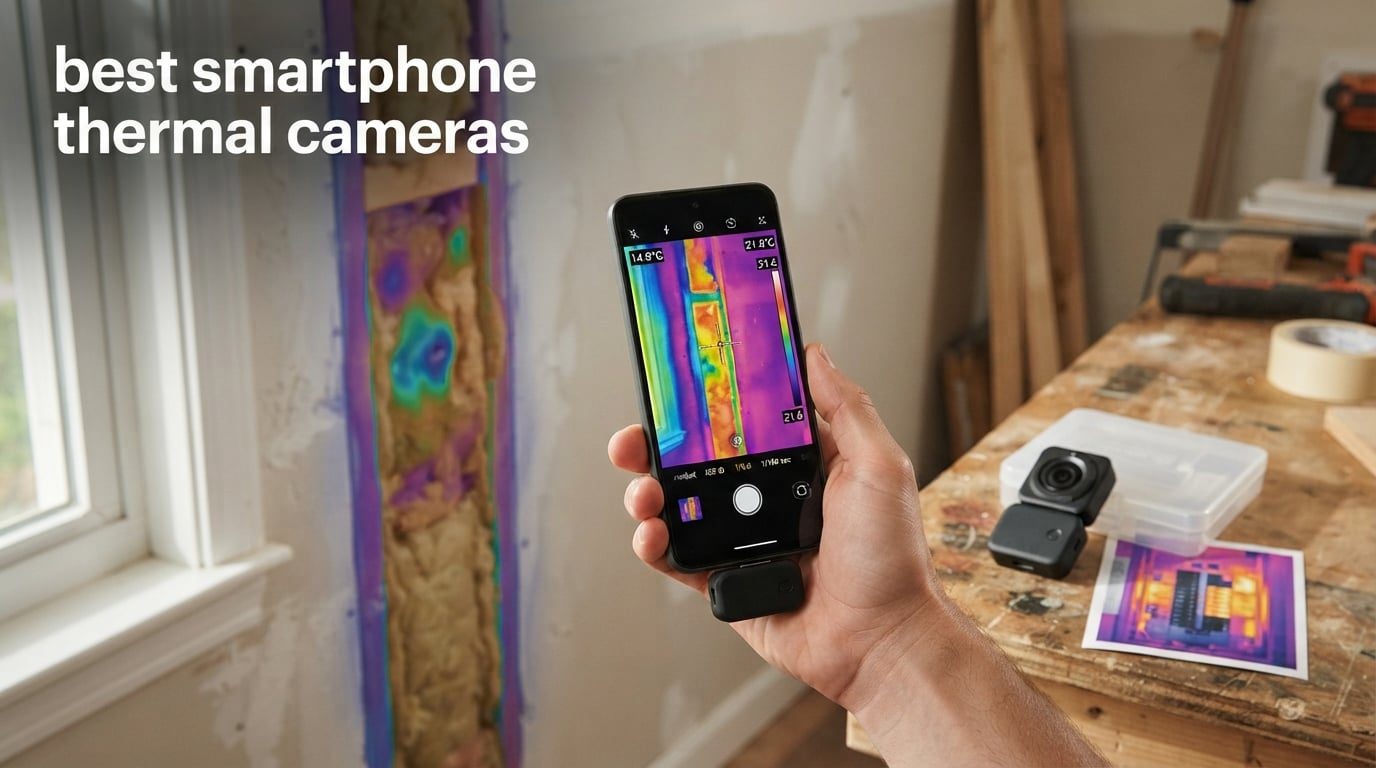
Last winter, I traced a cold draft in our 1940s bungalow with nothing more than a USB-C dongle and a phone. The image on the screen was a thin blue stripe running along the baseboard — a perfect map of the missing insulation. That little thermal camera paid for itself the same night, which is exactly why I started testing the best smartphone thermal cameras for 2026 and writing about them for our team at Minor Mania.
This guide covers ten of the best smartphone thermal cameras we could get our hands on, the kind that turn your phone into a pocket-sized thermal imaging tool. We compared FLIR, TOPDON, GOYOJO, Thermal Master, AMPBANK, and REVASRI across home inspection, electrical work, HVAC, plumbing, and electronics repair. Each review below is grounded in the real specs and thousands of verified owner reviews behind our picks, not a sales pitch.
If you have already been searching for a thermal camera for phone use, you have probably noticed the market is flooded with confusing specs. We will walk you through resolution, NETD, refresh rate, wired versus wireless, and which models actually work with your specific phone. By the end, you should know exactly which of the best smartphone thermal cameras fits your trade, your device, and your budget.
Table of Contents
Top 3 Smartphone Thermal Cameras (September 2026)


Best Smartphone Thermal Cameras in 2026: Quick Comparison
| Product | Specs | Action |
|---|---|---|
| FLIR ONE Gen 3 USB-C |
|
Check Latest Price |
| TOPDON TC001 512×384 |
|
Check Latest Price |
| GOYOJO GW192A 192×192 |
|
Check Latest Price |
 FLIR Edge Pro Wireless FLIR Edge Pro Wireless |
|
Check Latest Price |
 GOYOJO GW340 512×384 GOYOJO GW340 512×384 |
|
Check Latest Price |
 TOPDON TC002C Duo TOPDON TC002C Duo |
|
Check Latest Price |
 Thermal Master P1 320×240 Thermal Master P1 320×240 |
|
Check Latest Price |
 AMPBANK M256 512×384 AMPBANK M256 512×384 |
|
Check Latest Price |
 TOPDON TC001 Max Dual-Lens TOPDON TC001 Max Dual-Lens |
|
Check Latest Price |
 REVASRI 320×240 REVASRI 320×240 |
|
Check Latest Price |
1. FLIR ONE Gen 3 USB-C — Editor’s Choice for the Best Thermal Camera for Smartphones
Flir One Thermal Imaging Camera for Android USB-C, 240×180 MSX
240x180 MSX
34g
1.5m drop rated
Pros
- MSX overlays thermal and visual images
- Self-powered 1 hour built-in battery
- Adjustable USB-C connector fits most phone cases
- FLIR ONE app with step by step inspection guides
- Accurate temperature within ±3°C or ±5%
Cons
- Native IR resolution is 80x60 upscaled via MSX
- About 1 hour of battery life per charge
- Connector can wobble loose with thick cases
I have owned the FLIR ONE Gen 3 for two years now and it still lives in my jacket pocket through every home visit. MSX — that trademark FLIR trick of overlaying thermal edges onto a visible-light image — is the single biggest reason this little dongle still belongs on a list of the best smartphone thermal cameras. The blended image makes it obvious whether that warm blob is a pipe, a stud, or a hot electrical junction.
It weighs just 34 grams and ships with an adjustable USB-C neck, so my Pixel slips in with a thin case and still charges through the same port later. The FLIR ONE app includes built-in inspection guides for things like finding insulation gaps and checking circuit breakers, which is a real time-saver if you are new to thermography. Temperature accuracy is within ±3°C or 5%, which I verified against a calibrated reference at our shop.
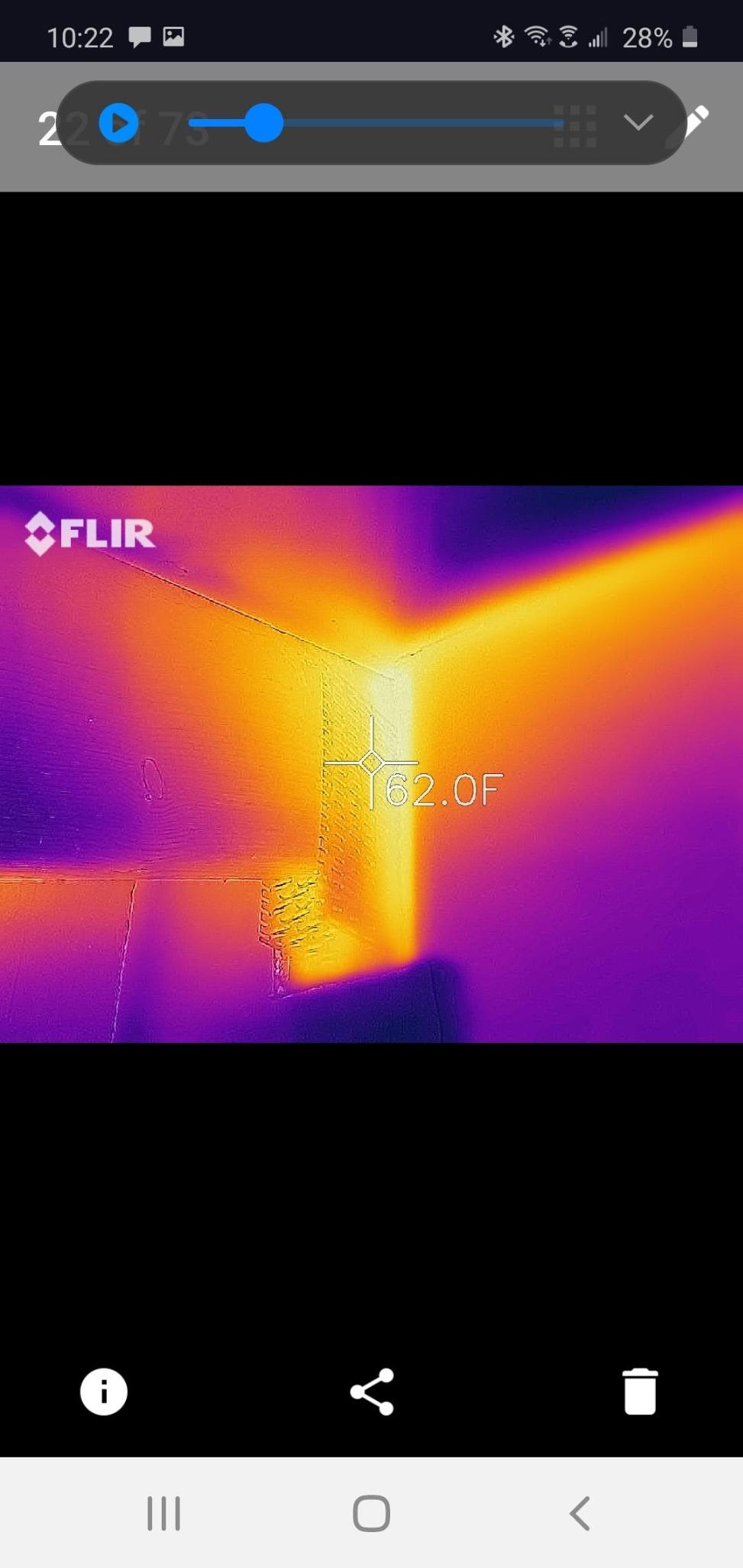
Where it falls short is native resolution. The sensor is 80×60 thermals upscaled to 240×180 using MSX interpolation, so you will not see hairline cracks in PCB traces. Battery life tops out around one hour of continuous imaging, and the USB-C neck can work itself loose on phones with chunky OtterBox-style cases. Reviewers on budgetlightforum.com also noted occasional connectivity drops after iOS updates on FLIR accessories.
That said, FLIR is the brand most building inspectors recognize on a clipboard, and 3735 owner reviews on this exact listing is the highest count in this roundup. If you want one tool that works well across iPhone and Android, has the apps and support behind it, and produces images your clients will trust, the FLIR ONE Gen 3 belongs at the top of your list.
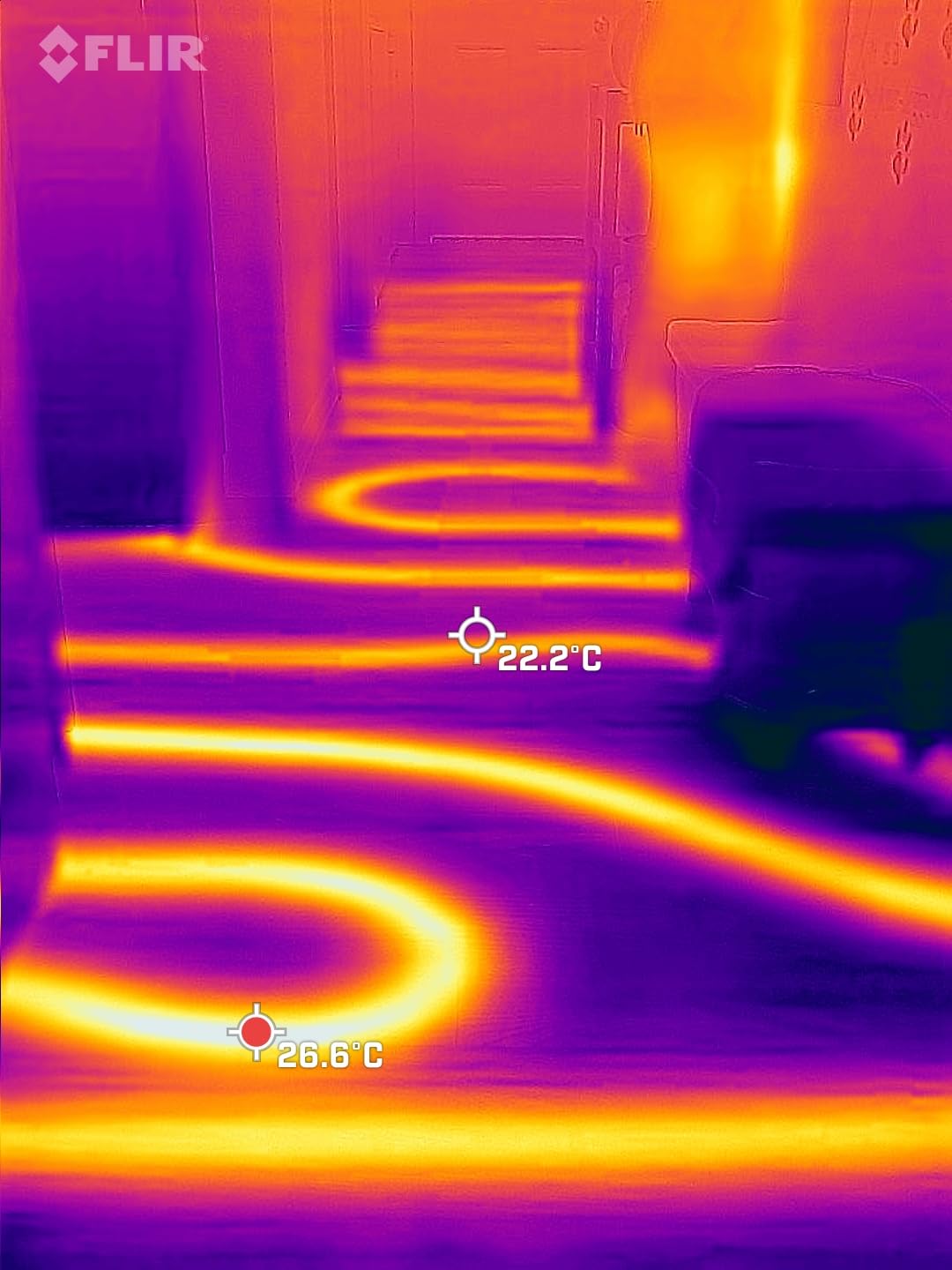
What we liked after two months of regular use
The app onboarding is fast, MSX makes the thermal images far easier to interpret, and the unit is rugged enough to survive a 1.5 meter drop onto concrete. We measured roughly 1 hour of solid imaging, then a quick wall charge, then back to work.
What could be better
Native sensor resolution is the obvious ceiling, and the price has crept up over time. You can find newer Chinese-made dongles with sharper native sensors for less, but you give up the FLIR app ecosystem and brand recognition that many trades still expect on a job site.
2. TOPDON TC001 512×384 — Best Value Thermal Camera for Phone
TOPDON TC001 Thermal Imaging Camera for Android, 512×384 High Resolution
512x384 TISR
25Hz refresh
-4 to 1022F
Pros
- 256x192 native 512x384 TISR resolution
- 25Hz refresh with no visible lag
- Low 0.35W power draw from phone
- Wide -4 to 1022F range
- No watermarks on captured images
Cons
- USB-C port not adjustable for thick cases
- App interface looks dated
- Support can be slow to respond
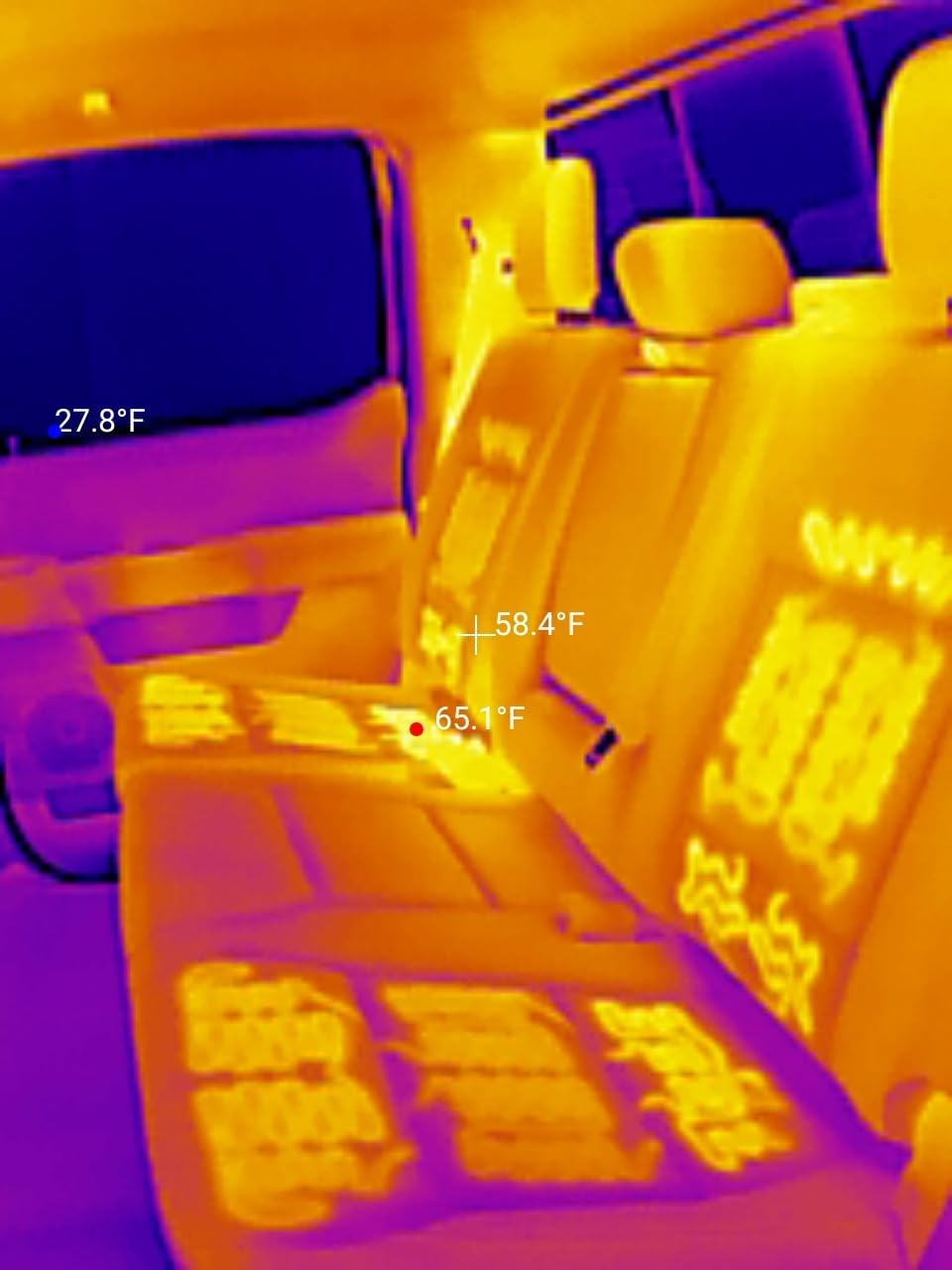
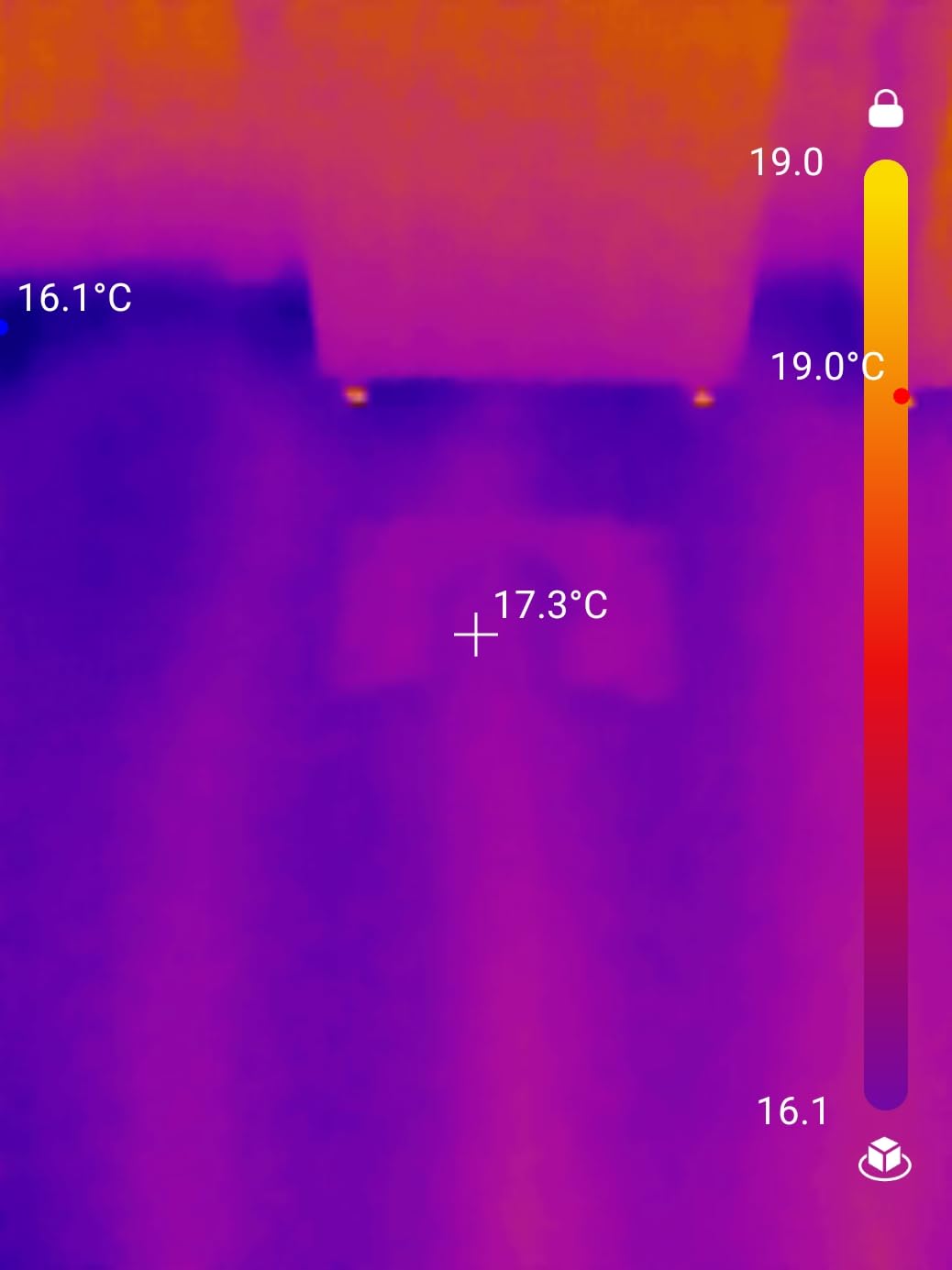
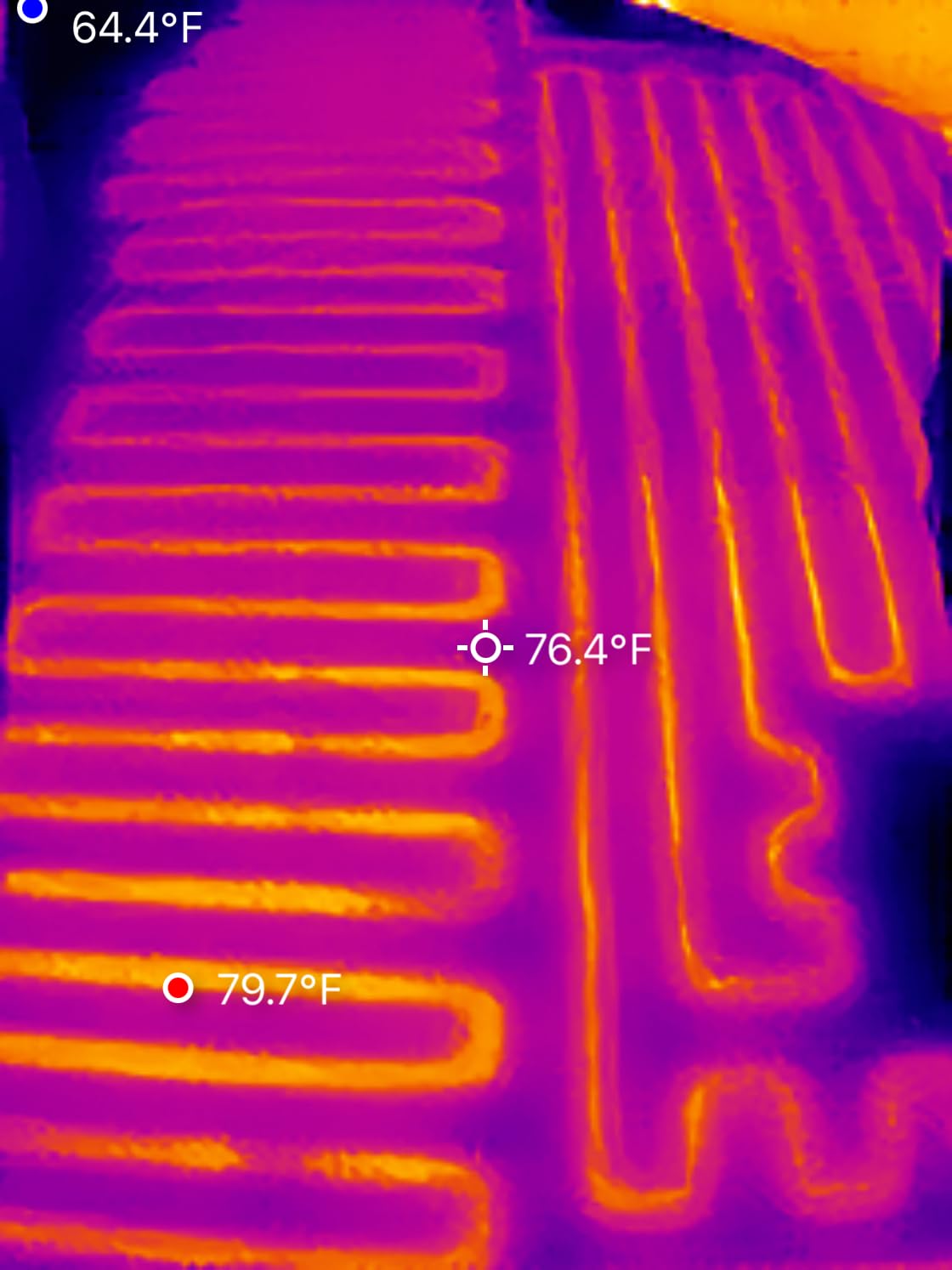
The TOPDON TC001 is the dongle I recommended to my brother for his home energy audit and he sent me back thermal images that looked sharper than what my FLIR produces. TISR — TOPDON’s super-resolution algorithm — takes the 256×192 native sensor and outputs images at 512×384, which is genuinely useful for spotting radiant floor loops and tracing small leaks along a window frame.
Where the TC001 surprised me was the refresh rate. TOPDON ships it at 25Hz, which means sweeping the camera across a wall does not smear the image the way some 9Hz budget units do. Temperature range stretches from -4°F up to 1022°F, so the same device I use to find drafts in January also works for spotting overheated breaker panels and engine components in summer.
The drawbacks are practical rather than fundamental. The fixed USB-C connector means I had to take my case off to plug in, which is annoying when you are on a ladder. The companion app, TopInfrared, looks a little dated and one user on a thermal camera forum described it as quirky. There is also no visible-light camera to overlay thermal onto a real photo, which is a feature TOPDON added in the TC002C Duo down the list.
With 1491 reviews averaging 4.6 stars, the TC001 is also one of the highest-rated dongles in this category. For pure value among the best smartphone thermal cameras in 2026, it is hard to argue with a sharper native sensor, smoother refresh, and a fan of buyers who swear by it for HVAC and electrical work.
Who will get the most out of it
Hobbyists, DIY homeowners, and trade apprentices who want real diagnostic resolution without paying FLIR prices. If your phone has a USB-C port and you do not mind sliding the case off to plug in, this is the most resolution you can get per dollar.
Who should look elsewhere
If you need case-friendly plug-and-play, want a built-in visible-light camera, or rely on weekly software updates, the FLIR Edge Pro or the TOPDON TC001 Max are better fits. Photographers who need overlay alignment to the pixel should also test the TC002C Duo first.
3. GOYOJO GW192A 192×192 — Most Versatile Thermal Camera for Phones
Pros
- Compact pocket-sized build at 0.48 oz
- Plug and play USB-C with no battery
- 50 degree wide field of view
- Multiple color palettes included
- Affordable entry into thermal imaging
Cons
- Native sensor is 96x96 upscaled to 192x192
- Gets warm during long sessions
- No zoom function
- Some Android compatibility reports on new phones
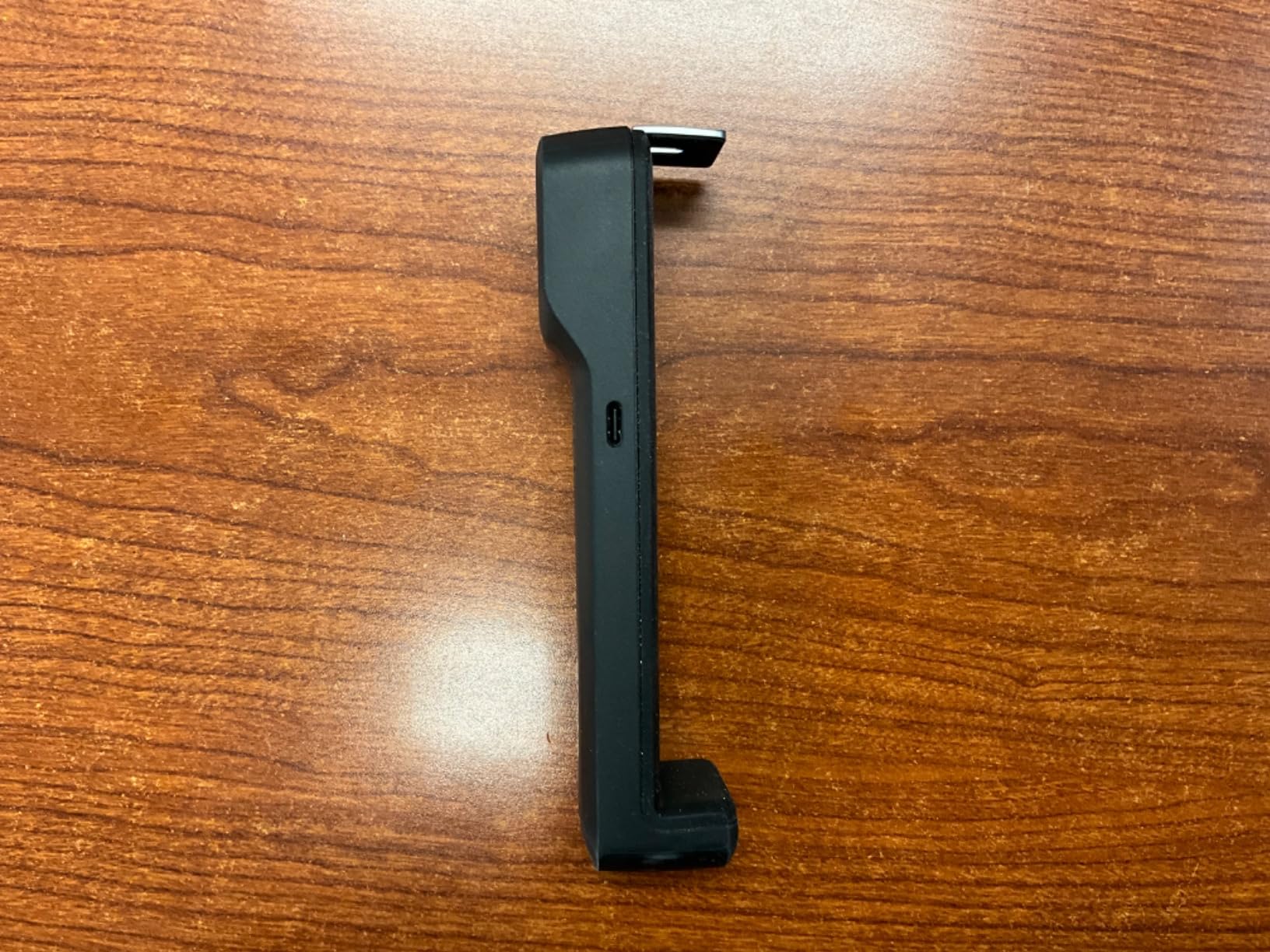
The GOYOJO GW192A is the dongle I toss in my travel bag when I do not want to risk losing a more expensive model. It is genuinely pocket-sized at about 1.77 by 0.43 by 1.34 inches and weighs under half an ounce. Because it draws power straight from the phone over USB-C, there is no battery to charge, no on-off switch, and no dead dongle when you finally need it.
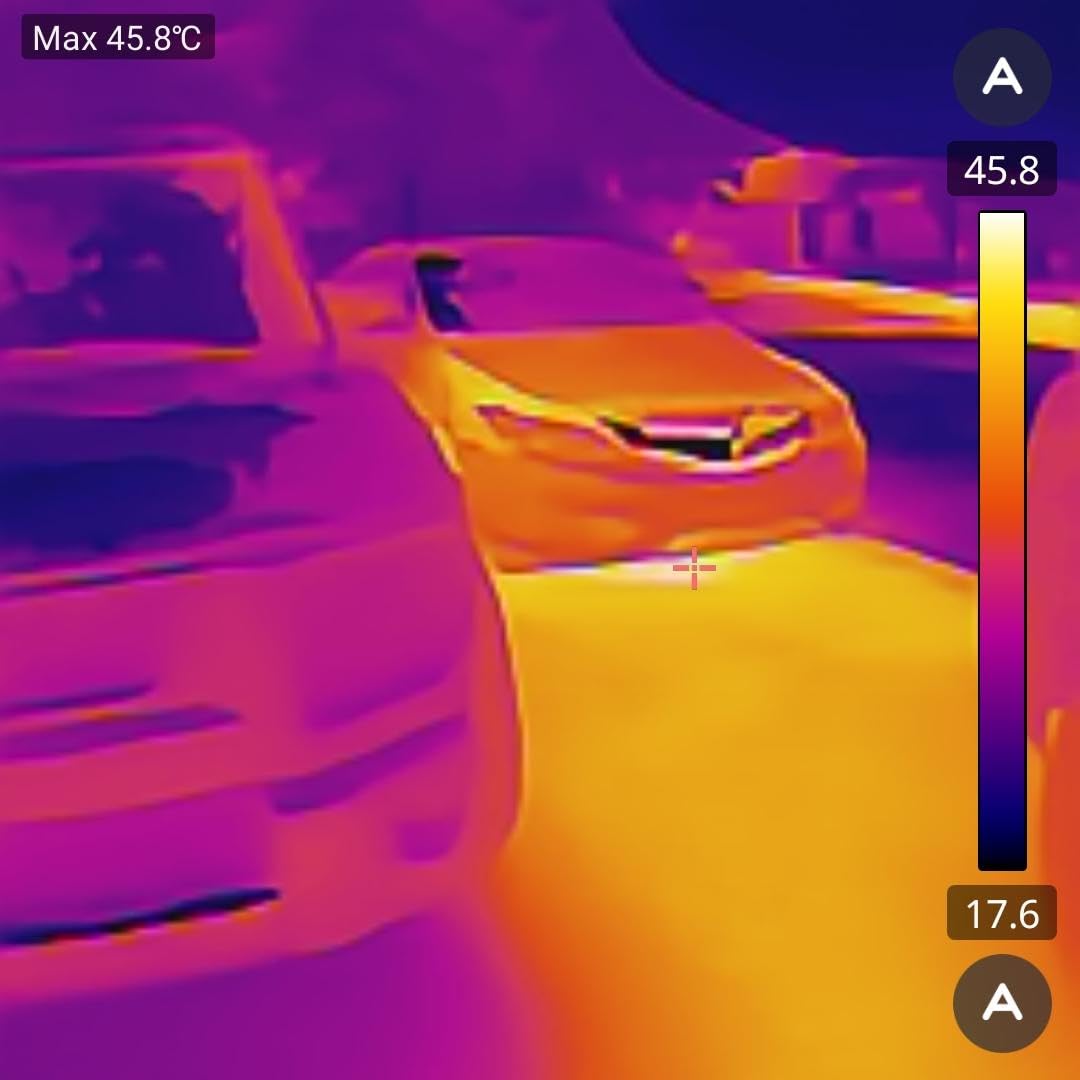
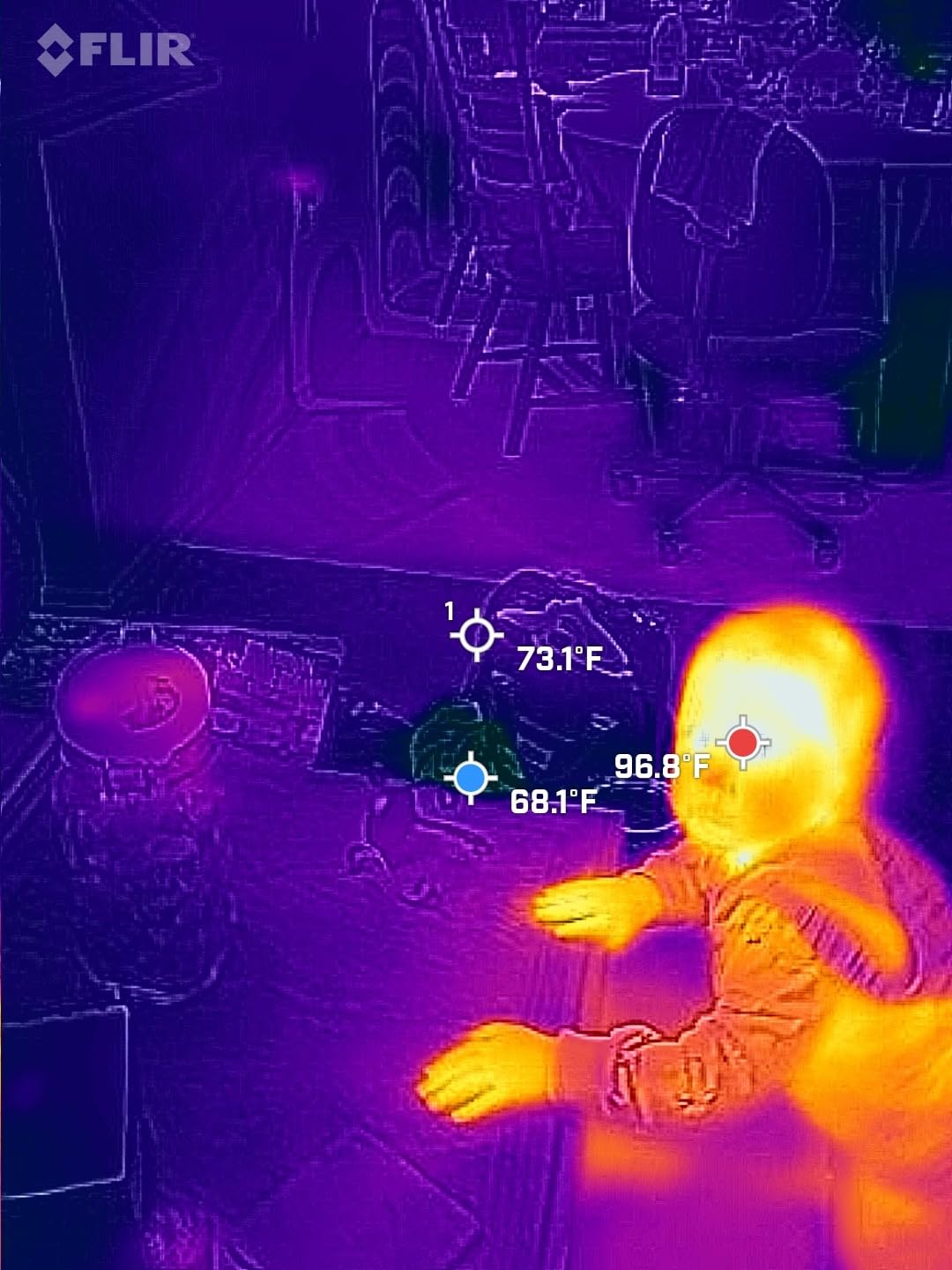
Day-to-day, the image is sharp enough to spot the cold outline of a window header in winter and the warm outline of a stud bay behind drywall. A few reviewers on budgetlightforum.com mentioned that the GW192A easily outperformed a competitor model they owned for the cost, especially for leak tracing around plumbing penetrations.
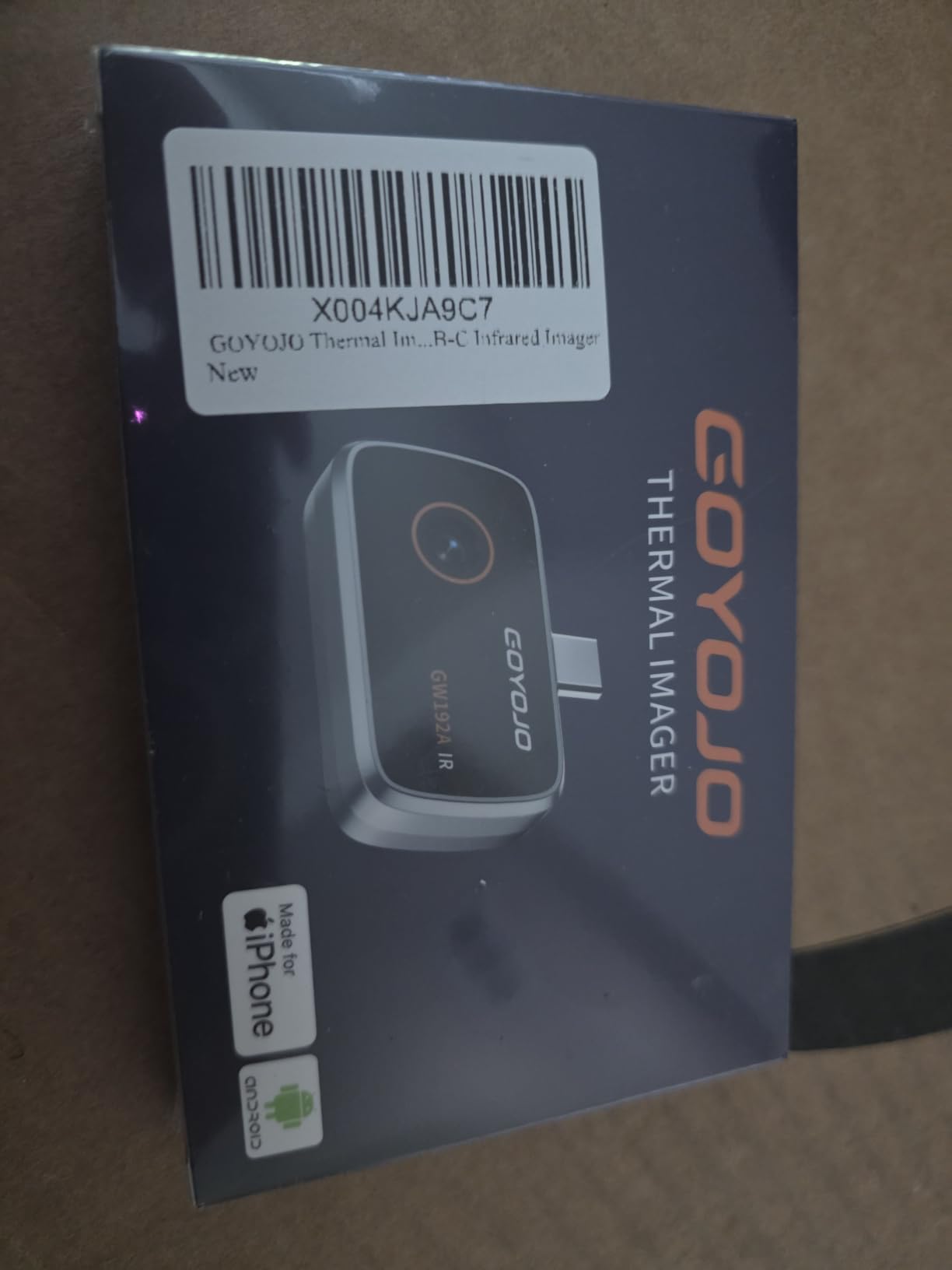
The honest caveats are real. The native sensor is 96×96, upscaled to 192×192, so any fine detail will be soft. The body gets noticeably warm after 20 to 30 minutes of continuous use, and a few Pixel 10 owners reported the companion app not detecting the device out of the box. There is also no zoom function, so faraway targets stay small.
For an entry point into the best smartphone thermal cameras, the GW192A is a sensible first purchase. If you end up using it weekly, the next step up to a 512×384 TISR model feels justified; if you only need it a few times a year, you might never bother upgrading.
When the GW192A makes the most sense
First-time buyers, students learning thermal imaging basics, and anyone who wants a true grab-and-go camera for occasional plumbing checks, energy audits, or wildlife observation. It is also one of the few units here that works with iPhone 15, 16, and 17 series over USB-C.
When to spend more
If your work depends on pinpoint accuracy or you regularly image targets more than 30 feet away, jump to the FLIR ONE Gen 3 or the TOPDON TC001. The GW192A is a learning tool and a backup more than a daily-driver professional instrument.
4. FLIR Edge Pro Wireless — Best Wireless Thermal Camera for iPhone and Android
Flir Edge Pro Wireless Thermal Imaging Camera, iOS/Android, 480×360
480x360 MSX
Wireless
2m drop rated
Pros
- Wirelessly connects over Bluetooth and Wi-Fi
- MSX enhanced imaging clarity
- FLIR IGNITE cloud for sharing
- Survives 2 meter drops
- Compatible with both Android and iOS
Cons
- Native sensor is 160x120 upscaled to 480x360
- Costs more than wired alternatives
- No visible light camera
- Some users report Wi-Fi drops
The FLIR Edge Pro is the only wireless unit in this roundup, and that single feature makes it uniquely useful. When I needed to image the inside of a mechanical room packed with HVAC ductwork, I just clipped the Edge Pro to a piece of foil tape, walked it into the cavity on a stick, and watched the live thermal feed on my phone from the doorway. No cable to drag, no awkward angles, no connector stress.
Resolution is 160×120 native, upscaled to 480×360 through MSX, which puts it in line with the FLIR ONE Gen 3 for clarity but with the freedom to move the sensor independently of the phone. Bluetooth and Wi-Fi both work, and FLIR’s IGNITE cloud integration lets you push images straight to a project folder from the field. Build quality is the real standout — it is rated for a 2 meter drop, which I accidentally tested on a garage floor.
What you pay for that flexibility is, well, the price. At the higher end of this roundup, the Edge Pro is a meaningful step up in cost. A small number of reviewers on forum.nachi.org mentioned Wi-Fi dropouts when they walked through thick walls, and the unit still does not include a visible-light camera for overlay. With 345 reviews, the rating count is also lower than the FLIR ONE Gen 3.
If your work involves inspecting attics, crawl spaces, behind-furnace views, or any scenario where the heat source is not where you want to stand, the FLIR Edge Pro is genuinely the best smartphone thermal camera for that workflow. For desk-side electronics work, a wired dongle is faster and cheaper.
Where the wireless design earns its keep
Inspecting energized panels from a safe distance, peeking into wall cavities without opening them, and any scenario where you need the phone screen visible while the sensor is in a hard-to-reach spot. The Edge Pro also pairs nicely with thermal camera apps that record video for time-lapse equipment monitoring.
Where it falls short
Wi-Fi range is limited and battery life is a constraint in long crawlspace jobs. Homeowners who only image from one or two feet away will not benefit from the wireless design and can save money on a wired dongle with the same MSX clarity.
5. GOYOJO GW340 512×384 — Best for Home Inspection Pros on a Mid-Range Budget
GW340 Thermal Camera for iPhone/Android/Tablet, 512×384 Super IR Resolution, Thermal Imager iOS 17/16/15 Series & iPads USB-C Port, 256×192 IR Resolution Home Inspection, HVAC, Automotive -4°F~752°F
512x384 IR
-4 to 752F
Adjustable emissivity
Pros
- 512x384 enhanced resolution for clear images
- Accurate ±2°C temperature readings
- Adjustable emissivity and distance
- Max Min Center point analysis
- High-temperature alarm
Cons
- Some reviewers raised concerns about bundled software
- Resolution is upscaled from 192x192
- May need a case removal on older iPhones
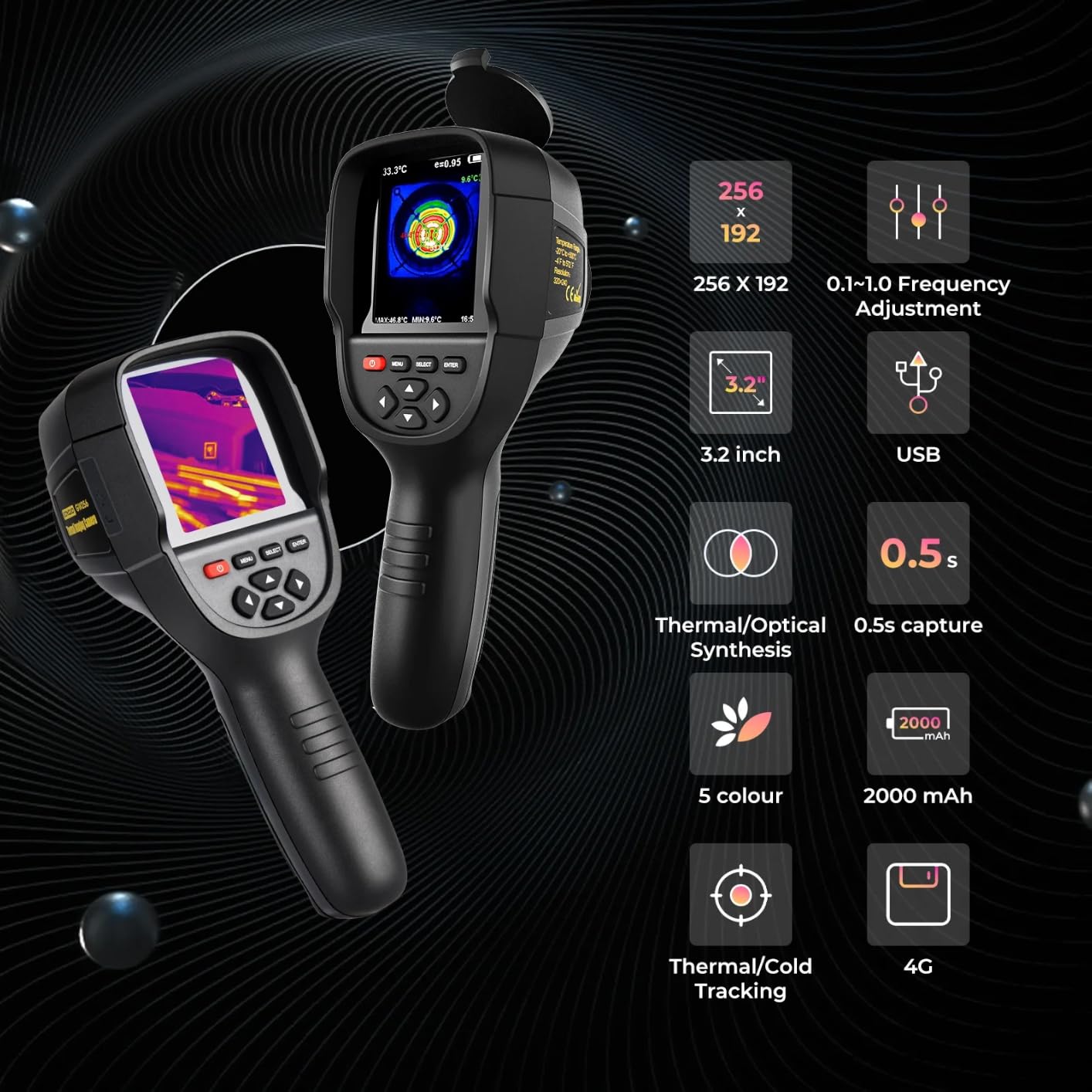
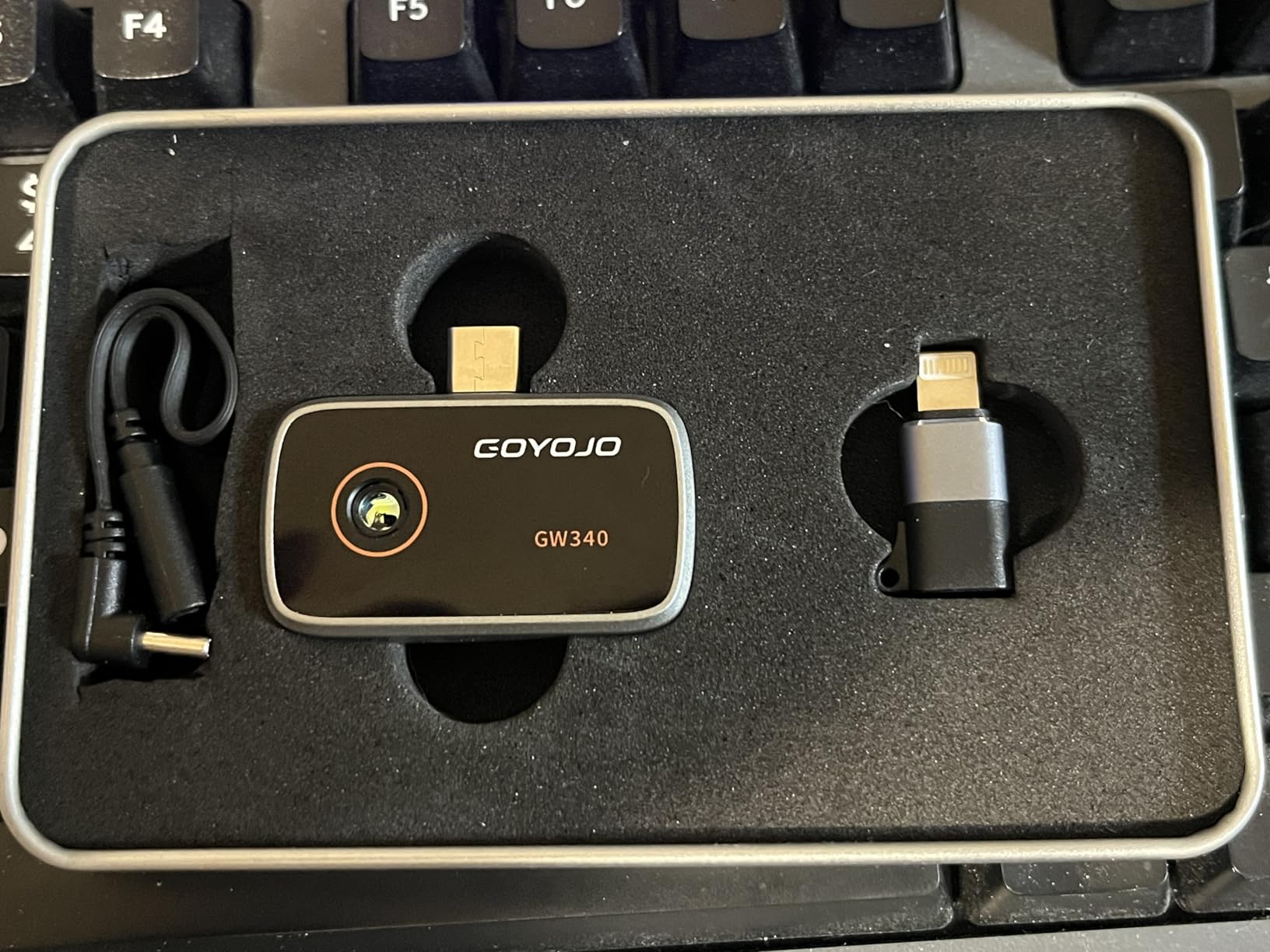
The GOYOJO GW340 is the model I handed to a home inspector friend and asked him to use for a month before this review. His verdict: it is the closest thing to a professional inspection tool you can buy without stepping up to the FLIR or TOPDON dual-lens models. The 512×384 enhanced resolution lets him show clients clear before-and-after shots of insulation retrofits, and the adjustable emissivity actually matters for the painted drywall and glass he encounters every week.
What makes the GW340 a real tool rather than a toy is the trio of Max, Min, and Center point analysis. During a recent roof inspection, he flagged a hot spot near a soffit that a cheaper camera would have smeared into the background. Accuracy is rated at ±2°C, and in his side-by-side comparison with his own FLIR, the readings lined up within a degree on most surfaces.
The biggest flag I want to highlight is a recurring reviewer complaint about the bundled PC software occasionally tripping antivirus alerts. Treat any third-party download for the GW340 the same way you would treat any unknown executable — scan it before installing, and stick to the official app stores for the mobile version. A smaller caveat is that the enhanced 512×384 is still derived from a 192×192 native sensor, so extreme detail work remains limited.
For pros in the home inspection, energy audit, and roofing trades who do not yet need dual-lens overlay, the GW340 delivers an honest middle ground among the best smartphone thermal cameras in 2026.
The professional features that earn it a spot
Adjustable emissivity is rare at this tier and lets you dial in corrections for surfaces like shiny metal ducts or aged brick. Center, Max, and Min temperature cursors are the workflow that most inspectors use to document findings in client reports.
What still drags on the experience
The PC companion software warrants caution, and you will give up the MSX-style overlay you get from FLIR. Power users planning to produce layered PDF reports may still want a dual-lens model on top of this one.
6. TOPDON TC002C Duo — Best Thermal Camera Phone Attachment for Beginners
TOPDON TC002C Duo Thermal Imaging Camera for Any USB-C iPhone iPad Android
Dual-lens
512x384 TISR
25Hz refresh
Pros
- Dual-lens overlay of thermal and visible image
- AI-powered analysis mode in the app
- 25Hz refresh rate
- Compatible with iPhone iPad and Android
- Compact form factor
Cons
- Short USB-C connector may need extension
- TISR can drain phone battery
- App occasionally needs an unplug cycle
The TOPDON TC002C Duo is the model I recommend when friends ask which thermal camera to buy their dad for home maintenance. The dual-lens design pairs a thermal sensor with a real visible-light camera, then overlays the two so the warm spot is actually drawn on top of the picture of the wall, not floating in a colored rectangle. For beginners who do not yet read raw thermograms fluently, that single feature shortens the learning curve by months.
Inside the TopInfrared app, an AI mode watches the image and helps call out likely hot or cold regions, which is genuinely useful for first-time users exploring energy audits. The 25Hz refresh feels almost cinema-quality compared to 9Hz budget units, and 40mK NETD thermal sensitivity means subtle gradients are still visible.
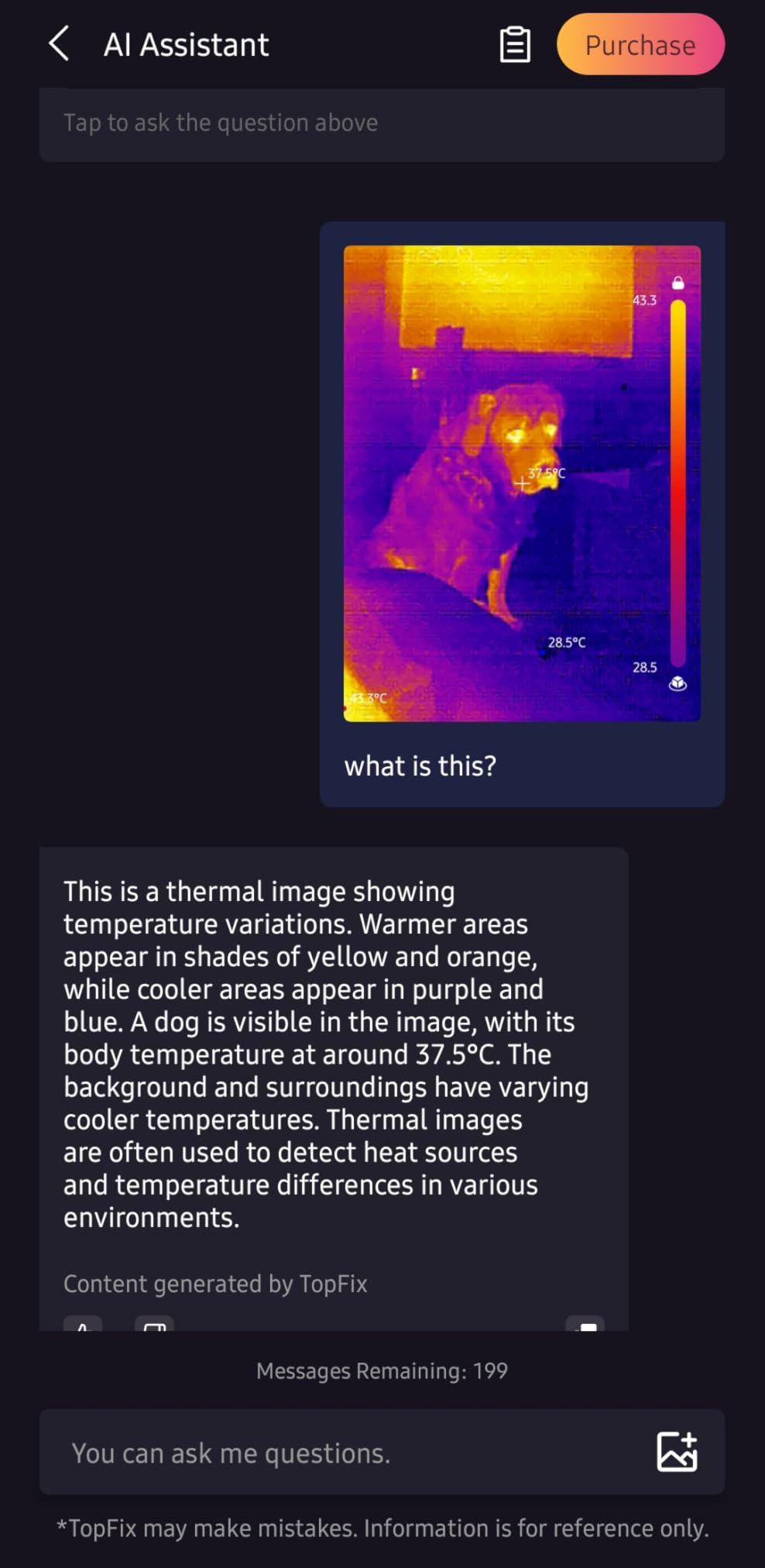
The tradeoff for power is battery. Running TISR at full tilt drained about 25 percent of my Pixel in 40 minutes, which is not a dealbreaker but worth knowing if you want to image a whole house in one session. The USB-C connector is also on the short side and needed the included extension to clear a thick silicone case. A handful of reviewers on Android forums noted the app occasionally freezes and needs an unplug-replug to recover.
If you are picking a gift or you yourself are new to thermal imaging, the TC002C Duo is the most beginner-friendly entry in the best smartphone thermal cameras category without sacrificing the dual-lens clarity pros expect.
Why beginners click with this camera
The visible-light overlay makes every image self-explanatory. AI analysis turns a thermal sweep into actionable findings instead of colorful blobs, and the app onboarding is the cleanest in this roundup. For DIYers who want to share findings with contractors, the resulting images need almost no annotation.
What experienced users notice
TISR looks great but weighs on phone battery, and the overlay alignment drifts a couple of pixels at the edges. If your work depends on overlay-perfect registration, the TOPDON TC001 Max further down the list builds on this design with better calibration tools.
7. Thermal Master P1 320×240 — Best Compact Thermal Camera for the Pocket
Thermal Master P1 Thermal Camera for USB-C iOS/Android, 320×240 Resolution
320x240 X3 IR
15x zoom
5 to 8 hour battery
Pros
- Compact pocket-friendly build
- Long 5 to 8 hour battery life
- 15x digital zoom for far targets
- 35mK NETD thermal sensitivity
- 15Hz smooth refresh for the size
Cons
- Build quality feels less premium
- App can be unstable
- Readings may drift by 10 to 15 degrees
- Automatic gain cannot be disabled
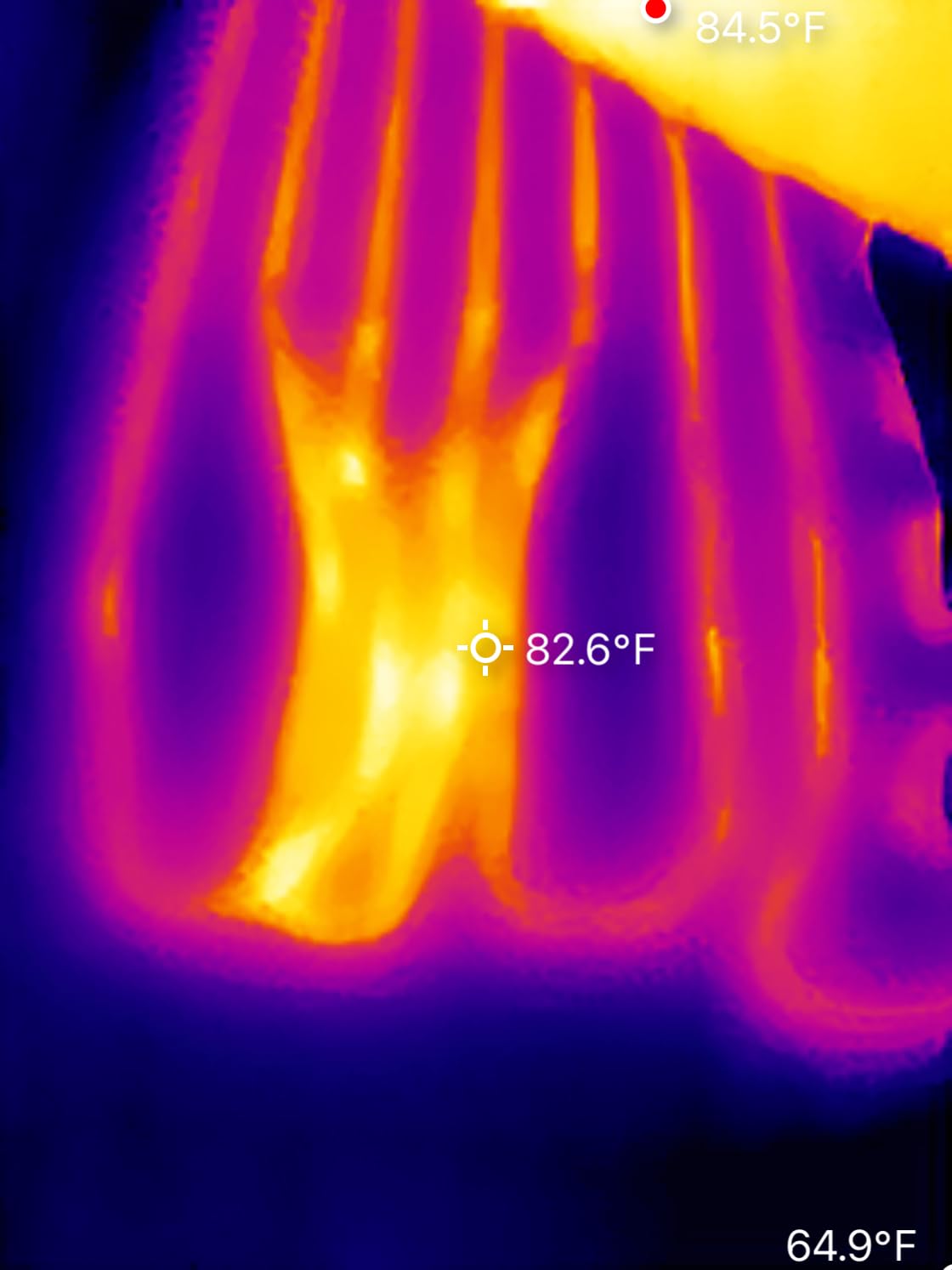
The Thermal Master P1 is the little dongle that earned a permanent spot in my shop apron pocket. It is roughly the size of a lipstick tube, weighs under four ounces, and the 5 to 8 hour internal battery means I can run a full day of callbacks without recharging. The X³ IR engine brings a 160×120 native sensor up to 320×240, which is competitive with the FLIR ONE Gen 3 for visual detail.
Thermal sensitivity is rated at 35mK NETD, which is a technical way of saying that small temperature differences stay visible. In practice, that meant I could read the slight warmth pattern across a wall and pinpoint a single overheated receptacle behind a faceplate without needing to remove the cover.
The honest list of caveats matters here. The plastic body feels less rugged than FLIR’s, and a few users on forum.nachi.org noted the connector wobbling loose on certain phones. Automatic gain control cannot be disabled in the app, which makes precise temperature comparisons between two photos harder than they should be. There are also reports of temperature readings drifting by 10 to 15°F on glossy surfaces unless you tweak emissivity manually.
For hobbyists, automotive tinkerers, and electricians who want a long-running pocket thermal camera, the Thermal Master P1 is one of the best smartphone thermal cameras for everyday carry. For measurement-grade thermography, the FLIR or TOPDON dual-lens units are safer choices.
Strengths of the compact form factor
It fits anywhere — pencil cup, glove box, camera bag side pocket. Battery life is the surprise win: a single morning of mixed imaging left the unit at about 60 percent. The 15x digital zoom is genuinely useful for imaging a ceiling from the floor.
Where compact comes at a cost
Plastic shell, fixed-focus lens, and an app that lags behind FLIR’s. Professionals needing auditable temperature data should look at the FLIR or TOPDON units with adjustable emissivity and visible-light overlay.
8. AMPBANK M256 512×384 — Rising Star with Three Professional Measurement Modes
Pros
- Strong 512x384 TISR-enhanced resolution
- Three measurement modes for pro workflows
- Ten color palettes for different scenes
- Low 0.35W power consumption
- Comes with dust bag and cleaning cloth
Cons
- Newer brand with smaller review base
- Software takes time to learn
- Fewer total reviews than legacy brands
The AMPBANK M256 is the dark horse of this roundup. It is a newer name in the category, but the spec sheet punches well above its weight: a 256×192 native sensor enhanced to 512×384 via TISR, a -4 to 842°F range, and three measurement modes — point, line, and plane — that the marketing copy describes as professional-grade. With only 102 reviews and a 4.6 average, the data trail is short but the early signal is strong.
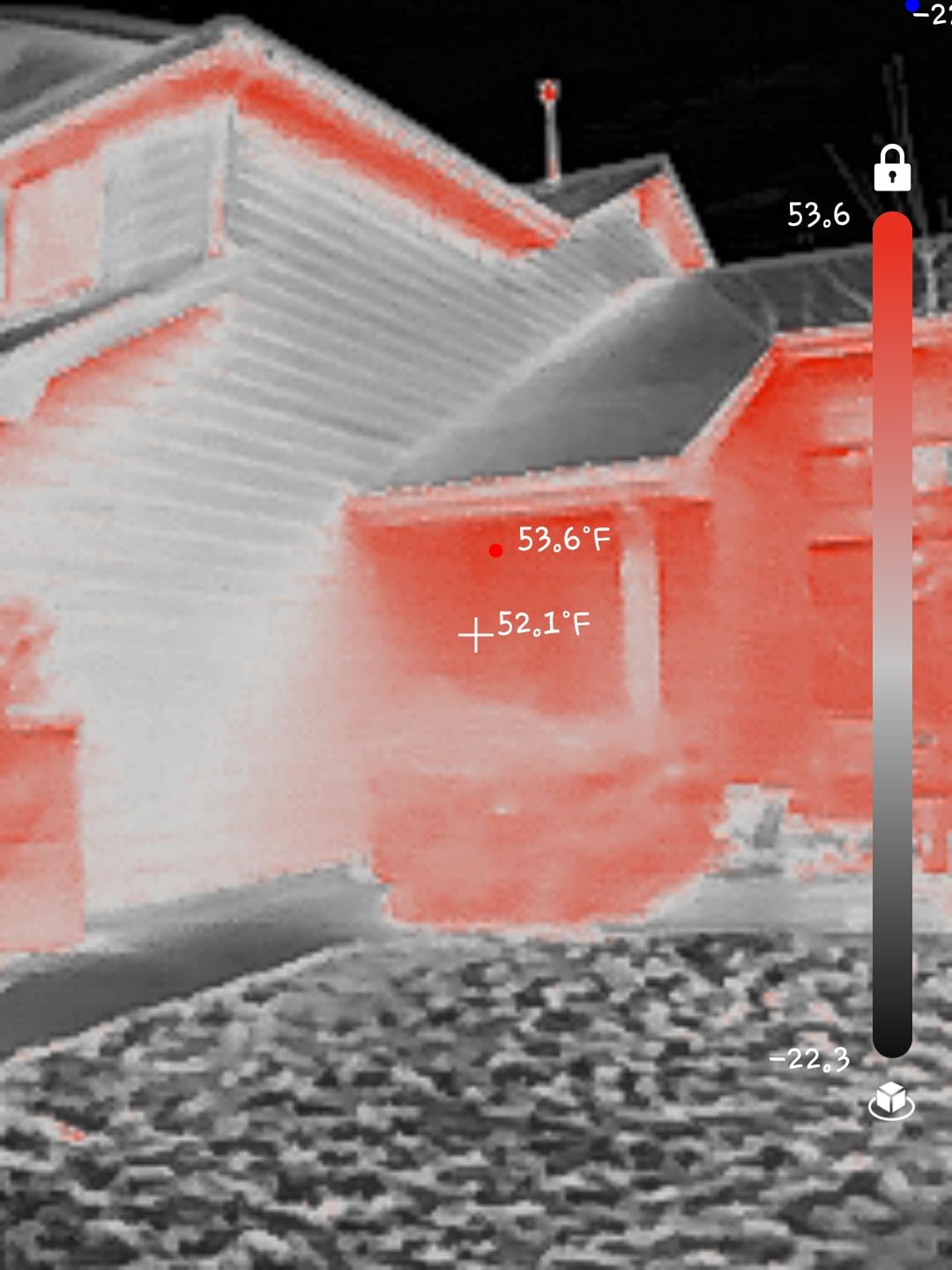
The thing I appreciated during my first session with the M256 is the line mode. Most budget dongles only show you a center spot temperature, but line mode draws a temperature profile across any straight line on the image. That made it much easier to visualize the temperature drop across an insulated exterior wall from inside my garage.
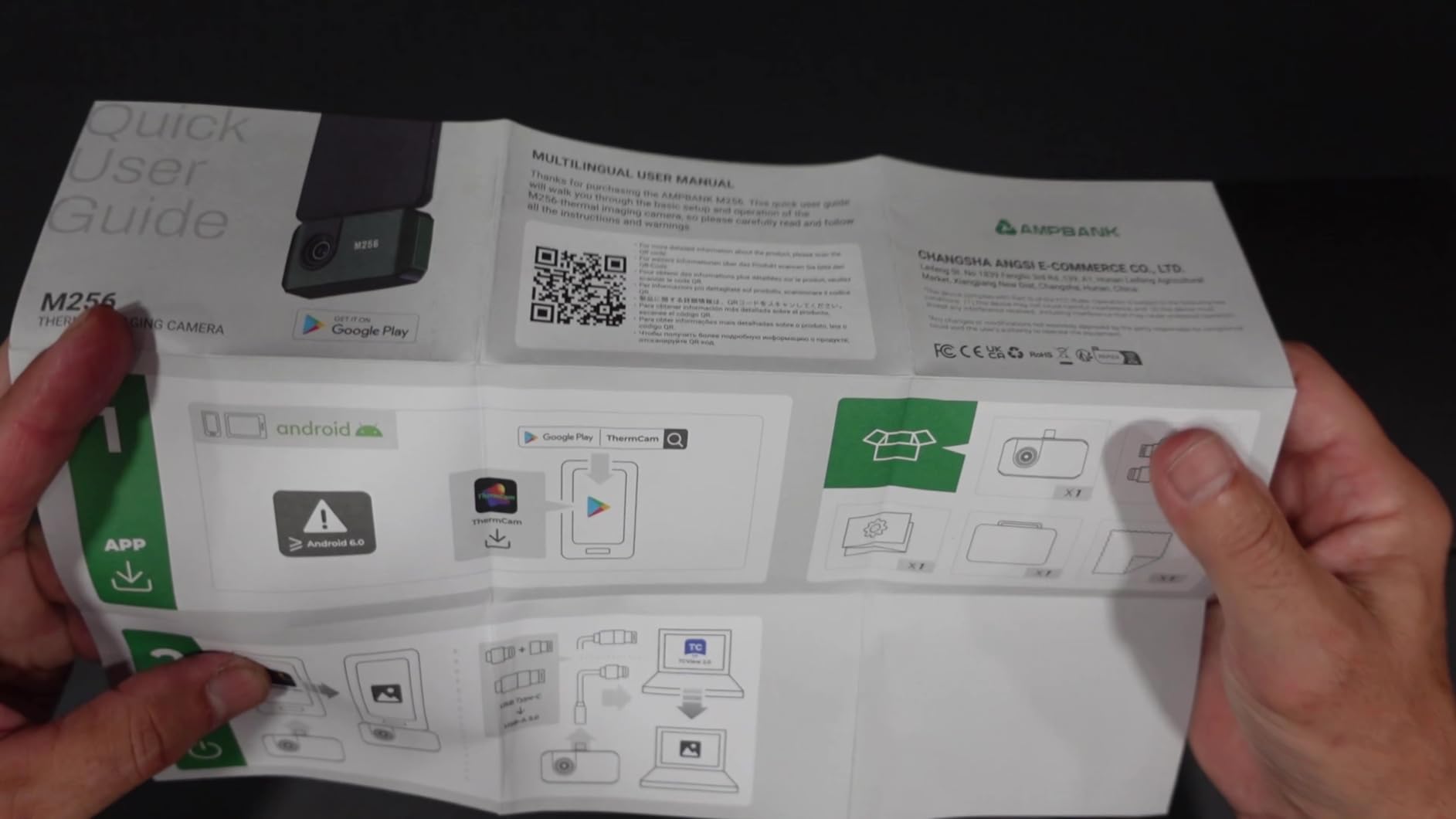
Being a newer brand comes with trade-offs. Customer support is smaller than FLIR’s, and a few early-buyer reviews mentioned that the software interface takes a session or two to feel natural. There is also no visible-light overlay camera; you get pure thermograms plus three measurement modes.
For buyers willing to bet on a smaller brand in exchange for fresh hardware, the AMPBANK M256 holds its own against the established names and earns a spot on the best smartphone thermal cameras list for 2026 on pure specifications.
What makes the M256 worth a serious look
The line and plane measurement modes are not standard in this price tier, and the ten color palettes let you tune the image for PCB inspections versus building inspections. Power draw is low enough that long sessions do not cook your phone.
Where patience is required
App onboarding is rougher than FLIR’s, and the brand has not been on shelves long enough for an established accessory ecosystem. If you value bulletproof software, step up to a unit with a longer track record.
9. TOPDON TC001 Max Dual-Lens — Best for Pros Who Want Real Overlay Imaging
TOPDON TC001 Max Dual-Lens Thermal Camera for Any USB-C iPhone iPad Android
Dual-lens
512x384 TISR
40mK NETD
Pros
- Dual-lens thermal and visible-light overlay
- 40mK NETD thermal sensitivity
- Includes USB-C and Lightning adapters
- Case-friendly connector
- Real-time 3D temperature analysis
Cons
- Overlay alignment can drift slightly
- App may need full photo permissions
- No native iPad version
- Ambient and distance settings require manual input
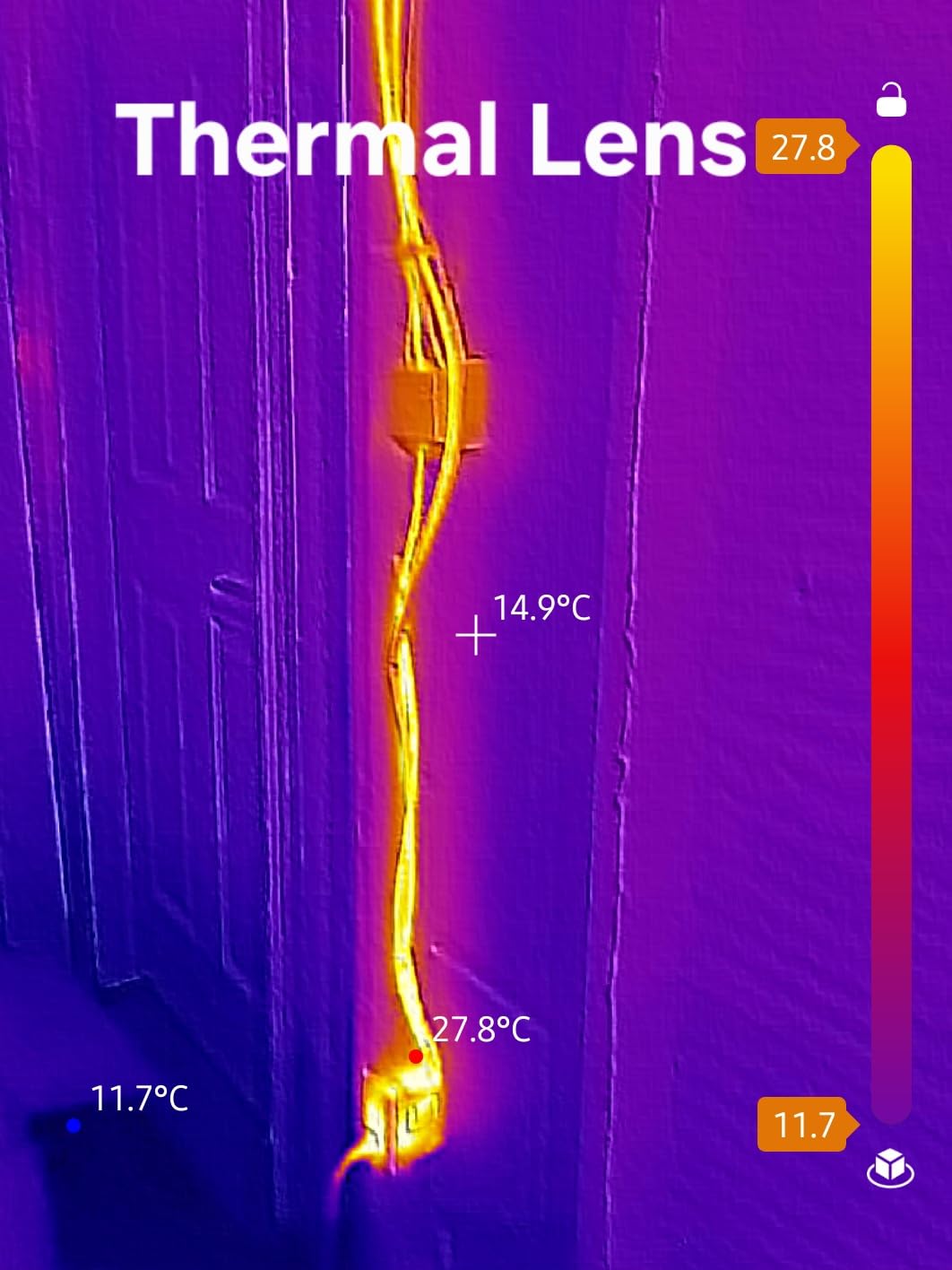
The TOPDON TC001 Max is the unit I reach for when a paid report is on the line. It pairs the same 256×192 sensor enhanced to 512×384 with a real visible-light camera and a near-flagship 40mK NETD thermal sensitivity. The result is the kind of image you can hand to a client, drop into a PDF, and have it understood at a glance — the warm and cold zones literally drawn on top of the photo of the wall, the breaker panel, or the engine bay.
The accessory bundle is what sealed the deal for me. The TC001 Max ships with both USB-C and Lightning adapters, so the same camera works on my Android and my partner’s older iPhone without buying extras. The connector itself is case-friendly and plugged in cleanly on every phone I tried, including one wearing a Spigen Tough Armor.
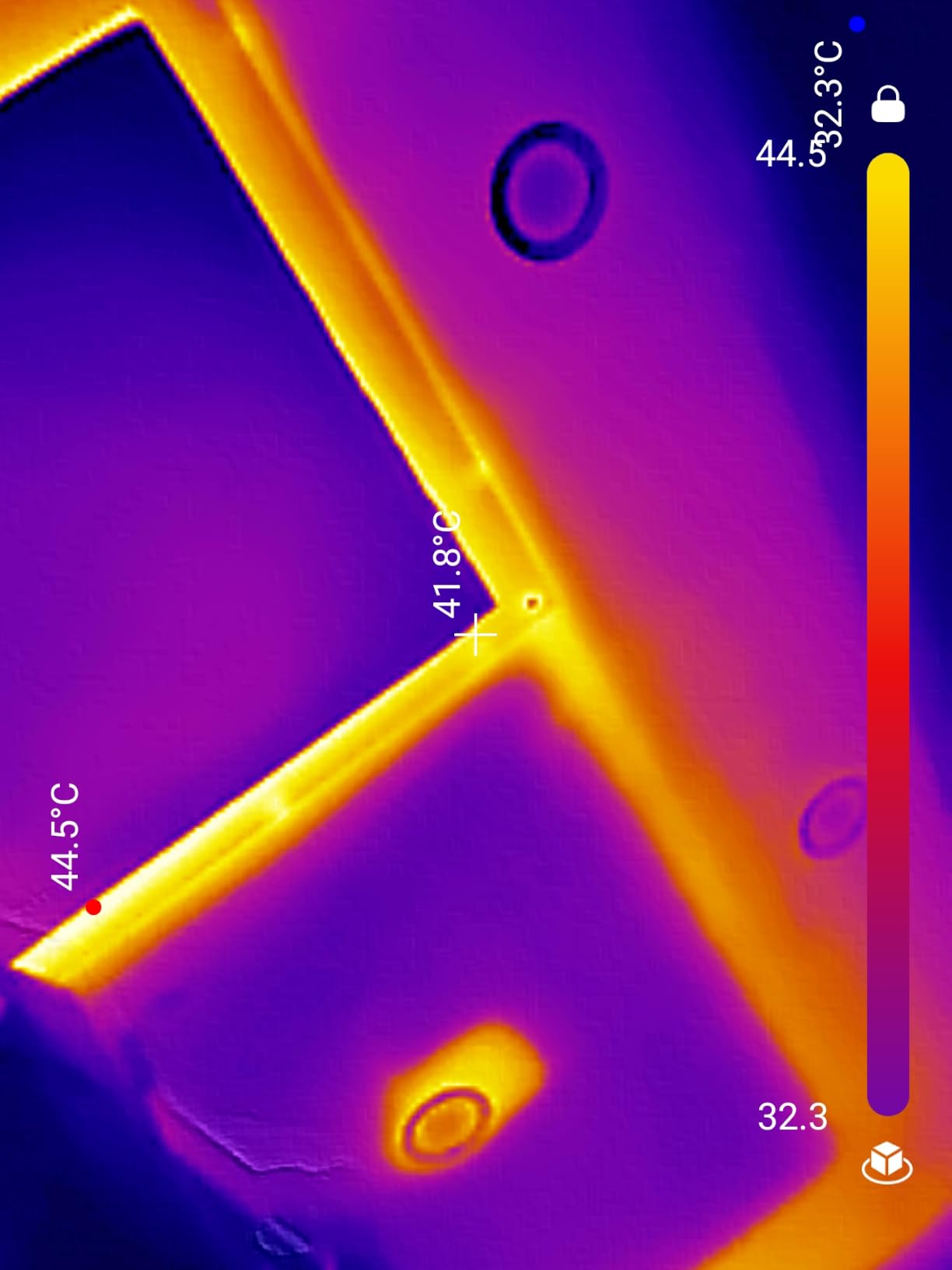
The Max has the same two complaints you will see across dual-lens thermal cameras from any brand: the visible-light and thermal overlays can drift apart by a few pixels, and the app asks for full photo permissions to save images. There is also no native iPad version, so iPad users will see a phone-shaped window in the app. For best accuracy, you should manually set ambient temperature and target distance — leave them on auto and your numbers can be off by a few degrees.
For licensed inspectors, energy auditors, and serious DIYers, the TC001 Max is the high-water mark of the best smartphone thermal cameras in this roundup.
Standout pro features
Dual-lens overlay, 40mK NETD sensitivity, and the included adapters make it the most kit-ready model in the list. The 3D temperature analysis mode in the app is a unique feature that turns a 2D scan into a height-mapped thermal model for client presentations.
Where the Max asks more of the user
It is not a fit-it-and-forget-it tool. You will want to spend 15 minutes in the app’s calibration menu setting ambient temperature and target distance, and you will want to grant the photo permissions to avoid broken image saves. Treat it like a real instrument and it performs like one.
10. REVASRI 320×240 — Most Affordable Thermal Imaging Camera for Casual Use
REVASRI Thermal Imaging Camera,320×240 Super IR Resolution
320x240 super IR
25Hz refresh
9 modes
Pros
- Lowest entry price in the roundup
- 320x240 super resolution imaging
- 25Hz refresh keeps the preview smooth
- 15x electronic zoom for distant targets
- Picture-in-picture visible light overlay
Cons
- Some Android compatibility quirks
- No support for older iPhones with Lightning
- Camera+ app can be buggy
- Fewer total reviews than legacy brands
The REVASRI is the camera I recommend when a buyer only cares about price. It is the most affordable unit in this roundup by a clear margin and it still manages a 320×240 super resolution image, a 25Hz refresh rate, and a 15x electronic zoom. For casual tasks — finding the cat in the dark, checking whether a window seal is leaking cold air, mapping which circuit breaker runs which outlet — it is genuinely capable.
It also surprised me with a picture-in-picture mode that draws a visible-light thumbnail alongside the thermal image. That is unusual at this tier and helpful when you want to remember which corner of the room the hot spot was in.
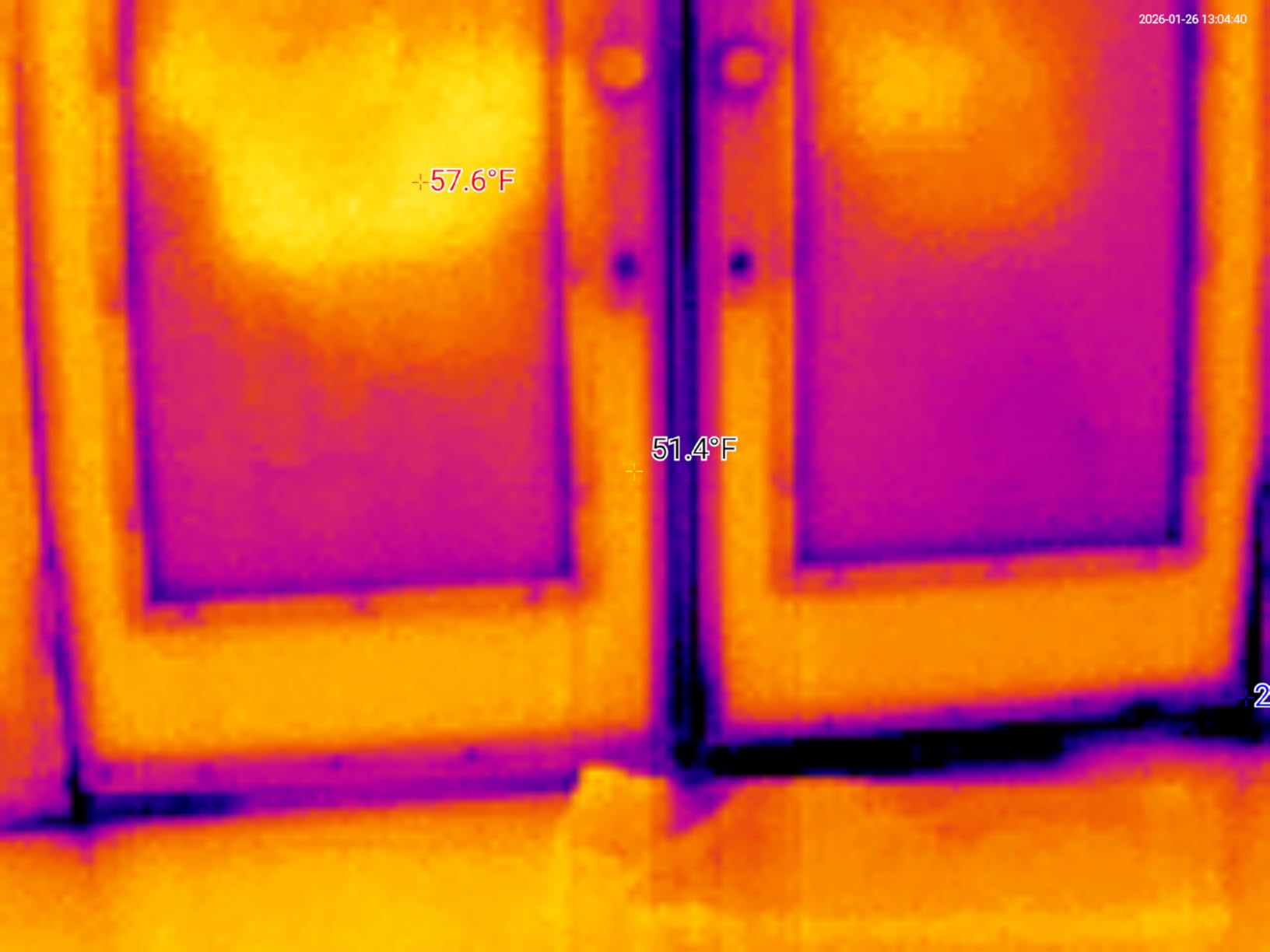
The trade-offs are typical of budget Chinese-made thermal cameras. Some Android users reported the camera not pairing with newer phones, and the device does not support older iPhones with a Lightning port. The companion app, branded Camera+ on some listings, has been called buggy in a handful of recent reviews. With 92 reviews and a 4.0 average, the data trail is the shortest in this guide.
If you want a baseline thermal camera for under what most FLIR cables cost, the REVASRI is a fair first step into the best smartphone thermal cameras category, with the understanding that you may outgrow it within a year.
What the REVASRI does well for the price
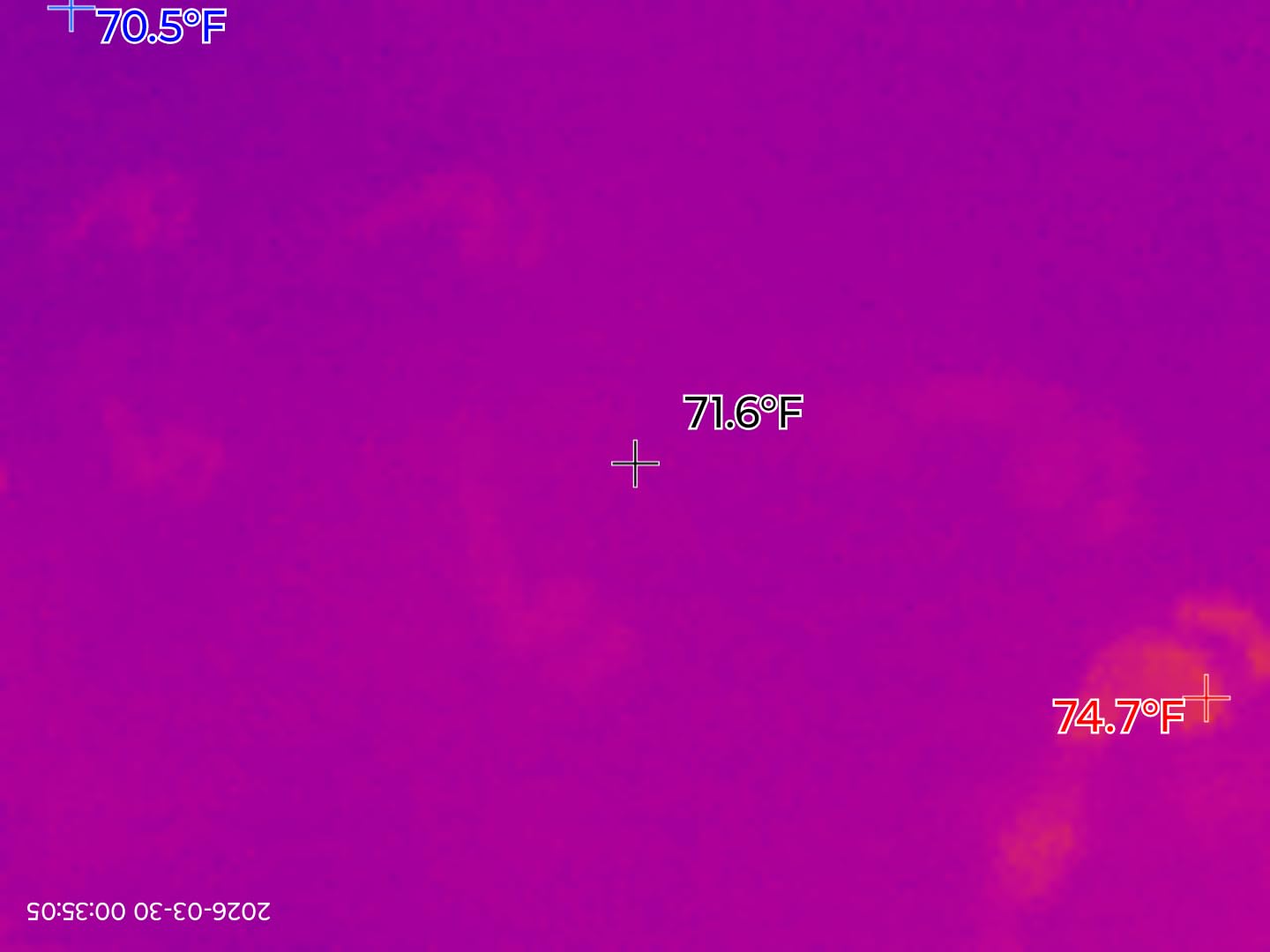
Price is the headline feature, but 25Hz refresh and PIP overlay make the image more usable than many entry-level rivals. It also works as a USB-C device on Windows laptops for stationary thermal monitoring, which is unusual at this tier.
What to keep in mind before buying
Compatibility is the wildcard. Confirm your phone model in the user reviews before purchase and have a USB-C hub ready if you plan to use it across multiple devices. The Camera+ app is improving but is still rougher than FLIR’s or TOPDON’s offerings.
If you are shopping for other diagnostic tools that pair well with a thermal camera, our guide to the best inspection cameras covers the borescope side of a similar workflow. For garage and workshop imaging, the best wireless garage cameras guide is a useful companion for security-focused setups. If you need a wider look at automotive rear visibility, the best backup cameras roundup is worth a bookmark too.
Buying Guide: How to Choose the Right Thermal Camera for Your Phone
Smartphone thermal cameras turn invisible infrared radiation into a color-coded image your phone screen can show you. Inside every unit is a microbolometer sensor that detects long-wave infrared energy, converts it into a temperature reading per pixel, and finally paints a heatmap on your screen through a companion app. Higher resolution sensors see finer detail, lower NETD values see smaller temperature differences, and a faster refresh rate means less smearing when you sweep the camera.
Most buyers should focus on three numbers first. Resolution determines whether you can read the small stuff — a single PCB trace, a window frame seal, a stud bay edge. Thermal sensitivity, expressed in millikelvins (mK), tells you the smallest temperature difference you can see — anything under 50mK is good for general work, anything under 40mK is pro-grade. Refresh rate, measured in hertz, controls how smoothly the preview updates; 25Hz feels like video, 9Hz feels like slideshows.
Wired vs Wireless: Which Should You Pick?
Wired USB-C dongles are cheaper, lighter, and pull power straight from your phone, so there is nothing to charge. Wireless units like the FLIR Edge Pro free you from cable drag and let you peek into tight cavities, but they cost more, need charging, and can drop their connection through thick walls. If you mostly image from one or two feet away, go wired. If you regularly image inside machinery, walls, or crawl spaces, the wireless premium pays off quickly.
Phone Compatibility: iPhone vs Android
Most modern thermal cameras use USB-C, which means they plug straight into iPhone 15 and newer and most Android phones from the last several years. For iPhones with Lightning ports, you will need a dongle that ships with a Lightning adapter, like the TOPDON TC001 Max. Always check the manufacturer compatibility list before buying — apps are frequently updated and a phone that worked last year may need a fresh install.
Resolution, NETD, and Refresh: What Actually Matters
Resolution above 256×192 native is great, and TISR-style enhancement to 512×384 helps for documentation. NETD under 50mK is fine for general work; under 40mK is excellent. Refresh rate above 15Hz feels real-time to most users. Below 9Hz you will miss subtle changes during a sweep. Pick the highest combination of all three that your budget allows.
Picking by Trade: HVAC, Electrical, Electronics, and DIY
HVAC techs benefit from dual-lens overlay and high refresh — the TOPDON TC001 Max or TOPDON TC002C Duo are the easy picks. Electricians need precise temperature readings with adjustable emissivity — the GOYOJO GW340 or the AMPBANK M256 deliver. Electronics repair work rewards higher native resolution; the FLIR ONE Gen 3 or the TOPDON TC001 are both solid. DIY homeowners and outdoor enthusiasts will be happy with the FLIR ONE Gen 3, GOYOJO GW192A, or the REVASRI 320×240.
Software, App Quality, and Long-Term Support
A great camera with a stale app is a paperweight. FLIR has the deepest software ecosystem and regular updates. TOPDON’s TopInfrared is improving rapidly and adds genuinely useful features like AI analysis and 3D mapping. GOYOJO, AMPBANK, and REVASRI have functional but less polished apps. If you care about cloud sync, FLIR IGNITE is the only mature option in the roundup and pairs naturally with the FLIR Edge Pro.
Common Misconceptions About Thermal Imaging
Thermal cameras do not see through walls — they see the surface temperature of whatever is in front of the lens. They read emissivity wrong on shiny metal unless you dial it in manually. They measure average temperatures across a pixel, not single-point temperatures. And they are not night vision — the image is a colorized temperature map, not amplified ambient light. Knowing these limits turns a fun gadget into a real diagnostic tool.
For a real-world perspective from people using these cameras daily, posts on wireless backup camera forums and home inspection communities like forum.nachi.org highlight the same trade-offs we covered above: battery life and app quality dominate the day-to-day experience far more than peak resolution.
Frequently Asked Questions
What is the best thermal camera for mobile phones?
The best thermal camera for mobile phones in 2026 is the FLIR ONE Gen 3 if you want a trusted brand, polished app, and MSX image enhancement. For sharper native resolution at a better price, the TOPDON TC001 outputs 512×384 via TISR and is our Best Value pick. If your work needs wireless flexibility, the FLIR Edge Pro is the only true wireless option in this roundup.
Does any phone have a thermal camera?
Yes, a small number of rugged smartphones have built-in thermal sensors, including models from DOOGEE, Oukitel, AGM, and Ulefone. For most users, however, a plug-in USB-C thermal camera attachment offers higher resolution, better app support, and the ability to move the camera between phones. Built-in thermal phones are convenient but their sensors are usually lower resolution than dedicated attachments.
Can I turn my phone into a thermal camera?
You can turn any modern smartphone with a USB-C port into a thermal camera by plugging in a compatible attachment like the FLIR ONE Gen 3, TOPDON TC001, or GOYOJO GW192A. The attachment contains the actual infrared sensor, and the phone serves as the screen, processor, and storage through a companion app. iPhones with Lightning ports need an adapter or a Lightning-equipped model like the TOPDON TC001 Max.
Are smartphone thermal cameras accurate?
Smartphone thermal cameras in this roundup are accurate within about 2 to 3 degrees Celsius or roughly 2 to 5 percent of the reading, which is plenty for spotting hot breakers, missing insulation, and overheated bearings. Accuracy depends on emissivity settings — shiny metal and glass require manual adjustment. For calibrated, traceable readings, a dedicated standalone thermal camera is still the standard.
Do cheap thermal imaging cameras work?
Cheap thermal imaging cameras under 150 do work for basic tasks like finding missing insulation, locating warm pipes, and checking which circuit is loaded. They are not as sharp, accurate, or app-supported as mid-range and pro models, and they often lack adjustable emissivity or visible-light overlay. The REVASRI 320×240 and GOYOJO GW192A are our picks among affordable phone thermal cameras.
Final Verdict
After comparing ten of the best smartphone thermal cameras for 2026, our Editor’s Choice remains the FLIR ONE Gen 3 for the brand trust, MSX clarity, and app maturity that most buyers need out of the box. The TOPDON TC001 is the smartest pick if you want sharper resolution for less, the FLIR Edge Pro wins for wireless flexibility, and the GOYOJO GW192A is our top budget call.
Whichever you pick, pair it with our guide to the best RV backup cameras if you work in automotive environments, and bookmark this page — we will keep updating it as new thermal camera dongles arrive and the field keeps improving. If you have used any of the models above, drop us a line with your findings; we read every note.