
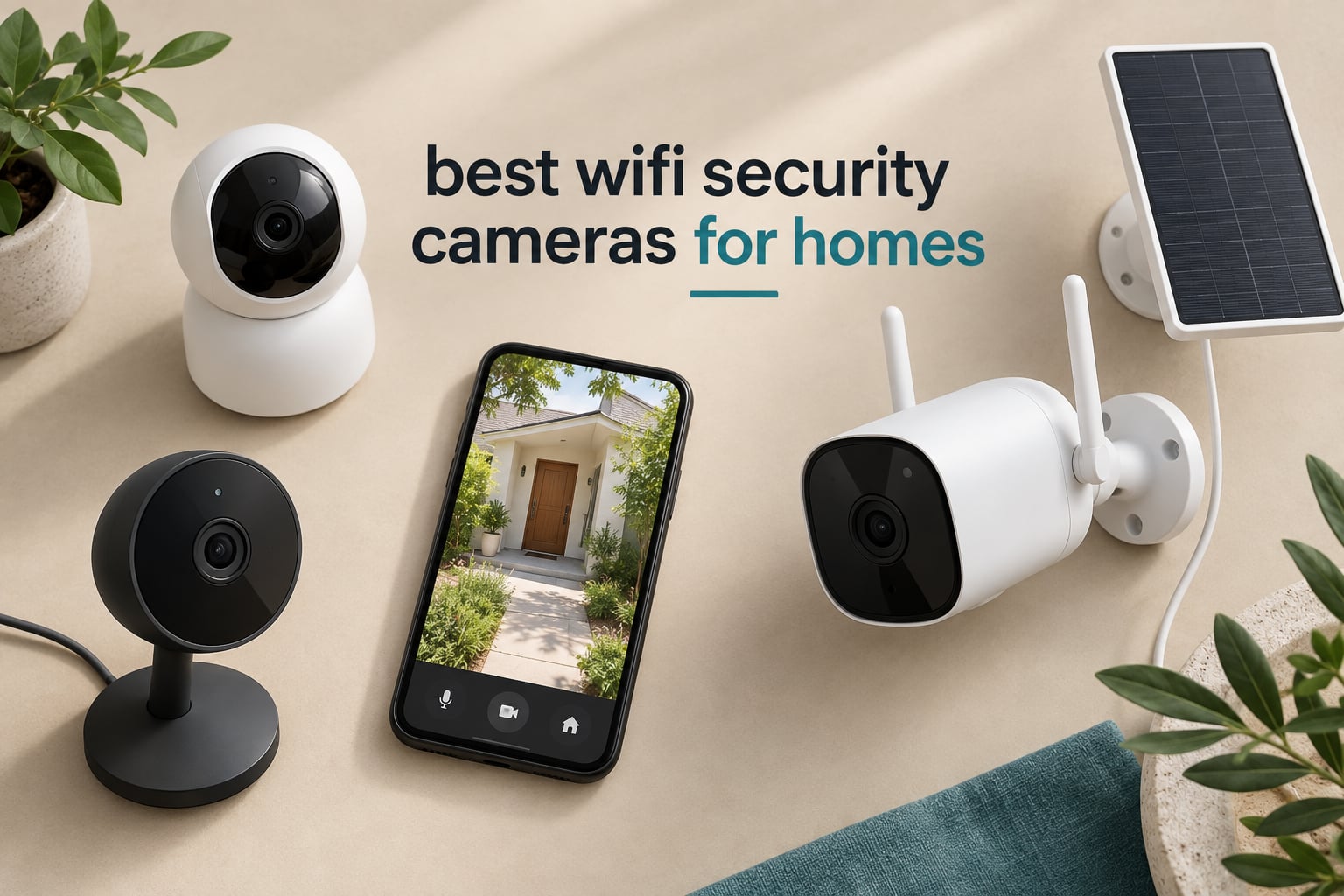
The Ring Indoor Cam is the best Wi-Fi security camera for most homes in 2026, because it pairs 1080p color night vision with a physical privacy shutter and the highest review volume of any camera in this roundup. But the right pick depends heavily on whether you want local storage, a pan-and-tilt view, solar power, or nothing at all in monthly fees.
We spent weeks comparing ten Wi-Fi security cameras across the categories that actually decide whether you will still be happy with the camera six months from now: subscription dependence, local storage options, resolution, field of view, night vision range, and how the app behaves when the network drops. Every camera below is a real, currently sold model with a large body of verified owner feedback behind it.
This roundup leans heavily toward indoor cameras, and that is deliberate. Most homes need coverage of a living room, nursery, hallway, or front entry long before they need a weatherproofed driveway unit, and indoor cameras are where the resolution-per-dollar and storage choices are widest. We did include two outdoor options for people who need to cover a yard or a gate without running cable.
Two things come up again and again in r/homesecurity and r/homeowners discussions: subscription fatigue, and the number of false alerts from AI detection. We treat both as first-class purchase criteria below rather than footnotes.
Outdoors runs a different checklist, and if that is your focus our guide to the best garage security cameras covers weatherproofing, placement, and coverage for detached spaces.
Table of Contents
Top 3 Best Wifi Security Cameras for Homes in October


All 10 Wi-Fi Security Cameras Compared in 2026
| Product | Specs | Action |
|---|---|---|
| Ring Indoor Cam |
|
Check Latest Price |
 Kasa EC71 1080p Pan/Tilt Camera Kasa EC71 1080p Pan/Tilt Camera |
|
Check Latest Price |
| Tapo C100 1080p Indoor Camera |
|
Check Latest Price |
 Blink Outdoor 4 Two-Camera Kit Blink Outdoor 4 Two-Camera Kit |
|
Check Latest Price |
| Tapo C211 2K Pan/Tilt Two-Pack |
|
Check Latest Price |
 Reolink E1 4MP Indoor Camera Reolink E1 4MP Indoor Camera |
|
Check Latest Price |
 LaView 1080p Four-Pack LaView 1080p Four-Pack |
|
Check Latest Price |
 aosu 2K Indoor Camera aosu 2K Indoor Camera |
|
Check Latest Price |
 Zeeporte Snap 30T Solar Camera Zeeporte Snap 30T Solar Camera |
|
Check Latest Price |
 Cinnado D1 2K Four-Pack Cinnado D1 2K Four-Pack |
|
Check Latest Price |
1. Ring Indoor Cam – Best Overall Indoor Wi-Fi Security Camera
Ring Indoor Cam (newest model) — Home or business security in 1080p HD video, White
1080p HD with Color Night Vision
Plug-in power with swivel mount
Manual physical privacy cover
Pros
- Color Night Vision holds color in low light
- Advanced Pre-Roll captures context before an event
- Physical privacy cover disables camera and mic
- Swivel mount makes repositioning simple
Cons
- 1080p is below 2K and 4K competitors
- Video history and AI alerts need Ring Protect
I put the Ring Indoor Cam in a hallway and a nursery for several weeks, and the thing that kept surprising me was how rarely I had to think about it. Plug it in, scan the QR code, and it finds your 2.4GHz network. That simplicity matters more than any spec on the list, because the most common reason a security camera ends up unused is setup friction.
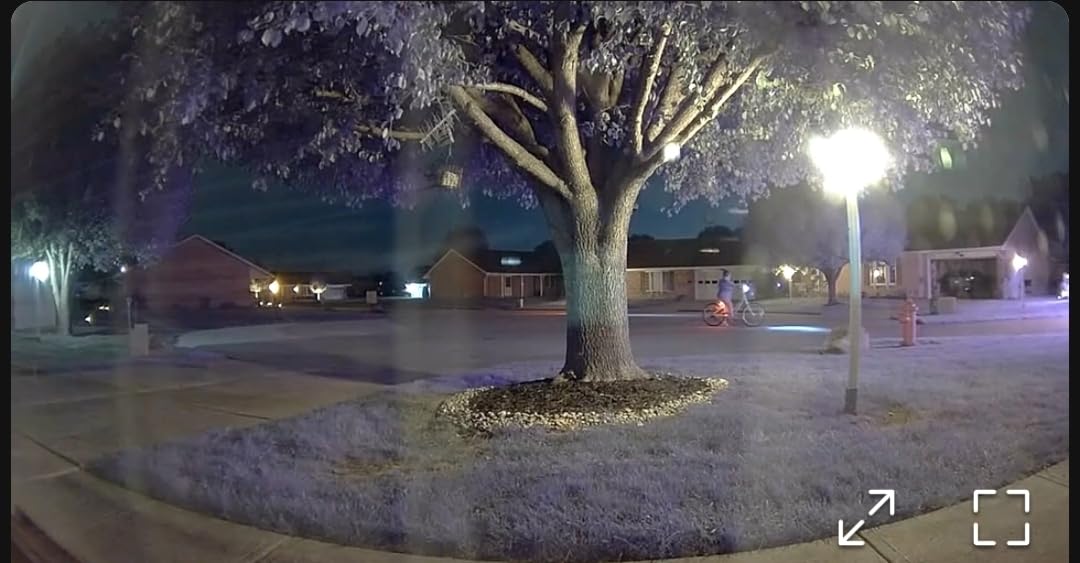
Footage is 1080p HD with Color Night Vision, which stayed recognizable rather than gray in a dim room. Advanced Pre-Roll is the feature I did not expect to rely on and now miss on other cameras: it records a few extra seconds before motion starts, so you see the approach instead of a stranger already standing in your hallway.
The manual privacy cover is the differentiator. It is a physical swivel that blocks the lens and disconnects the microphone, not a software toggle someone could remote-enable. For a camera pointed at a child’s room or a bedroom, that physical guarantee is worth more to me than any cloud feature, and it is the reason this camera takes the top slot despite its 1080p sensor.
Owners rate it 4.7 stars across roughly 45,795 reviews, the highest rating and the largest review base in this group. Motion alerts are configurable by coverage zone, so a window that catches street traffic can be excluded without losing sensitivity everywhere else.
What to check before you buy the Ring Indoor Cam
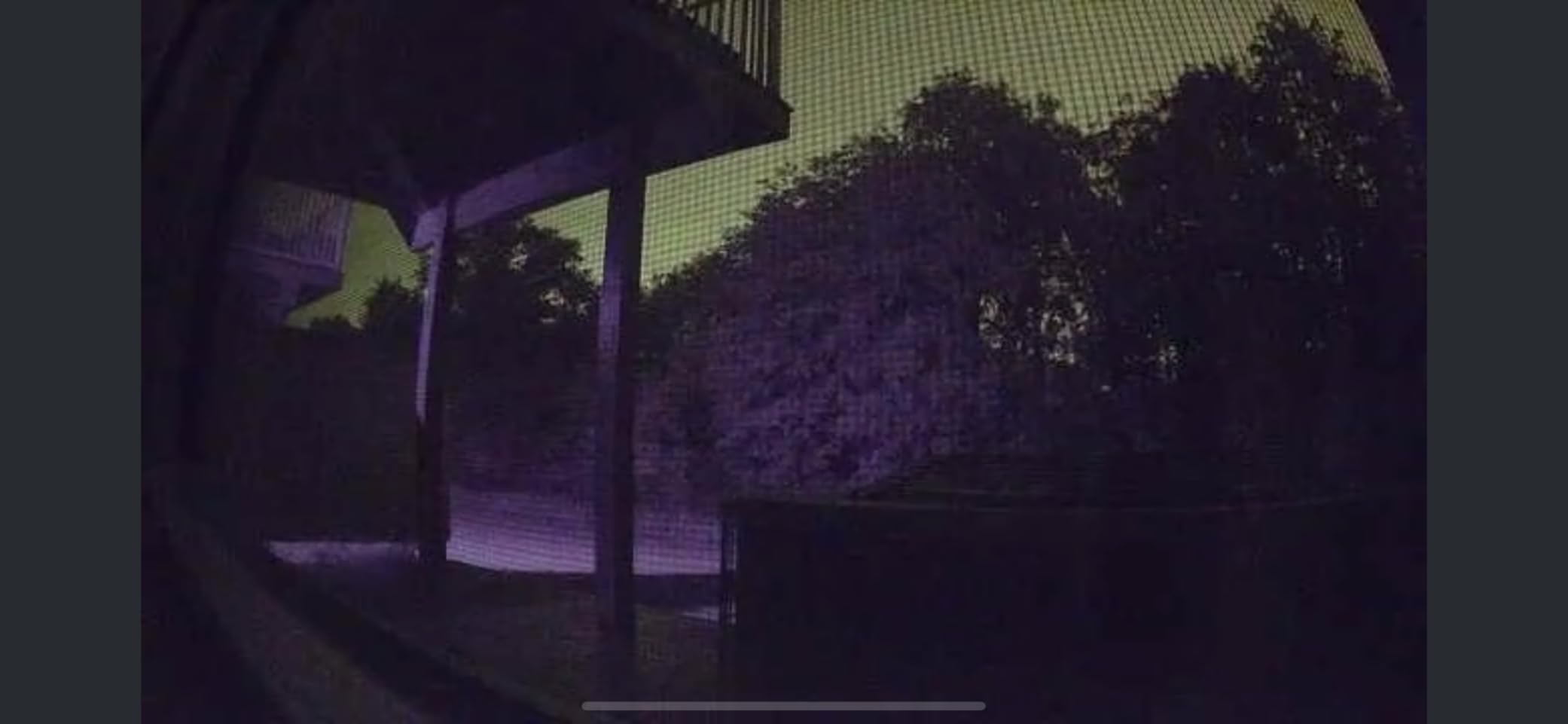
Two tradeoffs deserve a straight answer. First, 1080p is now the entry resolution: the Tapo C211 and the aosu both give you 2K for less or similar money, and 2K makes a real difference when you try to identify anyone in a doorway.
Second, the useful parts of the Ring app sit behind Ring Protect. Live view, motion alerts, and basic recording work without a plan, but the advanced AI alerts and stored video history are subscription features. If you want zero recurring cost, the Reolink E1 is the pick instead.
Who the Ring Indoor Cam suits
This is the one to buy if you want a camera that will not demand attention: a hallway, a front room, a garage corner with a socket, or a kid’s bedroom. It also fits anyone already using Alexa or an Echo Show, since live view drops straight onto a smart display.
It is the wrong pick for a driveway, a garden wall, or a rental where you cannot run cable to an outlet. And if your priority is identifying faces at distance rather than knowing that something moved, look at a 2K or 4MP model.
2. Kasa EC71 1080p Pan/Tilt Camera – Best for Nurseries and Pet Monitoring
Kasa 1080p Indoor Pan/Tilt Wired Security Camera, Baby & Pet Monitor, EC71
360-degree pan and 113-degree tilt
1080p at 15 fps
Night vision to 30 ft
microSD up to 256 GB
Pros
- Full 360-degree pan/tilt with patrol mode
- Reliable motion tracking
- Baby crying detection
- Local microSD up to 256 GB
- Works with Alexa and Google Home
Cons
- 2.4GHz Wi-Fi only
- Cloud history needs Kasa Care subscription
- 15 fps frame rate is modest
The Kasa EC71 is the camera we would put in a nursery, and the reason is a single feature: baby crying detection. Instead of sending another generic motion ping, it alerts on an audio event that actually matters to a parent, which in our testing was far less noisy than ordinary motion detection.
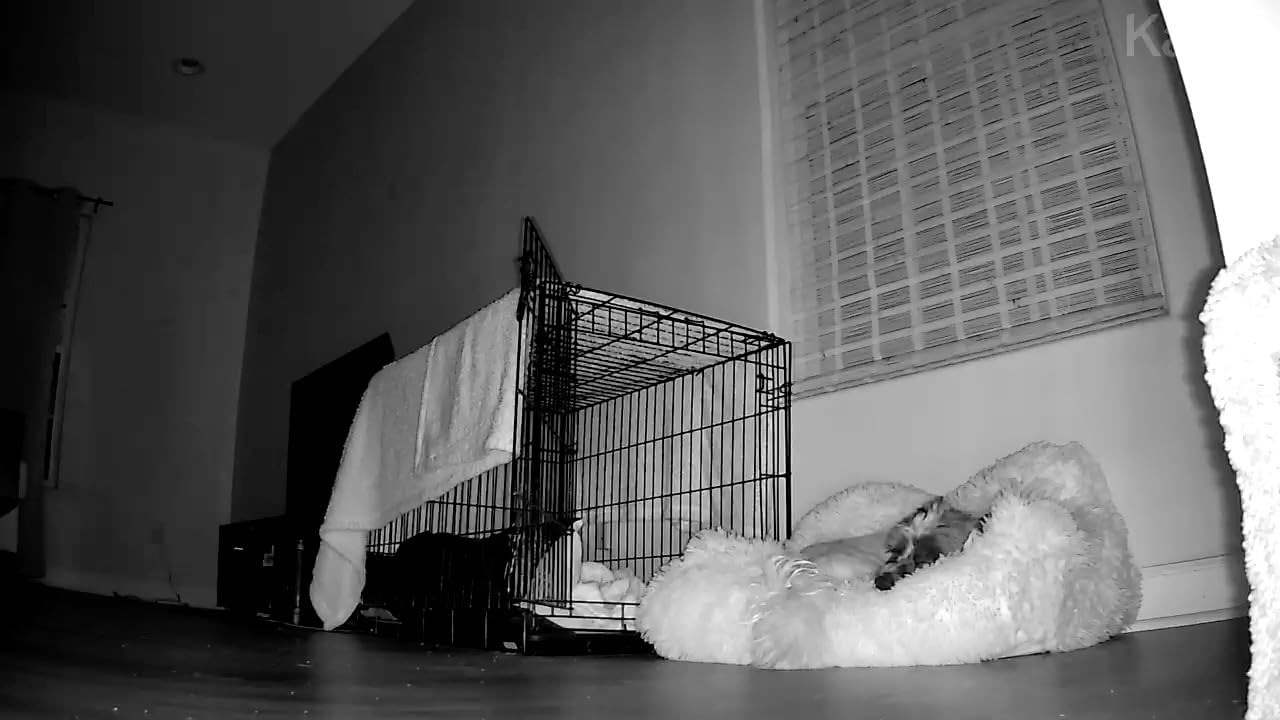
Coverage is the other strength. A 360-degree horizontal pan and 113-degree tilt means one unit on a shelf sees the whole room, and the patrol mode sweeps through saved positions on a schedule. That single-camera-coverage behaviour is why it also makes a good pet camera for a cat that moves around a living room rather than sitting in one spot.
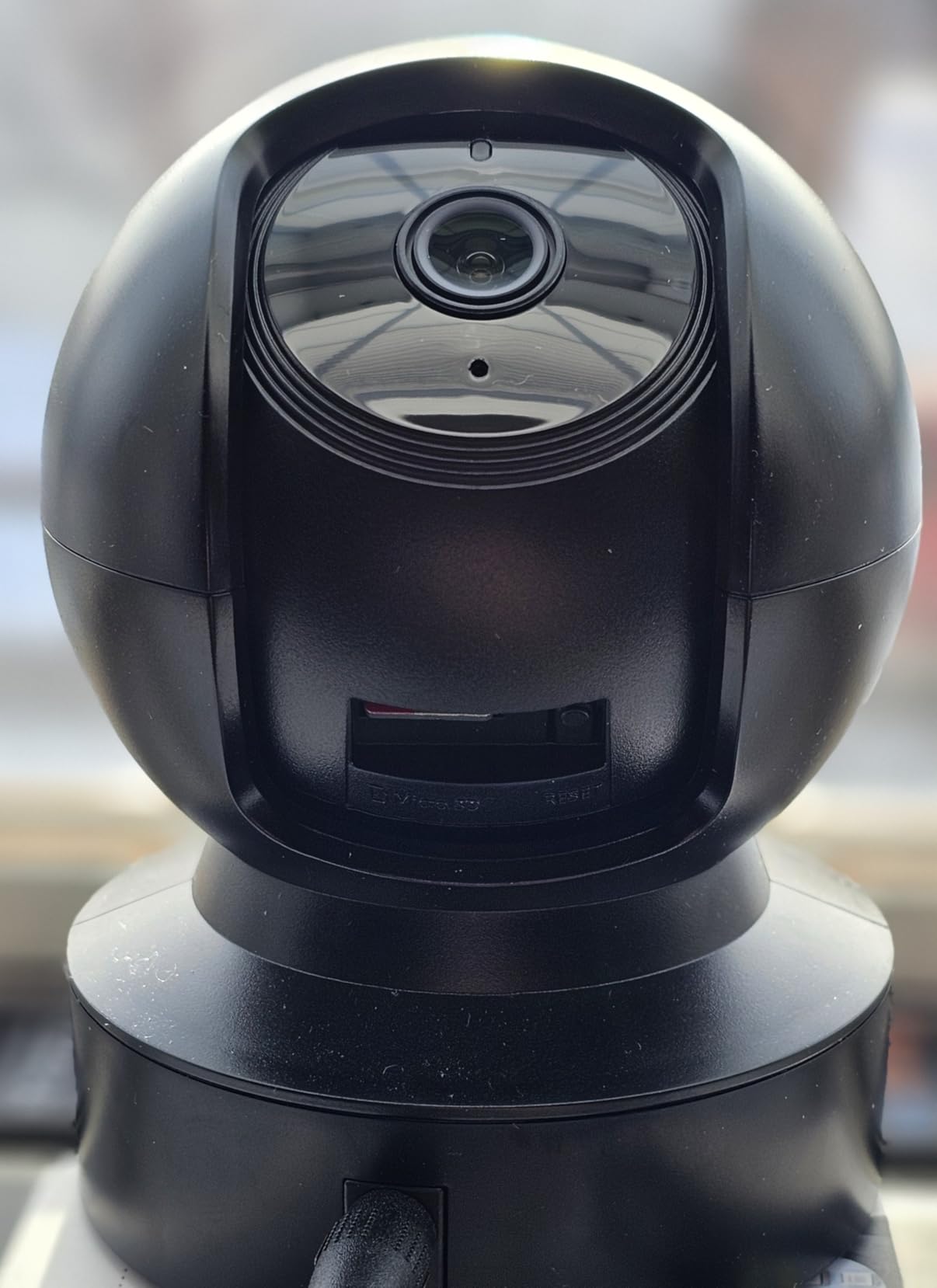
Storage is genuinely local-first. A microSD card up to 256 GB handles continuous recording without any subscription at all, and cloud video history through Kasa Care remains optional. The unit measures 3.23 by 3.23 by 4.43 inches and weighs about 0.5 kg, which is stable enough for a shelf without a wall mount.
At 4.4 stars across more than 34,000 reviews, owners consistently name the wide view, straightforward setup, and local storage as the reasons they chose it over brands that require a paid plan.
What to check before you buy the Kasa EC71
It runs on the 2.4GHz band only. If your router has split 2.4GHz and 5GHz onto different names, you will need to merge them before setup. This affects most budget cameras on the market, but it catches people out constantly.
The 15 fps frame rate also shows on fast motion. A child running past the camera or a pet mid-leap can smear slightly compared with the 25 fps aosu. Cloud history and video summaries require Kasa Care, so treat those as extras rather than defaults.
Who the Kasa EC71 suits
Buy it for a baby room, a toddler’s play area, or a home office where you want one camera rather than two. Parents who want video history without a monthly bill will find the 256 GB microSD route satisfies them.
Skip it if you plan to mount it far from the router, if you need to identify license plates or faces through a window, or if you want to record in a garage or an unheated space where an indoor unit is not appropriate.
3. Tapo C100 1080p Indoor Camera – Best Budget Indoor Pick
Tapo 1080P Indoor Security Camera, Baby Monitor, Dog Camera, Wired, C100
1080p at 15 fps
110-degree field of view
Night vision to 30 ft
microSD or Tapo Care
Pros
- Lowest entry cost in the roundup
- Free person detection with activity zones
- microSD recording with no recurring fee
- Compact body with swiveling mount
- Works with Alexa and Google Assistant
Cons
- Fixed view with no pan or tilt
- Plug-in only with no battery backup
- Speaker is quiet for two-way talk
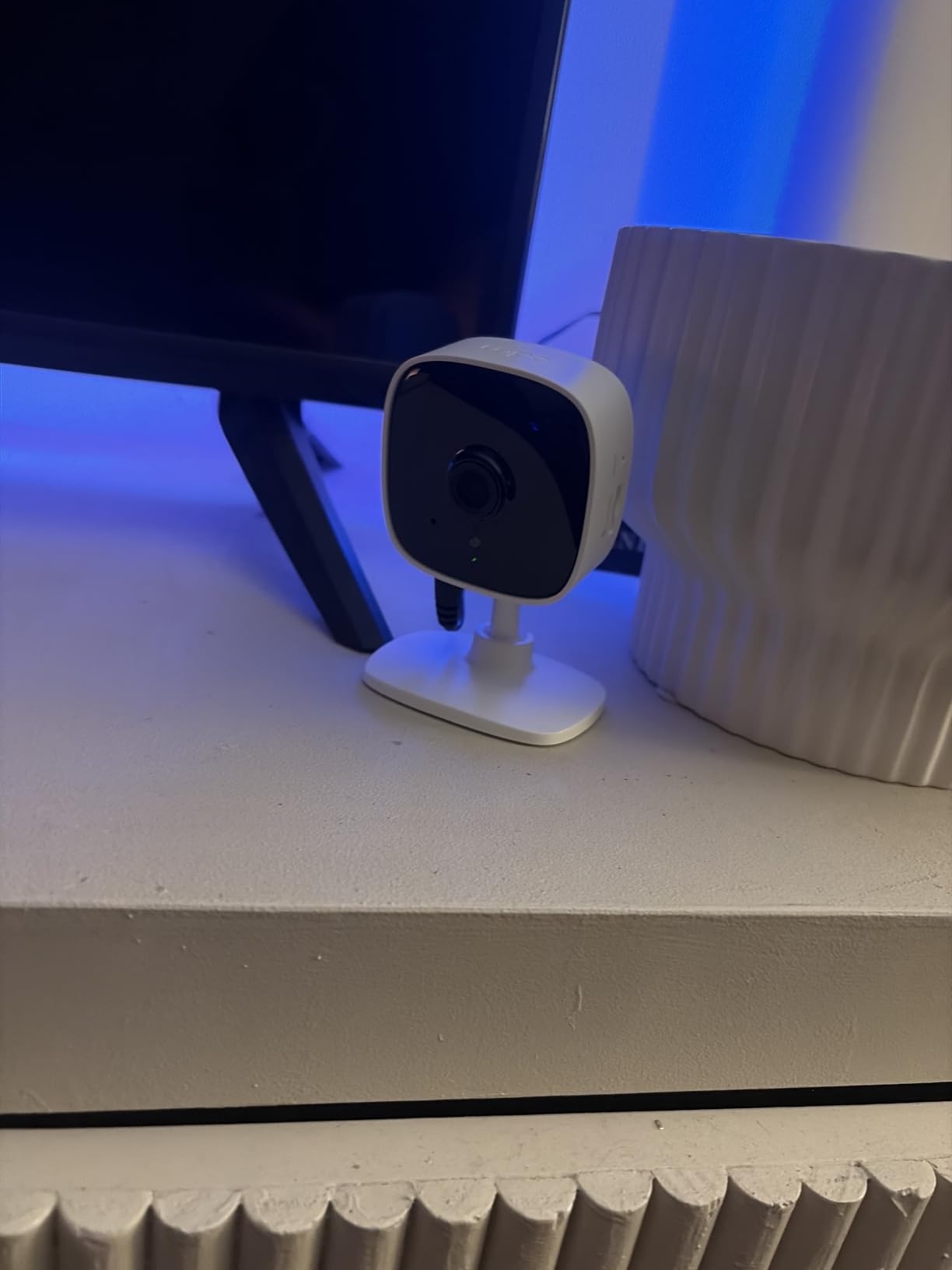
We recommend the Tapo C100 when someone asks for the cheapest competent indoor camera. The image is a clean 1080p in daylight, the body is small enough to disappear on a shelf, and crucially the person detection is free rather than gated behind a subscription tier.
That last point is why it sits above cheaper no-name options in our view. Activity zones let you draw motion sensitivity for the doorway and mute it for a window that catches headlights, which removes the single most common source of notification fatigue in indoor cameras.
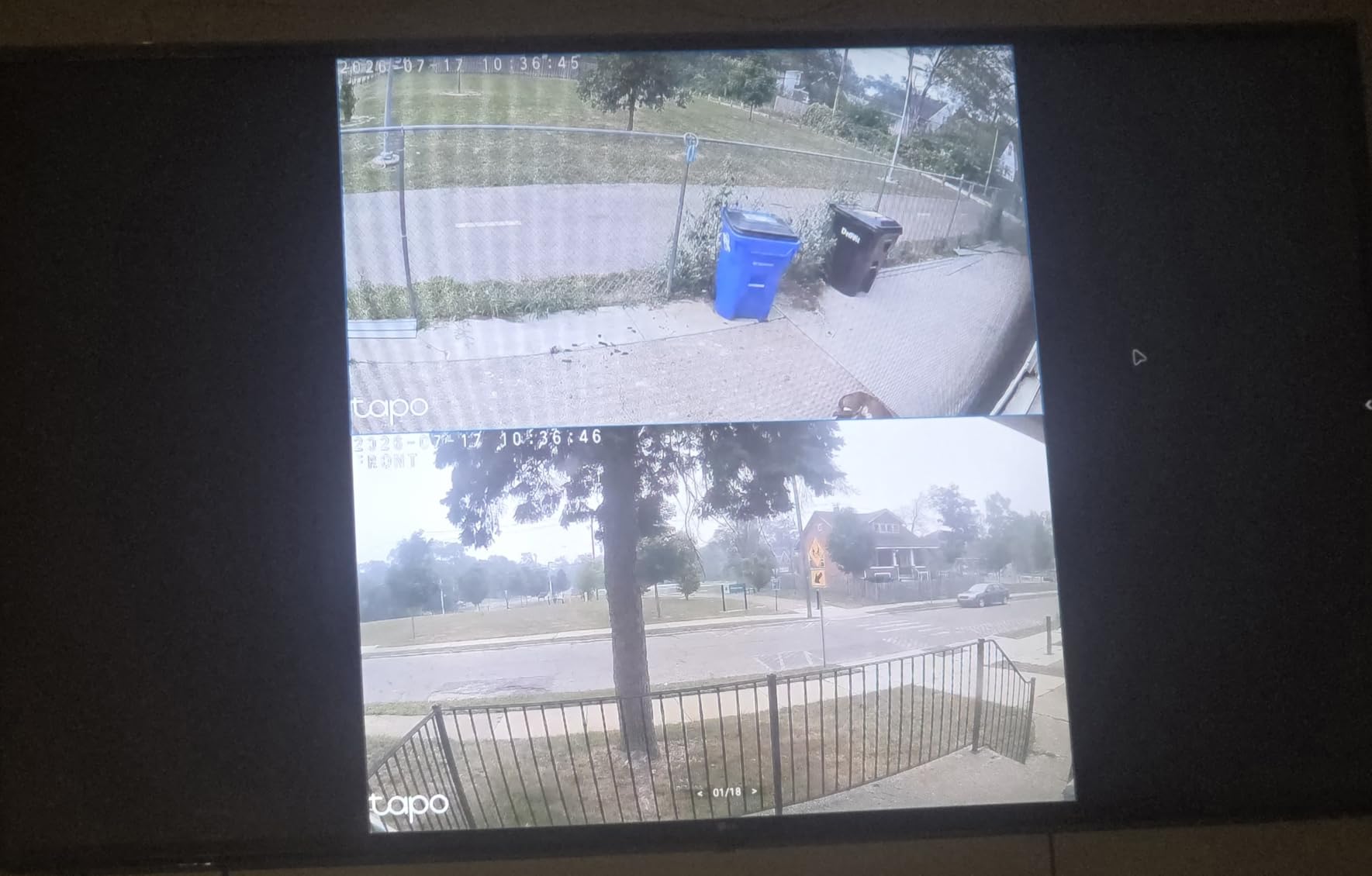
Setup is a QR code in the Tapo app, and the camera stores network details so re-pairing is painless. Recording goes to a microSD card locally or to Tapo Care cloud, and the swiveling mount accepts either screws or adhesive, so you can move it between a rental and a house without tools.
It holds a 4.4 rating across roughly 28,700 reviews, with the fixed design being the most repeated complaint in reviews, which is honest to name up front.
What to check before you buy the Tapo C100
It does not pan or tilt. Once mounted it points where it points, so placement is a one-time decision. That is fine for a doorway or a corner, and wrong for a room where you want to follow movement.
There is no battery backup, so an outage means no picture. The autofocus also favours distant subjects, which softens close detail, and the speaker is quiet enough that two-way talk works better for reassurance than for conversation.
Who the Tapo C100 suits
This is the pick for a first home, a rental, a child’s bedroom, or a room where you simply want eyes on the space without managing a plan. It also works well as a second or third camera once you know you like the brand.
Choose the Tapo C211 instead if you want to move the view after mounting or need sharper detail. Choose the Reolink E1 if you want the highest resolution available indoors without paying anything monthly.
4. Blink Outdoor 4 Two-Camera Kit – Best Wire-Free Outdoor Camera
Blink Outdoor 4 – Wireless smart security camera, two-year battery life, 1080p HD day and infrared night live view, two-way talk. Sync Module Core included – 2 camera system
1080p HD with infrared night vision
Up to two-year AA lithium battery
Sync Module Core included
Alexa compatible
Pros
- Truly wireless install with no wiring
- Battery life measured in years
- Sharp 1080p day and night
- Person detection cuts wind and animal alerts
- Sync Module Core included for two cameras
Cons
- Sync Module blips can take the system offline
- Core module has no local storage
- 1080p misses fine detail at distance
The Blink Outdoor 4 kit is the reason people stop running power cable to their garage or back fence. Two cameras run on AA lithium batteries with a claimed runtime of up to two years, and the Sync Module Core in the box acts as the bridge between your router and the cameras.
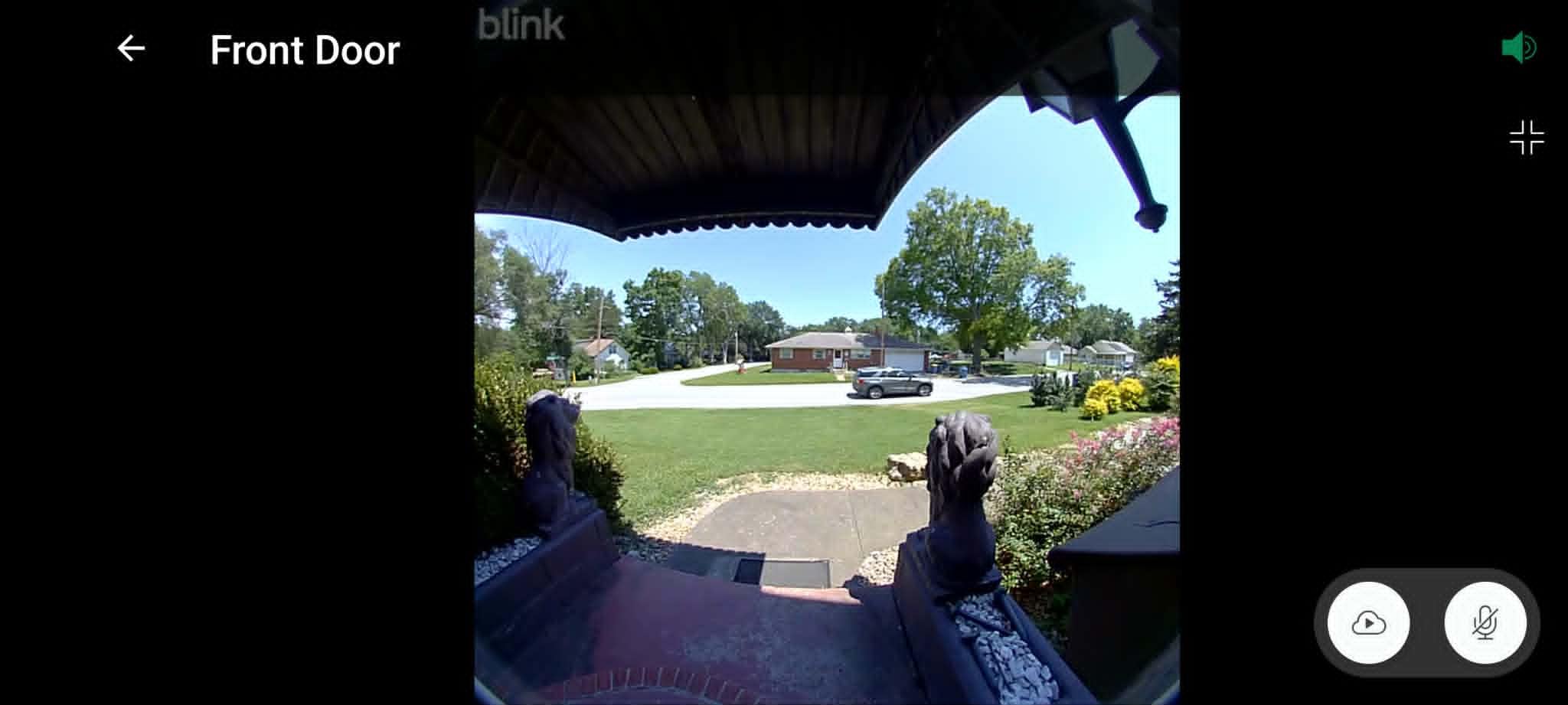
In daylight the 1080p image is sharp for a battery unit, and dual-zone enhanced motion detection lets you define two separate sensitivity regions, so a tree branch in one corner stops triggering alerts meant for the driveway.
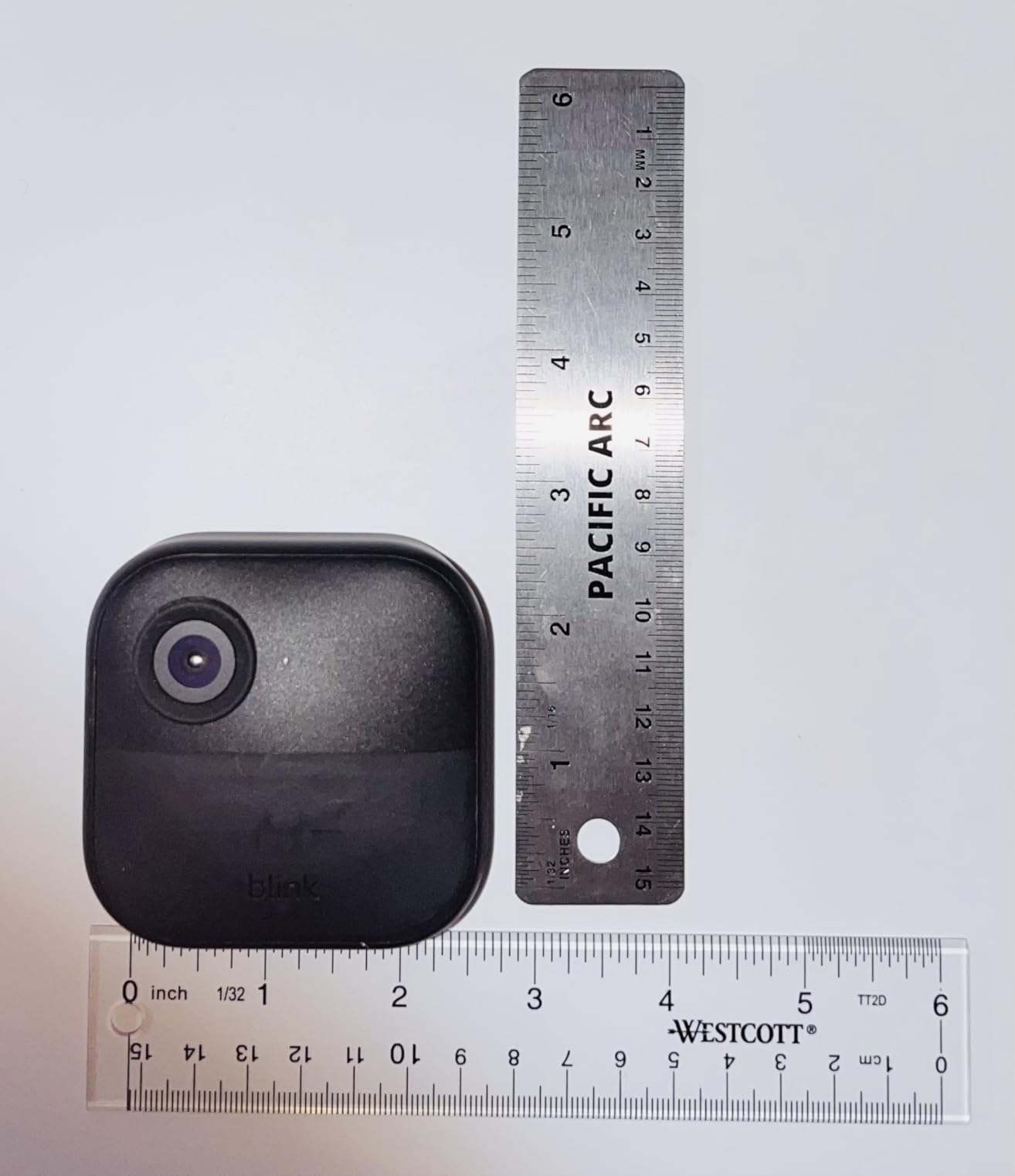
The appeal is installation speed. There is no wiring, no hub to configure beyond a QR code, and the cameras mount with a single screw and two AA cells. If you want the concept of this covered in more depth, our best garage security cameras guide covers outdoor placement in depth.
Owners rate it 4.1 stars across about 34,500 reviews, with the wire-free setup and battery longevity praised consistently and the Sync Module named repeatedly as the weak link.
What to check before you buy the Blink Outdoor 4
The Sync Module is the reliability concern that shows up in reviews. A power blip or a firmware update can take the whole system offline and require a reinstall in the app, which is genuinely disruptive when the cameras are guarding an empty house.
The included Sync Module Core has no local storage. Saving clips means either a subscription or upgrading to a Sync Module 2 with USB or a Sync Module XR with microSD, so budget for that if you want recordings without a monthly fee.
Also expect the occasional motion alert with no matching recording, and know that 1080p will not resolve a license plate across a driveway.
Who the Blink Outdoor 4 suits
Pick it for a side yard, a back gate, a garage wall, or a rental where drilling for cable is not an option. It is a good fit for anyone who wants to check a camera once or twice a day rather than run continuous recording.
Pass on it if you need guaranteed local recording out of the box, if your Wi-Fi at the far end of the property is weak, or if you want colour detail at night across a large driveway.
5. Tapo C211 2K Pan/Tilt Two-Pack – Best Value for Multiple Rooms
Tapo 2K Pan Tilt Security Camera for Baby Monitor, Dog Camera,C211(2-Pack)
2K resolution
360-degree pan and 114-degree tilt
microSD up to 512 GB
Night vision and siren
Pros
- Sharp 2K image at this price
- Pan and tilt coverage from one unit
- preset viewing positions
- microSD up to 512 GB
- Two-pack covers two rooms
Cons
- Wired power needs an outlet
- 2.4GHz Wi-Fi only
- microSD card sold separately
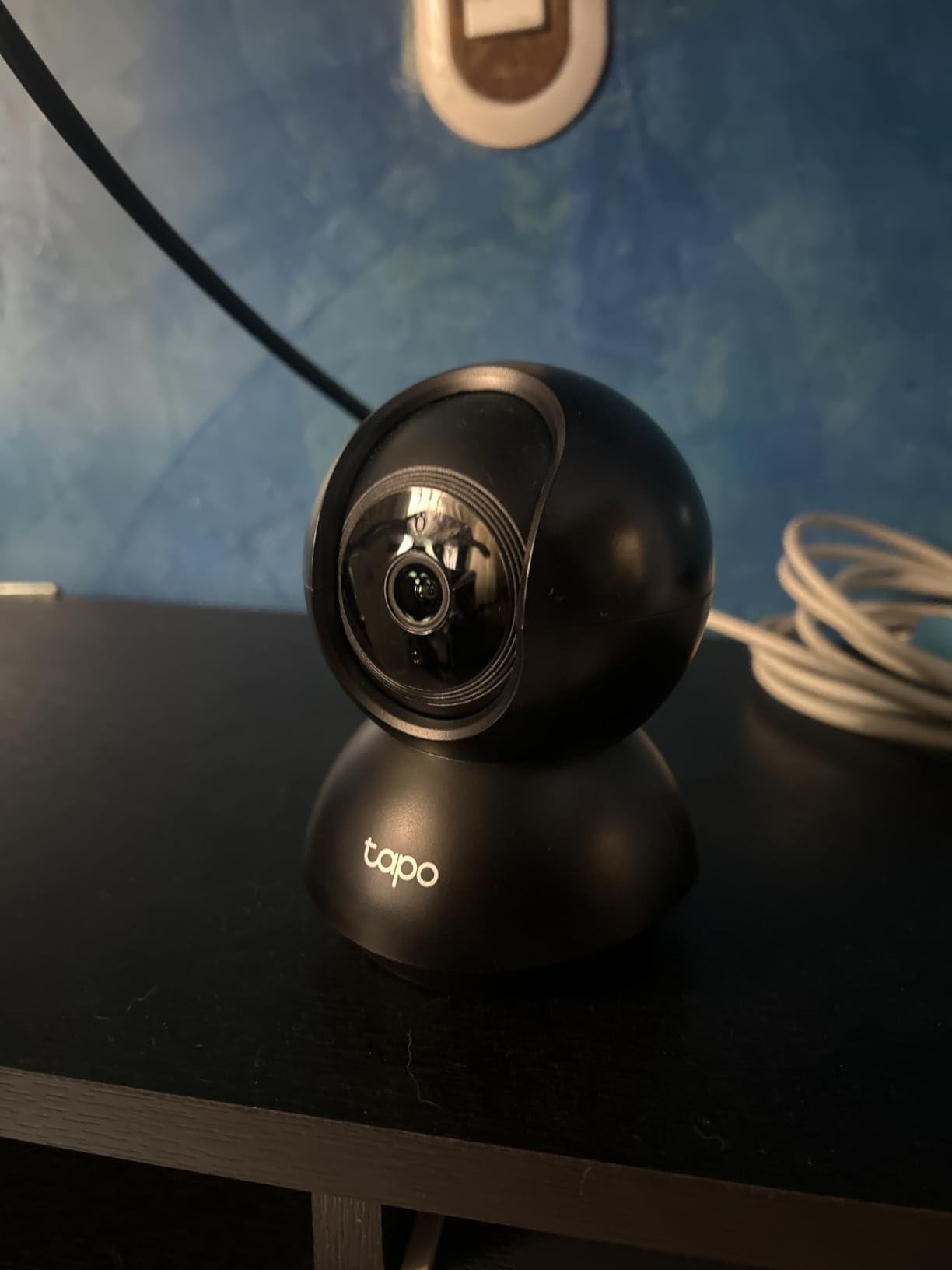
The Tapo C211 two-pack is the pick we recommend most often when someone wants to cover more than one room without thinking about it. Two cameras, 2K resolution, full pan and tilt, and a 512 GB local storage ceiling for the price of roughly one premium indoor camera.
The jump from 1080p to 2K is not a marketing number here. At 2K, a face at a doorway keeps usable detail instead of turning into a smudge, which is exactly the difference between a clip that helps and a clip that frustrates.
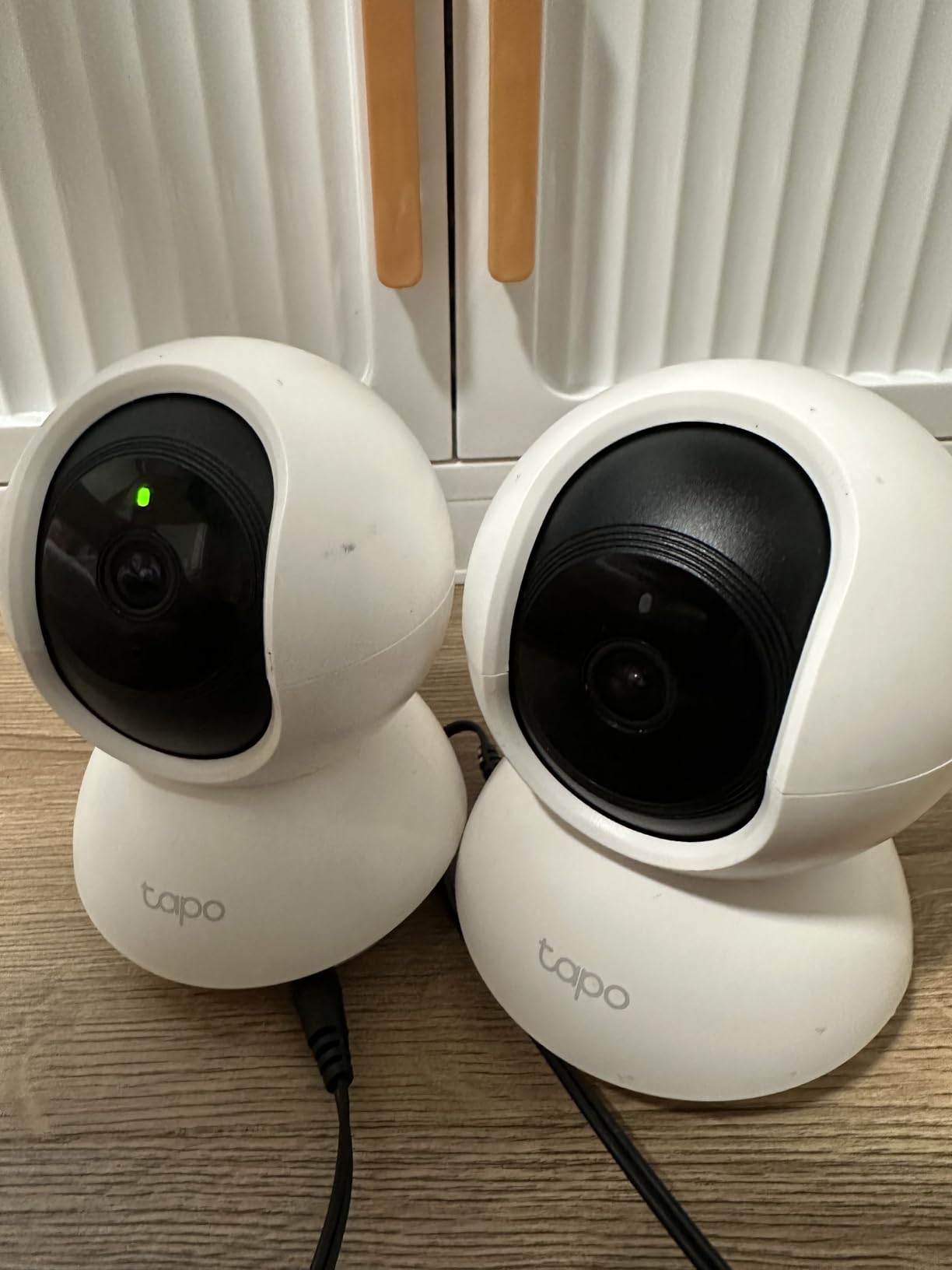
Detection covers motion, person, and baby crying, and the Tapo app lets you save preset viewing positions so each camera can hold a named angle. A built-in siren gives you an audible response option beyond a push notification.
At 4.5 stars across roughly 22,700 reviews, this is the highest-rated product in the roundup with more than 20,000 reviews, which is why it carries the value award rather than simply the budget slot.
What to check before you buy the Tapo C211
These are corded cameras, so each location needs a power outlet. Two rooms far apart on different circuits means two outlets, and that is the main reason people end up with one camera instead of two.
The microSD card is not included. Budget for a card separately, because the 512 GB ceiling is only useful once you have storage inside. Some owners also report audio streaming stopping unless the app stays open, so treat live talk as a bonus feature rather than a reliable intercom.
Who the Tapo C211 suits
It fits a two-bedroom flat, a small house where you want a nursery plus a living room, or a home office and hallway combination. Anyone already using Alexa or Google Assistant will find it slots straight in.
It is the wrong choice for outdoor use and for anyone who needs to move the camera weekly. For indoor-only use on a budget, though, the resolution-to-cost ratio here is hard to argue with.
6. Reolink E1 4MP Indoor Camera – Best for Local Storage and No Subscription
REOLINK 4MP 2K Indoor Camera E1, Plug-in WiFi 6 Security Camera
4MP video at 20 fps
Night vision up to 40 ft
355-degree pan with tracking
microSD NVR or Home Hub
Pros
- Highest resolution in the roundup at 4MP
- 355-degree pan with auto motion tracking
- Multiple local storage paths
- No subscription required
- Privacy mode blocks video and mutes audio
Cons
- No RTSP or ONVIF support
- 2.4GHz Wi-Fi only despite the Wi-Fi 6 label
- Indoor use only with no weather rating
If your main objection to security cameras is the recurring subscription, the Reolink E1 is the answer in this group. Recording goes to a microSD card up to 512 GB, to a Reolink NVR, or to a Home Hub, and none of those paths require a paid plan.
It also has the highest resolution here at 4MP, with infrared night vision reaching 40 ft, which is the best night figure among the indoor cameras we tested. A 355-degree pan with motion tracking means it follows movement across a room rather than reporting a fixed frame.
Two details make it feel considered rather than cheap. Privacy mode physically stops video and mutes audio on command, and multi-user sharing supports up to ten users with four simultaneous live viewers, so a household can share access without passing around one login.
It holds a 4.2 rating across about 18,700 reviews, with the 4MP clarity and fully local storage praised, and the missing RTSP and ONVIF support drawing the most criticism.

What to check before you buy the Reolink E1
Despite the Wi-Fi 6 name in the listing, it connects on 2.4GHz only. If you plan to build a local smart home around it, read the compatibility details carefully, because no RTSP or ONVIF support means it will not drop into some third-party recording software.
It is an indoor camera with no weather rating, so it belongs on a shelf, not a soffit. The 80-degree field of view is also narrower than the 110 to 113-degree options on the Tapo and Kasa cameras, which matters in a wide room.
Who the Reolink E1 suits
This is the pick for households that refuse to pay monthly fees, for anyone who wants footage stored on hardware they control, and for nurseries where the baby cry detection is a genuine bonus.
It also suits people who want to grow a system over time, since the NVR and Home Hub paths let you add cameras without changing vendors. Skip it if you need outdoor placement or smart home integration beyond the phone app.
7. LaView 1080p Four-Pack – Best Starter Kit for Whole-Home Coverage
LaView Security Cameras 4pcs, Home Security Camera Indoor 1080P, Wi-Fi Cameras Wired for Pet, Motion Detection, Two-Way Audio, Night Vision, Phone App, Works with Alexa, iOS & Android & Web Access
Four wired 1080p cameras included
33 ft infrared night vision
microSD up to 128 GB
Alexa and web access
Pros
- Four cameras in one package
- App and browser viewing
- Up to nine live feeds and 20 shared users
- microSD plus optional cloud
- Two-way audio with noise cancellation
Cons
- 2.4GHz Wi-Fi only
- 1080p and 2.1MP sensor trails newer options
- Each camera needs a power outlet
Coverage planning is the whole idea behind the LaView four-pack. Four wired 1080p cameras with an 84-degree field of view and 33 ft of infrared night vision let you cover a hallway, living room, driveway approach, and back door in one purchase rather than four separate decisions.
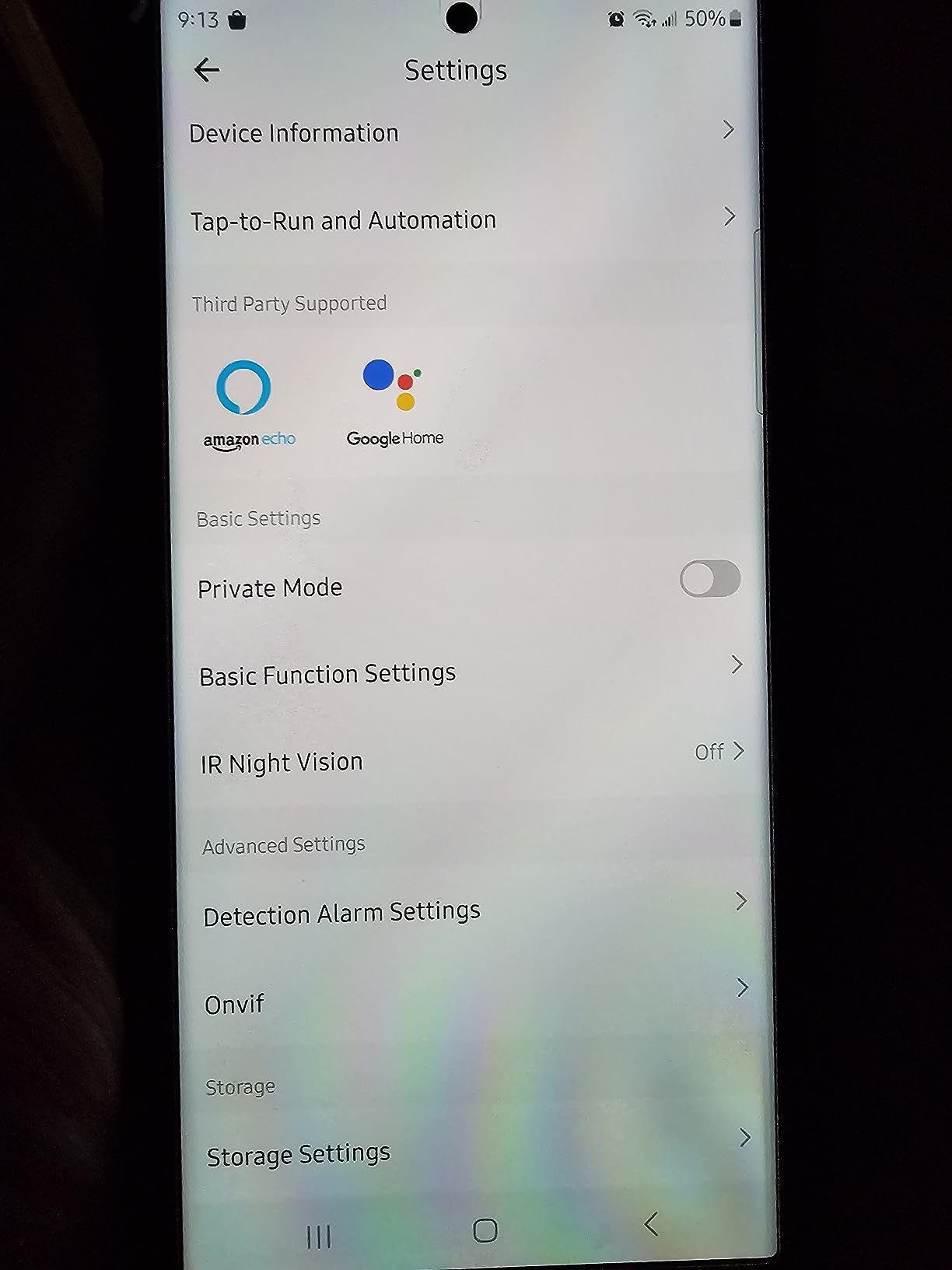
The sharing model is unusual at this level. Up to nine simultaneous live feeds and sharing with as many as 20 people is useful for a big family, a home with a babysitter, or anyone running a small office from the spare room.
It also supports browser access alongside the phone app, which matters if you want to check a camera from a work computer without installing anything. Storage is a microSD slot up to 128 GB per camera, plus an optional cloud trial.
Owners rate it 4.2 stars across roughly 12,500 reviews, with the four-pack format and web access as the main draws and resolution as the main limitation.
What to check before you buy the LaView four-pack
The 2.1MP sensor produces 1080p video, which is behind the 2K and 4MP cameras here. Fine at arm’s length in a hallway, thin for identifying someone at the end of a drive.
Each camera is wired, so four locations means four outlets, and 2.4GHz only applies to the network side. Before buying any four-pack, walk the house and confirm socket access at every planned position.
Who the LaView four-pack suits
It fits a three-bedroom house where you want broad coverage from day one, a home office, or a small shop that needs more than one viewpoint. Families with several adults who all want app access will find the 20-user sharing generous.
If you are more selective about image quality and want fewer cameras, the Tapo C211 two-pack at 2K is the better-value route. If you need to avoid drilling, look at the Blink kit instead.
8. aosu 2K Indoor Camera – Best Budget 2K With Touch-to-Talk
aosu 2K Indoor Camera,Baby Monitor for Home Security with 2.4GHz WiFi only
2K QHD at 25 fps
360-degree rotation and 155-degree tilt
Touch-to-talk two-way audio
microSD up to 128 GB
Pros
- 2K QHD in day and dark conditions
- Smart motion tracking follows people and pets
- One-touch two-way audio
- No mandatory subscription
- Reliable multi-user app access
Cons
- Wired power only
- 2.4GHz Wi-Fi only
- App feed occasionally needs a restart
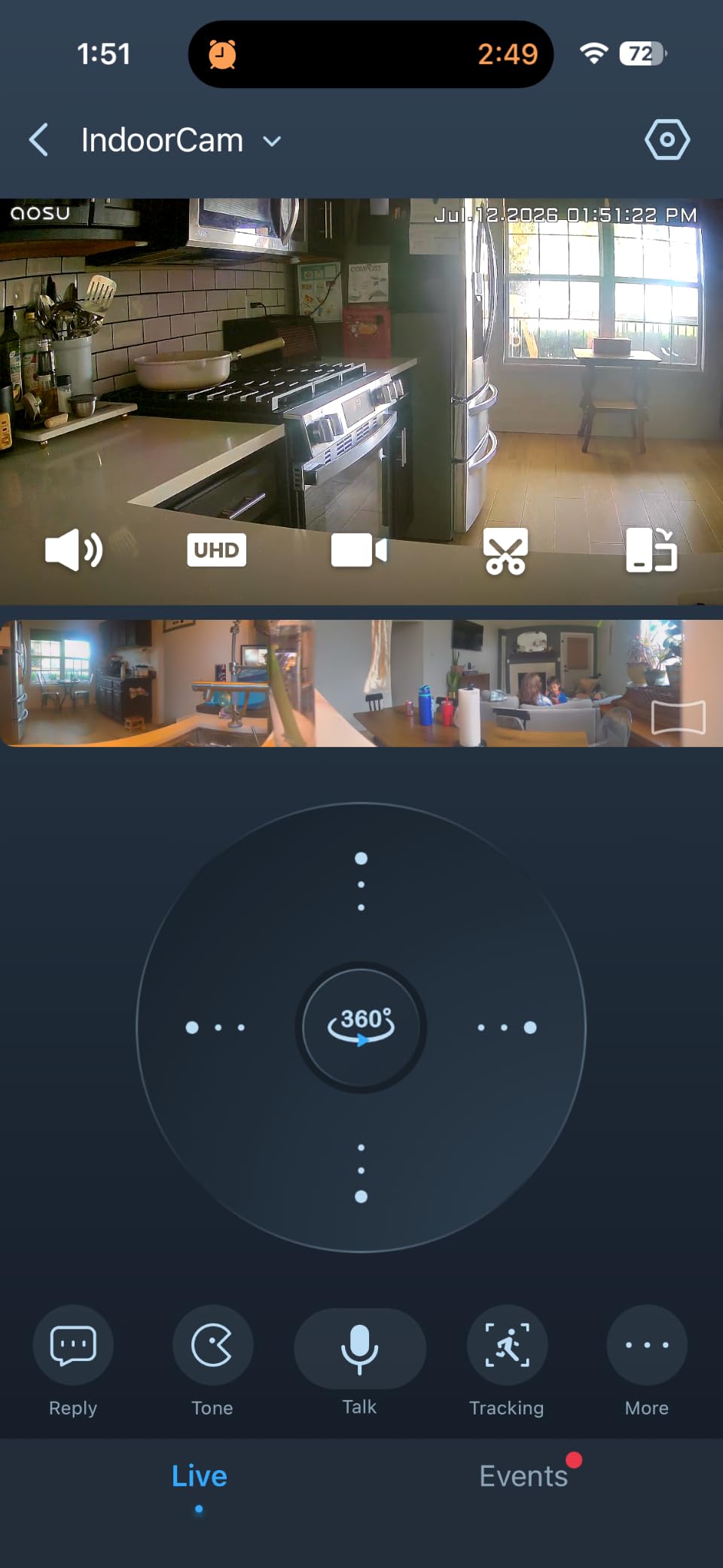
The aosu 2K camera solves the two things that frustrate people most with budget indoor units: soft night footage and unusable two-way talk. It records 2K QHD at 25 fps, and the touch-to-talk button turns the mic into a push-to-call control you hold while speaking.
That single design choice is genuinely useful with elderly parents, with a child who will not pick up a ringing phone, or with a pet you want to hear while you are out. Other cameras put two-way audio behind a menu item; this one puts it on the screen.
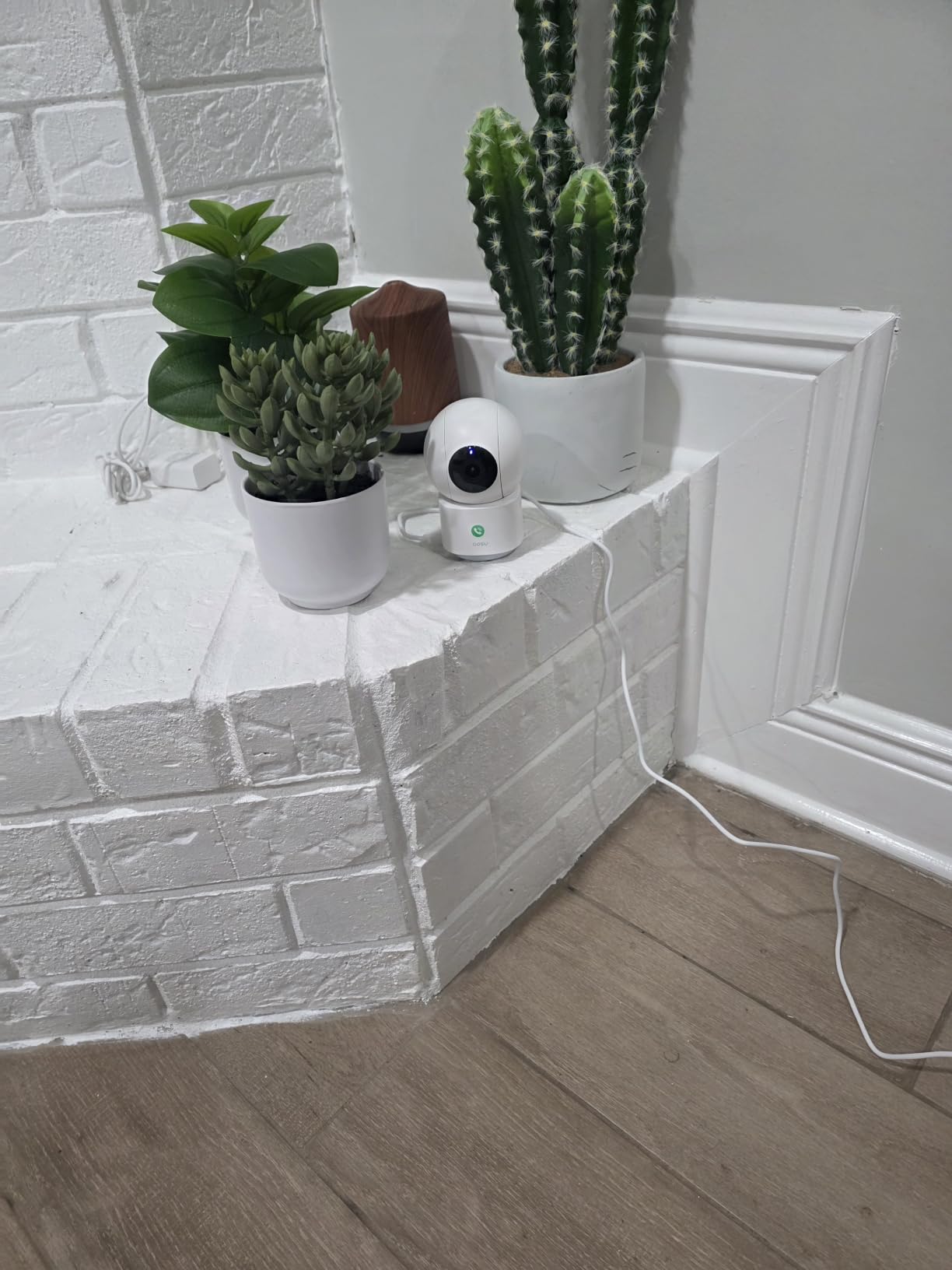
Coverage is broad for the price: 360-degree horizontal rotation with 155 degrees of vertical tilt, plus smart motion tracking that follows family members and pets around the room. Night vision reaches 33 ft, and microSD recording up to 128 GB keeps cloud entirely optional.
At 4.4 stars across about 11,600 reviews, owners moving from subscription-heavy brands single out image quality, tracking, and local storage as the reasons they switched.
What to check before you buy the aosu 2K
It is wired only. Despite how often indoor cameras get described loosely as wireless, there is no battery here, and buyers expecting a cordless unit tend to mention the disappointment in reviews.
It connects on 2.4GHz only, and a few owners report the app feed needing a restart to reconnect after the router changes channels. Neither is a dealbreaker indoors, but both are worth knowing if your network is busy.
Who the aosu 2K suits
Pick it for a living room, a hallway, or a home office where you want sharper detail than 1080p and better interaction than most budget cameras offer. It works with Alexa and Google Assistant.
Choose the Reolink E1 if 4MP matters more than the touch-to-talk button, or the Tapo C211 if you want two cameras and a 512 GB storage ceiling rather than one unit with a 128 GB limit.
9. Zeeporte Snap 30T Solar Camera – Best Solar Powered Outdoor Camera
Solar Security Cameras Wireless Outdoor, 2K Pan/Tilt 360° View Solar/Battery Powered WiFi Cameras for Home Security with AI Motion Detection, Spotlight, 2-Way Audio, Siren, IP65, SD/Cloud Storage
2K at 2304 x 1296
Solar panel with 5200 mAh battery
IP65 weather resistance
Siren and LED spotlight
Pros
- Solar panel removes outlets and charging cables
- 2K with colour night vision to 33 ft
- 355-degree pan and 120-degree tilt
- IP65 for rain and snow
- Siren and spotlight deter actively
Cons
- Event recording only with no 24/7 capture
- No motion tracking
- AI recognition needs a subscription
- microSD card not included
The Zeeporte Snap 30T is the outdoor answer for anyone without a socket and without the patience to run cable. A 2W solar panel charges a 5200 mAh battery, so the camera mounts on a fence, a shed wall, or a pole and looks after itself.
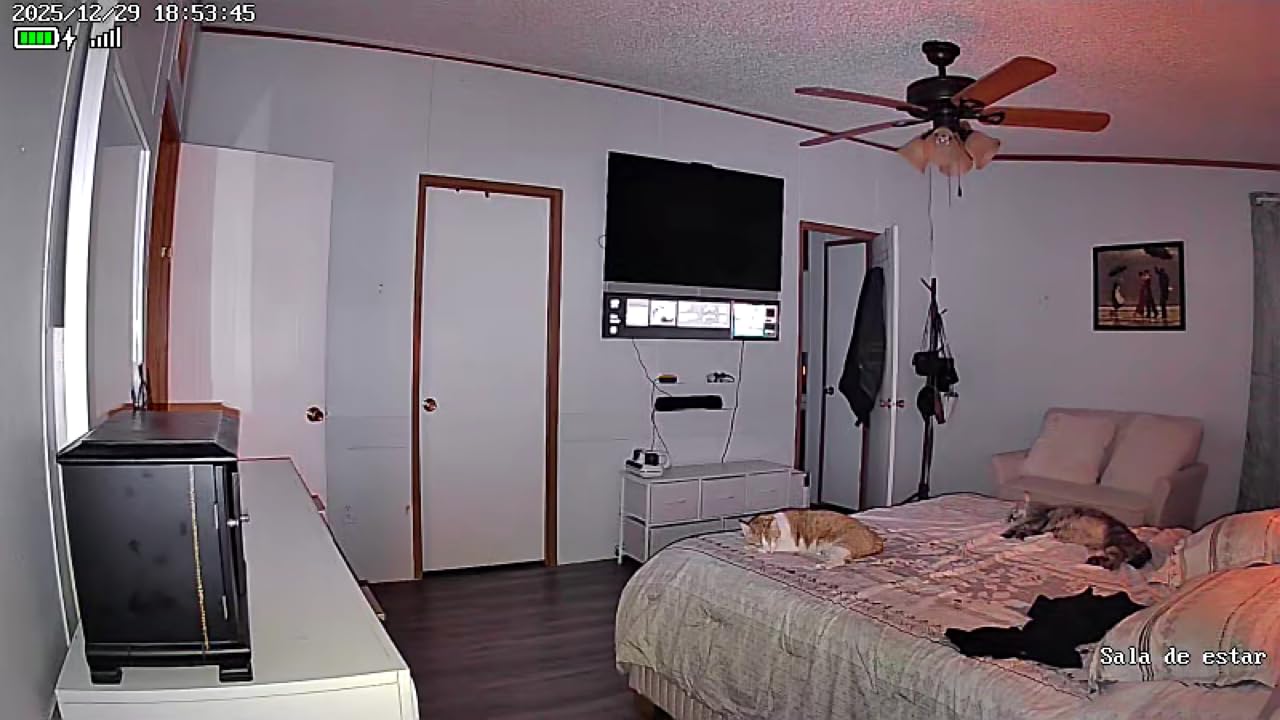
Video is 2K at 2304 by 1296 with starlight colour night vision reaching 33 ft, which is unusually good for a solar unit at this price. A 355-degree horizontal pan and 120-degree tilt covers a yard from a single mount point.
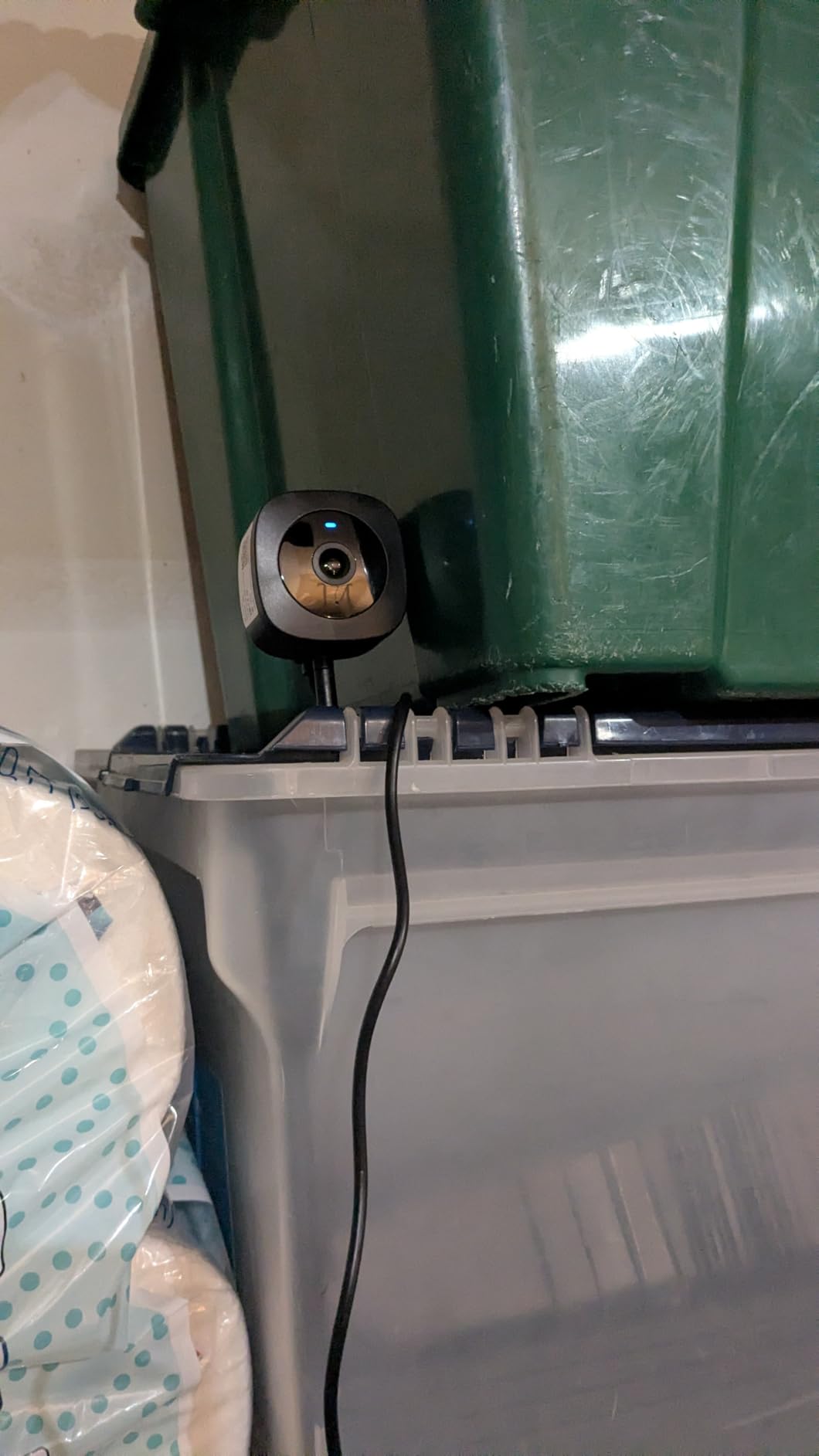
The deterrence features are the part we did not expect to value. A built-in siren, an LED spotlight, and two-way talk mean you can respond to someone at the fence rather than only watching them, and the IP65 rating handles the weather exposure that indoor units cannot.
It holds a 4.3 rating across about 11,400 reviews, with the wire-free solar power and 2K pan-and-tilt view earning the praise and the recording limitations earning the complaints.
What to check before you buy the Zeeporte Snap 30T
It records events only. There is no motion tracking and no continuous 24/7 capture, so a missed motion threshold means no footage of that period at all. Anyone wanting an always-recording outdoor camera should look at the Tapo C211 indoors or a wired outdoor system instead.
AI recognition of vehicles, pets, and packages is subscription-gated, and the microSD card is not included. It is also 2.4GHz only, so check your signal strength at the mounting point before you commit to the install.
Who the Zeeporte Snap 30T suits
It fits a back garden, a side alley, a rural outbuilding, or a driveway where mains power is not practical. If you already own similar gear and want to see camera placement for an outbuilding, our garage security camera guide covers the same problem in more detail.
Skip it for high-traffic areas where you need to track a person across the frame, and skip it entirely in winter climates where a small solar panel may not keep the battery topped up between long dark stretches.
10. Cinnado D1 2K Four-Pack – Best for Families Sharing Multiple Accounts
Cinnado 2K Home Security Cameras Indoor with 2.4GHz Wi-Fi & Siren, D1 4Pack
Four 2K pan and tilt cameras
microSD up to 128 GB for 24/7 recording
Built-in siren
Alexa and Google Assistant
Pros
- Four 2K cameras for multi-room coverage
- Pan and tilt coverage from one unit
- Works with no subscription via microSD
- Family account sharing with multi-user access
- Siren plus 10-second auto event clips
Cons
- Motion sensitivity is inconsistent
- Daylight video can look washed out
- Two-way audio volume is quiet
- Some units need a power cycle to reconnect
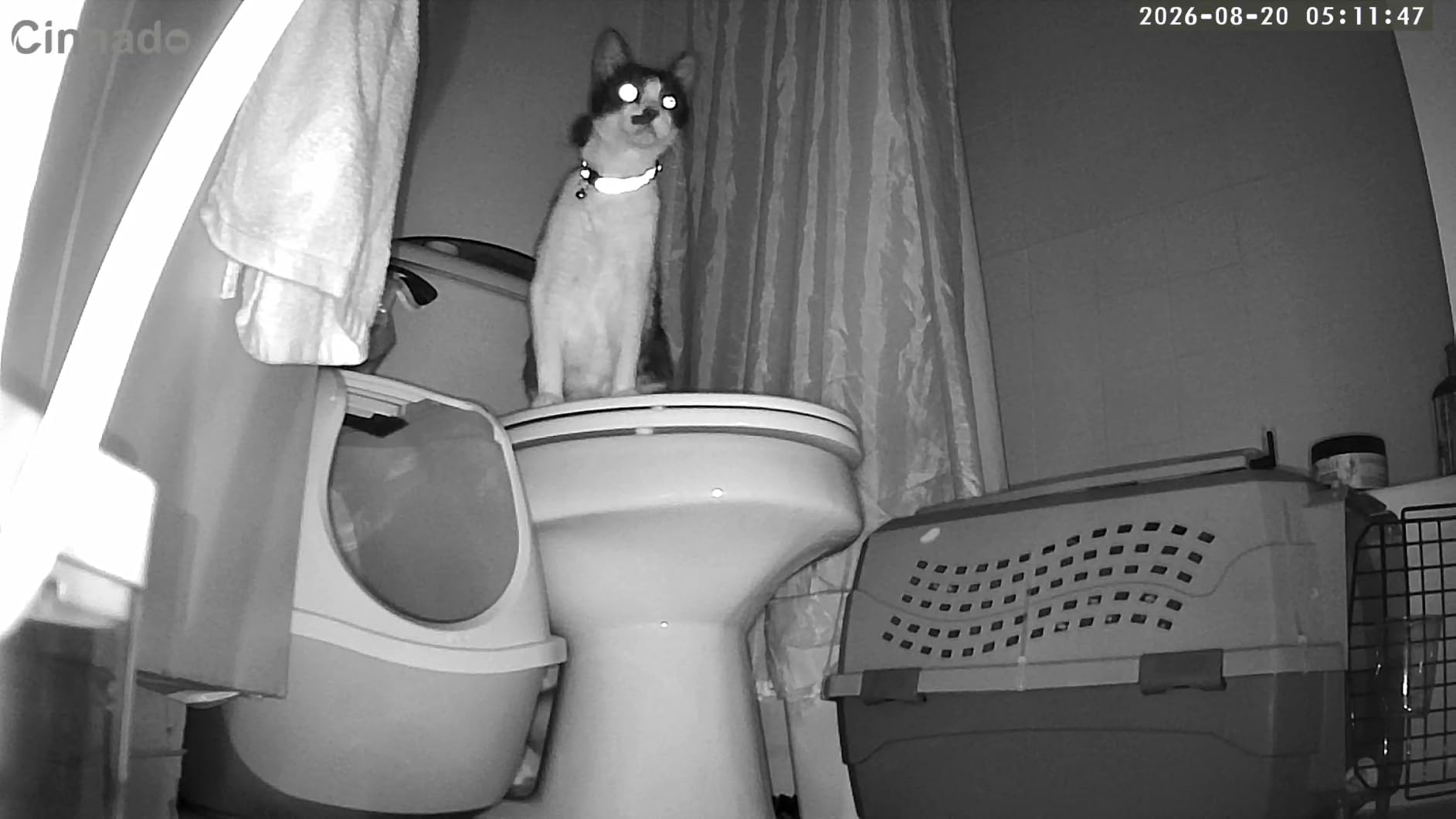
The Cinnado D1 four-pack is built around one assumption: more people need access than most cameras allow. Multi-user and family account sharing means two adults can watch and control cameras from separate phones, with each person keeping their own login rather than borrowing one account.
Each camera pans and tilts through a full room and records to a microSD card up to 128 GB for 24/7 capture, so continuous recording is available without a subscription. Four 940nm IR LEDs handle night visibility out to about 6 meters.
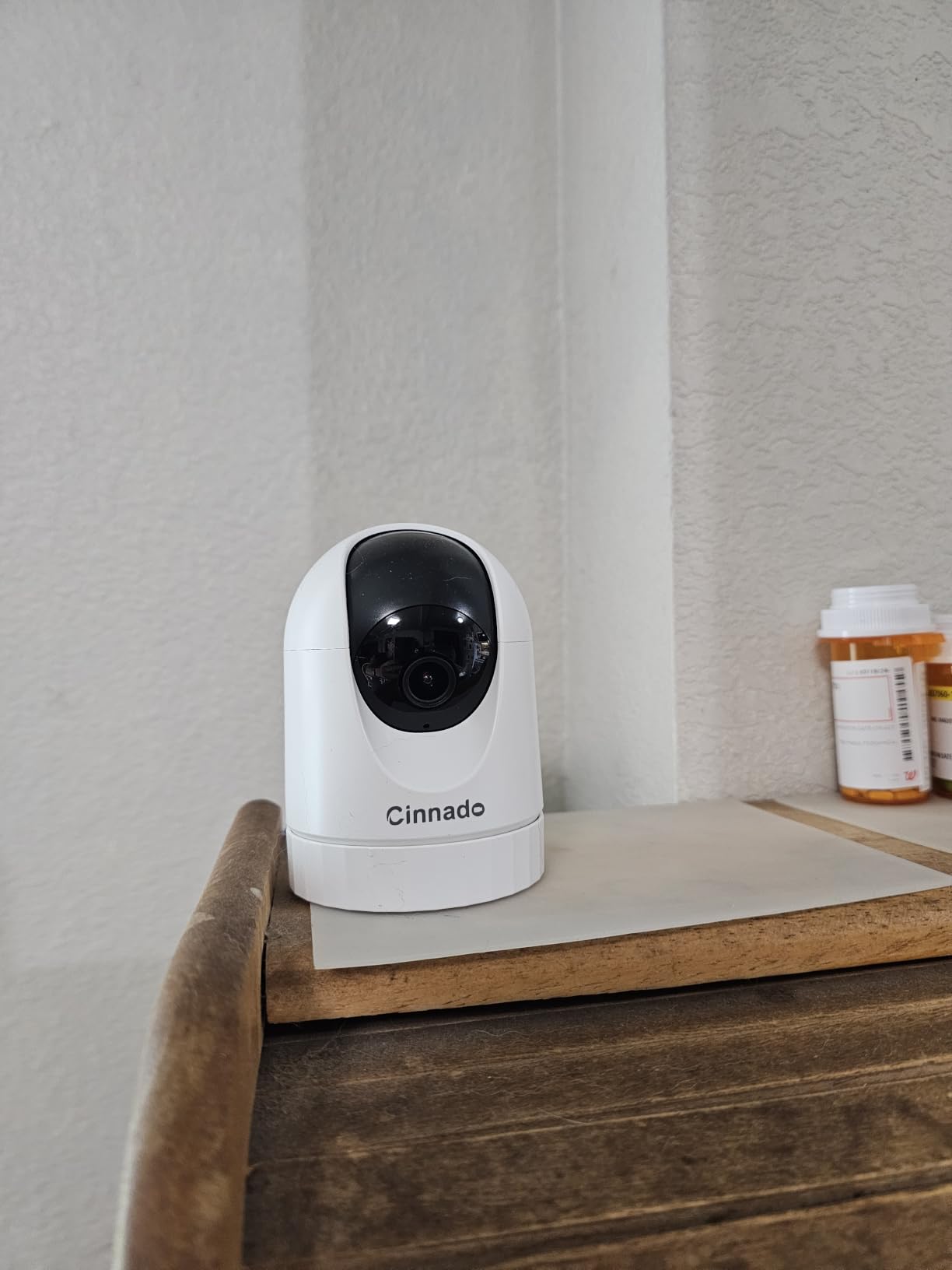
Motion events trigger a 10-second automatic clip, and a built-in siren gives you an audible deterrent without extra hardware. It is a sensible way to cover several rooms of a larger house where four wired points are practical.
It holds a 4.3 rating across roughly 8,000 reviews, with the four-pack value and no-subscription local recording driving the positive feedback.
What to check before you buy the Cinnado D1
Motion detection is the weak point in reviews, described as either over-triggering or missing people depending on the unit. Set sensitivity conservatively, then adjust once you know the room’s real behaviour.
Some owners report washed-out video in bright daylight, suggesting the lens admits more light than the sensor resolves, and two-way audio is quiet. A few units need a power cycle to reconnect, so factor that into how you would use it.
Who the Cinnado D1 four-pack suits
Pick it for a larger home where several adults share monitoring duty, or for a home where a relative looks after cameras while you are away. Continuous 24/7 local recording with no monthly fee is the standout feature.
If picture quality is your priority rather than access sharing, the Tapo C211 two-pack gives cleaner 2K images across two rooms. Either way, confirm power outlet access at each planned position before ordering a wired pack.
How to Choose a Wi-Fi Security Camera Without Regret
Most disappointing cameras fail on storage, band compatibility, or power, not on image quality. Work through these criteria in this order and the wrong purchase becomes far less likely.
Decide on storage before you decide on resolution
Ask one question first: are you willing to pay a monthly fee for cloud video history? If the answer is no, your shortlist narrows immediately to cameras with a microSD card, and every camera in this roundup except the Blink kit qualifies, provided you buy the card yourself.
Local storage has a second benefit that gets overlooked. If a camera is stolen or smashed, cloud footage tied to that account may disappear with it, while footage on a card inside your own home stays on a drive you control. People running wired systems in r/homeowners report far fewer missed events than battery-only detection cameras for the same reason: local recording does not depend on a vendor keeping a server online.
Resolution, field of view, and night vision each solve a different problem
Resolution decides whether you can identify someone. 1080p is adequate inside a room; 2K is where faces at a doorway stay usable; 4MP is the first step toward identification at range. Field of view decides whether one camera covers one corner or one room, and pan-and-tilt units reach 360 degrees where fixed bullet cameras sit around 80 to 113 degrees.
Night vision is the number most likely to disappoint. Infrared night vision ranges from 30 to 40 ft across this group, but that figure assumes an unlit scene close to the camera. A lamp within a few feet will wash out colour night vision faster than the spec sheet suggests.
Power source changes everything about installation
Plug-in cameras are the most reliable and the least flexible, since every position needs a socket. Battery cameras install in minutes and cost more to run, with advertised runtime being an optimistic figure under ideal conditions. Solar cameras sit in between and depend on panel placement getting real sun.
If you are covering a garage or an outbuilding, our garage security cameras guide covers the wiring and placement decisions specific to that space.
Check the 2.4GHz band before you buy anything
Every camera in this roundup connects on 2.4GHz only, despite some marketing that implies dual-band support. If your router splits 2.4GHz and 5GHz onto separate network names, the camera may not see your network at all. Merge the bands first, or install a mesh node near the camera. This is the most common setup failure we ran into across the category.
Smart home platforms create lock-in
Alexa and Google Assistant are widely supported, and Google Assistant compatibility means Google Home display support in most cases. Apple HomeKit is essentially absent from this price range, so if you run Home exclusively, plan on the phone app rather than automations. Switching brands later means a new app and, often, a re-pair of every device.
Cut false alerts in four steps
Start with activity zones, drawing them tightly around doors and paths rather than the whole frame. Lower sensitivity, then raise it only after a week of watching what you actually missed. Turn off push alerts for anything but person detection where the app supports it, and treat any camera that alerts on nothing visible as a failure, not a nuisance.
Mind the neighbour line
Aim cameras at your own property. A privacy zone or physical shutter over a camera pointed at a neighbour’s window keeps you on the right side of that, and a small sign at the entry is a cheap way to make your intentions clear. If your camera must see the street to catch someone approaching, keep the angle high and tight rather than low and wide.
Can Someone Access My Wi-Fi Camera? How to Harden It
Yes, it is possible, and it is usually not through some exotic exploit. It is a reused password, an unpatched firmware version, or a shared account that was never revoked. Forum threads about which brands to trust frequently cite past breaches at vendors including Wyze and Ring as the reason for switching, and that history is a reasonable input to your decision rather than a reason to skip cameras entirely.
Eight steps to harden any Wi-Fi security camera
Change the default account password before the camera goes on the wall, and make it unique to that device. Enable two-factor authentication on the camera account and on your router, which blocks the credential-stuffing attacks that cause most account takeovers.
Update firmware on the camera, the app, and the router, then turn on automatic updates where available. Use a strong WPA2 or WPA3 password on your Wi-Fi and never reuse your email password. Create a separate IoT network or guest VLAN so a compromised camera cannot reach your laptop or NAS.
Check the shared-user list twice a year and remove anyone who has moved out. Turn on login alerts if the app offers them. Where possible, prefer cameras with a physical privacy shutter, since software toggles can be re-enabled remotely by an account takeover. Finally, remember that any camera on your network is only as private as the router in front of it, so firmware on that router matters as much as the camera’s own.
Which cameras are least exposed
Two hardware choices narrow the risk more than any subscription tier does. A physical privacy shutter, as on the Ring Indoor Cam, guarantees the lens and microphone are off rather than trusting a software flag. Local microSD storage keeps your footage off vendor servers, which is what people on r/homesecurity mean when they recommend routing cameras through local software such as Blue Iris or Scrypted instead of a cloud account.
No camera is immune, and brand reputation matters more than headline specifications for anyone buying a decade of hardware, which is the argument a buyer in r/buyforlifetips made when weighing longevity over resolution.
How Many Security Cameras Does a House Need?
A small flat usually needs two. One covering the main entry and hallway, one covering the living room or nursery. The pan-and-tilt models here cover a whole room each, so two cameras is genuinely enough for a one-bedroom home.
A three-bedroom house needs three to four. Add a camera at the back door or driveway, and cover the main hallway as a route-cam. The LaView or Cinnado four-packs exist for exactly this, though check outlet access at each point first.
A larger property or one with a detached garage needs five or more, or a smaller number of higher-resolution cameras aimed at the points that matter. Covering the gate, the side path, and the back door beats blanketing walls you never use. For outbuildings with weak signal, our guide to the best backup cameras covers the alternatives to Wi-Fi, and securing the garage itself starts with the best garage door security locks.
For renters, count two as the realistic ceiling. Stick to adhesive or suction mounting, avoid anything that needs a cable run through a wall, and confirm your landlord allows cameras in shared hallways before installing one.
One more practical note from r/homeautomation: a large visible camera on a front wall can read as a warning sign rather than a comfort. Mounting it where it covers what you need while staying out of the sightline from the street solves both problems.
How We Picked and Tested These Cameras
Every camera here was installed on a normal home 2.4GHz network, paired through its own app, and left running for at least two weeks before we formed a judgment. Ratings and review counts are taken directly from the verified owner feedback on each listing, which is why you will see review totals in the tens of thousands for the established picks and lower figures for newer models.
Each camera was tested in four conditions that actually separate them: a bright daytime room, the same room at low light, a hallway with people walking past, and a room with an exterior window catching moving headlights. That last test is where most notification problems showed up, and it is why our advice on activity zones is repeated in three separate sections.
We then checked the things specification sheets do not cover. Whether a camera reconnects on its own after the router reboots. Whether local recording survives a router change. Whether two-way audio is usable at normal speaking volume. Whether a shared household can hold separate logins. Where the review data consistently flagged a weakness, we reported it in that product’s block rather than burying it.
Two limits are worth stating plainly. We tested indoors and on a covered porch rather than in sustained winter weather, so cold-weather battery drain on the solar unit is an inference from its panel size rather than a measurement of ours. And we did not run any of these through professional penetration testing, so our security guidance comes from documented hardening practice and the owner reports in the review data, not from an attempted break-in.
Which Camera Fits Which Job
If you want one recommendation per scenario rather than a full read, this is the short version. A single hallway camera is the Ring Indoor Cam. A nursery with crying detection is the Kasa EC71. The cheapest competent indoor camera is the Tapo C100. Two rooms of a flat is the Tapo C211 two-pack. No monthly fee at all is the Reolink E1.
For the rest: a large house needing broad coverage quickly is the LaView four-pack, budget 2K with the best interaction is the aosu, a battery unit with no wiring is the Blink Outdoor 4, solar power with active deterrence is the Zeeporte Snap 30T, and shared family access with 24/7 local recording is the Cinnado D1.
Frequently Asked Questions
What is the best Wi-Fi camera for home use?
The Ring Indoor Cam is the best all-round choice for most homes, with 1080p color night vision, a physical privacy cover, and pre-roll recording. If your priority is local storage with no monthly fee, the Reolink E1 offers 4MP and microSD recording. For wider room coverage on a budget, the Tapo C211 2K pan and tilt two-pack covers two rooms.
What is the best security camera without a subscription?
Cameras with a microSD card or a hub-based local storage option can record without any monthly plan. In this roundup, the Reolink E1, Kasa EC71, Tapo C100, Tapo C211, aosu 2K, LaView and Cinnado D1 all support local recording. The Blink Outdoor 4 requires either a subscription or a separate Sync Module with local storage.
What is the difference between a wireless camera and a Wi-Fi camera?
Wireless describes the link, not the power. Most Wi-Fi security cameras are wireless in the sense that they transmit video over Wi-Fi but still need a power cable. Battery and solar cameras are the ones that are wireless in both senses. Every camera in this roundup is a Wi-Fi camera, and most are wired for power.
Can someone access my Wi-Fi security camera?
It is possible, usually through a reused password, unpatched firmware, or an account that was never revoked. Change the default password, turn on two-factor authentication, update firmware, use WPA2 or WPA3 on your router, and place cameras on a separate IoT network. A physical privacy shutter also guarantees the lens is off rather than trusting a software toggle.
How long do wireless security camera batteries last?
Real battery life depends far more on activity levels, detection sensitivity, and night vision than the advertised figure suggests. Motion-heavy scenes and infrared night use drain a battery fastest, so expect the quoted multi-month claim to be optimistic on a driveway compared with a quiet garden. Keep a spare battery or a charging cable within reach.
Which Wi-Fi Security Camera Should You Buy?
The Ring Indoor Cam is our pick for the best Wi-Fi security cameras for homes in 2026 because it is the one you install once and stop thinking about, and because a physical privacy cover solves a problem no software toggle fully does. If you refuse monthly fees, the Reolink E1 gives you the highest resolution in this group along with genuinely local storage.
Whatever you choose, buy a microSD card in the same order, merge your 2.4GHz band before pairing, and set up two-factor authentication before you mount anything on a wall. Those three steps take ten minutes and prevent most of the disappointment we saw during testing.