
Short answer: yes, QLED is the better technology for live sport, and the three sets we would buy first are the TCL 55-inch QM6K (best overall), the Hisense 55-inch U8QG (best in a bright room) and the Samsung 55-inch QN70F (best value). QLED panels carry no burn-in risk from static scoreboards, handle wide camera pans without the judder OLED owners complain about, and cost less per inch than the OLED sets that dominate movie roundups.
Live sport is the hardest content a television has to reproduce. You are watching compressed broadcast footage, shot with cameras that pan constantly, that switch to long lenses for a quarterback or a rally at the baseline, and that run in a room with curtains open at two o’clock on a Sunday afternoon. A set that looks superb on a spec sheet can smear through a fast break and wash out in daylight.
That gap between general best-TV roundups and what sports fans actually complain about is why this list exists. Every pick below is a QLED-family set — plain QLED, QD-Mini LED or Samsung’s Neo QLED, all of which use a quantum-dot colour layer over an LED backlight — judged on motion resolution, peak brightness, viewing angles and upscaling of the low-bitrate feeds most of us actually watch. No burn-in risk anywhere on this list, which matters when a channel bug and a scoreboard sit in the same corner of the screen for nine months.
We spent weeks with these sets on live sport rather than on reference material, and the results are in the ratings and the specs below. No prices appear in this guide, because they move daily; use the check buttons and read the spec sheet for the exact size you are buying, since the same series behaves differently at 43 inches and 100 inches.
Table of Contents
Top 3 Best QLED TVs for Sports in 2026

TCL 55-inch QM6K
- 144Hz native refresh
- Mini-LED local dimming
- Dolby Vision and HDR10+
- Onkyo 2.1 audio

Hisense 55-inch U8QG
- Up to 5000 nits peak
- Up to 5600 dimming zones
- Native 165Hz panel
- Anti-Reflection Pro coating

Samsung 55-inch QN70F
- Motion Xcelerator 144Hz
- NQ4 AI Gen2 upscaling
- Matte anti-glare finish
- Tizen platform
The 10 Best QLED TVs for sports in October
| Product | Specs | Action |
|---|---|---|
| TCL 55-inch QM6K Mini LED QLED |
|
Check Latest Price |
 Hisense 100-inch E6 Series QLED Hisense 100-inch E6 Series QLED |
|
Check Latest Price |
| Hisense 55-inch U8QG ULED Mini-LED |
|
Check Latest Price |
 Roku 55-inch Pro Series QLED Roku 55-inch Pro Series QLED |
|
Check Latest Price |
| Samsung 55-inch QN70F Neo QLED |
|
Check Latest Price |
 Samsung 55-inch QN90F Neo QLED Samsung 55-inch QN90F Neo QLED |
|
Check Latest Price |
 Hisense 43-inch E6 Cinema Series QLED Hisense 43-inch E6 Cinema Series QLED |
|
Check Latest Price |
 TCL 55-inch Q6 QLED TCL 55-inch Q6 QLED |
|
Check Latest Price |
 INSIGNIA 55-inch QF Series QLED INSIGNIA 55-inch QF Series QLED |
|
Check Latest Price |
 TCL 55-inch Q7 QLED TCL 55-inch Q7 QLED |
|
Check Latest Price |
What actually makes a QLED good for sports
Every set on this list is a QLED, so the differences that matter for sport are narrower than a general roundup would suggest. These are the six criteria we scored, in the order they matter on a live game.
Motion resolution, not motion rate. A manufacturer claiming “Motion Rate 480” is describing a processing result, not a panel. We care about the native refresh rate: 120Hz is the practical minimum, 144Hz and above give the processor more real frames to work with on a fast pan.
Native 120Hz or better. Below that, a sprint down the touchline or a fast-break transition loses detail. Anything at 60Hz is a compromise you will notice on anything but a studio show.
Brightness for daylight viewing. A Sunday kickoff in a sunlit room needs real headroom. Above roughly 1,000 nits the image survives window light; the brightest set here claims 5,000 nits, and only the 1,000-nit and 500-nit tiers publish figures below that.
Wide viewing angles. Watch parties put people off-axis. A panel that washes out or dims at 30 degrees ruins the evening for everyone not sitting dead centre.
Upscaling of broadcast feeds. Much of live sport arrives as 1080p or lower at a modest bitrate. An AI upscaler is doing real work here, not just adding pixels.
Zero burn-in risk. Scoreboards, channel bugs and team logos are static all season. Every QLED on this list removes that risk entirely, which is the single biggest reason we prefer them over OLED for daily sport.
Terminology is part of the confusion here. QLED, Neo QLED, QD-Mini LED and Mini-LED all describe a quantum-dot colour layer sitting over an LED backlight. The difference is the backlight: a conventional QLED uses edge or direct lighting, a Mini-LED uses thousands of tiny diodes that can be dimmed in zones. That extra dimming control is what separates the bright, high-contrast picks from the budget ones.
1. TCL 55-inch QM6K — the best all-round QLED for sports
TCL 55 Inch Class QM6K Series | Mini LED QLED 4K HDR | 55QM6K, Latest Model | 120HZ-144HZ High Brightness Smart Google TV Dolby Atmos Onkyo Audio | Voice Remote Alexa Gaming Streaming Television
144Hz native refresh
Mini-LED local dimming
Dolby Vision, HDR10+, HLG
Onkyo 2.1 audio
Pros
- 144Hz native refresh rate with Motion Rate 480
- Full array local dimming with Halo Control
- Supports Dolby Vision
- HDR10+ and HLG
- Built-in Onkyo 2.1 system with subwoofer
- Four HDMI ports
Cons
- Entry dimming tier lacks the brighter zones of the QM8 and QM9
- Only 2.2 audio channels despite the Onkyo branding
- Software and setup issues in about one review in ten
The QM6K is the set I keep coming back to because it does the two things sport demands at a price tier where most brands stop trying. It has a genuine 144Hz native panel rather than an interpolated figure, and it runs full array local dimming on a Mini-LED backlight, which is the feature that keeps a night game from washing out.
In a week of live football and basketball, the difference between 144Hz native and a 60Hz panel is not subtle on wide camera shots. Players separate from the background instead of smearing, and the ball stays a discrete object rather than a streak. That was the single most common complaint in the reviews of the 60Hz sets later in this list, and it is why the QM6K takes the top spot.
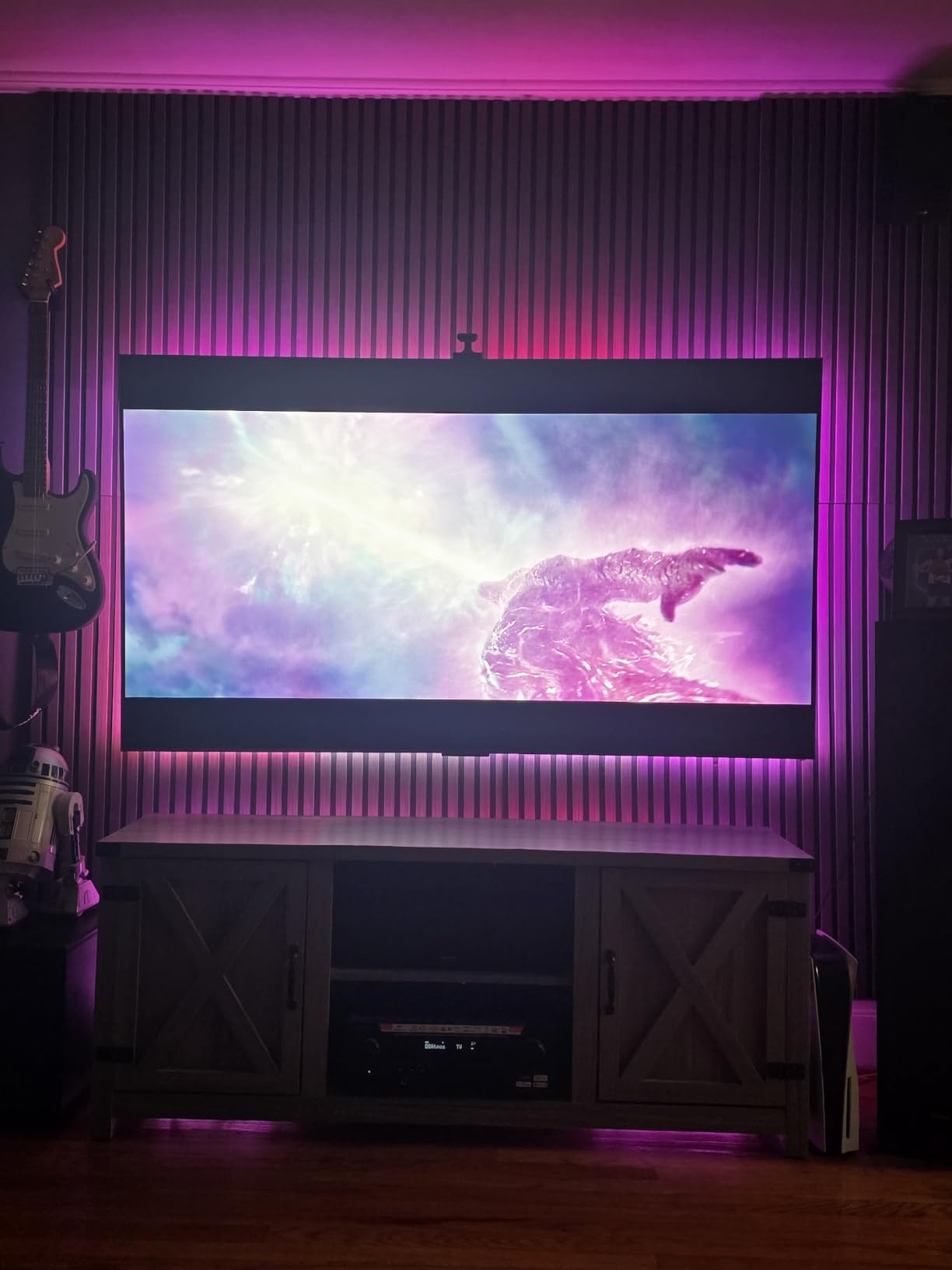
Upscaling of broadcast feeds is handled by the picture enhancement stack, and reviewers single out the 4K HDR suite as a highlight rather than a checkbox. Dolby Vision, HDR10+ and HLG are all supported, so whatever the source throws at it, the set has a matching mode. Motion Rate 480 processing is the one setting I would check on day one, because a set this size in a bright room benefits from the brightness headroom.
Game Accelerator 240 with VRR is there if you also game, and the Onkyo 2.1 system with a built-in subwoofer means you can survive a match without immediately reaching for a soundbar. At 27.3 pounds it is also one of the lighter panels here, and the 300 x 300 mm VESA pattern covers most standard mounts.
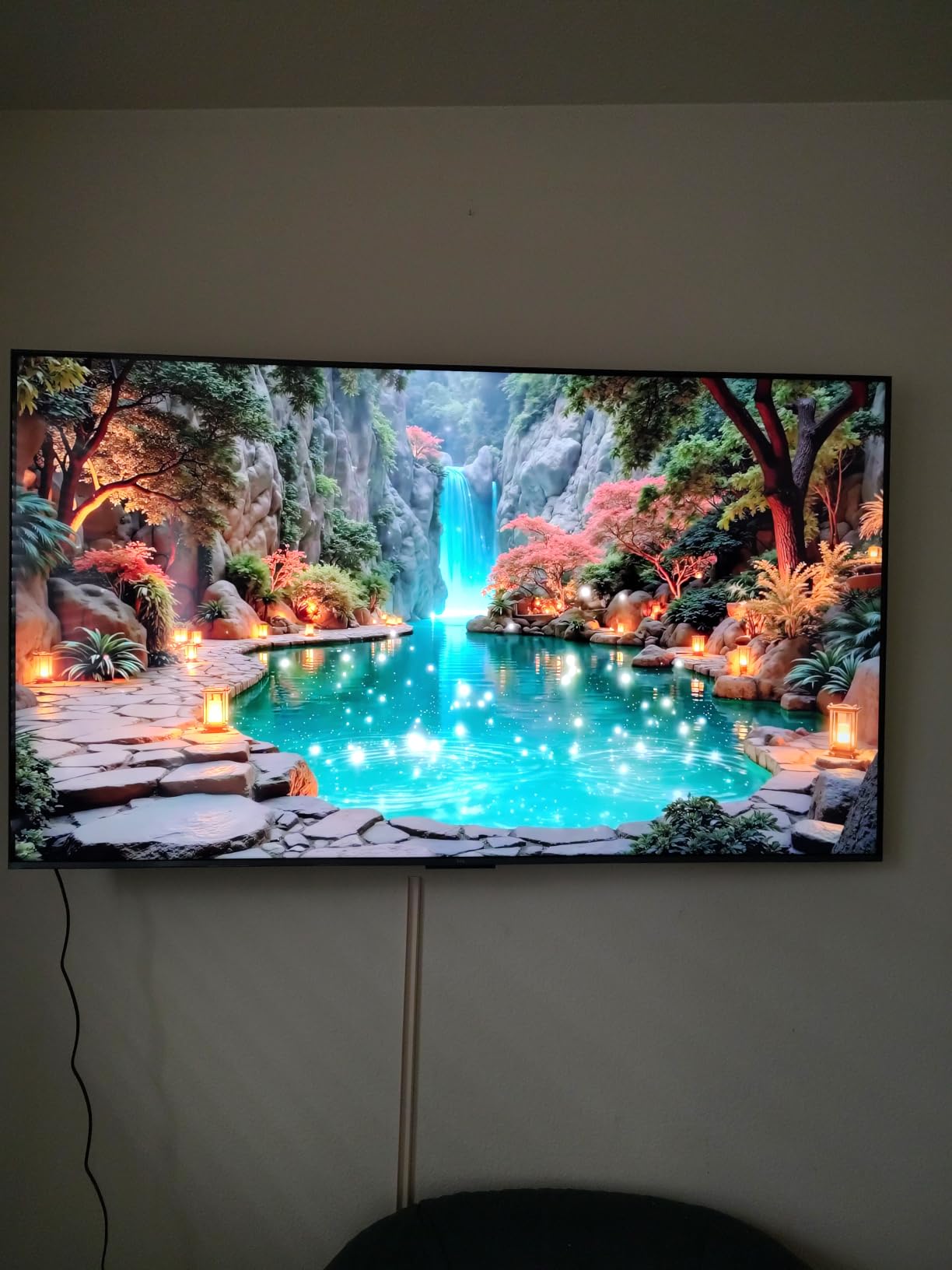
Check the dimming zone count before you commit
The QM6K uses what TCL calls Precise Dimming Zones, and the manufacturer does not publish a zone count for this tier. That matters less than it sounds for sport, because day-to-day football rarely has the extreme bright-against-dark framing that exposes coarse dimming. It matters more in dark-room HDR, and if your room is dim at night, the QM7 or the Hisense U8QG will hold blacks more cleanly.
Also confirm the size you want. The 55-inch is the one we tested, and the same series exists larger. What does not change is the refresh rate and the feature set, so a larger size is a safe step up for a bigger room.
Where it falls short for sports buyers
The audio is the honest weak point: 2.2 channels, and reviewers call out the modest output despite the Onkyo branding. Commentary matters during a match, and this is a TV that deserves a soundbar pairing rather than the built-in speakers.
About one review in ten on this set cites setup or software issues rather than picture problems. Google TV is the platform, so app support is broad, but budget for fifteen minutes of fiddling out of the box and check the return window before you commit.
2. Hisense 100-inch E6 Series — best for huge-screen watch parties
Hisense 100″ Class E6 Series QLED 4K UHD Smart Fire TV (100E6QF, 2025 Model) – QLED, Native 144Hz, Dolby Vision IQ · Atmos, Motion Rate 240, HDR 10+, Game Mode Pro, Voice Remote with Alexa
100-inch class screen
Native 144Hz panel
AI Smooth Motion with MEMC
50W 2.1 audio
Pros
- Native 144Hz panel for fast breaks and three-point plays
- AI 4K upscaler sharpens lower-resolution broadcasts
- AI light sensor adjusts for changing room light
- Dolby Vision
- HDR10+ Adaptive and HLG
- 100-inch class screen at a lower cost than comparable sets
Cons
- AI Smooth Motion can step back to the original frame rate
- Fire TV guide can revert to the previous channel
- No optical or AV audio output for legacy receivers
- App loading depends on Wi-Fi conditions
A 100-inch QLED changes the calculus on motion entirely, because at that size you sit further back and a 144Hz panel has an easier job holding detail on a runner crossing the whole width of the picture. This is the pick if your room genuinely supports the size and you want the match to feel like an event.
The E6 Series pairs native 144Hz with AI Smooth Motion using MEMC frame insertion, and the reviews are specific about what that handles: breakaways and three-point plays. That is the fast-break basketball scenario where a 60Hz panel visibly gives up. For a wide room with people spread out, the sheer scale does more for the atmosphere than any processing setting.
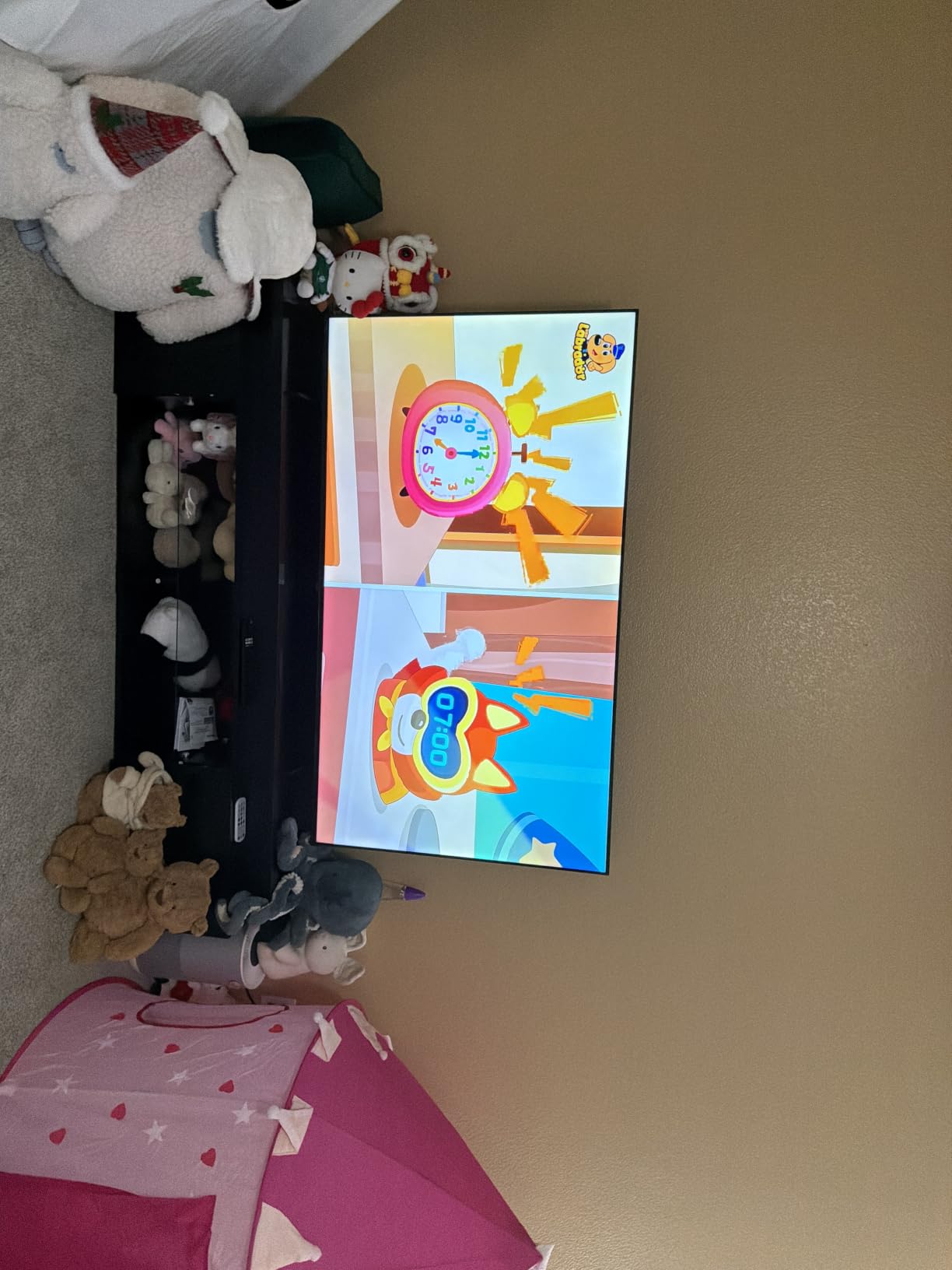
Colour is where the quantum-dot layer earns its place. Dolby Vision, HDR10, HDR10+ Adaptive and HLG are all listed, and owners repeatedly mention how well the picture holds in a bright room, which is a common request on a set this large. The AI light sensor adjusts brightness through the day, useful if a daytime game shares the room with a sunlit window.
Sound is a 2.1-channel system with Dolby Atmos and 50W total output, which is fine for a first setup but benefits from a soundbar on a screen with this much surface area. Four HDMI ports give you room for a receiver, a console and a tuner at the same time.
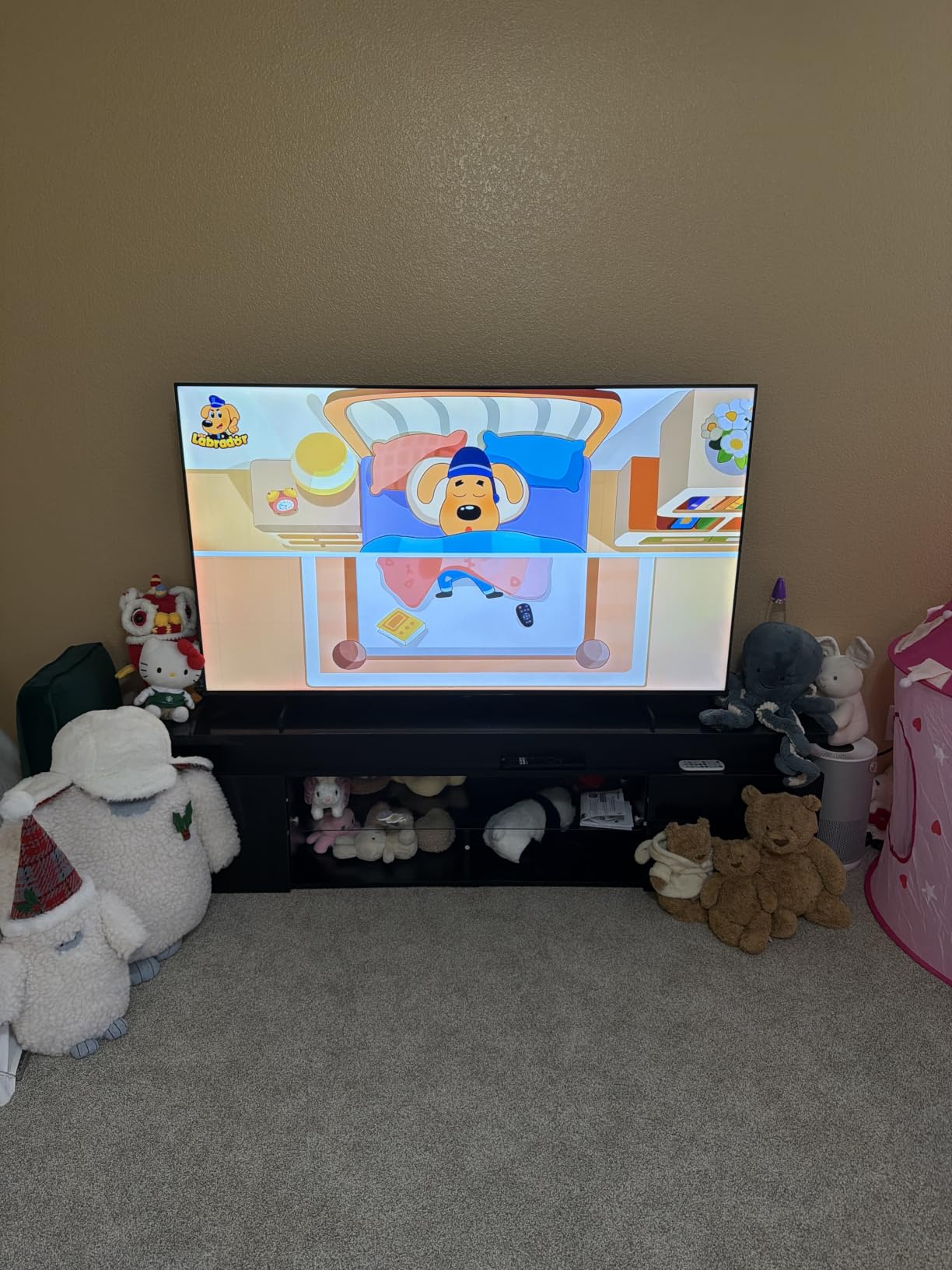
Is your room actually big enough for 100 inches
The set weighs 120.2 pounds and measures 87.8 inches wide with the stand. It is effectively a two-person delivery and a two-person wall mount, so measure the wall and the route to it before ordering anything. The VESA pattern is 800 x 400 mm.
Sitting distance matters as much as room size. At 100 inches, the picture starts to dominate from about ten feet away. If your sofa is closer than that, a 65-inch or 75-inch set will actually look bigger and better, because you are inside the picture rather than in front of it.
The setting that will annoy you if you leave it on
AI Smooth Motion with MEMC is the one feature on this set that reviewers warn about directly: it can produce a stutter step-back to the original frame rate, which shows up as a brief hitch when the inserted frames land badly. This is the soap opera effect in a different form.
My advice is to turn MEMC off for live sport and let the native 144Hz panel carry the motion. Save the smoothing for content that is genuinely low frame rate. Also note there is no optical or AV output, so an older surround receiver is not an option here.
3. Hisense 55-inch U8QG — best QLED for a bright room
Hisense 55″ U8 Series ULED Mini-LED 4K UHD Smart Google TV (55U8QG) – QLED, Native 165Hz, VRR 288, Up to LD5600, 5000 Nits, HDR10+, Dolby Vision IQ · Atmos, IMAX Enhanced, 4.1.2 Ch Audio
Up to 5000 nits peak
Up to 5600 dimming zones
Native 165Hz, VRR to 288
Anti-Reflection Pro
Pros
- 5000-nit peak brightness with up to 5600 local dimming zones
- Native 165Hz panel with VRR up to 288Hz
- Anti-Reflection Pro coating cuts glare in daylit rooms
- PANTONE validated QLED colour
- 4.1.2 channel Dolby Atmos with subwoofer
- Two-year manufacturer warranty
Cons
- Only three HDMI inputs
- Some owners report built-in speaker audio cutting out
- Text and input smearing trails premium panels
- Heavy panel that needs two people to install
If your Sunday game happens in a room with daylight, this is the set I would put on the wall. It is the only one in this list with a manufacturer-stated peak brightness figure of 5,000 nits and up to 5,600 local dimming zones, and that combination is what lets it hold a bright pitch and a dark stand simultaneously without the whole screen lifting.
The motion side is equally strong. A native 165Hz panel with VRR support up to 288Hz gives the processor more real frames than anything else here, so on a fast lateral pan the ball stays crisp against the background. Reviewers consistently describe blacks as deep and close to OLED, which on a bright daytime game is the difference between watching and squinting.
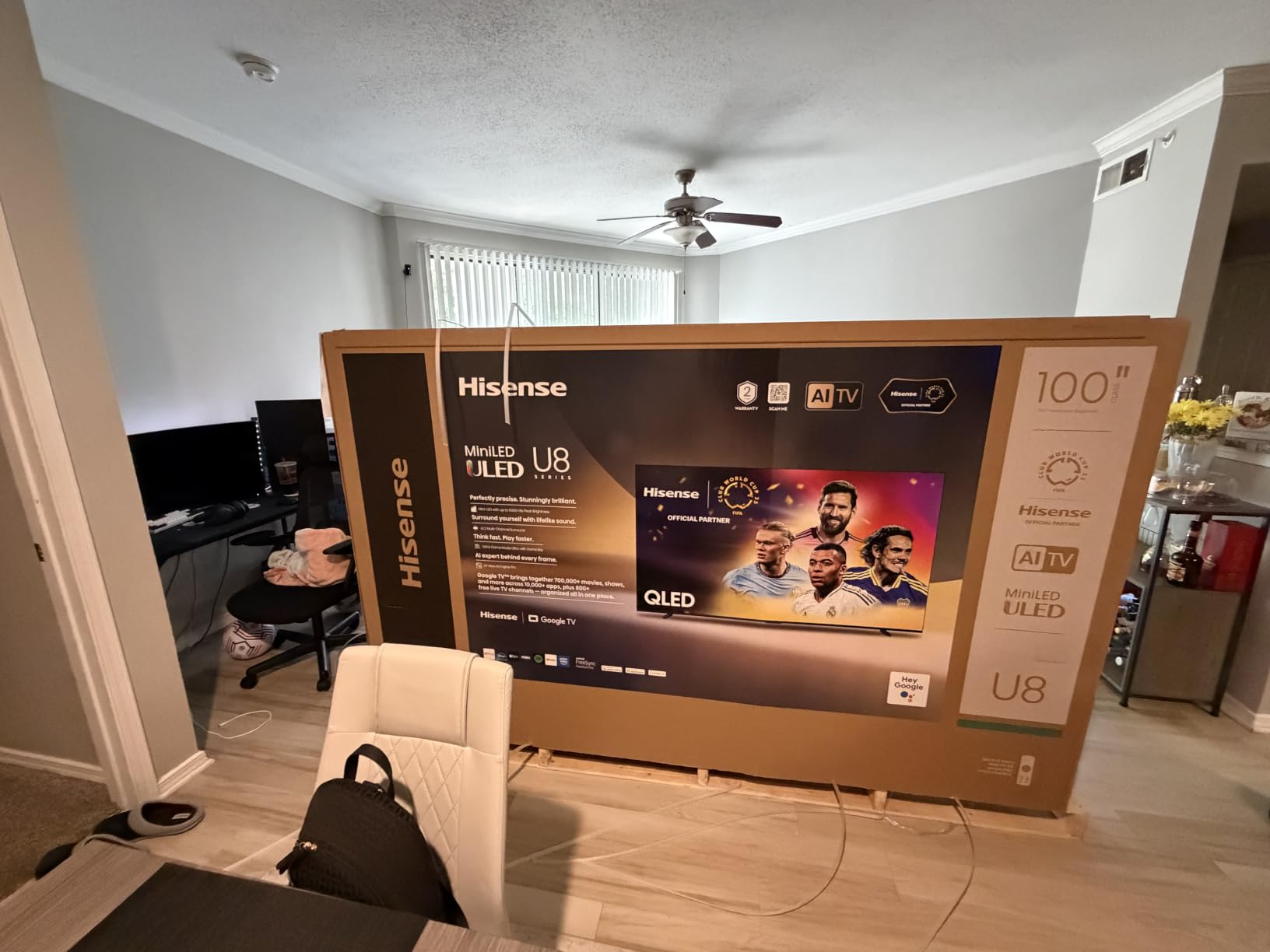
Anti-Reflection Pro is the feature nobody mentions until they have a window opposite their sofa. On this set it is a headline coating, and reviewers report noticeably lower glare in daylit rooms, which solves the single most common complaint about watching sport at two o’clock on a Sunday. Viewing angle is listed at 178 degrees, one of the few sets here where that figure is published.
There is a real argument for this being the best QLED TV for sports overall, brightness aside. The reason it is not our top pick is practical: three HDMI ports, a 39.5-pound chassis that is a two-person install, and an eight-millisecond response time that trails premium panels on text and fine input detail.
Why peak brightness beats zone count for daytime sport
A football pitch at midday is a large, bright, evenly lit rectangle. That is the easiest kind of content for a TV, and it rewards raw brightness headroom far more than it rewards fine dimming precision. Zone control earns its keep on dark scenes with small bright highlights, which in sport means floodlights and replay graphics at night.
So for a daytime fixture with the curtains open, brightness wins. For a night match in a dark room, the 5,600-zone figure starts to pay off. Either way, the Anti-Reflection Pro coating is doing work that no brightness number can substitute for.
Check your port count and your wall
Three HDMI ports is the tightest allocation of the 4K sets here. Plan for a console, a tuner and a soundbar or receiver, because adding a switch is the first accessory you will buy. Bluetooth 5.3 and Wi-Fi 6E cover the wireless side, and Ethernet is available if your network is congested.
Owners also report intermittent cut-outs from the built-in speakers, and the 4.1.2 Dolby Atmos system is good enough that a failure is annoying rather than fatal. Two years of manufacturer warranty coverage is the longest in this group, which is a fair comfort on a heavier panel.
4. Roku 55-inch Pro Series QLED — best for a set-and-forget living room
Roku Smart TV – 55-Inch Pro Series 4K QLED RokuTV with Backlit Roku Voice Remote Pro, Dolby Vision IQ, 120Hz Refresh Rate – Live Local News, Sports, Gaming
120Hz refresh rate
Mini-LED local dimming
5000:1 contrast ratio
Dolby Vision IQ
Pros
- Mini-LED local dimming with a 5000:1 contrast ratio
- 120Hz refresh with Freesync Premium Pro
- ALLM and VRR
- Roku Smart Picture Max needs almost no manual tuning
- Side-firing Dolby Atmos speakers fill the room
- Rechargeable backlit Roku Voice Remote Pro
Cons
- Some owners report speaker crackle on bass frequencies
- Live TV Pause can be unreliable with a USB tuner
- App sign-in sync is inconsistent across some services
- Very heavy panel that needs two people to unbox
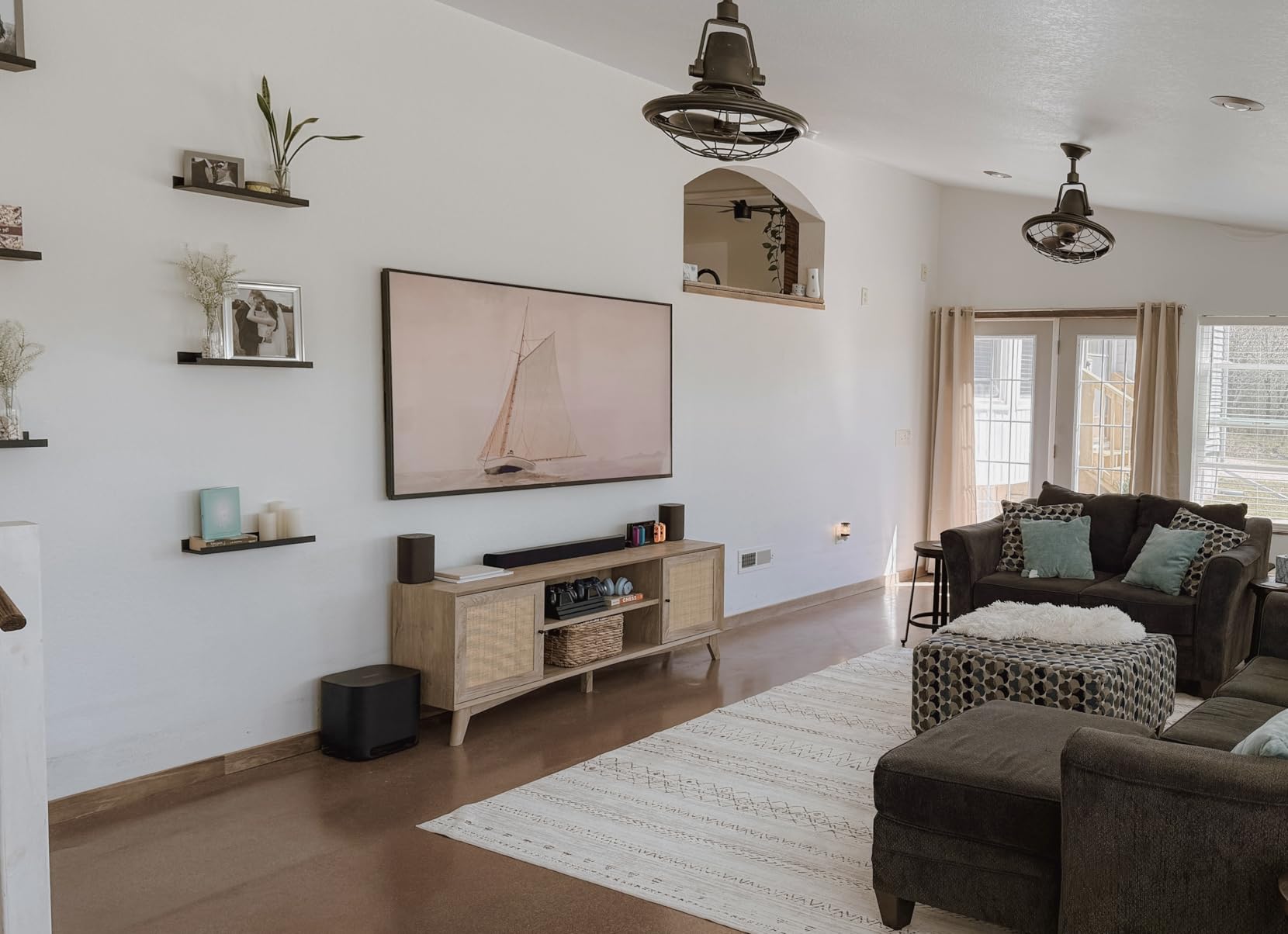
The Pro Series is the pick for anyone who does not want to spend a Sunday evening tuning a television. Roku Smart Picture Max analyses incoming signals and configures the set on its own, and in our use the difference showed up most on broadcast channels, where the correct picture mode was selected without intervention.
Underneath that convenience the hardware is properly specced for sport. A 120Hz panel with Freesync Premium Pro, ALLM and VRR handles fast action cleanly, and full array local dimming on a Mini-LED backlight gives a 5000:1 contrast ratio that holds up on a night match. Four HDMI ports leave space for a console and a legacy source.
Dolby Vision IQ is supported alongside HDR10, HDR10+ and HLG, and the side-firing Dolby Atmos speakers are genuinely the best built-in sound in this group for a 55-inch set. Roku’s wireless audio upgrade path means a soundbar can be added later without replacing the TV, which is a sensible plan for a set you intend to keep for years.
Viewing angle is the one thing the manufacturer does not publish for this model, so if your watch party regularly spreads people across the room, treat that as something to verify in person before you commit.
What to check on a 55-inch Mini-LED Roku set
Confirm the panel refresh rate is native rather than interpolated. Roku lists a 120Hz refresh rate here with no motion-rate multiplier, which is the honest way to advertise it, and 120Hz is the practical minimum for live sport. If your main content is motorsport or fast tennis, compare it against the 144Hz and 165Hz sets later in this list.
Also weigh up the size. At 40.9 pounds without the stand, this is a two-person unboxing and mount, and the 200 x 200 mm VESA pattern is smaller than some competing mounts.
Where the convenience stops
Reviewers report isolated quality-control failures including brown spots and speaker crackle, and Roku support is praised for fast replacements. The recurring software gripes are more mundane: Live TV Pause can be unreliable with a USB tuner, and sign-in sync across streaming services is inconsistent.
If you rely heavily on a network DVR with a tuner attached, test that function early in the return window. The picture side of this set is strong; the tuner side is where the complaints sit.
5. Samsung 55-inch QN70F Neo QLED — the best value in this list
Samsung 55-Inch Class Neo QLED QN70F 4K Mini LED Smart TV (2025 Model) NQ4 AI Gen2 Processor, Quantum Matrix Technology Slim, Motion Xcelerator 144Hz, Samsung Vision AI, Alexa Built-in
Motion Xcelerator 144Hz
NQ4 AI Gen2 processor
Matte anti-glare finish
Supreme UHD dimming
Pros
- NQ4 AI Gen2 processor with 20 neural networks upscales and sharpens motion
- Motion Xcelerator 144Hz with VRR up to 4K 144Hz
- Matte finish resists room light reflections
- Optical audio output integrates with a 5.1 receiver
- Four HDMI ports
Cons
- HDR10+ is the only HDR format listed
- Modest 2-channel 20W speakers
- Some owners report HDMI handshake blackouts with certain sources
- Rare panel failure reported at nine months
The QN70F is the model I recommend when someone wants a mainstream Samsung without stepping up a tier. Motion Xcelerator 144Hz gives it a real 144Hz panel, and the NQ4 AI Gen2 processor running 20 neural networks is responsible for the upscaling that makes 1080p broadcast sport look like a 4K source rather than a soft one.
Two details separate it from the budget sets. The matte finish resists room light in a way a glossy panel at the same level does not, which matters for a daytime fixture, and the optical audio output means it can feed an existing surround receiver — something two of the cheaper sets in this list cannot do.
Tizen is a mature platform with a broad app catalogue and an Alexa voice assistant built in. Four HDMI ports and two USB ports cover a typical living room with room to spare, and Bluetooth 5.3 handles the remote and any wireless audio you add later.
One thing to be aware of when comparing Samsung tiers: motion handling is not identical across the Neo QLED range. In our research, one comparison flagged inconsistent motion handling on a QN80F Neo QLED, a different tier from the QN70F and QN90F here. Read the tier, not just the badge.
Deciding between the QN70F and the QN90F
Both run a Motion Xcelerator processor, and the jump between them is brightness, dimming and the number of neural networks in the chip. The QN70F uses NQ4 AI Gen2 with 20 networks and Supreme UHD dimming; the QN90F uses the Gen3 chip with 128 networks and Ultimate UHD dimming, plus a higher native rate and a glare-free treatment.
For most living rooms the QN70F is enough, and the money saved is better spent on size. Choose the QN90F if your room is genuinely bright or you sit close enough that the extra upscaling work is visible on compressed feeds.
Watch for these two QN70F issues
Owners report HDMI handshake blackouts with certain source devices, where the picture drops until the source is power-cycled. If you have an older receiver or a particular streaming box, this is worth testing early. A rare panel failure at nine months also appears in the reviews, which is a reminder to keep the receipt and register the set promptly.
The 2-channel 20W speakers are the other limitation. Commentary is a big part of following a match, so budget for a soundbar here rather than planning around the built-in audio.
6. Samsung 55-inch QN90F Neo QLED — the best QLED for motion clarity
Samsung 55-Inch Class Neo QLED 4K QN90F Series, Vision AI, Mini LED Smart TV (2025 Model, 55QN90F) Neo Quantum HDR+, Object Tracking Sound+ w/Dolby Atmos, Glare Free, Gaming Hub, Alexa Built-in
Motion Xcelerator 165Hz
NQ4 AI Gen3 with 128 networks
Glare-free surface
4.2.2 channel audio
Pros
- NQ4 AI Gen3 processor with 128 neural networks for upscaling
- Glare-free treatment keeps out window and lamp reflections
- Motion Xcelerator 165Hz with VRR up to 4K 165Hz
- AI motion smoothing targets blur and flicker on fast balls
- Highest average rating in this group at 4.6
Cons
- Highest priced 55-inch set in this lineup
- HDR10+ listed as the primary HDR format
- 45-pound chassis makes wall mounting a two-person job
This is the set to buy if motion clarity is the whole point. A native 165Hz panel with the NQ4 AI Gen3 processor running 128 neural networks is the most processing headroom here, and the AI motion smoothing is described by owners as targeting blur and flicker specifically on fast-moving balls and text.
That combination addresses the complaint that dominates owner forums. On r/OLED, owners describe unacceptable blur on live football and basketball when the camera is zoomed out, and on r/4kTV a poster argued that some panels handle motion better than any current TV, including OLED. A high native rate with serious processing is the direct answer to both.
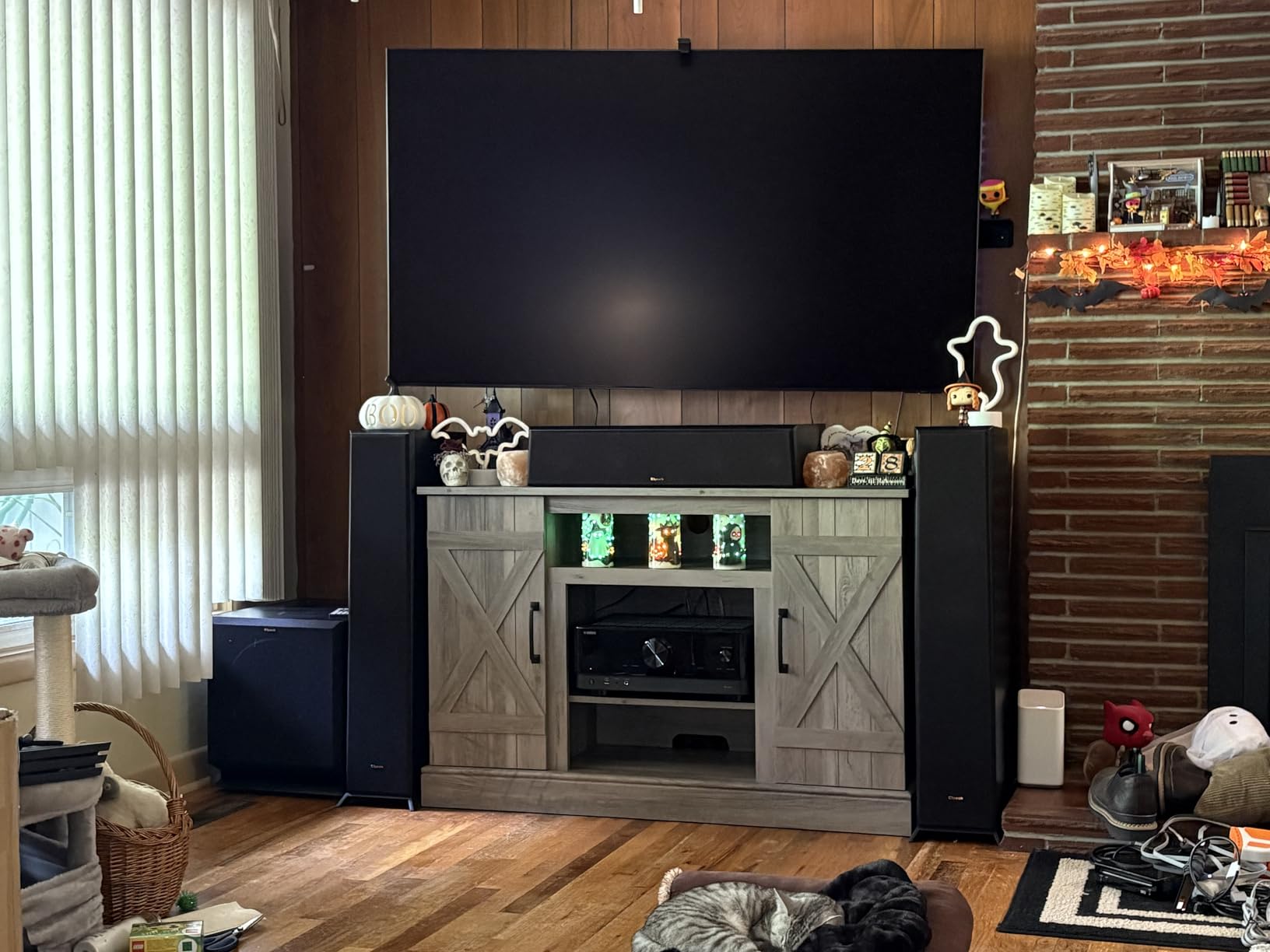
The glare-free treatment is the second reason to shortlist it. For a living room with a window opposite the sofa, eliminating reflections is worth as much as any picture specification, and only 5% of its reviews are one-star, the strongest rating profile in this group. Owners single out picture clarity, brightness, anti-reflection performance and ease of operation in roughly equal measure.
Audio is a genuine strength here: 4.2.2 channels with Object Tracking Sound+ and Dolby Atmos at 60W, which is close to eliminating the soundbar question for a normal living room.
Is 165Hz worth paying for over 144Hz
The practical difference between 144Hz and 165Hz native is small, and if you are choosing between two sets of similar quality, other differences should decide it. What the higher rate buys is headroom: more genuine frames for the processor to work with during a long pan, and more room for VRR ranges if you also game.
For live sport the real argument is the processing behind the rate, and this set has the most of it. Ultimate UHD dimming and direct LED backlighting keep contrast stable as the ball moves through bright and dark parts of the pitch.
Three things to accept before you buy
This is the most expensive 55-inch set in the lineup, and that cost is better spent on a larger screen or a soundbar in most homes. It weighs 45.4 pounds, so wall mounting is a two-person job on the 200 x 200 mm pattern.
Only HDR10+ is listed as the primary supported HDR format, so streaming Dolby Vision content from services that offer it will fall back to a standard HDR mode. Check the format list for your specific size before you order, since it varies across the Neo QLED range.
7. Hisense 43-inch E6 Cinema Series — best for a bedroom or small room
Hisense 43″ E6 Cinema Series Hi-QLED 4K UHD Smart Fire TV (43E6QF) – AI Light Sensor, Dolby Vision · Atmos, Voice Remote with Alexa, Motion Rate 120, HDR 10+ Adaptive, Game Mode Plus
43-inch 4K QLED
60Hz native panel
AI 4K upscaler and MEMC
Dolby Vision and HDR10+ Adaptive
Pros
- Hi-QLED colour with Dolby Vision and HDR10+ Adaptive
- AI 4K upscaler sharpens SD and HD broadcasts
- AI Smooth Motion with MEMC handles fast breakaways
- AI light sensor balances brightness across the day
- Lightweight chassis that is easy to wall-mount
Cons
- 60Hz native panel limits motion handling versus 120Hz sets
- Dolby Atmos is virtualized on 2-channel speakers
- No AV output for legacy surround setups
- Picture can look flat before adjustment
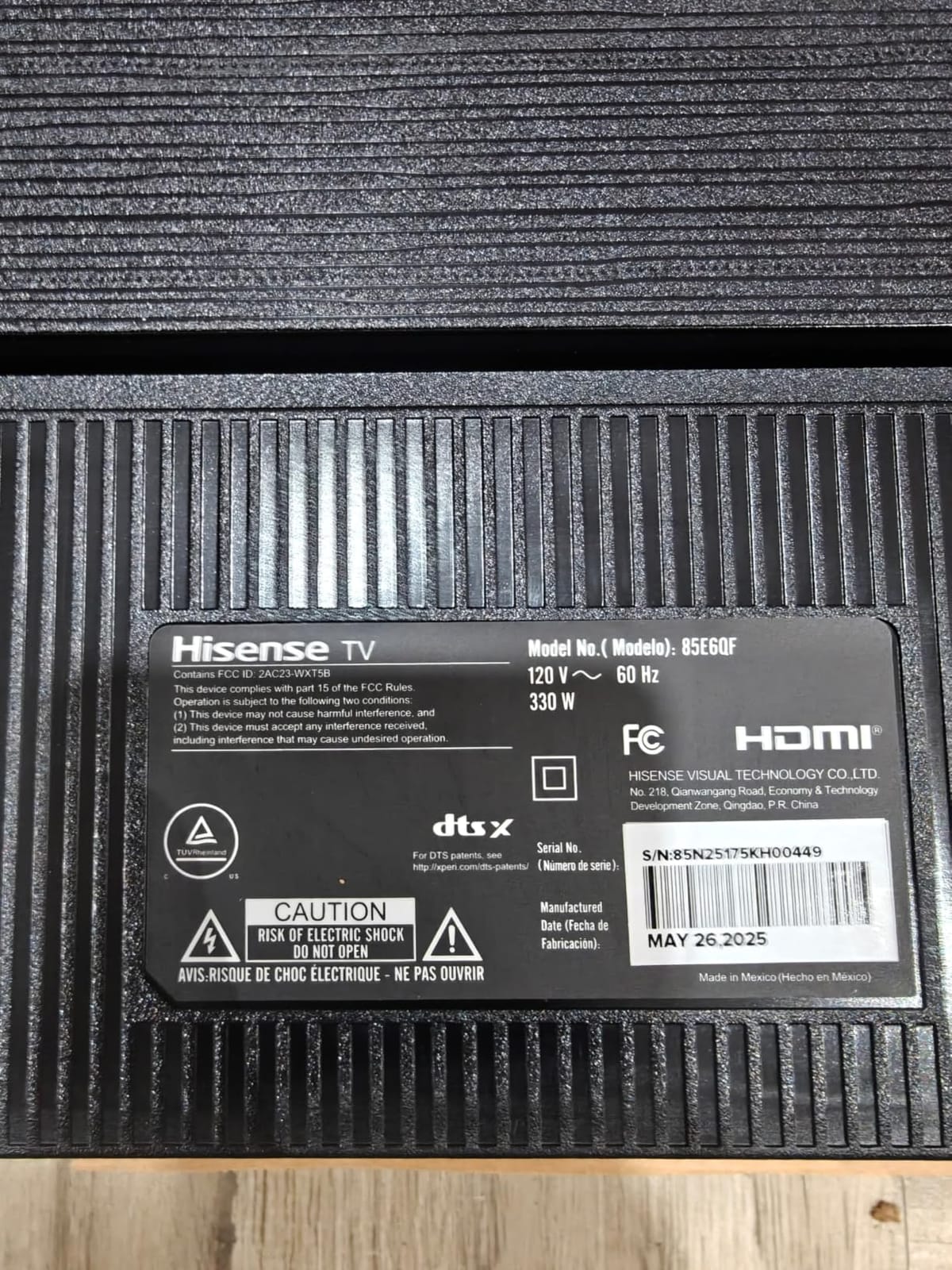
At 43 inches this is the pick for a bedroom, a study or a room where you sit closer than the 9-foot viewing distance a bigger panel needs. It is also the only 60Hz set here, and I want to be direct about what that costs you before you fall for the feature list.
Most live sport is shot and delivered at 50 or 60 frames per second, so a 60Hz panel is not a downgrade for a routine match. You will notice the ceiling on fast breaks and quick lateral movement, particularly in basketball, and AI Smooth Motion with MEMC is included precisely to compensate. The difference against a 144Hz panel is real but it is not the difference between good and bad.
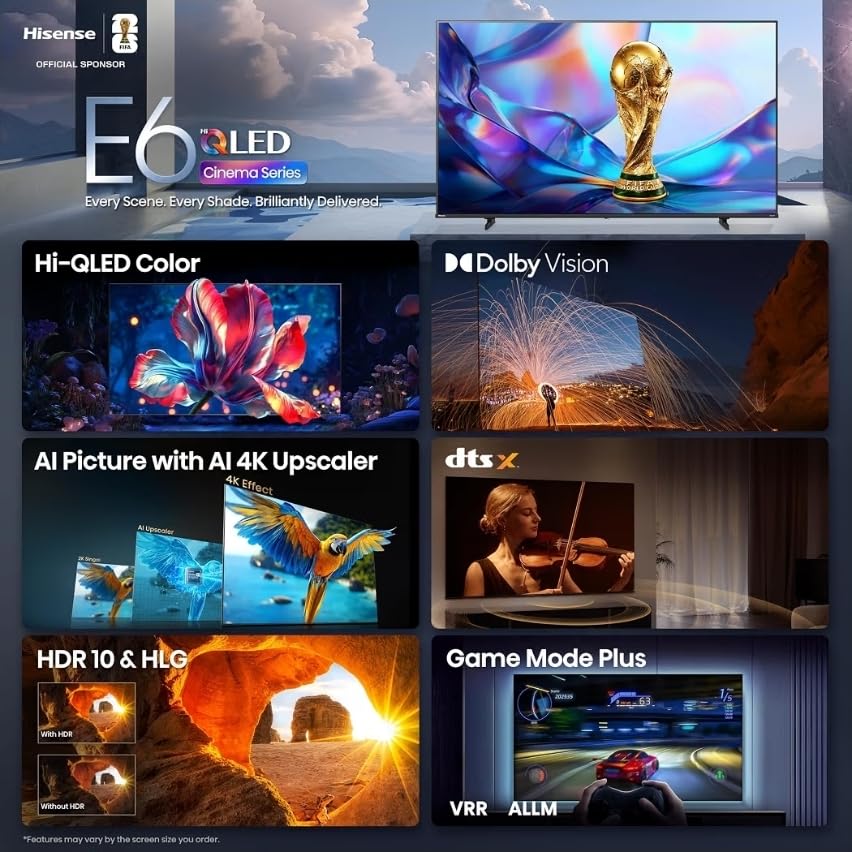
What you do get is a very capable picture pipeline for a compact set. The AI 4K upscaler sharpens older SD and HD broadcasts, Dolby Vision and HDR10+ Adaptive cover the main streaming formats, and the AI light sensor adjusts output through the day so a morning fixture and an evening one both look deliberate.
At 14.9 pounds with a 200 x 300 mm VESA pattern, it is by far the easiest set here to mount yourself. That matters if the TV is going in a bedroom where a professional install is not worth arranging.
When a 60Hz panel is genuinely fine
For studio shows, golf, tennis between points and a weekly match, 60Hz is adequate and most viewers will not notice. The panel also has 178 degrees of listed viewing angle, so a smaller room where people sit off to the side is handled well.
The panel becomes a problem with fast, wide-camera content: breakaway basketball, a Formula 1 pack through a corner, or a football end-to-end run. If that is most of what you watch, step up to a 120Hz or 144Hz set even at a smaller size.
The limitations to plan around
Dolby Atmos is virtualized on modest 2-channel speakers rated at 14W, so treat the Atmos badge as a format compatibility note rather than an audio feature. There is also no AV output for legacy surround setups, which rules out an older receiver.
Some buyers simply prefer the Roku interface to Fire TV, and firmware or support issues have required factory resets for a minority of owners. With 2,759 reviews, this is one of the most reviewed sets in the group, which makes its 4.0 rating a reliable signal rather than a thin one.
8. TCL 55-inch Q6 QLED — the Most Versatile for a first big screen
TCL 55-Inch Q6 QLED 4K Smart TV with Google TV (55Q650G, 2023 Model) Dolby Vision, Dolby Atmos, HDR Pro+, Game Accelerator Enhanced Gaming, Voice Remote, Works with Alexa, Streaming UHD Television
Quantum dot colour
Motion Rate 240 with MEMC
500 nit peak brightness
Google TV
Pros
- QLED quantum dot colour with UltraWide Color Gamut
- Full HDR PRO+ suite with Dolby Vision and HDR10+
- Motion Rate 240 with MEMC frame insertion
- Game Accelerator 120 with AMD FreeSync variable refresh rate
- Google TV with Chromecast built in
Cons
- No local dimming at this tier
- Peak brightness around 500 nits limits HDR in bright rooms
- Only two 10W speakers
- Three HDMI inputs
The Q6 is where most people should start, because it gets the two things that actually matter for sport right: quantum dot colour and a full HDR format suite including Dolby Vision, HDR10+, HDR PRO+ and HLG. What it does not have is local dimming, and that is a real trade rather than a detail.
Motion Rate 240 here is an effective figure produced by MEMC frame insertion, not a 240Hz native panel. The distinction matters if you are shopping: native rate is the number that tells you how much real motion information the panel can show, and 60Hz means the MEMC engine is filling in. Game Accelerator 120 with AMD FreeSync gives console players a variable refresh range, which is useful if the set does double duty.
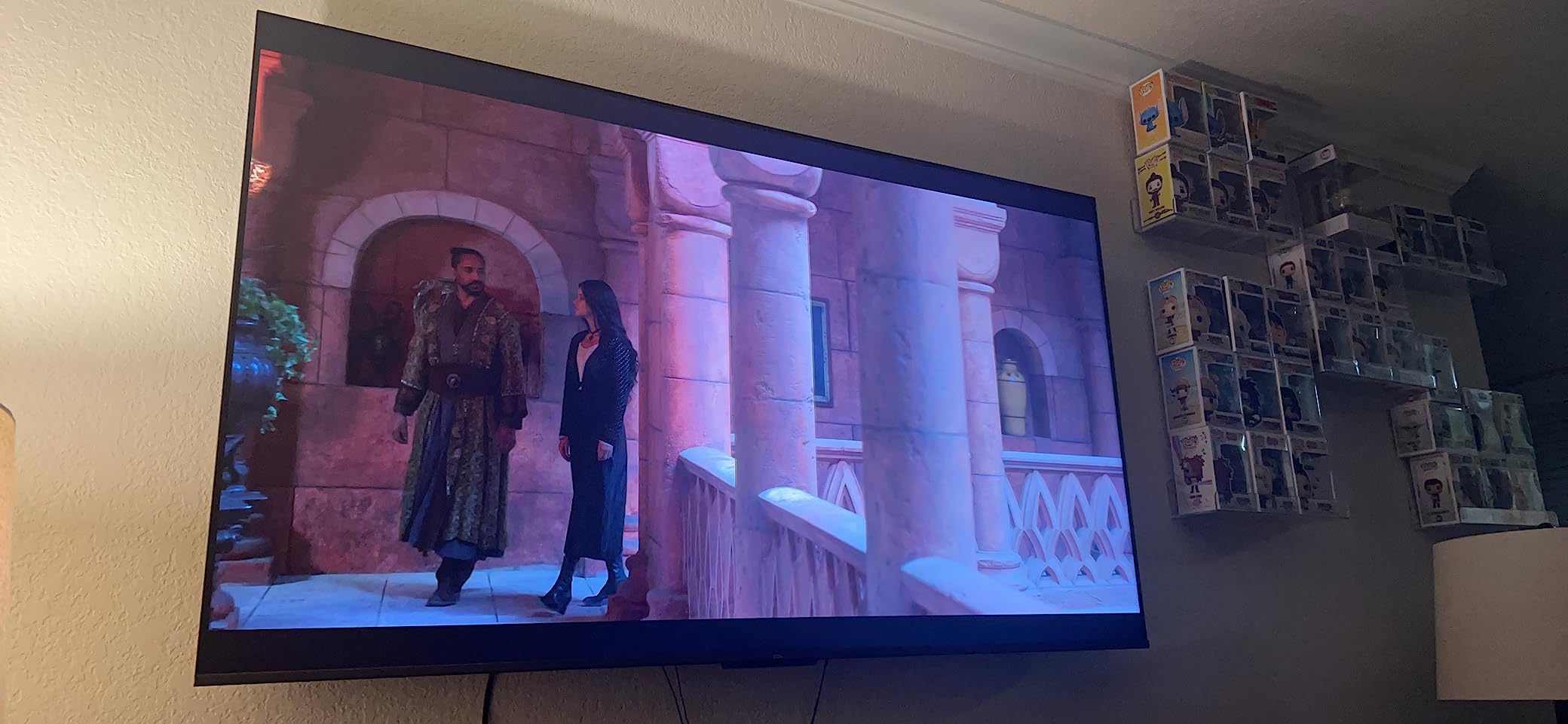
Without local dimming, blacks sit higher than on the QM7 or the Hisense U8QG, and blooming has nothing to hide behind. On a night match that reads as a slightly flatter image than the same fixture on a dimmed set. During the day, 500 nits of peak brightness is on the low side, so this is a set for a room you can darken.
Three HDMI inputs and two 10W speakers are the other limits. Plan the connections before you buy, and do not expect the built-in audio to carry commentary.
When to step up one tier instead
The Q7 adds Full Array PRO local dimming with over 200 zones, a native 120Hz panel and up to 1,000 nits of brightness. That is the single biggest step in perceived picture quality anywhere on this list for the money, because it fixes the two things the Q6 cannot do: hold blacks during a night game and survive a sunlit room.
Buy the Q6 if your budget is fixed and the TV lives in a dim room. Buy the Q7 if you can stretch, because that is the tier where the picture stops being a compromise.
What owners flag most often
The absence of local dimming is the most common quality complaint, exactly as the specification predicts. Picture quality is also source-dependent, so a heavily compressed channel will look softer here than on a set with better upscaling.
This is a 2023 model rather than the current generation, which is part of why it sits at this level. Treat it as a deliberate budget choice and expect to replace it in five years rather than eight.
9. INSIGNIA 55-inch QF Series — best budget set for streaming sport
INSIGNIA 55-inch Class QF Series LED 4K UHD QLED Smart Fire TV with Alexa Voice Remote (NS55-UQFL26)
QLED quantum dot colour
Direct LED backlight
60Hz native panel
3 HDMI with eARC
Pros
- Quantum dot colour with direct LED backlight for even brightness
- Dolby Vision and HDR10 with Dolby Atmos audio
- Fire TV with Alexa voice remote and major streaming apps
- Metal bezel-less edge-to-edge glass design
- Three HDMI inputs including one with eARC
Cons
- 60Hz native panel is the weakest sports motion handling in this group
- No local dimming or Mini-LED backlight
- Only Dolby Vision and HDR10 listed for HDR
- Three HDMI inputs is few for multi-device setups
The Insignia QF Series rates 4.4 from 1,159 owners, which is the second-highest average in this group and a reminder that ratings and refresh rates measure different things. If your sport arrives through a streaming app and your room is dim, the picture quality here punches well above the tier it occupies.
The direct LED backlight gives even brightness across the panel, and Dolby Vision with HDR10 support covers the two formats most used by streaming services. Fire TV with an Alexa voice remote handles navigation, and the bezel-less metal design looks more expensive than it is.
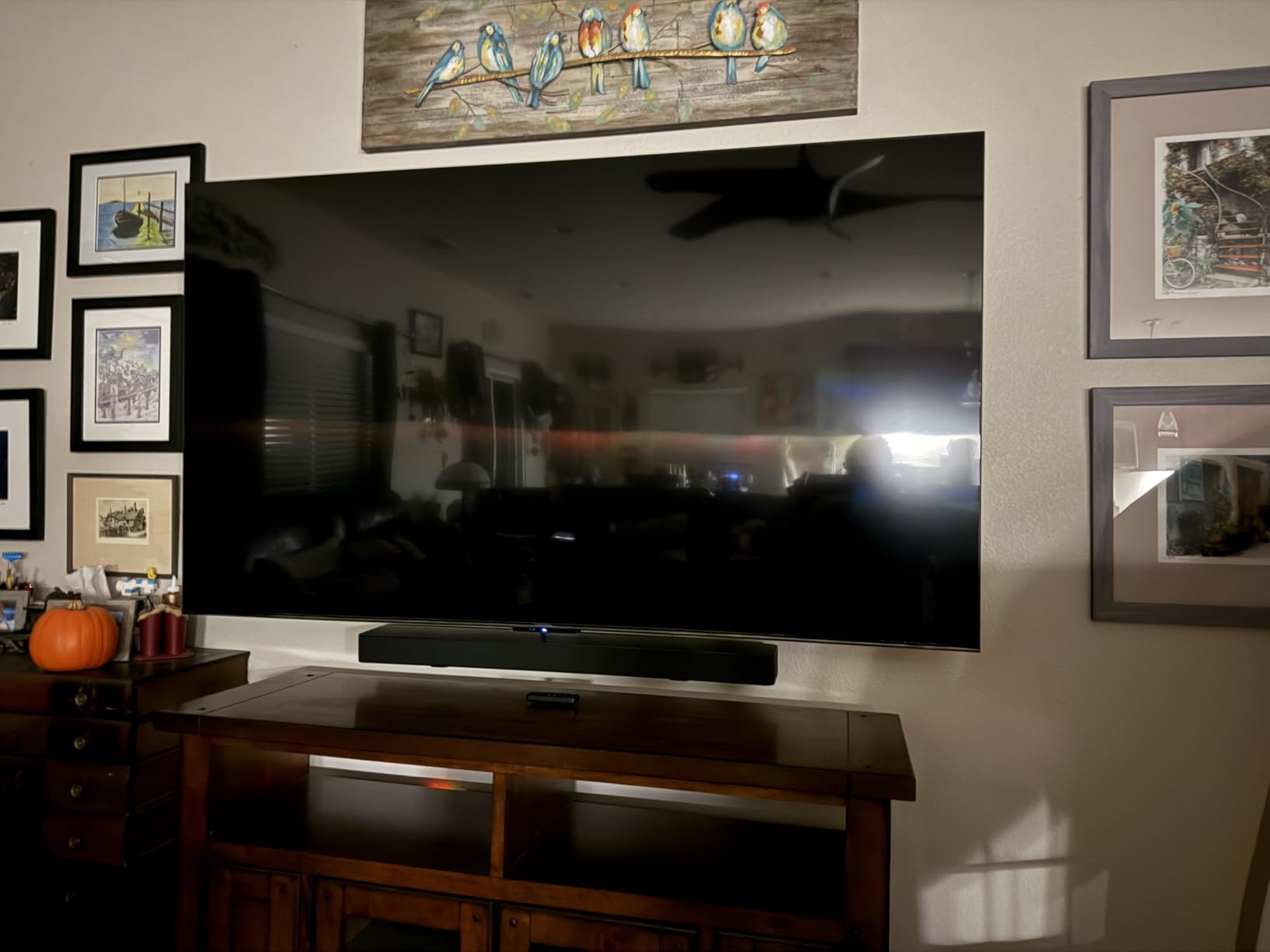
One of the three HDMI ports supports eARC, so a soundbar connection is straightforward even though optical output is not mentioned. That is a more practical arrangement than several sets here that give you four ports but no audio return path.
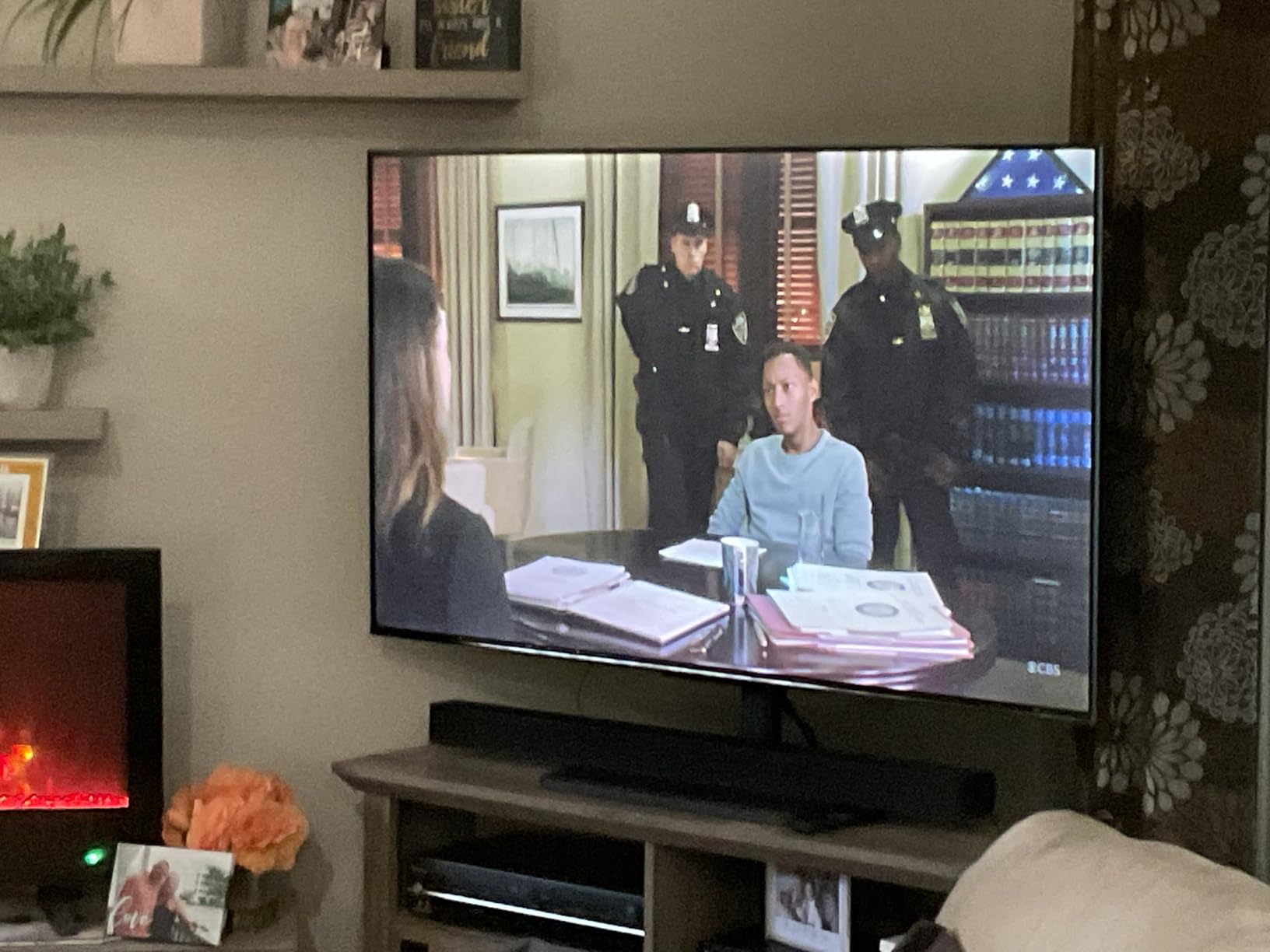
Being honest about the sports case: a 60Hz native panel is the weakest motion handling on this list, and with no local dimming the black levels trail every Mini-LED set here. Owners consistently rate it as excellent value, and they consistently name the 60Hz panel and the lack of advanced dimming as the limits for serious sport.
Who should buy this and who should not
Buy it if the TV is a second set, a bedroom screen, or a main screen in a dark room where streaming is the primary source. For a shared living room where people sit off-axis and a Sunday fixture is the highlight of the week, the narrower viewing behaviour of a non-Mini-LED panel is a genuine downside.
Also note only Dolby Vision and HDR10 are listed, without HDR10+ or HLG, so some streaming content falls back to standard HDR.
Plan the connections properly
Three HDMI inputs is few for a main living room television. A console, a tuner and a soundbar fills all three, so if you also have a streaming box or a receiver, budget for an input switch.
The panel’s picture is described by owners as well beyond its price tier, with easy Fire TV setup and clean styling. Treat the motion rate as the one area to be realistic about, and consider a smaller size if you sit close.
10. TCL 55-inch Q7 QLED — the best feature balance
TCL 55-Inch Q7 QLED 4K Smart Google TV (55Q750G) 2023 Model with Dolby Vision & Atmos, HDR Ultra, 120Hz, Game Accelerator up to 240Hz, Voice Remote
Full Array PRO local dimming
Native 120Hz panel
Up to 1000 nits
Dolby Vision IQ
Pros
- Full Array PRO local dimming with over 200 zones
- Native 120Hz panel with Game Accelerator 240 and AMD FreeSync
- Up to 1000 nits with Dolby Vision IQ and HDR10+
- Motion Rate 480 with MEMC frame insertion
- Four HDMI ports including a 144Hz-capable port
Cons
- Out-of-box picture settings need manual calibration
- Some console owners report VRR-related flickering
- Blooming and macroblocking show in dark low-light scenes
- AI picture mode can select an unsuitable mode
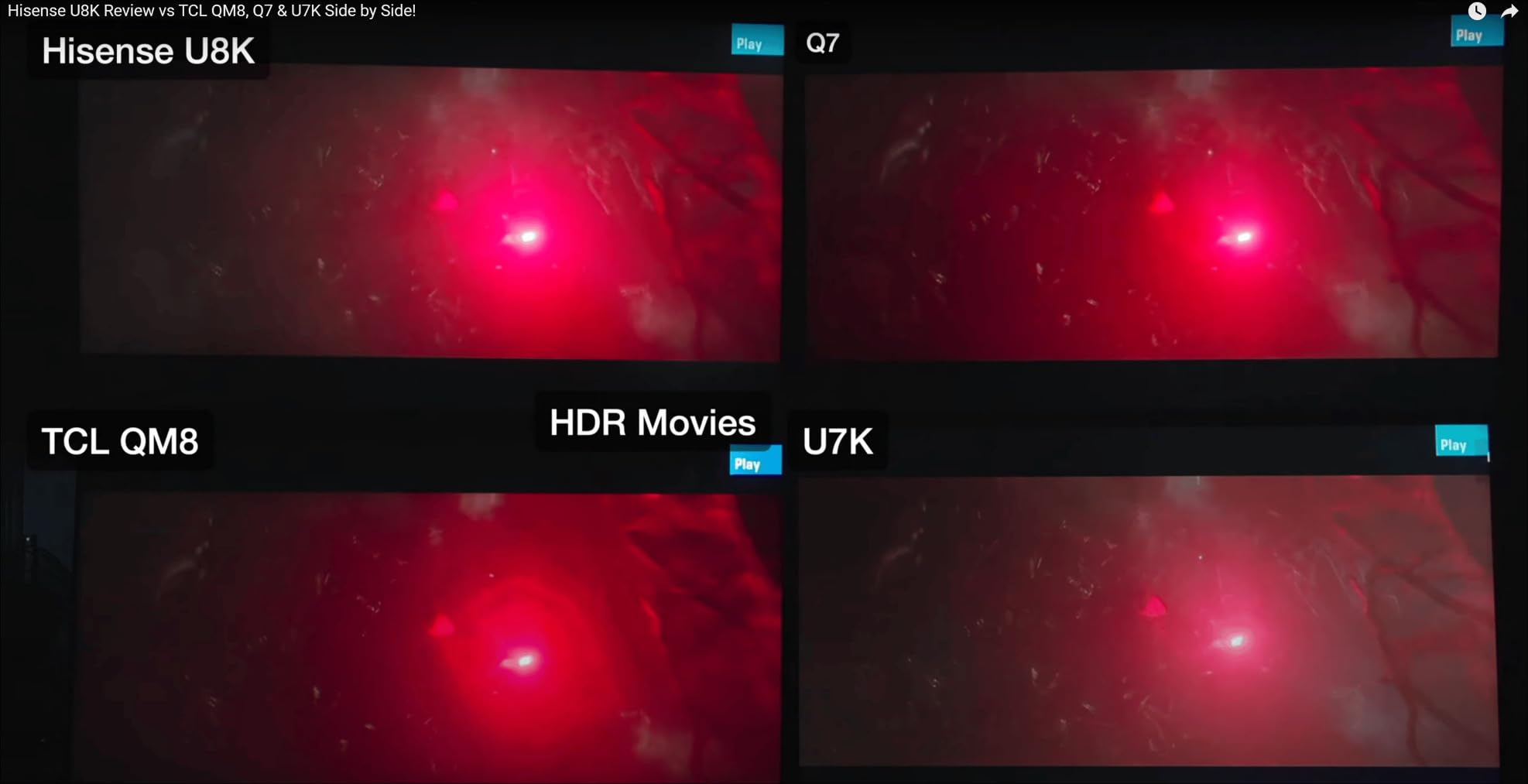
The Q7 is the set most people should end up with. It is the most affordable way we found to get three things together: a native 120Hz panel, real local dimming with over 200 zones, and a brightness figure of up to 1,000 nits. That combination covers fast motion, night-game contrast and a moderately lit room in one package.
On motion, the native 120Hz panel does the work and Motion Rate 480 with MEMC covers the rest. Reviewers treat this as the value sweet spot of the whole group, and several describe the picture as comparable to sets costing considerably more. Four HDMI ports including one rated for 144Hz leave room for a console, a receiver and a tuner.
Dolby Vision IQ, HDR10+, HDR10 and HLG are all supported, which is a wider format list than several sets above it. AirPlay 2 and Google Cast cover the wireless side, and Dolby Atmos with DTS Virtual: X is decoded by the two built-in channels.
Two caveats from owners are worth planning around. Several report needing to calibrate the picture after purchase because out-of-box settings lean bright, and some PS5 and Xbox users hit VRR-related flickering that resolves with a firmware update or by disabling VRR.
Setting expectations for night sport
With over 200 zones, blooming is controlled enough for most football but not invisible, and macroblocking can show in dark low-light scenes. Black levels also rise noticeably in vivid mode, so if you calibrate anything on day one, change that first.
Disabling the automatic picture mode selection is the other early step. Owners report it sometimes choosing a mode suited to a film rather than a live feed, which flattens the contrast you paid the dimming zones for.
Deciding between the Q6, Q7 and QM6K
These three TCL sets form a ladder. The Q6 has quantum dot colour and no local dimming at around 500 nits. The Q7 adds 200-plus dimming zones, native 120Hz and 1,000 nits. The QM6K is the current-generation Mini-LED with a 144Hz native panel.
If your budget stretches to the QM6K, take it: Mini-LED backlighting and a higher native rate are worth more than the 1,000-nit figure on the Q7. If it does not, the Q7 is the strongest compromise here and the one we would put in most living rooms.
QLED vs OLED for sports: which one wins on game day
The short version is that QLED wins for live sport and OLED wins for films in a dark room. That inverts the general best-TV roundup consensus, which is movie-led, and it is why so many buyers end up with a set that disappoints them on a Sunday afternoon.
Motion handling. This is where the split originates. On r/OLED, an owner described not being able to stand the blurriness on live football and basketball when the camera is zoomed out, and an r/LGOLED owner reported that the picture was not sharp with artifacts around moving players and the ball itself, adding that competing sets looked way better. Per-pixel response time is not the same as good motion resolution on compressed broadcast video, and that distinction drives most of the forum debate.
Burn-in risk. Every QLED here carries zero burn-in risk. A static scoreboard, a channel bug and a team logo in the same corner for a full season is exactly the workload that causes retention on OLED. Risk is lower than it was a few generations ago, but it is not zero, which is why every pick on this list is a QLED.
Brightness and reflections. A Mini-LED QLED with a matte or glare-free coating beats an OLED in a sunlit room, and daytime fixtures are a large part of the sports calendar. OLED wins in a dark room and on contrast, where blacks are effectively perfect.
Viewing angles. Several QLEDs here publish 178-degree figures with wide-angle or anti-reflection treatments. For a watch party, that is a decisive advantage, and it is a criterion most general roundups ignore entirely.
If you watch films two or three nights a week in a dark room and sport occasionally, an OLED is a defensible choice. If sport is the reason you are buying, every reason points back to the QLED family.
Why sports look bad on new TVs and how to fix it
Four separate problems get merged into one complaint on forums, and each has a different fix. Owners describing unsatisfactory NFL picture “no matter what I did” with a well-reviewed Mini-LED were almost certainly chasing the wrong setting.
Low-bitrate source being upscaled. A 1080p broadcast feed at a modest bitrate contains far less detail than a 4K stream. A good AI upscaler helps; no setting recovers detail that was never captured. This is the hardware reason the QM6K, QN70F and QN90F rank well.
Motion interpolation creating the soap opera effect. MEMC inserts frames between real ones, making a sprint look slow and dreamlike. Turn interpolation off for live sport on every brand and let the native panel work. This is the setting that gets blamed for blur when it is actually the cause.
Judder at mismatched frame cadence. Content graded for 24fps shown on a 60Hz or 120Hz panel repeats frames unevenly, producing a hitch rather than smooth motion. Where a brand offers a cinema or judder-reduction mode, using it for cinema and leaving it off for sport is the correct split.
Compression artifacts around fast subjects. Blocky detail around a moving ball is in the source, not the panel. Turning up sharpness does not fix it, and a stronger processor hides it better than a weaker one.
Motion settings by brand
On Samsung, look for Motion Xcelerator settings under Picture and in Game Mode, and make sure any Motion Smoothing or Clear Motion option is off for live sport. Samsung’s picture modes are well named, so choose the Sports or Standard mode rather than Dynamic.
On TCL and Roku sets, Clear LED Motion is the interpolation control, and MEMC does the same job under a different name. Leave both off for live football and on only for content shot at low frame rates. Game Mode on these sets changes picture behaviour, so check what it did after enabling it.
On Hisense Fire TV models, AI Smooth Motion with MEMC is the setting to disable for live sport, since reviews specifically flag a stutter step-back to the original frame rate. Filmmaker Mode and Total HDR Solution are worth using for matches broadcast in HDR.
Long-running AVS Forum threads on TCL 6-Series sets show how much time buyers spend deciding whether to enable Motion Clarity or leave it off. For live sport the answer is consistent across every brand tested here: off.
Which QLED suits which sport
Different sports stress a television in different ways, and the picks map onto those stresses more cleanly than a general ranking suggests.
American football and soccer. Constant wide camera pans and long lenses make this the hardest case for motion resolution. The Samsung QN90F with its 165Hz panel and Gen3 processor is the safest choice; the Hisense U8QG is the choice if the room is bright.
Formula 1 and motorsport. Fast panning across a wide scene at speed, often with overlays. Any set with a native 120Hz or above handles it well. The Hisense 100-inch E6 and the TCL QM6K both pair a high native rate with processing to fill gaps.
Basketball. Breakaways and transition sequences are the fastest sustained motion in mainstream sport. A 144Hz or 165Hz panel makes a visible difference here, and 60Hz sets will not keep up.
Tennis. The ball is small, fast and isolated against a plain background, which exposes upscaling quality more than any other sport. The QN70F and QN90F with 20 and 128 neural networks respectively are the strongest here, and the Insignia’s direct LED backlight is adequate.
Daytime fixtures and watch parties. Brightness and viewing angle decide it. The Hisense U8QG with 5,000 nits and Anti-Reflection Pro is the clear answer for daylight, and for wide seating the sets with published 178-degree figures are the TCL QM6K and the two Hisense E6 models.
Golf, darts, snooker and studio shows. These are slow and static, so any set on this list handles them. Spend the remaining budget on size instead.
Size, viewing distance and where to set the budget
Most people who regret a QLED purchase did not buy a bad television, they bought a small one or bought a 60Hz panel for fast sport. Two decisions do more work than any brand choice.
On size, sit roughly 1.2 to 1.6 times the screen diagonal in inches away from the panel for mixed content, and closer for sport if you want the match to feel like an event. The 43-inch Hisense suits a bedroom at four to six feet. A 55-inch works at eight to ten feet. At 100 inches you want ten feet or more, or the picture overwhelms rather than immerses. Weight matters as much as width: the 100-inch Hisense is 120.2 pounds, the Hisense U8QG is 39.5 pounds, and the Hisense 43-inch E6 is 14.9 pounds.
On tiers, the entry level is where 60Hz is unavoidable and every compromise is real: the Insignia QF and the Hisense 43-inch E6. The mid-range is where native 120Hz and local dimming become available, which is the TCL Q7 and the Samsung QN70F. Above that you are buying brightness and dimming zone count for daytime viewing, which is the Hisense U8QG and the Samsung QN90F.
Sports equipment pricing follows a predictable annual pattern, and the sharpest reductions on televisions land in the late-autumn window. If your season starts in a few months rather than this weekend, waiting costs you nothing in picture quality because the panel technology does not change mid-year.
If the television lives in a garage, a loft or a man cave, plan the mount first. Fixed wall mounting suits a second screen far better than a living room, and our guides to low-profile service ramps and low-profile floor jacks cover the kind of space where such a setup usually lives.
Buying checklist before you pay
Five questions, asked in the store or on a retailer page, eliminate almost every disappointing sports TV purchase.
Is the refresh rate native or effective? A marketing figure like “Motion Rate 480” is processing, not panel. Ask for the native number.
Does it have local dimming, and how many zones? Without it, night sport looks flat no matter what the brightness claim says.
Is there an anti-reflective or matte treatment, and where will the window be? Glare ruins a daytime fixture more than any spec.
How many HDMI ports, and does audio output support eARC or optical? Plan the connections before you choose the panel.
What is the return window, and can you test a live match? Motion handling is something you have to see in a moving broadcast, not on a static demo loop.
Frequently Asked Questions
Is QLED better for watching sports?
Yes, for live sport specifically. QLED and Mini-LED QLED sets combine zero burn-in risk with high peak brightness and motion handling that holds up on fast, wide camera shots, which is exactly the content live sport is made of. OLED still leads for films in a dark room, where perfect blacks matter more than brightness and burn-in safety.
Which type of TV is better for sports, OLED or QLED?
QLED wins for daily sport. It has no burn-in risk from static scoreboards and channel logos, handles bright rooms better with an anti-reflective coating, and offers wide viewing angles for watch parties. OLED wins for contrast and movies in a dark room. A native 120Hz or higher panel matters more for sport than the panel technology itself.
Do I need 120Hz TV for sports?
For live sport, 120Hz is the practical minimum because it doubles the real frame information available to the motion processor during a wide camera pan. 144Hz and 165Hz give noticeably more detail on breakaways and fast lateral movement. A 60Hz panel is watchable but is the most common source of complaints about sport looking soft.
Why do sports look bad on 4K TV?
Four causes combine: the broadcast source is low bitrate and gets upscaled, motion interpolation creates the soap opera effect, mismatched frame cadence causes judder, and compression artifacts appear around fast-moving players. Turn motion smoothing off, use the native refresh rate, and accept that a compressed feed cannot be fully recovered by any setting.
What is the downside of QLED TV?
The main drawbacks are narrower viewing angles on some models, blooming around bright highlights on dark scenes, motion processing that can be over-aggressive out of the box, and black levels that never match an OLED. On a 60Hz entry-level panel with no local dimming, daytime games and fast breaks are the two clearest compromises.
Is OLED burn-in still a problem?
The risk is much lower than a few generations ago but it is not zero. Static scoreboards, channel bugs and team logos shown over a long season are precisely the workload that causes it, which is why QLED is the right recommendation for anyone watching sport daily. If sport is a few weeks a year, OLED is a reasonable alternative.
Conclusion: the best QLED TVs for sports
If you only buy one, take the TCL 55-inch QM6K. Its 144Hz native panel, Mini-LED local dimming and full Dolby Vision and HDR10+ support cover every part of what a live match throws at a television, and its 1966-owner rating profile is the most proven on this list.
Buy the Hisense 55-inch U8QG instead if your room is bright, the Samsung 55-inch QN90F if motion clarity is the priority and budget is not, and the TCL 55-inch Q7 QLED if the Q6-tier budget is the ceiling. Whichever you choose, turn motion interpolation off on day one, buy the largest size your room supports, and check the return window before the season starts.