
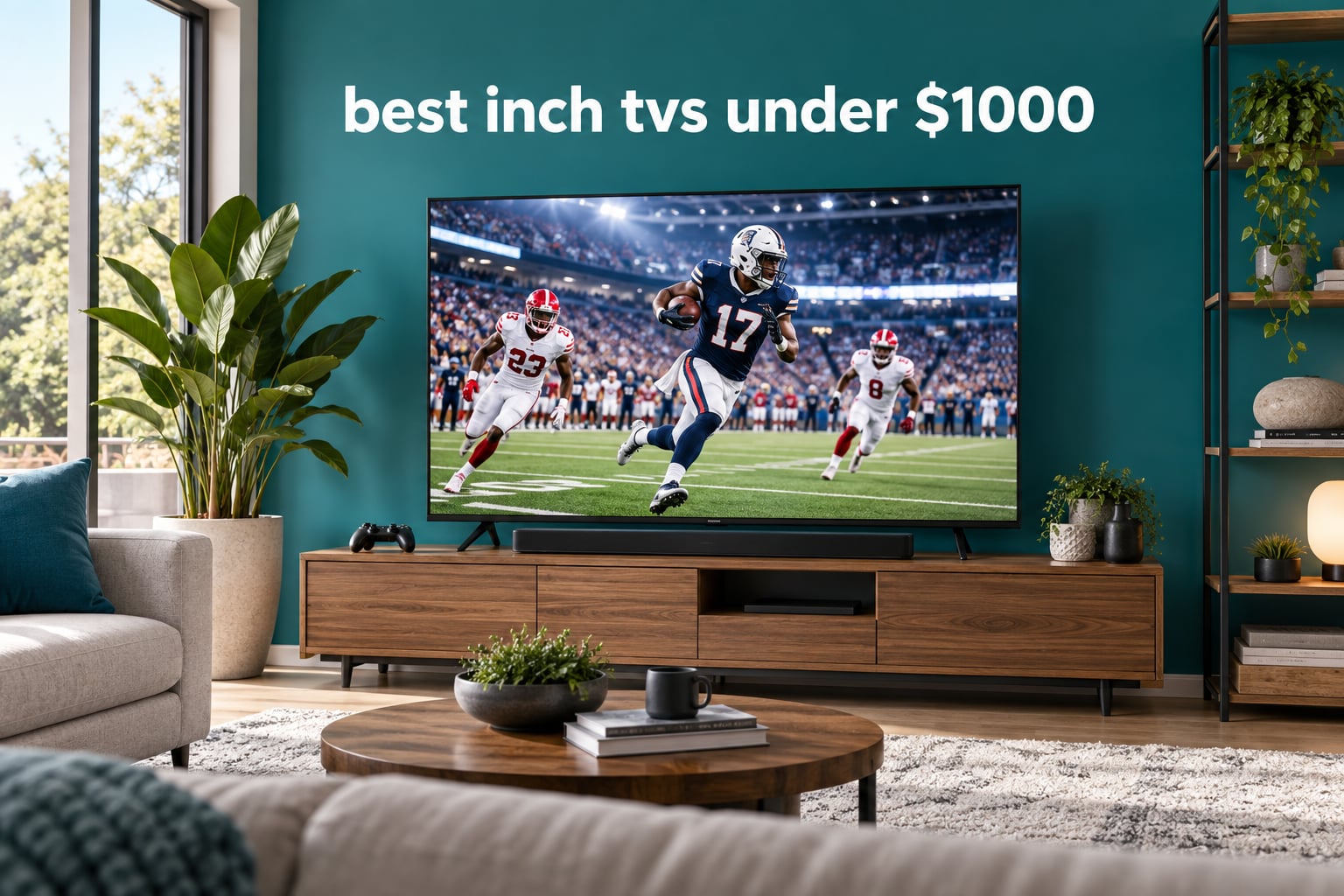
The best 75 inch TVs under 1000 dollars are no longer the compromise picks they used to be. After comparing ten 75-inch sets on panel technology, brightness, refresh rate and gaming features, our pick is the TCL 75-inch QM6K Mini LED QLED, because it is the only set in this group that pairs full-array local dimming with a 1000 nit brightness ceiling and a native 144Hz panel.
A thousand dollars buys a very different television than it did five years ago. Mini LED backlighting has moved into the midrange, quantum dot colour is standard rather than a luxury, and 144Hz gaming panels appear on sets costing less than a decent sofa. What you do not get at this price is OLED, because no 75-inch OLED sells for a thousand dollars or less. Every set below is an LED LCD, which is why panel type and viewing angle decide more at 75 inches than they do at 55.
Table of Contents
Top 3 Picks for Best 75-Inch TVs on a 1,000-Dollar Budget in October

TCL 75-inch QM6K
- Mini LED with full array local dimming
- 1000 nit peak brightness
- 144Hz native refresh
- Onkyo 2.1 audio

Samsung 75-inch M70H
- Mini LED backlight
- 1000 nit peak brightness
- Dolby Atmos
- Motion Xcelerator Turbo
The three picks serve different buyers. The QM6K is the all-rounder because it is the only one here that does everything well at once. The Samsung M70H brings the same 1000 nit Mini LED brightness for less money if you can live with a 120Hz-class panel. The TCL T7 is the gaming and sports option, with a native 144Hz panel and 288Hz variable refresh.
Every Pick Compared in 2026
| Product | Specs | Action |
|---|---|---|
| TCL 75-inch QM6K Mini LED QLED |
|
Check Latest Price |
 Insignia 75-inch F50 4K LED Insignia 75-inch F50 4K LED |
|
Check Latest Price |
 Samsung 75-inch U8000H Crystal UHD Samsung 75-inch U8000H Crystal UHD |
|
Check Latest Price |
| Samsung 75-inch M70H Mini LED |
|
Check Latest Price |
 TCL 75-inch T7 4K QLED TCL 75-inch T7 4K QLED |
|
Check Latest Price |
 Sony 75-inch BRAVIA 2 II Sony 75-inch BRAVIA 2 II |
|
Check Latest Price |
 Samsung 75-inch QN70F Neo QLED Samsung 75-inch QN70F Neo QLED |
|
Check Latest Price |
 Hisense 75-inch E7SF Cinema Hisense 75-inch E7SF Cinema |
|
Check Latest Price |
 Toshiba 75-inch M450 QLED Toshiba 75-inch M450 QLED |
|
Check Latest Price |
 TCL 75S425 4K Roku TV TCL 75S425 4K Roku TV |
|
Check Latest Price |
Only three sets here refresh above 60Hz, and only four have any form of local dimming. The rest are direct-lit or edge-lit panels that look fine in daylight and go grey in a darkened room.
1. TCL 75-Inch QM6K Mini LED QLED – The Best 75 Inch TV Under 1000 Dollars
TCL 75 Inch Class QM6K Series | Mini LED QLED 4K HDR | 75QM6K, Latest Model | 120HZ-144HZ High Brightness Smart Google TV Dolby Atmos Onkyo Audio | Voice Remote Alexa Gaming Streaming Television
1000 nit Mini LED
Full array local dimming
144Hz native
51.8 lb
Google TV
Pros
- Only pick here with Mini LED plus a 1000 nit brightness ceiling
- Native 144Hz panel handles sport and console gaming cleanly
- Dolby Vision with HDR10+ and HLG support
- Onkyo 2.1 speakers with a built-in subwoofer
- Four HDMI ports and Google TV
Cons
- Google TV interface pushes promoted content rows
- Onkyo 2.1 audio is modest next to a soundbar
This is the set we kept coming back to. At 75 inches the QM6K weighs 51.8 pounds, on the light side for a Mini LED panel, and it runs Google TV with a voice remote. The listed peak brightness is 1000 nits, which is where HDR starts to look like HDR rather than a brightness boost.
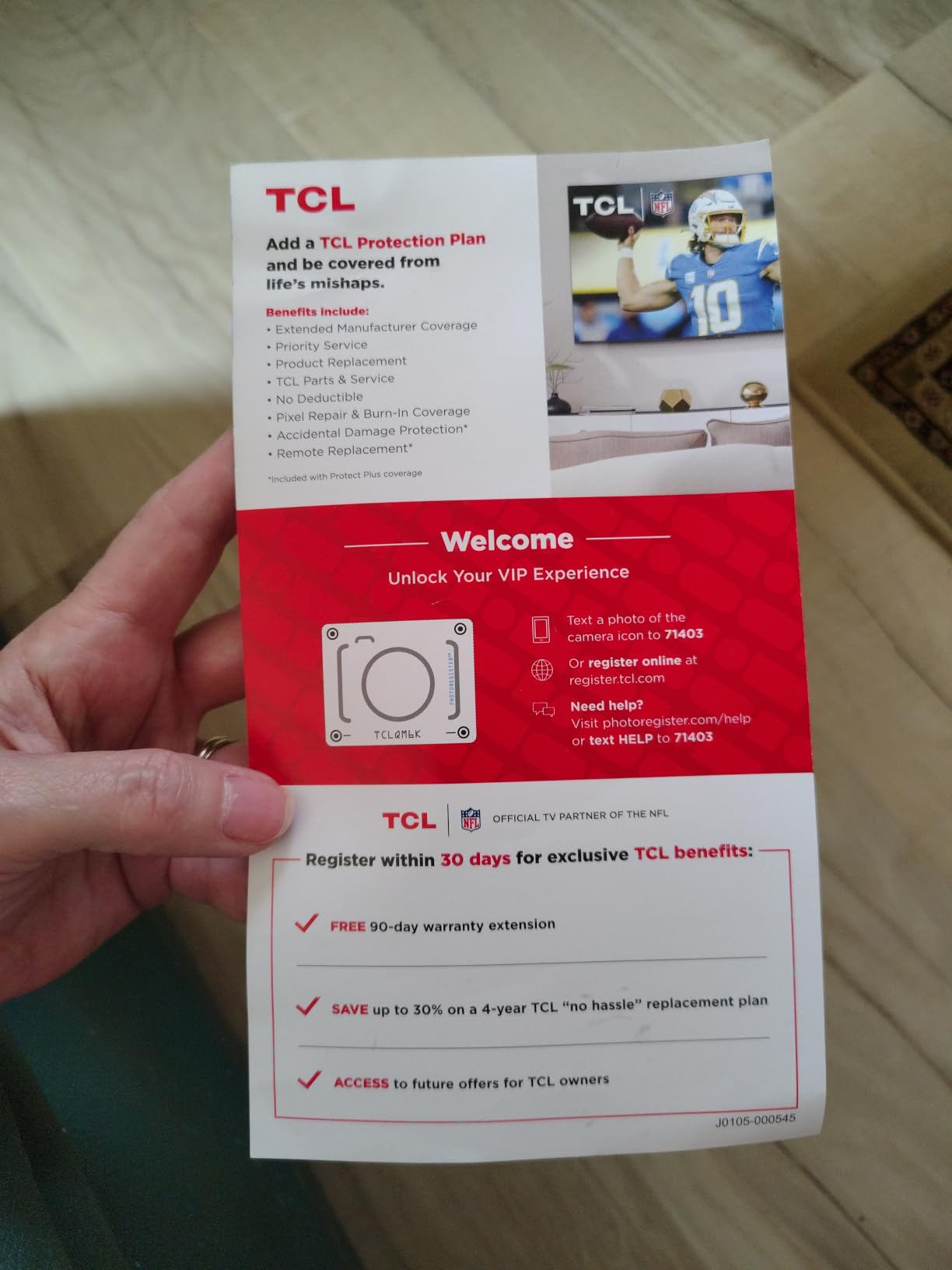
The local dimming is what separates it from everything else here. Full-array dimming with TCL’s Halo Control keeps bright objects from bleeding halos into dark surroundings, which is the usual weak point of Mini LED at this money. Letterboxed films and night streaming finally get real black levels instead of a glowing grey panel.
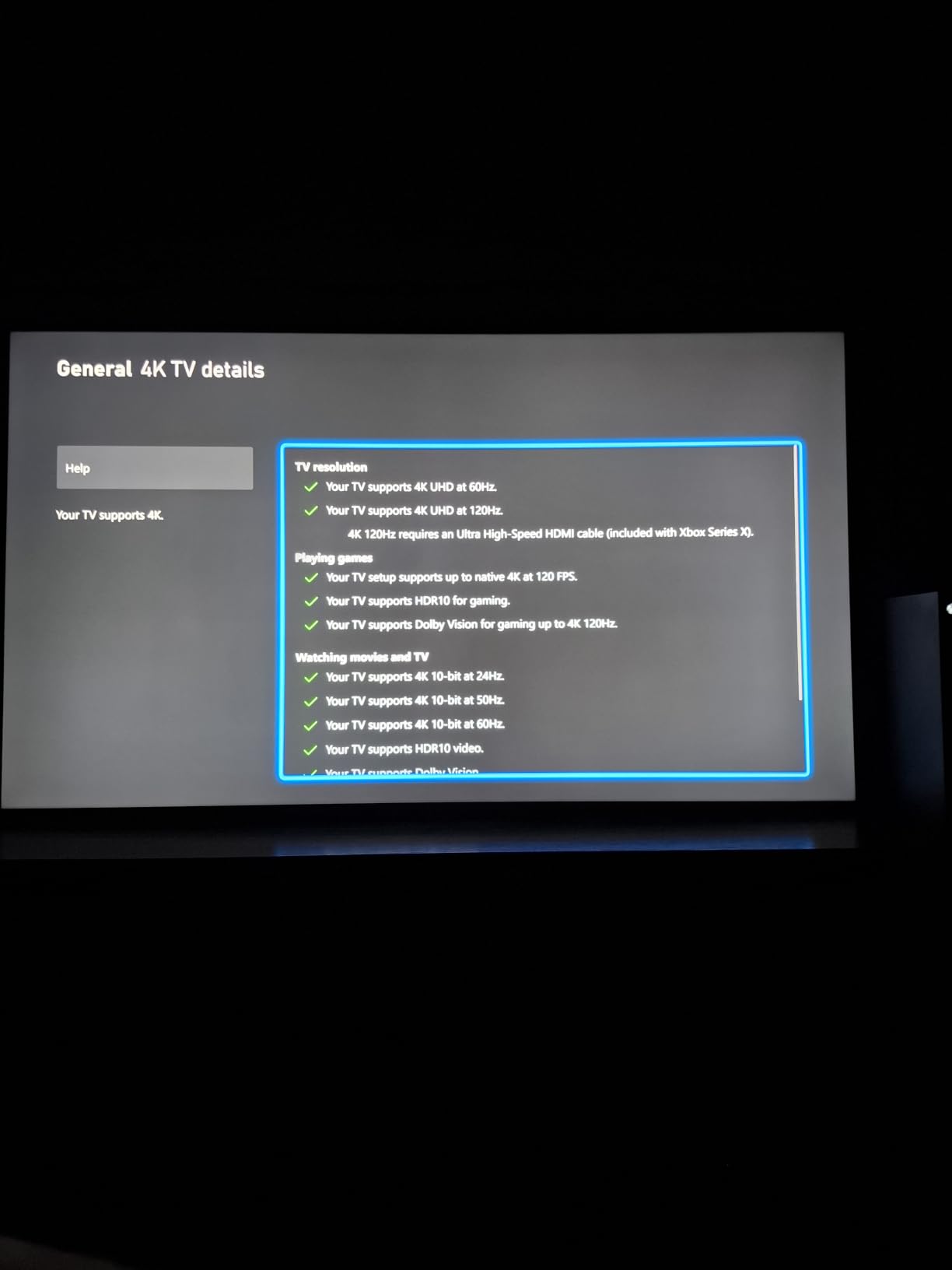
Motion handling is the second headline. The panel runs natively at 144Hz with a Motion Rate 480 figure and up to 288Hz variable refresh, so sport looks cleaner and a PS5 or Xbox Series X gets a 4K 120Hz picture instead of being stuck at 60Hz.
What you get that cheaper 75-inch sets do not
Local dimming is the single biggest upgrade here, and the 1000 nit ceiling is the second. HDR on a 400 nit panel looks flat no matter how good the processor is, while a 1000 nit panel has the headroom for specular highlights in sport and for proper Dolby Vision tone mapping.
Where the QM6K falls short
The Google TV interface is the most common complaint in owner feedback, with promoted rows you cannot fully remove. The Onkyo 2.1 system is better than most budget television speakers but it is not a substitute for a soundbar if dialogue clarity matters in a busy room.
2. Insignia 75-Inch F50 4K LED Fire TV – The Most Affordable 75 Incher
INSIGNIA 75″ Class F50 Series LED 4K UHD Smart Fire TV, Voice Remote with Alexa, Stream Live TV Without Cable
4K UHD HDR10
Direct LED backlight
Fire TV with Alexa
VESA 400x300
Pros
- Lowest outlay of any 75-inch set in this roundup
- HDR10 support plus DTS Virtual-X sound
- Alexa voice remote included
- HDMI ARC and eARC for soundbar hookup
Cons
- No local dimming so contrast is limited
- Basic 60Hz-class panel with no gaming refresh features
- Small 33-review base limits real-world feedback
The F50 answers one question: how cheaply can you get a 75-inch 4K screen? It can, and if the living room is a secondary space, a rental or a bedroom wall where the screen is rarely the focus, this is a defensible spend.
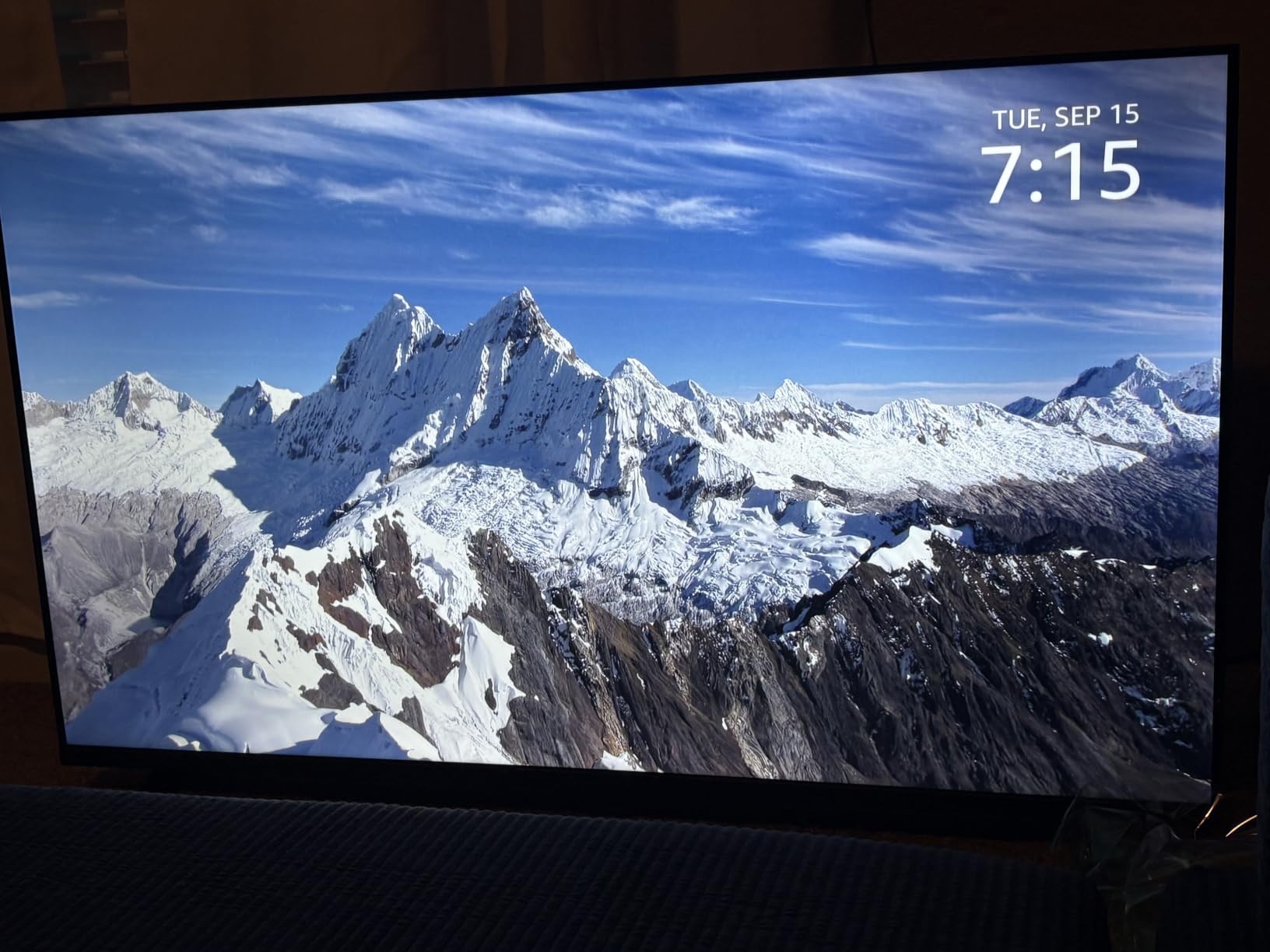
Connectivity is better than the spec sheet suggests. You get three HDMI ports plus composite AV, optical output, USB, headphone, coaxial and Ethernet, which is more ports than several pricier sets offer, and HDMI ARC and eARC make a soundbar straightforward to add later.
What you give up is picture performance. There is no local dimming, so black levels in a dark room are grey, and the panel sits in the 60Hz class with no gaming refresh features. It is a screen rather than an entertainment system.
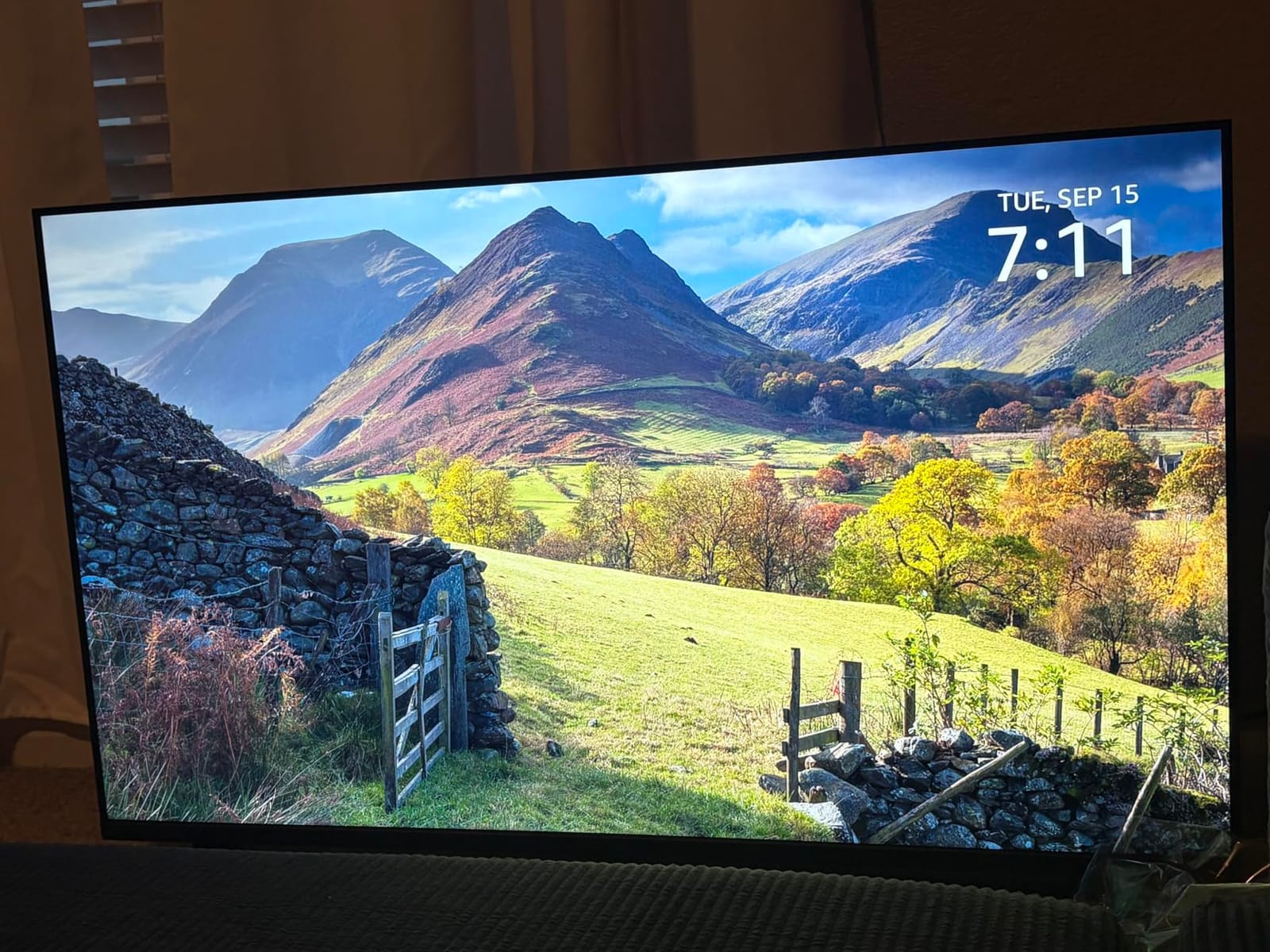
Why this one still makes sense
The gap between this set and the QM6K is where your real decision lives. If you watch in a bright room and care about picture quality, spend the difference. If the set lives on a wall in a mostly dark room, the extra inches buy more than the panel technology does.
Who should skip it
Film watchers will notice the lifted blacks immediately, and console owners should assume 60Hz with no variable refresh. The 33-review base also means there is no long ownership history, so you are relying on the brand’s build quality rather than on thousands of buyers.
3. Samsung 75-Inch U8000H Crystal UHD – Best for Free Streaming
Samsung 75-Inch Class U8000H Series Crystal UHD, 4K, Smart TV, 2026 Model
4K UHD HDR10+
Tizen with TV Plus
60Hz panel
300 nits
48.6 lb
Pros
- More than 2700 free channels including 750 plus subscription-free options
- Lightest 75-inch chassis here at 48.6 pounds for easy wall mounting
- Deep blacks in a darkened room
- Bluetooth 5.2 and CEC that works with streaming devices
Cons
- Only 60Hz refresh rate and 300 nit peak brightness
- Washes out and loses detail in bright daylight viewing
- Sparse app inventory with several major services missing
The U8000H is Samsung’s entry point at 75 inches, and the reason is content. TV Plus gives you more than 2,700 free channels, several hundred with no subscription at all, which is genuinely useful if you are trying to cut monthly bills. Owners report running it as a background screen far more often than they expected.
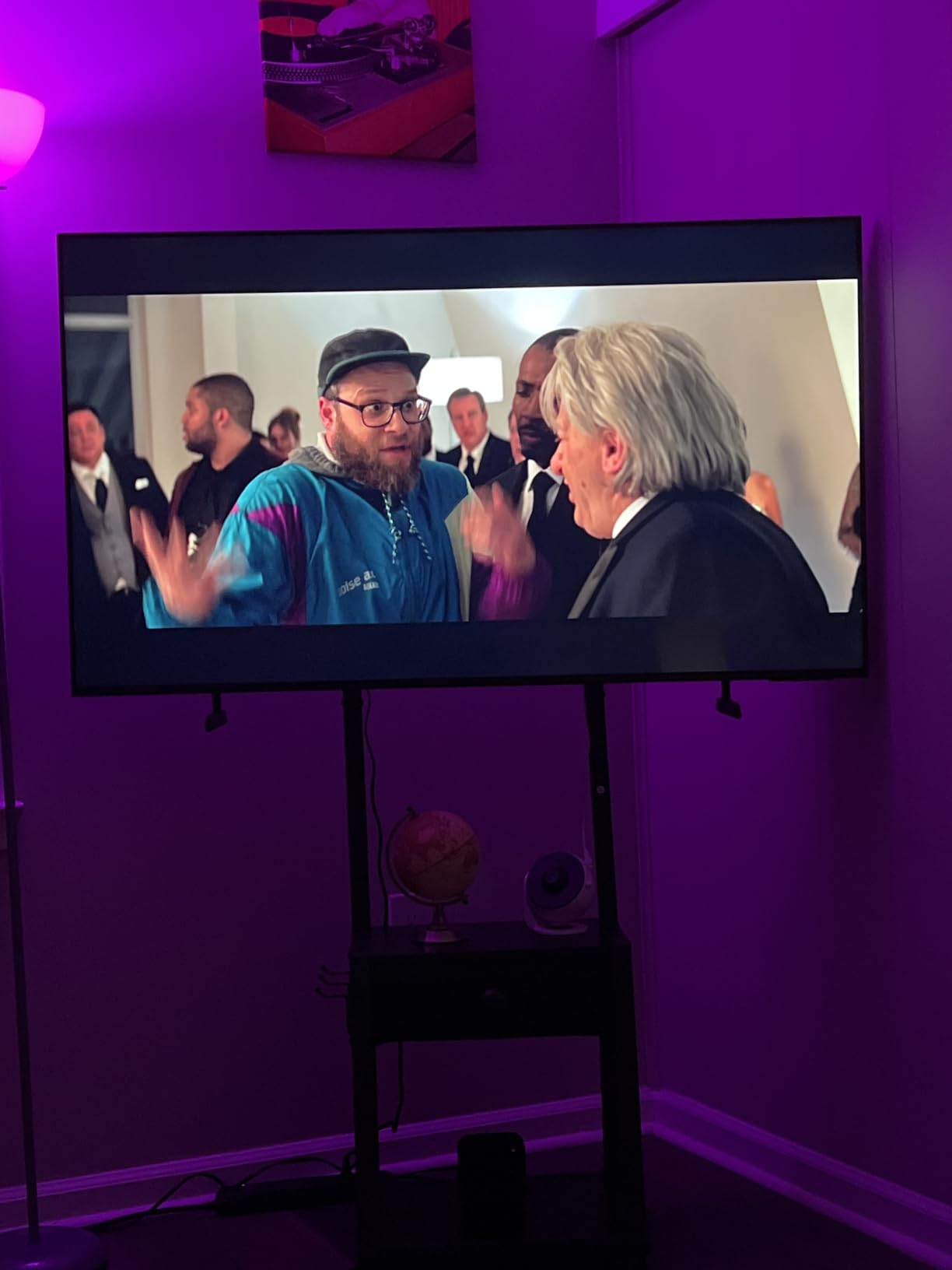
At 48.6 pounds it is the lightest set in this group, and that has real practical value. A wall mount on a stud-framed wall is far less stressful under 50 pounds, and it is the easiest of the ten to move between rooms or carry to a new house.
The picture is clean in a normal room. The Crystal Processor handles 4K upscaling, Motion Xcelerator covers sport and Color Booster lifts undersaturated scenes. In a darkened room the blacks go genuinely deep, which is the opposite of what the 300 nit figure suggests.
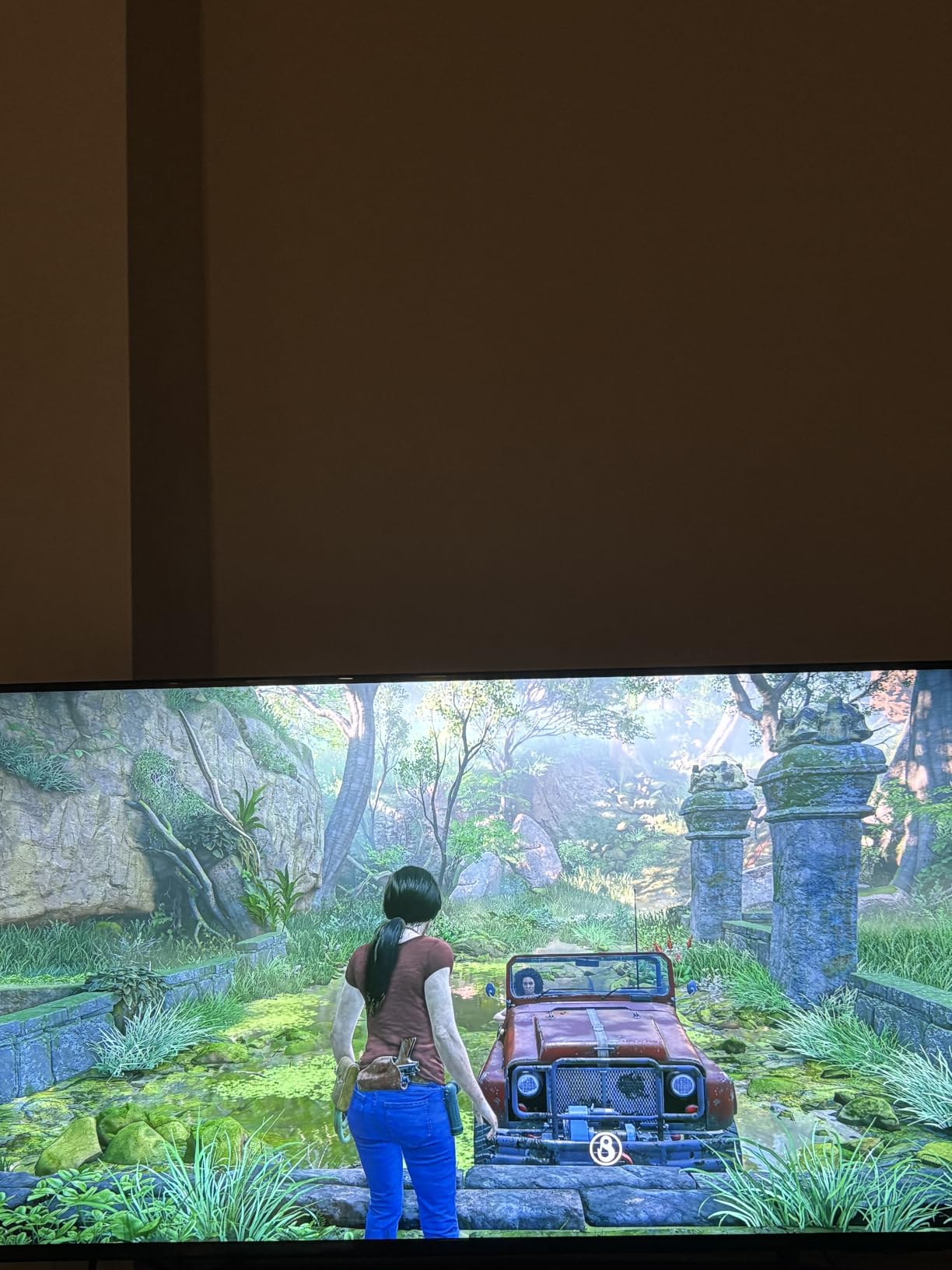
What the free channels actually get you
Households that watch a lot of live and daytime programming will find the free lineup the deciding factor: sports news, weather, older sitcoms and a rotating film library without another subscription. The platform also keeps updating, which matters if you keep the set five years or more.
Where the U8000H disappoints
The 300 nit ceiling is the hard limit. In a sunlit room with windows behind the sofa, this screen washes out and fine detail disappears where a Mini LED set would hold it. The app inventory is unusually thin for a Samsung, and the remote is stripped back with rocker volume and no input button.
4. Samsung 75-Inch M70H Mini LED – Best Value Mini LED
Samsung 75-Inch Class M70H Series, Mini LED, 4K, Smart TV, 2026 Model
Mini LED backlight
1000 nit peak brightness
Dolby Atmos
120Hz-class
48.5 lb
Pros
- Mini LED contrast and 1000 nit brightness at an unusually low 75-inch price
- Dark blacks with clear 4K detail in a normal room
- Light 48.5 pound chassis makes wall mounting easier
- Dolby Atmos and Gaming Hub support
Cons
- Remote lacks a microphone button and cannot switch HDMI inputs directly
- TV does not reliably remember the last-used input
- Needs manual picture calibration out of the box
The M70H is the value pick, and owner feedback repeats one phrase more than any other: better than its price suggests. A Mini LED backlight with a listed 1000 nit peak brightness on a 75-inch panel is unusual at this budget, and it shows in dark scenes where cheaper LED sets go grey.
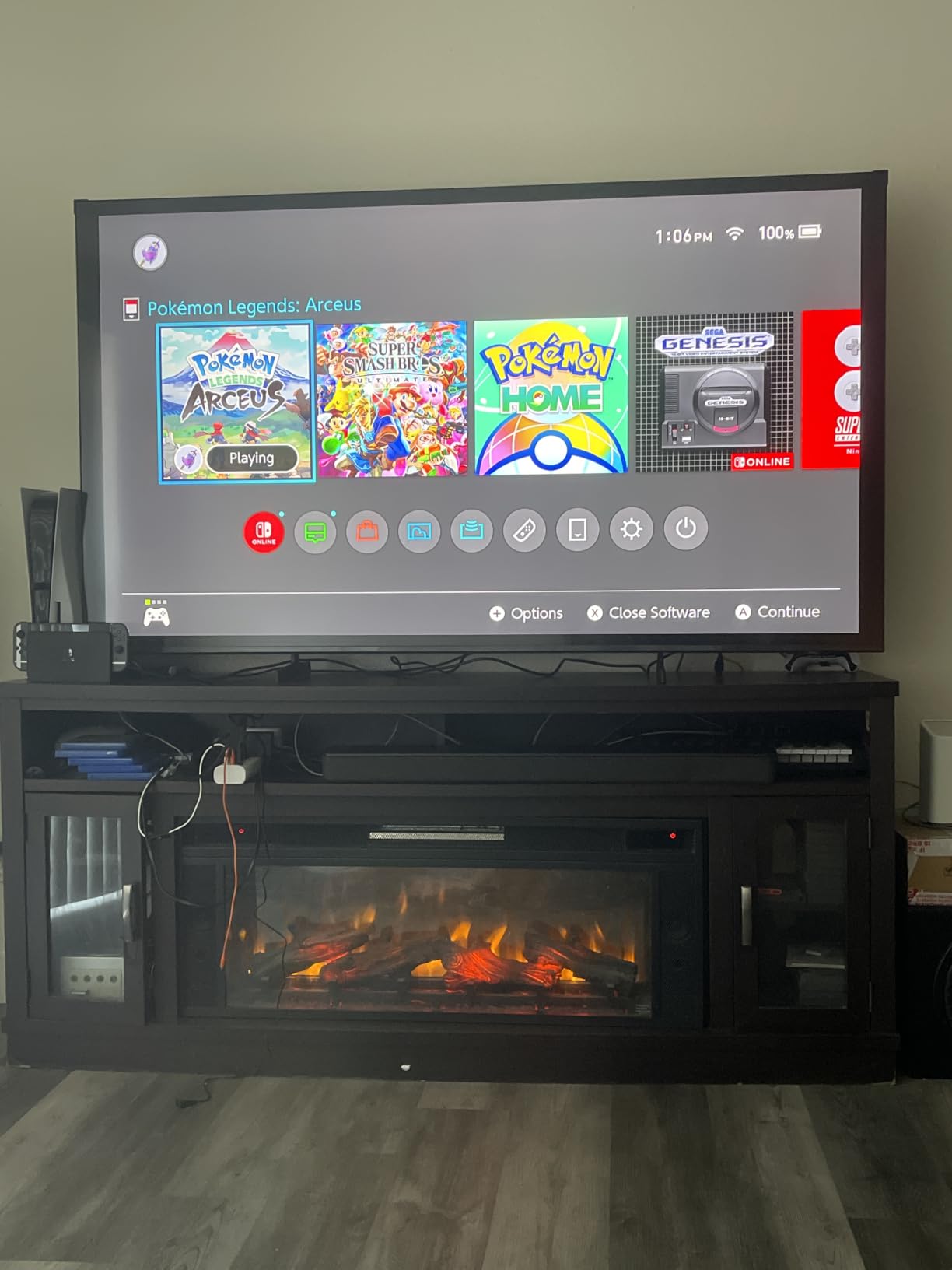
It is the second-lightest panel here at 48.5 pounds, and Samsung fits a 400×300 VESA pattern so mounting hardware is easy to find. The Mini LED Processor 4K handles upscaling and the Pure Spectrum one-billion-colour layer gives noticeably richer colour than a standard LED panel at the same size.
For sport there is Soccer Mode and a Gaming Hub, plus Motion Xcelerator Turbo driving a 120Hz-class refresh. That is a real upgrade over the 60Hz sets at this size, even without the 144Hz the TCL offers.
Why the picture holds up at 75 inches
Local dimming at this brightness means letterboxed content looks intentional rather than glowing, which is the feature that justifies the spend if you watch a lot of films. Colour accuracy needs a few minutes in the picture settings, but once tuned it is well balanced for both daylight sport and evening streaming.
The remote is the real weak point
Owners complain more about the remote than the picture. It has no microphone button and cannot change HDMI inputs directly, so switching between a console and a streaming box means getting up. The interface also forgets your last input, which is a small irritation that shows up every single day.
5. TCL 75-Inch T7 4K QLED – Best for Gaming and Sports
TCL 75″ T7 4K QLED Google TV with 144Hz Gaming (75T7)
QLED 4K panel
144Hz native
288Hz VRR
52.9 lb
4 HDMI
Pros
- Native 144Hz panel with 288Hz VRR for fast sport and console gaming
- Bright sharp 4K QLED picture with near-full DCI-P3 colour
- Responsive Google TV with fast app loading
- Dolby Atmos audio stronger than expected
Cons
- Some glare in bright rooms with lots of windows
- Google TV keeps surfacing recommended and promotional rows
- Remote backlight drains batteries quickly unless disabled
The T7 is the one to buy if gaming or live sport is the main reason for the upgrade. The panel is natively 144Hz with 288Hz variable refresh, so a PS5 or Xbox Series X can run at 4K 120Hz with frame-rate smoothing instead of being limited to 60 frames.
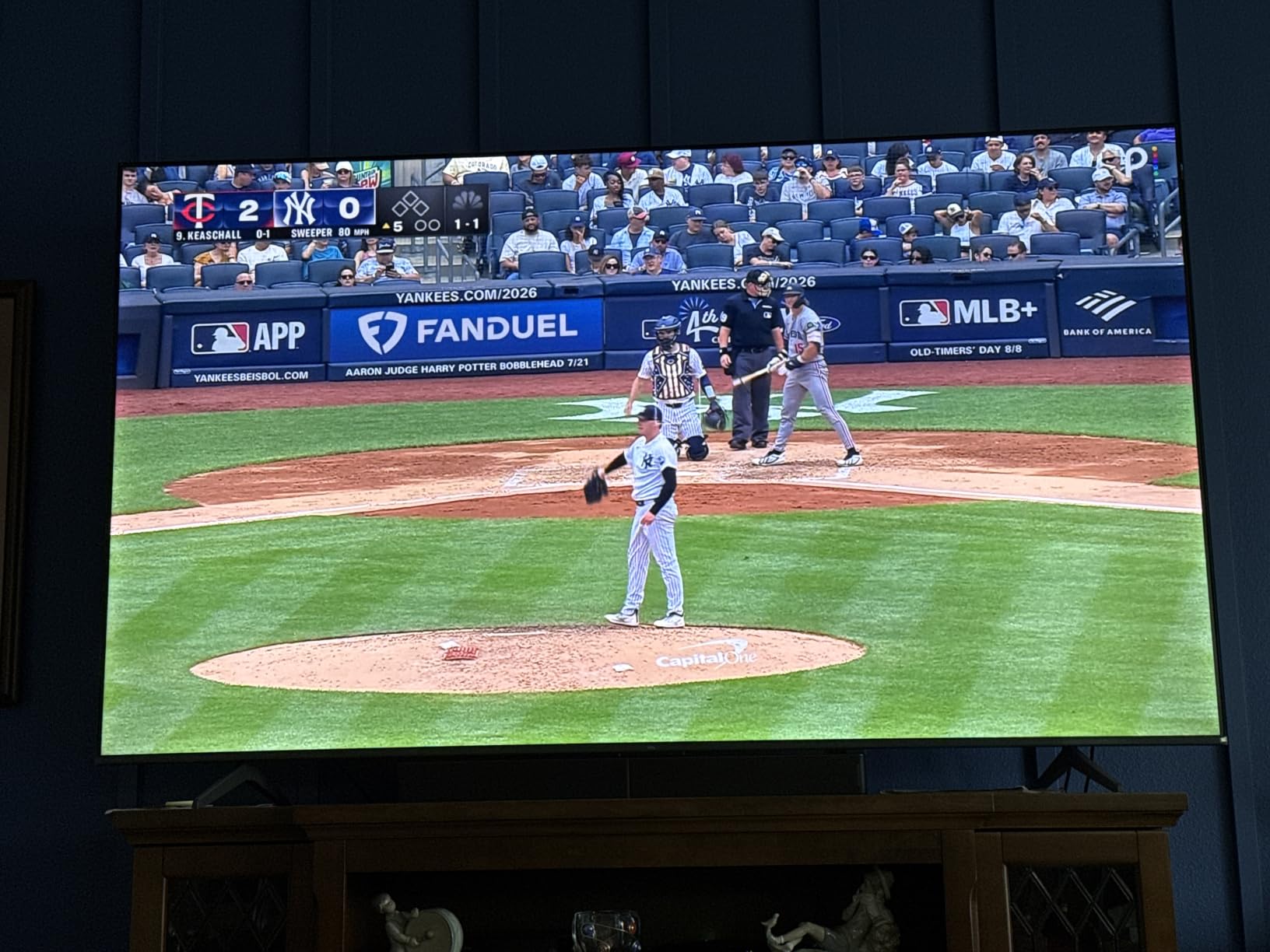
The TCL AIPQ Pro processor handles the picture side and the QLED layer covers close to the full DCI-P3 colour gamut, which matters in HDR games where dull colour is obvious. Dolby Vision, HDR PRO+ and HDR10+ are all supported, and Motion Rate 480 with MEMC frame insertion smooths fast plays.
At 52.9 pounds it stays among the lighter options, and four HDMI inputs including one with eARC means you can connect a console, a soundbar and a disc player without swapping cables. Width-adjustable feet and a bezel-less metal design also make it look pricier than it is.
What 144Hz actually buys you
Football and basketball are where the higher refresh shows most, because fast pans and a ball in flight look cleaner with less smearing than a 60Hz panel can manage. For consoles the practical ceiling is 4K 120Hz today, so the extra headroom to 144Hz is readiness for PC gaming and future hardware.
Where the T7 struggles
Some owners report glare in rooms with many windows, so test it in your real seating position first. The motion processing also lags on very fast action in a way that 144Hz alone does not fix, and with no local dimming the contrast sits behind the Mini LED sets here.
6. Sony 75-Inch BRAVIA 2 II – Best for PlayStation Owners
Sony 75 Inch BRAVIA 2 II LED 4K HDR Smart Google TV (K-75S20M2)
4K Processor X1
Motionflow XR 240
60Hz panel
61.7 lb
3000:1 contrast
Pros
- 4K Processor X1 with Triluminos Pro delivers rich colour and sharp detail
- 4K X-Reality PRO upscales lower-resolution sources effectively
- PS5 features including Auto HDR Tone Mapping and Auto Genre Picture Mode
- Matte screen finish reduces reflections
Cons
- Only 60Hz native refresh limits high-end gaming
- No local dimming so contrast is modest for the price
- Side connectors are hard to reach when wall-mounted
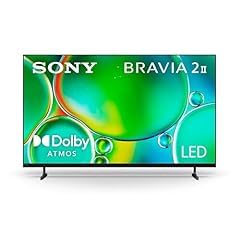
Sony is the only mainstream brand here that did not strip the feature list, and the BRAVIA 2 II shows it. The 4K Processor X1 with 4K X-Reality PRO and Triluminos Pro upscales cable, older Blu-ray and streaming sources more cleanly than the cheaper sets, and long-time owners rate the build quality highly.
For PlayStation owners this is the pick. Auto HDR Tone Mapping reads the console’s scene data and maps it to the panel’s output, and Auto Genre Picture Mode switches picture settings when a game launches. The Sony Pictures CORE app with included movies adds value no rival here offers, and the matte finish scatters reflections rather than mirroring them.
Listed contrast runs from 1000:1 to 3000:1 depending on mode, which is respectable for a panel with no local dimming. Google TV underneath means the app experience matches the TCL models exactly, so the difference is picture processing rather than interface.
Why Sony’s upscaling matters to you
You are not feeding this screen native 4K all the time. Cable, broadcast and much streaming are not 4K, and the X1 series converts them more cleanly than the processors in the cheaper sets, which is most visible on dark scenes.
What you give up for the brand
The 60Hz native refresh rate is the dealbreaker for console owners: no 4K 120Hz, no variable refresh. At 61.7 pounds it is heavier than most, and the side-mounted connectors are genuinely awkward if you wall-mount it flush, with no RCA audio output for legacy amplifiers either.
7. Samsung 75-Inch QN70F Neo QLED Mini LED – Best for Bright Rooms
Samsung 75-Inch Class Neo QLED QN70F 4K Mini LED Smart TV (2025 Model) NQ4 AI Gen2 Processor, Quantum Matrix Technology Slim, Motion Xcelerator 144Hz, Samsung Vision AI, Alexa Built-in
Mini LED Neo QLED
3000:1 contrast
Motion Xcelerator 144Hz
68.1 lb
4 HDMI
Pros
- NQ4 AI Gen2 processor with 20 neural networks sharpens detail and upscales to 4K
- Mini LED backlight gives bright highlights and inky blacks
- 4K 144Hz with VRR suits high-end PC and console gaming
- SDR-to-HDR conversion brightens non-HDR sources
Cons
- Heaviest set in this group at 68.1 pounds needing two people to mount
- Only 20W 2.1 channel built-in audio
The QN70F handles daylight better than anything else in this roundup, and the NQ4 AI Gen2 processor with 20 neural networks does more upscaling work than any competitor here. It is also the heaviest set we reviewed at 68.1 pounds, which matters if you are mounting it yourself.
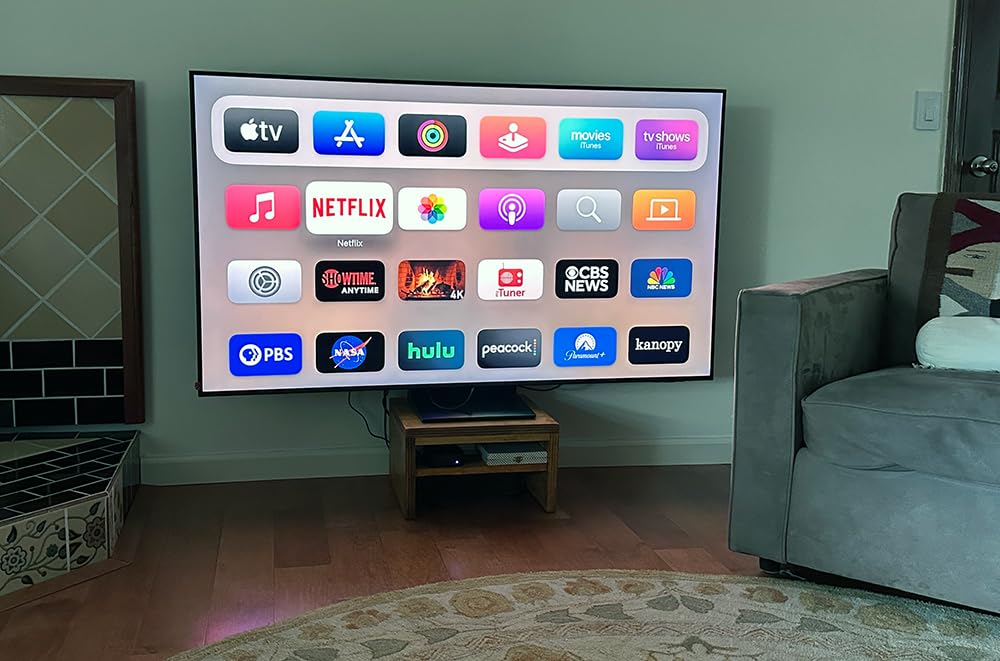
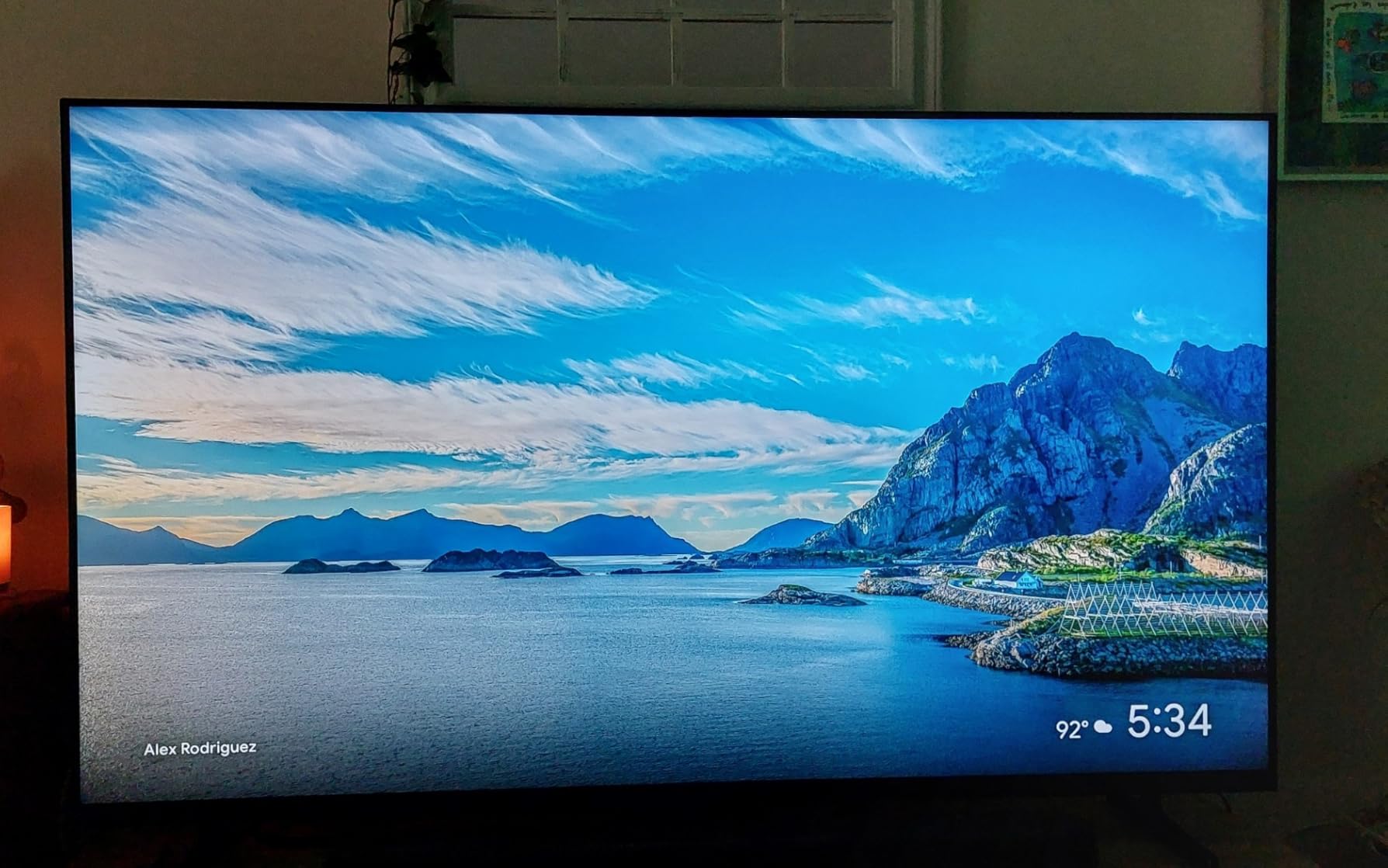
Picture handling is the strength. The Neo QLED Mini LED backlight with Quantum Matrix Technology Slim delivers 3000:1 contrast, so dark scenes stay dark while highlights stay punchy, and SDR-to-HDR conversion effectively brightens and colours ordinary broadcast TV so it sits closer to HDR than it does on cheaper sets.
For gaming, Motion Xcelerator 144Hz with VRR makes this a proper high-end PC display as well as a television, and Samsung Vision AI handles scene analysis with Alexa built in. Two USB 3.0 ports and four HDMI cover sources comfortably.
Why this is the daylight pick
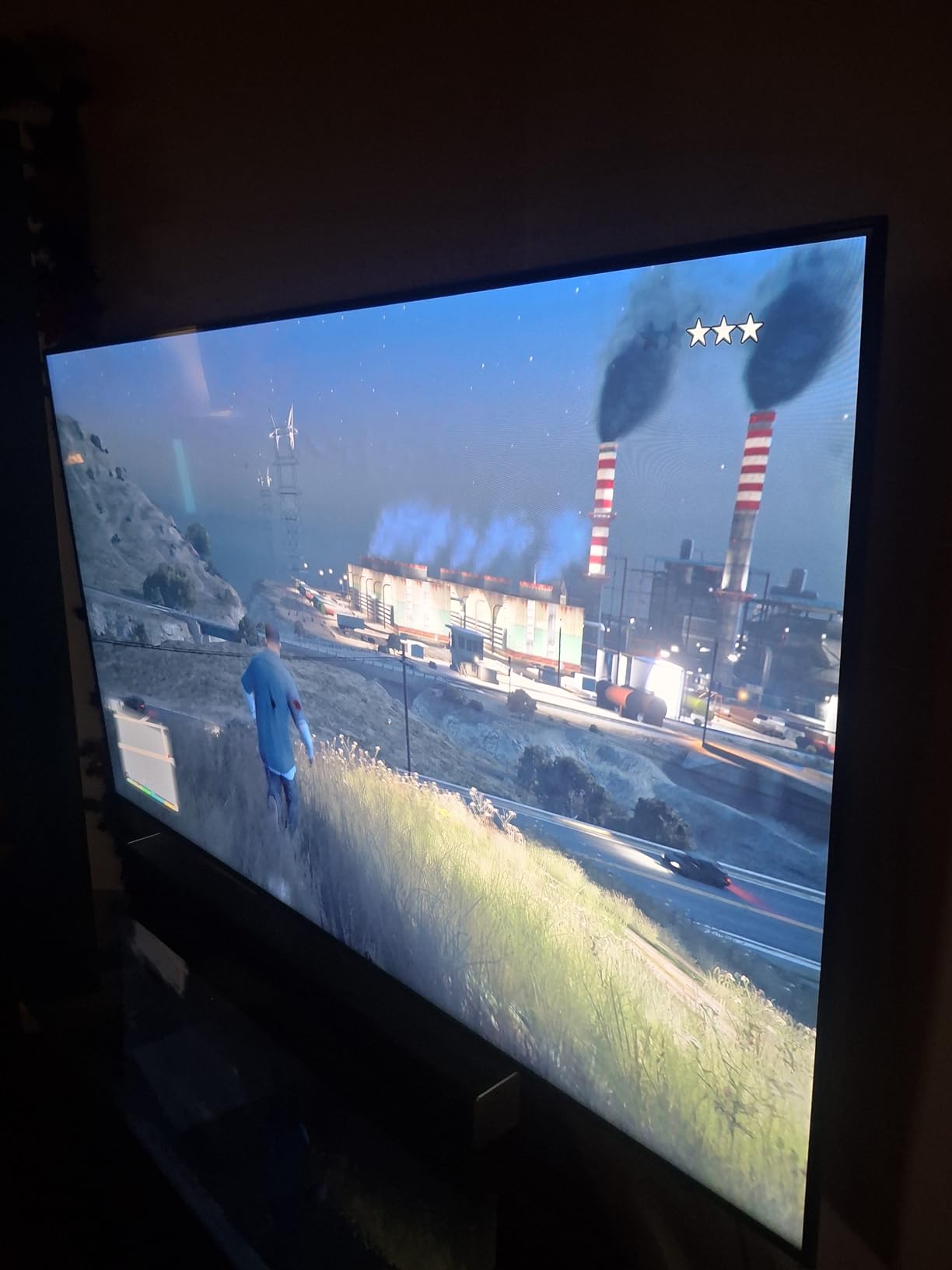
Bright rooms punish contrast more than they punish size. A 3000:1 Mini LED panel stays readable when sun hits the wall opposite, which is exactly where the 300-nit sets in this list give up, and AI scene analysis tunes per scene rather than applying one setting to everything.
The weight and audio trade-offs
At 68.1 pounds this needs two people and the 400×400 VESA pattern is larger than most mounts here, so plan for professional installation. Audio is 20W across 2.1 channels with Dolby Audio, fine for news and talk but thin for films.
8. Hisense 75-Inch E7SF Cinema Series – Best for Sports and Movies
Hisense 75″ E7 Cinema Series Hi-QLED Mini-LED 4K UHD Smart Fire TV (75E7SF, 2026 NEW) – Native 144Hz, AI Picture, Dolby Vision IQ · Atmos, FALD, HDR10+ Adaptive, MEMC, Alexa+
Hi-QLED Mini LED
Full array local dimming
Dolby Vision IQ
144Hz game mode
54.7 lb
Pros
- Native 144Hz plus MEMC keeps fast motion smooth for gaming and live sport
- Dolby Vision IQ and HDR10+ Adaptive with full array local dimming
- Filmmaker Mode preserves original aspect ratio colour and frame rate
- AI light sensor and AI Sports Mode optimise settings automatically
Cons
- VRR and FreeSync modes can produce blurry motion
- Less perceived picture depth than comparable Samsung Mini LED sets
- Stand legs are plastic and packaging protection is basic
The Hisense E7SF is the most specification-dense set here, and it does something no other 75-inch pick manages: a native 144Hz game mode alongside full array local dimming and Dolby Vision IQ. AVForums regulars describe Hisense and TCL as the main suppliers of mass-market budget LCD, and this is the clearest reason that reputation exists.
On the picture side, Hi-QLED quantum dot colour over a Mini LED backlight gives deep blacks with bright 4K detail, and the AI Picture engine with its AI PQ Engine works scene by scene rather than applying one global filter. Filmmaker Mode respects the original aspect ratio, colour and frame rate, which film people notice immediately.
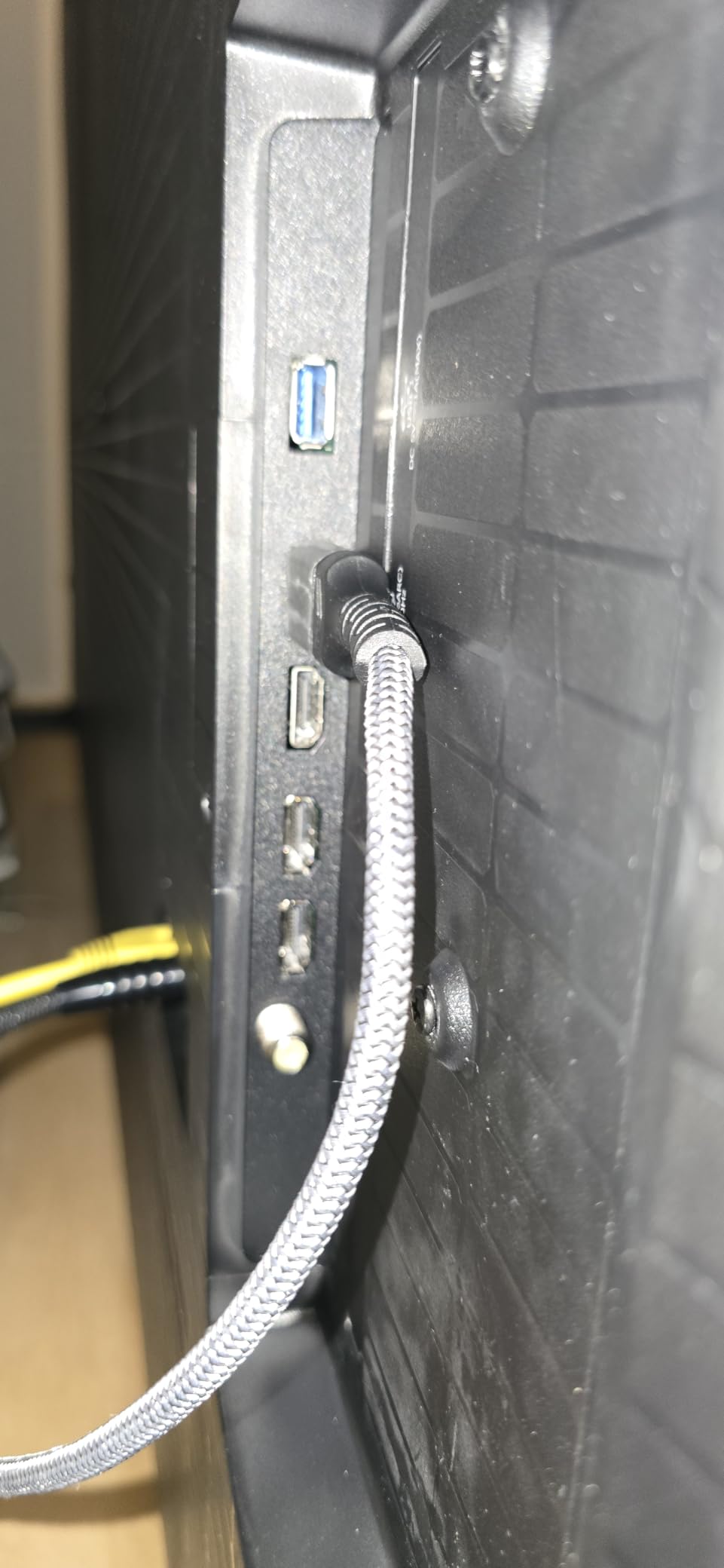
There are four HDMI ports and two USB ports with a 500×400 VESA pattern, and the AI light sensor adjusts output to room conditions automatically. At 54.7 pounds it is one of the lighter sets here despite the more advanced backlight.
Why the AI Sports Mode is worth using
Live sport is the hardest content to show well because the camera moves constantly and light changes between shots. AI Sports Mode tunes motion handling and colour for that job, MEMC black frame insertion keeps fast passes clean, and Dolby Vision IQ reads room light so one setting works for a bright afternoon and a dark evening.
What to watch out for
Several owners turn VRR and FreeSync off because those modes add blur they dislike, worth knowing before you enable them on a set used for sport. Picture depth is described by some as flatter than comparable Samsung Mini LED sets, and a 333-review base makes the long-term reliability picture less certain.
9. Toshiba 75-Inch M450 QLED Fire TV – Best for Dolby Vision on a Budget
TOSHIBA 75″ Class M450 Series QLED 4K UHD Smart Fire TV, Voice Remote with Alexa, Stream Live TV Without Cable
REGZA QLED 4K
Dolby Vision and Atmos
Game Mode with ALLM and VRR
4 HDMI
Pros
- REGZA AI Engine ZRi Gen3 tuned by picture engineers for natural image and sound
- Dolby Vision HDR paired with Dolby Atmos audio
- Game Mode supports ALLM VRR and eARC
- HDR10+ Adaptive adjusts brightness and contrast scene by scene
Cons
- Only 60Hz refresh rate
- Wi-Fi is the only listed connectivity with no Ethernet
- Only 191 reviews so long-term reliability data is limited
The M450 is the surprise of the list, because Toshiba tuned the REGZA AI Engine ZRi Gen3 with actual picture engineers and the results hold up. You get Dolby Vision HDR and Dolby Atmos at a tier where most rivals offer only HDR10, which is a real content advantage for film streaming.
Game Mode supports ALLM for automatic low-latency switching, VRR for variable frame rates and eARC for soundbar audio, all on a 60Hz panel. That combination is unusual, but it means consoles and streaming boxes switch modes correctly even though the refresh ceiling is modest, and four HDMI ports with Apple AirPlay is generous at this budget.
AI 4K Clarity upscaling and noise reduction do useful work on lower-resolution sources, and HDR10+ Adaptive adjusts brightness and contrast scene by scene, which is the closest this tier gets to Dolby Vision’s dynamic approach.
Why Dolby Vision matters more than refresh rate
Most film services serve Dolby Vision where they serve anything at all, and it has the best tone mapping in both bright and dim rooms. A set that supports it properly is a better movie screen than one stuck on HDR10 alone.
Where the M450 falls short
The 60Hz refresh rate means more motion smearing on sport and console gaming capped at 60 frames, which is why we would choose another set for a gaming household. With only 191 reviews the long-term record is thin, and Wi-Fi is the only listed connectivity with no Ethernet noted.
10. TCL 75S425 4K Roku TV – Top Rated and the Most Proven
TCL 75S425 75 Inch 4K UHD HDR Smart Roku TV (2019)
4K UHD HDR10
Roku OS
120Hz panel
101 lb
Dual-band Wi-Fi
Pros
- More than 44000 reviews averaging 4.6 stars give the most proven record here
- Roku OS is praised as the simplest and fastest smart TV interface
- Dedicated Netflix Hulu and Disney plus shortcut buttons on the remote
- Dual-band Wi-Fi plus an Ethernet port for stable streaming
Cons
- Lifted blacks and less depth than Mini LED or QLED sets
- Very heavy at 101 pounds requiring two people to move or mount
- Only 3 HDMI inputs and no eARC listed
The 75S425 is the odd one out: a 2019 set still widely bought, carrying the highest rating and by far the largest review base we saw at 4.6 stars across more than 44,000 reviews. That is the most proven ownership record in the group, and buyers report units still producing good pictures years later.
Roku OS is the reason it stays relevant. It is still the simplest and fastest interface here, and the dedicated Netflix, Hulu and Disney+ buttons on the remote jump straight to the app, a small thing that matters every day. Dual-band Wi-Fi and an Ethernet port keep streaming stable, with Alexa and Google Assistant voice support.
Picture performance is where the age shows. Blacks are lifted compared with Mini LED and QLED sets, the 120Hz panel has basic motion handling by modern standards, and Dolby Digital 5.1 audio suits a casual room rather than a home cinema.
Why a 2019 model still makes sense
Software longevity is the underrated advantage. Roku has kept updating this platform for years and the interface has not become slow or cluttered, which is more than some current budget models manage. For a bedroom, a rental or a background TV, proven reliability beats local dimming.
What to know before you buy
At 101 pounds it is the heaviest set here by a wide margin, so wall mounting genuinely needs two people and the plastic feet can be unstable on narrow furniture. There are only three HDMI inputs and no eARC listed, and some owners needed manual calibration for backlight bleed.
How to Choose a 75-Inch TV Without Overspending
Panel technology does the most work. A standard LED panel with no local dimming is fine in a bright room and weak in a dark one. QLED adds a quantum dot layer that widens the colour gamut, and Mini LED puts hundreds of small dimming zones behind that layer, which is where the big contrast gains at 75 inches come from. If the budget stretches to local dimming, take it.
Brightness is the second filter. Aim for 1000 nits as a realistic target for punchy HDR and accept that the 300-nit sets here are built for daytime viewing. Our subwoofer guide covers the other half of a home cinema setup if the TV is the centre of yours.
Refresh rate is the third. A 60Hz panel is noticeable on sport and caps console gaming at 60 frames, so 120Hz is a good floor and 144Hz with variable refresh is where the TCL models and the Samsung QN70F stand out. The gap between 60Hz and 120Hz is more visible than any other spec here.
Count your sources before you buy: console, streaming box, soundbar, disc player. Four HDMI ports gives breathing room, and not every port on a budget set supports full HDMI 2.1 bandwidth. Our impact wrench guide covers the kind of tool kit that helps with wall mounting hardware.
Viewing Angle and Panel Type: What VA and IPS Mean for Your Couch
Viewing angle is the most-cited complaint about budget televisions and almost no roundup covers it. The detail is panel type. VA panels, which dominate at 75 inches because larger panels are easier to make this way, give deeper blacks and higher contrast but the image dims and washes out as you move off-centre. IPS panels hold brightness and colour better from the side but have weaker native contrast.
In practice the difference is minor if your sofa sits directly in front of the screen. It is obvious if you sit at the end of a curved sectional or guests regularly crowd one side, which is why experienced users on r/4kTV and AVForums treat viewing angle as a make-or-break spec. One set here is listed at a 178-degree viewing angle, a rare number at this price, so ask about it before you buy if anyone will watch from an angle.
Viewing Distance, Wall Mounting and the 75 vs 85 Question
Sit roughly 7 to 10 feet from a 75-inch 4K screen. At that range the difference between 4K and 1080p is stark, which is why going to 75 inches without 4K is a mistake. Below about 6 feet you will start to see individual pixels on bright scenes.
Weight is what buyers underestimate. Sets in this roundup weigh between 48.6 and 101 pounds, so a 75-inch is heavy but manageable on a properly framed stud wall. Mount into studs or use a bracket rated for the weight, check the VESA pattern before buying the bracket, and treat it as a two-person job.
The 75 vs 85 question comes up constantly in buyer threads. If an 85-inch Mini LED lands at the same money as a 75-inch set with the same features, take the extra ten inches. If reaching 85 means dropping to a basic edge-lit panel with no local dimming and a 60Hz refresh rate, stay at 75 and put the money into the picture. About 10 feet of viewing distance supports 85 inches comfortably, and a smaller room does not.
Keep the packaging for the return window, because large panels are the hardest item to return and the easiest to arrive with a damaged corner. Test dark scenes and off-angle viewing in the first evening rather than on day one.
Frequently Asked Questions
What is the best 75-inch TV for under $1,000?
The TCL 75-inch QM6K is our pick. It is the only set in this roundup that combines Mini LED backlighting with full-array local dimming, a listed 1000 nit peak brightness and a native 144Hz panel. That gives you real black levels in a dark room, punchy HDR and 4K 120Hz gaming, which no other 75-inch set at this budget delivers together.
Is OLED or QLED better for a 75-inch TV?
At this budget the choice is made for you: no 75-inch OLED sells for a thousand dollars or less, so your realistic decision is QLED versus Mini LED. Mini LED is the same idea with far more dimming precision and a higher brightness ceiling, so pick it whenever the budget allows. QLED is still a genuine step up from a standard LED panel.
What is the ideal viewing distance for a 75-inch TV?
Aim for roughly 7 to 10 feet from a 75-inch 4K screen. At that range the jump from 4K to 1080p is clearly visible, which is what makes going large without 4K a mistake. Below about 6 feet you start to see individual pixels on bright scenes, and beyond 12 feet the picture stops feeling immersive.
Is a 75-inch TV too heavy for a wall?
Not if it is mounted correctly. The sets in this roundup weigh between 48.6 and 101 pounds, which is manageable on a properly framed stud wall using a VESA-rated bracket. Mount into studs or suitable anchors, check the VESA pattern before you buy the bracket, and plan on two people for the job whichever set you choose.
Do budget 75-inch TVs have good viewing angles?
It depends on the panel, and it is worth asking about before you buy. Most 75-inch sets at this budget use VA panels, which give the deepest blacks but dim and wash out noticeably as you move off-centre. If your seating wraps around the screen or guests sit at one end, look for a published wide viewing angle figure. One pick here is listed at 178 degrees.
Should I buy a 75-inch or 65-inch TV instead?
Buy 65 inches if your room only allows about 6 feet of viewing distance, or if picture quality matters more than physical size. At that distance a 65-inch set with better specs wins. Buy 75 inches if you sit 7 to 10 feet back and want the scale for sport and film. Forum consensus is that the size jump is worth real compromises, but only when the distance supports it.
The Verdict
The best 75 inch TVs under 1000 dollars come down to what you need most. The TCL QM6K is the one to buy, pairing Mini LED local dimming, a 1000 nit ceiling, a 144Hz native panel and a 51.8 pound chassis in one package nothing else here matches. Buy the Samsung M70H if you want that brightness ceiling for less, or the TCL T7 if gaming and live sport come first.
Buy the Sony BRAVIA 2 II only if you own a PS5 and value processing over refresh rate, and consider the 75S425 Roku TV for a bedroom or a room where proven reliability matters more than contrast. If your room only supports about 6 feet of viewing distance, step down to a 65-inch set and spend the difference on picture quality.