
Most EV diagnostic tools sold as “OBD2 scanners” are not built for electric cars. A standard code reader was designed to read emissions data from a combustion engine, and an EV has no engine, no exhaust and no meaningful emissions stream. Plug one into a battery electric vehicle and you get generic powertrain codes, a handful of module-level fault codes, and almost nothing about the battery pack you actually care about. That frustration is the reason this roundup exists: below are the best EV diagnostic tools we could justify buying, sorted by what they genuinely do rather than by how large the box looks.
We spent weeks moving through dongles, all-system handhelds and shop tablets to separate the tools that decode a real battery management system from the ones that just display a check engine light. The divide is not screen size or brand. It is whether the tool speaks enough of the manufacturer’s CAN bus protocol to show you cell voltages, state of health and module status. A general diagnostic tool for weekend DIY mechanics will clear a code. An EV-specific tool tells you whether the pack underneath has degraded.
One warning before we start. Nothing in this list lets you work on a high-voltage pack. Every tool here is a diagnostic reader, not a repair capability. We cover the safety line in detail further down, because the difference between reading a state of health figure and probing a live bus under the pack is the difference between a weekend project and an emergency call.
Table of Contents
What Is the Best OBD Scanner for EV Cars?
The best OBD scanner for EV cars is a Bluetooth Low Energy dongle paired with a vehicle-specific app, because that combination is what actually decodes battery data rather than emissions data. The OBDLink MX+ is the one we recommend, because it holds a 4.6 average across more than 15,000 owner reviews and it is recommended by the EV apps that owners actually use. If you need a self-contained tablet that shows battery state of health without a phone, the LAUNCH CRP919 EV is the stronger buy.
That answer hides a distinction most roundups blur: hardware and software are separate purchases. A dongle is only as good as the app driving it, and the app is only as good as the parameters the vehicle exposes. Our EV ownership guides cover the ownership side, but the pairing question is the first thing to get right, so we handle it in detail below.
Top 3 Best EV Diagnostic Picks in 2026

OBDLink MX+
- BLE dongle
- recommended by LeafSpy CanZE and Car Scanner
- 4.6 from over 15k owners

EV Diagnostic Tools at a Glance (October 2026)
Every tool below appears in this table with the capability that justified its place. Read the limitation column before the feature column, because that is where the disappointment lives for most buyers.
| Product | Specs | Action |
|---|---|---|
| OBDLink MX+ |
|
Check Latest Price |
 LAUNCH CRP919 EV LAUNCH CRP919 EV |
|
Check Latest Price |
| Autel MaxiCOM MK900BT |
|
Check Latest Price |
 XTOOL D8S XTOOL D8S |
|
Check Latest Price |
 TOPDON ONE TOPDON ONE |
|
Check Latest Price |
 TOPDON Phoenix Plus 2 TOPDON Phoenix Plus 2 |
|
Check Latest Price |
 Innova 5610 Innova 5610 |
|
Check Latest Price |
 TOPDON AD900 Lite TOPDON AD900 Lite |
|
Check Latest Price |
 BLCKTEC 460T BLCKTEC 460T |
|
Check Latest Price |
 MUCAR 632 Elite MUCAR 632 Elite |
|
Check Latest Price |
Two things stand out. First, only one tool in this list is marketed specifically at electric vehicles, and even it is a general all-systems tablet with a battery module bolted on. Second, the gap between the cheapest and most capable tool here is not about screen size at all. It is about protocol support and how many vehicle makes the software actually covers.
1. OBDLink MX+ Review: The Best EV Diagnostic Tool for Owners Who Pair Hardware With an App
OBDLink MX+ OBD2 Bluetooth Scanner for iPhone, Android, and Windows
28 g BLE dongle
Pairs with LeafSpy CanZE Car Scanner
Forscan and BimmerCode supported
Pros
- 4.6 average across more than 15k owner reviews
- Fast stable Bluetooth link to iPhone Android or Windows
- Over-voltage and battery drain protection
- Opens up ABS SRS and TPMS live parameters
Cons
- No screen of its own
- Feature depth depends entirely on the app you pair
- No bidirectional control or ECU coding
This is the tool most EV owners in the forums actually pair with their car, and after several weeks of switching it between a Nissan Leaf, a Hyundai Ioniq 5 and a Volvo, I understand why. It is a 28 g dongle that plugs into the OBD2 port and links over Bluetooth to a phone. The connection is quick and stays stable even when you are streaming live data, which is where cheap ELM327 clones tend to stutter and drop out mid-graph.
Owners describe it as a large, deliberate upgrade from a bargain adapter, and the review volume reflects that: over 15,000 ratings at a 4.6 average is a track record almost nothing else in this category can match. The included documentation even offers a compatibility guide so you can confirm your vehicle before committing, which solves the single most common owner problem of buying the wrong dongle for their app.
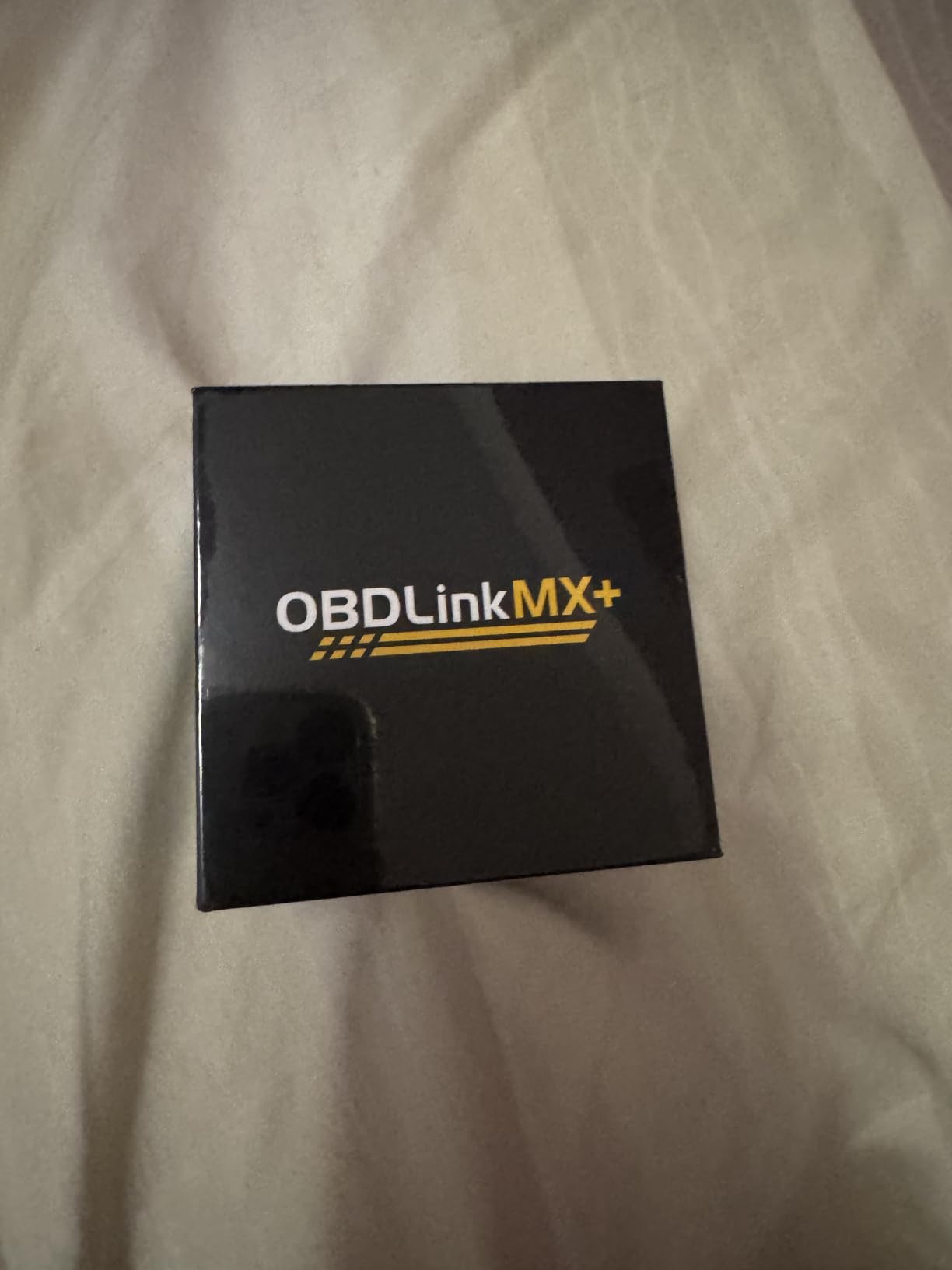
What matters for EVs specifically is the app layer. Because the MX+ is a recommended adapter for the widely used EV analysis apps, the battery data you get is limited by what the vehicle broadcasts and what the app decodes, not by the dongle itself. Several apps expose individual module cell voltages, pack temperatures and a calculated state of health, which is exactly the information a standard emissions reader can never reach.
The over-voltage and battery drain protection in the hardware is not a marketing line. It matters because a dongle left connected to an EV that is not being driven can quietly pull from the 12V auxiliary battery, and owners on multiple EV forums describe arriving to a vehicle that would not wake up after a weekend with the reader still plugged in.
Who the OBDLink MX+ suits
It suits an owner who wants real battery data, has a specific app in mind, and does not want a subscription. If you already use CanZE, Car Scanner or a similar analysis app, this is the adapter that community recommends, and pairing is the whole purchase decision.
It also suits anyone who wants a gateway into deeper software later. BimmerCode and FORScan are both listed as supported, so a single dongle can serve a European car and a battery electric vehicle in the same week without a second purchase.
Where the OBDLink MX+ falls short
There is no screen, so if you want to hand a phone to a seller or run a scan in a dark garage with gloves on, it is the wrong shape of tool. The 4.3-inch handhelds exist for that reason.
It also cannot command anything. No actuation tests, no resets, no coding. If your goal is isolating a charge port fault by driving the latch or cycling an EV coolant pump, this dongle will not get you there and you need a tablet with bidirectional control.
2. LAUNCH CRP919 EV Review: The Only Tool Here Designed Around Electric Vehicles
LAUNCH X431 CRP919 EV 2026 Bidirectional Scan Tool, for Electric Vehicles New Energy Cars, All-in-One Full System Diagnostic Scanner, 43+ Reset, ECU Coding, CANFD&DOIP, FCA AutoAuth, 2Yrs Free Update
7 inch Android 10.0 tablet
43+ service functions including BMS
CAN FD and DoIP
Pros
- Purpose-built for EV and new energy platforms
- BMS reset and battery service functions
- 3000+ active tests
- 43+ hot service functions
- 2 years free updates
Cons
- Firmware for newest model years trails rivals
- Steep menu structure for casual users
- 7 inch screen is small next to 10 inch rivals
Out of ten tools, this is the one whose marketing actually matches its internals. The CRP919 EV is positioned for electric and new-energy vehicles, and the service menu reflects that: alongside oil, throttle, SAS, EPB, TPMS and ABS bleeding, it carries battery management system functions, which is the category that matters when you are chasing a pack fault rather than a brake light.
Owners rate it at 4.3 across 353 reviews, with the praise landing on full-system coverage and the BMS-related resets rather than on raw polish. The hardware is a 7-inch Android 10.0 tablet at 1024×600 with both Bluetooth and USB connectivity, and the box includes US, EU and UK adapters, which matters if you are outside the US market.
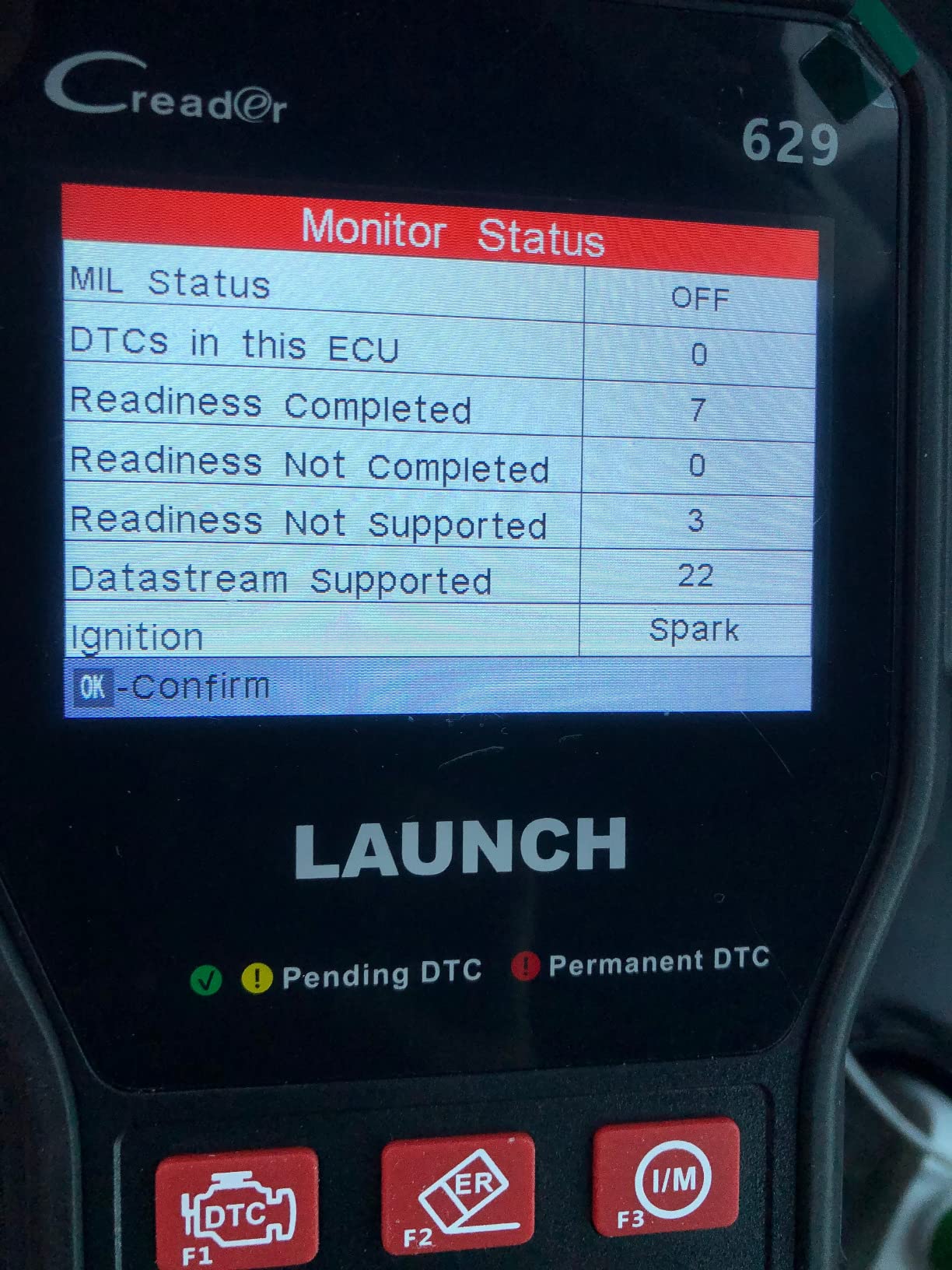
Where it earns its place is protocol coverage. CAN FD and DoIP support, plus FCA SGW AutoAuth for 2018 and later Fiat, Chrysler, Alfa Romeo, Dodge and Jeep, covers the kind of gateway-locked vehicles that make older tools return nothing. Coverage spans 120+ brands with an 11-language menu.
The 3000+ active test library is the other reason. That is component-level command, not just reading, and it is what lets you confirm a fault before you order a part rather than after. The tablet also exports data streams to CSV and shows eight PIDs per screen, which makes it useful for logging a fault over time.
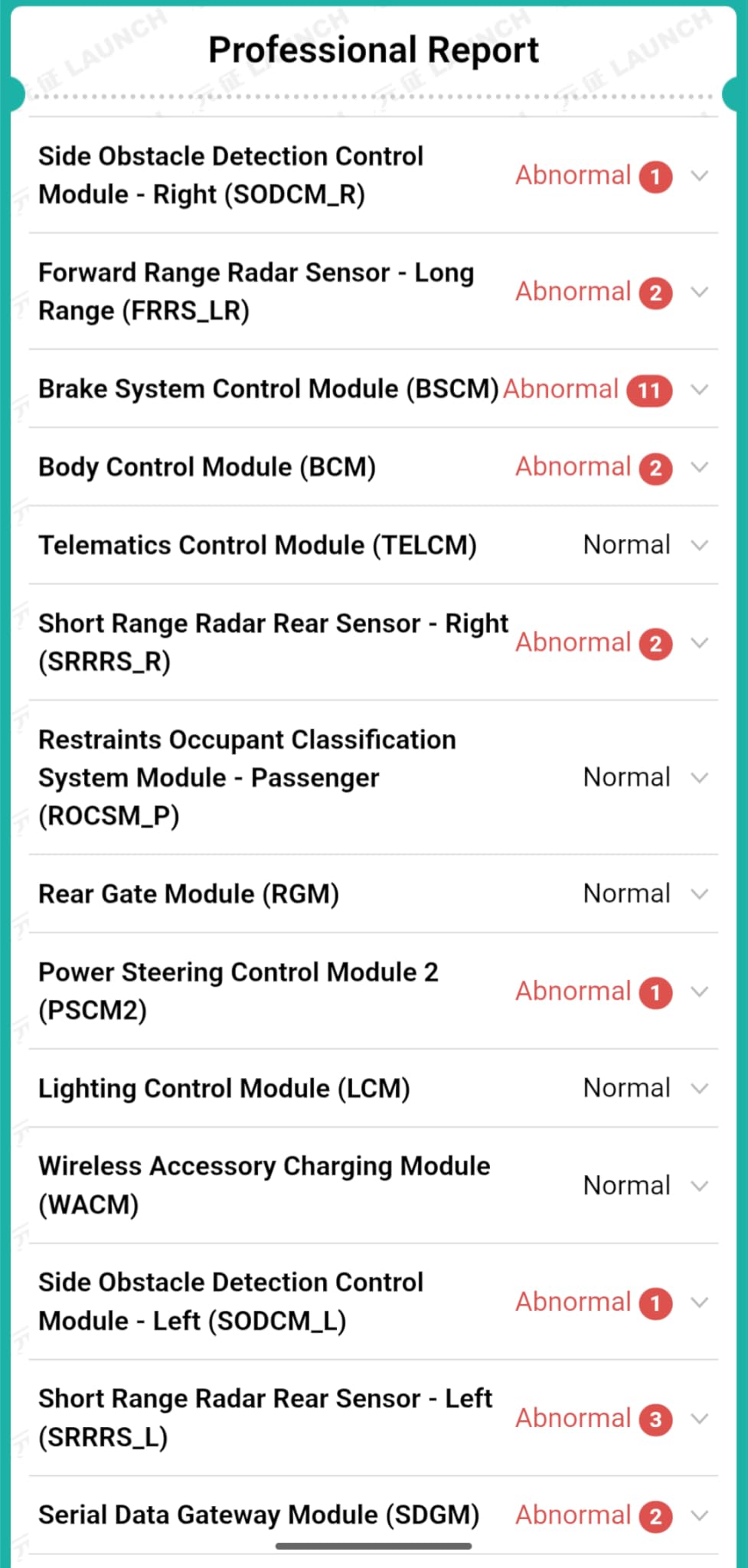
Who the CRP919 EV suits
It suits a technician or serious enthusiast who works on EVs as a job rather than a hobby, and who wants a self-contained unit that does not depend on a phone app being maintained. Battery-specific service functions are the reason to choose it over a general tablet at similar money.
It also suits an owner whose vehicle sits behind a gateway that blocks generic requests, since AutoAuth and CAN FD coverage get you past the modules a basic reader cannot address.
Where the CRP919 EV falls short
Coverage for the very newest model years trails some competing update cycles, and the interface has a real learning curve. A casual owner clearing one warning light will find it heavy compared with a 4.3-inch handheld.
The 2-year free update window also means coverage past that point is not guaranteed without a renewal, and the 7-inch screen is cramped next to the 10.1-inch panels in this lineup. If you want the largest display, this is not it.
3. Autel MaxiCOM MK900BT Review: The Best Balance of Wireless Freedom and Actuation Depth
Autel Scanner MaxiCOM MK900BT Bidirectional Tool, 40+ Service, CAN-FD& DOIP
8 inch Android 11.0 tablet
33 ft wireless VCI
3000+ active tests
Pros
- 3000+ active tests and 40+ service functions
- Wireless VCI means you are not sitting in the drivers seat
- CAN FD and DoIP at a mid-range price point
- WiFi pre and post scan reports are easy to share
Cons
- Only one year of included software updates
- FCA AutoAuth is a separate paid purchase
- Battery and endoscope functions need extra accessories
The MK900BT is the tool I recommend to a working mechanic who has outgrown a dongle. It carries a 4.6 average across 812 reviews with a strong five-star distribution, and the jump from the previous generation is substantial: 3000+ active tests against roughly 50 on the older entry model.
The wireless interface is the feature you feel first. A 33 ft range means you can command an actuator from beside the wheel arch instead of contorting yourself into the driver’s seat, which sounds minor until you have run a coolant pump or window test on a car that needs the ignition on.
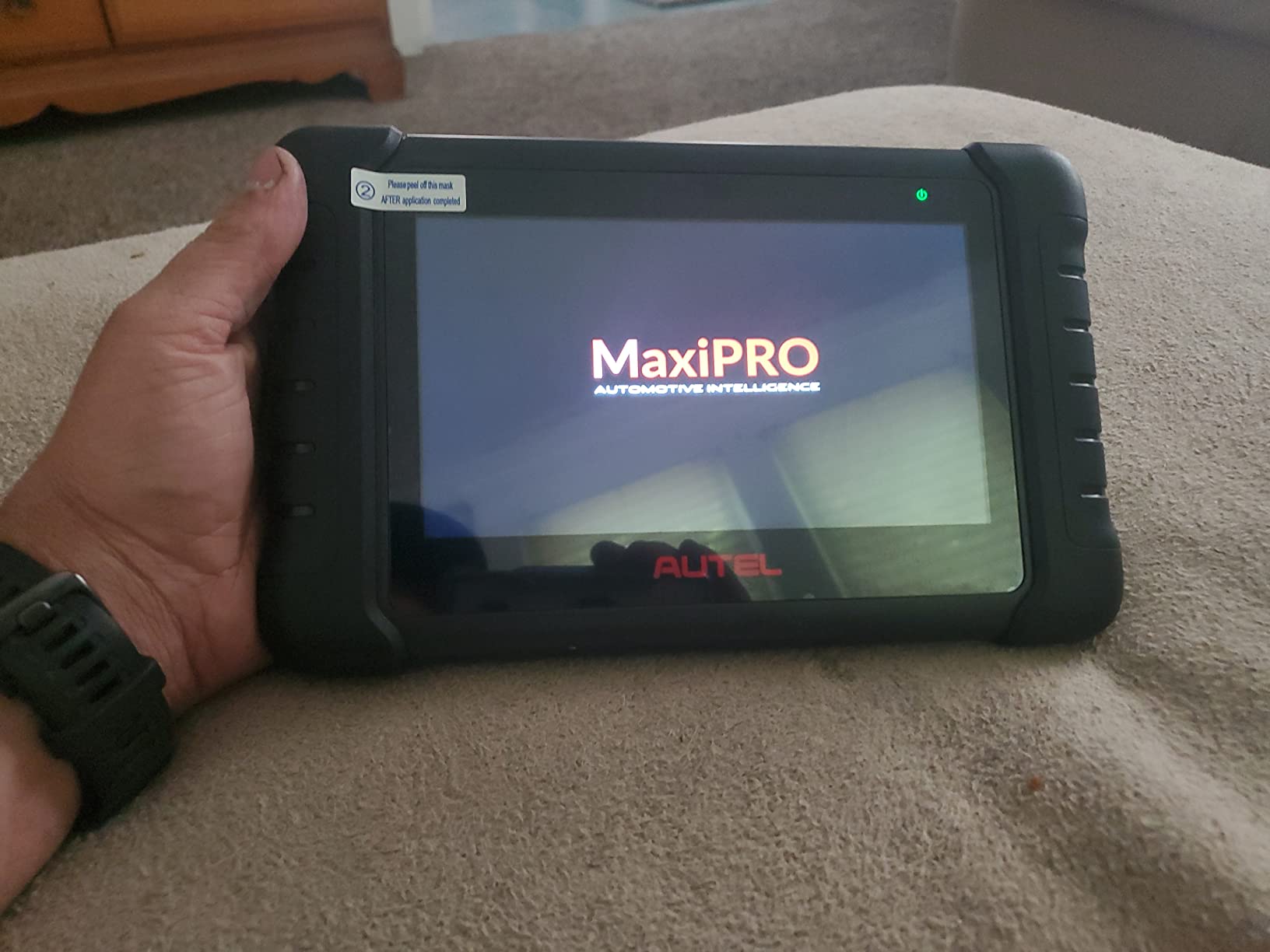
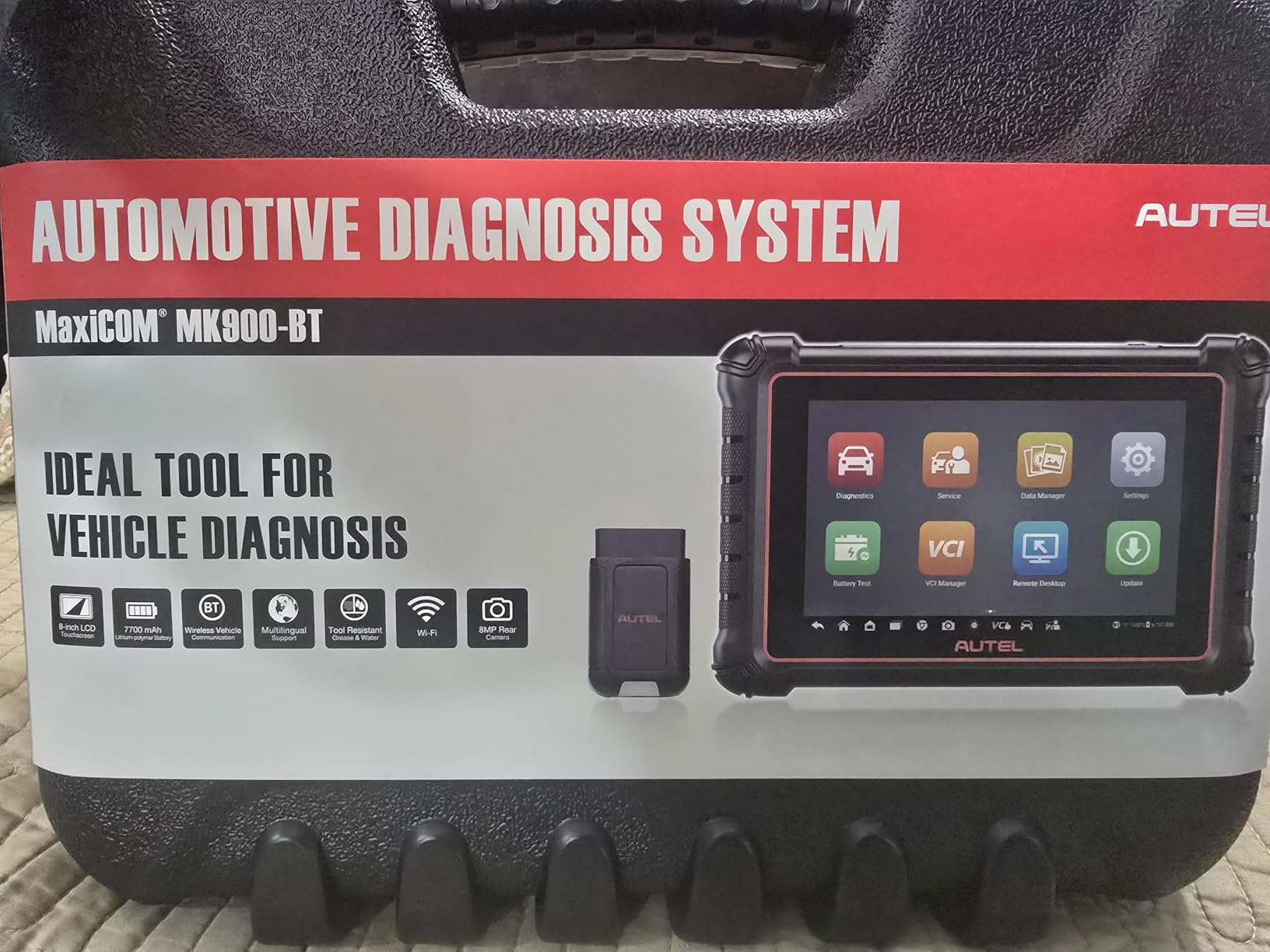
Protocol coverage is where this usually costs far more. CAN FD for GM from 2019 onward, DoIP for Volvo from 2018, Jaguar and Land Rover from 2017 and BMW F and G chassis, plus FCA AutoAuth and Renault SGW access. Under the hood it is an 8-inch 1280×800 Android 11.0 tablet with a quad-core RK3566 chip, 4GB plus 64GB and a 7700mAh battery.
Auto VIN, Scan License and Auto Scan 2.0 handle the boring work quickly, and the WiFi pre-scan and post-scan report printing is a genuine convenience when you are explaining a recommendation to a customer. Twenty-one or more languages and a global version with no IP restriction make it a common choice outside the US.
Who the Autel MK900BT suits
It suits a technician or advanced hobbyist who needs to command components and walk around the vehicle while doing it. Forty-plus maintenance services across 150+ brands and roughly 10,000 model years from 1996 to 2026 is real working range.
It also suits mobile mechanics, because a wireless interface and a shareable report format remove two of the most tedious parts of a service call.
Where the Autel MK900BT falls short
One year of free updates is the complaint that comes up most, and the FCA AutoAuth capability is a separate purchase on FCA’s own site rather than something included. Battery testing and the endoscope both need add-on accessories.
Feature availability varies by vehicle, so run a VIN compatibility check before you commit. And support for this listing runs through a third-party email contact rather than the manufacturer’s own channel, which is worth knowing if you need help quickly.
4. XTOOL D8S Review: Best for Chasing Network and CAN Bus Faults
XTOOL D8S AI-Assisted Bidirectional OBD2 Scanner with Topology Mapping
8 inch Android 10.0 tablet
Topology mapping
4000+ active tests
Pros
- Topology mapping shows offline modules instantly
- 4000+ active tests and 42+ resets
- AI-assisted diagnosis for faster code reading
- 3 years of updates and 2 year warranty
Cons
- Wired connection only
- Topology and advanced functions are vehicle dependent
- AI suggestions are references not confirmed diagnoses
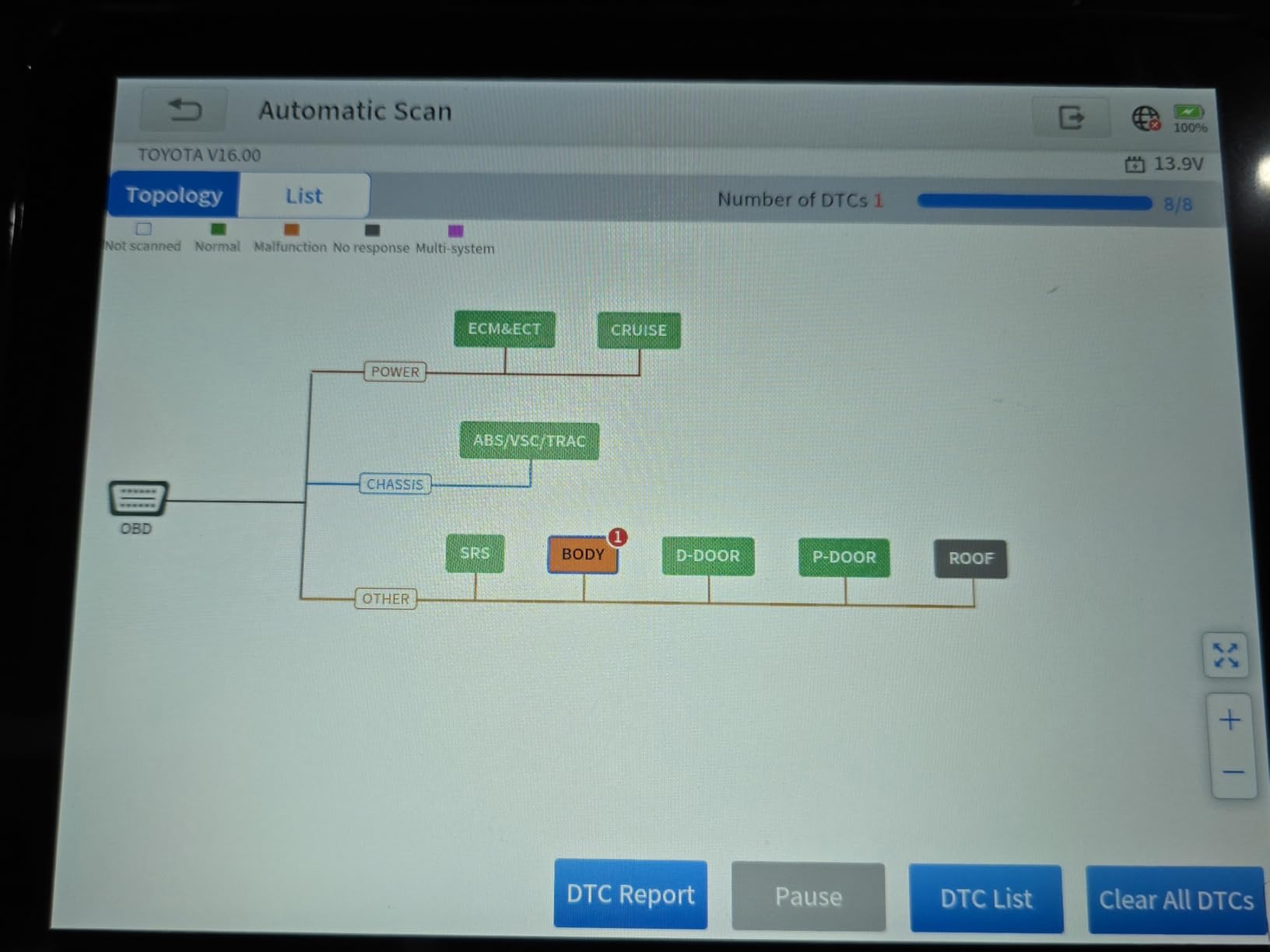
Topology mapping is the reason to buy this one, and it is the first thing reviewers mention. Instead of reading a fault code and wondering which module is silent, the D8S draws you a map of the vehicle network and shows which modules are communicating and which are not. On a modern EV with a battery, inverter, charger, thermal management and body controllers, that turns a guess into a measurement.
At 4.4 across 1067 reviews, this is one of the better-provenanced tools in the lineup. The active test library is listed at more than 4000 bidirectional functions, covering sensors, fans, pumps, relays and an AC clutch, and the fault code database covers over 7000 codes with AI-assisted analysis of causes and solutions.
Coding and module replacement support is unusually deep for this class. PMI for BMW, Mercedes-Benz, Ford, Lincoln and Mazda means you can initialise a replacement module without dealer-only equipment, which is often the difference between a repair and a write-off. Forty-two maintenance, calibration and matching functions run across 150+ brands.
The rest of the specification is solid rather than flashy: 8-inch touchscreen, quad-core 1.8 GHz, 64GB storage, 5000mAh fast-charging battery, and an 8MP camera with speaker and microphone. FCA AutoAuth, CAN FD for GM from 2020, and DoIP for BMW F and G chassis are all present, with 23 languages and three years of updates.
Who the XTOOL D8S suits
It suits anyone diagnosing intermittent communication faults, modules that do not wake, or a vehicle where a code points at a system rather than a part. Topology mapping turns that class of problem from a long search into a short one.
It also suits a shop that replaces modules regularly, since PMI and coding cover the most common European and North American makes without a dealer subscription.
Where the XTOOL D8S falls short
The connection is wired. You sit in the vehicle to run an active test, which is precisely the convenience the Autel MK900BT and TOPDON AD900 Lite give up.
Topology mapping and the advanced functions are not universal, and the AI diagnosis output is a reference aid rather than a confirmed answer. Some OEM functions also need optional adapters such as the KC100, KS-1, KC501 or the XV200 inspection camera. Ford and Lincoln coding work needs a VIN compatibility check in advance.
5. TOPDON ONE Review: The Rare Tablet With J2534 Pass-Thru at This Level
TOPDON ONE Bidirectional Scan Tool, 10.1″ OBD2 Scanner with J2534 Pass-Thru
10.1 inch Android 12.0 tablet
J2534 pass-thru VCI
50+ service functions
Pros
- J2534 pass-thru enables OEM module programming
- Topology mapping spots silent modules
- Large bright 10.1 inch screen
- Rugged bumpers and included hard case
Cons
- First year of updates free then renewal is required
- Incomplete coverage on some Fords
- Some brand functions need a manufacturer token
J2534 pass-thru is the headline. That interface standard is what lets the tool act as a bridge to manufacturer diagnostic software, and it is normally reserved for far more expensive dealer-class machines. The ONE brings it in through the included VCI and TOPDON’s RLink platform, which means a shop can reach OEM programming without buying a J2534 box separately.
Owners rate it 4.5 across 290 reviews, and the comparison that comes up most often is against Snap-on Zeus and high-tier Autel tablets, which tells you where the feature set sits. Fifty-plus service functions include ADAS calibration, DPF regeneration, TPMS reset, ABS bleed and throttle adaptation, which is a genuinely professional list.
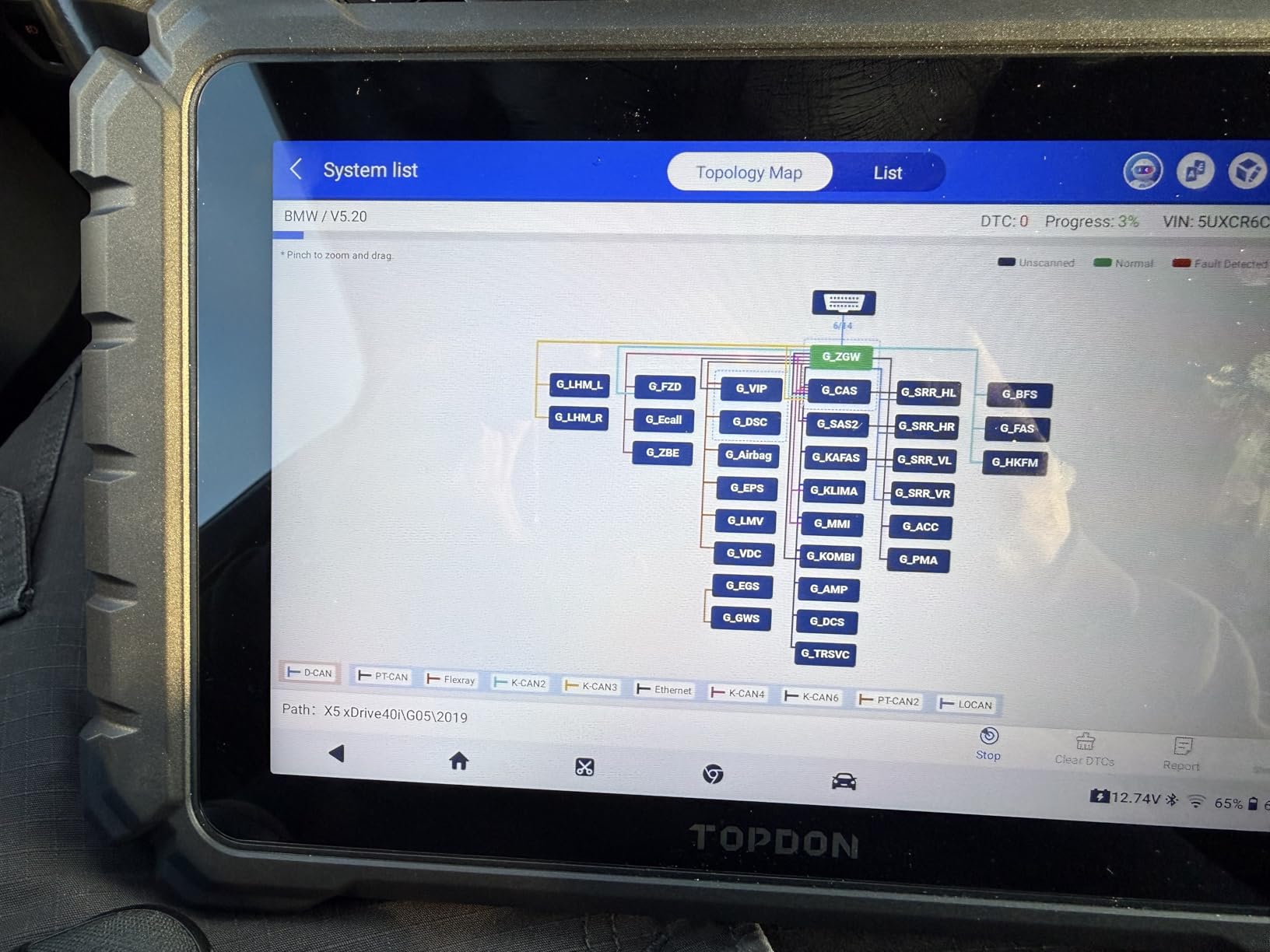
The connection is dual-band WiFi through the included VCI with Bluetooth also supported, and owners report it as noticeably quicker than Bluetooth on slow ECU handshakes. Topology mapping supports zoom, pan and real-time module communication display, so you can watch a module drop off the network as you provoke the fault.
On an EV specifically, the CAN-FD and DoIP coverage is the relevant part: 2013 and later BMW, 2016 and later VW and Volvo, 2017 and later Jaguar, 2018 and later Mercedes-Benz, and 2020 and later GM and Chrysler. The Topfix AI assistant covers more than 5 million fault codes with causes, symptoms, repair guidance and wiring diagrams, and the 10.1-inch Android 12.0 panel runs in a rugged rubber-bumper housing with a hard case included.
Who the TOPDON ONE suits
It suits a working shop that already owns brand software and wants a reliable pass-thru interface to run it through, or a technician who wants to stop renting time on a shared dealer tool. The 10.1-inch screen also makes it the easiest to read in this group.
Advanced enthusiasts who care about ADAS work will find few peers at this level, since calibration status is a separate purchase in most competing tools.
Where the TOPDON ONE falls short
The renewal model is the biggest caution. The first year of updates is included, then a renewal plan is required for continued coverage and warranty, and a few owners report incomplete function coverage on certain Fords, especially with the VIN reading but refusing to decode.
There are also early-platform software quirks, including spelling errors in the built-in browser and the occasional crash, and some brand-specific functions still require purchasing a manufacturer token. It is a strong tool with a software maturity gap that the flagship brands do not always have.
6. TOPDON Phoenix Plus 2 Review: Closest Thing to In-House Dealer Tooling
TOPDON Phoenix Plus 2 Scan Tool with ECU Coding, Bidirectional Control
10.1 inch Android 10.0 tablet
Online coding and offline programming
3000+ bidirectional tests
Pros
- Online ECU coding plus offline programming for Ford Mazda Vauxhall Opel
- Over 3000 bidirectional control functions
- Color-coded topology mapping
- 42+ services with QR-coded PDF reports
Cons
- Highest specification overlap in this lineup
- Only two years of included updates
- Programming and guided functions carry a real learning curve
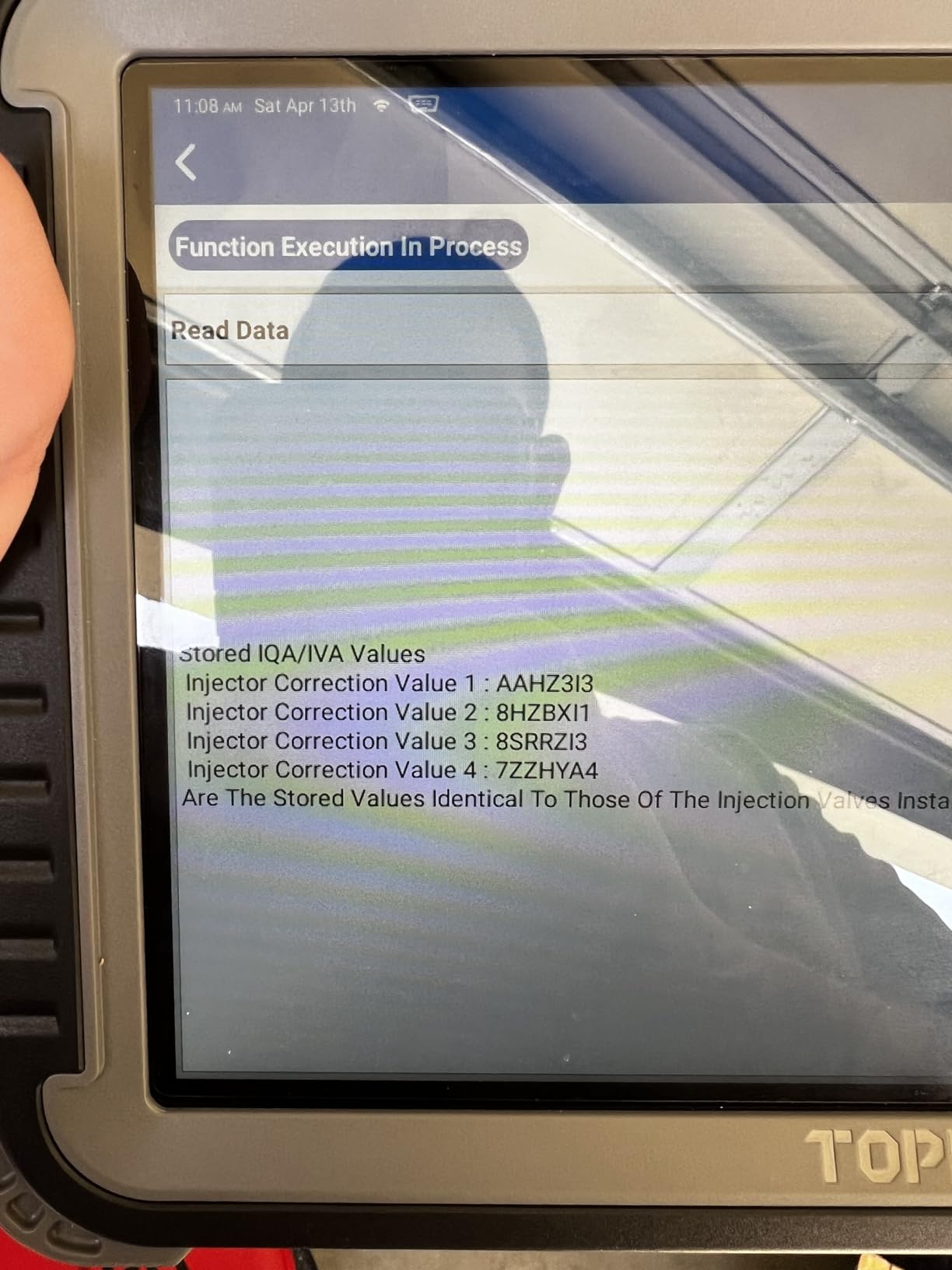
This is the tool to buy if your work involves module replacement rather than diagnosis. Online ECU coding plus offline programming for Ford, Mazda, Vauxhall and Opel is the capability that usually forces a shop to book dealer time, and having it in-house changes the economics of a job quickly.
At 4.4 across 529 reviews, the feedback pattern is consistent: buyers buy it for coding, programming and topology mapping, and accept that there is a learning curve. That is an honest trade, and worth being clear about before you buy something you will not use for months.
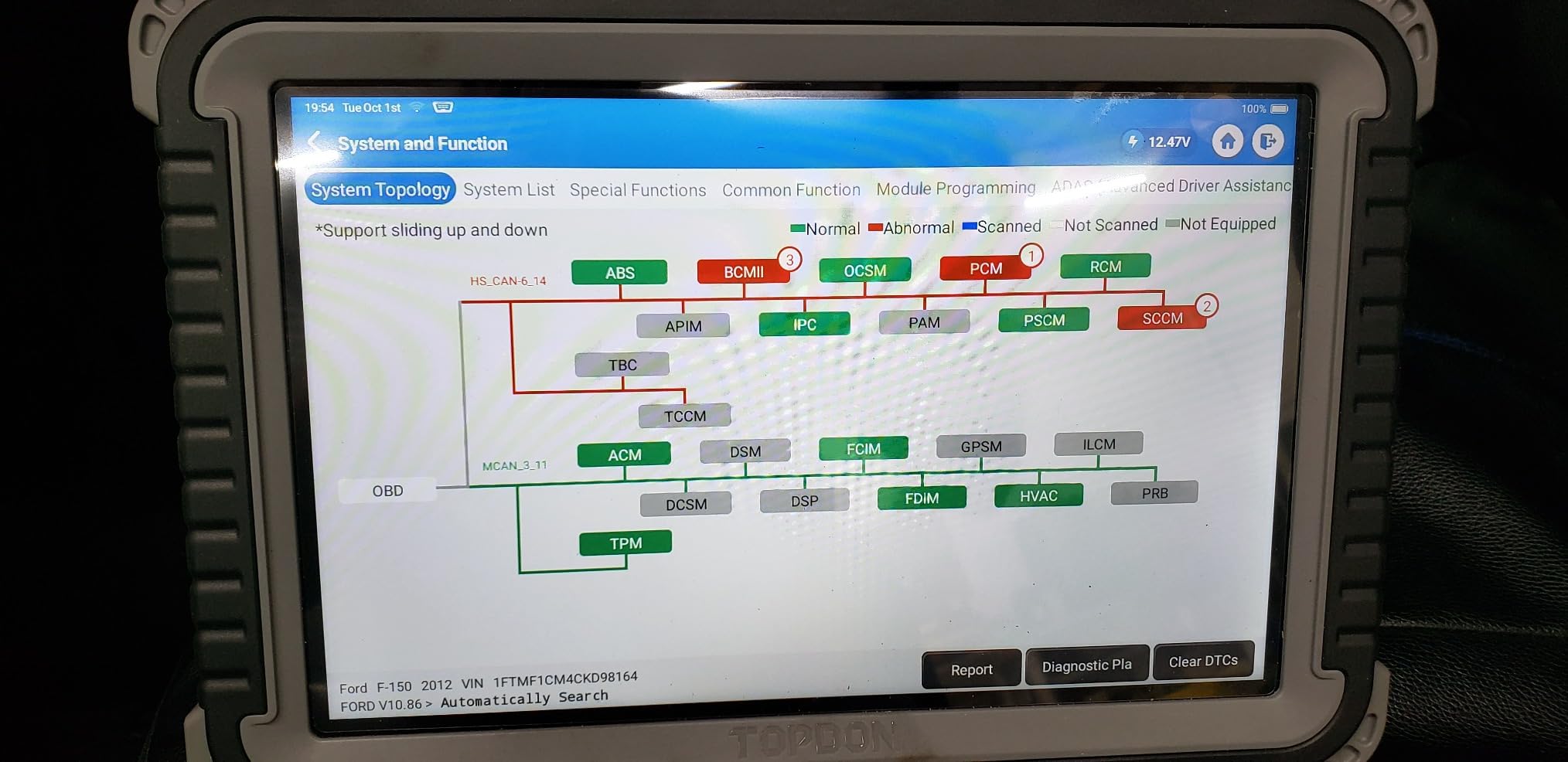
AutoVIN and AutoScan cover the ECM, TCM, ABS, SRS, BCM, BMS, TPMS, SAS, fuel and lighting systems, so a full vehicle scan is one action. Forty-two-plus hot reset services produce reports with QR codes embedded in the PDF, which is a nice touch for handing documentation to a customer rather than squinting at a screen in the bay.
Gateway access is broad, with FCA, Renault, Nissan and Infiniti and VAG SFD all covered, and full OBDI support through the included adapter box for older vehicles. The 10.1-inch 1280×800 Android 10.0 tablet carries a 12600mAh battery, dual-band WiFi, 64GB and 25 language options. Free V.A.G guided diagnostics and AI-assisted DTC troubleshooting are included rather than sold as add-ons.
Who the TOPDON Phoenix Plus 2 suits
It suits a shop doing coding, programming and module replacement work, where the offline programming alone can justify the spend on a single job. PMI, variant coding and hidden function activation are the specific reasons to step up from a general tablet.
It also suits VAG-heavy European workshops, because the guided functions are included at no extra cost, which is rarely true elsewhere.
Where the Phoenix Plus 2 falls short
Much of what it does overlaps with cheaper TOPDON models in this list, so you are paying for the coding and programming layer specifically. If you only need resets and active tests, the AD900 Lite covers that ground for a good deal less.
Only two years of updates are included, some OEM functions need an AutoAuth account or third-party registration, and while menus are fully multilingual, fault code descriptions are not always localised with them. The learning curve on programming work is real.
7. Innova 5610 Review: Best All-Rounder for Owners Who Want No Subscription
Innova 5610 OBD2 Bidirectional Scan Tool – Understand Your Vehicle, Pinpoint What’s Wrong, and Complete Your Repairs with Less Headache, Updates Included, US-Based Technical Support
3.5 inch handheld
OEM live data plus bidirectional control
Lifetime free updates
Pros
- Lifetime license with free updates and no subscription
- Bidirectional commands actuate real components
- Fast wired connection with detachable cable and work light
- US based ASE certified support
Cons
- Function coverage varies by make model and year
- No FCA gateway support on many models
- Keys are not backlit
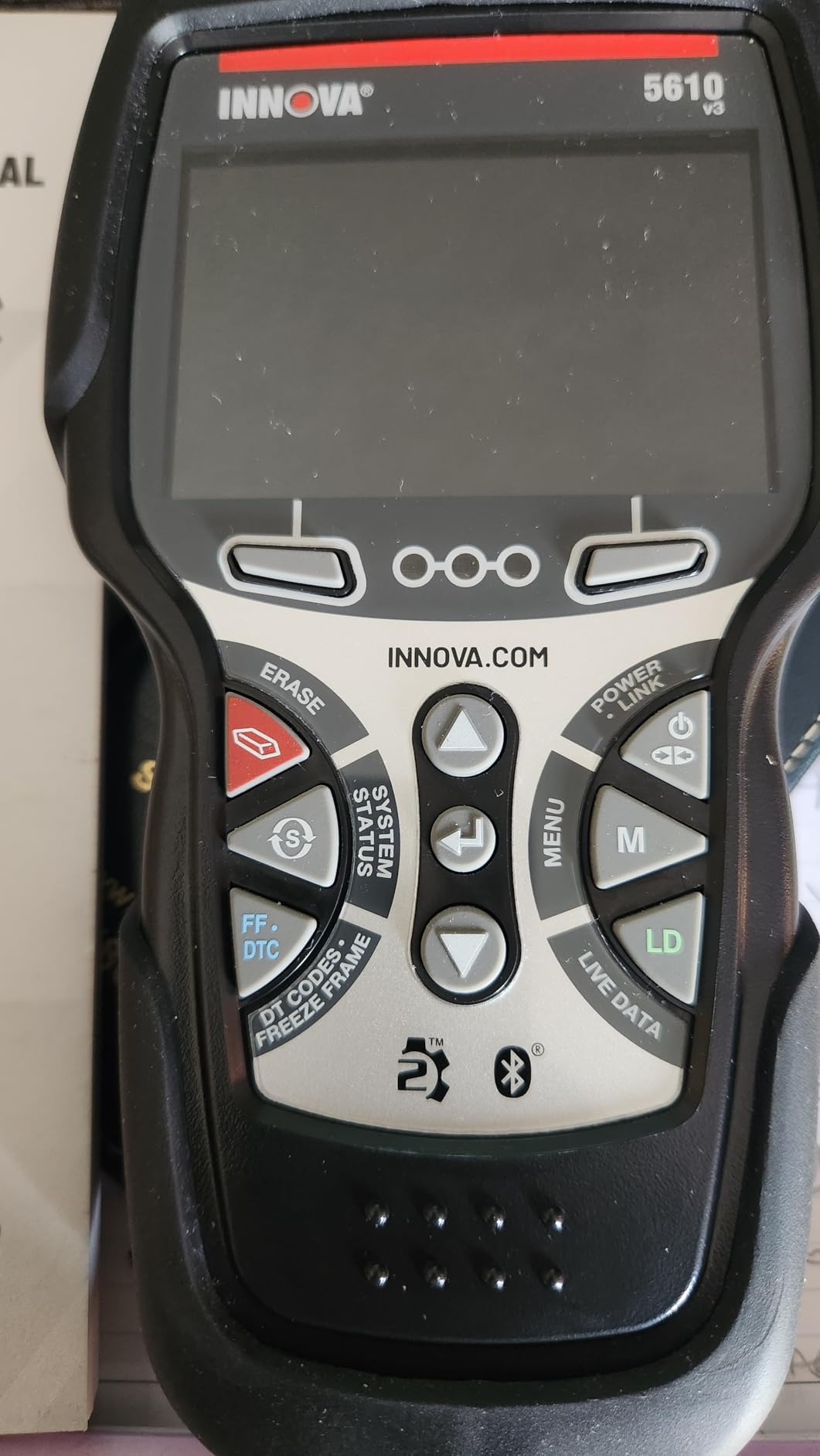
The Innova 5610 sits in the sweet spot between a pocket code reader and a shop tablet, and after 4045 reviews at 4.4 it is one of the most provenanced tools we looked at. Owners consistently describe it as a pro-sumer step up, and the reason is simple: it does bidirectional control and it never asks you for a subscription.
That lifetime free update promise is the rarest thing in this category. Most rivals sell you the first year and then bill annually, which quietly doubles the cost of ownership over five years. The Innova also pairs with the RepairSolutions2 app, trusted by 4 million users, which turns a scan into plain-language repair recommendations.
Coverage is deeper than generic OBD2, with enhanced data streams for ABS, SRS, transmission and engine, and bidirectional commands that genuinely actuate components such as the fuel pump and the AC compressor clutch. On an EV that means confirming a pump or relay fault with a command rather than a guess, though the manufacturer’s own parameter access still depends on the vehicle.
It is also the most pleasant to use in a real driveway. A wired connection means no pairing problems and instant response, the detachable cable reaches into awkward port locations, and the work light is genuinely useful in a dim footwell. The 3.5-inch display is small but readable, and the whole unit weighs 1.3 pounds. Menus run in English, Spanish and French, and coverage spans most 1996 to 2023 OBD2 vehicles with 2024 coverage announced.
Who the Innova 5610 suits
It suits an owner who wants real bidirectional capability and a manufacturer-level reset function without paying a yearly fee, and it is the easiest tool in this list to hand to another driver. If a scan finds something you cannot fix, the app’s repair recommendations can save a diagnostic appointment.
It also suits anyone working across mixed brands, since the coverage checker confirms vehicle compatibility before you commit.
Where the Innova 5610 falls short
Coverage varies significantly by make, model and year, so treat it as a capable pro-sumer tool rather than a universal one. Owners of Ram and Chrysler vehicles specifically report missing FCA gateway support, which is a meaningful gap on those trucks.
It is weaker on vehicles newer than roughly 2022 than the newer-platform rivals, keys are not backlit, and OEM live data cannot be exported to the app or other software. One inconsistency to know about: TechDoc in the companion app requires a paid subscription even though the scanner itself never does.
8. TOPDON AD900 Lite Review: Best Walk-Around Tablet for Battery and Reset Work
TOPDON AD900 Lite OBD2 Scanner, Bidirectional Scan Tool, 8″ Large Screen
8 inch Android 11.0 tablet
Bluetooth 5.0 VCI at 33 ft
10000mAh battery
Pros
- Wireless VCI lets you walk around the vehicle
- Full system scan across ten module types
- Fast boot and responsive touchscreen
- HDMI output accepts a thermal imager or borescope
Cons
- Paid software subscription after the first year
- Some buyers report Bluetooth pairing failures
- SD card needed after a while
The AD900 Lite is the most commonly recommended shop tablet in owner discussions, and the reasoning is practical. It replaces a much pricier dealer tool for routine work: resets, post-service scans and walk-around bidirectional testing. At 4.3 across 4044 reviews, the feedback is consistent enough to trust.
The Bluetooth 5.0 VCI reaches up to 33 feet, so you can sit beside the wheel while commanding a window regulator, a coolant pump or a headlight. That is exactly the workflow you want when isolating an EV fault, because you can watch the component while the tool drives it. The 8-inch 1280×800 Android 11.0 tablet runs on a 1.8 GHz quad-core with 2GB plus 32GB and a 10000mAh battery rated for 12 hours of continuous operation.
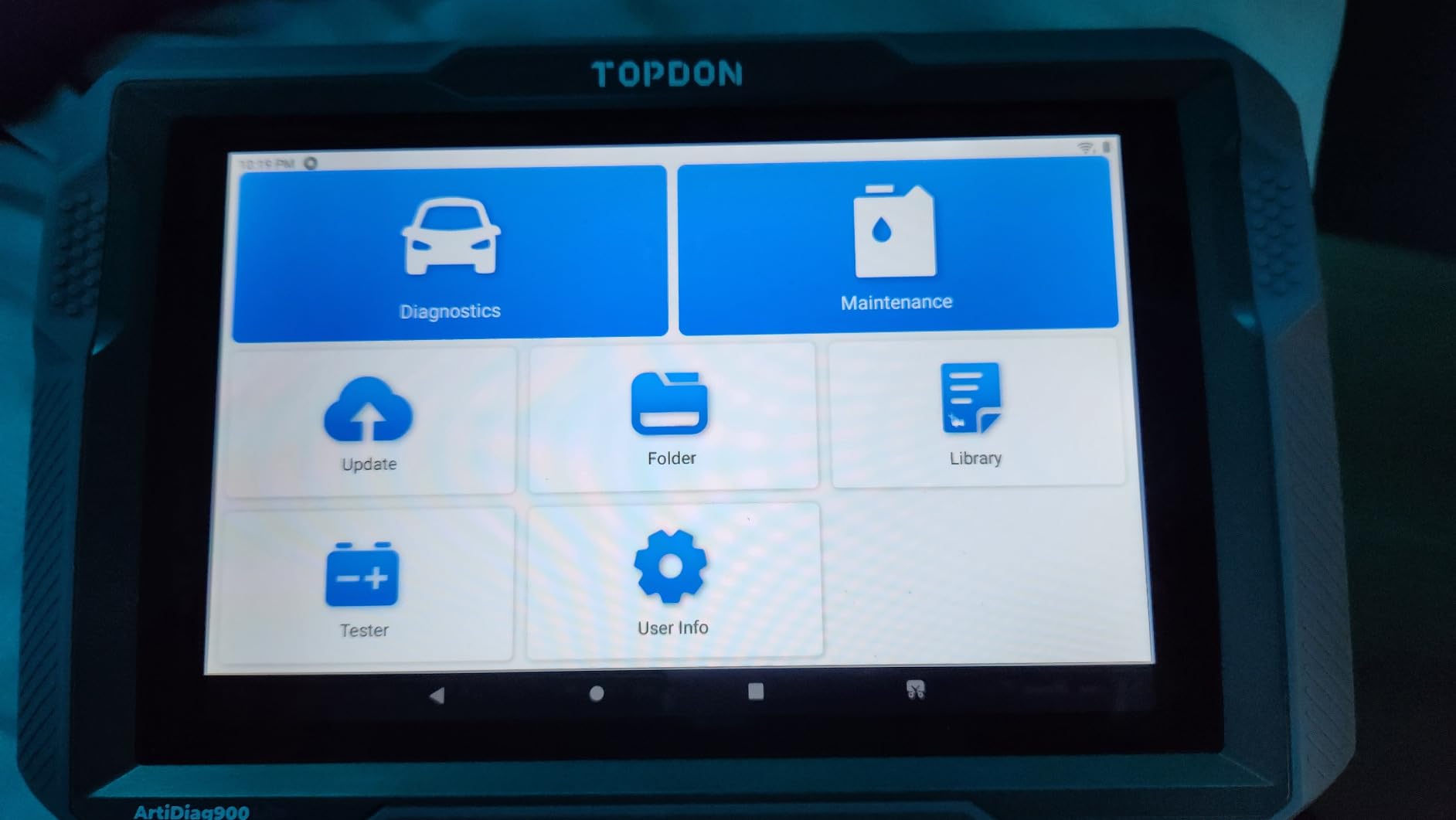
Full-system scanning covers Engine, Transmission, Airbag, ABS, ESP, TPMS, Gateway, Steering, Radio and air conditioning, which catches faults that never trigger a check engine light. Eight hot reset services include oil, throttle, EPB, SAS, DPF, ABS bleeding, BMS and airbag, so the battery management reset is available here too.
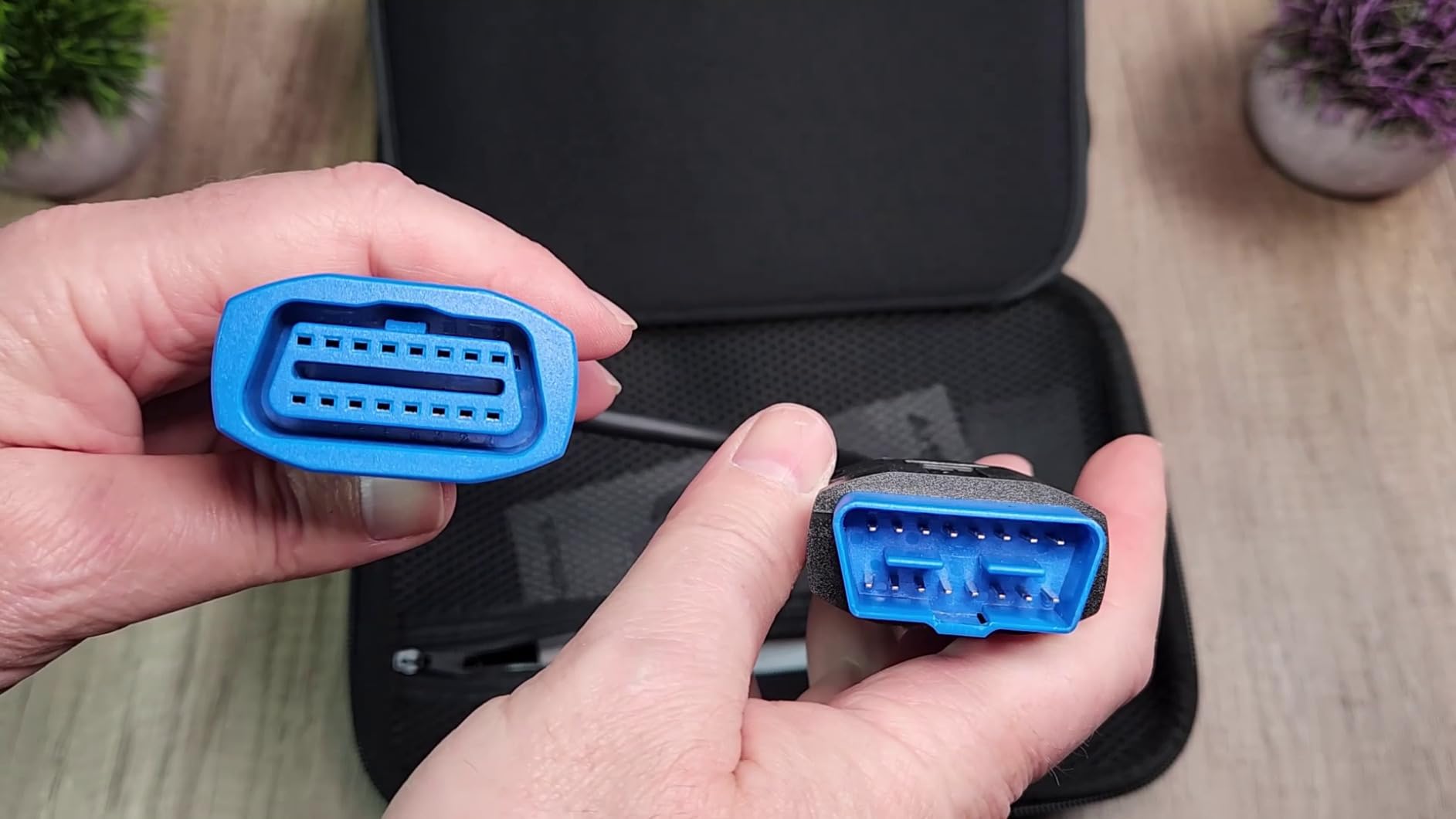
The port selection is worth noting for EV work: HDMI output plus USB-A and USB-C means you can attach a borescope to look inside a housing or a thermal imager to spot a hot connector, which are the two tools that turn a suspicion into a finding. Coverage runs 1996 to 2025 across 60+ models in 12 languages, with a one-year warranty and lifetime free upgrade.
Who the TOPDON AD900 Lite suits
It suits a technician who wants wireless freedom and a full-system scan without stepping up to coding or programming hardware. Anyone doing routine service on EVs will find the BMS reset and active tests sufficient for most jobs.
It also suits owners who want a screen they can read without squinting. Eight inches is a meaningful jump from a 3.5-inch handheld, and the included carrying case and cable set make it portable.
Where the AD900 Lite falls short
The subscription is the real issue. After the first year of free updates, continued coverage is a paid annual plan, and over five years that materially changes the cost of ownership compared with the Innova or the BLCKTEC. Some buyers also hit Bluetooth pairing failures and fall back to a USB connection, and the SD card becomes necessary for running the program after a while.
FCA AutoAuth needs a separate paid bundle, reset and service coverage is thinner than the Phoenix-class units, and US buyers report difficulty reaching US support when a warranty service is needed. Fast for the money, but the ongoing costs are not hidden.
9. BLCKTEC 460T Review: The Practical Choice for a First-Time Used EV Buyer
BLCKTEC 460T OBD2 Scanner Car Code Reader Engine ABS SRS Transmission Diagnostic Tool, 12 Reset Services, Oil/TPMS/EPB/BMS/SAS/DPF/Throttle Reset, ABS Bleeding, Battery Test, Auto VIN, Free Update
4.3 inch handheld
12+ service functions
Free app with verified fix data
Pros
- Catches hidden faults on used cars before purchase
- Free lifetime updates and a genuinely free companion app
- Physical buttons work with dirty hands
- English and Spanish US support
Cons
- Service function support is vehicle specific
- 4.3 inch screen is small
- US and Canada only
- Firmware updates need a computer
If your reason for wanting an EV diagnostic tool is that you are buying a used EV and want to know what is hiding under the bonnet, the 460T is built for exactly that. Owners describe it paying for itself by catching a coolant bypass valve fault on a used car before completing a purchase, which is the single most valuable thing a scanner can do for a buyer.
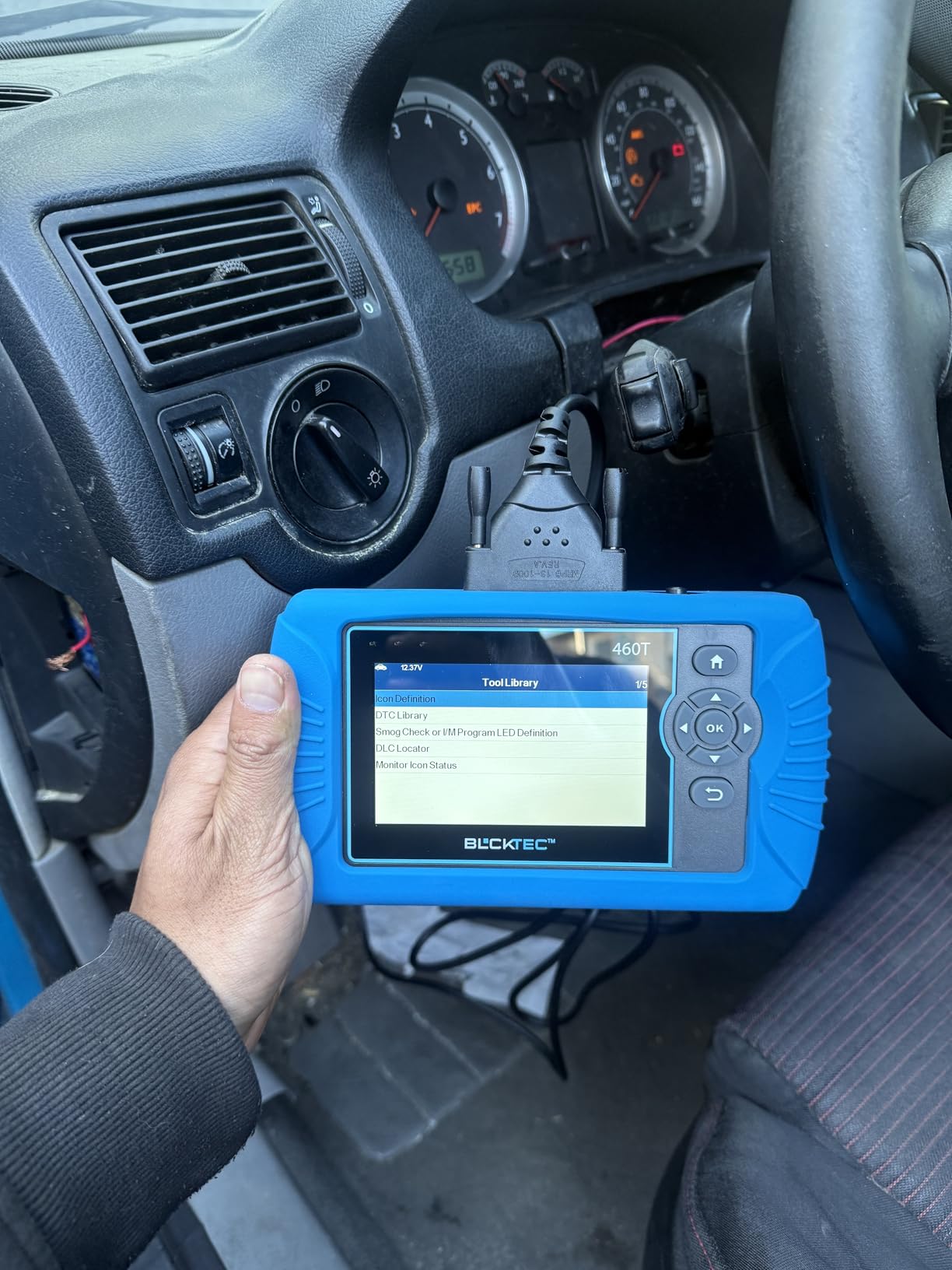
It reads all ten OBD2 modes across Engine, Transmission, ABS and SRS, with freeze frame data, real-time OEM live data, graphing, record, replay and a four-stream overlay. AutoVIN, AutoScan and AutoReLink handle the routine work hands-free, and a 30-second I/M readiness refresh saves time on emissions-relevant checks.
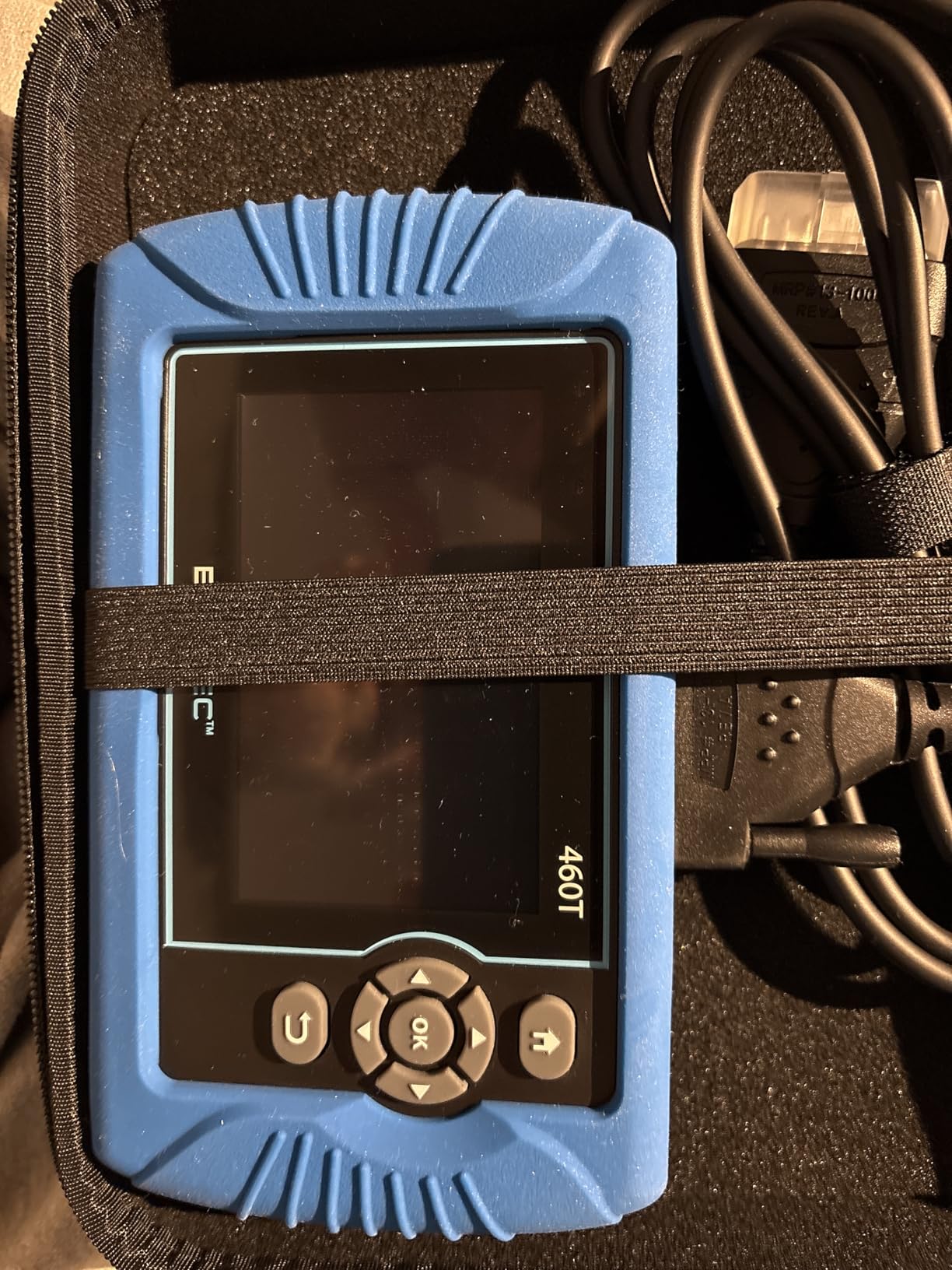
Twelve-plus dealer-level service functions cover oil, ABS bleeding, EPB, SAS, DPF, throttle, battery, TPMS and transmission resets, and the free RepairSolutions2 app adds verified fix data, parts, TSB and recall lookups with cloud report storage. Lifetime updates and no subscription anywhere is the standout, and it is a large part of why we rate it as the sensible entry point.
Physically it is a 4.3-inch handheld at roughly 7.75 inches long, powered from the vehicle, with English, French and Spanish support and a two-year limited warranty. Coverage is 1996 and later OBD2-compliant vehicles in the US and Canada, supported from a US base Monday to Friday.
Who the BLCKTEC 460T suits
It suits a first-time owner who wants an all-system scan and a genuine reset library without a subscription or a learning curve. Owners and working mechanics use it the same way: a quick pre-purchase or post-service check across every module.
Physical buttons are a genuine advantage over touch-only designs when your hands are dirty, and the free app means repair guidance costs nothing extra.
Where the 460T falls short
Service function support is vehicle specific, so some resets simply fail on certain models, and a 4.3-inch screen is small next to any tablet here. The software and app work in the US and Canada only, which rules the tool out for other regions.
Firmware updates require a computer and take a while to install, and there is no bidirectional control or ECU coding at this level. It is a scanner, not a technician. For broad regional use or any real actuation testing, look higher in this list.
10. MUCAR 632 Elite Review: Most Reset Functions Without Any Update Fee
OBD2 Scanner, MUCAR 632 Elite AI-Assisted Bidirectional Scan Tool, 15 Reset Services Oil/TPMS/EPB/BMS/SAS/Brake/Throttle Car Scanner Diagnostic Tool, AutoAuth FCA, CANFD, AutoVIN, Lifetime Free Update
6.2 inch touchscreen
15+ reset services
Lifetime free updates
Pros
- Lifetime free updates with no subscription
- 15 reset services is a high count for the tier
- FCA AutoAuth and CAN FD usually cost more elsewhere
- AI fault explanations help newer users
Cons
- Lowest average rating here at 4.2
- Android 8.1 and 32GB are dated
- Fewer systems and active tests than larger tablets
The 632 Elite competes on one specific promise: no subscription, ever, with lifetime free software updates for vehicle coverage and feature modules. In a category where the cheapest genuine alternative still bills you annually after year one, that is a real advantage for anyone planning to keep a tool past five years.
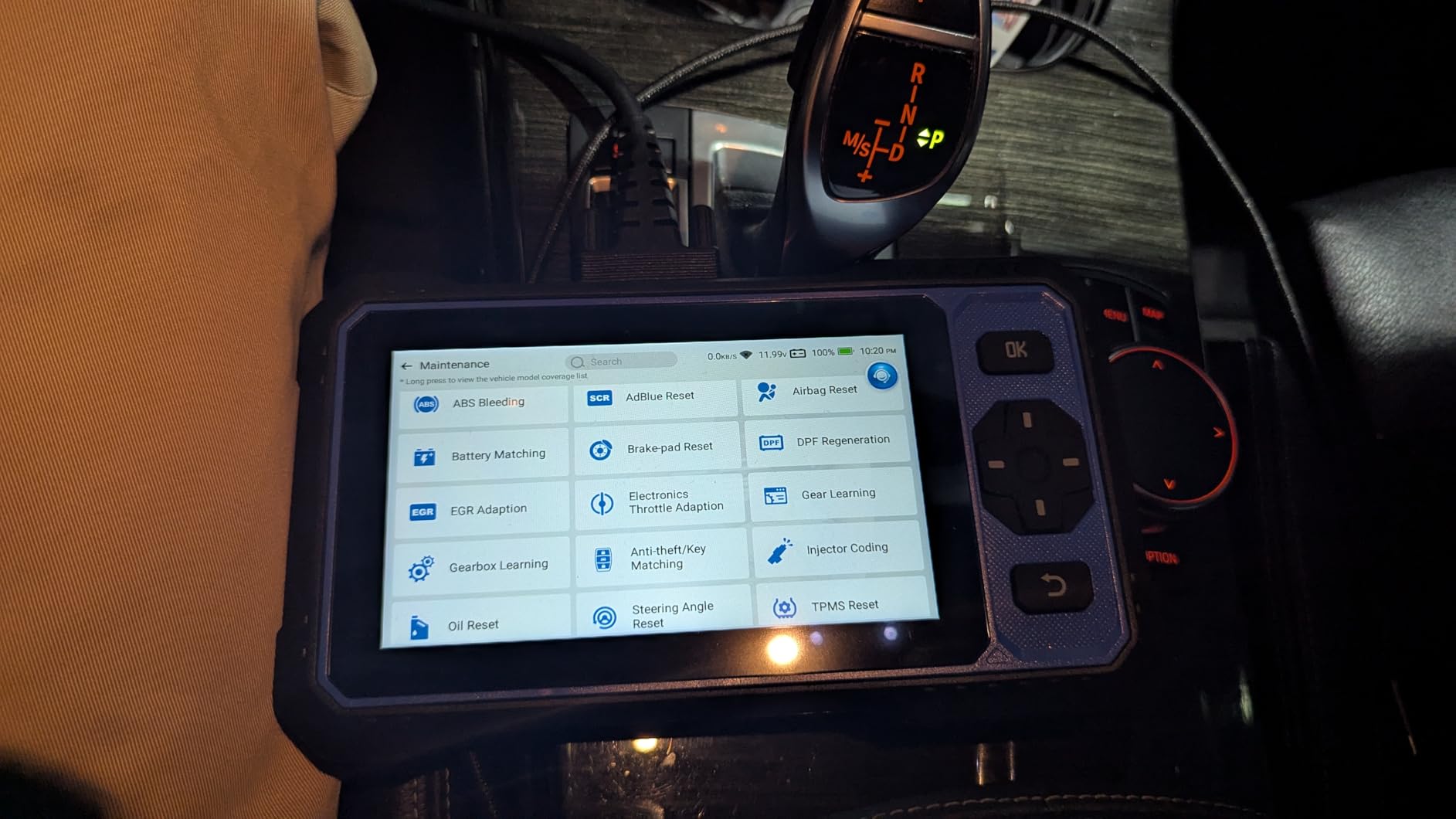
Fifteen-plus reset services is a generous count at this level, covering ABS bleeding, AdBlue, airbag, battery matching, brake pad, DPF regeneration, EGR adaptation, throttle adaptation, gear, gearbox learning, anti-theft key matching, injector coding, oil, SAS and TPMS. The MUAI analysis adds fault code causes and repair suggestions directly into the diagnostic report, which genuinely helps someone new to reading codes.
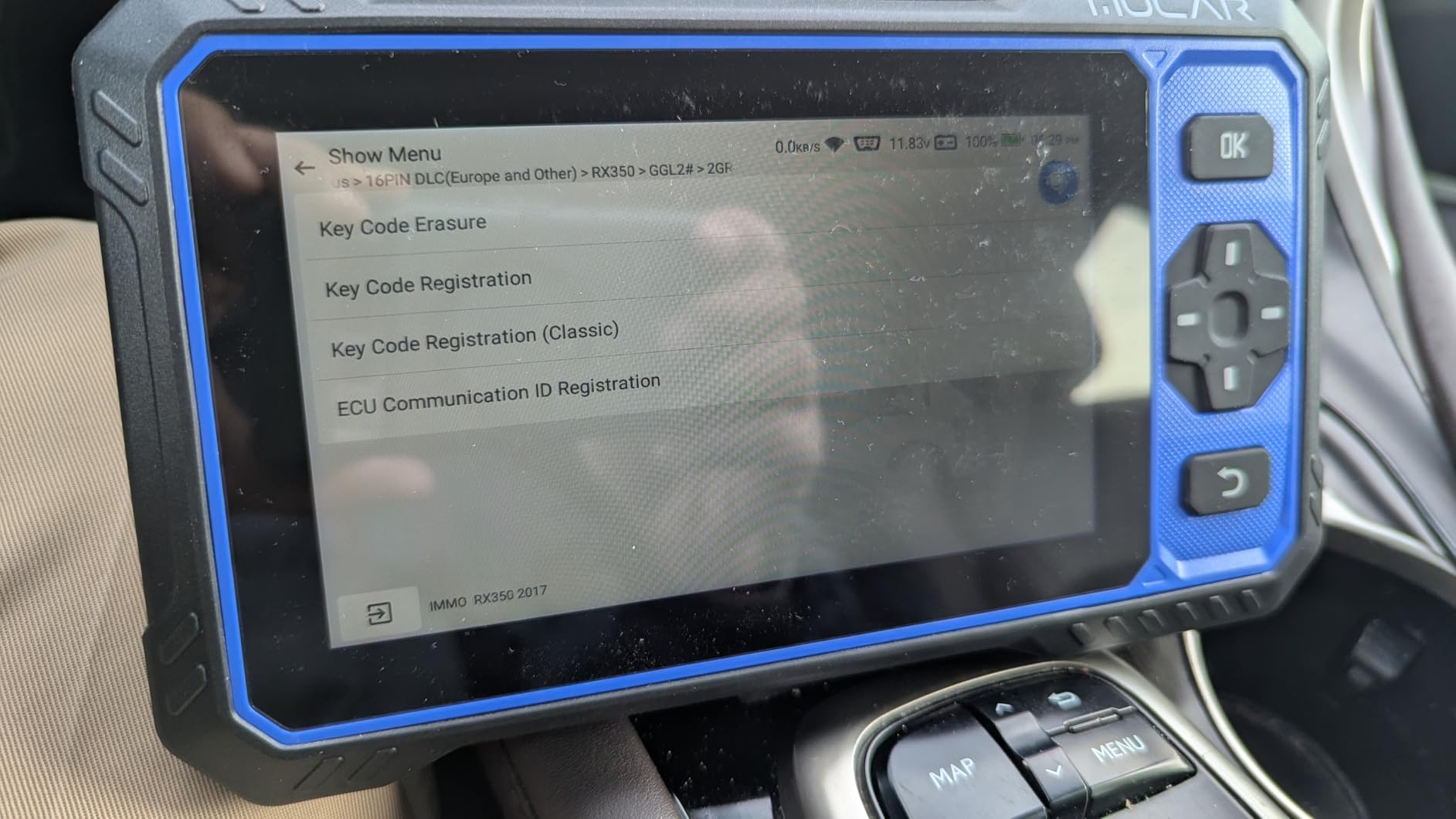
FCA SGW support with integrated AutoAuth for 2018 and later FCA vehicles and CAN FD protocol support are both present, features that many competitors in this price band simply omit. You register your own AutoAuth account, which is a step worth completing before you need it. Bidirectional control covers headlights, oil pressure, wheel speed sensors, brakes and mirror folding.
The hardware is the weak point. Android 8.1 with a 1.8 GHz chip, 6.2-inch 1024×600 touchscreen and 32GB of storage expandable to 128GB via a TF card is a dated platform next to the Android 11 and 12 machines in this lineup. It reads Engine, ABS, SRS and transmission codes with live data graphing, and the 12-month warranty is the shortest stated here.
Who the MUCAR 632 Elite suits
It suits an owner who wants a lot of reset capability, full lifetime updates and no annual fee, and does not need a large display. For a mid-range battery or module fault on a mainstream EV, the coverage here is usually sufficient.
It also suits anyone outside the US market who needs FCA gateway access and CAN FD without moving up a tier for them.
Where the MUCAR 632 Elite falls short
Its 4.2 average is the lowest in this lineup, with about 10 percent one-star reviews, and the rating cluster points to the dated platform rather than to the software. Fewer systems and fewer active tests than the larger bidirectional tablets is the recurring comparison.
Lifetime updates cover the software only, not third-party manufacturer access services, so FCA AutoAuth is a separate account you own. The 6.2-inch screen is also small for long data streams. If you can stretch, the AD900 Lite gives you a much larger screen and more system coverage.
Which Tool Tier Do You Actually Need?
Most buyers overspend here, so it is worth being blunt about tiers. The category splits into four groups, and the gap between them is about protocol capability rather than price.
The dongle tier is a small Bluetooth Low Energy adapter with no screen. You get whatever the paired app decodes, and on an EV that typically means pack state of health, cell voltages and module fault codes. This is the right tier for one car and one app.
The all-system handheld tier adds a screen, OEM live data, reset functions and a battery-management service or two. It is the sweet spot for an owner, because it works without a phone and needs no subscription on the best models.
The shop tablet tier adds full-system scanning across ten or more module types, hundreds of bidirectional active tests, a wireless interface and sometimes a subscription. This is where battery-related resets, actuator tests and live data become routine.
The pro tablet tier adds topology mapping, ECU coding, offline programming and, in one case here, J2534 pass-thru. Buy this if module replacement is billable work, not if you are checking your own car once a year.
Hardware and App Pairing: What Actually Works
The most repeated question on EV forums is which dongle works with which app, and the honest answer is that no single dongle is universally recommended. Compatibility lists differ between Car Scanner, LeafSpy, CanZE and ScanMyTesla, which is why our top pick is a general adapter with a broad support list rather than a niche one.
The most common expensive mistake is buying a non-BLE adapter. Classic Bluetooth serial adapters advertised for use with certain apps are not Bluetooth Low Energy, and they will not pair with LeafSpy or Car Scanner at all. Owners who hit this describe an adapter that simply never appears in the app’s device list, with no error message to explain why.
The second mistake is underestimating the cheap ELM327 clones. They are slow, they drop the connection under heavy live data, and they can freeze on a complex network. A clone is fine for reading a code once. It is not fine for logging pack data over a drive while you watch for a delta.
Then there is the Tesla problem. Teslas do not have a standard OBD2 port, so the usual workflow is a harness adapter that reaches the diagnostic connector under the centre console. Confirm the specific adapter for your model before ordering a dongle, because the connector position and access differ between Model 3 and later vehicles and earlier ones. Our EV charging station cable picks cover the connector side of that same conversation if your fault turns out to be at the charge port rather than the car.
Finally, treat sleep mode as a feature, not a detail. A reader that stays awake keeps the vehicle awake, which keeps the 12V auxiliary battery working. Pull the dongle when you are done, and a reader with over-voltage and battery drain protection is worth paying a little more for.
How to Check EV Battery Health and SOH
State of health, or SOH, is a percentage of the pack’s original capacity. The dashboard estimate is an algorithm running on the vehicle’s own data, which means it can look optimistic after a fast-charge heavy year. A diagnostic tool gives you a second reading to compare against, and the process takes about fifteen minutes.
Park, connect and let the car settle. Put the vehicle in park, leave the key on, and give the battery management system a few minutes to reach thermal equilibrium. A cold pack produces a misleading reading.
Connect the reader and confirm the protocol. With an ELM327-style dongle, make sure the adapter is set to the right protocol rather than auto-negotiating. Force the vehicle protocol if auto fails to hand back stable data.
Read the SOH and the individual cell voltages. The SOH figure comes from the BMS, and the cell list shows whether one module is dragging the pack down. Look at the spread, not just the average.
Check the cell voltage delta. Above 0.1V between the highest and lowest cell is a warning sign of a weak module. The pack can still perform acceptably while the delta is widening, which is precisely why it is worth watching across a period.
Compare across a drive and repeat. Log the readings before and after a longer trip and watch how the delta moves. A delta that grows under load is a different conversation from one that is static.
Two honest caveats. A single SOH number from one tool is a starting point, not a capacity test, because a full capacity test needs controlled conditions and laboratory equipment. And on a used purchase, treat the reading as the floor of the car’s history rather than its current truth, which is why a pre-purchase check matters.
Used-EV Pre-Purchase Inspection Checklist
Nobody on the search results covers this properly, which is odd, because it is the highest-value use of a diagnostic tool. A full-system scan in a car park costs nothing and can change the price you pay or stop the sale.
Full-system scan before you agree on anything. Engine, transmission, ABS, SRS, gateway and any battery module the tool will reach. Pending codes in the gateway or a body module are the ones a seller usually forgets to mention.
Read SOH and the cell voltage delta. A delta above 0.1V between cells, or an SOH well below what the seller claims, is a conversation with real numbers behind it rather than a feeling.
Check for module communication faults. This is where topology mapping earns its place. A module that never appears on the network map points to a wiring, connector or module problem that will not show as a single obvious code.
Look for battery-related pending and stored codes. A reset battery module or a replaced pack leaves history behind. Ask for the receipts.
Verify the charge system reports healthy. On-board charger faults and charge port latch faults are common on cars that have been used heavily on public rapid charging, and they are expensive to put right. Our EV home charger picks cover the other half of that equation when the fault turns out to be at the wall rather than in the car.
Actuate rather than assume. Bidirectional control of the coolant pump, charge port latch, lights and mirrors confirms a component works. A code tells you the module noticed a problem; a command tells you whether the part does.
Do the scan cold, before the seller has a chance to cycle codes or warm the car up. And take photographs of anything the scan turns up, because a printed list of codes is easier to act on than a memory of a screen.
High-Voltage Safety: When Not to DIY
Every tool in this roundup is a reader. None of them makes an EV safe to work on, and this is where a lot of advice online goes wrong. A diagnostic tool tells you what the battery management system is reporting. It does not de-energise a pack.
Opening a pack, working on orange high-voltage cabling or measuring at the busbar is a different category of work entirely, and it belongs to a technician trained and equipped for it. Rated gloves, a rated tester with an appropriate CAT category, insulated tools and a documented de-energisation procedure are not optional extras in that context, and a CAT III or CAT IV rating tells you what the instrument is certified to survive if something goes wrong.
For owners, the sensible boundary is simple: reading codes and live data is fine, opening anything orange is not. A pack that has been physically damaged, punctured or flooded should not be handled at all, and the correct response is to step away and contact a service centre, because damaged cells can enter thermal runaway well after the car is off.
If your work involves roadside response or first response, a diagnostic tool is a reasonable addition to a high-voltage safety kit rather than a replacement for one. Fire suppression equipment, an emergency battery disconnect and insulated PPE are the tools that matter in that scenario, and no scan tool on this list substitutes for them.
How to Choose an EV Diagnostic Tool
Start with the vehicle, not the tool. Get the VIN and run a compatibility check on any product that offers one. Coverage that looks impressive on a spec sheet is worthless if your specific make, model and year sits outside it, and this is the most common complaint across reviews in this category.
Next decide between hardware and software. If you want battery data and already know which app you will use, a BLE dongle is the cheapest correct answer and the best-tested one. If you want to hand a device to someone else, run a scan in poor light or command components, you need a handheld or tablet with bidirectional control.
Then look at the update terms, which is where the real cost lives. Compare a tool with lifetime free updates against one that includes a single year and a renewal plan after that, and multiply by five years of ownership. The Innova 5610 and the BLCKTEC 460T are the two in this list that never charge you again; the Autel MK900BT includes one year; the TOPDON AD900 Lite and TOPDON ONE both require a renewal after year one.
Check for battery management support specifically, not just the word EV. A BMS reset function, cell-level voltage display and a reported state of health tell you the tool understands a high-voltage pack. A tool that reads only generic powertrain codes does not, no matter what the box says.
Finally, confirm bidirectional control if you intend to isolate faults rather than just read them. Active tests are what separate a real diagnosis from a code and a guess, and they are the single feature that most changes the value of a tool.
Common mistakes worth naming: buying a non-BLE adapter that will not pair with your app, assuming any OBD2 scanner works on an EV, ignoring the 12V drain risk of a reader left plugged in, buying a subscription tool for a car you will scan twice, and picking the biggest screen instead of checking protocol support. Every one of those shows up repeatedly in owner discussions.
Frequently Asked Questions
Can you use a regular OBD2 scanner on an electric car?
Partly. A standard scanner will read module-level fault codes and a small number of powertrain parameters, because the OBD2 port still reports data on an EV. It will not give you battery cell voltages, pack state of health, module topology or charge system detail, because those live behind manufacturer-specific protocols on the vehicle’s CAN bus. That is why EV-specific tools and vehicle-specific apps exist.
What is EV diagnostic software?
EV diagnostic software is the app or tablet program that decodes the data a scan tool reads from the vehicle. The tool is hardware that talks to the CAN bus; the software is what turns raw signals into readable battery cell voltages, temperatures, state of health, live data graphs and plain-language fault descriptions. Apps like Car Scanner, CanZE, LeafSpy and ScanMyTesla each target different makes, so check compatibility before you buy a dongle.
What is the best OBD2 app for an electric car?
It depends entirely on your vehicle. CanZE covers a wide range of European models, LeafSpy is built around the Nissan Leaf, ScanMyTesla is Tesla-specific, and Car Scanner is the broadest general option. All of them work best with a Bluetooth Low Energy dongle, and the OBDLink MX+ is the adapter most often recommended across those communities because it appears on multiple compatibility lists.
How do I check my EV battery health?
Connect a Bluetooth Low Energy dongle paired with a battery-aware app, or a tablet with BMS support, then read the state of health figure and the individual cell voltages. Compare the highest and lowest cell: a spread above 0.1V points to a weak module worth investigating. Do the reading with the pack at rest and near thermal equilibrium, and repeat it on a later drive to see whether the spread is growing.
Do I need a special tool to work on an EV?
For reading codes, live data and battery state of health, a Bluetooth Low Energy dongle with a vehicle-specific app is enough. For resetting modules, commanding components or diagnosing charge and thermal management faults, you need a tablet with bidirectional control. For opening a high-voltage pack or working on orange cabling, you need a trained technician with insulated PPE and a rated tester, because no scan tool de-energises a battery.
The Best EV Diagnostic Tool in 2026
The OBDLink MX+ takes our top spot among the best EV diagnostic tools because it is the only purchase here that reliably turns an EV’s battery data into something an owner can read, and its 4.6 average across more than 15,000 reviews is the strongest evidence we found. Pair it with the app built for your vehicle and you have a genuine battery health tool for the cost of a dongle rather than a tablet.
If you want a self-contained unit with battery management service functions and thousands of active tests, the LAUNCH CRP919 EV is the one built for that job. Working technicians should look at the Autel MaxiCOM MK900BT for wireless freedom, the XTOOL D8S for network faults, and the TOPDON ONE when OEM programming through J2534 pass-thru is the priority.
Before you buy, check one thing: does the tool support your VIN, and does your app list that adapter as compatible. Everything else in this roundup is negotiable. That is not. Whatever you choose, pull the reader out when you are finished so the 12V battery is not the thing that strands you.