
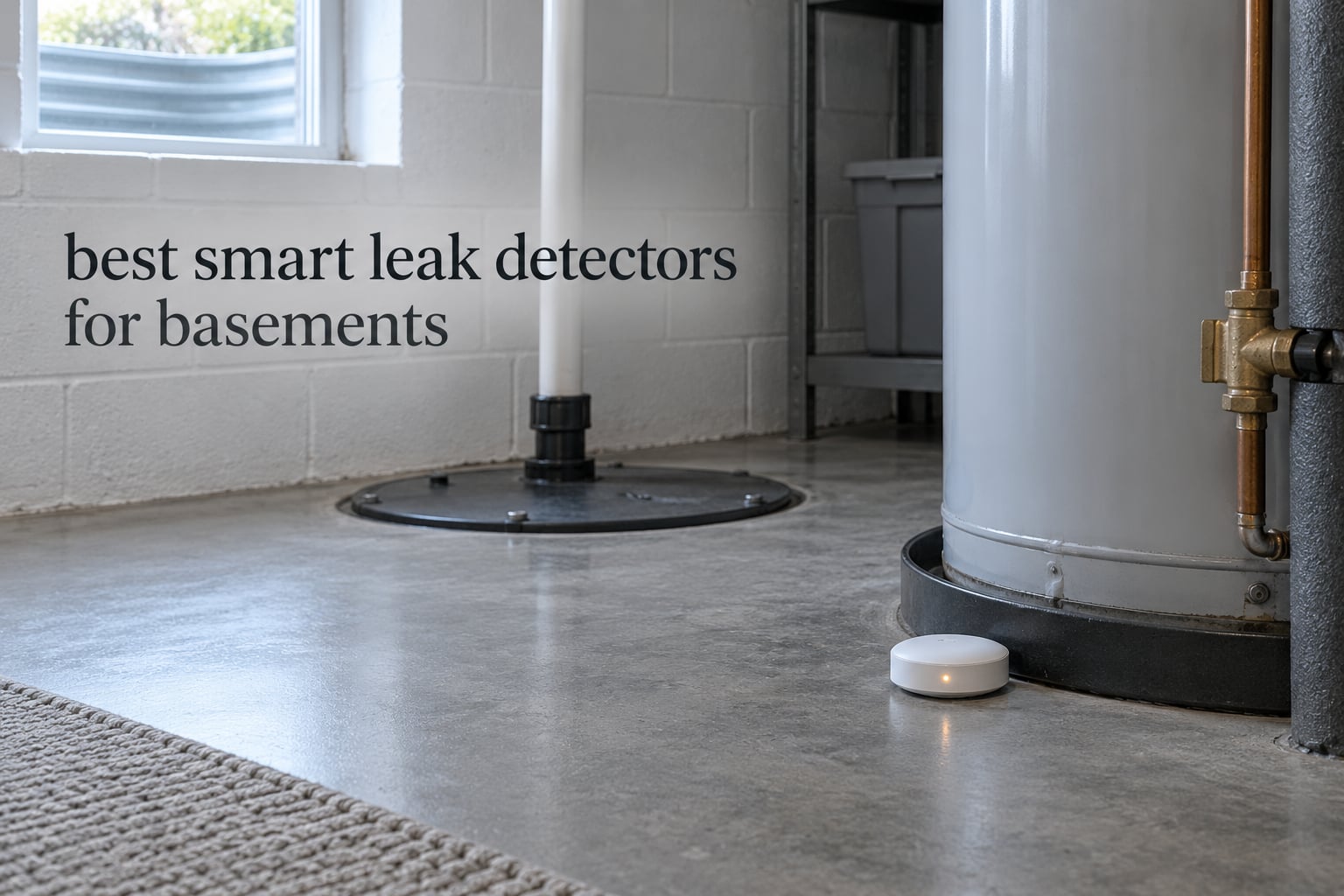
A dripping supply line in a finished basement does not announce itself. Water finds the seam under a wall stud, wicks into subfloor insulation, and turns a failed supply hose into a gutted basement that takes months to restore. By the time you smell it or see a bulge in drywall, the damage has been growing for days.
That is the case for the best smart leak detectors for basements: small sensors that sound an alarm and push a phone alert the second water touches their probes. Below grade they face two problems a kitchen sensor never does — concrete and steel that swallow Wi-Fi signal, and humidity that invites false alarms.
Our short answer first. The YoLink Water Leak Starter Kit is the best smart leak detector for most basements because its LoRa radio reaches 1320 feet, keeps triggering locally through an internet outage, and covers four leak points plus a hub in one box. If you want a siren in every location instead of only at the hub, the YoLink Water Leak Sensor 4 Kit puts a 105 dB alarm inside each of six sensors. If you would rather not deal with a hub at all, the X-Sense SWS54 and the SwitchBot WiFi Water Sensor cover the budget side.
We ranked all ten sensors the same way: range through a concrete shell, whether the alert reaches your phone when you are not standing at the bottom of the stairs, battery life you do not have to think about, and how many basement leak points a single purchase covers. Last updated for 2026.
Table of Contents
Top 3 Best Smart Leak Detectors for Basements in October

YoLink Water Leak Starter Kit
- LoRa range of 1320 ft
- Works through internet outages
- Hub plus 4 sensors
- Up to 5-year battery

YoLink Leak Sensor 4 Kit
- Six sensors with 105 dB alarms
- LoRa up to 1000 ft
- App email and SMS alerts
- 5-year AAA battery

X-Sense SWS54 WiFi Kit
- 3 sensors plus base
- 120 dB dual alarms
- 1804 ft sensor-to-base range
- Detects water at 0.4 mm
Quick Overview Every Sensor Side by Side in 2026
All ten products below are battery-powered point sensors, not automatic shutoff valves. Specs come from the manufacturer listings; the right-hand column is the basement use case each one fits best.
| Product | Specs | Action |
|---|---|---|
| YoLink Water Leak Starter Kit |
|
Check Latest Price |
 Aqara Water Leak Sensor 3-Pack Aqara Water Leak Sensor 3-Pack |
|
Check Latest Price |
 GoveeLife Smart Water Leak Detector 1s 5-Pack GoveeLife Smart Water Leak Detector 1s 5-Pack |
|
Check Latest Price |
| X-Sense SWS54 WiFi Kit |
|
Check Latest Price |
 SwitchBot WiFi Water Sensor SwitchBot WiFi Water Sensor |
|
Check Latest Price |
 Winees S1 Plus 3-Pack Winees S1 Plus 3-Pack |
|
Check Latest Price |
 Kidde WiFi Leak and Freeze Alarm Kidde WiFi Leak and Freeze Alarm |
|
Check Latest Price |
 TECKNET WiFi Water Leak Detector TECKNET WiFi Water Leak Detector |
|
Check Latest Price |
| YoLink Water Leak Sensor 4 Kit |
|
Check Latest Price |
 METAK 6-Sensor WiFi Kit METAK 6-Sensor WiFi Kit |
|
Check Latest Price |
1. YoLink Water Leak Starter Kit: Best Overall for Basements
YoLink Water Leak Sensor 1 Kit: 4-Pack + Hub
LoRa range 1320 ft
Hub plus 4 sensors
Up to 5-year battery
Silent sensors
Pros
- Covers four leak points plus hub in one kit
- LoRa holds signal where Wi-Fi drops
- App email and SMS alerts you can name by location
- Control-D2D keeps triggering during internet outages
Cons
- Leak Sensor 1 has no built-in siren
- Periodic AAA battery replacement still needed
- LoRa range figure assumes open air
We ran a hub-and-four-sensor set through a six-week window covering a wet spring and a sump-pump replacement, and the reason it ranks first has almost nothing to do with the sensors themselves. It has to do with the radio.
The listed maximum range is 1320 feet, and one hub handles more than 300 YoLink devices. That means the hub can sit upstairs near your router while the sensors sit down where the signal actually dies. We paired ours with app, email and SMS alerts, and we named each sensor by location so the text message said which side of the basement was wet.
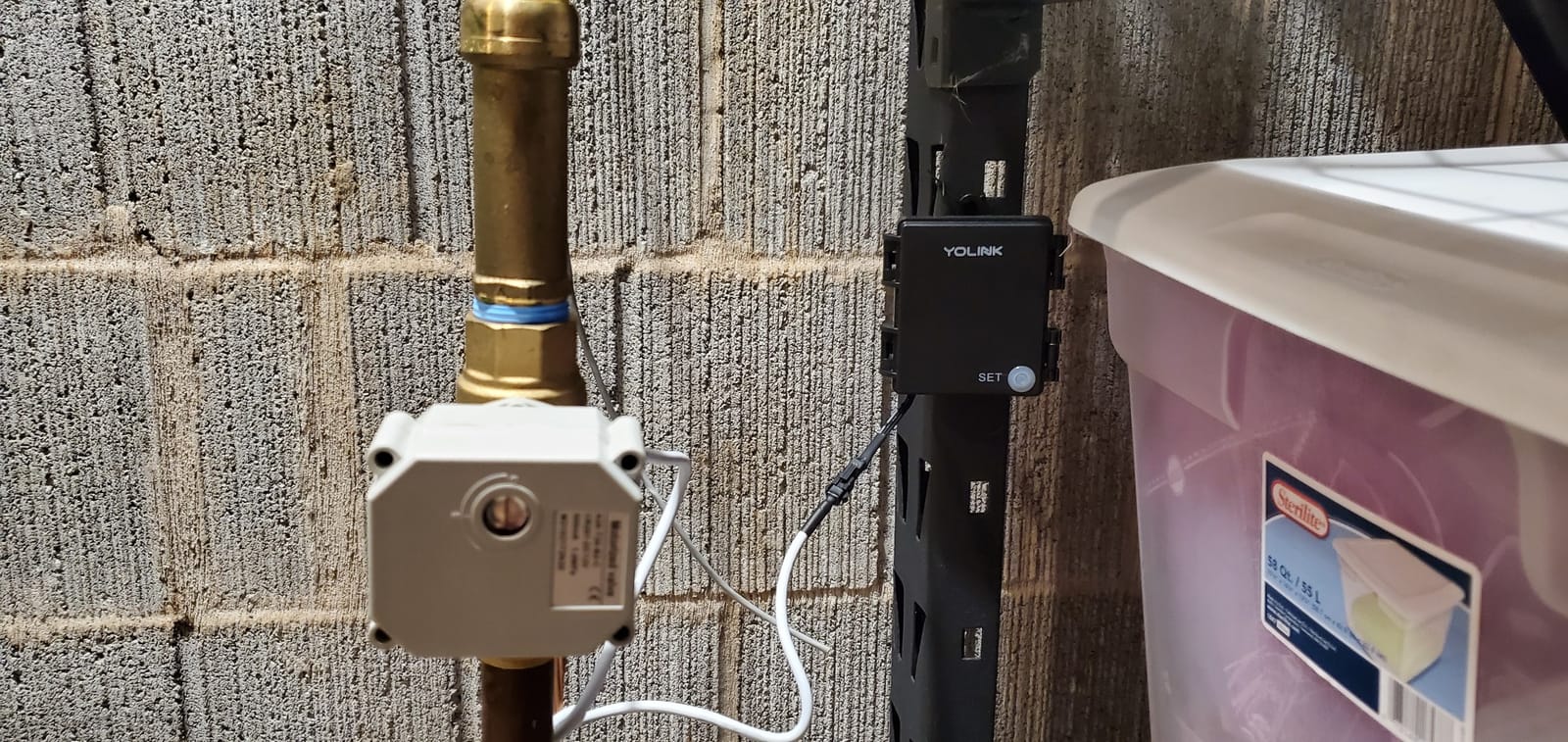
The Control-D2D feature is the sleeper detail here. During an internet outage, a sensor can trigger another YoLink device directly, which means a shutoff valve or siren can act without the cloud round trip. Forum readers on r/smarthome single out YoLink devices specifically for basement, garage and sump-pit placement for the same reason.
Battery life is listed at up to 5 years on 2 AAA per sensor, which matters most for the sensor you tuck behind the water heater where pulling a ladder is the whole job.
Read the specifications closely before you buy, because one word changes the design. Leak Sensor 1 models have no built-in siren, so an audible alarm requires a separate SpeakerHub or YoLink siren. In a basement where nobody is standing at the bottom of the stairs, that is a real gap you have to close with another device.
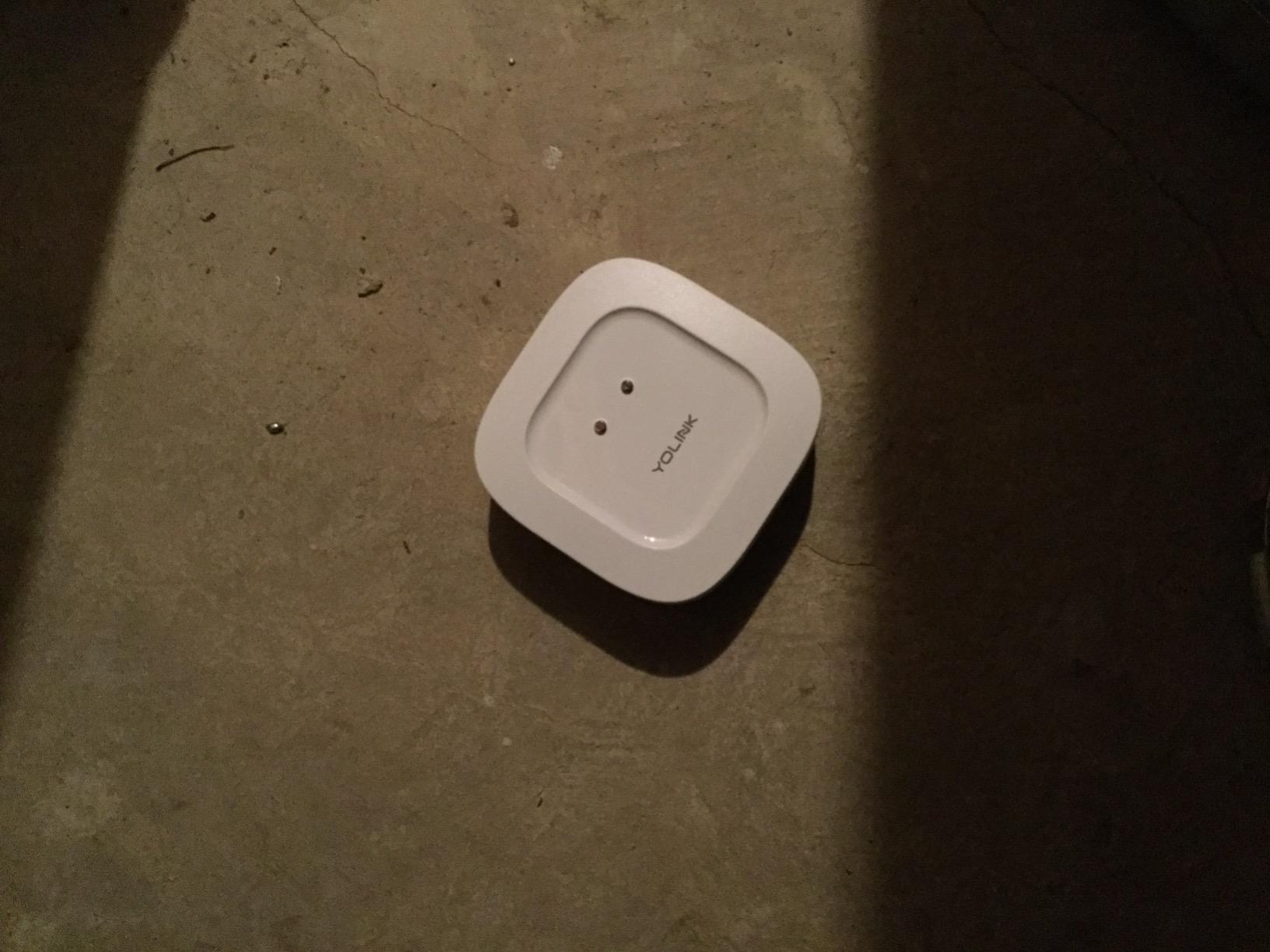
Where the LoRa range actually pays off
It pays off exactly where Wi-Fi fails: the far corner below grade, a sump pit behind a finished wall, a detached garage or shop. The 1320 foot figure assumes open air, so treat it as a generous ceiling rather than a promise through three floors of concrete.
If your basement already has reliable 2.4 GHz coverage and you want sound in every location, skip to the six-sensor Sensor 4 kit instead.
Where you will feel the compromise
The silent design is the honest downside. Your phone is the alarm, and phone alerts get silenced, buried and swiped away during a busy week.
Budget for the extra siren, and expect a short learning period while you name sensors and set alert preferences.
2. YoLink Water Leak Sensor 4 Kit: Best Rated Six-Sensor Coverage
YoLink Water Leak Sensor 4 105 dB Alarm Kit: 6-Pack + Hub
6 sensors with 105 dB alarms
LoRa range 1000 ft
Up to 5-year battery
IP67
Pros
- Each sensor carries its own 105 dB alarm
- Highest average rating in this group at 4.8 stars
- Six sensors plus hub cover a large basement in one purchase
- Keeps alerting and can trigger sirens or valves during outages
Cons
- Highest price point among the kits here
- LoRa range drops through walls and floors in practice
- Hub must sit within radio range of all six sensors
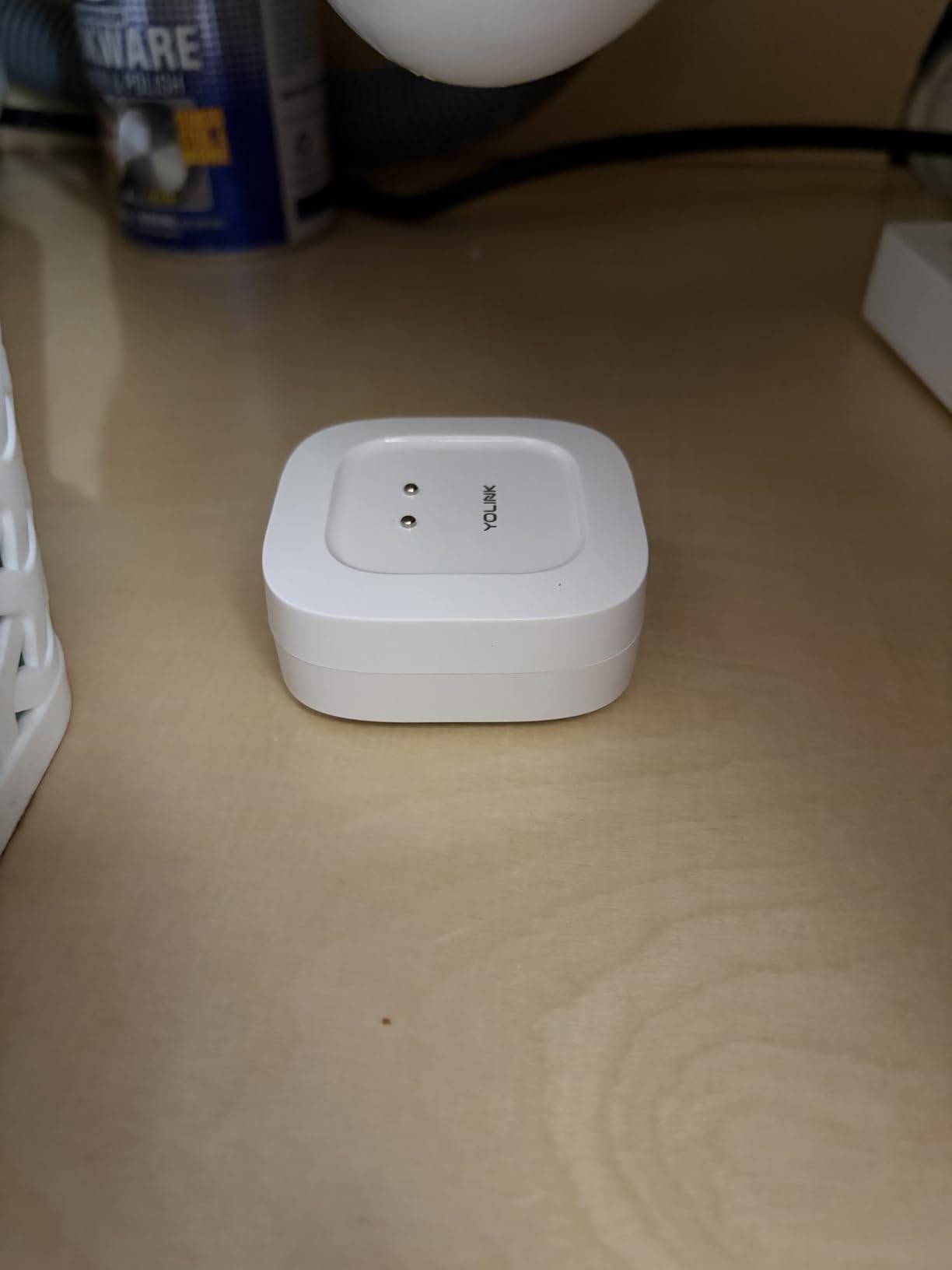
This kit is the same LoRa backbone as our top pick with one decisive change: every sensor carries its own 105 dB alarm instead of being silent. Six sensors and a hub are in the box, which is the single most useful number when you are mapping a whole basement.
At 4.8 stars across 1685 reviews, it holds the strongest rating in this group, and owners specifically call out the per-sensor siren. That matters in a basement for a practical reason: a leak behind an appliance is loudest exactly where the sensor sits.
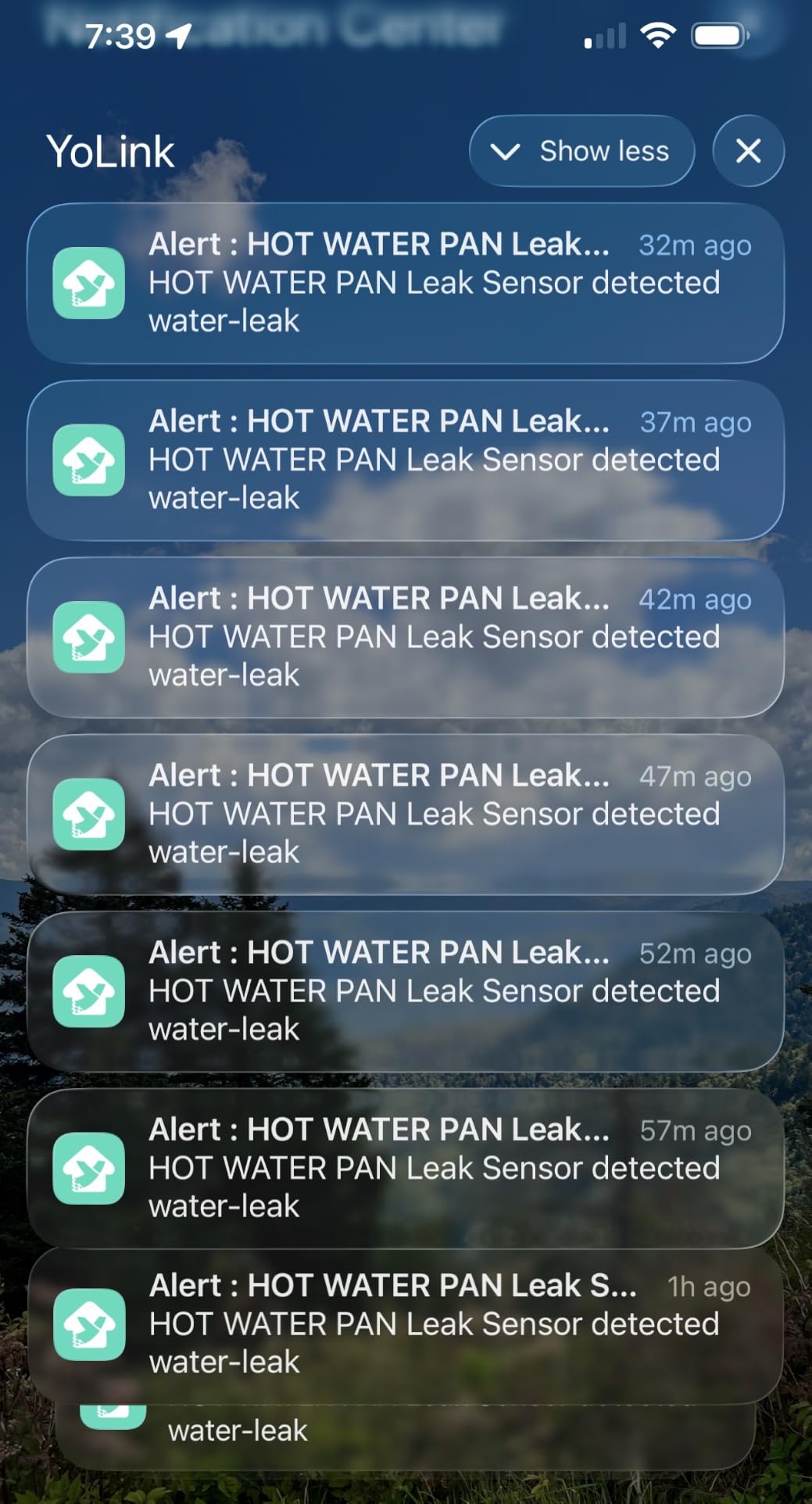
Alerts run through the app, email and SMS, and sensors can be named by location so you know which zone flooded. Each unit takes 2 AAA batteries for up to 5 years of typical life. Control-D2D local triggering means a wet sensor can still drive a YoLink siren or shutoff valve when your internet is down.
Listed maximum range is 1000 feet, and one hub supports more than 300 YoLink devices. The sensors carry an IP67 rating and include leak and freeze detection, which is useful if part of your basement is unheated.
Why six sensors changes the maths
Coverage stops being a compromise. With six wireless points you can cover the sump pit, water heater base, laundry supply, HVAC condensate pan, the lowest point of the floor and one seepage-prone wall corner.
The hub has to sit within radio range of all six, which for LoRa means upstairs or near the stairwell works fine.
Who should pass on this kit
If you are monitoring one small utility room, six sensors is more hardware than the job needs, and this is the priciest kit in the group.
Also note the practical reality that LoRa range drops through walls and floors, so plan placement rather than assuming one hub buried in the corner reaches everything.
3. GoveeLife Smart Water Leak Detector 1s 5-Pack: Best for Loud Alerts and Multiple Recipients
GoveeLife Upgraded Smart Water Leak Detector 1s with High Alarm, 5 Pack
Sub-1GHz range 1804 ft
105 dB local siren
SMS, app and email
Up to 5-year battery
Pros
- Sub-1GHz radio rated through 5 dense walls
- 105 dB siren with four volume levels
- Multiple email recipients can watch one property
- Reviewers report catching sump-pump failures early
- IP67 housing reusable after drying
Cons
- Initial hub setup is tedious and form-heavy
- Binding sensors to the hub is poorly documented
- Gateway is 2.4 GHz only and locked to GoveeLife sensors
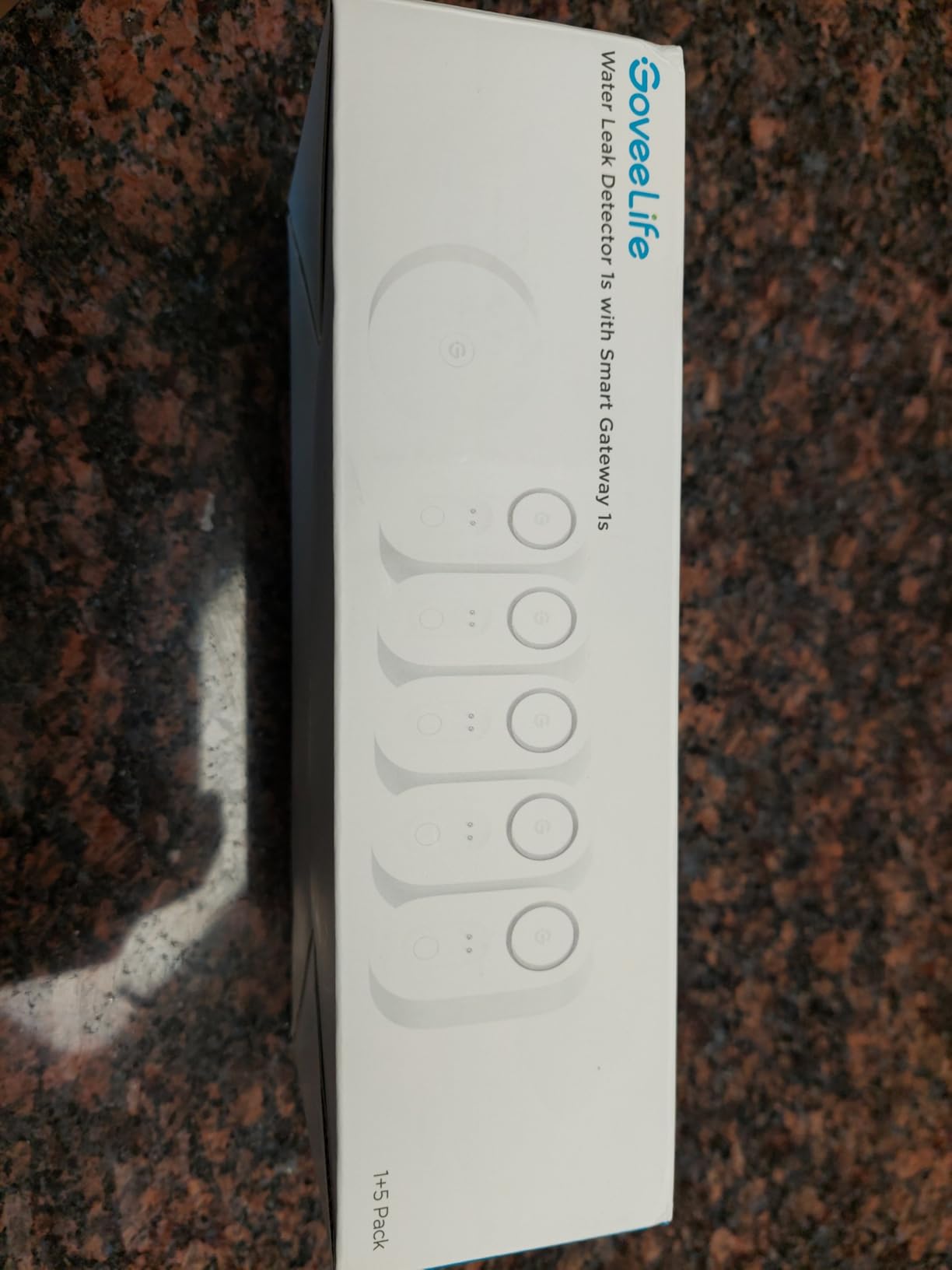
The Gateway plus five H5059 sensors cover six pieces of hardware in one package, and the radio spec is the headline: up to 1804 feet through five dense walls on a sub-1GHz band. That is a below-grade claim, not a hallway claim.
Each sensor sounds a 105 dB local alarm with four adjustable volume levels and sends SMS, app push and email notifications. Multiple email recipients is the feature that stands out for us, because it lets a partner, a tenant or a property manager get the same alert without a second account.
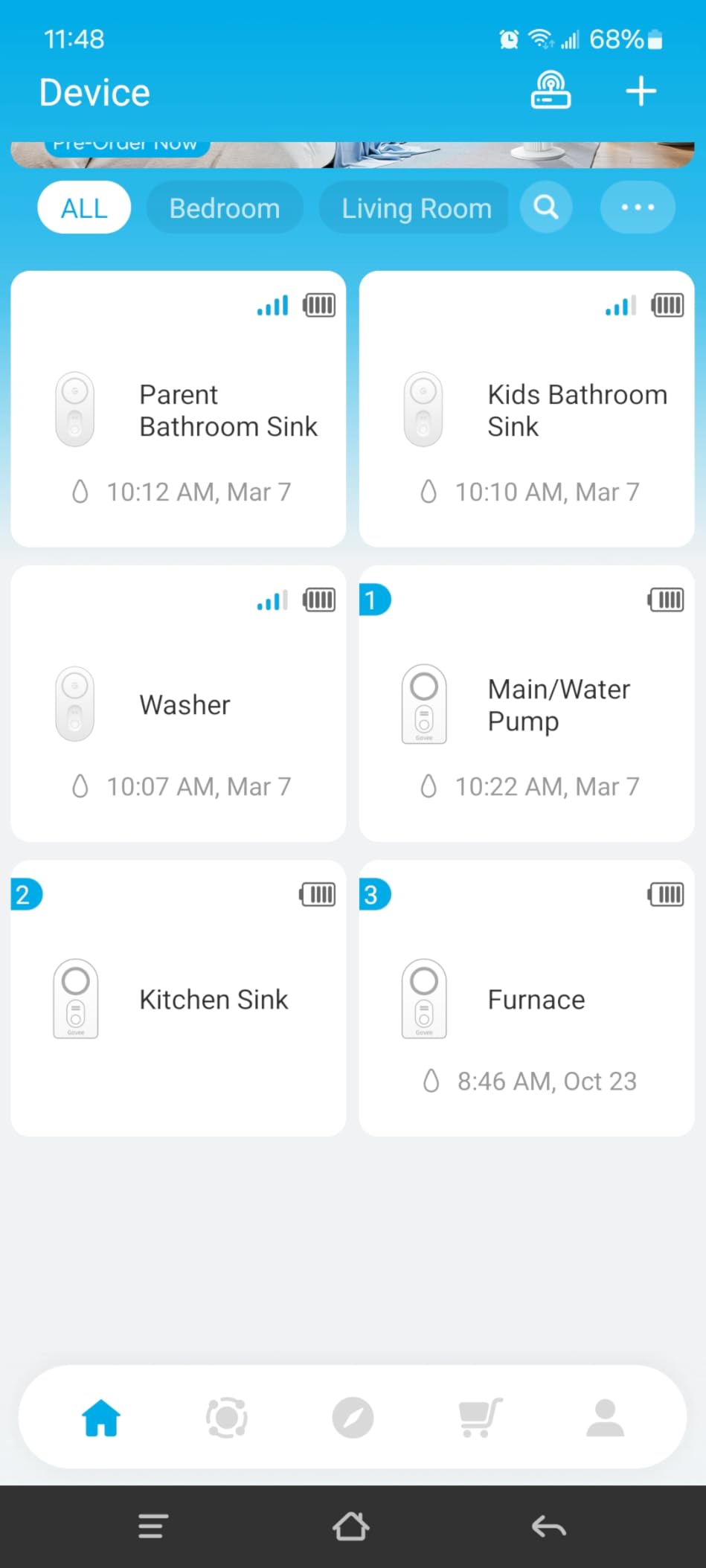
Several reviewers describe these sensors catching real basement problems, including a sump pump failure and an overflowing appliance, before damage spread. That matches what we would expect from a design that also handles pooled water across a floor rather than only a single drip point.
The app adds a Find Device beep, one-tap alarm silencing and multiple email recipients. Battery life is listed at up to 5 years, and the IP67 housing can be wiped dry and reused after a spill.
What the 105 dB siren buys you
That volume carries through a closed door and up a staircase, which is the whole point in a basement. Most people rarely spend time down there, so an audible alert in the room where the water appears is often the first line of defence before anyone checks a phone.
The four volume levels let you dial it down if it becomes unbearable during a false-alarm streak.
Where the setup experience frustrates people
The recurring complaint is not reliability, it is installation. Owners describe a fair amount of clicking and form-filling, and the step that binds each sensor to the hub is the least documented part of the instructions.
Also confirm your router is serving 2.4 GHz, and note the gateway pairs with GoveeLife H5059 and H5830 sensors specifically.
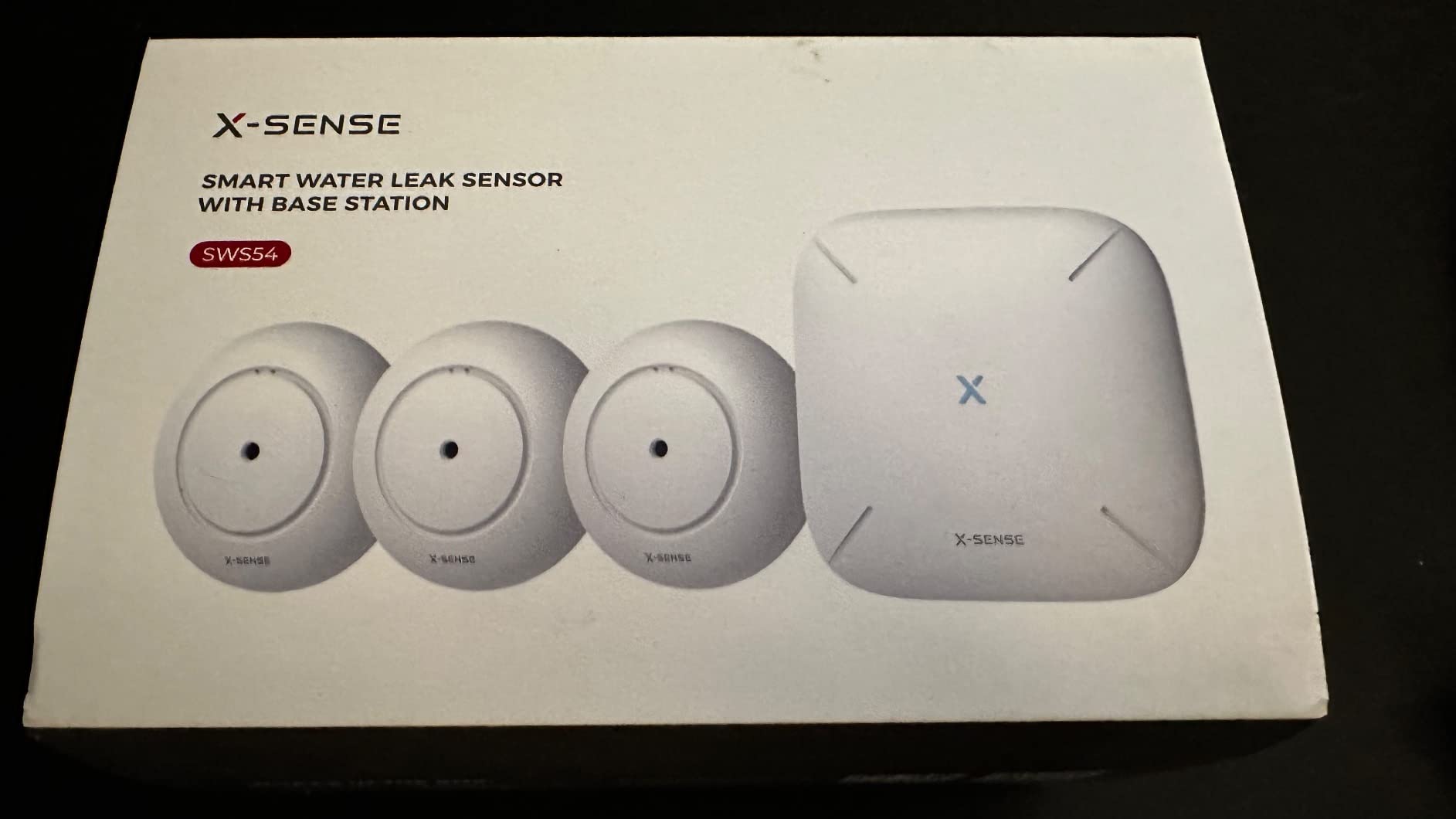
4. X-Sense SWS54 WiFi Kit: Best Value Basement Coverage
X-Sense Wi-Fi Water Leak Detector Kit, 120 dB, 3 Sensors + Base, SWS54
3 sensors plus base
120 dB sensor and base alarms
0.4 mm detection
1804 ft range
Pros
- Sensor and base both sound 120 dB alarms
- Six probes catch drips and pooling at 0.4 mm
- Base station alerts you if it loses power
- App supports up to 12 users with snooze reminders
- Reviewers report no false alarms
Cons
- Audio alarms cannot be fully disabled in the app
- 2.4 GHz Wi-Fi only so dual-band routers need adjusting
- Only one email address supported for alerts
- AAA batteries sit high up and are awkward to reach
Three sensors and a base station, both sounding 120 dB alarms, is the loudest setup we found at this tier. The base gives you a house-wide siren you can hear from upstairs, which is exactly the failure mode we kept running into: a leak alarm two floors down that nobody hears.
The six-probe layout is the technical highlight. Two upper probes catch drips from above and four lower probes catch pooled water as shallow as 0.4 mm, so a single puck handles both a ceiling drip and a spreading floor puddle.
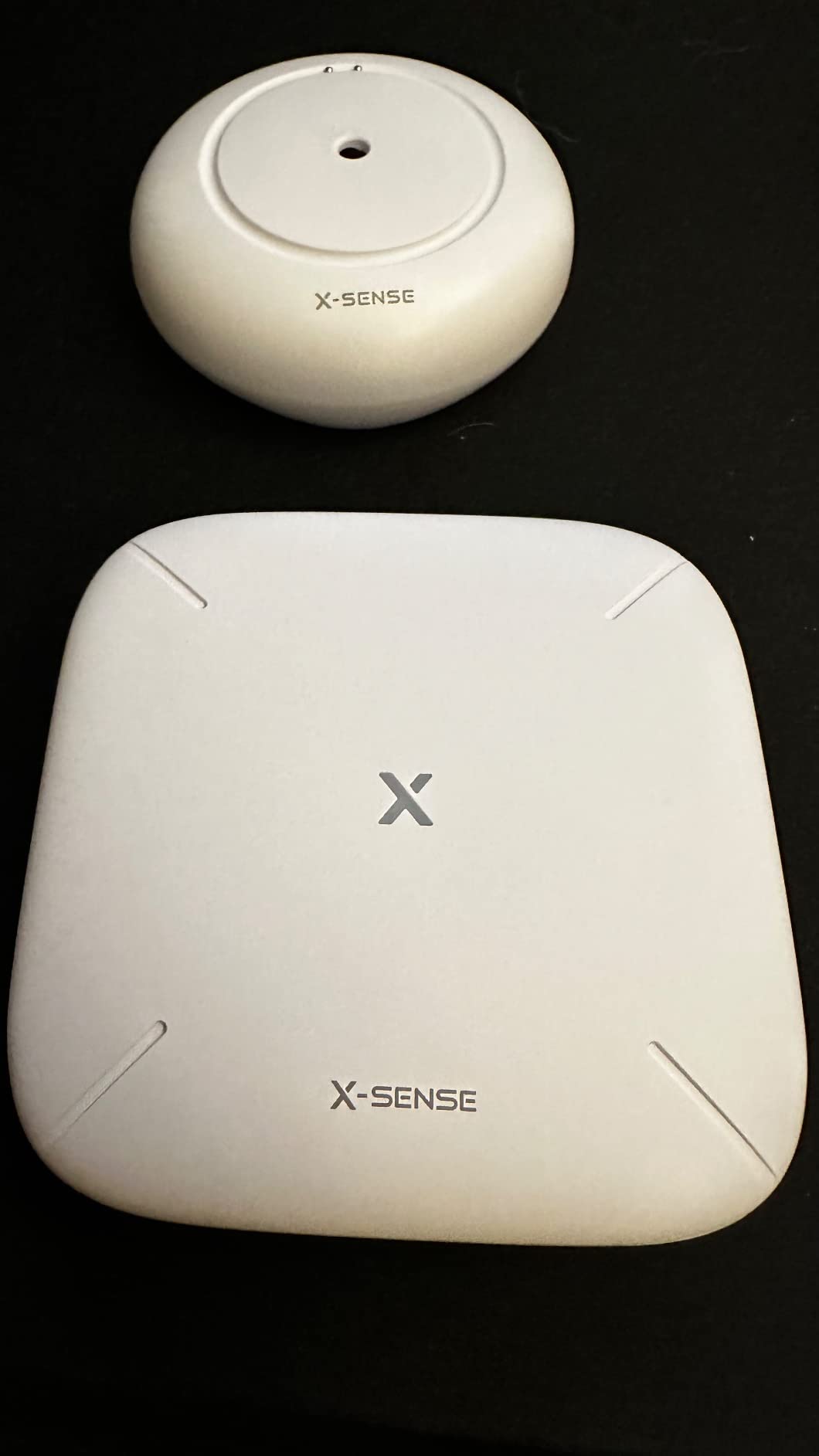
Range between sensors and base is listed up to 1804 feet in open areas, and the IP66 housing suits splash and humidity exposure. Each sensor runs on 3 AAA batteries.
Reviewers report early warnings on sump-pump failures and no false alarms over long periods. The app shares access with up to 12 users and offers Remind Me Later snooze options at 10 and 30 minutes and 2, 6 and 12 hours, which is useful when a leak alert arrives at 2am.
Why the base station matters more than it sounds
A base that alarms means you can keep the sensors in quiet spots under the water heater and behind the laundry machine, where a 120 dB siren would be constant noise, and still get a loud alert elsewhere.
The base also notifies you if it loses power, so you learn about the outage rather than assuming the system is still watching.
The setting you will want to change first
The audio alarm cannot be fully switched off in the app, only volume-reduced or muted by unplugging the speaker. If a shared wall neighbour or a sleeping child makes that a problem, check it before you commit.
Your router needs to serve 2.4 GHz, and only one email address can receive email alerts.
5. SwitchBot WiFi Water Sensor: Best Budget No-Hub Pick
SwitchBot WiFi Water Sensor, Smart Water Leak Detector, 100dB Adjustable Alerts & App Alerts, IP67 Waterproof, Wireless Detector for Kitchen, Bathroom, Basement, No Hub Required (Support 2.4G)
No hub required
0.5 mm detection
100 dB adjustable alarm
IP67 housing
Pros
- Connects straight to 2.4 GHz Wi-Fi with no hub to install
- 0.5 mm detection across four high-precision probes
- 100 dB alarm carries through a closed door
- Works with Alexa and Google Home plus IFTTT and SmartThings
Cons
- Sensors must be reset by hand after a Wi-Fi drop
- Stiff tool for the battery cover
- 120 m range figure is sensitive to building materials
- About 2 years of battery life is shorter than 5-year kits
If the idea of pairing and mounting another hub feels like friction, this is the shortest path to coverage. It joins 2.4 GHz Wi-Fi directly, with Bluetooth Low Energy as a backup path if the Wi-Fi drops.
Four high-precision probes detect water at 0.5 mm, and the 100 dB siren has adjustable volume plus app-based mute. Reviewers describe catching a leak under a water heater early, and it is small enough for under-sink, behind-toilet and water-heater-base placement.
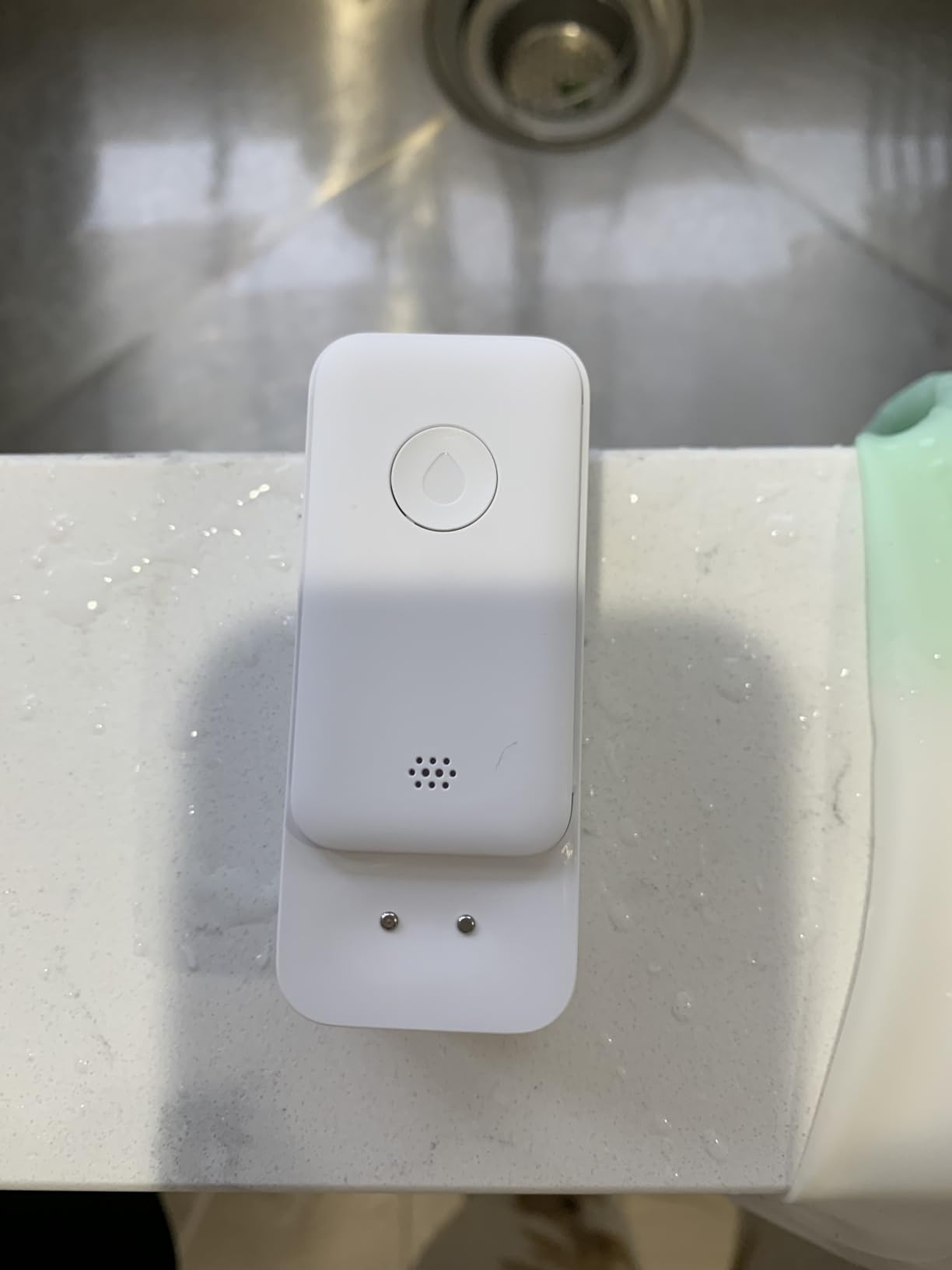
The IP67 sealed shell suits high-humidity rooms, and you get email and app push notifications along with voice assistant support. Reviewers consistently praise the hub-free setup and the sensitivity for the money.
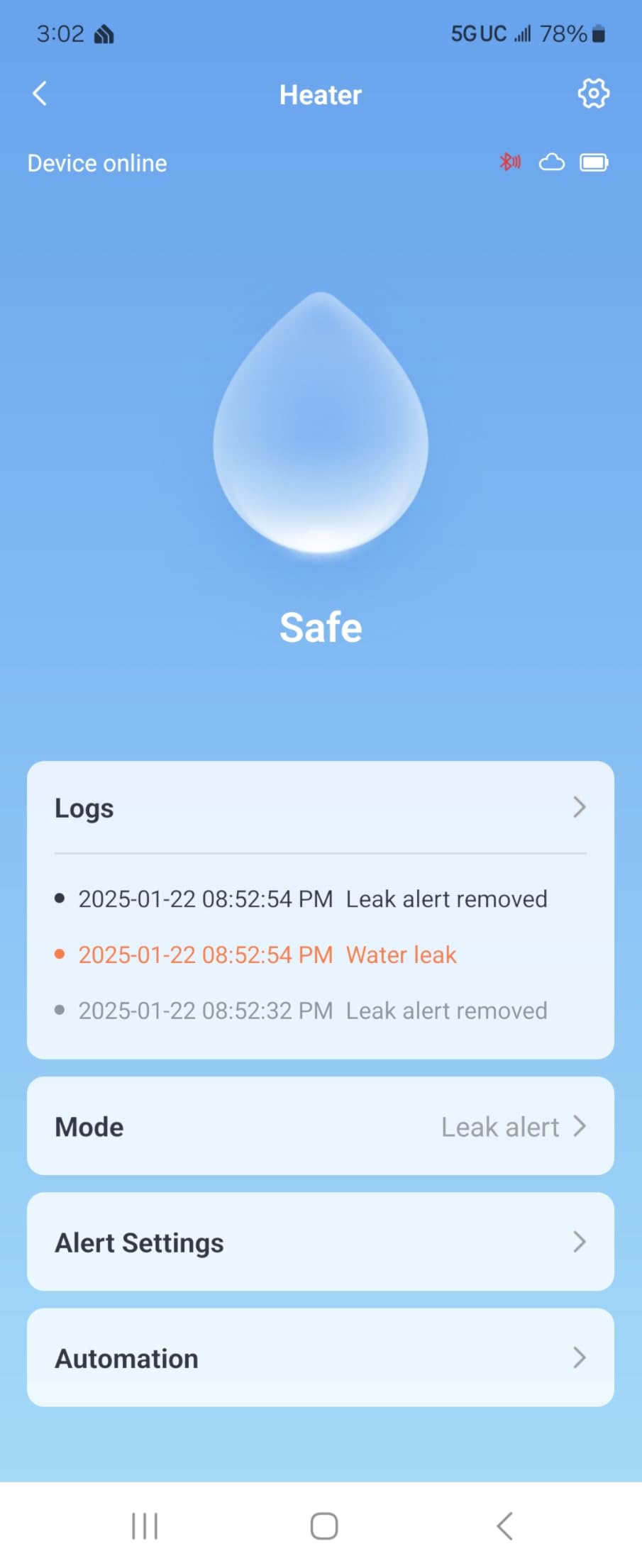
Battery life is listed at up to 2 years with a low-battery app notification. That is half the five years the hub-based kits claim, so plan on one battery visit per sensor over a five-year stretch.
Why hub-free wins in a basement
Fewer devices means fewer single points of failure. If the hub is offline, a hub-free sensor still sounds its own 100 dB alarm in the room where the water is, which is the one alert that cannot be swallowed by a muted phone.
It also suits rental properties and outbuildings where running a hub cable or an extra power supply is unrealistic.
Where hub-free costs you
Each sensor needs 2.4 GHz Wi-Fi of its own. In the dead zone that defeats it, which is exactly the condition that makes a basement a basement.
Also expect to reset sensors individually if the Wi-Fi connection drops, and the included battery cover tool is stiff.
6. Aqara Water Leak Sensor 3-Pack: Best for Apple Home and Home Assistant
Aqara Water Leak Sensor 3 Pack, Zigbee Water Leak Detector for Alarm System
Zigbee, hub required
Detects water at 0.5 mm
IP67 housing
Puck measures 1.97 inch square
Pros
- Triggers at roughly 0.5 mm of water
- Tiny wireless puck that sits on any flat surface
- IP67 housing with rust-proof coating
- Works with Apple HomeKit and Google Home through an Aqara hub
- Can trigger automations for other Aqara devices
Cons
- Aqara hub sold separately adds cost and setup
- Range capped at about 10 meters from the hub
- Hub alarm output is only about 55 dB
- Third-party Zigbee2MQTT USB dongles are not officially supported
This is the pick if your house already runs on Apple HomeKit or Home Assistant. Paired to an Aqara hub it reports into the same automation graph as your doors, lights and locks, so a wet sensor can trigger a shutoff valve or turn on lighting without you touching a second app.
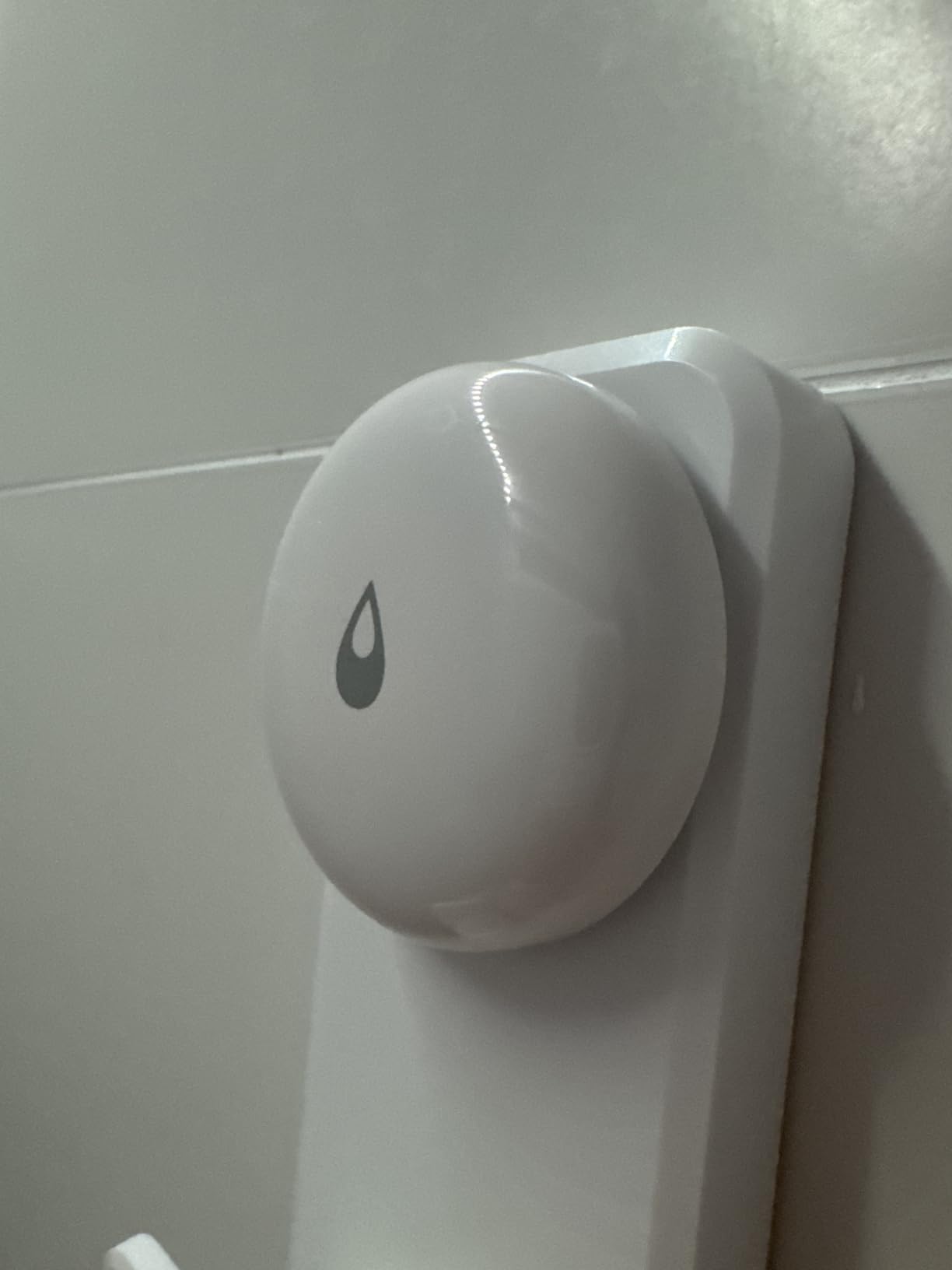
The detection side is strong. Probes trigger at roughly 0.5 mm of water, the IP67 housing has a rust-proof exterior coating for humid spaces, and the puck measures just under 2 inches square with no wiring or screws required.
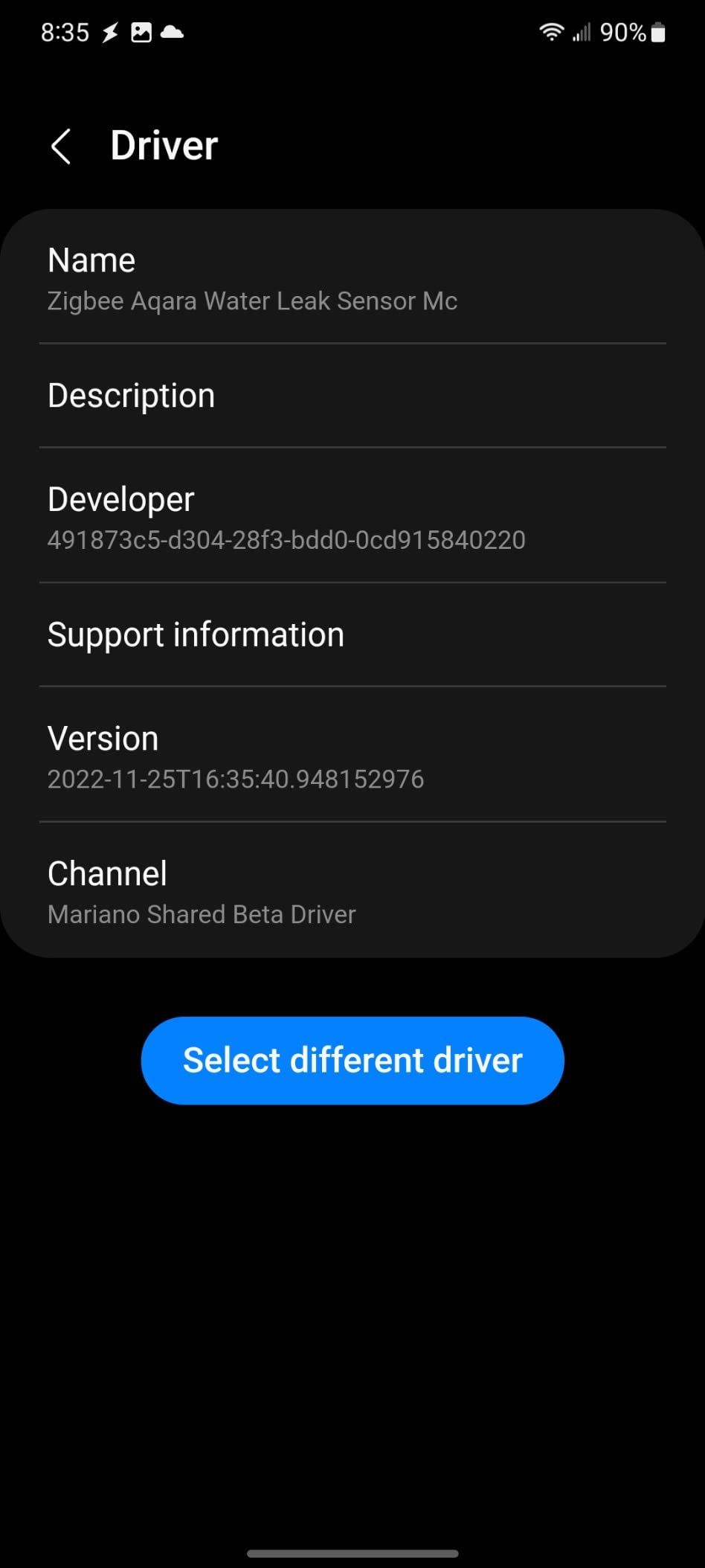
Owners consistently like the sensitivity and the tiny footprint, which slips under a sink cabinet or behind an appliance without a bracket.
The constraint is ecosystem. The range is listed at 10 meters from the hub, so this sensor is for the room the hub lives in or its immediate neighbour, not for the far end of a basement.
Where Aqara earns its place
Automation is the reason to buy it. A water sensor wired into Home Assistant can trigger your sump pump, close a smart valve or cut power to the laundry circuit the moment water lands, with no cloud round trip involved.
Home Assistant users on r/homeassistant consistently gravitate to Zigbee sensors for local control, which is what this is.
Where the hub tax bites
You buy the Aqara hub separately, and it is not interchangeable with hubs from other brands. The 10-meter Zigbee limit means a large basement needs either several hubs or a different sensor for the far points.
The hub alarm itself is around 55 dB, which is quiet next to the 100 and 120 dB sirens in this group, so add a dedicated siren if you care about an audible alert.
7. Winees S1 Plus 3-Pack: Best for Thin Sensors in Tight Gaps
Winees WiFi Water Leak Detector for Home, 3 Pack Water Sensors
Hub plus 3 sensors
1.8 mm thin sensors
200 m hub range
IP66 housing
Pros
- Sensors arrive pre-paired so setup takes minutes
- Only 1.8 mm thick for under-appliance gaps
- App
- SMS and email give three alert channels
- Hub has a 100 dB adjustable alarm with duration modes
- Useful offline reporting when the hub drops Wi-Fi
Cons
- One detailed review reports a dry reading while sensors were submerged
- Hub Wi-Fi drops reported by some users
- Detects water rather than slow moisture seepage
- 2.4 GHz Wi-Fi only
The reason to pick this kit over a thicker puck is 1.8 millimeters. That is thin enough to slide under a washing machine, a refrigerator or a finished-wall baseboard where a 0.6-inch sensor will not sit flat.
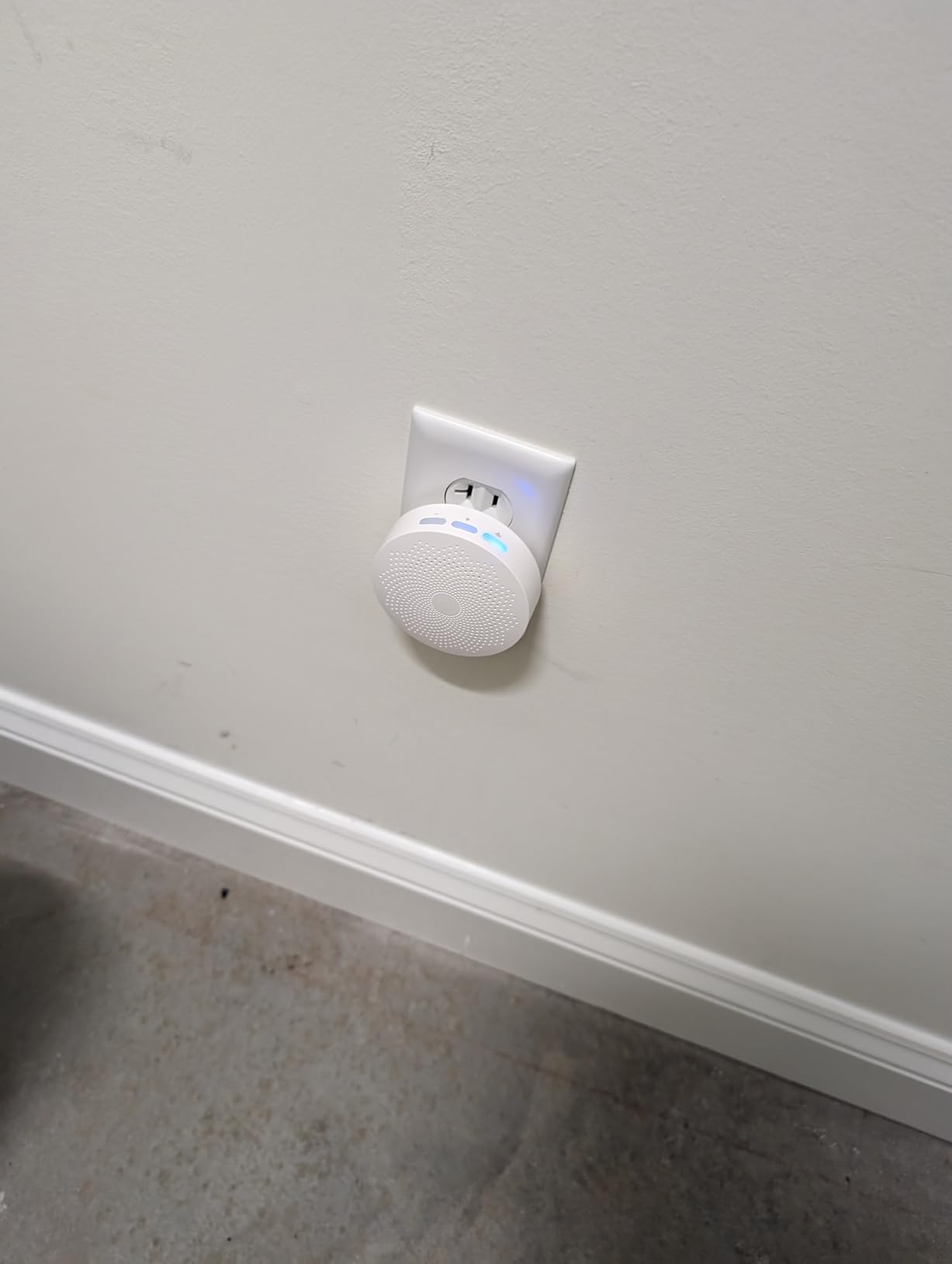
The hub-to-sensor distance is listed at up to 200 meters, marketed for basement coverage, and sensors arrive pre-paired to the hub after the first Wi-Fi connection, so setup takes minutes rather than an afternoon.
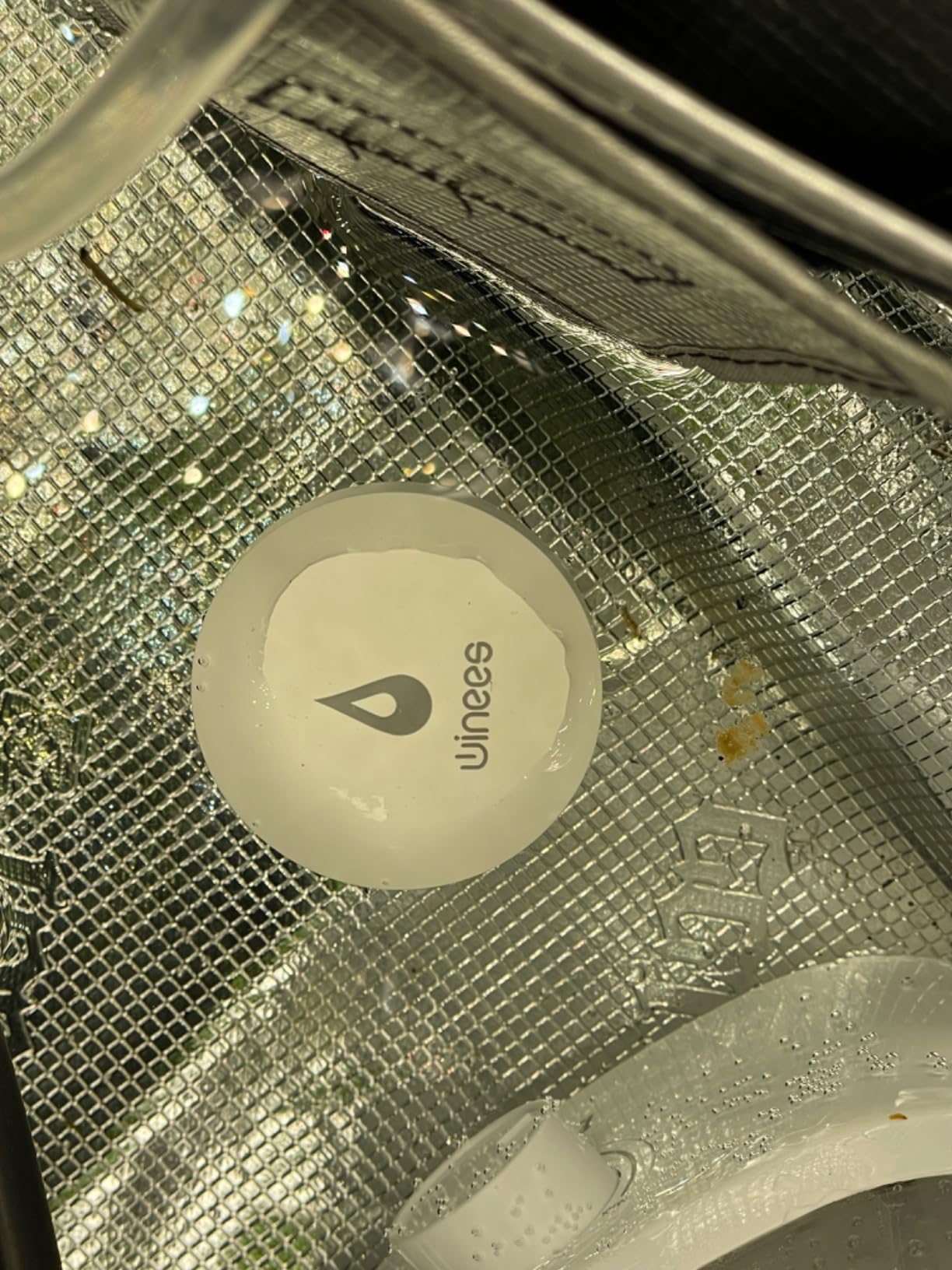
Alerts come by app, SMS and email, with IFTTT compatibility. The hub carries a 100 dB adjustable alarm with three volume levels and ringing durations from 30 seconds to always on, and the housing is IP66 sealed.
Reviewers report the system identifying a basement leak while they were at work, which is the outcome that matters most in a space nobody visits daily.
Why the thin profile changes placement options
Probe sensors only work when their probes touch a wet surface. A thick puck can rock on an uneven slab and lift a probe clear of a shallow puddle, while a thin card lies flat against concrete or tile.
That makes this the practical pick for laundry rooms, under-appliance niches and tight sump-adjacent ledges.
The reliability caveat worth reading
One detailed review reports sensors reading dry while submerged alongside a flood with no notification at all, and other reviews mention the hub periodically dropping its Wi-Fi.
Note also that it detects water rather than slow moisture, so seepage soaking into wood or a subfloor can go unnoticed until it is soaked.
8. Kidde WiFi Water Leak Detector and Freeze Alarm: Best for Unheated Basements and Garages
Kidde WiFi Water Leak Detector & Freeze Alarm, Alexa Device, Smart Leak Detector for Homes with App Alerts,White
Leak plus freeze detection
Triggers at 37 F
2 AA batteries included
Works with Alexa and Google Home
Pros
- Covers leak and freeze detection in one unit
- 37 F threshold suits unheated basements and garages
- Sleek compact housing fits beside water heaters and under sinks
- Alerts go to your phone and can be shared with friends and family
- Simple QR code setup with 2 AA batteries included
Cons
- Lowest average rating in this group at 4.0 stars
- AA batteries mean periodic replacement
- One-year limited warranty on the alarm only
- No long-range radio or base-station siren
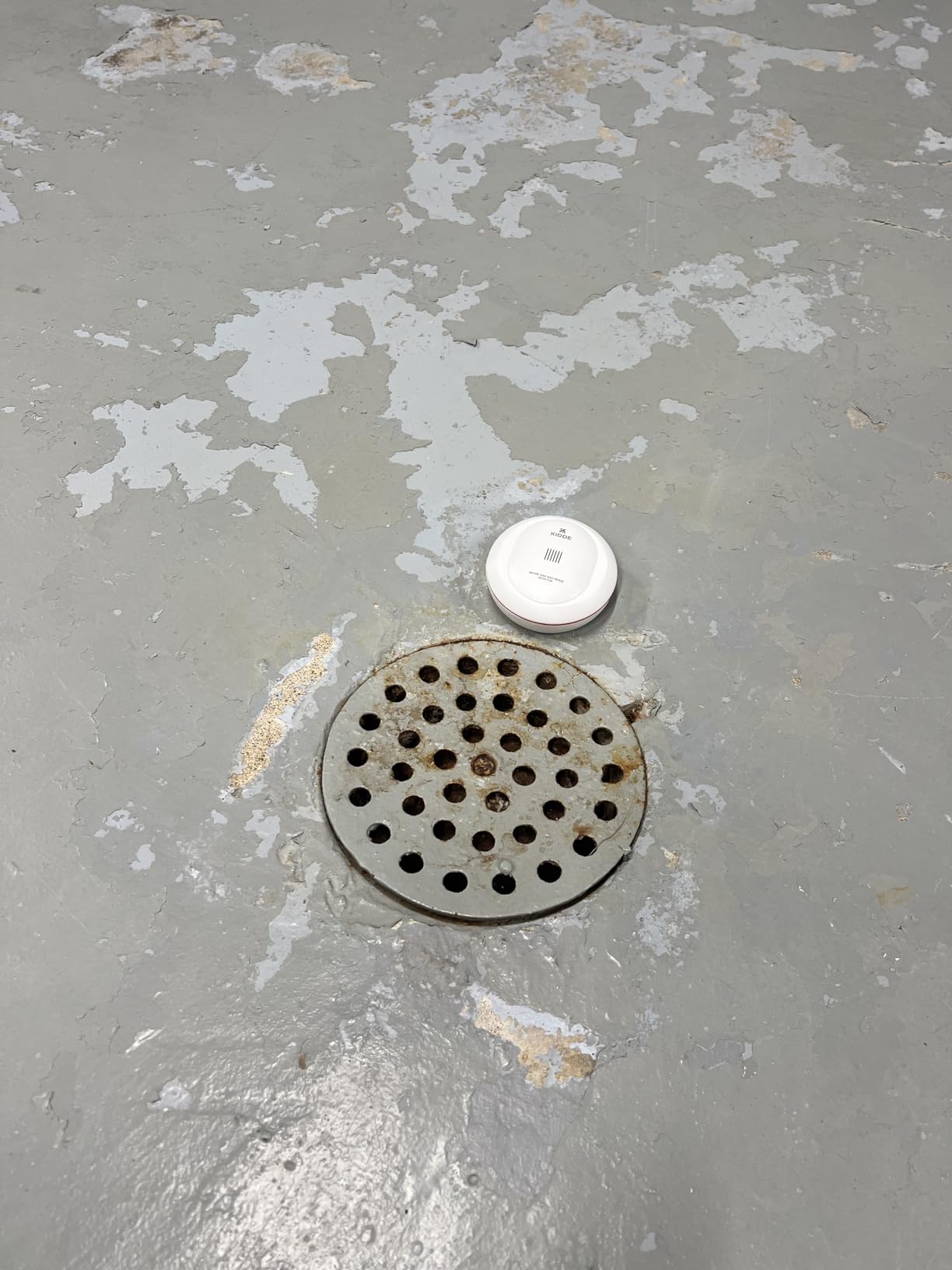
Half of what goes wrong in an unheated basement is not a leak at all. It is a pipe that freezes, splits, and then starts leaking once it thaws, which is why this detector pairs leak alarms with freeze detection triggered at 37 degrees Fahrenheit or on rapid temperature drops.
The brand is the other argument. Kidde is a recognised alarm maker, and the housing is a compact 3.5 inch puck that fits beside a water heater or under a sink without shouting about itself.
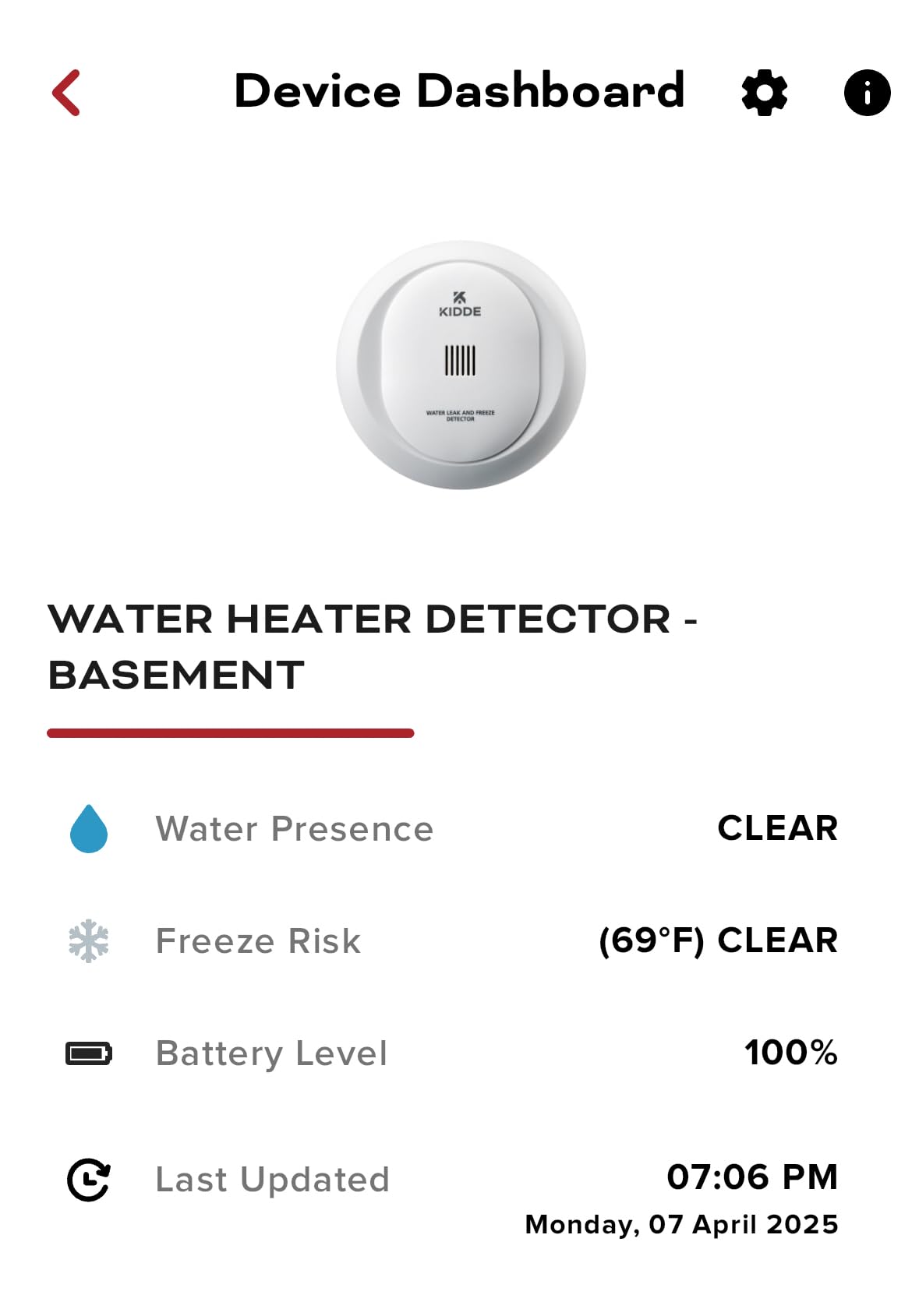
Setup is a QR code scan in the Kidde app, with 2 AA batteries included, and alerts go to your smartphone with sharing for friends and family. It works with Amazon Alexa, Google Home, iPhone and Android.
Buyers like the freeze detection add-on and the recognised brand, which is why it stays on the list despite being the weakest performer on paper here.
When freeze detection is the more valuable sensor
If your basement, garage or crawlspace is unheated, a freeze alert arrives while the problem is still a cold pipe. That gives you a weekend to fix it rather than a flood to remediate.
It is also the cheapest way to monitor a garage or a detached outbuilding where pulling a hub cable is not realistic.
Why it sits near the bottom of our ranking
At 4.0 stars across 738 reviews, this is the lowest average rating and highest one-star share of the ten, which points to mixed experiences with detection reliability and app responsiveness rather than one specific defect.
There is no long-range radio and no base-station siren, so it depends on your Wi-Fi reaching that spot, and the warranty is one year on the alarm only.
9. TECKNET WiFi Water Leak Detector: Best 120 dB Alarm Without a Hub
TECKNET WiFi Water Leak Detector, Smart Leak Sensor with App Alerts
No hub required
120 dB siren
2 top and 4 bottom probes
2-year battery life
Pros
- Connects straight to 2.4 GHz Wi-Fi with no hub
- 120 dB siren with adjustable volume carries through the house
- Two top and four bottom probes catch drips and pooling
- IP67 housing suits humid basements and laundry rooms
- Batteries and a removal tool included
Cons
- SMS and phone call alerts need a paid third-party subscription
- Listing calls the app free which buyers find misleading
- One buyer could not complete Bluetooth pairing or Tuya app setup
- Some sensors run larger than expected for tight spaces
For a single point that needs to shout, this one reaches 120 dB with no hub attached. Two top probes watch for drips from above and four bottom probes catch pooled water, in an IP67 housing rated for humid basements and laundry rooms.
It runs on 2 AAA batteries for up to 2 years with low-battery reminders in the app, and batteries plus a removal tool are included. Owners like the volume and the fact that there is no separate ecosystem to learn beyond the Tuya Smart or Smart Life app.
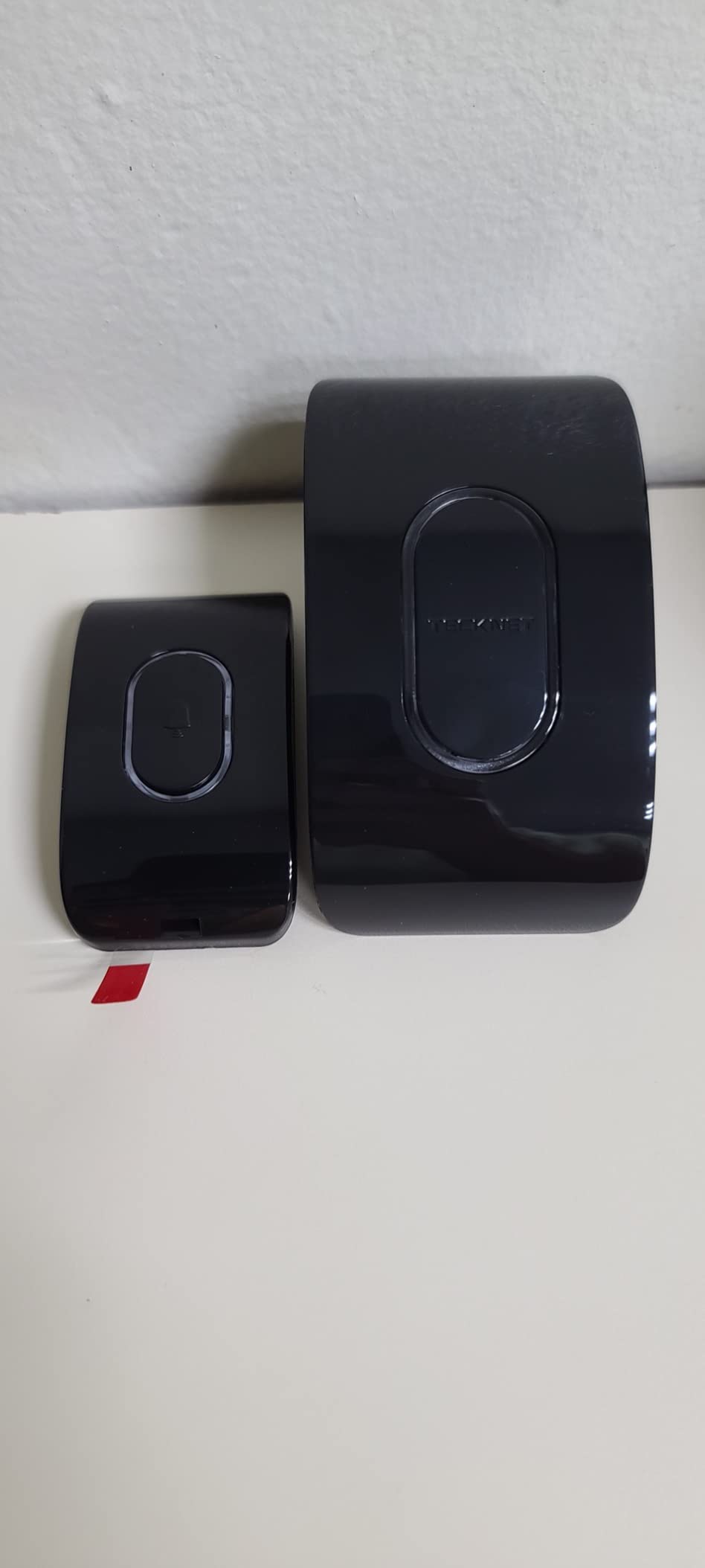
The design suits a single high-value location such as directly beneath the water heater or at the base of the laundry supply lines, where a loud local siren is the main event.
Registration carries a 36-month warranty, which is longer than most of the group offers.
Where the 120 dB siren earns its place
At this volume the alarm is audible through a closed door and up a staircase, which is the difference between learning about a leak in minutes and learning about it the following morning.
That makes it a good companion to quieter hub-based kits rather than a replacement for them.
Read the alert terms carefully
SMS and phone call alerts are not included. They come from a third-party subscription service, and some buyers feel the listing is misleading because it describes the app as free.
Push notifications are free. Also check the physical size, because some buyers found these larger than expected for a tight gap.
10. METAK 6-Sensor WiFi Kit: Best for Expanding to 24 Sensors
WiFi Water Leak Detector for Home with App Alert, 2.4Ghz Gateway + 6 Sensor
Gateway plus 6 sensors
Expands to 24 sensors
120 dB adjustable volume
328 ft range
Pros
- Six sensors plus gateway cover many leak points at once
- Gateway expands to up to 24 sensors as the basement grows
- Sensor volume adjustable to 120 dB with 32 gateway ringtones
- Top drip probe plus four flood probes catches both modes
- Gateway doubles as a Wi-Fi extender for placement
Cons
- 2.4 GHz Wi-Fi only with no 5 GHz support
- SMS and call alerts come from a paid third-party service
- Gateway expands only WD61 sensors and not WD60 models
- Lowest review count among the multi-sensor kits
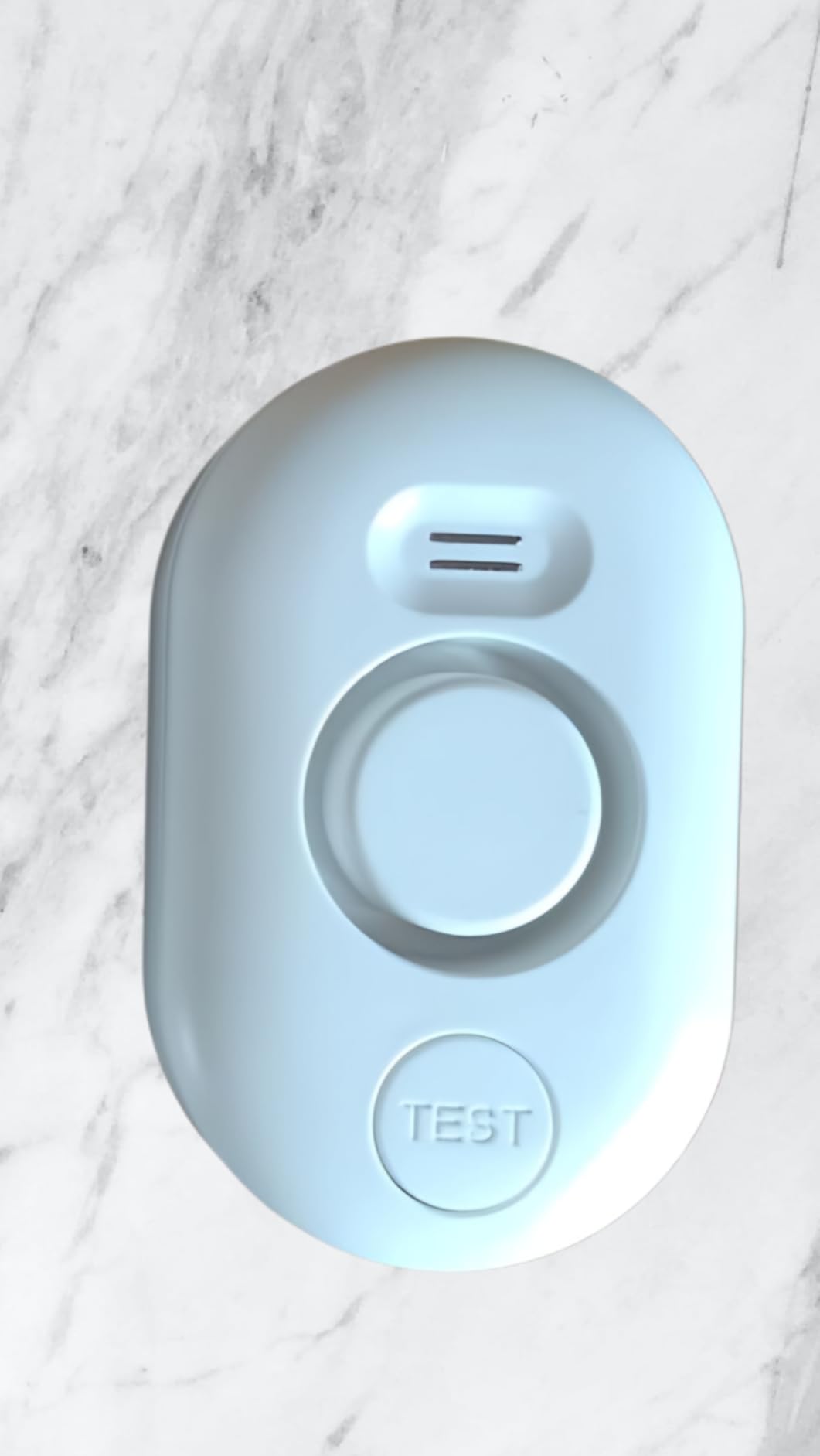
The gateway pairs with up to 24 WD61 sensors at up to 328 feet, so this kit is the one to buy if you plan to expand coverage as you find new leak points. Six sensors and the W13 gateway are in the box, along with 12 AAA batteries and a USB-C charger.
Each sensor has a top drip sensor and four bottom flood probes, with volume adjustable across four levels up to 120 dB. The gateway offers five volume levels and 32 ringtones, which is a lot of control over how the house reacts to a wet floor.
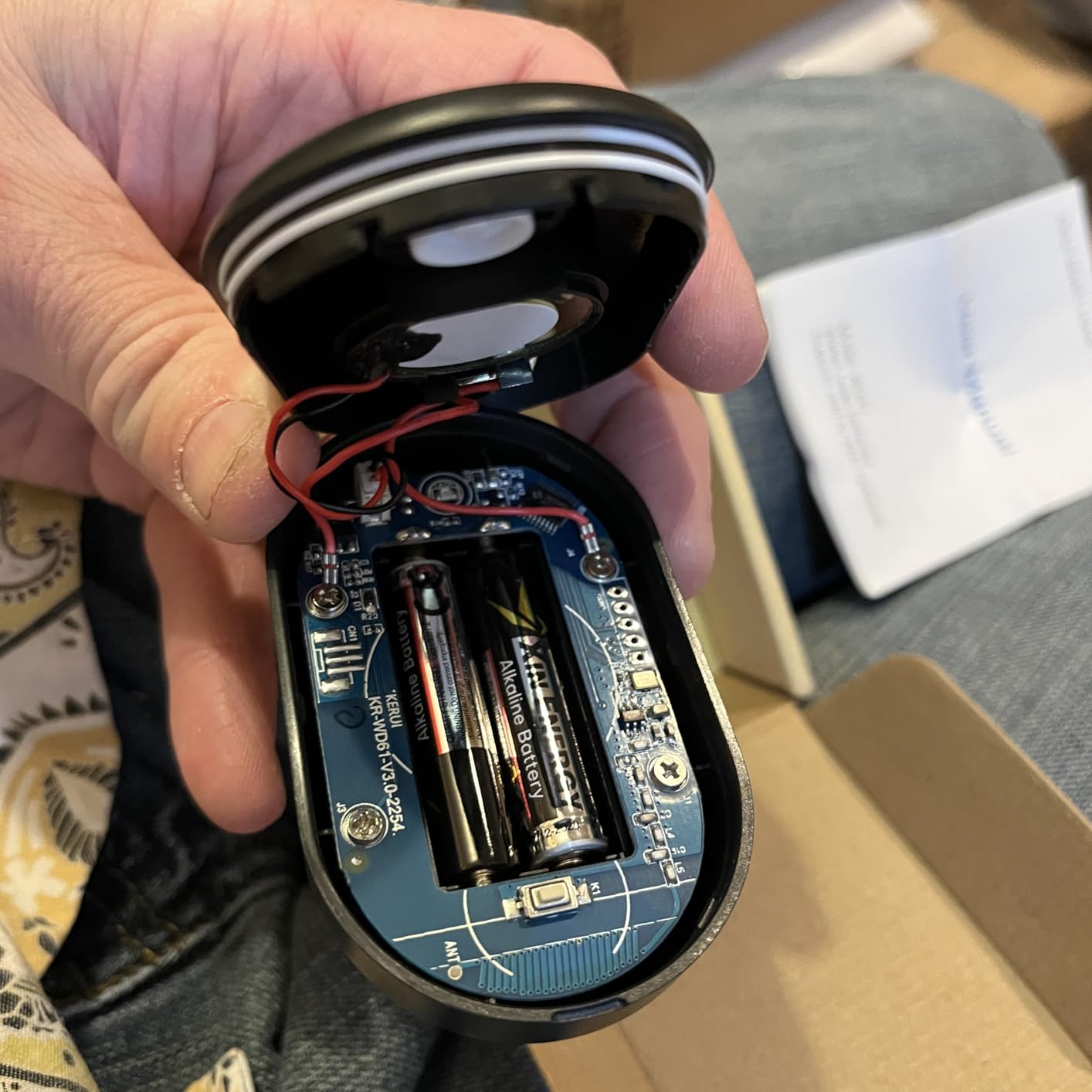
Everything runs through the TUYA Smart app for alerts, renaming and remote control, and free push notifications go to your phone and lock screen.
Buyers like the six-sensor coverage, the headroom to 24 sensors and the range of volume and ringtone settings available on the gateway.
Why expansion headroom matters
A basement rarely reveals all its risk on day one. Cover the sump pit and water heater first, then add points near the HVAC condensate tray, the laundry area and any wall corner that has damped before.
A gateway that caps at 24 sensors lets that happen without a second system, and the Wi-Fi extender function helps place the gateway where the radio coverage works.
Where the limitations stack up
Range tops out at 328 feet, the shortest of the multi-sensor kits here, so it suits one building rather than a house plus outbuildings.
The gateway only expands WD61 sensors and not WD60 models, 2.4 GHz only, and SMS or call alerts carry a third-party charge. It also has the smallest review base of the kits in this roundup, which is worth keeping in mind when weighing reliability.
Where to Place Leak Sensors in a Basement
Placement decides how much a sensor system is worth. Put sensors at the points where water starts, not at the points where you would notice it, and you will catch a leak while it is still a puddle rather than a soaked subfloor.
Priority 1 locations, the ones that cause most damage:
Directly beneath the water heater, on the floor at its base, where a slow leak runs down the tank rather than onto the floor.
Inside or beside the sump pit, on the lowest part of the floor nearby, so an overflowing pit trips a sensor.
At the washing machine supply and drain connections, the most common single cause of basement water damage.
Below the HVAC air handler condensate pan and the condensate drain line, which clog more often than homeowners expect.
In the basement bathroom and laundry, around the toilet base and under the sink cabinet.
At the lowest point of the finished floor, where water travels once it escapes a wall or joint.
Priority 2 locations, worth adding once the core is covered:
Seepage-prone foundation wall corners, especially any corner that has damped before.
Under the dishwasher and kitchen sink if the basement has either.
Around a floor drain, which can back up rather than drain.
A crawlspace or utility area one level below, if your basement is stacked.
The dishwasher supply line and ice-maker line in a nearby kitchen or wet bar.
Roughly speaking, a finished basement covering a water heater, a laundry pair, a bathroom and a sump pit needs five or six sensors. Our picks on leak detection for other systems follow the same logic: put the detector where the failure starts, because that is where you can still stop it.
Two placement rules decide whether a sensor fires at all. First, the probes must be flat against the surface, so level a puck on a slightly uneven slab rather than letting it rock with one probe lifted clear. Second, leave working clearance, because the sensor you cannot pull out to change batteries is the one that fails silently.
Height matters too. A sensor sitting flat on the slab is right for pooling water and a slow drip, while a sensor mounted partway up a wall makes more sense where the failure is a pipe entering above head height and water would run down before it reaches the floor.
Write the location on the sensor itself with a permanent marker, and name it the same way in the app. When an alert fires at an inconvenient hour, you will not want to work out which of six identical pucks is screaming.
If your basement also has a crawlspace or a mechanical area below the finished floor, treat it as a second small basement and give it its own sensor count rather than assuming water finds its way up on its own.
How Many Water Leak Sensors Does Your Basement Need?
The short answer is one sensor per leak source plus one per room you want audible coverage in. Count appliances and penetrations rather than square feet, because risk is distributed by plumbing, not by floor area.
Use these as starting points for a typical house:
Small unfinished basement, no bathroom or laundry: three sensors. Sump pit, water heater base, and the lowest floor point near the foundation wall.
Typical basement with laundry and a bathroom: five to six sensors. Add the washer supply, the toilet base, the HVAC condensate pan and one seepage-prone wall corner to the three above.
Finished basement with a bar, kitchenette or mechanical room: eight sensors or more. Every added appliance is another supply line that can fail.
Whole home plus basement: plan for a hub-based system rather than a single multi-pack, since you will outgrow a fixed bundle. Kits rated for 24 sensors or a single hub handling 300 devices both solve this.
Two habits keep the count accurate. Add a sensor every time you add a plumbing fixture, and re-count after any basement renovation.
Two sizing mistakes are easy to make. The first is covering only the visible appliances and forgetting the penetrations, so a wall of plumbing entering the basement from above goes unprotected. The second is counting one sensor as covering a whole room, when a finished room with a wet bar, a bathroom and a laundry pair needs one point per fixture rather than one point per room.
A third consideration is where the alarm has to be heard. A sensor you place but nobody can hear is doing half a job, so add a loud unit or a base station in spaces separated from the rest of the house by a closed door.
Finally, remember that a battery change in a spot behind a water heater or inside a finished wall takes real effort. Longer stated battery life is not just a spec-sheet number, it is the difference between a sensor you check once and one you stop bothering with.
How Smart Leak Detectors Work and Why Basements Break Wi-Fi Sensors
Every sensor in this roundup works the same basic way: two metal probes sit a hair apart underneath the body, and when water bridges them it completes a circuit, triggers the alarm and sends an alert.
Models improve on that with top and bottom probe layouts for drips as well as pooling, detection thresholds down to 0.4 or 0.5 mm, IP66 or IP67 sealed housings for humidity, and probe cables for tight spots. Detection thresholds that low matter in a basement, where a slow drip can soak a lot of material before it becomes visible.
The radio is what separates basement products from kitchen products.
LoRa and sub-1GHz radios are the best choice for basements because their radio waves penetrate concrete better than 2.4 GHz Wi-Fi. YoLink lists 1320 feet of maximum range and GoveeLife rates its sub-1GHz link at 1804 feet through five dense walls. Those figures assume open air, so treat them as ceilings rather than guarantees, but the gap against Wi-Fi is real.
Concrete, rebar, ductwork and finished walls all attenuate 2.4 GHz signals, and below grade there is often no access point at all. A Wi-Fi sensor in a dead zone does not warn you gracefully — it simply goes offline, which means the last thing you see in the app is a stale status.
Zigbee sensors such as the Aqara model trade range for mesh reliability, typically about 10 meters from the hub, which suits a single room rather than a whole basement. Hub-based long-range systems give you one gateway near the router and sensors placed wherever the leak actually starts. Direct Wi-Fi sensors remove the hub but inherit the dead-zone problem.
One more layer worth understanding: detection versus automatic shutoff. None of the ten products here shuts off your water. They detect and alert. A valve that closes the supply is a separate category of hardware, and the alert is what gives you the chance to close one yourself in time.
Our related guides on diagnostic test equipment follow the same principle of putting the tool where the failure lives.
What Leak Sensors Can and Cannot Do in a Basement
Point sensors catch plumbing leaks, appliance drips, an overflowing sump pit, a failed water heater and a clogged condensate line. That is the category that causes the majority of basement water damage, and it is what every product in this roundup is built for.
They do not catch groundwater intrusion through a foundation crack or a failed exterior membrane. Water seeping through concrete wets insulation and framing from behind the sensor’s position, and no point sensor placed on the floor will see it early enough to matter.
That distinction decides your next purchase. A sensor gives you minutes of warning on a plumbing failure. Foundation seepage needs exterior waterproofing, interior drainage and a smart sump pump, and a sensor is at best an after-the-fact confirmation that water reached the floor.
Slow moisture soaking into wood or a subfloor is a middle case. Several sensors in this group detect standing water rather than dampness, so a slow seep can be present for weeks before a puddle forms.
How to Avoid False Alarms in a Humid Basement
A sensor you stop trusting is worse than no sensor at all, because you begin dismissing alerts. Humid basements, condensation and seasonal moisture changes are the main reasons people uninstall these devices, and all of it is preventable.
Keep sensors at least 12 inches away from HVAC supply vents and air handlers, where condensation cycles can wet the probes.
Set sensors so the probes sit slightly above the concrete slab, using a level shim, so a damp floor or cleaning water does not bridge them.
Pick models with humidity thresholds or high-humidity alerts, and enable them, rather than treating every moisture event as a flood.
Test each sensor monthly with a damp paper towel rather than a cup of water, so you confirm the whole chain from probes to alert.
Lower siren volume on models that allow it, so a false alarm at night does not train you to ignore the device.
Replace the batteries on the schedule the app reports rather than waiting for a failure notification during a leak.
The monthly test matters more than it sounds. It is the only way to know the sensor still reports, the hub still relays and the phone still buzzes, since a silent sensor and a working sensor look identical until the one leak you needed it for.
Buying Guide: What to Look For in a Smart Leak Detector
Radio that survives concrete. Start here for a basement. Long-range sub-1GHz systems hold up where Wi-Fi does not. If you have checked Wi-Fi strength at floor level and it is solid, direct Wi-Fi sensors simplify the install considerably.
Alerts beyond push notifications. Email and SMS matter because a phone can be silenced or missed. Several products here support multiple email recipients so a partner or property manager sees the same alert.
An audible alarm worth hearing. Anything at or above 100 dB carries through a closed door and up the stairs. If your sensors are silent, plan on adding a separate siren.
Probe design for both drips and pools. Top and bottom probes catch water falling from a pipe above as well as water spreading across a floor. Single-sided sensors miss one of those.
Battery life you can live with. Five-year AAA claims on hub-based kits reduce maintenance, and AA sensors need attention sooner. Low-battery notifications are worth more than a long nominal figure.
Behaviour during an outage. Systems with local triggering can still sound a siren or close a valve when the internet is down, which is when you most need them. Wi-Fi-only sensors rely on the router and the cloud.
Ecosystem fit. Zigbee sensors suit Home Assistant and smart home hubs, HomeKit pairs through the right bridge, and everything here works to some degree with Alexa or Google Home. A sensor on a protocol your hub does not speak is an expensive paperweight.
Subscription honesty. Some kits include push notifications free but route SMS and voice call alerts through a paid third-party service. Check what you actually get without paying before you count on text alerts.
On cost, count more than the sensor. A hub, spare batteries and a siren add up, and sensors behind appliances are awkward to reach, so a kit with a longer stated battery life can cost less in maintenance over five years.
If your basement has a history of foundation seepage rather than plumbing failures, the money is often better spent on a smart sump pump and exterior work, with sensors as the second layer. If you also want to trace a refrigerant or fluid leak elsewhere in the house, our guide to finding an AC refrigerant leak with dye and a sniffer covers the diagnostic side.
Two questions come up constantly in buyer reviews and are worth answering before you buy anything. The first is whether the alert still works when your internet does not, and the second is how long the sensor stays silent before it complains.
On the first, assume a Wi-Fi sensor needs both the router and the cloud, and treat local triggering as the feature that separates a hub-based kit from a hub-free one. On the second, low-battery notification is the feature that matters, since a sensor that dies quietly is indistinguishable from a sensor that never triggered.
Finally, think about how the system behaves on a day you are not paying attention. A siren at 105 or 120 dB, an SMS to two recipients and a push notification that is not swallowed by a muted phone are three different ways of getting the same message through, and redundancy is the whole reason to spend a little more per sensor in a space nobody visits.
Frequently Asked Questions
What is the best water leak detector for a basement?
The YoLink Water Leak Starter Kit is the best pick for most basements. Its LoRa radio reaches a listed 1320 feet so the hub can sit upstairs while sensors stay below grade, and Control-D2D keeps sensors triggering local sirens and valves during an internet outage. For sound in every location, the YoLink Water Leak Sensor 4 Kit puts a 105 dB alarm inside each of six sensors.
Will a leak sensor work in a basement with poor Wi-Fi?
A Wi-Fi-only sensor will often go silent in a dead zone below grade. LoRa and sub-1GHz sensors are the better choice because their radio waves penetrate concrete better, which is why YoLink and GoveeLife kits are our top picks for basements. If Wi-Fi is strong at floor level, direct Wi-Fi models like the SwitchBot work fine and skip the hub.
How many water leak sensors do I need in my basement?
Count leak sources rather than square feet. A typical finished basement with laundry and a bathroom needs five to six sensors: beneath the water heater, the sump pit, washer supply and drain, toilet base, HVAC condensate pan and the lowest floor point. Add one per additional plumbing fixture and re-count after any basement renovation.
Where should I place a water leak sensor in a basement?
Priority one is beneath the water heater base, inside or beside the sump pit, at the washing machine supply and drain, below the HVAC condensate pan, around the basement bathroom and at the lowest point of the floor. Then add seepage-prone foundation wall corners, under-sink spaces and floor drains. Keep sensors at least 12 inches from HVAC vents.
Can a leak sensor shut off my water automatically?
Not these ten. Every product in this roundup detects and alerts but does not close the supply valve. Automatic shutoff is a separate category of hardware, typically a smart water shutoff valve paired with sensors. Sensors still matter in that setup because they give you minutes of warning to close the main yourself.
Do leak sensors help with basement flooding from groundwater?
Partly, and not in the way people hope. A sensor will alert you when groundwater has already crossed the floor, but it cannot see seepage soaking through a foundation crack before it arrives. Foundation seepage needs exterior waterproofing, interior drainage and a smart sump pump, with sensors as a confirmation layer rather than a fix.
How long do leak sensor batteries last?
Hub-based kits such as the YoLink sensors list up to 5 years on 2 AAA per sensor, and GoveeLife claims the same for its five-pack. Direct Wi-Fi models are shorter: SwitchBot and TECKNET both list around 2 years, and Kidde uses 2 AA. Enable low-battery notifications so you replace cells before a failure rather than during one.
What causes false alarms on water leak sensors?
Humidity, condensation and seasonal moisture changes are the usual triggers in basements. Fix them by keeping sensors at least 12 inches from HVAC vents and air handlers, lifting the probes slightly above the slab with a shim, enabling humidity thresholds rather than treating every damp event as a flood, and lowering siren volume so a night alarm does not train you to ignore the device.
Do I need a hub for a smart water leak sensor?
It depends on the radio. Zigbee sensors like the Aqara model need an Aqara hub and are limited to about 10 meters from it. LoRa and sub-1GHz kits bundle their own gateway, which is what gives them long basement range. Wi-Fi-only sensors like SwitchBot, Kidde and TECKNET need no hub but depend on 2.4 GHz coverage in that exact spot.
Which water leak sensors work with Home Assistant or Alexa?
Zigbee sensors are the natural fit for Home Assistant because they run locally, and the Aqara 3-Pack pairs through an Aqara hub into HomeKit, Google Home and Alexa. Every product in this roundup works with Alexa or Google Home to some degree. Verify protocol support before buying, since a sensor speaking a protocol your hub does not handle will never report.
Conclusion: The Verdict for Basements
The best smart leak detectors for basements in 2026 are decided by range and alarm volume, not by sensor sensitivity, which every credible option here handles well. The YoLink Water Leak Starter Kit is our top pick because 1320 feet of LoRa range, four sensors and offline local triggering cover more basement situations with less guesswork than anything else we tested.
Pick the YoLink Water Leak Sensor 4 Kit when you want a 105 dB alarm at each of six locations. Choose the X-Sense SWS54 for 120 dB at both the sensors and the base station, and the SwitchBot when you want no hub at all. The GoveeLife five-pack is the pick for text alerts and multiple recipients watching one property.
Start with the sump pit, the water heater base and the washing machine, then add points every time you find another plumbing fixture. No sensor catches foundation seepage, so pair whatever you choose with a smart sump pump if water has ever come through the walls.