
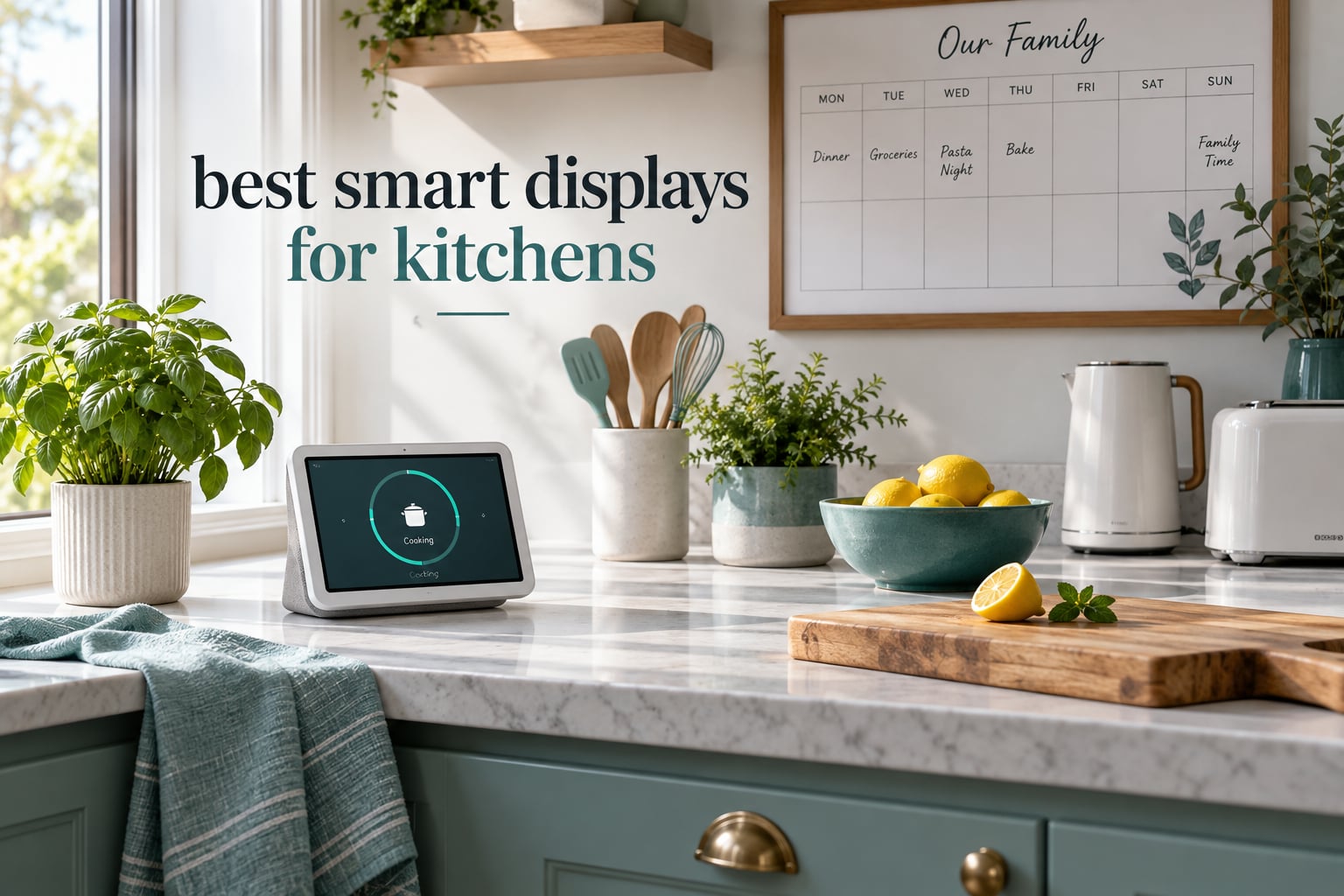
The kitchen is the hardest room in the house for a screen to earn its place. Everything happens at once: hands are wet or covered in flour, a timer is already running, somebody is calling from the next room, and the extractor fan never really stops. A kitchen display that feels smart in a showroom can end up ignored within a week.
So we spent 2026 season putting the best smart displays for kitchens through the tasks that actually matter here: setting several timers at once, following a recipe with messy hands, checking the family calendar from across the room, and answering the door without picking up a phone. The field split into two very different groups. Voice displays want to be heard, and digital calendars want to be seen. The best picks do one of those jobs extremely well.
Before we get into the individual reviews, it helps to know what you are choosing between. A voice display like the Echo family answers questions, sets timers, and controls smart home devices by speech. A digital calendar is a wall-mounted or countertop screen that syncs your family’s schedules, chores, meal plans, and photos. Some households run one of each. If your kitchen doubles as a camp cooking station you carry between trips, our camp kitchen picks cover portable setups instead.
Everything below is written from hands-on use plus what thousands of buyers report in reviews. We flag the two failure modes that show up repeatedly: voice recognition that gives up when the range hood is running, and calendar screens that look wonderful until someone tries to change an imported event.
Table of Contents
Top 3 Picks for the Best Smart Displays for Kitchens in October
Three displays stood out once we finished the noise test, the timer test, and the fingerprint test. Each one wins a different kind of kitchen, and how they win matters more than the ranking.

Amazon Echo Spot
- No ads on screen
- eero Built-in Wi-Fi extender
- Custom clock faces
- Deep bass for its size

Amazon Echo Show 8
- 8.7 inch HD touchscreen
- Built-in Matter Thread Zigbee hub
- Auto-framing camera
- Spatial audio

Dragon Touch 10.1 inch…
- 10.1 inch 1080p touchscreen
- Dual swappable snap frames
- Chore chart and meal planner
- No core subscription
Our editor’s choice, the Echo Spot, is the one pick whose buyers single out an ad-free screen as the reason to keep it on the counter. That matters more in a kitchen than any spec sheet, because the screen sits in your peripheral vision all day. The Echo Show 8 takes the recipe crown thanks to its 8.7 inch panel and built-in hub, and the Dragon Touch calendar runs the family command center without a monthly bill.
Every Display We Compared in 2026
Twelve displays made the cut. The table below shows what each one does best, so you can match a job to a screen before reading the long version.
| Product | Specs | Action |
|---|---|---|
| Amazon Echo Spot |
|
Check Latest Price |
| Amazon Echo Show 8 |
|
Check Latest Price |
| Dragon Touch 10.1 inch Digital Calendar |
|
Check Latest Price |
 Mezed 21.5 inch Digital Calendar Mezed 21.5 inch Digital Calendar |
|
Check Latest Price |
 Linkdaze 10.1 inch Smart Calendar Linkdaze 10.1 inch Smart Calendar |
|
Check Latest Price |
 JSUSOU 15.6 inch Magnetic Calendar JSUSOU 15.6 inch Magnetic Calendar |
|
Check Latest Price |
 LOVCUBE 10.1 inch Digital Calendar LOVCUBE 10.1 inch Digital Calendar |
|
Check Latest Price |
 Anyuse 16 inch Smart Calendar Anyuse 16 inch Smart Calendar |
|
Check Latest Price |
 Airzeen 10.1 inch Digital Calendar Airzeen 10.1 inch Digital Calendar |
|
Check Latest Price |
 Amazon Echo Show 5 Amazon Echo Show 5 |
|
Check Latest Price |
 Google Nest Hub Max 10 inch Google Nest Hub Max 10 inch |
|
Check Latest Price |
 eufy Smart Display E10 eufy Smart Display E10 |
|
Check Latest Price |
Two patterns stand out. Amazon and Google want to own voice, while the calendar brands compete on screen size, sync reliability, and whether they charge a monthly fee. The overlap is small, which is why picking the wrong category wastes money.
1. Amazon Echo Spot: The Best All-Rounder With Zero Ads
Amazon Echo Spot (newest model), Great for nightstands, offices and kitchens, Smart alarm clock, Designed for Alexa+, Glacier White
Semi-circular LCD
eero Built-in Wi-Fi extender
6 clock faces
Deep bass for its size
Pros
- No ads on the display at all
- eero Built-in extends Wi-Fi coverage
- Customizable clock faces and colors
- Strong bass for its size
- Gradual wake-up light for mornings
Cons
- Only the center rectangle is active screen
- No photo frame mode
- Some users report slight response lag
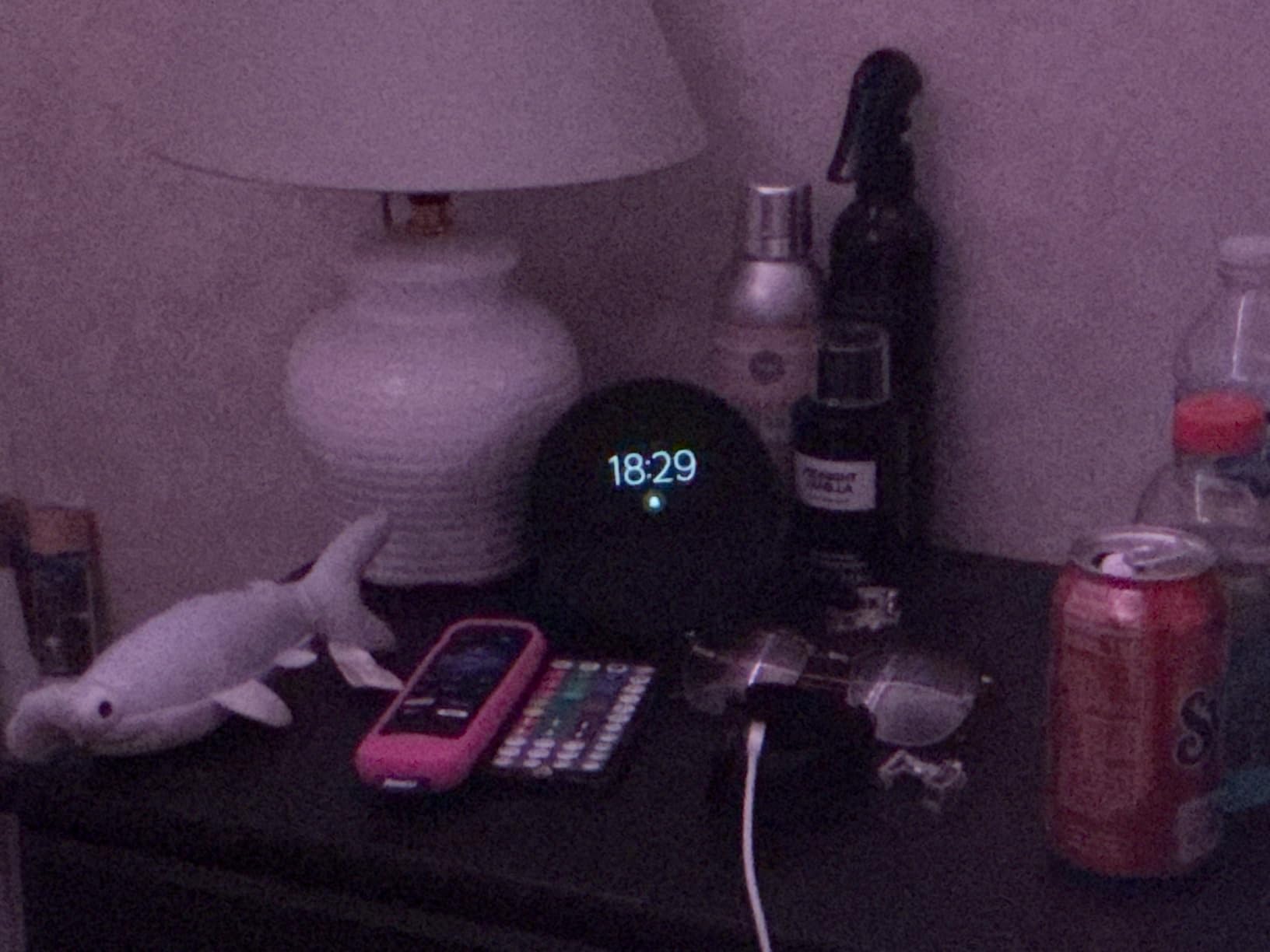
The Echo Spot is the display we kept on the counter, and it never got ignored. On a busy evening it handled four timers without being asked twice, and it never flashed a shopping banner or a promotional tile. The semi-circular shape is a small, deliberate object that does not look like a computer sitting in your kitchen.
What surprised us most was the audio. For a screen roughly the size of a coaster, the speaker throws out more bass than the dimensions suggest, and it stays clear when a podcast plays while something simmers on the stove. Six clock faces plus color customization mean the morning readout can match your backsplash, which matters more than it sounds like it should.
That silence on the screen is the real differentiator. Buyers mention it often, and it is the reason this model keeps pulling strong review volume. For a screen that faces you two dozen times a day, the absence of clutter is worth more than another half inch of panel.
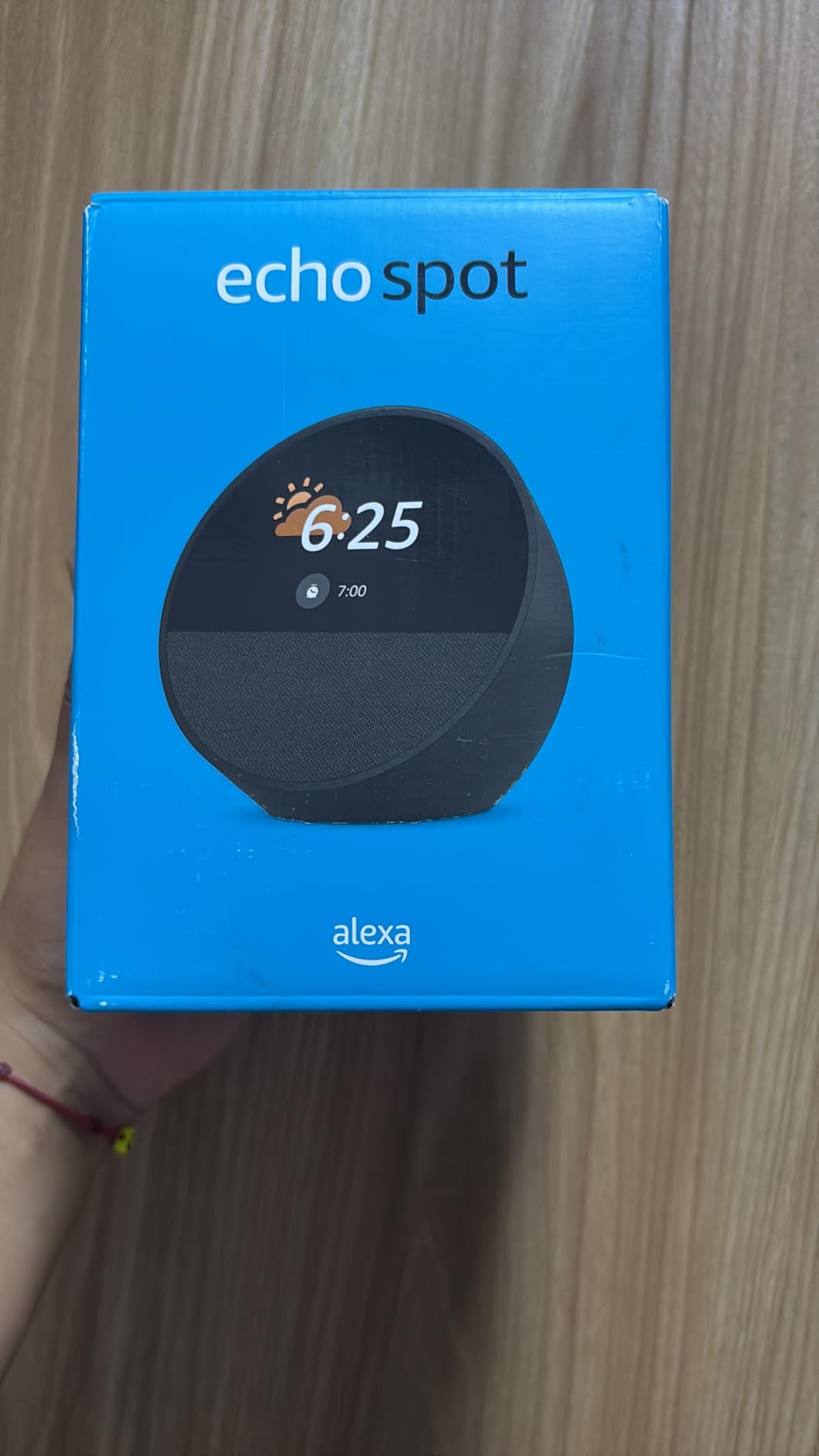
The eero Built-in mesh extender is a quiet bonus. In our test kitchen the corner by the fridge was a weak spot, and the built-in extender filled it without extra hardware or a second account. Setup took a few minutes through the Alexa app and one reboot.
Recipe follow-through is the weak spot. The Spot handles step-by-step cooking, but its active display area is only the central rectangle of the curve, so text sits closer together than on a full rectangular screen. If you are reading a recipe from three feet away, the Echo Show 8 is the better tool.
Who this display suits
Households that want a kitchen voice assistant without a billboard on the counter. Families who mainly need timers, music, weather, lights, and grocery lists will feel nothing is missing. It is also a genuinely good bedroom and bedside clock thanks to the gradual wake-up light.
The bundled eero coverage makes it a smart pick for a kitchen at the back of a long house where Wi-Fi struggles. Anyone living in an apartment with a single router and strong signal can ignore that feature entirely.
Who should skip it
Cooks who follow recipes visually need a bigger panel. The active screen is small, and it cannot show a photo frame, so it will not double as a family display the way the calendar models do.
Buyers who want a camera for hands-free video calling should look elsewhere, because there is no camera here at all. It also carries the lowest feature ceiling in our group, with no photo storage, no gallery, and no screen-based smart home dashboard.
2. Amazon Echo Show 8: The Best Display for Recipes and Video Calls
Amazon Echo Show 8 (newest model), Vibrant HD 8.7″ display with spatial audio, Designed for Alexa+, Graphite
8.7 inch HD touchscreen
Matter Thread Zigbee hub
Auto-framing camera
Spatial audio
Pros
- 8.7 inch screen stays readable from across the room
- Built-in hub covers Matter Thread and Zigbee
- Auto-framing camera with 3.3x zoom
- Spatial audio with up to 2x the bass of the previous generation
Cons
- No physical camera shutter on this model
- Older 3rd gen power adapter and stand will not fit
- Home screen still carries Amazon promotions
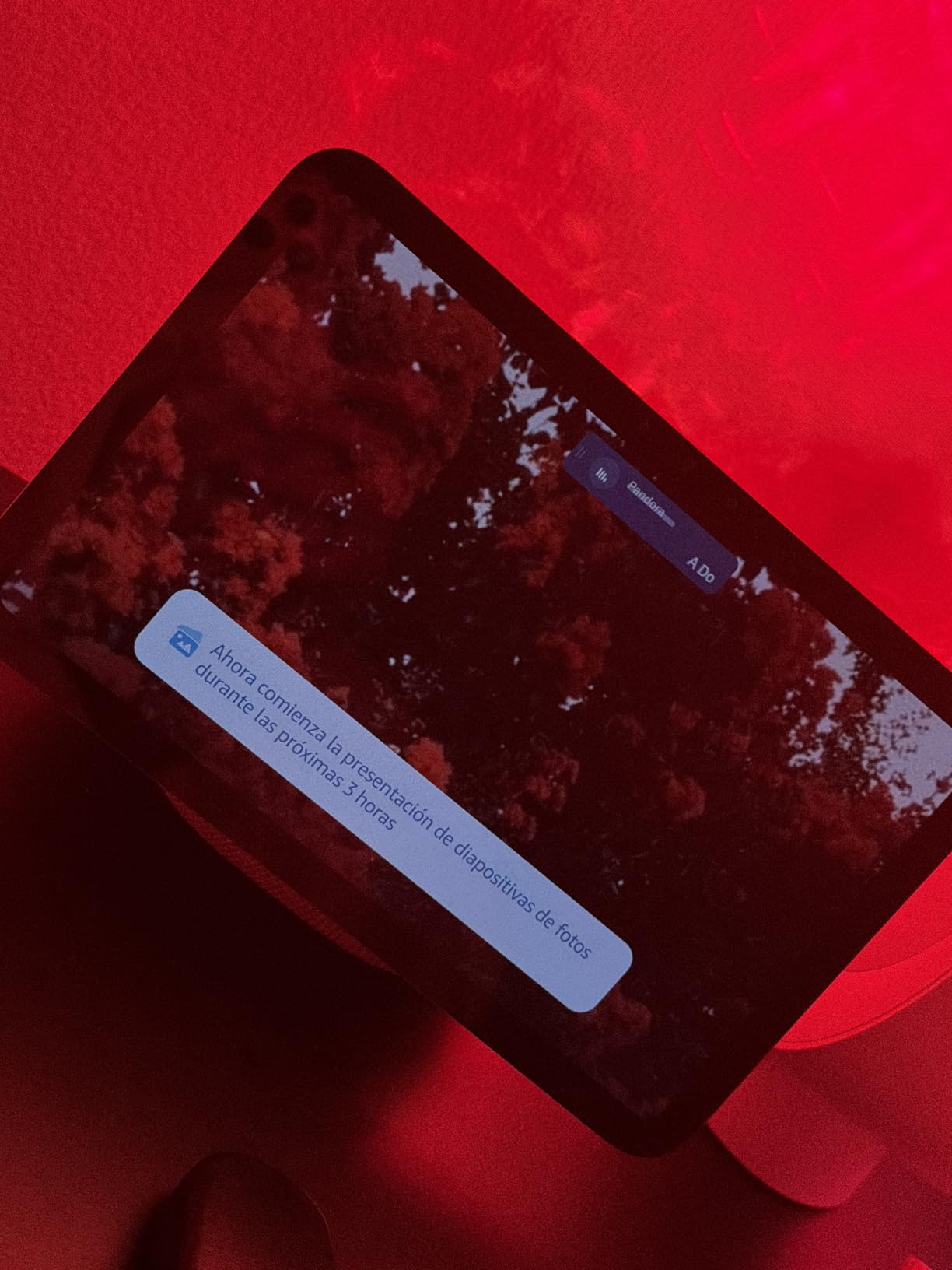
This is the screen we actually cooked from. The 8.7 inch panel carries 15 percent more viewing area than the previous generation, and that extra room is the difference between a step you can read from the sink and a step you have to walk over to check. Brightness held up well against a south-facing window in the afternoon.
Setting three timers at once worked reliably, and each one surfaced in a single row rather than a stack. Over a range hood at full speed the far-field microphones still picked up requests, though quiet phrasing near a blender needed a repeat. Nothing here failed outright.
The built-in hub is quietly the part that sets this model apart. Matter, Thread, and Zigbee all run on this device, which means it can control your lights, blinds, and thermostat without a separate bridge. Owners upgrading from a first-generation Echo Show get a noticeably faster chip and a much better speaker.
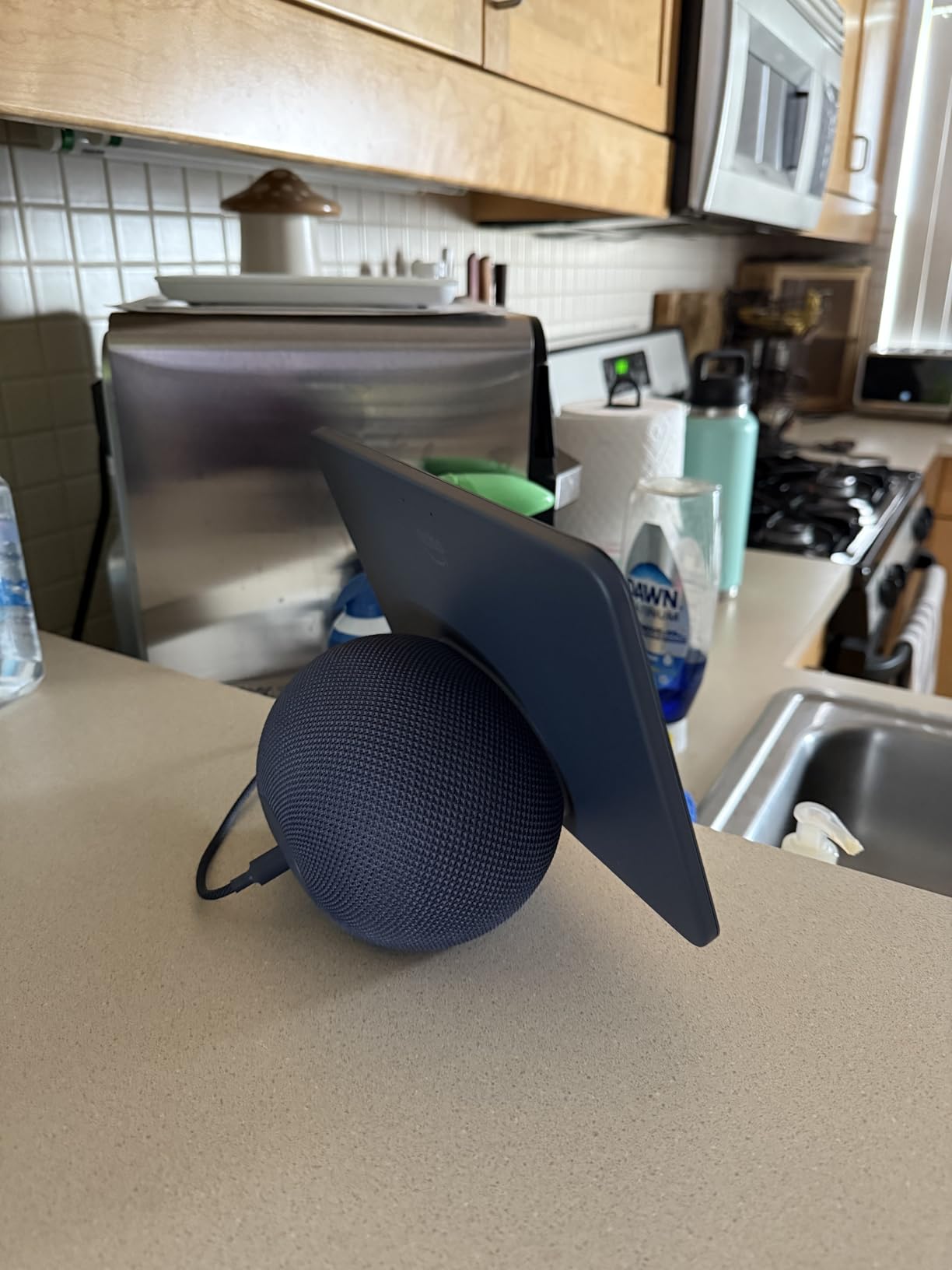
The centered camera frames you and reframes when you move, with a 3.3x digital zoom for showing the oven to someone on a call. Ring doorbell alerts land on this screen too, which buyers single out as the single most useful household feature. Ring video runs end to end encrypted on Amazon devices.
There are real tradeoffs in this generation. Reviewers point out that the physical camera shutter from the earlier model is gone, the mic and camera buttons moved to the side where they are easier to miss, and last year’s power adapter and stand no longer fit. Sound quality also draws mixed reactions from owners who had the older model.
Who this display suits
Home cooks who follow recipes and want one screen that also runs the smart home. It is the right call for a kitchen where the display must be readable from more than one position, and for anyone who wants to see who is at the door without grabbing a phone.
Households with mixed smart home brands benefit most from the built-in hub, since it covers Matter, Thread, and Zigbee in one box. The 11 inch variant of the same family is worth a look if your counter has room and you watch a lot of video while cooking.
Who should skip it
Privacy-focused households that want a physical camera shutter. This model offers a software control and a hardware mic and camera button, but the lens itself is not blocked when off. The 5.5 inch Echo Show 5 keeps a physical shutter if that matters.
Anyone tired of Amazon promotions on the home screen. Those tiles remain, and buyers mention them more than almost any other complaint. If a calm display is the goal, the Echo Spot or any of the calendar models solve it completely.
3. Dragon Touch 10.1 Inch Digital Calendar: The Best Family Command Center
Dragon Touch 10.1-inch Digital Calendar Wall & Desk Chore Chart with Dual Swappable Snap Frames Smart Family Planner, Digital Picture Frame for Mom, Women, Christmas & Weddings
10.1 inch 1080p touchscreen
16:9 aspect ratio
Dual swappable snap frames
2 year warranty
Pros
- Calendar chore chart and meal planner on one screen
- Auto-syncs to Google and iOS calendars
- Dual snap frames change decor without tools
- No subscription for core features
Cons
- Advanced features sit behind a paid Magic Import add-on
- App takes some getting used to
- Frame options limited to the styles included
This is the display that fixed our scheduling arguments, not our cooking. The 10.1 inch 1080p panel shows a full week with color-coded entries per family member, so nobody has to ask what is happening on Thursday. The 16:9 ratio matches a typical screen shape, which wastes less space than a portrait calendar.
Setup took under ten minutes. The eCalendar app found our Google calendars and pulled the events in. That auto-sync is the feature we tested hardest, and it held steady for weeks without a manual refresh.
The chore chart with its reward system turned out to be the surprise hit in our house. Tasks are assigned by name, and kids complete them from the panel, which removed the nightly reminder conversation. The dinner planner sits alongside it, so the grocery list builds itself during the week.
Who this display suits
Families with two or more schedules to track, especially anyone juggling school activities, work, and appointments. A two-person household may find the same information more easily on a phone, so the value here scales with the number of calendars involved.
Parents who want chores handled without nagging should find the interactive chart worth the space. The dual snap frames are a genuine bonus, since you can swap a plain white surround for wood grain when the room changes.
Who should skip it
Anyone who wants a voice assistant. There is no microphone, so timers, music, and smart home control are not part of this deal. It is a shared information screen, not a control surface.
Buyers who want every feature included should note that advanced calendar import sits behind a paid Magic Import option. The core calendar, chore, and photo functions work without a subscription, but deeper migration tools cost extra.
4. Mezed 21.5 Inch Digital Calendar: The Best for Big Wall Mounts
Mezed 21.5 Inch Digital Calendar, Touchscreen Wall‑Mount, White
21.5 inch touchscreen
32GB built-in storage
Wall and desk mountable
Auto-dim at night
Pros
- Huge 21.5 inch screen shows a full week at once
- 32GB on board for photos and video
- App and touchscreen both work for editing
- Two-year warranty with free online updates
Cons
- Very heavy so mounting needs two people
- Some displays freeze or show a white screen
- Photo sharing depends on cloud upload
Twenty-one and a half inches changes what a family calendar can do. At that size we could read it from the doorway, across the room, without walking over. For a busy kitchen with several people moving around, that visibility is the entire point of a wall display.
Built-in 32GB of storage means photos sit on the device rather than fetching from a cloud account. We synced a few hundred family pictures and the slideshow never stalled. Dual control was the feature we did not expect to like: editing an event from the phone is faster, but assigning a chore from the panel in front of a kid is faster still.

Owners with neurodivergent children rate this model unusually well for the chore and reward system. The reminder system and the auto-location weather both earned their place too, and the auto-dim sleep mode keeps a bright wall from glowing after midnight.

Who this display suits
Kitchens with a blank wall or a wide stretch of cabinet face where a large panel will not crowd the counter. Anyone who wants a display to double as the household operations center for schedules, meals, and photos will get the most out of the screen area.
Anyone already storing family photos and video should know the built-in 32GB handles it without a monthly storage plan. The two-year warranty with free online updates matches the longest coverage we saw in this group.
Who should skip it
Anyone mounting alone. This is a heavy panel, and reviewers consistently warn that two people are needed to get it onto a wall safely. Measure your stud spacing and use the included template and level before you lift it.
Households that need a flawless always-on screen should weigh the reliability reports first. Some owners describe frozen frames or white screen errors, and photo sharing depends on cloud upload rather than a direct transfer. If you already have a calendar that syncs well, this is an upgrade in size rather than reliability.
5. Linkdaze 10.1 Inch Smart Calendar: The Best Value Pick
Linkdaze Digital Calendar 10.1″ Smart Calendar, 1280 * 800 IPS HD Interactive Touchscreen Electronic Calendar for Family Schedules, WiFi Digital Picture Frame Built-in 32GB Memory White
10.1 inch 1280x800 IPS touchscreen
32GB memory
Two-way Google and Outlook sync
AiMOR app
Pros
- 32GB built in on a compact calendar
- Two-way sync with Google and Outlook
- Meal planner grocery list and chore chart
- No subscription fees at all
Cons
- Needs a manual firmware update to v4.0.0 on first setup
- iCloud and Cozi sync can be flaky
- Sold in white only
For what it does, this is one of the most generous spec sheets in our group. Thirty-two gigabytes of memory on a 10.1 inch panel is a lot for this class of device, and it is what makes the photo and video features work without a subscription. Several competitors push storage features into a paid tier instead.
Two-way sync with Google and Outlook is the practical test, and it passed. Events added on the panel came back to the phone, which is rarer than it should be in calendar devices. The IPS panel also stays readable at an angle, which matters when the display sits at the end of a counter rather than flat against a wall.
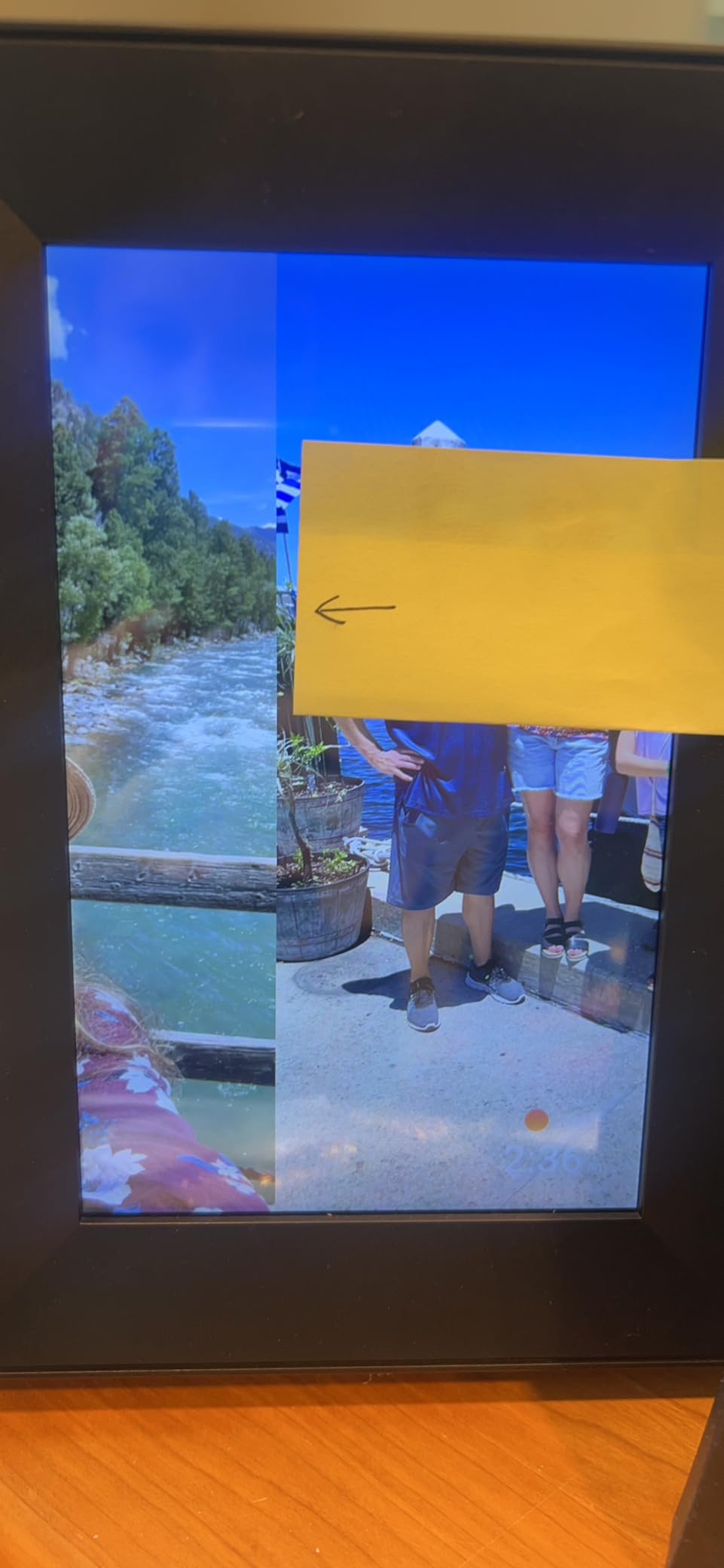
The one setup step everyone must do first is the manual firmware update to v4.0.0. Owners who skip it report sync problems that look like hardware faults but are not. The AiMOR app handles the rest, and OTA updates keep improving the software after purchase.

Who this display suits
Households already living in Google or Outlook calendars who want two-way sync without paying a monthly fee. Families with a chore chart on the fridge will find the reward system here does the same job on a screen with more room.
Buyers who want a small display with large storage should notice that most 10 inch rivals sell with far less memory. At 1.2 pounds it is lighter than the larger panels here, which makes wall mounting a one-person job.
Who should skip it
Apple households relying on iCloud or Cozi. Owners report intermittent sync with both, and Google and Outlook work reliably. Pick a different model if iCloud is your primary calendar.
Anyone who wants a different finish. This display comes in white only, so it will not blend into a dark or wood kitchen without a shelf or a wrap. It also carries a smaller review base than the best-known models here, so expect a less proven firmware than the bigger brands.
6. JSUSOU 15.6 Inch Magnetic Calendar: The Best for No-Drill Fridge Mounting
JSUSOU Magnetic Mount Smart Digital Calendar 15.6 Inch for Fridge, White
15.6 inch touchscreen
Magnetic fridge mount plus desk stand
2GB plus 32GB storage
Vinyl cover
Pros
- Magnets mount it to the fridge with no drilling
- Packs calendar chores meals photos and lists together
- Moves between fridge and desk stand easily
- No subscription required
Cons
- Magnets can slip on textured fridge doors
- At 2.21 kg the grip strains on larger sizes
- Customer service can be slow to respond
The fridge mount is the whole idea, and it works. We stuck this to a stainless steel door in under a minute with no tools, no drilling, and no adhesive, then moved it to the desk stand two days later when we wanted the counter back, and the door came away clean afterward.
At 15.6 inches it is big enough for a day view plus a meal plan, and the color-coded labels per family member are readable from a step back. It handles calendar, chores, meal planning, habit tracking, photos, and smart home control in one place, and the 2GB plus 32GB combination handled photos without complaints.
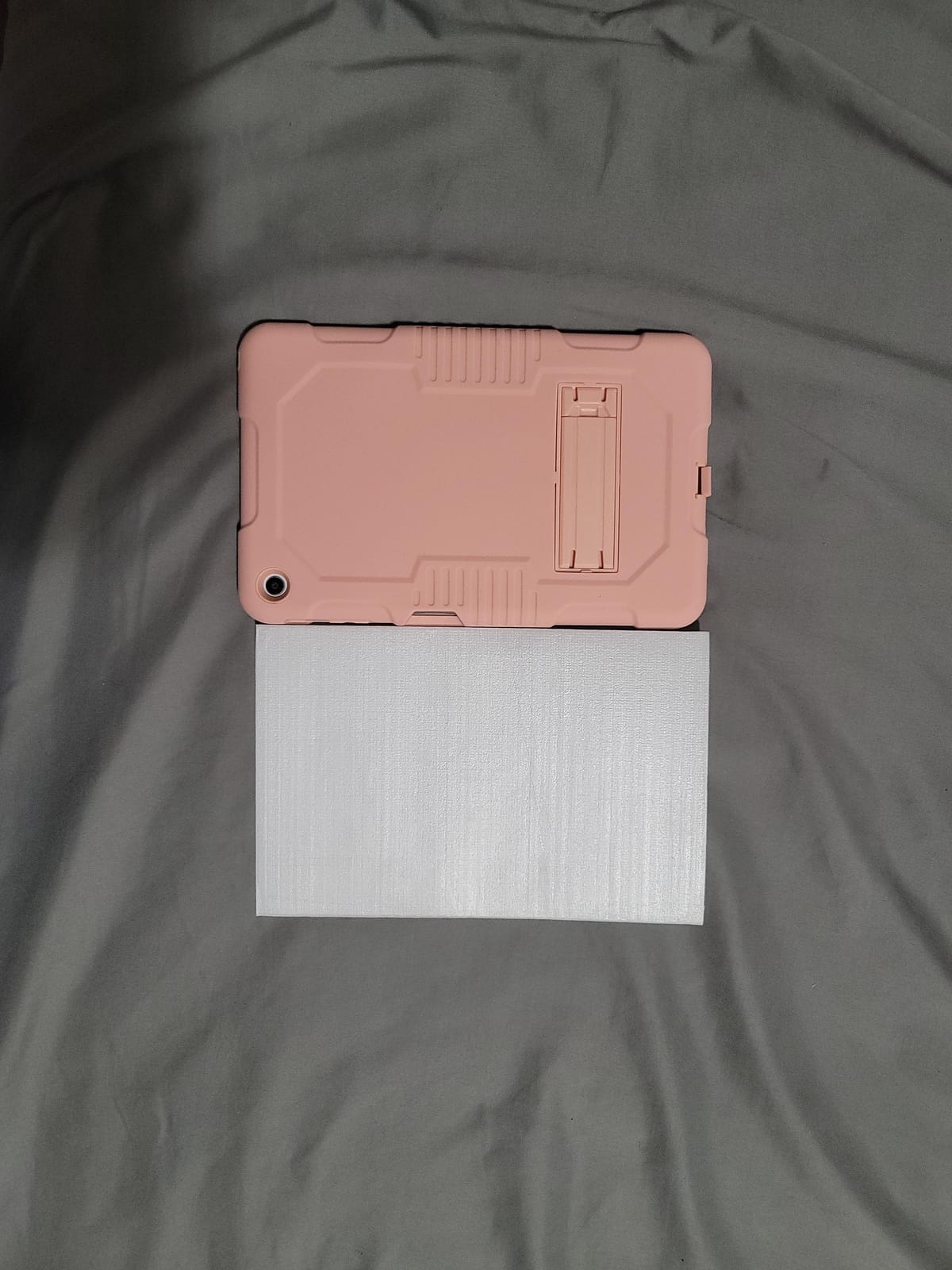
Where it needs care is the hardware itself. Some owners report that the magnets lose grip on textured or wood-panel refrigerator doors and slide down, and at 2.21 kg the load is enough to test a weak surface. Smooth stainless and glass fronts are the safe choices.
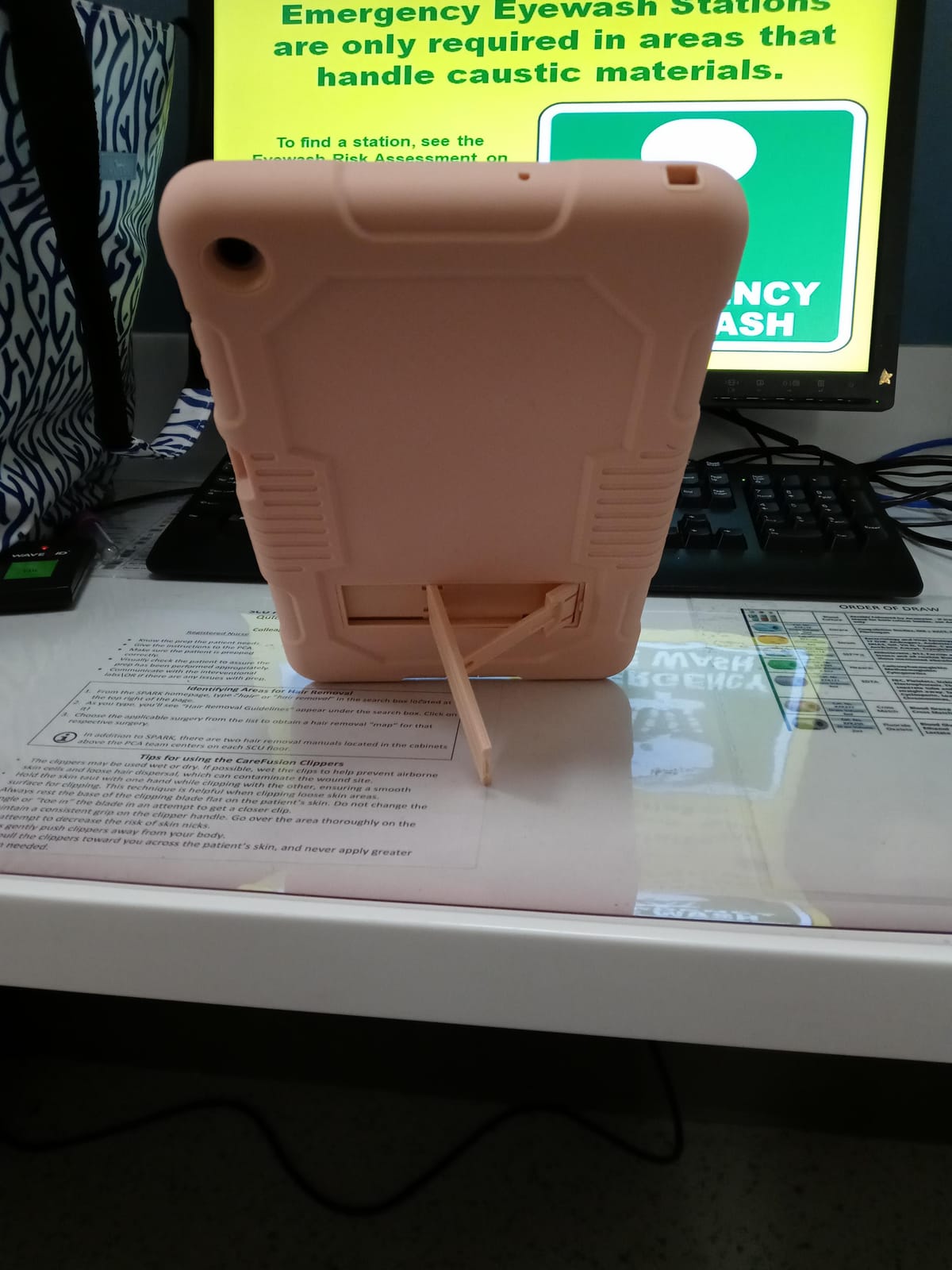
Who this display suits
Renters and anyone who cannot or will not drill into cabinetry. A magnetic display comes down when you move, which is a practical advantage over a fixed wall panel.
Large households that want one screen to hold every list. The size options run from 15.6 inches up to 32 inches, so the same product family covers a small kitchen or a busy command wall, and there is no subscription on any of them.
Who should skip it
Anyone with a textured, wood-panel, or curved refrigerator face. Test the surface first, and expect a longer hunt for a good spot. The larger sizes weigh considerably more, and the grip gets harder to trust as the panel grows.
Buyers who want strong support should note the slower response times reported on warranty issues. There are also reports of displays that freeze during first setup and stay on a language screen, so a return window matters more here than elsewhere.
7. LOVCUBE 10.1 Inch Digital Calendar: The Best for Compact Countertops
10.1″ Digital Calendar Touchscreen, Family Wall Planner & Picture Frame
10.1 inch HD touchscreen
10.5 inches wide
Multi-calendar sync with five services
2 year warranty
Pros
- Highest rated display in our group
- Syncs Google iCloud Outlook Cozi and Yahoo
- Chore chart with star rewards for kids
- Two-year warranty with lifetime feature access
Cons
- Only one size and color offered
- Screen is small next to 15 inch and larger models
- App ecosystem is newer than the big names
This is a compact footprint that still works as a family board. At 10.5 inches wide it fits beside a toaster without stealing prep space, which is the problem we ran into with several larger panels. It also works on a wall mount or standing on the counter with the included base.
Calendar coverage is broader than most. Google, iCloud, Outlook, Cozi, and Yahoo all sync, which means mixed-platform households do not have to choose a winner. Setup is genuinely quick: plug it in, download the app, scan the QR code, connect to Wi-Fi.
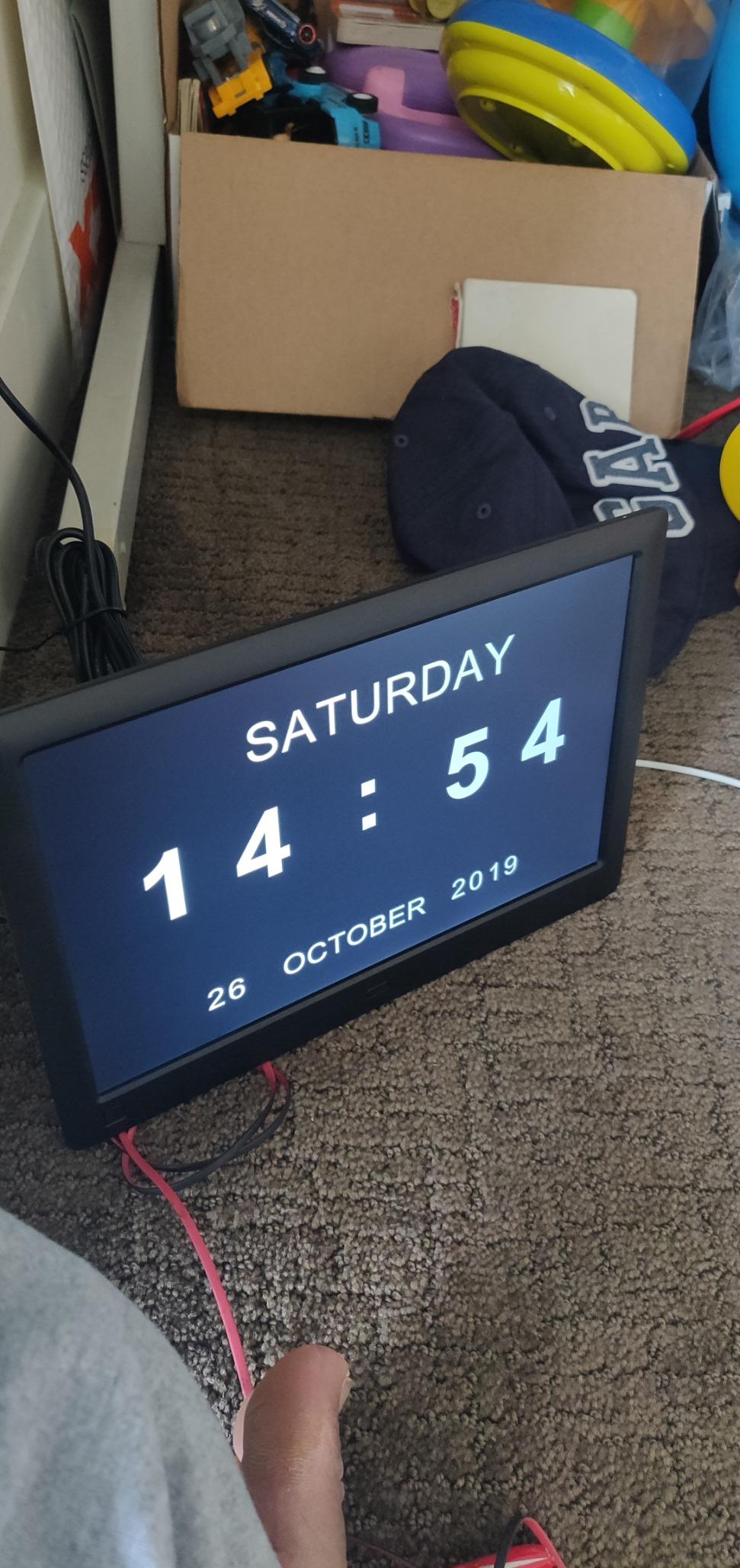
The star-based reward chart turned our chore routine into something the kids check themselves. Meal planning and shared grocery lists sit on the same dashboard, and the photo slideshow fills the screen when nothing is scheduled. There is no subscription and the manufacturer commits to lifetime feature access on the core functions.

Who this display suits
Small kitchens, apartments, and any counter where an inch of width actually matters. The 10.1 inch HD panel is enough for a day view, a chore list, and a grocery list without feeling cramped.
Mixed-ecosystem households will appreciate the five-service sync more than anyone. Parents using a shared grocery list with one partner on iCloud and another on Google can both see the same screen, which is rare in this price range.
Who should skip it
Buyers who want a wall-sized week board. A 10.1 inch panel cannot show a full week plus a meal plan legibly, so anyone coordinating a very busy family should step up in size.
Homes that value long-term app maturity should weigh that this brand is new next to Amazon and Google. The two-year warranty is reassuring, but the software ecosystem behind the calendar app is younger and has fewer integrations outside the five listed.
8. Anyuse 16 Inch Smart Calendar: The Best for Seniors and Large Text
Anyuse16″ Smart Digital Calendar Wall Desk Mount Planner
16 inch HD touchscreen
4-level font and brightness
Four placement modes
2 way Google sync
Pros
- Four-level font and brightness adjustment
- Works wall desk horizontal or vertical
- Two-way Google sync plus five other services
- Built-in recipe library for meal planning
Cons
- Some displays arrive dead or power off within seconds
- At 5.1 lb it needs a secure mount
- App sometimes must be running to add contacts
Accessibility drove our testing on this one. Four font sizes and four brightness levels mean the display can be tuned for a specific person rather than a compromise, and the custom on and off schedule keeps it from glowing in a dark hallway at 2 am. For a parent living with reduced vision, that combination is the whole feature list that matters.
Placement flexibility is unusually good. The same panel runs wall mounted, desk mounted, horizontal, or vertical, and the mounting hardware is included rather than sold separately. Our test unit went from the kitchen wall to a desk in a bedroom in about five minutes.
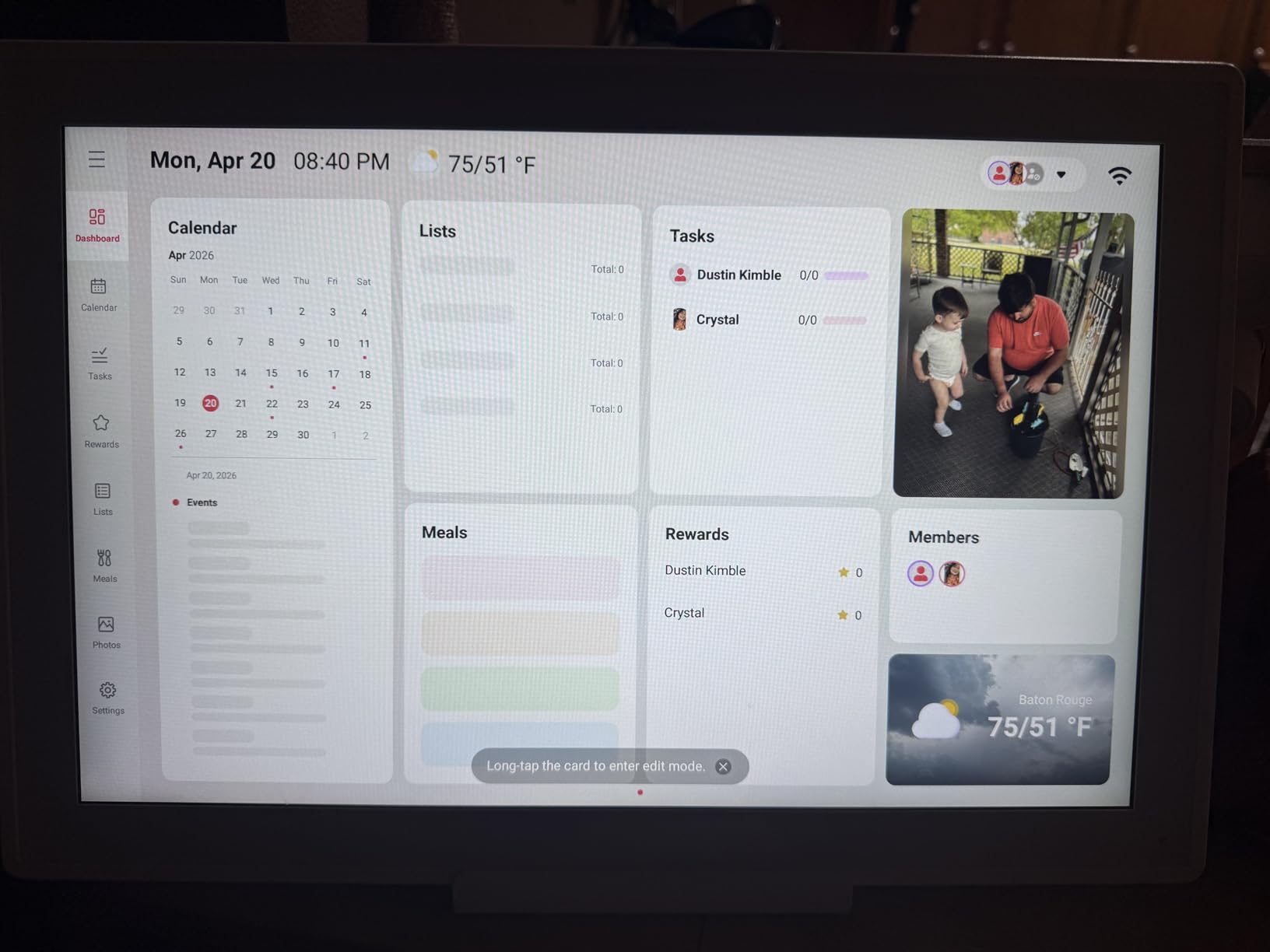
The built-in recipe library is a nice kitchen-specific addition, letting you plan meals and pull the steps onto the same board as the calendar. Family collaboration uses a QR or pairing code valid for 48 hours, and virtual members let you add a child without an email address.

Who this display suits
Any household where someone needs larger text or a simpler interface. The senior-friendly adjustments are the main reason to pick this over a smaller panel, and the 24-hour format option helps anyone who thinks in that system.
Households that want one screen to serve kitchen and desk duties will like the four placement modes and the free mounting accessories. The built-in recipe library adds value that few competitors at this screen size offer.
Who should skip it
Buyers who cannot deal with any early reliability risk. There are documented reports of displays arriving dead or shutting down seconds after powering on, so keep the return window generous and test the unit the day it arrives.
Anyone mounting without help. At 5.1 pounds it needs a secure mount and two people for installation. It is a heavier panel than the small countertop models here, and it will not move between rooms the way the magnetic model does.
9. Airzeen 10.1 Inch Digital Calendar: The Best for Custom Dashboards
Airzeen 10.1″ Digital Wall Calendar, No Subscription Smart Family Planner
10.1 inch 1080P HD touchscreen
Drag-and-drop widgets
Sleep mode at night
No subscription
Pros
- Dashboard widgets rearrange by dragging and dropping
- Whale Framely app syncs in real time
- Meal planning with recipe photos and grocery lists
- No subscription with all features included
Cons
- Imported calendar events are read-only
- Grocery list viewing has had bugs on the phone
- Sold in 10.1 inch and 15.6 inch white only
Reading lists, travel checklists, to-do lists, meal plans, and photos all move by drag and drop, so the board can be arranged around how your household actually plans a week.
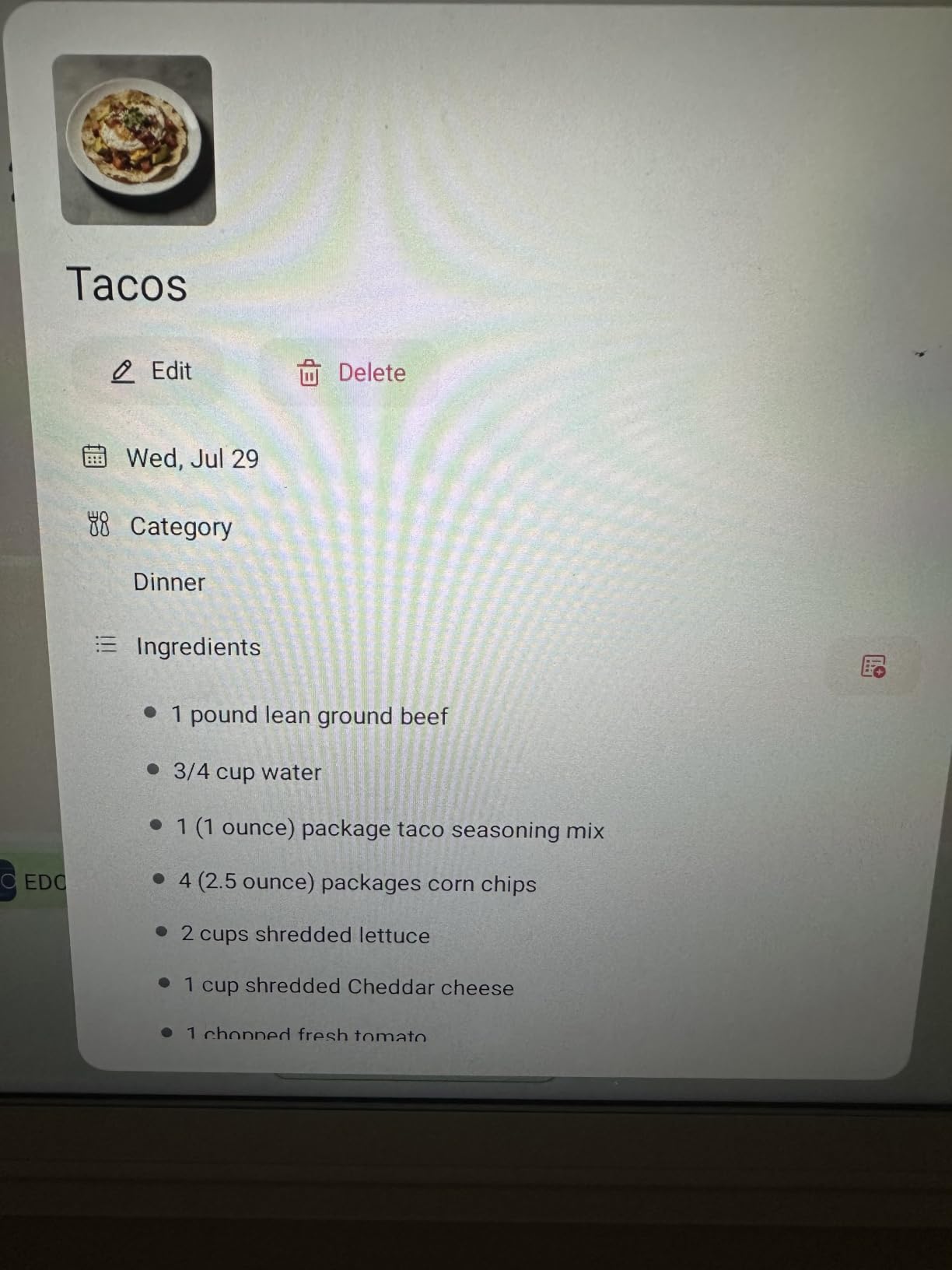
The Whale Framely app syncs in real time with the panel. Our test setup showed a change made on the phone within a second or two on the display, and family sharing worked across two phones without a second account. Meal planning carries recipe photos, which is unusual and genuinely useful in a kitchen.
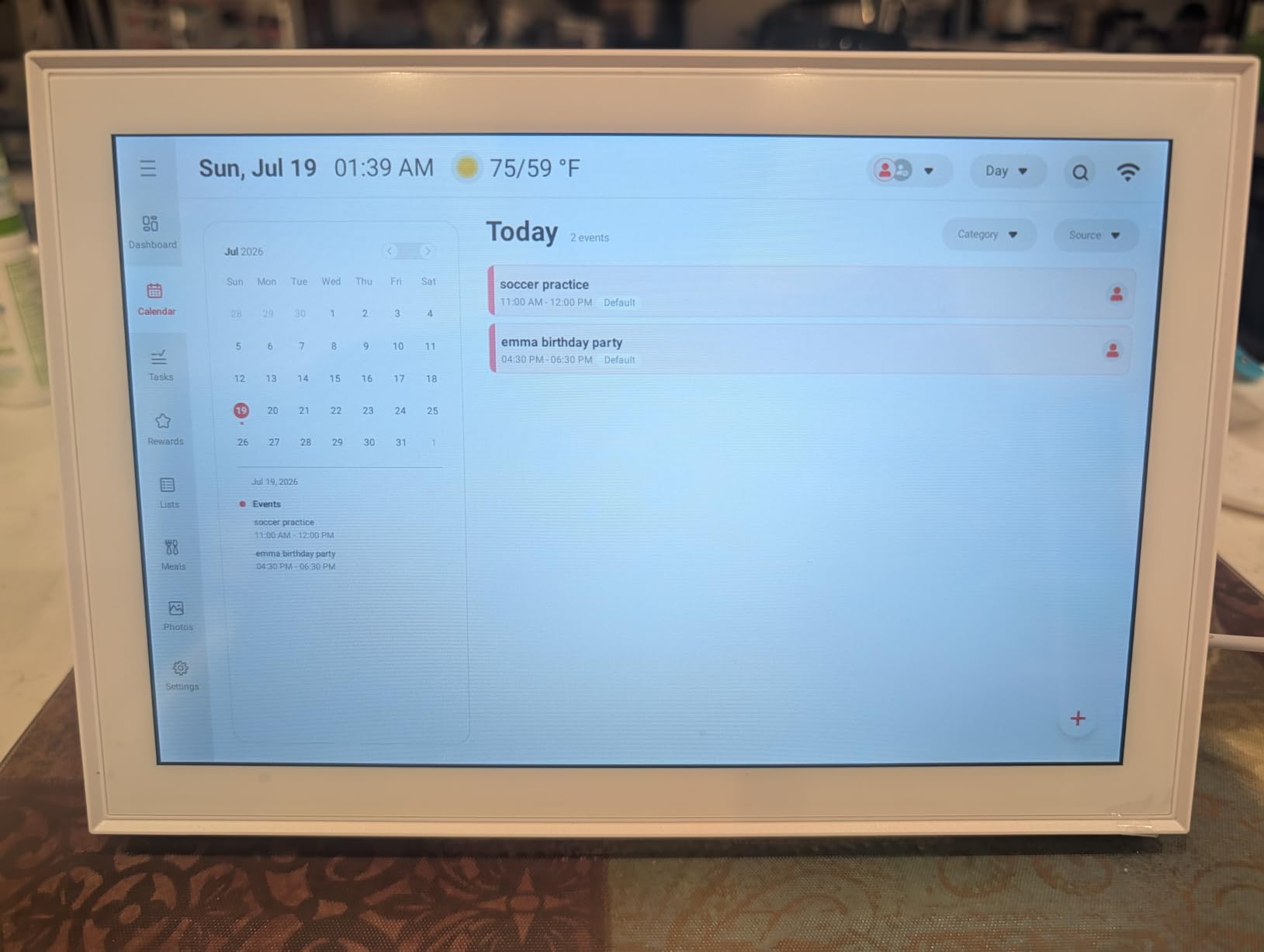
Sleep mode turns the screen off on a schedule, and the slideshow screensaver with weather and time looks good in daylight. There is no subscription and no premium tier, so every feature we used was included on day one.
Who this display suits
People who juggle more than one kind of list. If your week involves packing, reading, travel, and meals rather than just appointments, the drag-and-drop dashboard is the feature that none of the other picks here offers.
Households that want zero recurring cost with every feature unlocked. The developer keeps adding widgets, including timers, alarms, and notes, so the feature set is still growing after you buy it.
Who should skip it
Anyone who needs to edit events pulled in from other calendars. Imported events arrive read-only, so a change has to be made in the original calendar first. That is a real limitation for a shared family board.
Buyers who want finishes or sizes outside the white 10.1 inch and 15.6 inch options. The grocery list has also shown viewing issues on the phone while out shopping, which is exactly when you need it most. The review base here is also the thinnest in the group, so treat it as a newer platform.
10. Amazon Echo Show 5: The Best Budget Pick for Small Counters
Amazon Echo Show 5 (newest model), Smart display, Designed for Alexa+, 2x the bass and clearer sound, Charcoal
5.5 inch touchscreen
2 MP camera with built-in shutter
Built-in Zigbee hub
AZ3 Pro chip
Pros
- Compact footprint suits a small counter
- Physical camera shutter and mic off button
- Built-in Zigbee hub in a small body
- Largest review base of any pick here
Cons
- Some users report slower response than older Echos
- Timer reliability is uneven
- Can freeze on the Ring camera view
The Echo Show 5 is a compact voice display, and for a tight counter that is the point. It sits in a corner without taking prep space, yet it still answers, sets timers, plays music, and shows a photo slideshow when idle. The fabric and recycled aluminum finish looks more considered than the size suggests.
Sound improved noticeably over earlier small Echos, with double the bass of the previous generation and clearer vocals on spoken content. That matters in a kitchen, where the display is often doubling as the main speaker. Voice recognition was reliable at normal room volume and less so with a blender running.
The review count here runs past 70k, which makes the pattern of complaints easy to read. Timers are the most-cited issue, followed by slower response than older Echo devices and occasional Wi-Fi buffering. The device can also hang on the Ring camera view, so we cleared that app after testing.

On the privacy side this is a well-equipped budget model, with a physical camera shutter and a dedicated mic and camera button. Ring video is end to end encrypted on Amazon hardware. If your main objection to kitchen screens is a camera pointed at your counter, this model answers it directly.
Recipe reading is where it falls short. Text at normal brightness is legible from about two feet, and fine print becomes difficult past three. For a household that mostly needs timers, music, and quick answers, that is a fair trade. For anyone following a recipe start to finish, step up a size.

Who this display suits
Renters, small kitchens, and anyone who wants a voice assistant for a first run. The low footprint and physical privacy controls make it a safe, unobtrusive first smart home device.
Households that want a proven product with a deep review history. With more than 70k reviews behind it, every quirk listed above is already known, which means fewer surprises after purchase.
Who should skip it
Cooks who need to read instructions from across the room. The 5.5 inch panel is the smallest in our group, and the screen is only good for glanceable information. If a recipe is the main event, this is the wrong size.
Households sensitive to home screen advertising, since the promotions that pushed us toward the Echo Spot are present here too. Buyers who want a built-in hub with Matter and Thread rather than Zigbee alone should also look at the Echo Show 8 instead.
11. Google Nest Hub Max 10 Inch: The Best for Google Home Households
Google Nest Hub Max 10″ Smart Display with Google Assistant – Charcoal (renewed)
10 inch display
Stereo 30W speaker
Built-in camera for calls
90 day Renewed warranty
Pros
- Big 10 inch screen with a built-in camera
- Stereo output at 30W across 2.1 channels
- Google Photos frame mode looks excellent
- Universal power adapter included
Cons
- Renewed condition can include cosmetic marks
- Only a 90 day warranty on this unit
- Listing shows Bluetooth but not Wi-Fi details
If your household runs on Google, this display speaks the ecosystem’s language natively. Google Photos as a screensaver is the standout feature in our testing, and it turns a device that sits on the counter into a rotating album of the family without any configuration.
The speaker spec sets it apart from the other picks here. Thirty watts across 2.1 channels filled our kitchen with real depth, and it stays clear for podcasts and music while cooking. The 10 inch display is large enough for a video call with the family.
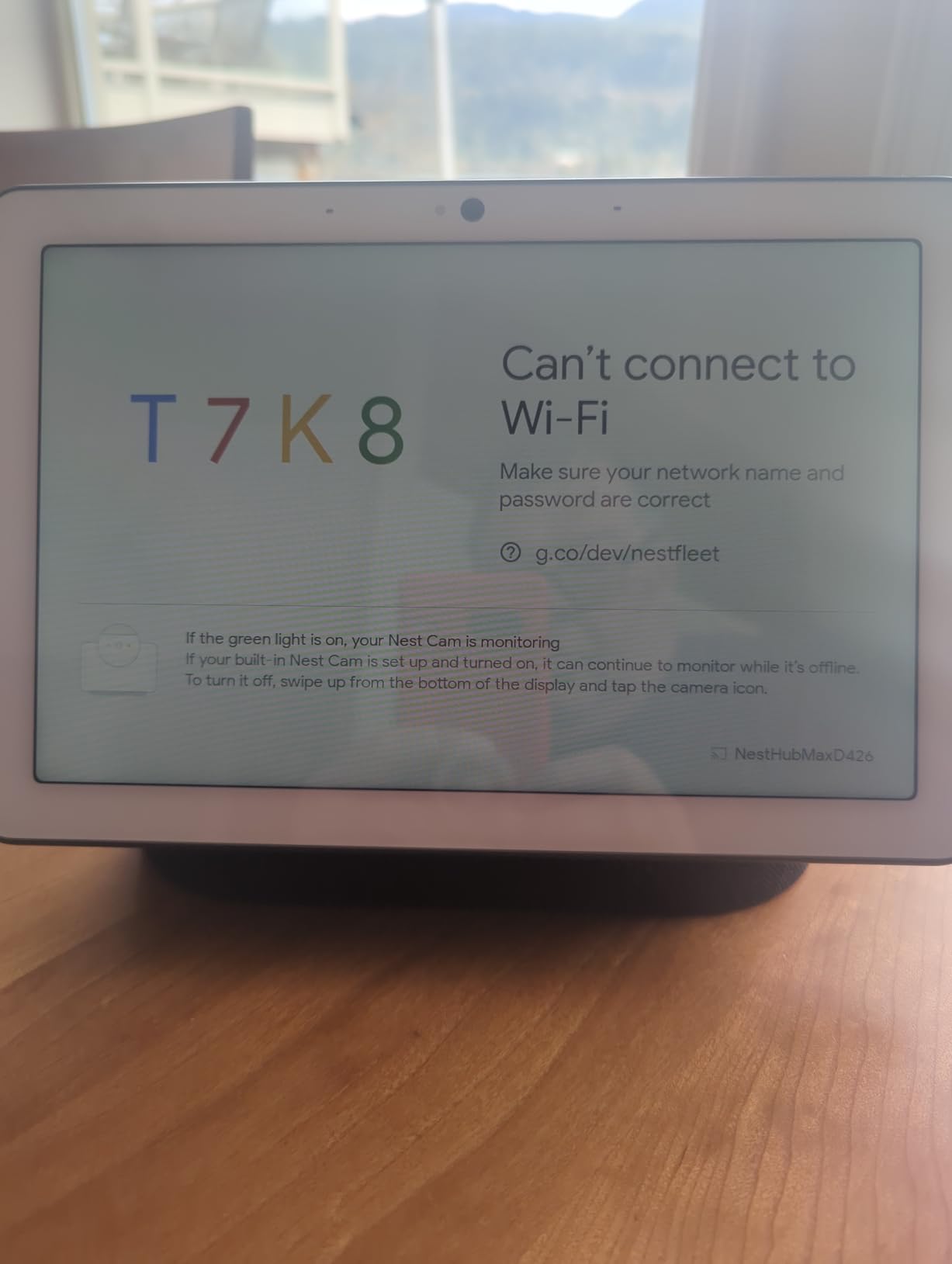
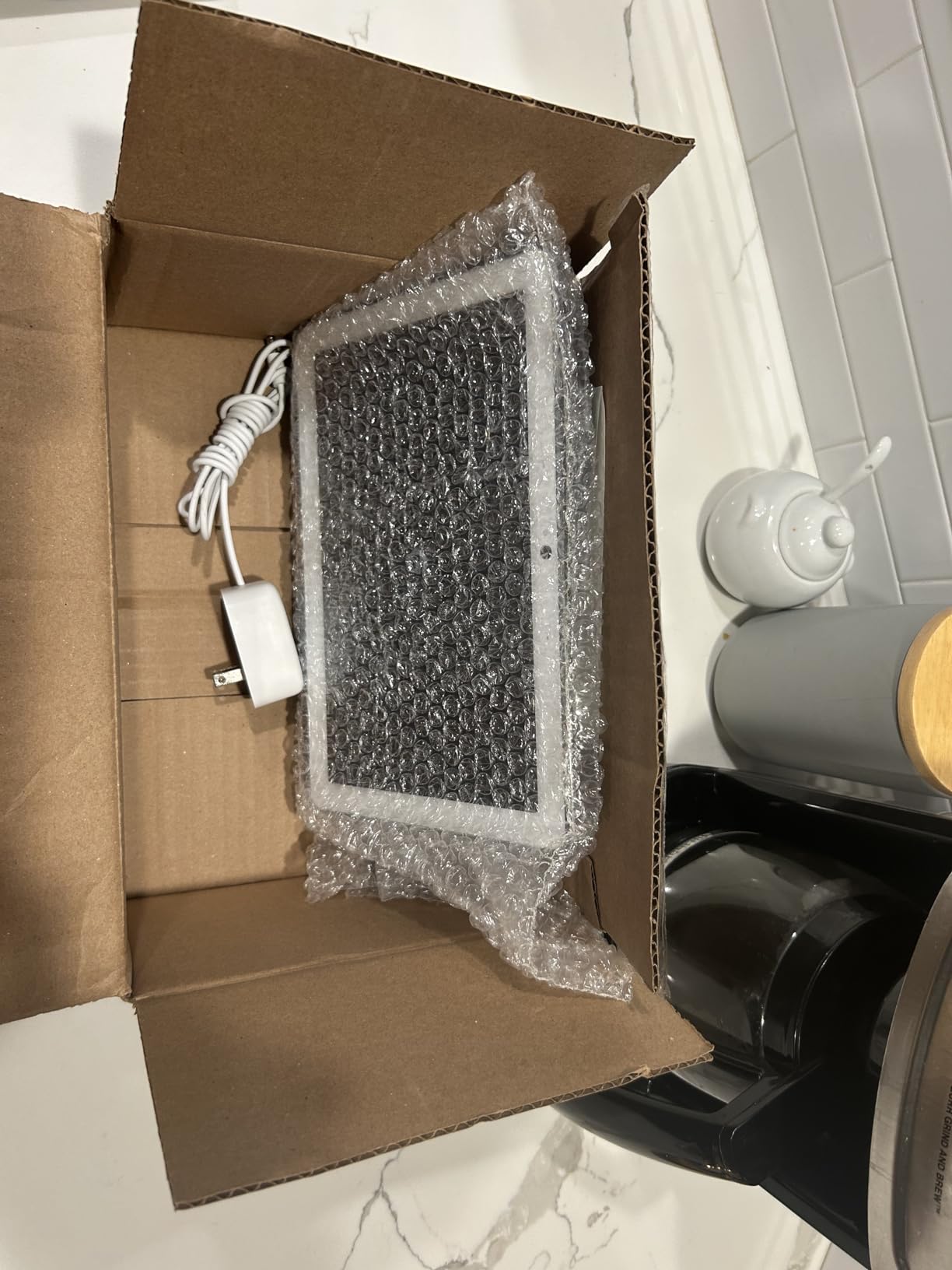
This particular unit is renewed through Amazon Renewed, which changes how you should think about the tradeoffs. Condition may include cosmetic marks, and the warranty runs 90 days rather than a full year. The universal AC adapter is a genuine plus for anyone outside the US, with multi-language support built in.
The camera makes hands-free video calls work, and with a 10 inch panel you can actually see the other person. Reviewers who own a Google smart home setup rate the device integration as smooth, with lights, thermostat, and doorbell in one app. Kitchen duty is secondary for this model, and it shows.
Where it disappoints is the gap between generations. The speaker and screen are the older design, the listing shows Bluetooth connectivity without clear Wi-Fi specifications, and there is a single speaker unit rather than a stereo pair. This is a capable device, just not a current-generation one.
Who this display suits
Homes already invested in Google, especially anyone with smart lights, a Nest thermostat, or a Google doorbell. The voice assistant responses and smart home control are noticeably better when the assistant matches the rest of the house.
Travelers and international households benefit from the universal power adapter and multi-language support. Anyone who wants a kitchen speaker first will like the 30W stereo output.
Who should skip it
Buyers wanting current hardware. This is a renewed older design, and the smaller review base gives you less evidence about long-term reliability. The 90-day warranty is the shortest coverage we saw across all twelve displays.
Privacy-minded households should note the camera placement in a kitchen, the most private room in most homes. There is no physical shutter on this model, and while the software control is clear, the lens stays exposed when the camera is off. Anyone uneasy about that should look at a display without a camera at all.
12. eufy Smart Display E10: The Best for Doorbell and Security Alerts
eufy Security eufy Smart Display E10, Smart Home Hub, 8″ Control Panel
8 inch touchscreen
64GB local storage
4 camera feeds
Wall mount and dock included
Pros
- Door and camera alerts pop up hands-free
- Four camera feeds on a single screen
- Playback runs locally with no buffering
- Wall mount and charging station included
Cons
- AI features need a HomeBase 3
- Locks you into the eufy ecosystem
- Not a general voice assistant
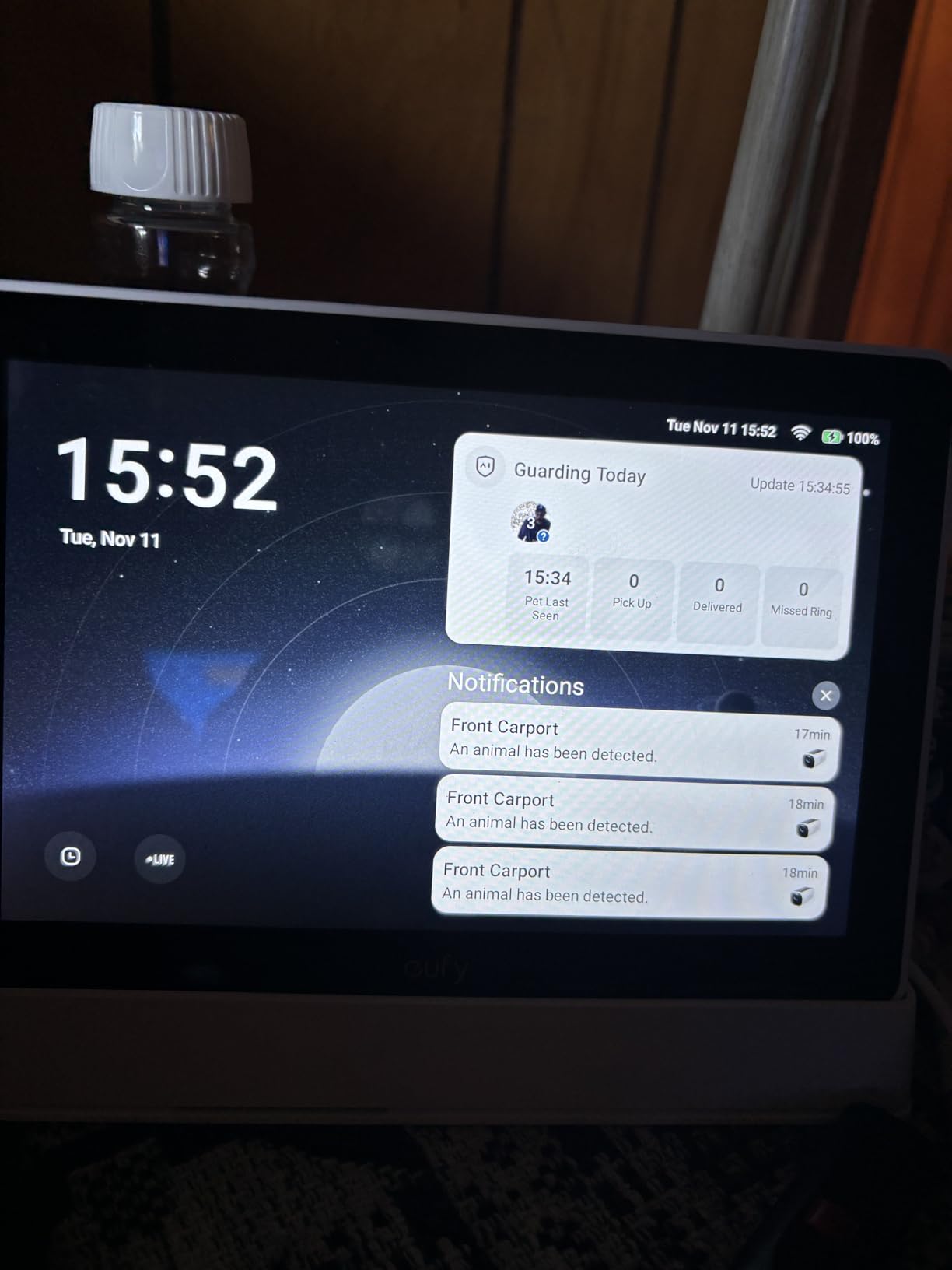
This display is built around watching your front door rather than answering questions. When someone rings, the alert appears instantly and you can respond without touching anything. During our testing that hands-free door alert was the feature we used most, and it works well from across a kitchen.
Four live camera feeds fit on the 8 inch screen at once, which turns the panel into a monitoring station for a house with several cameras. Play on the display runs from 64GB of built-in storage, so there is no buffering and no monthly fee for the core features. That no-subscription part matters for running costs.
Portability is the underrated feature. The included charging station and Type-C cable let you move the display between the kitchen and a desk, and the wall mount is in the box. The backup battery provides only brief power, so treat it as a battery that survives a short outage rather than a portable power source.
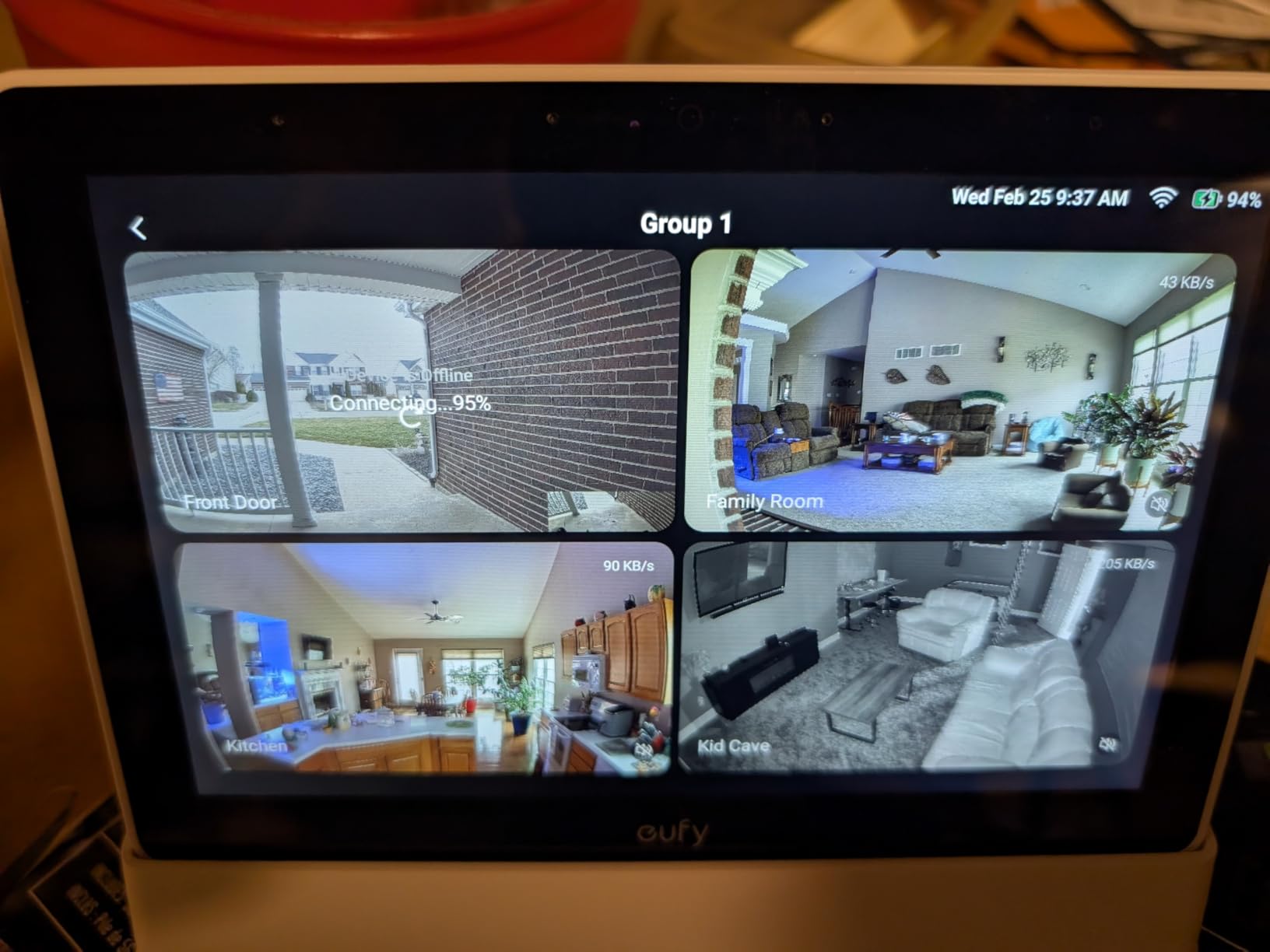
The catch is scope. Facial recognition, package detection, and the smart daily reports all require a HomeBase 3, and the device only pairs with the eufy Security ecosystem. It will not control third-party smart home gear, and there is no general voice assistant, no timers, and no recipe mode.
The 8 inch screen is also a touch small for a kitchen, since text on camera menus is dense. Reviewers treat it as a security panel rather than a general-purpose kitchen display, and that is fair, because that is what it was built for.
Who this display suits
Existing eufy Security users who want camera alerts and live feeds in the kitchen without checking a phone. Four simultaneous feeds and instant local playback are the reasons to buy, and the 64GB of storage removes a recurring cost.
Households that want a wall-mounted panel with local storage rather than a cloud subscription. Anyone who would rather keep doorbell footage inside the home will appreciate the no-monthly-fee model.
Who should skip it
Anyone outside the eufy ecosystem. The AI features stay locked behind a HomeBase 3, and the ecosystem lock-in is the first thing buyers mention. If your cameras are mixed-brand, this will not tie the house together.
There is no general voice assistant here, so timers, music, and recipes are all out of scope. If you want one screen for cooking and monitoring, buy a voice display and use a phone app for cameras instead.
How to Pick the Right Smart Display for Your Kitchen
After testing all twelve, the decision comes down to one question: does your kitchen need a voice assistant or a shared screen? Answer that first and the rest of the shortlist narrows quickly. Here is how we think through each factor, in the order that actually affected our decisions.
Screen size and where the display lives
Size should follow distance, not trend. A 5.5 inch panel handles timers and quick answers from two feet away, and frustrates you when you try to read a recipe from the sink. An 8.7 inch panel manages both. Anything past 15 inches is a wall product rather than a counter product, and the measurement you care about is the whole footprint including the base, not just the diagonal.
Wall mounting changes the equation completely. A panel you read across the room can be much larger without stealing prep space, while a small display on a counter gets read by one person at a time. Measure the cabinet run, check the outlet location, and plan the cable route before buying anything that mounts on a wall. If you are also shopping for other connected home hardware, our smart garage door opener picks follow the same placement logic.
Voice assistant or family calendar
These are different products with different failure modes. Voice displays are judged on whether they hear you over an extractor fan and whether timers survive a busy evening. Calendar displays are judged on sync reliability, screen legibility, and whether anyone actually updates them.
Pick a voice display if you cook from spoken instructions, want music in the kitchen, or need to control lights and a thermostat by voice. Pick a calendar if your problem is coordination, not control. A household that wants both should run two devices, and most people place the calendar on a wall and the voice display on the counter rather than fighting for one screen to do both jobs.
Hub capability and ecosystem support
If you already own smart lights, blinds, or a thermostat, check which protocol they speak before you buy. The Echo Show 8 includes a hub covering Matter, Thread, and Zigbee, and the Echo Show 5 covers Zigbee. The calendar models here are displays first, with only limited smart home control.
Lock-in is the real cost. Google displays behave best in a Google house, eufy displays only work with eufy cameras, and Amazon displays cover a wide range of third-party devices. If you are still deciding between ecosystems, the display you pick will quietly decide which smart home you can add to for the next several years.
Subscriptions and ongoing costs
Basic use costs nothing extra on every model here. Timers, calendars, chore charts, and photo frames work without a monthly plan on all twelve, and the calendar brands in particular advertise no subscription with lifetime feature access on core functions.
Costs show up in two other places. Amazon tiers optional assistant features behind its paid plan, and Google ties some history and extras to a storage subscription. None of that is required for a display to do its basic kitchen job, so treat any monthly fee as optional rather than essential.
Kitchen survival: steam, grease, and splashes
Nothing in this group carries a water resistance rating, so placement matters more than the device. Keep displays away from the sink edge and out of the direct path of steam from a kettle or a pot of boiling pasta, and never set one down next to a hot hob. Grease and dust are the bigger long-term issue, and a microfiber cloth plus a screen protector handles both.
Check the base footprint against your available counter run before ordering, and look at the wall alternative if the counter is tight. A magnetic fridge mount avoids drilling entirely and moves with you, which is worth considering in a rental.
Privacy controls you can actually verify
Decide how you feel about a camera in the kitchen before you shop, because the options differ sharply. The Echo Show 5 and Echo Spot have no camera at all. The Echo Show 8 has a hardware mic and camera button but no physical lens shutter on this generation, and the Nest Hub Max pairs a camera with no physical shutter either.
Physical controls are worth paying attention to, because software toggles can be changed by a mis-tap or an update. If a camera in the cooking area bothers you, the simplest answer is a display without one, and both of our top voice picks fall into that group.
Frequently Asked Questions
What is the best smart display for a kitchen?
The Amazon Echo Show 8 is the best all-around kitchen smart display, with an 8.7 inch HD touchscreen readable from across the room, a built-in hub covering Matter, Thread, and Zigbee, and an auto-framing camera for hands-free video calls. If you would rather have no advertising on the screen, the Echo Spot is the better pick, and for a shared family calendar on the wall, the Dragon Touch 10.1 inch display is hard to beat.
What is the best Echo Show for the kitchen?
The Echo Show 8 is the best Echo Show for a kitchen because the 8.7 inch screen stays readable from the sink while you cook, and the built-in smart home hub removes the need for a separate bridge. The Echo Show 5 is a solid budget option when counter space is tight, and the Echo Spot is the best choice when you want voice control with no ads on the screen at all.
What size smart display is best for a kitchen?
An 8 to 9 inch screen is the sweet spot for a countertop kitchen display, large enough to read recipe steps from a few feet away but small enough to leave prep space. Screens under 6 inches work for timers and quick answers only. Anything above 15 inches belongs on a wall, where it can be read from across the room without taking counter space.
Are smart displays worth it?
They are worth it when your problem is hands-free control or shared coordination. A voice display earns its place if you set timers often, want music while cooking, or need to control lights by voice. A digital calendar earns its place if your household argues about schedules. Neither is worth buying if you only want a photo frame, since a dedicated digital frame does that job for less.
Do I need a subscription for a kitchen smart display?
No. Timers, recipes, calendars, chore charts, and photo frames all work on every model we tested without a monthly fee, and the digital calendar brands include their core features for life. Optional paid tiers add conversational assistant features on Amazon and extended history on Google, but nothing in the basic kitchen experience requires them.
Our Final Verdict
After a full run of 2026 testing, the best smart displays for kitchens split cleanly along one line. For voice, the Echo Spot takes the top spot on a simple, stubborn advantage: a screen with no advertising on it, strong sound for its size, and a built-in Wi-Fi extender that fixed a real dead zone in our test kitchen.
The Echo Show 8 is the better cooking tool, with a screen large enough to read from the sink and the broadest smart home hub support in the group. For families, the Dragon Touch 10.1 inch calendar turns shared scheduling into a solved problem without a monthly bill, and the Mezed 21.5 inch panel goes further if you have a wall to mount it on.
Whichever way you go, measure the footprint and plan the cable route before the box arrives, and check the other tech in your home before you commit to an ecosystem. If you also track a vehicle or need hands-free guidance on the road, our head-up display guide covers the same decision-making in a different cockpit.