
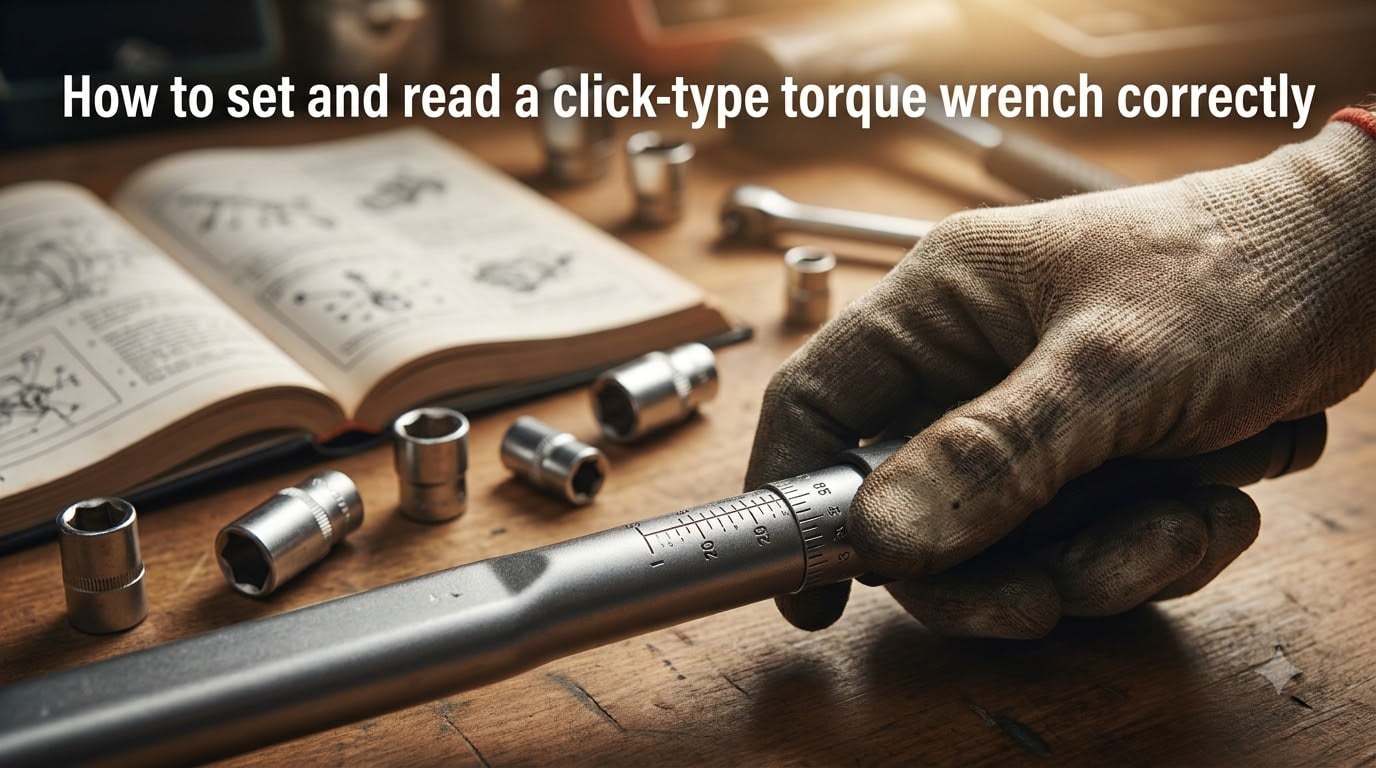
If you have ever tightened a bolt by feel and worried you went too far, a click-type torque wrench removes the guesswork. I have used these tools for everything from swapping a tire in a parking lot to rebuilding an engine, and the same rule applies every time: set it, listen, stop. This guide walks you through how to set and read a click-type torque wrench correctly so your fasteners land at the exact torque specification every time.
Whether you are working on automotive wheel fasteners, valve cover bolts, a motorcycle, or a precision assembly job, the procedure is the same. By the end of this article, you will know what the click sound means, how to store your wrench so it stays accurate, and how to spot the most common mistakes that throw torque readings off.
Table of Contents
What Is a Click-Type Torque Wrench and How Does It Work?
A click-type torque wrench is an adjustable torque tool that emits an audible click and releases tension the moment it reaches a user-set torque value. Unlike a beam-style wrench with a pointer, or a digital wrench with an LCD screen, the click-style relies on an internal spring-loaded clutch mechanism. You dial in the torque you want, and the wrench tells you when you have reached it.
The Spring and Cam Mechanism
Inside the head of a click-type torque wrench sits a spring-loaded cam and lever assembly. When you twist the handle, a calibrated coil spring compresses, storing energy. Once the spring force equals the torque you set, a cam slips past a bearing and produces both a sharp click and a small jolt through the handle.
The energy you applied beyond that point never reaches the fastener. That is the whole point: the click is a one-way valve. You can keep pulling on the handle, but the bolt will not see any additional twist. This protects threads, gaskets, and stretched studs from being over-tightened.
Why Accuracy Matters
Most manufacturers rate click-type torque wrenches within plus or minus 4 percent when new, with accuracy decreasing over time. Under-tightening a wheel fastener can let it loosen on the highway. Over-tightening a head bolt can warp a cylinder head, stretch a stud, or crack an aluminum part that costs hundreds to replace. Using a torque wrench correctly is not just a best practice; in many applications it is a safety issue.
How to Set a Click-Type Torque Wrench: Step-by-Step?
Setting the wrench is the part most people get wrong the first time. The adjustment mechanism feels stiff, the increments are small, and a slight miscount can put you five foot-pounds off before you ever touch a bolt. Follow these five steps and you will set the correct value on the first try.
Quick definition: To set a click-type torque wrench, unlock the handle, rotate the grip until the hash mark on the handle aligns with the desired number on the scale, then lock the handle back in place before use.
Step 1: Identify Your Required Torque Spec
Look up the torque specification for the exact fastener you are tightening, in the correct unit. Vehicle service manuals list values in foot-pounds (ft-lbs) or Newton meters (Nm). Some fasteners, like small engine bolts, use inch-pounds (in-lbs). Use the manual or the manufacturer’s online resource for the precise spec, and the proper unit, before you touch the wrench.
Step 2: Unlock the Handle
Most click-type torque wrenches have a locking collar or push-button at the base of the handle. Turn the lock counterclockwise (or depress the button) until the handle rotates freely. On some models the lock is a knurled ring near the scale, and on others it is at the very bottom of the handle. Familiarize yourself with the location before your first use.
Step 3: Rotate the Handle to Set the Value
Twist the handle so the torque value on the rotating scale increases toward your target. Always set to your number by rotating up the scale, never down. Setting downward can leave the internal spring in a slightly compressed state and produces an inaccurate reading of one or two increments.
Stop when the hash mark on the handle lines up with the line above your target number. Read both the top and bottom of the scale, since most wrenches list ft-lbs on one side and Nm on the other.
Step 4: Lock the Handle Before Use
Spin the lock collar clockwise (or release the lock button) until it is firm. Some models click firmly into place. If your wrench has a knurled wheel rather than a collar, twist until you feel resistance. A locked wrench keeps the torque from drifting while you apply force.
Step 5: Double-Check the Reading
Look at the scale one more time before you attach a socket. Many mechanics I work with skip this step and discover mid-tightening that they grabbed the wrong side of the scale, particularly when switching between ft-lbs and Nm. Two seconds here prevents ten minutes of frustration later.
How to Read a Click-Type Torque Wrench
Reading a click-type torque wrench means identifying the value on the scale where the moving hash mark on the handle lines up with the fixed line printed on the wrench body. The scale lives in a windowed sleeve near the base of the handle, marked in the units your wrench measures.
Reading ft-lbs and Inch-Pounds Scales
On a typical 1/2 inch drive wrench in the 25 to 250 ft-lb range, every major line on the scale represents one foot-pound, with minor tick marks at every 1 ft-lb. Smaller wrenches (3/8 inch drive) often measure in inch-pounds and may cover ranges like 20 to 150 in-lbs. The number printed on the sleeve is the actual torque; the moving hash mark tells you where you are within that range.
Reading Newton Meter (Nm) Scales
Most click-type torque wrenches ship with dual scales. The Newton meter side usually runs opposite the foot-pound side, so the same physical movement of the handle changes two numbers at once. A setting of 100 ft-lbs corresponds to roughly 136 Nm. Always confirm which unit you are reading before you start.
Using Hash Marks and Fine Adjustments
To set a value between two printed lines, count the minor ticks. If the wrench is rated in 1 ft-lb increments, each tick represents one foot-pound. To set 67 ft-lbs, for example, rotate until the handle mark lines up with the seventh tick past the 60. Listen for a soft click as each tick passes, then verify by reading the scale against good light.
What Does the Click Sound Mean?
The click is the wrench telling you torque has been reached. Inside the head, a slip clutch releases tension at the exact calibrated value, producing both an audible click and a tactile jolt that you feel through your palm. That jolt is not optional: it is the same signal as the sound. If you hear the click but did not feel the jolt, you are likely overshooting and should start over.
If the click happens before you reach your target, the wrench is set too low. Stop, increase the torque setting by one tick, and try again on the same fastener until you land at the proper spec.
If you reach your target and there is no click, the wrench is set too high or you have lost calibration. Stop immediately and reset, or send the wrench for service before relying on it. A click-type torque wrench with no click cannot stop an over-tighten, so any sign of failure warrants caution.
Storage Best Practices: The 20% Rule
The most important storage rule for a click-type torque wrench is the 20 percent rule. Always store the wrench at its lowest setting, or at the very minimum 20 percent of its maximum rated torque. A wrench rated up to 150 ft-lbs, for example, should be stored at 30 ft-lbs or lower.
Why does this matter? The internal mainspring takes a set when held under compression for long periods. Storing a fully tightened wrench leaves the spring permanently shortened, so the wrench clicks at a lower value than indicated. Once that happens, calibration drifts and the tool reads light on every fastener.
To apply the 20 percent rule, turn the handle back to zero (or 20 percent of max) at the end of every job and click it a couple of times to release any stored tension. Then store it in its case, lying flat or hanging on a hook, in a dry environment. Avoid leaving it in a hot vehicle. High temperatures accelerate spring fatigue just like stored compression does.
Maintenance and Calibration
A click-type torque wrench is a precision tool and benefits from light maintenance. Wipe the ratchet head with a clean, dry rag after each use. Do not oil the internal clutch mechanism; it is factory-lubricated, and adding oil traps dust. Keep the handle and adjusting collar free of dirt so the lock mechanism works smoothly.
When to Recalibrate
Schedule a recalibration every 5,000 cycles, or at least once a year if you use the tool frequently. ISO 6789 recommends that professional-grade click-type torque wrenches be recalibrated after 12 months or 5,000 cycles, whichever comes first. Dropping the wrench, or using it past a year without a check, can let readings drift several percent.
Simple Field Calibration Checks
If you do not have a calibrator nearby, you can run a basic sanity check. Set the wrench to a specific value, hang a known weight from the handle at the correct distance, and confirm it clicks at exactly that force. For example, a 10 ft-lb test means a 10 lb weight at the 12 inch mark on a 1 foot handle. If the weight does not trip the click, the wrench needs service.
Common Mistakes and Troubleshooting
I have watched beginners make the same handful of mistakes over and over. Avoid these and your wrench will give you years of accurate service:
Setting downward on the scale. Always rotate up to your target so the internal spring is fully decompressed before you start.
Skipping the lock collar. An unlocked handle drifts in use. Most modern wrenches will not click reliably unless the lock is engaged.
Continuing to pull after the click. The click means stop. Keep applying force and you over-torque the fastener.
Storing at full torque. Spring set is the single biggest cause of failed calibration in click-type torque wrenches.
Using extensions without recalculating. Extensions change the effective torque applied. A 12 inch extension adds leverage that throws the reading off by the length ratio.
Reusing an uncalibrated wrench. If you dropped the wrench, or if it has been more than a year since service, treat it as suspect until verified.
Troubleshooting once you have these fundamentals down is mostly a matter of process. Wipe, lock, set up, click, stop, reset, store. Everything else falls out of that rhythm.
Frequently Asked Questions
How accurate is a click-type torque wrench?
Most click-type torque wrenches are rated at plus or minus 4 percent accuracy when new. Accuracy drifts over time with use, drops, and improper storage, so annual recalibration is recommended for professional work.
Can you over tighten with a click torque wrench?
Yes. If you continue to apply force after the click, the bolt will still turn past the calibrated torque value. The click signals you to stop pulling, not that you are mechanically prevented from over-tightening.
How to calibrate a click-type torque wrench?
For a full calibration, send the wrench to a service center certified to ISO 6789 standards. For a quick field check, set a known value and apply a verified load on a marked distance to confirm it clicks at the right force.
How do I properly read my torque wrench?
Look at the moving hash mark on the handle where it lines up with the printed scale on the body of the wrench. Read the number that aligns with the mark, in the unit printed beside the scale, such as ft-lbs, Nm, or in-lbs.
What is the 20 rule for torque wrenches?
The 20 percent rule means storing your click-type torque wrench at its lowest setting or no higher than 20 percent of its maximum torque rating. This reduces spring set and protects calibration between uses.
Why did my torque wrench not click?
The most common reason is the wrench is set above the torque needed. Other causes include a locked handle, dirt in the ratchet, or a damaged or out-of-calibration internal spring. Stop use and inspect the wrench before applying more force.
Final Thoughts on Using a Click-Type Torque Wrench
Setting and reading a click-type torque wrench correctly comes down to a short, repeatable routine: look up the spec, unlock the handle, rotate up to the target number, lock it back, and listen for the click. That single sequence, combined with the 20 percent storage rule and an annual calibration check, will keep your fasteners safe and your results consistent for years to come.
If you do one thing differently after reading this, set your wrench back to zero (or its lowest setting) before you put it down. Stored torque is the most common cause of a wrench that suddenly reads light on every bolt, and it is the easiest mistake to prevent. Once you have that habit locked in, the rest of using a click-type torque wrench simply becomes muscle memory.