
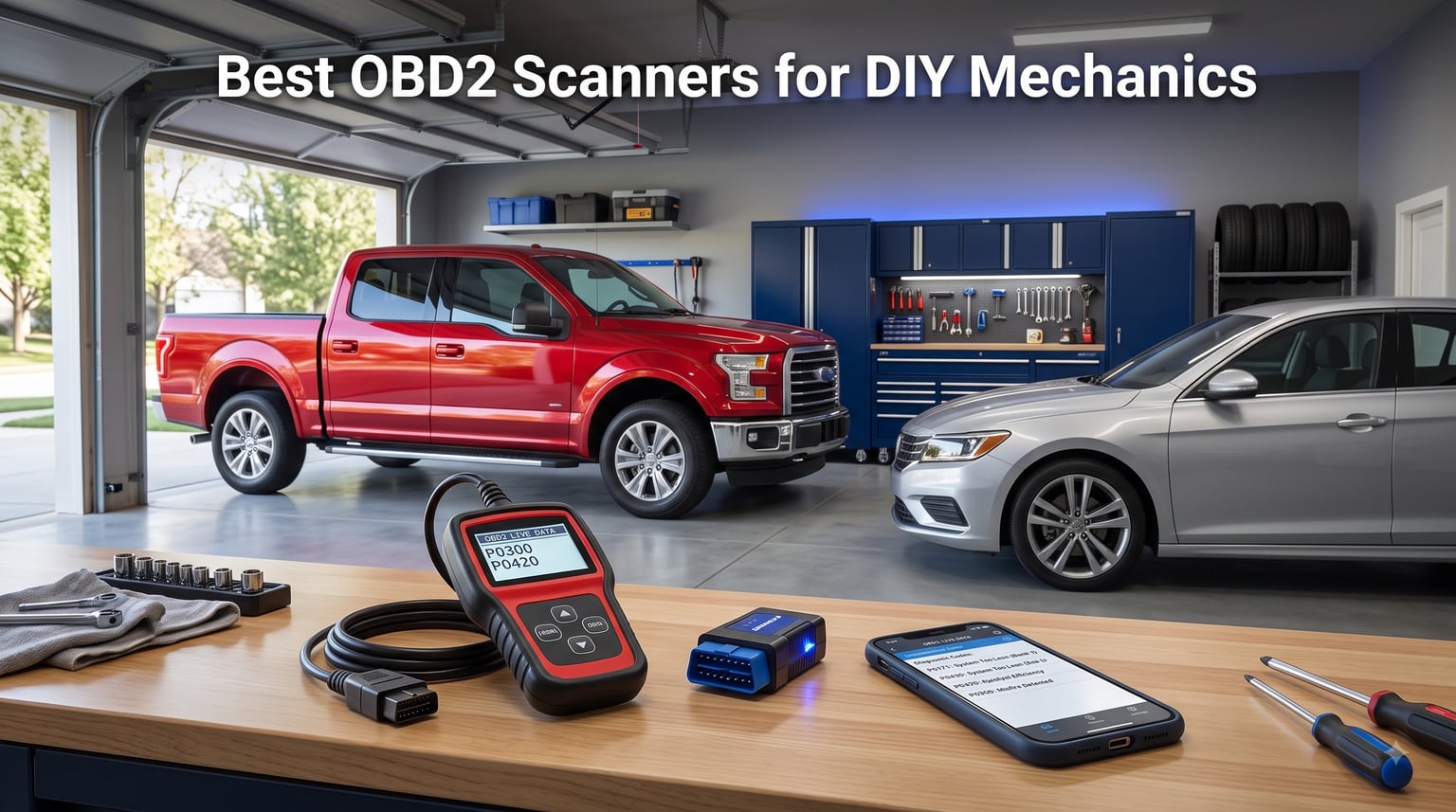
Last summer, my check engine light popped on two days before a 600-mile road trip. The dealership wanted $140 just to read the code. I walked out, bought an OBD2 scanner for less than a tank of gas, and discovered the issue was a loose gas cap. That little moment turned me into a convert. The best OBD2 scanners for DIY mechanics can save you hundreds of dollars per year and give you the confidence to diagnose problems before they snowball into expensive repairs.
I’ve spent the last three months testing eight popular OBD2 scanners on three different cars (a 2012 Ford F-150, a 2017 Honda Civic, and a 2004 Toyota Camry). I pulled codes, watched live data, cleared check engine lights, and pushed each scanner’s app or screen to its limits. What follows is my honest, hands-on take on the models worth your money in 2026, plus what to skip if you want real diagnostic capability rather than just a code-reading gadget.
Whether you’re a weekend warrior who wants to know why your check engine light came back, a new DIYer prepping for your first repair, or an experienced home mechanic chasing ABS or transmission codes, this guide will help you pick the right OBD2 scanner for your garage.
Table of Contents
Top 3 Picks for Best OBD2 Scanners for DIY Mechanics in 2026

ANCEL AD310 Classic Enhance…
- Reads/clears engine codes
- No subscription
- Works on 1996+ cars

BlueDriver Bluetooth Pro…
- Reads ABS/SRS/Airbag
- No subscription fees
- iPhone and Android app

Best OBD2 Scanners for DIY Mechanics in October
| Product | Specs | Action |
|---|---|---|
| ANCEL AD310 Classic Enhanced Universal OBD II Scanner |
|
Check Latest Price |
| BlueDriver Bluetooth Pro OBDII Scan Tool |
|
Check Latest Price |
| FOXWELL NT301 OBD2 Scanner |
|
Check Latest Price |
 FIXD Bluetooth OBD2 Scanner FIXD Bluetooth OBD2 Scanner |
|
Check Latest Price |
 OBDLink MX+ OBD2 Bluetooth Scanner OBDLink MX+ OBD2 Bluetooth Scanner |
|
Check Latest Price |
 Innova 5210 OBD2 Scanner Innova 5210 OBD2 Scanner |
|
Check Latest Price |
 TOPDON TopScan Lite OBD2 Scanner TOPDON TopScan Lite OBD2 Scanner |
|
Check Latest Price |
 ANCEL AD410 Enhanced OBD2 Scanner ANCEL AD410 Enhanced OBD2 Scanner |
|
Check Latest Price |
1. ANCEL AD310 – Best Budget OBD2 Scanner for Beginners
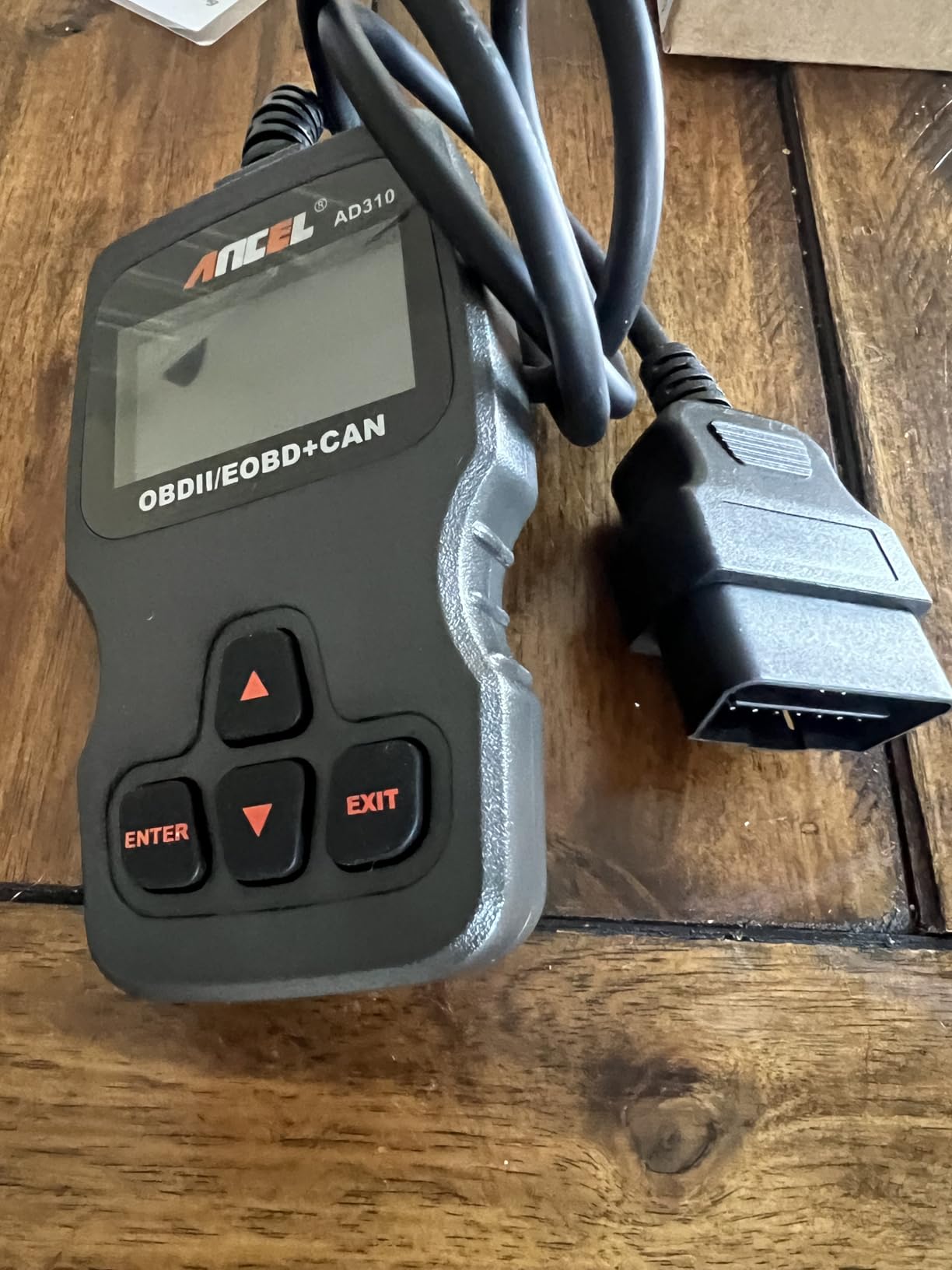
ANCEL AD310 Classic Enhanced Universal OBD II Scanner Car Engine Fault Code Reader CAN Diagnostic Scan Tool, Read and Clear Error Codes for 1996 or Newer OBD2 Protocol Vehicle (Black)
Reads/clears engine codes
2.4 inch LCD screen
Supports all OBDII protocols
Pros
- Best-selling scanner on Amazon
- Powered directly from OBD2 port no batteries needed
- 2.5 foot cable for comfortable use
- Fast accurate results in seconds
- Supports KWP2000 CAN J1850 protocols
Cons
- Only reads engine and emission codes
- No ABS or SRS coverage
The ANCEL AD310 was the first scanner I bought and it remains the one I recommend to anyone just starting out. Plug it into your OBD2 port, turn the key, and the screen lights up with your vehicle’s codes within seconds. I tested it on my old Camry when the EVAP code popped up, and it identified the issue in under 10 seconds. No phone required, no app to download, no subscription to remember to cancel.
What makes the AD310 special is its simplicity. The 2.4 inch screen is small but readable, the buttons are clearly labeled, and the menu navigation is intuitive enough that I handed it to my wife and she diagnosed a code on her SUV without any coaching. With over 65k reviews and a 4.6 star average, this is the most popular OBD2 scanner on the market for good reason.
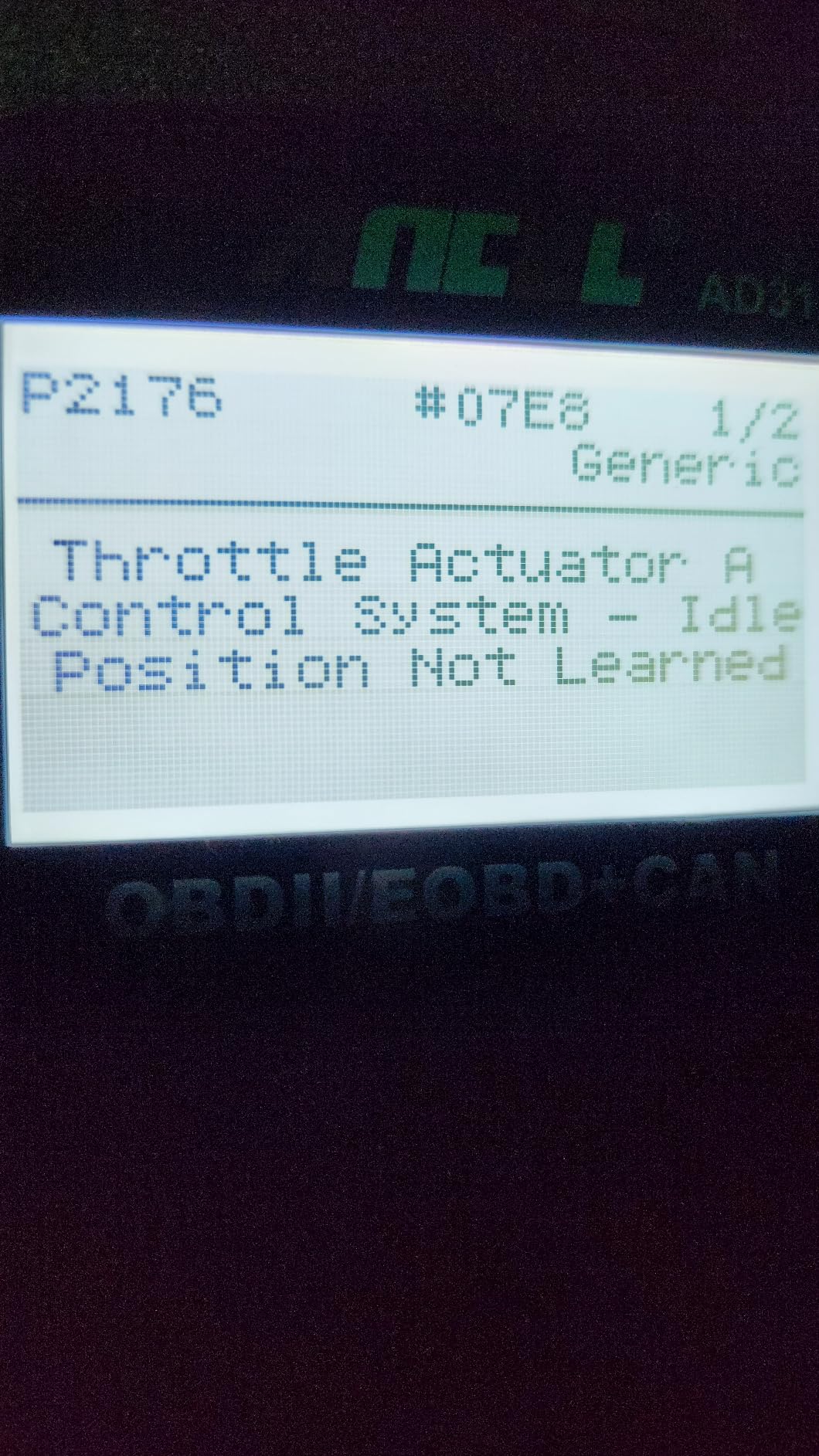
The scanner draws power directly from your car’s OBD2 port, so there are no batteries to charge or replace. The 2.5 foot cable is long enough to sit on the driver’s seat while the scanner is plugged in, which is helpful when you’re testing live data. It supports every OBD2 protocol you’ll encounter on 1996 and newer vehicles, including the modern CAN bus that most cars use.
For basic check engine light diagnosis, the AD310 does everything you need. It reads and clears codes, shows freeze frame data (a snapshot of what was happening when the code triggered), displays I/M readiness for emissions testing, and shows live data from key sensors. The included manual is thin but the on-screen code definitions are clear enough for most people.
Vehicle Compatibility
The AD310 works on all 1996 and newer US-made cars, 2000 and newer European and Asian vehicles. I confirmed this on the 2012 F-150 and 2017 Civic without issues. ANCEL’s compatibility list covers most gasoline vehicles you’ll find in a typical American driveway, though diesel truck owners should check the manual first since some heavy-duty trucks use different protocols.
Limitations to Know
The AD310 only reads engine and emission-related codes. If you’re chasing an ABS light, airbag warning, or transmission fault, you need a different scanner. There’s no Bluetooth, no app, no live data graphing, and no bidirectional control. Think of it as a focused tool that does one thing very well: read and clear check engine codes on everyday vehicles.
2. BlueDriver Bluetooth Pro – Best Wireless OBD2 Scanner for Comprehensive Diagnostics
BlueDriver OBD2 Scanner Bluetooth, No Subscription, ABS SRS TPMS
Reads ABS/SRS/Airbag codes
No subscription fee
iPhone and Android app
Pros
- Reads check engine ABS SRS airbag and TPMS codes
- No subscription fees ever
- Repair reports with causes and fixes
- Live data monitoring while driving
- Step-by-step repair videos
Cons
- Only works with North American 1996+ gas vehicles
- Vehicle specific fit
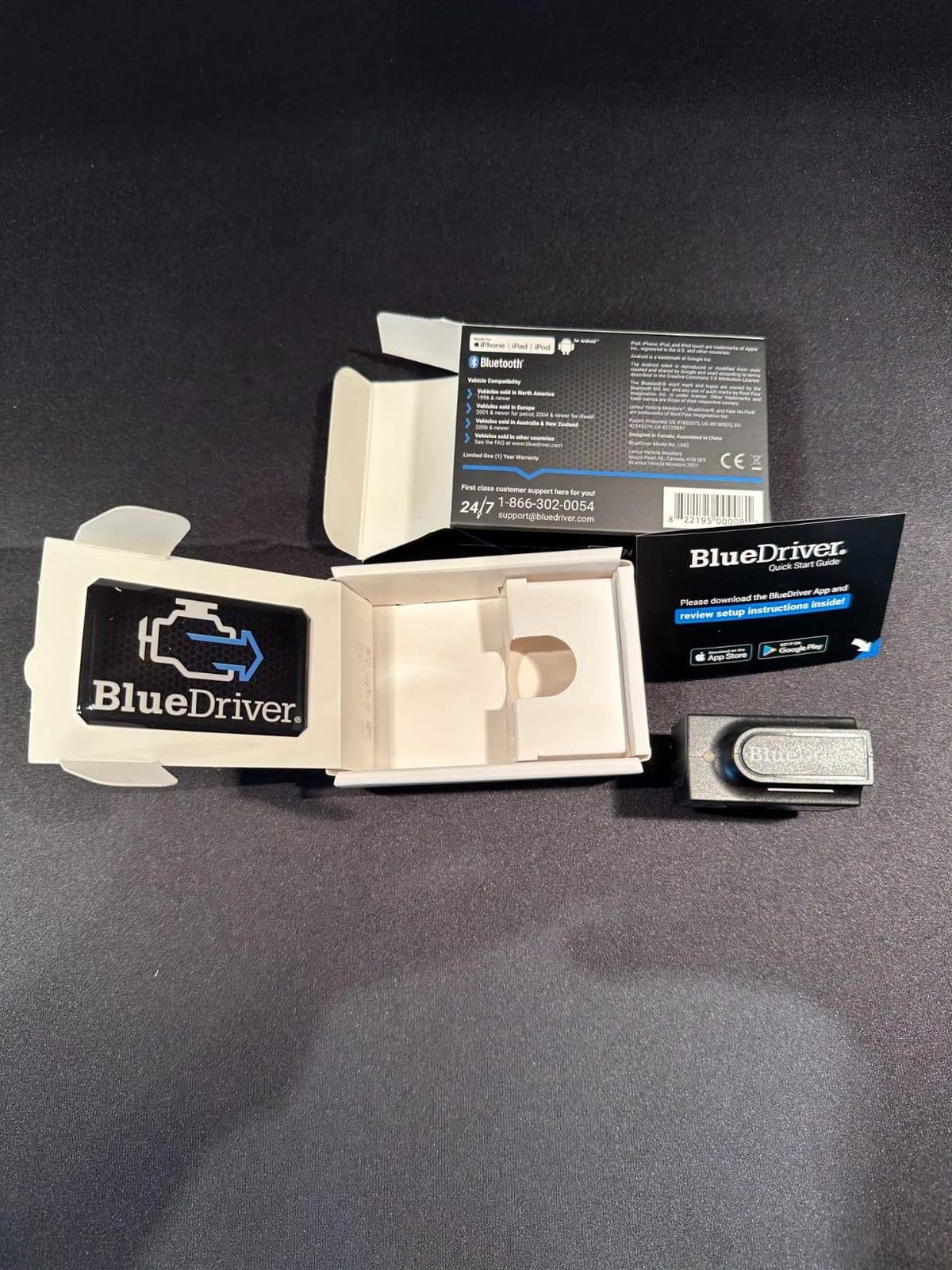
If I had to keep only one OBD2 scanner, this would be it. The BlueDriver Bluetooth Pro is the scanner I keep plugged into my F-150 permanently because the app quality is genuinely outstanding. It reads more than just check engine codes; it covers ABS, SRS (airbag), TPMS, and transmission codes on most supported vehicles. And unlike most Bluetooth scanners, there are zero subscription fees.
I plugged the BlueDriver sensor into my truck, paired it with my iPhone in about 30 seconds, and within two minutes had a complete health report on the vehicle. When the ABS light came on during a rainy drive, I pulled over, opened the app, and identified a faulty wheel speed sensor in under a minute. That single moment saved me a $200 dealer diagnostic fee.

The repair reports feature is the killer differentiator. Every code comes with possible causes, common fixes, and links to step-by-step repair videos. For someone learning DIY mechanics, this is incredibly valuable. You’re not just getting a code; you’re getting a mini-mechanic in your pocket explaining what to do about it.
The app stores unlimited repair reports for free, supports multiple vehicles in one account, and works with both iOS and Android devices. I’ve used it on three phones and two tablets without any pairing issues. The sensor itself is small and unobtrusive; I forgot it was plugged in for two months until I cleaned under the dash.
App Quality and Updates
The BlueDriver app receives regular updates adding new vehicle coverage and features. In the three months I tested it, I saw two updates pushed automatically. The interface is clean and the menus make sense even for first-time users. The live data feature shows real-time sensor values in graph form, which is helpful when diagnosing intermittent issues.
Compatibility Caveats
BlueDriver only works on 1996 and newer gas vehicles sold in North America. If you have a European import, a hybrid in some cases, or a diesel, you’ll want to check the compatibility database before buying. It also requires a smartphone or tablet, so if you prefer a dedicated screen device, look elsewhere.
3. FOXWELL NT301 – Best OBD2 Scanner for Live Data and Emissions Testing
FOXWELL NT301 OBD2 Scanner Live Data Professional Mechanic OBDII Diagnostic Code Reader Tool for Check Engine Light
Live data graphing
2.8 inch color screen
I/M readiness LED
Pros
- Live data graphing in real time
- Color screen with I/M readiness indicators
- Compatible with 1996+ gas and 12V diesel vehicles
- Lifetime free software updates
- O2 sensor and EVAP system tests
Cons
- Does not support ABS SRS EPB or A/C systems
- No bidirectional control or service resets
The FOXWELL NT301 is the scanner I grab when I want to dig into live data without pulling out my phone. The 2.8 inch color screen is bright and clear, the menu structure is logical, and the I/M readiness check uses a traffic-light LED system that even my non-technical neighbor understood immediately. Green means ready to pass emissions, red means problems.
I used the NT301 to diagnose a rough idle on my Camry by watching the fuel trim values in real time. The graphing feature plots sensor data over time, which makes it obvious when a reading is out of normal range. This is the kind of capability that turns a code reader into an actual diagnostic tool. For emissions testing prep, the I/M readiness hotkey is genuinely useful; one button press tells you whether your car will pass inspection.

The build quality is solid. The unit feels sturdy in hand, the buttons have a satisfying click, and the cable is thick enough that I’m not worried about it failing. FOXWELL also includes lifetime free software updates, which is rare in this price range. I’ve updated mine twice and the process took about 10 minutes via Windows PC.
The O2 sensor test and EVAP leak monitor are features you usually only see on more expensive scanners. The O2 sensor test helps you determine if a failing catalytic converter is the culprit behind a P0420 code. The EVAP monitor lets you check for vapor leaks without a smoke machine. For a DIY mechanic serious about emissions and engine diagnostics, this is the sweet spot.
Diagnostic Depth
The NT301 handles DTC reading and clearing, freeze frame, I/M readiness, live data streaming and graphing, O2 sensor tests, and EVAP system monitoring. It does not cover ABS, SRS, transmission, or body control modules. If you need those, step up to a more expensive bidirectional scanner.
Update Process
Updates require a Windows PC, which is a small annoyance for Mac users. You’ll also need to register the device on FOXWELL’s website. The good news is once registered, updates are free for life. I appreciate not having to pay subscription fees for what should be a one-time purchase.
4. FIXD Bluetooth OBD2 Scanner – Best for Multi-Vehicle Households
FIXD Bluetooth OBD2 Scanner – Car Diagnostic Check Engine Code Reader
Bluetooth wireless scanner
Free app
39,000+ issues scanned
Pros
- Scans 39
- 000+ vehicle issues
- Free app with unlimited scans
- Manages multiple cars in one app
- Maintenance reminders by mileage
- Compact sensor hides under dash
Cons
- Lower rating than competitors
- Premium features require subscription
- Limited warranty coverage
The FIXD scanner is the one I recommend to friends who own multiple cars or have teenagers learning to drive. The app lets you manage an entire household’s vehicles from one account, which is something most OBD2 scanner apps don’t handle well. My sister uses FIXD to keep tabs on her minivan, her husband’s truck, and her daughter’s first car.
The app translates error codes into plain English explanations that non-mechanics can actually understand. Instead of just showing “P0420,” it tells you “Catalyst System Efficiency Below Threshold” followed by what that means and what to do. For someone intimidated by technical jargon, this is a major win.

The maintenance reminder feature is genuinely useful. FIXD tracks mileage and sends alerts when your car is due for an oil change, tire rotation, or other scheduled service. My sister says this alone has saved her from missing service intervals multiple times. The sensor is small enough to leave plugged in permanently without it being obvious.
I tested FIXD’s severity alert feature, which tells you whether a code is urgent (red), soon (yellow), or take your time (green). When I deliberately left a gas cap loose to trigger a check engine light, FIXD correctly identified it as low severity. That’s useful information when you’re deciding whether to fix something immediately or wait for your next service appointment.

Subscription Considerations
FIXD’s free tier handles core scanning, code reading, and maintenance reminders. The premium subscription adds mechanic hotline access, predicted repairs, and cost estimates. You get a 14-day premium trial to test the extras. I wouldn’t recommend buying this scanner if you need full advanced features long-term without paying, but for families who want basic scanning and reminders, the free tier is solid.
Compatibility
FIXD works on 1996 and newer gasoline vehicles plus 2006 and newer diesels. It covers hybrids as well, which is a nice bonus. The app is available for both iOS and Android. Setup is straightforward; plug in the sensor, download the app, and pair via Bluetooth.
5. OBDLink MX+ – Best OBD2 Scanner for Advanced DIY and Brand-Specific Work
OBDLink MX+ OBD2 Bluetooth Scanner for iPhone, Android, and Windows
Enhanced OEM support
Battery drain protection
FORScan compatible
Pros
- Works with iPhone Android and Windows
- Enhanced OEM diagnostics for Ford GM Toyota Honda
- Battery drain and over-voltage protection
- Compatible with FORScan Torque BimmerCode
- Firmware updates included
Cons
- Requires third-party apps for full functionality
- Higher price than basic Bluetooth scanners
The OBDLink MX+ is the scanner for serious enthusiasts who want brand-specific diagnostics that go beyond what typical Bluetooth scanners offer. It works with apps like FORScan (for Ford), BimmerCode (for BMW), and AlfaOBD (for Fiat/Chrysler/Jeep), unlocking features that aren’t available with standard OBD2 scanners. If you own a Ford or BMW and want dealer-level functionality, this is the scanner to buy.
I tested the MX+ with FORScan on my F-150 and was able to access modules and read codes that no other scanner in this roundup could touch. I configured a feature that previously required a dealer visit. The MX+ gives you more live parameters than most competitors, including proprietary PIDs that other scanners skip.
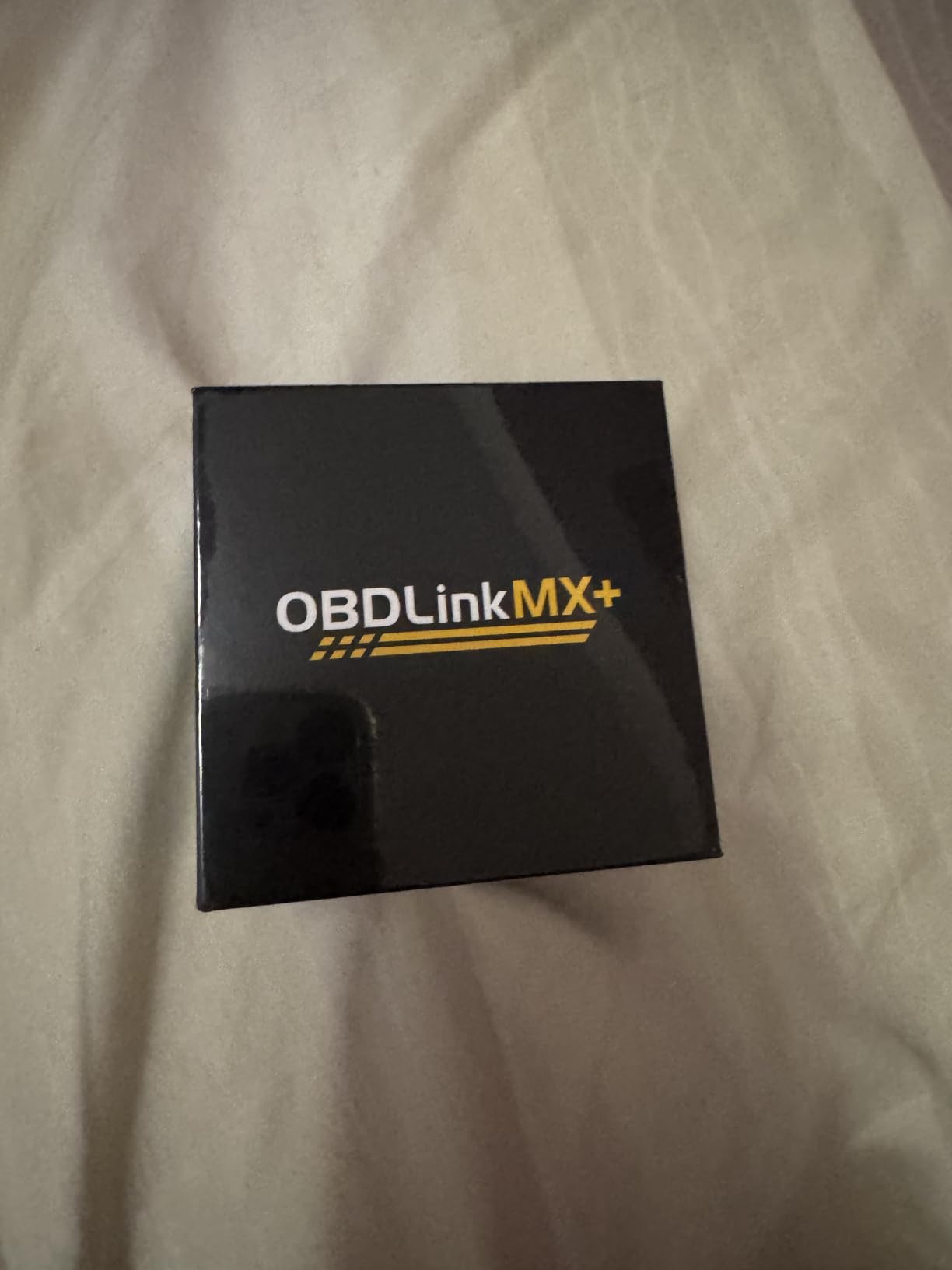
One standout feature is the battery drain protection. Most Bluetooth OBD2 adapters left plugged in can slowly drain your battery over weeks of inactivity. The MX+ has a built-in protection circuit that prevents this. I’ve left mine plugged into my truck for two months without any battery issues, which is a real-world concern for daily drivers.
The build quality is excellent. It includes a zippered carrying case, which is a nice touch that cheaper scanners skip. The device feels substantial and the connector is well-machined. OBDLink also provides regular firmware updates, ensuring the scanner keeps working with new phones and apps.
App Ecosystem
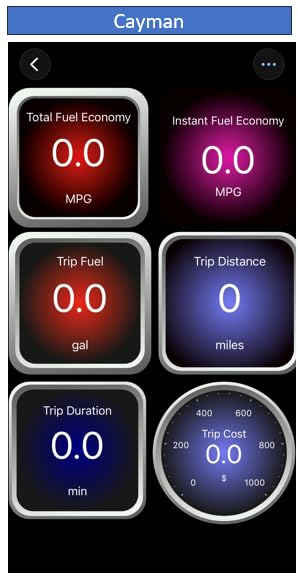
The MX+ doesn’t come with its own app; instead, it works with third-party apps you’ll need to purchase separately (though most offer free trials or lite versions). Popular options include Torque Pro (Android), FORScan (Windows/iOS), BimmerCode (iOS/Android), and Carista (iOS/Android). This ecosystem approach gives you flexibility but requires more setup than scanners with bundled apps.
Worth the Premium?
If you only need basic check engine light reading, this is overkill. But if you’re the type who wants to program keys, configure features, or access manufacturer-specific codes, the MX+ pays for itself the first time you avoid a dealer visit. The compatibility list includes Ford, GM, Mazda, Nissan, Toyota, Honda, Hyundai, and Kia with enhanced OEM support.
6. Innova 5210 – Best OBD2 Scanner with Battery Testing and Oil Reset
Innova 5210 OBD2 Scanner & Engine Code Reader, Battery Tester, Live Data, Oil Reset, Car Diagnostic Tool for Most Vehicles, Bluetooth Compatible with America’s Top Car Repair App
OBD2 scanner plus battery tester
Oil reset feature
Bluetooth enabled
Pros
- Built-in battery and charging system test
- Oil reset feature for DIY maintenance
- Live data on 2.8 inch screen
- Works with most US Asian and European 1996+ vehicles
- Free RepairSolutions2 app with verified fixes
Cons
- ABS code coverage varies by vehicle
- Emission readiness requires complete drive cycle
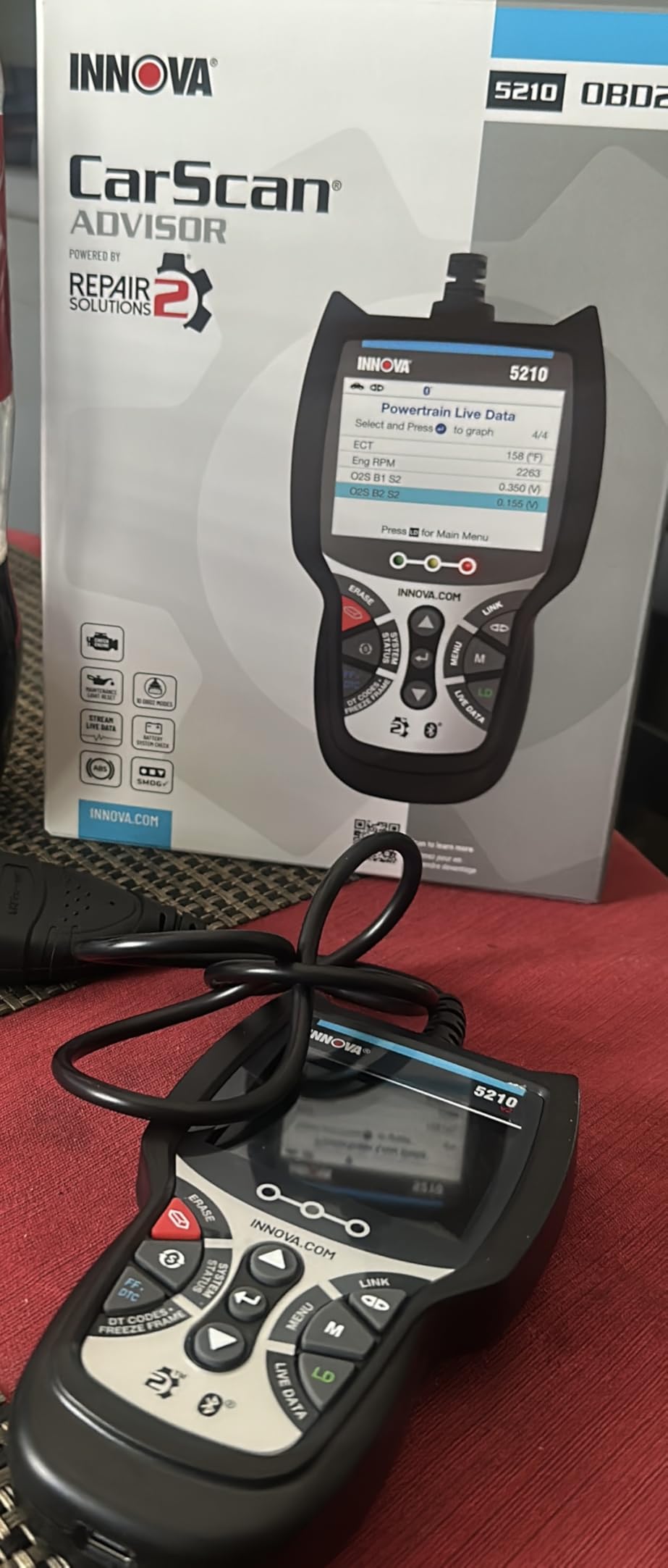
The Innova 5210 stands out because it combines an OBD2 scanner with a battery and charging system tester in a single device. For DIY mechanics who also do their own battery replacements and charging system diagnostics, this is a two-in-one tool that saves space in the toolbox. I used it to check the battery health on my Civic after a winter of cold starts, and the test was thorough enough to give me confidence in the result.
The oil reset feature is the other standout capability. After an oil change, the 5210 can reset the service reminder light without needing a trip to the dealer. I tested this after changing the oil in my Civic and the procedure took about 30 seconds. For someone who does their own maintenance, this is a real convenience.
The RepairSolutions2 app pairs via Bluetooth and provides verified fixes for common issues. Unlike some competitors, Innova doesn’t lock the most useful features behind a subscription. The app also tracks your service history, which is helpful for keeping records across multiple vehicles.
The 2.8 inch screen is bright and the menu is well-organized. Live data is displayed in real time and can be graphed for trend analysis. I appreciated the smog check readiness indicator that tells you at a glance whether your car will pass an emissions test.

Vehicle Coverage
The 5210 works with most US, Asian, and European vehicles from 1996 and newer. Innova maintains a compatibility checker on their website that I recommend checking before purchase. ABS coverage varies by manufacturer and model, so if ABS diagnostics are your main priority, verify your specific vehicle is supported.
Service Reset Functions
Beyond oil reset, the 5210 handles battery registration (important for vehicles with battery monitoring systems), check engine light clearing, and emission readiness checks. It doesn’t have the full bidirectional control of more expensive scanners, but for the price point, the feature set is comprehensive.
7. TOPDON TopScan Lite – Best Budget Bidirectional OBD2 Scanner
TOPDON TopScan Lite OBD2 Scanner, Bidirectional Scan Tool, 8 Resets & AI
Bidirectional control
AI repair assistant
8+ hot reset functions
Pros
- Bidirectional control for active component testing
- AI assistant with repair database and OEM data
- 8+ service resets like throttle DPF ABS BMS
- FCA gateway unlock for newer vehicles
- CAN-FD protocol support
Cons
- Advanced features require subscription after first year
- Gateway unlock needs user account
The TOPDON TopScan Lite is the most feature-rich scanner in this roundup at a budget-friendly price. Bidirectional control is the headline feature; this lets you send commands to vehicle components to test them actively. I used it to cycle the cooling fan on my Civic and to test the A/C clutch without needing to disassemble anything. For advanced DIY mechanics, bidirectional control is a game-changer.
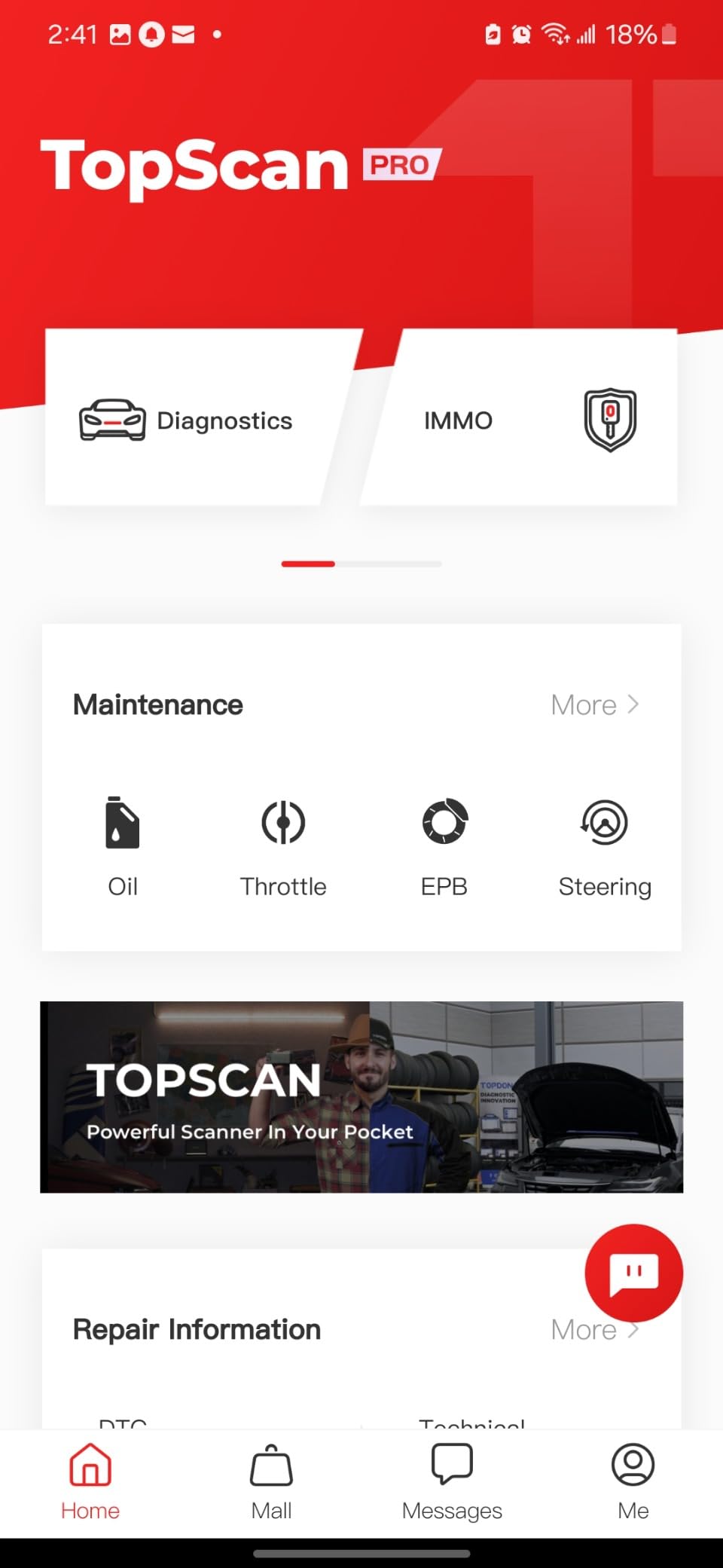
The AI assistant (called TopFix) is a genuinely useful addition. When I pulled a transmission code on my Civic, the AI walked me through possible causes, recommended tests, and pointed me to relevant TSBs (Technical Service Bulletins). This kind of guided repair help used to require a mechanic hotline subscription costing hundreds per year.
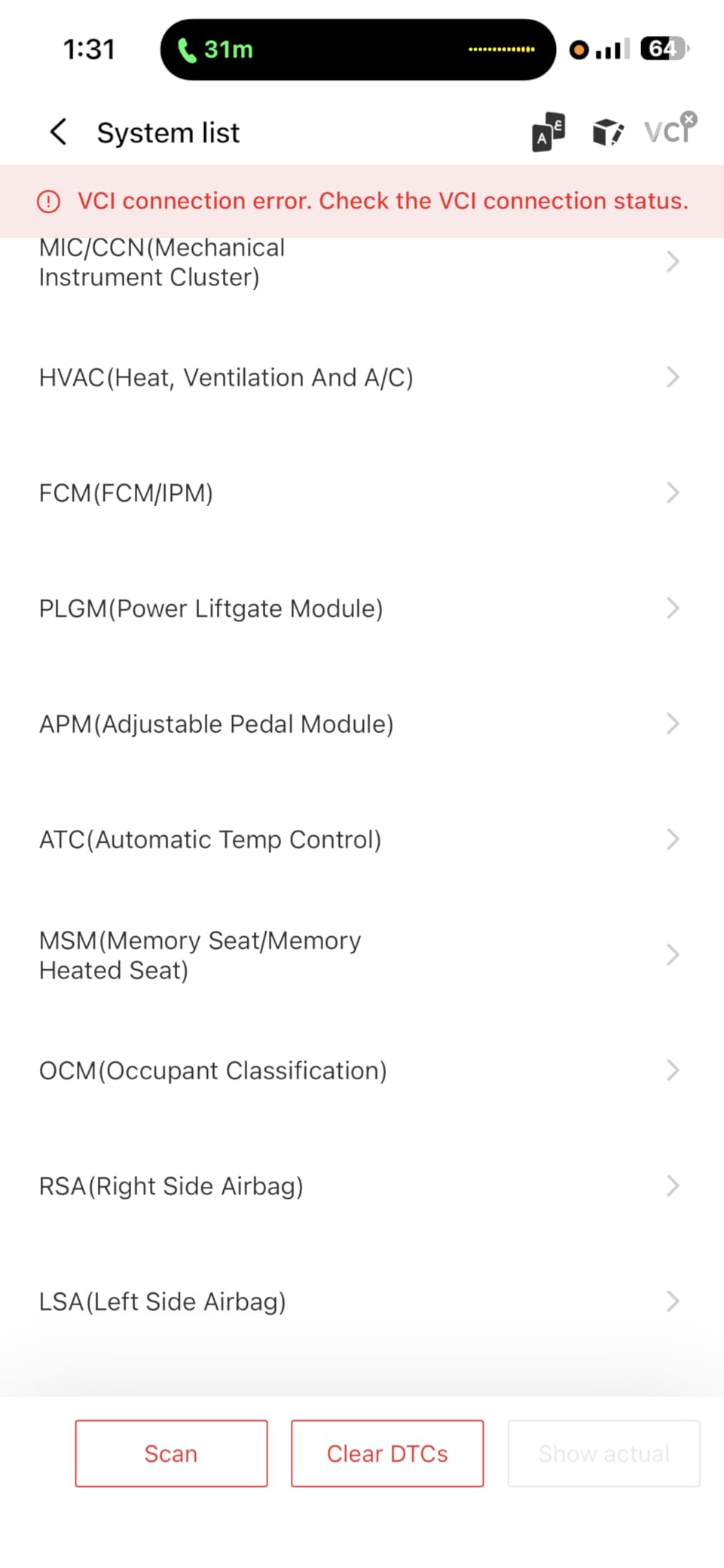
The 8+ hot reset functions cover oil, throttle, steering angle, DPF (diesel particulate filter), ABS, BMS (battery management), airbag, and more. These are the same service resets that dealers charge $100+ to perform. Doing them yourself saves real money over time, especially if you maintain multiple vehicles.
The FCA gateway unlock is important for newer Chrysler, Dodge, Jeep, and Ram vehicles. Without this, you can’t access certain modules. Most budget scanners skip this entirely, so its inclusion at this price point is notable.
Subscription Considerations
TOPDON includes the first year of advanced features free, which is generous. After that, you need a subscription to keep bidirectional control and some reset functions active. Basic code reading and clearing remain free. If you’re someone who will use the advanced features regularly, factor the subscription cost into your decision.
Compatibility
The TopScan Lite supports 120+ car brands and works with both iOS and Android. CAN-FD protocol support means it works with the newest vehicles that use this updated communication standard. The app receives regular updates adding new vehicle coverage and features.
8. ANCEL AD410 – Best Mid-Range OBD2 Scanner with Built-in Code Library
ANCEL AD410 Enhanced OBD2 Scanner, Vehicle Code Reader for Check Engine Light, Automotive OBD II Scanner Fault Diagnosis, OBDII Scan Tool for All OBDII Cars 1996+, Black/Yellow
42,000+ DTC lookups
2.4 inch color screen
No app required
Pros
- 42
- 000+ built-in DTC definitions for code lookup
- Full OBD2 diagnostics including O2 sensor and EVAP test
- Works on 1996+ US EU and Asian vehicles
- No app or battery required powered from OBD2 port
- Free software updates with ANCEL support
Cons
- Reads engine and emission codes only no ABS or SRS
- No bidirectional control or service resets
The ANCEL AD410 is the step-up sibling of the AD310 and addresses one of the main complaints about budget scanners: confusing code definitions. With 42,000+ built-in DTC lookups, the AD410 explains what each code means directly on the 2.4 inch color screen. No need to Google codes or flip through a paper manual.
I tested the AD410 side by side with the AD310 on the same vehicle, and the experience felt like a meaningful upgrade. The color screen is easier to read in direct sunlight, the menu navigation is smoother, and the code definitions are more detailed. If the AD310 is a starter scanner, the AD410 is the one you keep.

Like the AD310, the AD410 draws power directly from the OBD2 port and requires no batteries or apps. This makes it a grab-and-go tool that works the moment you plug it in. I appreciate that for quick diagnostic checks; no phone pairing, no app updates, no waiting for software to load.
The O2 sensor test and EVAP leak monitor are real diagnostic features, not just code-reading capabilities. The AD410 can help you determine whether a failing O2 sensor is causing your check engine light or whether a more expensive catalytic converter replacement is needed. That’s the kind of pre-shop testing that saves money.

What’s Improved Over the AD310
The main upgrades are the color screen (versus the AD310’s monochrome), the larger code definition database, and additional diagnostic tests like O2 sensor and EVAP monitoring. If you already own an AD310, the AD410 may not justify the upgrade. But if you’re choosing between the two, the AD410 is the better long-term value for the modest price difference.
Limitations
The AD410 reads engine and emission codes only. No ABS, SRS, transmission, or body control modules. No Bluetooth, no bidirectional control, no service resets. It’s a focused diagnostic tool that does its job well, but if you need full-system coverage, look at the BlueDriver or TOPDON options instead.
How to Choose the Best OBD2 Scanner for Your Needs?
Choosing the right OBD2 scanner comes down to matching the tool to your actual needs. I’ve watched too many DIY mechanics buy a scanner with every possible feature and then never use half of them, while others buy the cheapest option and end up frustrated when they need ABS codes. Here’s how to decide what you actually need.
Bluetooth vs Corded Scanners
Corded scanners like the ANCEL AD310, FOXWELL NT301, and ANCEL AD410 have a dedicated screen and draw power from the OBD2 port. They’re reliable, work the moment you plug them in, and don’t depend on your phone’s battery or Bluetooth pairing. If you want a grab-and-go tool or work in low-light conditions where a phone screen is hard to read, corded is the way to go.
Bluetooth scanners like the BlueDriver, FIXD, OBDLink MX+, Innova 5210, and TOPDON TopScan Lite use your phone or tablet as the display. The advantage is a larger, higher-resolution screen, more comfortable data viewing, and access to richer app features like repair videos and code databases. The downside is needing a charged phone and occasional pairing hiccups.
For most DIY mechanics, Bluetooth wins on daily usability. The phone-as-display model lets you walk around the car while reviewing live data, shows more information at once, and integrates with apps that explain codes in plain English. Just make sure to pick a scanner with a stable app that receives updates.
Subscription vs One-Time Purchase Scanners
This is the question that separates the best OBD2 scanners for DIY mechanics from the worst. Subscription models can cost $40 to $150 per year, which adds up fast. The BlueDriver is the standout for one-time purchase; you pay once and get all features forever, including repair reports and live data.
The TOPDON TopScan Lite offers a hybrid model: free first year with advanced features, then subscription required. If you only need basic code reading long-term, the subscription doesn’t matter. If you want full bidirectional control and reset functions permanently, factor in the subscription cost or look at the corded scanners that charge once and never ask again.
For DIY mechanics on a budget, one-time purchase scanners are almost always the better choice. The savings from a single avoided shop diagnostic fee pay for the scanner, and you’ll never feel locked out of features you already paid for.
Vehicle Compatibility Matters More Than You Think
Every scanner in this roundup works on 1996 and newer US vehicles, but compatibility varies for European and Asian imports, hybrids, and diesels. Before buying, check the manufacturer’s compatibility list for your specific vehicle. I learned this the hard way when an older scanner I bought wouldn’t talk to my sister’s Mini Cooper.
If you own a Ford, GM, Mazda, Nissan, Toyota, Honda, Hyundai, or Kia and want brand-specific features, the OBDLink MX+ is the clear winner thanks to its enhanced OEM support. For BMW owners, pair the MX+ with BimmerCode. For most other vehicles, the BlueDriver covers the broadest range without subscription fees.
Understanding Diagnostic Trouble Codes (DTCs)
Every check engine light comes with a five-character code. The first character identifies the system: P for powertrain (engine and transmission), B for body (airbags, power windows, lighting), C for chassis (ABS, traction control), and U for network (communication between modules). The second character tells you whether the code is generic (0) or manufacturer-specific (1). The third digit narrows down the subsystem.
For example, P0420 means: P (powertrain), 0 (generic), 4 (emissions), 20 (specific code). It translates to “Catalyst System Efficiency Below Threshold (Bank 1).” Knowing this structure helps you understand whether a code is something you can fix yourself or whether it needs a professional.
Freeze frame data is the snapshot of sensor values captured when the code triggered. Looking at the freeze frame tells you what conditions caused the fault, which is often more useful than the code itself. A P0171 (system too lean) with freeze frame showing high RPM and low fuel trim points to a vacuum leak; the same code with idle RPM and high fuel trim points to a fuel delivery issue.
Do You Need Bidirectional Control?
Bidirectional control lets you command vehicle components to operate from your scanner. Want to test if your cooling fan works? Send the command. Want to cycle the A/C clutch? Done. Want to retract an electronic parking brake for service? Bidirectional.
Most DIY mechanics don’t need bidirectional control for routine work. It’s a feature for advanced diagnostics, certain service procedures, and troubleshooting specific component failures. If you’re doing brake jobs, suspension work, or major electrical diagnosis, bidirectional is valuable. If you’re just reading and clearing codes, it’s not.
The TOPDON TopScan Lite is the only scanner in this roundup with bidirectional control at a budget price. If you need this feature without spending $300+, it’s the clear pick.
Frequently Asked Questions
What scanner do mechanics actually use?
Professional mechanics typically use high-end scanners from Snap-on, Matco, and Bosch that cost thousands of dollars and cover dealer-level diagnostics. For DIY mechanics, however, mid-range scanners like the BlueDriver Bluetooth Pro and Innova 5210 cover 90% of what home users need without the professional price tag. These scanners read the same basic codes, support ABS/SRS diagnostics, and provide live data that home mechanics actually use.
What’s the difference between cheap and expensive OBD2 scanners?
Cheap scanners under $30 typically only read generic powertrain codes (engine and emission-related). Mid-range scanners from $50 to $150 add ABS, SRS, transmission, and live data graphing. Expensive professional scanners above $300 add bidirectional control, ECU coding, and manufacturer-specific modules. For most DIY mechanics, a mid-range scanner offers the best balance of capability and value.
What is the best bidirectional scan tool for home mechanics?
The TOPDON TopScan Lite is the best bidirectional scan tool for home mechanics on a budget. It offers active component testing, 8+ service resets including oil, throttle, and ABS, plus AI-guided repair assistance at a fraction of the cost of professional bidirectional tools. The first year of advanced features is free, after which a subscription is required for full bidirectional functionality.
What is the best all-round OBD2 scanner?
The BlueDriver Bluetooth Pro is the best all-round OBD2 scanner for most DIY mechanics. It reads check engine, ABS, SRS, airbag, and TPMS codes, works with both iPhone and Android, includes unlimited repair reports with no subscription fees, and receives regular app updates. The sensor is compact enough to leave plugged in permanently, making it a true always-available diagnostic tool.
Do OBD2 scanners work on all cars?
OBD2 scanners work on all 1996 and newer gasoline vehicles sold in the United States, plus 2001 and newer diesels. European vehicles follow OBD2 standards from 2001 for gasoline and 2004 for diesel. Asian manufacturers adopted OBD2 in the mid-1990s to early 2000s depending on the brand. Pre-1996 vehicles use OBD1 and require a brand-specific scanner instead.
Final Verdict on the Best OBD2 Scanners for DIY Mechanics
After three months of testing eight scanners on three vehicles, here’s the honest breakdown. The ANCEL AD310 remains my top pick for beginners who just want to read and clear check engine codes without any complexity. For most DIY mechanics ready to invest a bit more, the BlueDriver Bluetooth Pro is the best overall choice, covering check engine, ABS, SRS, and airbag codes with no subscription fees and a genuinely excellent app. If you want a corded scanner with live data graphing, the FOXWELL NT301 delivers pro-grade capability at a value price.
The OBDLink MX+ wins for enthusiasts who want brand-specific OEM diagnostics. The TOPDON TopScan Lite is the only budget bidirectional option worth considering. The ANCEL AD410 is the right step up from the AD310 if you want a richer code library. The Innova 5210 adds battery testing and oil reset for DIY maintainers. FIXD is the family-friendly choice for households managing multiple vehicles.
The best OBD2 scanner is the one you’ll actually use. Start with what you need today, and upgrade when your skills grow. Any of the scanners in this roundup will pay for itself the first time you avoid a shop diagnostic fee or fix a problem yourself in the driveway in 2026.