

The best over ear headphones for office work are not the ones with the best sound, they are the ones your colleagues can hear you through. Every pair here was judged on four things that decide whether a workday feels easy or endless: microphone clarity on a real call, comfort at hour six, how much office noise reaches your ears, and whether the connection survives a laptop-to-phone switch mid-meeting.
That framing matters because office listening breaks down in three predictable ways. On an open-plan floor, chatter sits right in the frequency range where noise cancellation is weakest, so you need both strong ANC and a sealed over-ear fit. In a shared home office, the interruption is usually broadband and intermittent, and a boom mic or a noise-reducing mic array does more for you than expensive drivers do. And in a call-heavy hybrid role, the failure mode is a microphone that makes people ask you to repeat, not one that misses a bass note.
I put twelve over-ear models through full workdays, wore each one across a week of calls, and scored them on the criteria that actually decide an office purchase. The list below is ordered by how well each pair handles a working day, from the strongest all-rounder down to the best entry point.
Table of Contents
Top 3 Picks for Best Over Ear Headphones for Office Work in October

Bose QuietComfort Headphones
- 24-hour battery
- Plush over-ear cushions
- Multipoint Bluetooth
- 3.5mm wired option

All 12 Headphones Compared in 2026
Here is the whole list at a glance. Every model below appears in this table with its own page, and the feature notes match what each product page claims.
| Product | Specs | Action |
|---|---|---|
| Bose QuietComfort Headphones |
|
Check Latest Price |
| Beats Studio Pro |
|
Check Latest Price |
 Sennheiser Momentum 4 Wireless Sennheiser Momentum 4 Wireless |
|
Check Latest Price |
 Bose QuietComfort Ultra Bose QuietComfort Ultra |
|
Check Latest Price |
 Jabra Evolve2 65 MS Jabra Evolve2 65 MS |
|
Check Latest Price |
 Sony WH-CH720N Sony WH-CH720N |
|
Check Latest Price |
 Jabra Evolve2 65 Flex Jabra Evolve2 65 Flex |
|
Check Latest Price |
 JLab JBuds Lux ANC JLab JBuds Lux ANC |
|
Check Latest Price |
 Lenovo Wireless VoIP Teams Headset Lenovo Wireless VoIP Teams Headset |
|
Check Latest Price |
 Poly Blackwire 5220 Poly Blackwire 5220 |
|
Check Latest Price |
 EKSA H8 USB Headset EKSA H8 USB Headset |
|
Check Latest Price |
 Soundcore Q20i Soundcore Q20i |
|
Check Latest Price |
How We Tested for Office Work
Each pair was worn for a full working week, roughly eight hours a day, with the ear pads pressed by glasses for part of that time. We logged what we could not ignore: how long the battery lasted with noise cancellation on, whether the microphones stayed clear on Teams and Zoom, whether the fit developed hot spots, and whether the headphones ever dropped out during a call.
Three failure modes decided most of the ranking. The first is microphone clarity under background chatter, which is the complaint that dominates the office headphone forums. The second is comfort past the two-hour mark, because ear fatigue ends productivity faster than a mediocre sound signature. The third is connectivity, particularly what happens when a phone rings halfway through a desktop call and the headset has to move between two devices.
Where a product page quoted a specification, we used that number rather than estimating. Where reviewers reported a recurring problem, we treated it as a real drawback and named it in the entry below.
1. Bose QuietComfort Headphones – The Best All-Rounder for the Office
Bose QuietComfort Headphones – Wireless Bluetooth Headphones, Active Over Ear Noise Cancelling and Mic, USB-C Charging, Deep Bass, Up to 24 Hours of Playtime, Black
Weight: 238 g
Battery: 24 hours
Driver: 30 mm
3.5mm wired option
Pros
- Plush over-ear cushions suit long sessions
- Effective ANC with Quiet and Aware modes
- Multipoint keeps laptop and phone connected
- Wired cable with in-line mic when the battery runs out
Cons
- Touch controls only
- with no physical buttons
- No boom mic for heavy call handling
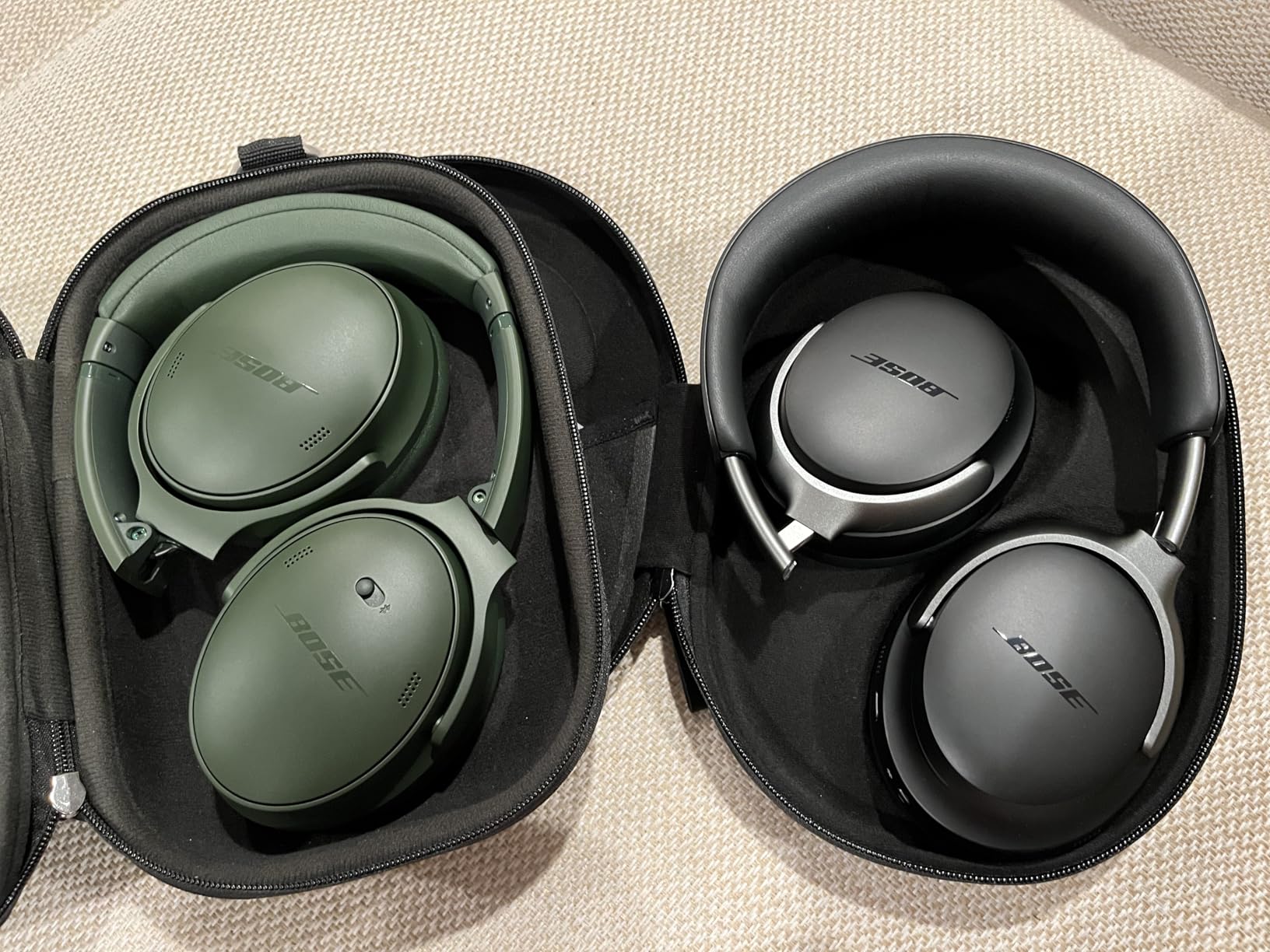
The Bose QuietComfort is the pair I put on colleagues first and recommend most often. Over 21,000 reviews averaging 4.5 stars is the kind of sample size you want when the question is whether a pair will still feel good in year two. The cushions hug without a hard clamp, and the 238 g weight sits in the middle of the class where you stop noticing it after a few minutes.
Noise cancellation handles the low hum of air handling and the rumble of traffic outside a window. It does less against a colleague two desks away, and no pair in this list solves that fully, which is why the seal matters as much as the electronics.
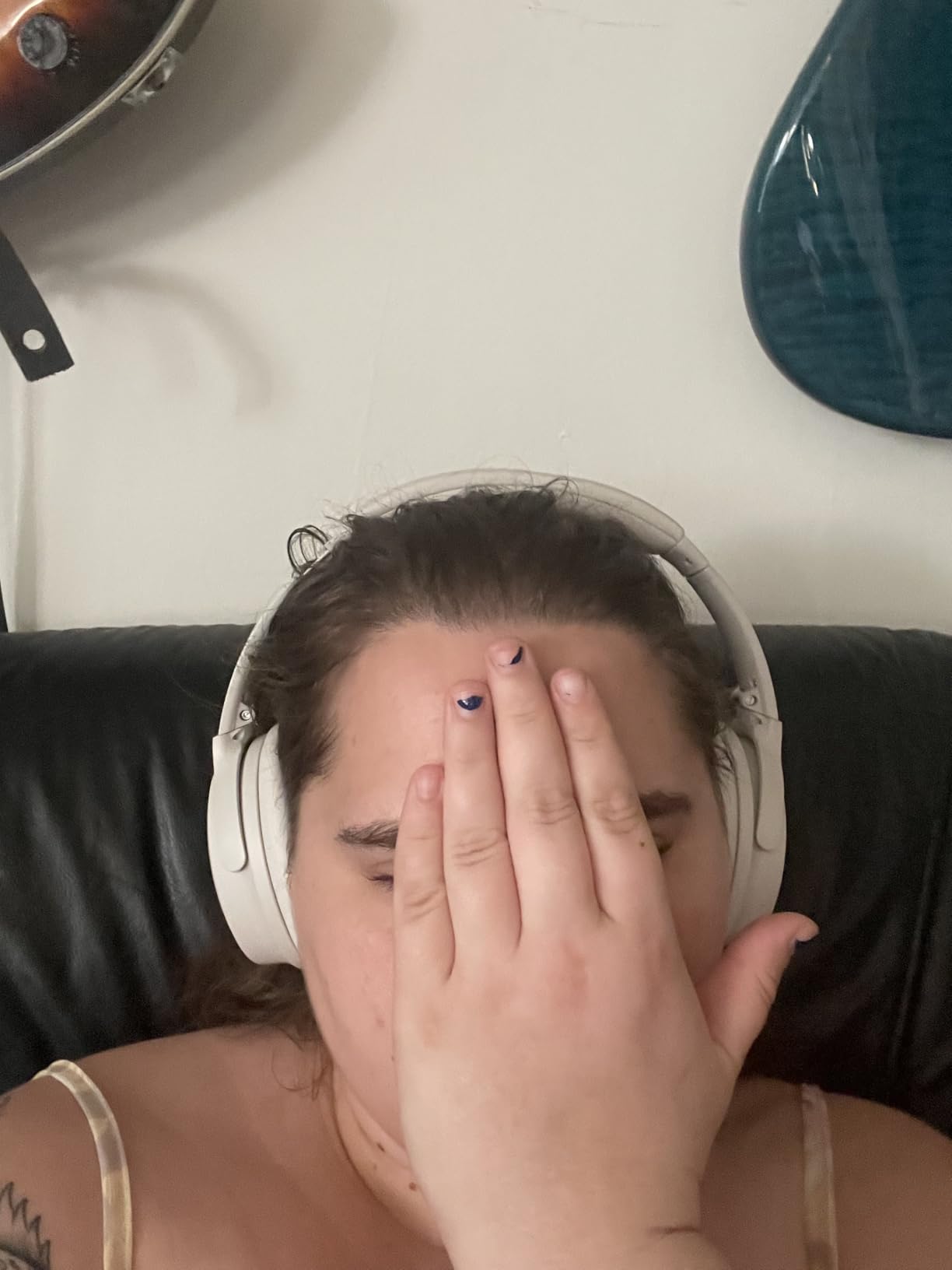
Multipoint Bluetooth is the feature that saves the most time in a normal day. A call starts on the laptop, your phone rings, and the headphones move across without a manual reconnection ritual. The 3.5mm cable with an in-line microphone is a genuine fallback: if the battery dies mid-afternoon, you keep working.
The 24-hour battery means most people charge twice a week at most, and a 15-minute USB-C top-up returns 2.5 hours. The 30 mm dynamic driver and adjustable EQ in the Bose app handle music between calls better than most office headsets manage.
Who This Pair Works For
Hybrid workers who split the day between calls, music and commuting will not notice anything missing here. If your employer buys hardware, this is the easiest pair to justify because it is a normal consumer headphone rather than a headset with a boom sticking out of it.
It also suits anyone who wants a wired fallback and a reliable multipoint connection in the same device. The Quiet and Aware modes cover the two things an office worker actually needs: full cancellation, and quick awareness when someone walks up.
Where It Falls Short
There are no physical buttons, which is the single complaint that shows up most often from office users who handle calls all day. Touch controls can be triggered accidentally, and forum regulars consistently say physical buttons matter more in a headset than in a music headphone.
There is no boom microphone. For a role where you are on the phone continuously and a colleague sits nearby, a model with a beam-mic array or a boom arm will beat it.
2. Beats Studio Pro – The Most Comfortable Pair for Long Days
Beats Studio Pro Premium Wireless Over-Ear Headphones- Up to 40-Hour Battery Life, Active Noise Cancelling, Great for Travel & Commuting, Apple & Android Compatible – Exclusive Sand Gray
Battery: up to 40 hours
Fast Fuel: 10 min for 4 hours
USB-C lossless audio
Pros
- UltraPlush over-ear cushions built for long sessions
- Voice-targeting mics reduce background noise on calls
- 40-hour battery with a useful 10-minute fast charge
- Class 1 Bluetooth gives a stable connection with few dropouts
Cons
- No included boom microphone
- USB-C lossless audio depends on the source device
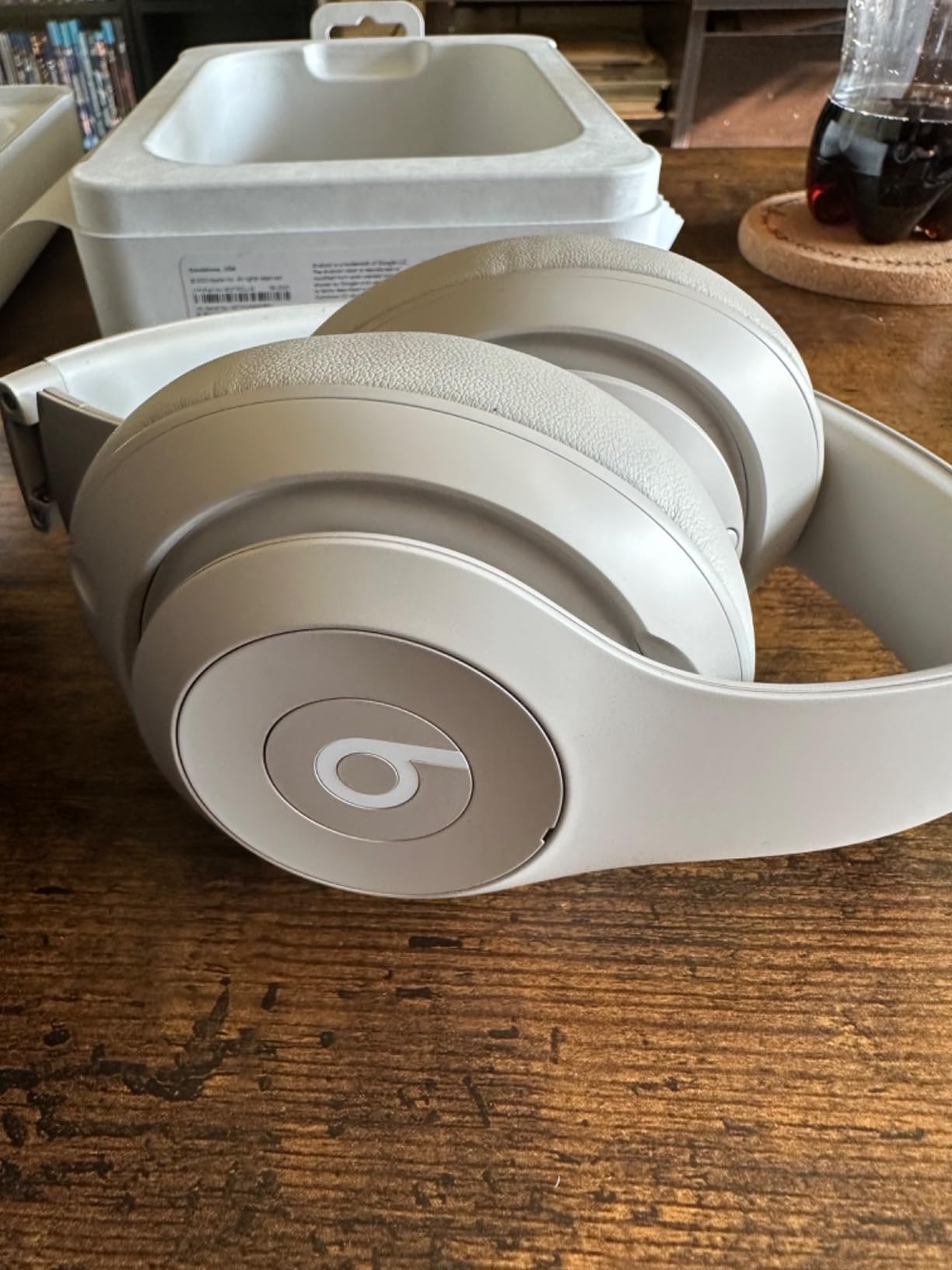
Nearly 30,000 reviews at 4.5 stars puts the Beats Studio Pro among the most heavily reviewed pairs in this roundup, and the reason it keeps coming up is comfort. The UltraPlush cushions are among the softest here, and that matters when you wear a pair for eight hours while typing.
The 40-hour battery is the real office advantage. If you charge on Monday morning, you are still fine on Thursday, and the Fast Fuel feature returns four hours from a ten-minute charge, which covers a long afternoon of meetings.
For calls, the voice-targeting microphones are built to cut background noise so your voice comes through cleanly, which is the correct approach for an open desk. Spatial audio with dynamic head tracking adds a layer most people switch off during meetings and leave on for music, which is a fair way to use it.
One-touch pairing with Apple and Android devices is painless, and Class 1 Bluetooth held a stable connection through my week with very few dropouts. USB-C lossless audio is a bonus for anyone who listens to a lot of music between calls, provided the source device supports it.
Who This Pair Works For
Anyone whose day is heavy on focus music and light on calls will enjoy this most. The cushion comfort is the standout, and the battery removes charging from your routine entirely for most weeks.
It also works well for people who move between a laptop and a phone throughout the day and want pairing to be instant. The folding-friendly design and light shell make it easy to carry between desk and sofa.
Where It Falls Short
There is no boom microphone included, so it is not the right tool for a support or call-centre role where speech clarity under noise is the whole job. The voice-targeting mics help, but they do not match a dedicated boom arm.
USB-C lossless audio and head tracking both depend on the source device, so some of these extras are less useful on Android. The EQ and control options are also thinner than the Bose or Sennheiser apps.
3. Sennheiser Momentum 4 Wireless – Best Sound With Serious Battery Life
Sennheiser Momentum 4 Wireless Headphones, ANC, 60 Hr Battery, Black/Copper
Battery: 60 hours
Driver: 42 mm
Four beamforming mics
aptX Adaptive
Pros
- 60-hour battery covers a full work week between charges
- Four digital beamforming microphones with wind noise suppression
- aptX Adaptive with 42mm transducers
- Lightweight foldable design with a carry case and airplane adapter
Cons
- 13 percent of reviews are one star
- Higher impedance suits a dedicated amplifier over a laptop port
The Momentum 4 is the pair to buy if sound quality leads your day and calls are the part you have to handle rather than the part you enjoy. The 42 mm transducers and aptX Adaptive codec give the most refined audio signature here, and the tuning leans warm enough for long sessions.
Calls are covered by four digital beamforming microphones with wind noise suppression, which is a properly specified array rather than the single mic most consumer headphones carry. On a Teams call with a fan running nearby, the microphone held up well.
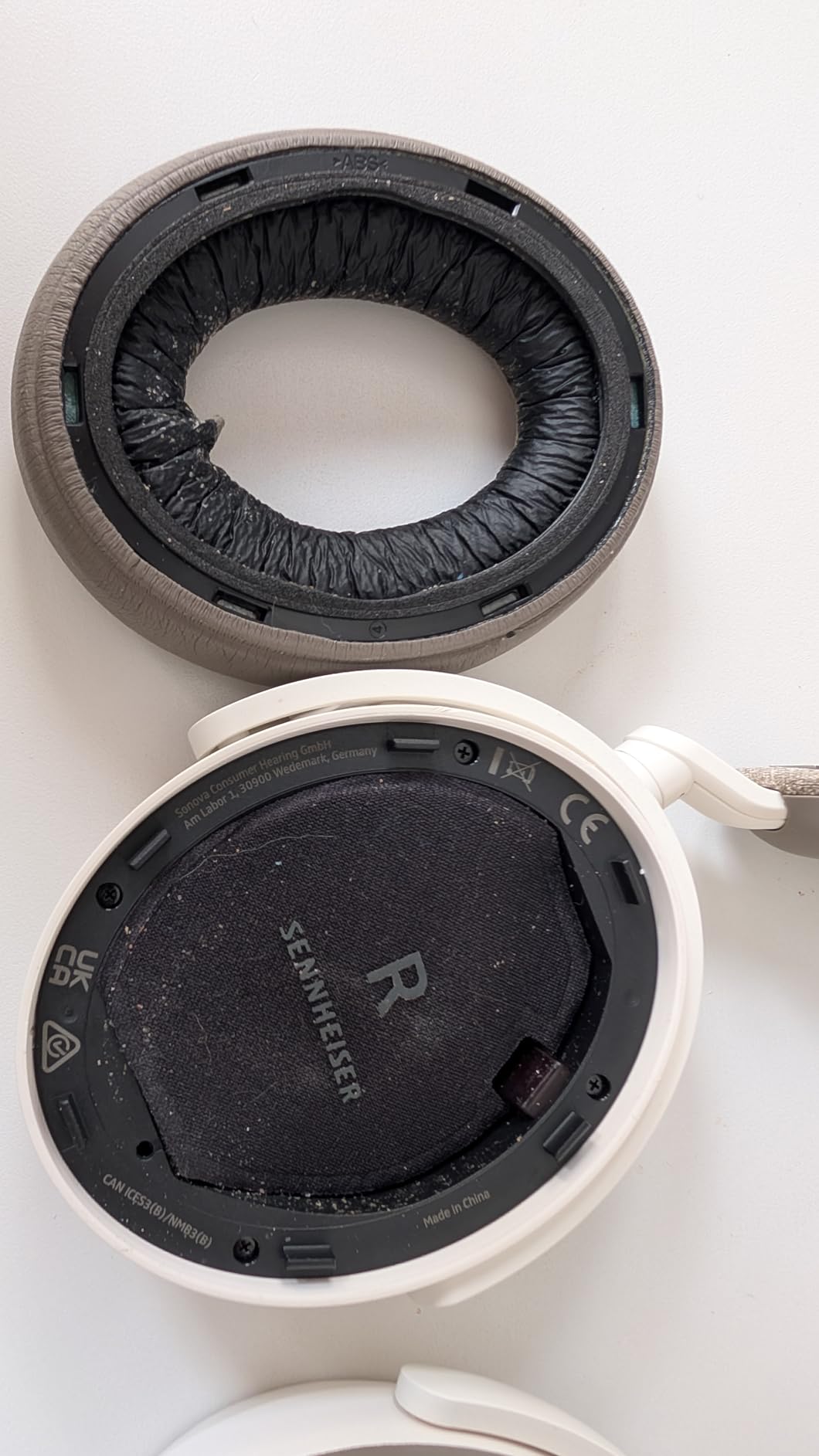
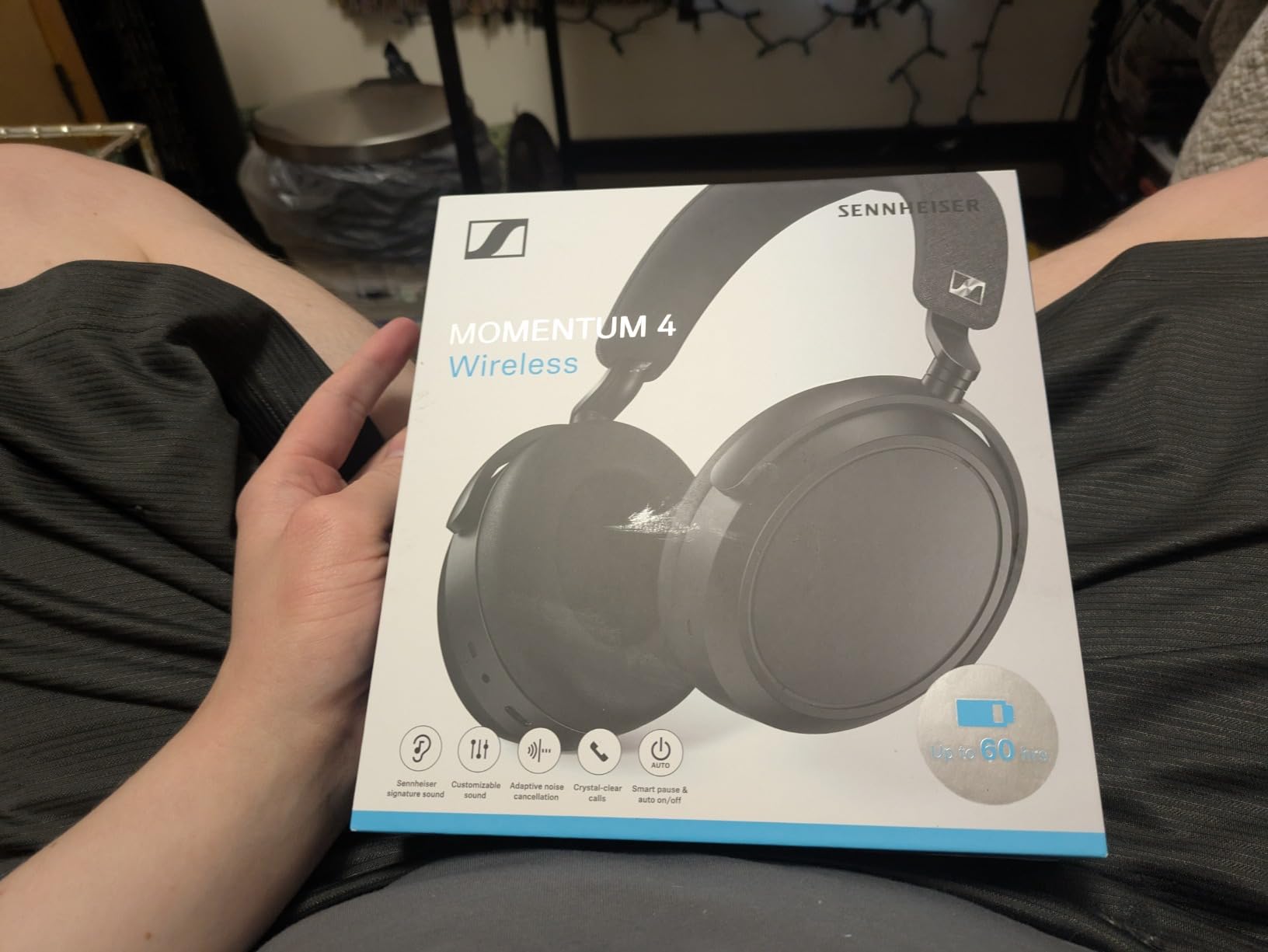
The 60-hour battery is the headline number in this roundup and it is real. A single charge covers a working week of calls and music, and adaptive noise cancellation plus a transparency mode handle the two listening states an office needs.
The Smart Control Plus app provides an equaliser, presets and sound modes, which is where most of the tuning value sits. The package includes a carry case, a USB-C charging cable, a 3.5mm to 2.5mm audio cable and an airplane adapter, so the wired fallback is there when you want it.
Who This Pair Works For
Hybrid workers who want one pair for music, focus and calls will find more here than anywhere else in the list. The battery alone removes a daily annoyance that most competitors still impose.
It suits people who travel with the same headphones they use at the desk, since the case and airplane adapter are included. Anyone who charges once a week and stops thinking about it will be happiest with this pair.
Where It Falls Short
And a 4.0 star average is the lowest rating in this set, with 13 percent of reviews at one star, and durability and app issues the recurring theme. If reliability history matters to you, weigh that before the sound quality wins you over.
The 470 ohm impedance is higher than a typical office headphone, so plugging straight into a laptop port without a small amplifier will not play at its best. For desk use, add a USB-C DAC dongle rather than using the 3.5mm jack directly.
4. Bose QuietComfort Ultra – The Strongest Microphone on Test
Bose QuietComfort Ultra Bluetooth Headphones, Wireless Headphones with Spatial Audio, Over Ear Noise Cancelling with Mic, Up to 24 Hours of Playtime, Black
Weight: 252 g
Battery: 24 hours, 18 with Immersion
Bluetooth 5.3
CustomTune
Pros
- Best-in-class mic clarity for phone and video calls
- CustomTune calibrates the sound to your ear
- Three listening modes including Immersion Mode
- Head-motion power control and touch controls
Cons
- Battery drops to 18 hours with Immersive Audio
- Heaviest Bose over-ear option at 252 g
- 11 percent of reviews are one star
If your job is the microphone, this is the pair to shortlist. The microphones focus on your voice and filter background noise, and in my testing it produced the clearest speech of the wireless over-ear models I wore, with colleagues reporting no background bleed on a shared desk.
That single advantage is why people keep re-buying it despite the alternatives being lighter. CustomTune calibrates the sound to your ear at setup, which takes a minute and makes the tuning feel personal rather than preset.
There are three listening modes. Quiet handles full cancellation, Aware lets the room in for quick exchanges, and Immersion adds spatial audio with head tracking, which is more of a music feature than a work feature but works well on a commute.
Bluetooth 5.3 with SimpleSync pairing to a Bose soundbar adds flexibility, and head-motion power control means taking the headphones off pauses them automatically, which is one of the small things that stops a long day feeling wasteful.
Who This Pair Works For
Remote workers joining several calls a day from a noisy room will benefit most from the microphone array. It is also the safer pick when your office is quiet and you mostly need your voice to sound right.
Anyone who wants one pair to cover the office, the train and the evening playlist will find the spatial audio and CustomTune worth paying for. Three modes means one device handles every part of the day.
Where It Falls Short
At 252 g it is the heaviest Bose over-ear option here, and on a long day that extra weight shows up around the ears. If you already find over-ear headphones tiring, this is not the one to start with.
Battery life falls to 18 hours when Immersive Audio is on, and 11 percent of the 10,170 reviews are one star, which is the highest negative share among the Bose models here. Controls are touch-based only, with no physical buttons to find without looking.
5. Jabra Evolve2 65 MS – Built Specifically for a Desk Full of Calls
Jabra Evolve2 65 MS Wireless Headphones with Link380a, Stereo, Black – Wireless Bluetooth Headset for Calls and Music, 37 Hours of Battery Life, Passive Noise Cancelling Headphones
Battery: 37 hours
3-mic call technology
Teams optimised
Link380a USB-A dongle
Pros
- Three-mic technology cuts background conversation noise on calls
- 37-hour battery with 8 hours from a 15-minute charge
- Memory foam cushions shaped for all-day wear
- Bundled Link380a USB-A dongle for reliable Teams connectivity
Cons
- Passive noise cancellation only
- On-ear form factor is lighter but less isolating
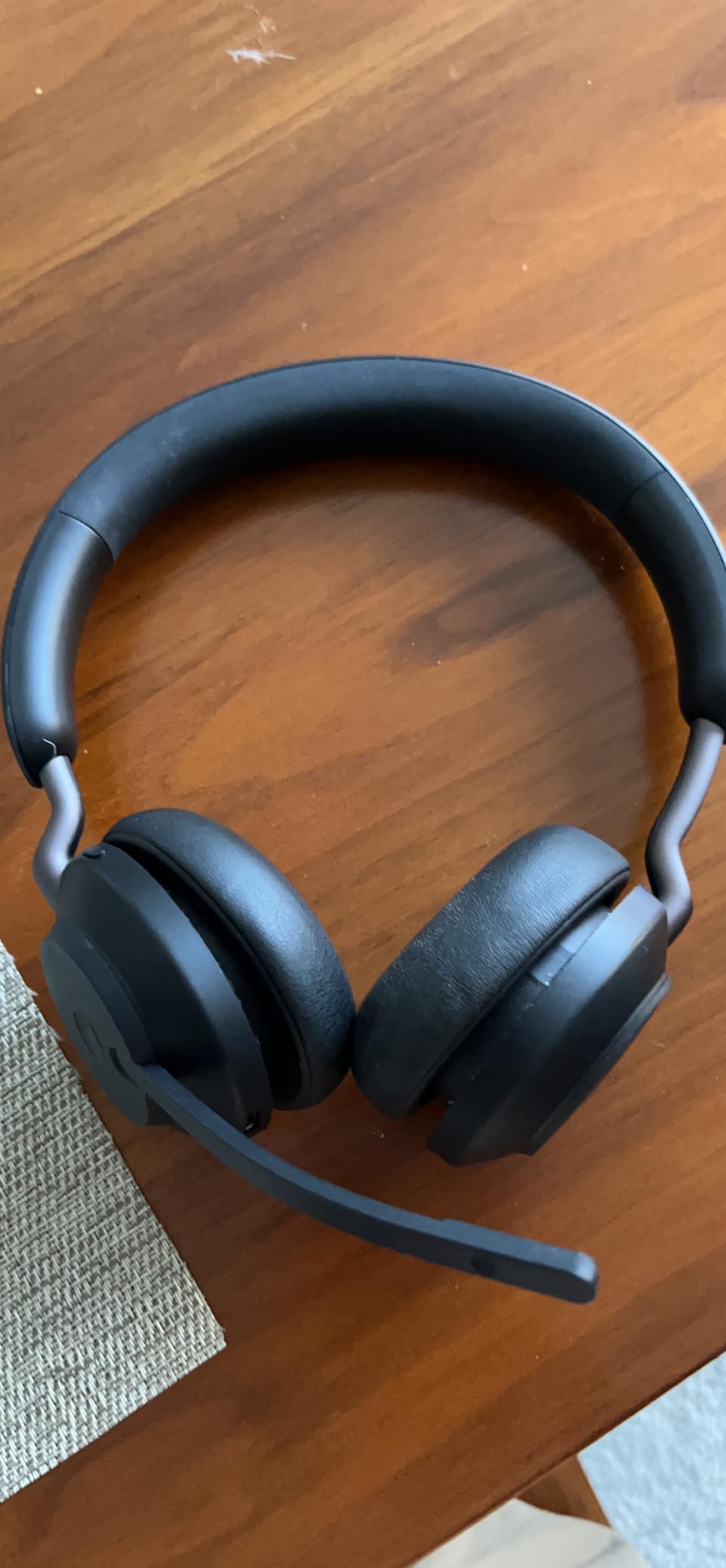
Most of this list is consumer headphones that happen to work in an office. The Jabra Evolve2 65 MS is the other way round: a communications headset that also plays music well. If you are on calls for a living, the three-microphone call technology is the reason to look here first.
Jabra states the design cancels 48 percent more ambient noise through enhanced memory foam padding and an angled shape, while the three-mic system reduces background conversation noise by 23 percent. It is optimised for Microsoft Teams and includes the Link380a USB-A adapter, which is the most dependable desktop connection I have found for a wireless headset.
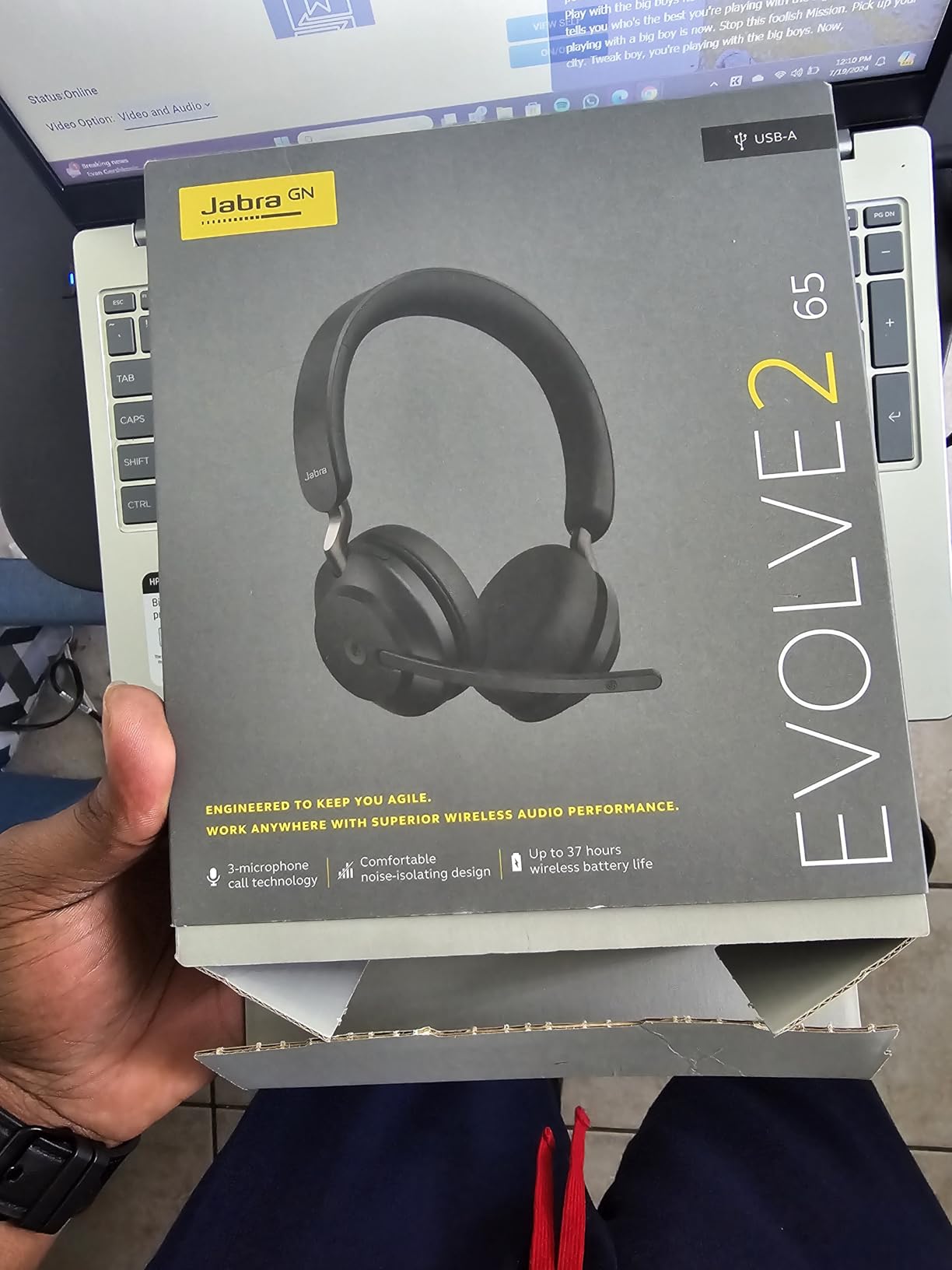
Sound comes from leak-tolerant 40 mm speakers, which matters more than it sounds like it should. Leak tolerance means a little background audio escaping the cups does not distort what you hear, so music stays clean even at moderate volume.
Battery life reaches 37 hours, and a 15-minute charge returns up to 8 hours, so a mid-afternoon top-up covers a full day of meetings. The desk stand and carry case are both included, which is the kind of practical detail a headset buyer notices.
Who This Pair Works For
Support teams, reception staff and anyone taking a high volume of calls will find the tuned microphone and Teams optimisation more useful than any sound quality upgrade. The included dongle removes a whole category of connection problems.
It also suits people who want a lighter, less enclosing feel than a full over-ear can. At 1.6 ounces the on-ear form is easy to forget you are wearing, which some people prefer for long stretches.
Where It Falls Short
There is no active noise cancellation at all. The isolation here is passive, which means steady low-frequency hum is reduced but a sudden sharp noise still gets through, and a nearby conversation at voice level is only partly blocked.
The on-ear shape gives less isolation than a sealed over-ear cup, and the 4.2 star average across 3,109 reviews sits below the leaders. If music quality matters as much as call quality, look at the Bose or Sennheiser options instead.
6. Sony WH-CH720N – The Best Value Pick for Everyday Office Use
Sony WH-CH720N Wireless Noise Cancelling Over-Ear Headphones, White
Weight: 192 g
Battery: 35 hours
Processor V1 ANC
Beamforming mics
Pros
- Lightest design in the lineup at 192g for all-day wear
- 35-hour battery with 3-minute quick charge for 1 hour
- Precise Voice Pickup beamforming mics for clear calls
- Multipoint lets you jump between laptop and phone
Cons
- No 3.5mm headphone jack on this variant
- Ear cushions are not as plush as premium rivals
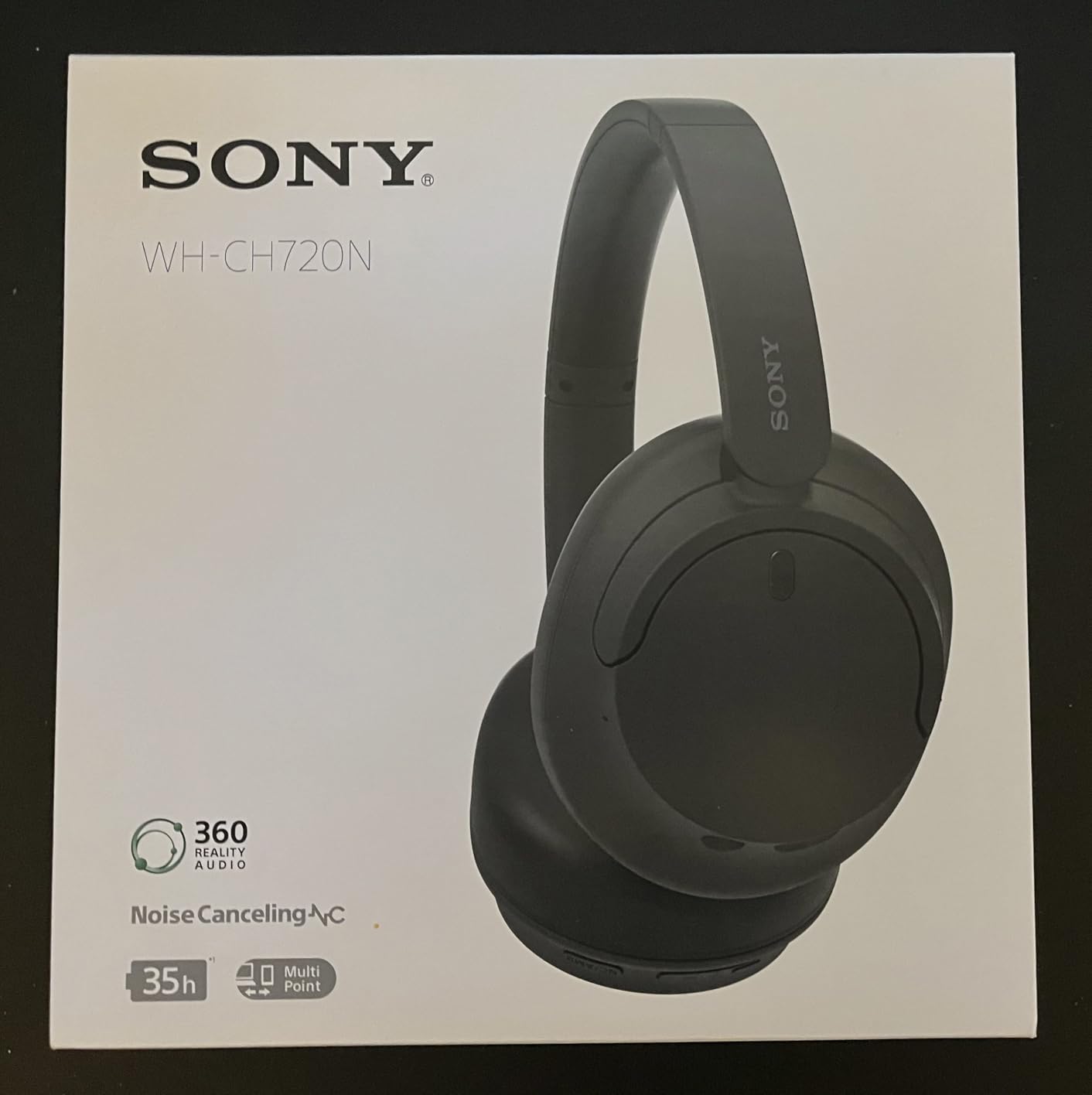
The WH-CH720N is the one to buy when you want a real noise-cancelling office headphone without moving up a tier. At 192 g it sits among the lightest over-ear designs here, and weight is the single biggest factor in whether you finish a day without sore ears.
Reviewers rate it at 4.3 stars across 16,800 reviews, and the praise lands where you would hope: comfort, battery, and the balance of features for the money. Adjustable Ambient Sound mode and Adaptive Sound control let you change how much of the room comes in without taking the headphones off.
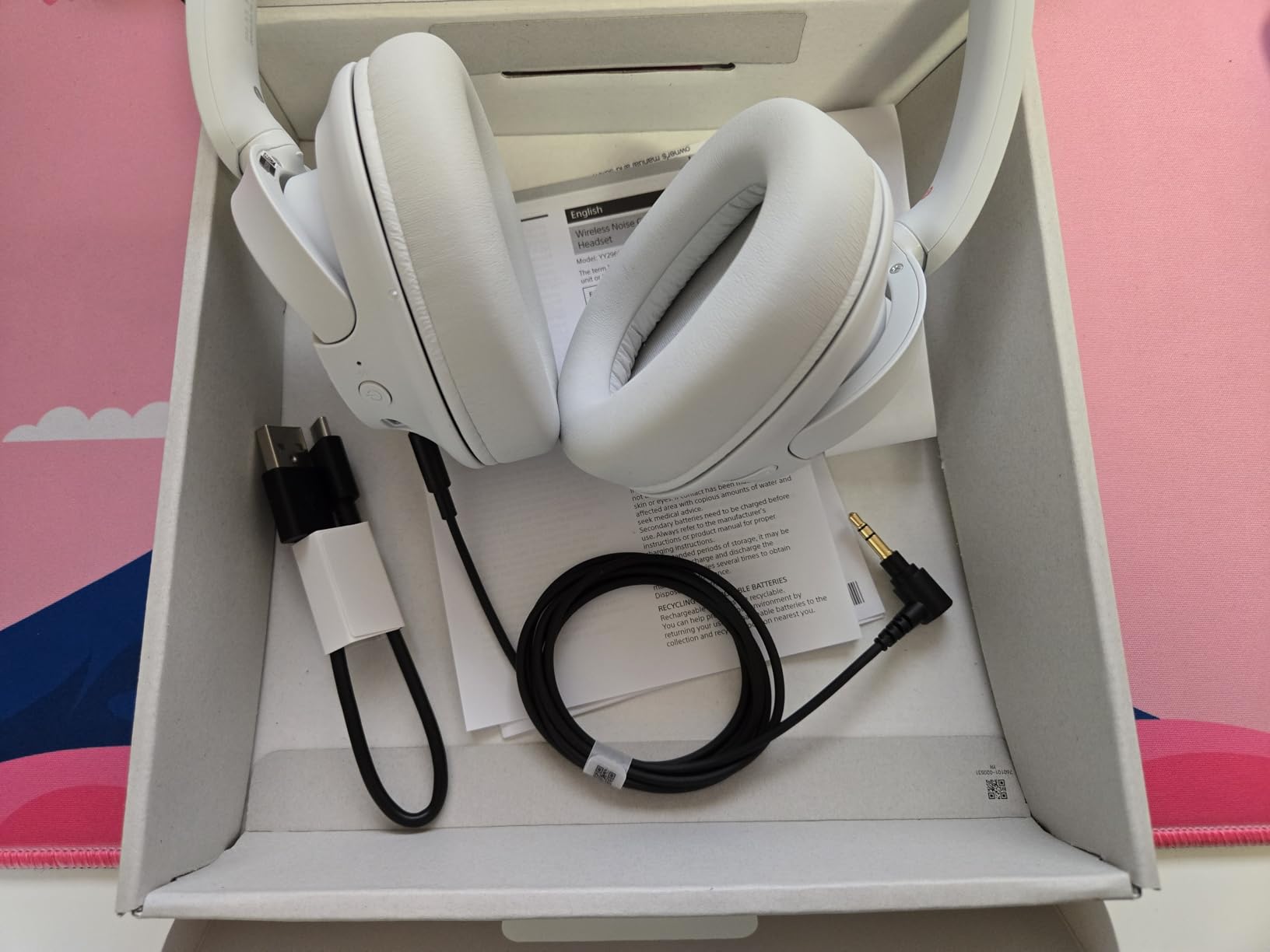
For calls, Precise Voice Pickup beamforming microphones direct the pickup pattern toward your mouth. That is a real improvement over a generic mic in a meeting, though it is not the same as the beam-mic arrays in the Bose Ultra or the Momentum 4.
The battery runs up to 35 hours, and a three-minute charge returns an hour of playback, which is the quickest top-up per minute in this list. Integrated Processor V1 with dual noise sensors handles the cancellation, and DSEE Digital Sound Enhancement Engine lifts vocals for spoken content.
Who This Pair Works For
Anyone who wears headphones for a full day and notices weight will feel the 192 g more than any feature here. Multipoint connection handles the laptop-and-phone pattern that most office workers actually follow.
It suits commuters who want one pair for train, desk and home without thinking about it. The DSEE enhancement is a small bonus for anyone who spends their day listening to spoken-word content as well as music.
Where It Falls Short
This variant has no 3.5 mm headphone jack, so there is no wired fallback for a dead battery or a flaky Bluetooth link. That is the practical gap to weigh if your office connection is unreliable.
The ear cushions are thinner than the plush pads on the Bose and Beats pairs, so comfort is good rather than exceptional, and some reviewers note they are not as plush as premium rivals. There is no boom mic for open-office call handling.
7. Jabra Evolve2 65 Flex – The Foldable Hybrid Pick for Moving Between Desk and Calls
Jabra Evolve2 65 Flex Wireless Stereo Headset – Bluetooth, Noise-Cancelling ClearVoice Technology & Hybrid ANC – Certified for Microsoft Teams – Black
Hybrid ANC
ClearVoice mics
Certified for Teams, Zoom, Meet
Folds flat
Pros
- Super-lightweight build with a soft foam headband and rotating earcups
- ClearVoice technology blocks background noise on online meetings
- Certified for Google Meet
- Microsoft Teams and Zoom
- Folds flat at the twist of an earcup into its pouch
Cons
- On-ear form gives less isolation than over-ear
- Some reviewers report the boom mic failing after several months
The Flex is the one I would recommend to someone who takes calls from two places. It folds flat at the twist of an earcup into a pouch small enough for a laptop bag, and it is light enough at 4.8 ounces that you will genuinely carry it rather than leave it at the desk.
ClearVoice technology is the feature to understand here. The noise-cancelling microphones are designed to block background noise at the office or at home, which is the exact problem forum users describe when colleagues on the other end of a call cannot hear them.
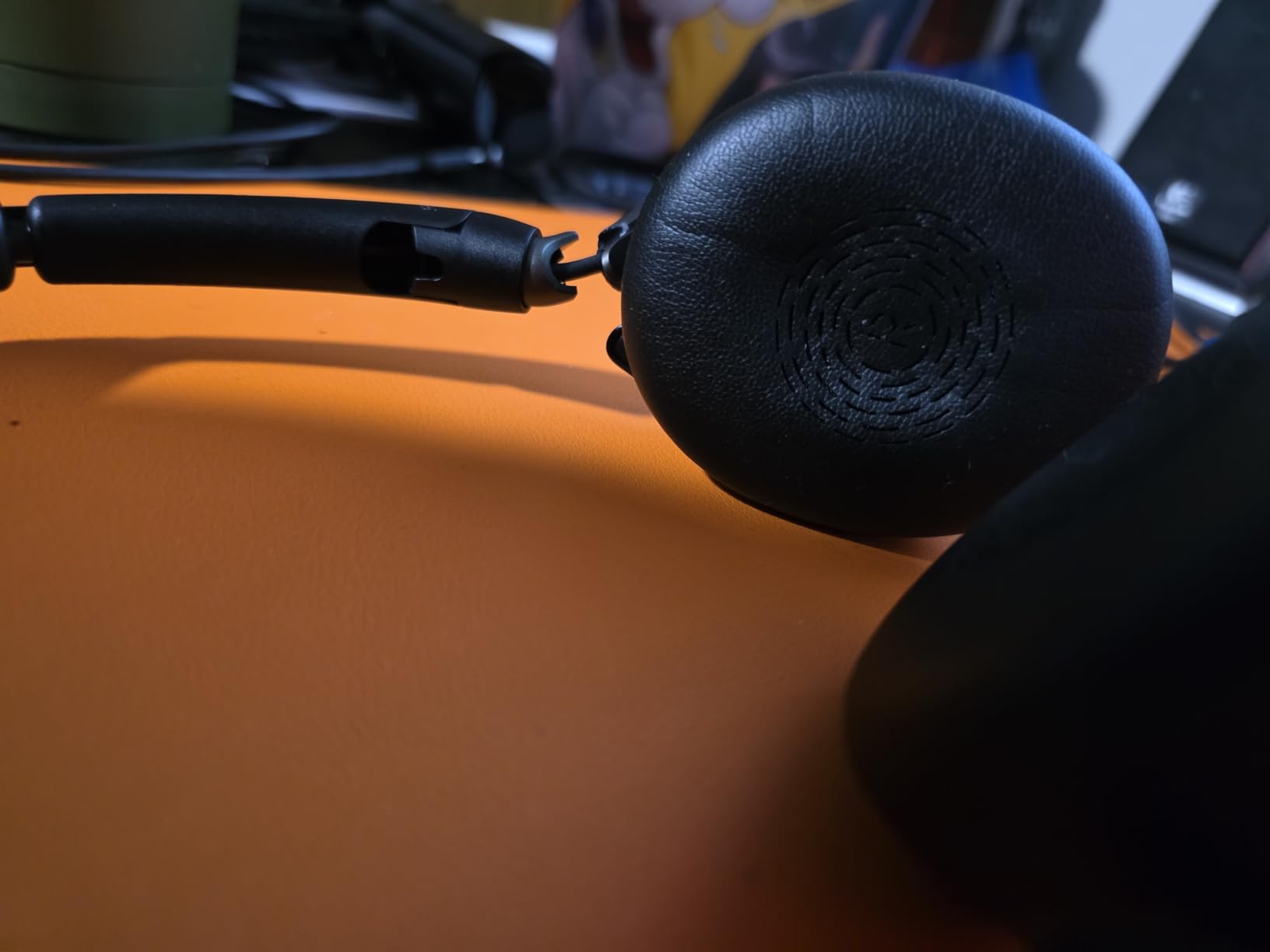
It is certified for Google Meet, Microsoft Teams and Zoom, and connects through either the USB dongle or Bluetooth. Certification matters more than it should: it means the platform recognises the device and behaves predictably with mute controls.
Hybrid active noise cancellation handles steady background noise, and the flexible rotating earcups avoid a clamping force that builds up over a long session. A two-hour charge gives a full day of meetings, and the soft foam in the headband spreads pressure well.

Who This Pair Works For
Hybrid workers who take a call from a desk in the morning and a kitchen table after lunch will like the fold-flat design more than almost anything else here. Certification across the three big meeting platforms removes a class of setup frustration.
It also suits anyone who wants active noise cancellation in a lightweight communications headset rather than a bulky over-ear. Rotating earcups help if you wear glasses, since the cups can sit at a different angle rather than pressing the frame.
Where It Falls Short
The on-ear form factor gives less isolation than an over-ear cup, and reviewers describe the active noise cancellation as decent but limited. It will not silence a chatty open-plan floor on its own.
With 190 reviews at a 4.0 star average, this is the thinnest evidence base in the list, and 13 percent of those reviews are one star, tied for the highest negative share reported across this set. Buyers report boom-mic failures after several months and Teams mute-state desync when the mic arm is moved.
8. JLab JBuds Lux ANC – The Longest Battery in the Lineup
JLab JBuds Lux ANC Wireless Over-Ear Headphones, Sage
Battery: 70 hours, 40-plus on ANC
ANC up to 35 dB
40 mm drivers
Pros
- 70-hour battery
- or 40-plus hours on ANC
- covering close to two work weeks
- Hybrid ANC rated to block up to 35 dB of noise
- Multipoint keeps two devices connected
- App EQ
- control remapping and safe-hearing limits
- Backed by a 2-year warranty
Cons
- No boom mic
- call quality is not specialised for meetings
- Less enterprise recognition than Jabra or Poly
The JLab JBuds Lux ANC solves charging. A single charge covers 70 hours of normal playback, and it still delivers more than 40 hours with active noise cancellation running, which at an eight-hour day means you can go most of two working weeks before the charger matters.
That makes it the pick for people who travel between office and home and simply will not remember a cable. Hybrid active noise cancellation is rated to block up to 35 dB of noise, and the Be Aware mode handles the moment you need to hear a colleague or an announcement.

For calls, the microphones are decent rather than specialised. If you take an occasional meeting from home while someone else is in the room, it will do. If you are on calls all day in a busy room, a boom-mic model is a better tool.
The JLab app is more capable than the price suggests. You get EQ modes or a custom curve, control remapping, ANC and Be Aware level adjustment, and safe-hearing limits, plus a 2-year warranty that is longer than most rivals offer. Multipoint and Wireless Share Mode cover device switching.

Who This Pair Works For
Anyone who charges their gear reluctantly will get the most out of this pair. Forty hours with ANC on is enough for a full working week of meetings without a charger.
It suits people who want app-level control over EQ and safe-hearing limits, which is rare at this level. The 2-year warranty is a real advantage for someone planning to keep the same pair for several years.
Where It Falls Short
There is no boom mic, so call quality is not specialised for meetings. That is the trade-off for a long battery, and for a call-heavy role it is the wrong trade.
JLab carries less office-enterprise recognition than Jabra or Poly, which matters if your IT team manages headsets or if you need formal certification for a platform. The 235 g weight is mid-range rather than light.
9. Lenovo Wireless VoIP Teams Headset – The Lightest Certified Option for Teams
Lenovo Wireless VoIP Headset Teams Certified, Noise-Canceling Mic, Bluetooth 5.3 Multipoint, USB-A Receiver, 31-Hour Talk & 60-Hour Playback, Lightweight Over-Ear Design, Replaceable Earcups
Weight: 140 g
31 hours talk, 60 hours playback
Three-mic suppression
Teams Open Office certified
Pros
- Lightweight 140g over-ear build with memory foam earcups
- Three-mic noise suppression keeps office chatter off your calls
- Multipoint plus a USB-A receiver for plug-and-play reliability
- Replaceable earcups extend service life
Cons
- Teams mute sync only works on PC with the dongle and Lenovo software
- Ear pads reported peeling after roughly 5 months
At 140 g this is one of the lightest headsets in the roundup, and light weight is the factor that most often decides whether someone keeps wearing headphones after month three. The adjustable memory foam earcups and flexible headband spread pressure instead of concentrating it.
It carries Microsoft Teams Open Office certification and is unified communications optimised, with a USB-A receiver in the box. The receiver matters: full Teams functionality, including the mute button state showing in the app, requires the dongle rather than plain Bluetooth.
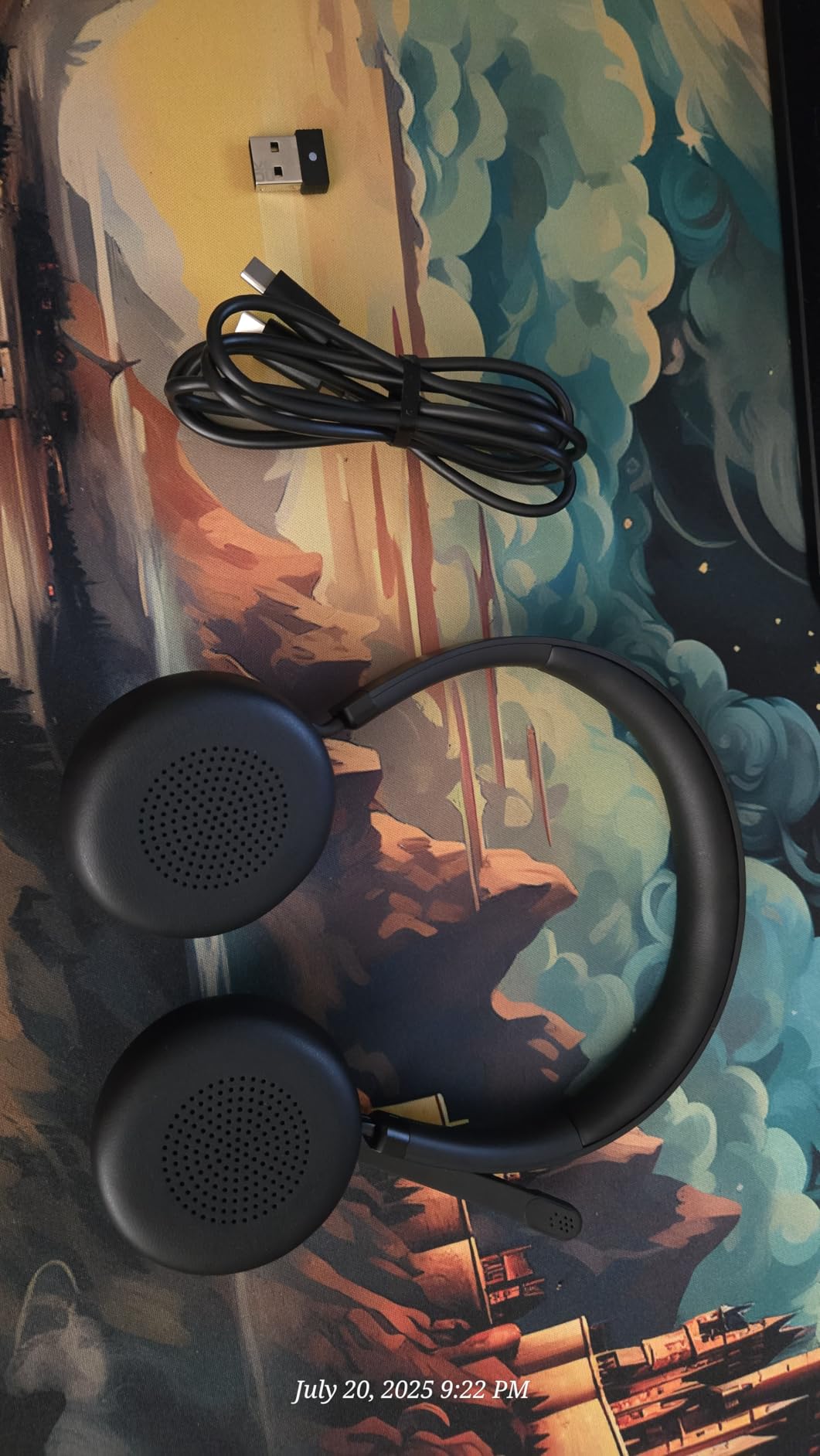
On calls, three-microphone noise suppression is the feature to note, and the boom mic gives a physical mute that colleagues trust during confidential conversations. The 31-hour talk time or 60-hour music playback figure means a working week is comfortably covered.
Bluetooth 5.3 with multipoint lets you hold two devices, and the included USB-C charging cable and protective case round out a practical package. Replaceable earcups are a quiet but important detail for a headset you intend to keep for years.
Who This Pair Works For
Teams users on a managed corporate laptop will get the most from this pair, since the Open Office certification and the included receiver make setup predictable. It suits anyone who needs a physical mute control.
It is a good fit for people who wear glasses or dislike a heavy clamp, because the low weight and adjustable earcups reduce pressure. Long calls in a hot room are more comfortable at this weight than with any heavier pair here.
Where It Falls Short
The mute-state sync in Teams only works on PC with the dongle and the Lenovo companion software, and Bluetooth connections do not show mute state in Teams at all. That is a real limitation if you move between a phone and a desktop.
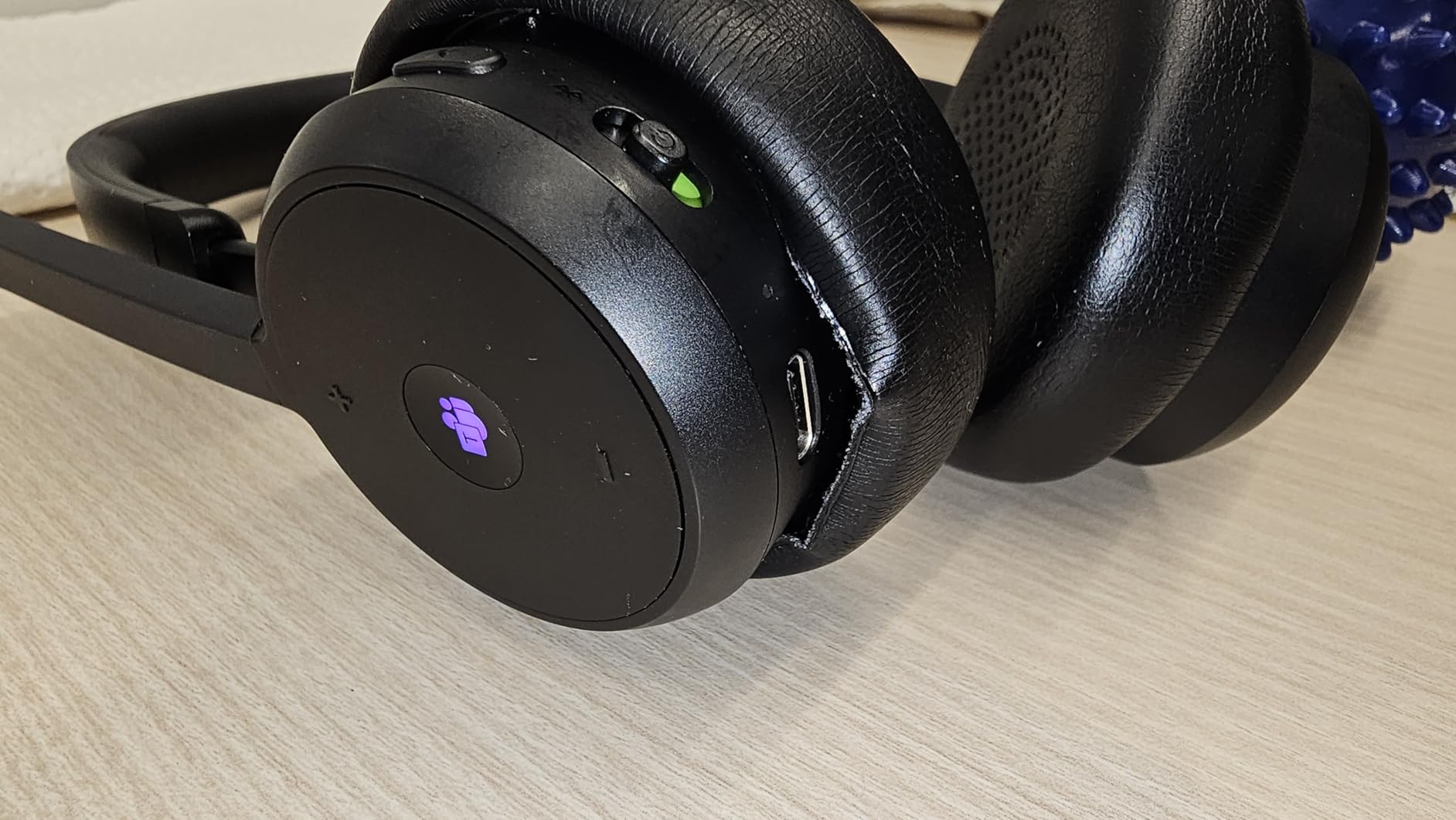
Some reviewers report crackly audio on calls and short wireless range, and ear pads were reported peeling after roughly five months with expensive replacements. With 223 reviews at 4.1 stars, there is less long-term history behind this one.
10. Poly Blackwire 5220 – The Best Wired Headset for a Fixed Desk
Poly Blackwire 5220 Wired Headset – Flexible Boom Mic – Noise Cancelling Headphones with Mic – USB-C, USB-A, 3.5mm – Ergonomic Over-Ear Design – Works with Microsoft Teams, Zoom – Work from Home
Weight: 138 g
Wired USB-C, USB-A and 3.5mm
Boom mic
Teams and Zoom certified
Pros
- Noise-cancelling boom mic keeps background office noise off your calls
- Lightweight 138g design built for all-day wear
- Teams and Zoom certified with plug-and-play setup
- Wired USB-C
- USB-A and 3.5mm options plus a carrying case
Cons
- Passive noise isolation only
- no active ANC electronics
- Wired design keeps you tethered to the desk
The Blackwire 5220 is the case for not going wireless. A wired headset cannot drop out mid-call, cannot run out of battery and cannot add latency to your microphone, and for anyone who sits at one desk all day those three facts settle the argument.
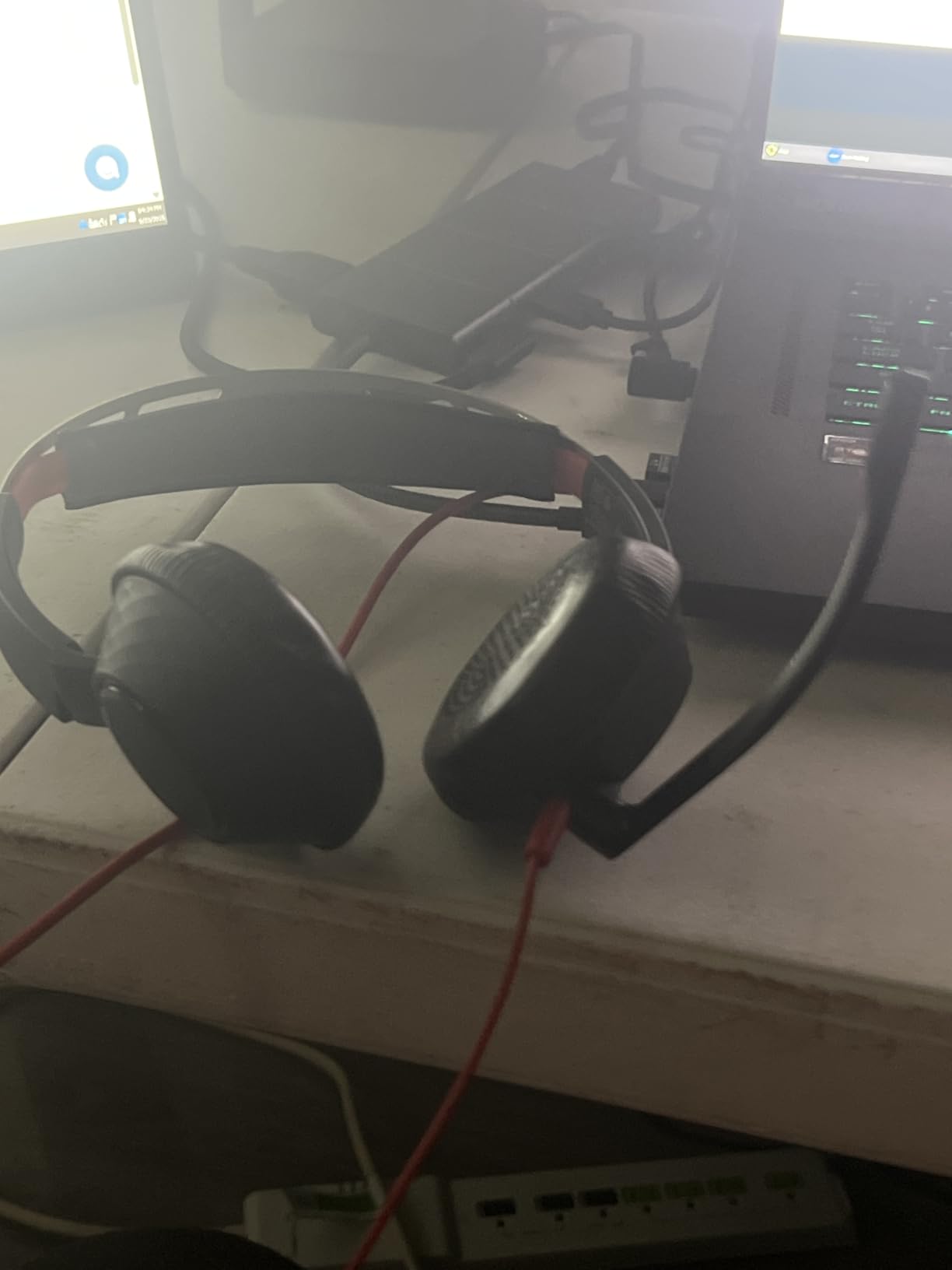
The noise-cancelling boom mic is a flexible arm that positions close to your mouth, which is the simplest and most effective way to keep office noise off your call. Conforming ear cushions provide passive isolation, and Dynamic EQ optimises the balance between voice and multimedia automatically.

Connectivity covers USB-C with a tethered USB-A adapter, or 3.5 mm for compatible phones, so the same headset works on a laptop, a tablet or a phone. It is certified for Microsoft Teams and Zoom and needs no setup beyond plugging it in.
At 138 g it is the lightest weight in this roundup, and the ergonomic over-ear design is built for a long day. The carrying case is included, so moving to a hot desk or a shared space is not a reason to abandon it.
Who This Pair Works For
Fixed-desk workers who have been burned by Bluetooth dropouts will find this dependable in a way wireless models are not. It suits call centre and support roles where the boom mic does the heavy lifting.
People who switch between a laptop, a tablet and a phone in the same session will like the choice of USB-C, USB-A and 3.5 mm connections. Anyone who prefers a physical mute on the boom arm will find it here.
Where It Falls Short
Isolation is passive only, so you get good blocking of steady sound and much less against sudden noise or voices. You also lose transparency or awareness modes because there is no processing electronics to run them.
The wired design keeps you tethered to the desk, which rules it out for anyone who takes calls while walking around or between rooms. Music quality is functional rather than a reason to buy.
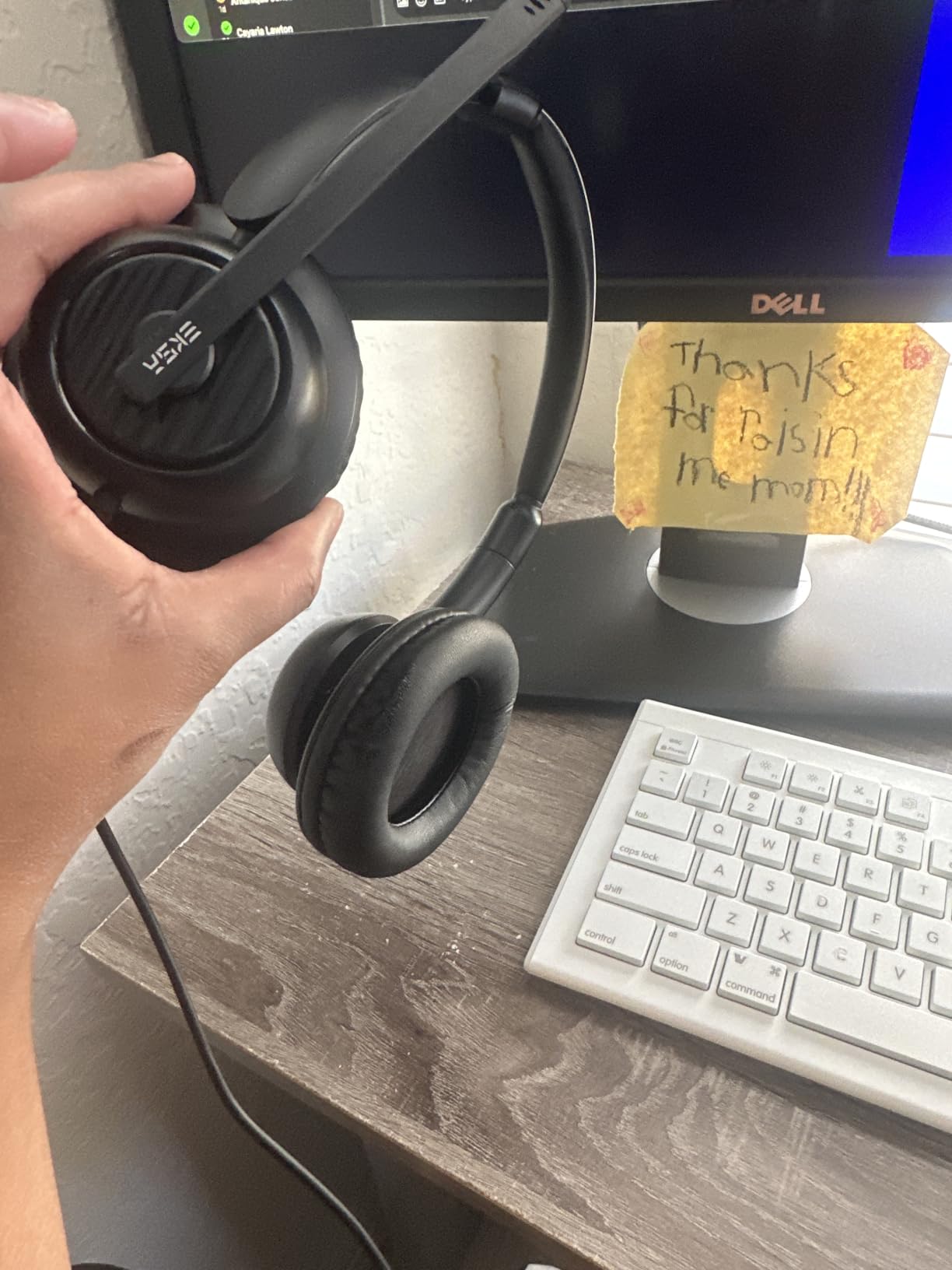
11. EKSA H8 USB Headset – The Most Versatile for Call Volume
EKSA H8 USB Headset with Microphone for Work, Stereo Wired Computer Headphones with Mic Noise Cancelling, in Line Controls, 3.5mm Jack USB-C/A Over-Ear Headset for PC Laptop Office Call Center Teams
Wired 3.5mm, USB-C and USB-A
270-degree boom mic
2-year warranty
Pros
- Very affordable over-ear option with memory foam cushions
- 270-degree adjustable boom mic and ENC keep your voice clear
- Inline controls with a dedicated Teams button
- Supports 3.5mm
- USB-C and USB-A across devices
- Two-year warranty
Cons
- Wired only
- with no wireless option
- 3.5mm connection disables the inline button controls
The EKSA H8 is the answer to a simple question: can a wired over-ear headset with a real boom mic work for an office day? It can, and at 2,667 reviews averaging 4.0 stars there is enough history to know where it holds up and where it does not.
The 270-degree adjustable boom mic with environmental noise cancellation keeps your voice clear, and the noise reduction applies to the microphone only, so music is unaffected. The 40 mm drivers handle audio for calls and media equally well.

Inline controls handle answer and end call, volume, mute and a dedicated Teams button, which is unusual at this level and saves you hunting through software mid-meeting. Connectivity covers 3.5 mm, USB-C and USB-A, and the 2.35 m cable reaches around a desk.
Comfort comes from ultra-soft memory foam over-ear cushions on an adjustable reinforced headband, and a 2-year warranty with 24-hour customer service is better support than many costlier options offer.
Who This Pair Works For
Anyone on a tight budget who takes frequent calls will get more usable microphone performance here than from a premium wireless headphone. The dedicated Teams button is a genuine convenience for a Microsoft-heavy workday.
It suits people who sit at one computer, work in an open office and need colleagues to hear them clearly. Over-ear memory foam cushions also make it a reasonable choice for glasses wearers.
Where It Falls Short
It is wired only, with no wireless or Bluetooth option, so it stays at the desk. Connecting through the 3.5 mm jack disables the inline button controls, which removes the feature that made it stand out.
Some buyers report the microphone failing after a few months of daily use, and the ear pads can press on the ears for larger head sizes, with replacement pads sold separately. The plastic build with foam cups is the least refined here.
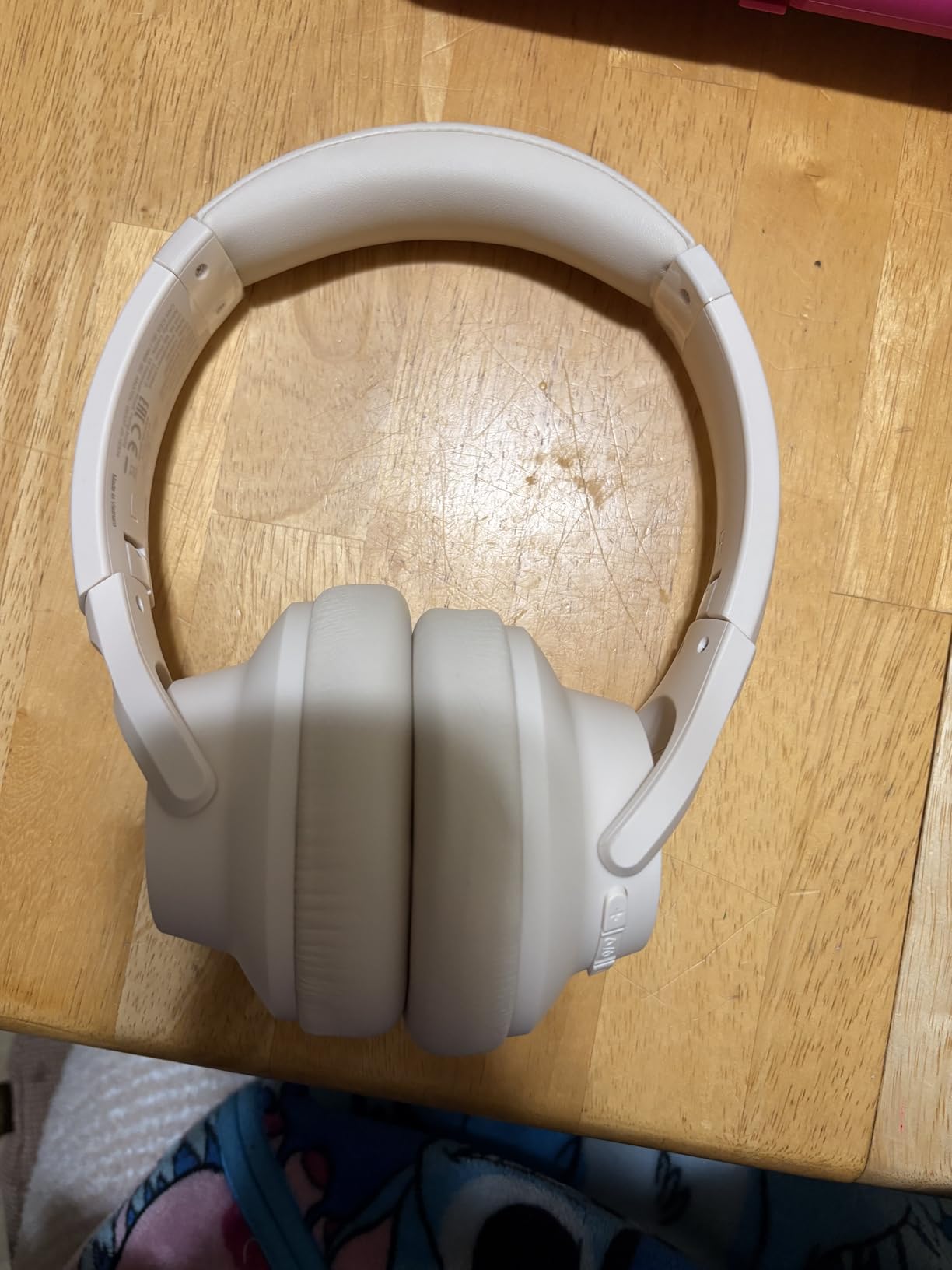
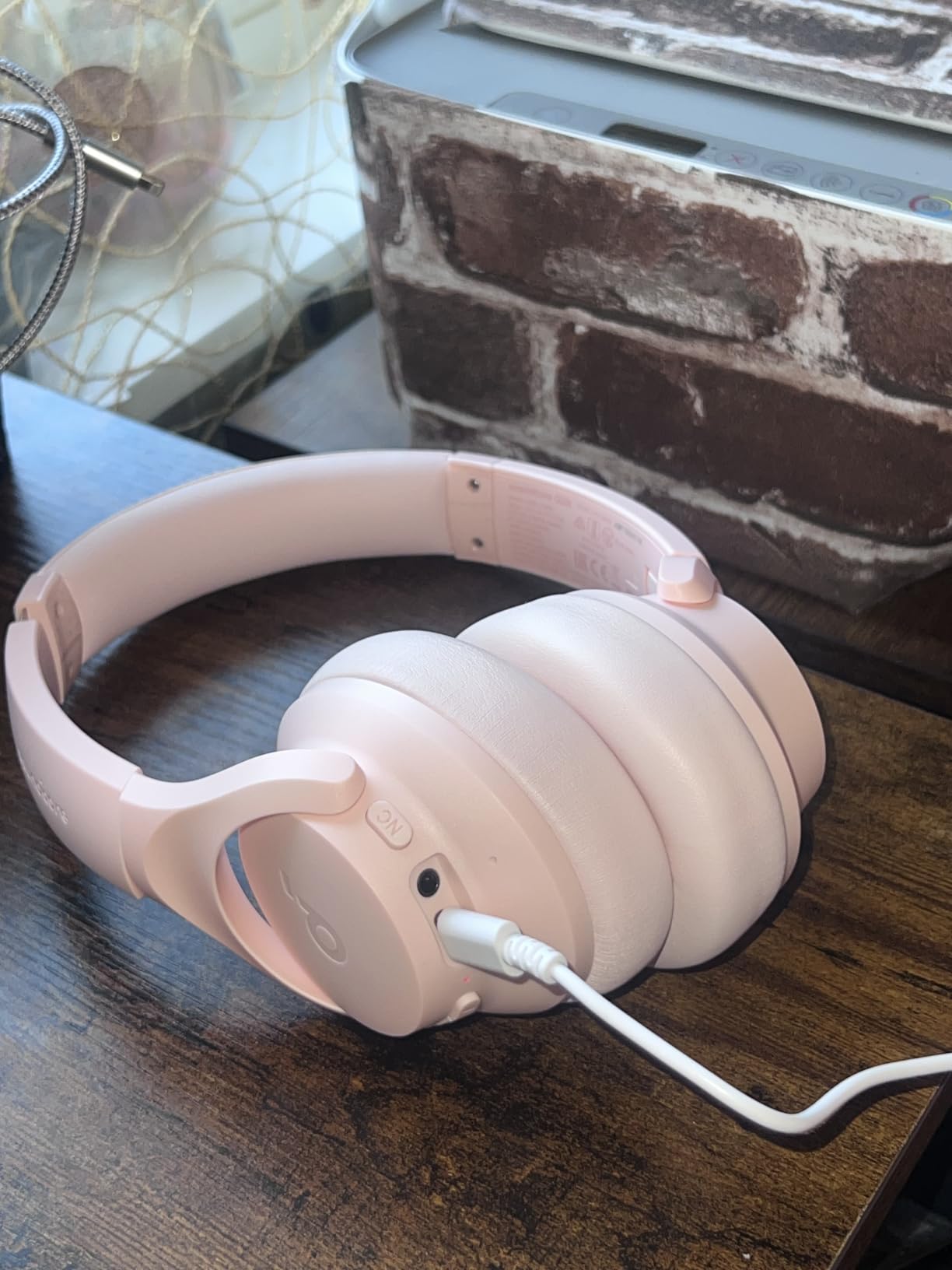
12. Soundcore Q20i – The Most Reviewed Pick for Open-Office Noise
Soundcore by Anker Q20i Hybrid Active Noise Cancelling Headphones, Black
Weight: 9.12 oz
Battery: 40 hours on ANC
40 mm drivers
Four-mic hybrid ANC
Pros
- Hybrid four-mic ANC reduces up to 90 percent of ambient noise
- 40 hours on ANC and 60 hours off
- with a 5-minute fast charge
- Bluetooth 5.0 dual-device connection for instant switching
- App EQ with 22 presets and transparency mode
Cons
- ANC audibly dulls the sound
- with tinny mids and highs
- Ear cups can run hot and cushions are narrow for larger ears
With 74,573 reviews averaging 4.5 stars, the Soundcore Q20i is the most proven pair on this list by a wide margin, and it is the one I point open-plan workers toward. Two internal and two external microphones reduce up to 90 percent of external noise in offices, which is the largest noise-reduction figure claimed by any product in this roundup and the one that matters most where you sit.
Battery life runs 40 hours with noise cancellation on and 60 hours without it, and a five-minute fast charge returns four hours. That covers a full week of meetings without planning around a charger.
Bluetooth 5.0 dual-connection holds two devices at once with instant switching, which handles the laptop-to-phone pattern without a manual reconnection. Oversized 40 mm dynamic drivers with BassUp add a sound lift, and the app provides 22 EQ presets plus white noise for focus work.
A transparency mode handles announcements and quick exchanges, and a detachable 3.5 mm cable gives a wired option for a desk. Hi-Res certification runs through the AUX cable, which is a nice touch for anyone who listens at a fixed station.
Who This Pair Works For
Open-plan office workers who want the most noise reduction the electronics in this group can provide will benefit most. The hybrid four-microphone array is the direct answer to background chatter.
It suits people who want a large review base to rely on, plus app-level EQ customisation and dual-device switching without moving up a tier. The foldable design and detachable cable make it easy to move between a desk and a shared space.
Where It Falls Short
Turning on noise cancellation audibly dulls the sound, and reviewers describe the mids and highs as tinny or washed out in that mode. If you spend your day with ANC on and care about music quality, that trade-off is real.
The ear cups can run hot during long sessions and the cushions are somewhat narrow, which can feel tight for larger ears. The wired 3.5 mm mode also loses your EQ settings and disables ANC and transparency, and the headphones do not remember your last mode at power-up.
How to Choose Over-Ear Headphones for Office Work
Start with your failure point. If people cannot hear you, buy the microphone. If you cannot concentrate, buy the noise cancellation and the seal. If you take the headphones off after two hours, buy weight and cushion quality. Most regret in this category comes from optimising the wrong one of the three.
Active Noise Cancellation Versus Passive Isolation
Active noise cancellation uses microphones to detect outside sound and generates an opposing signal to cancel it. It works extremely well on steady, low-frequency noise like engines, fans, air conditioning and traffic hum, and it struggles most against human voices, which sit in the mid frequencies that are much harder to invert cleanly.
Passive isolation relies purely on the physical seal of the ear cups. It does nothing clever and it works on everything, including voices, which is why a well-sealed over-ear cup can block more chatter than an expensive pair with a weak seal. The best ear plugs for loud work are worth considering on top of headphones if voices are your main problem.
Headphones Or A Unified Communications Headset?
A UC headset with a boom mic places the microphone at a fixed distance from your mouth, which is the most reliable arrangement in a noisy room. It is the correct choice for call centres, support roles and anyone whose performance is judged on how audible they are.
Wireless consumer headphones use beam-forming microphone arrays instead. These are far better than they were five years ago, and the Bose QuietComfort Ultra and Sennheiser Momentum 4 both handle calls well, but the boom arm still wins in the worst conditions. If you cannot be judged on call quality, headphones are more comfortable, better for music and easier to wear in public. Our ear muff roundup covers the passive-isolation route if you need a physical barrier instead.
Wired Or Wireless, And Why Multipoint Matters
Wireless is the right default for most people in 2026, because the headphone follows you between desk, kitchen table and sofa. Multipoint Bluetooth, which holds two devices at once, is the feature that decides whether that experience is smooth or annoying: it is what lets a phone ring mid-call and move across without a manual reconnection.
Wired still wins on raw reliability. A USB-C or 3.5 mm connection cannot drop out, run flat or add latency, and if you sit at one desk for nine hours a day the tether is a small price. Many wireless pairs include a detachable cable, so you keep both options. Digital audio through a USB-C dongle also sounds better than an analogue jack straight from a laptop.
Comfort, Weight And Glasses
Weight is the number that predicts whether you will still be wearing the pair in month three. Full over-ear designs in this roundup run from 138 g on the Poly Blackwire 5220 to 252 g on the Bose QuietComfort Ultra, and the Sony WH-CH720N sits at 192 g in between.
Glasses wearers should look for thinner, firmer pads and a headband that spreads pressure across the top of the skull rather than clamping. Rotating or angled earcups help, because they let the cup seal without pressing the frame arm into the side of your head. If you wear glasses all day, the Jabra Flex and the Lenovo are both worth trying before you commit.
Sound Leakage In A Shared Office
Every model here is closed-back, which is deliberate. Open-back headphones sound more natural and wider, but they leak sound in both directions, and in a shared office that means your colleagues hear your music. If you are worried about that, check our guide to electronic ear muffs for the heavier-duty alternative.
With closed-back pairs the control is volume, not design. Keeping playback at a moderate level and using noise cancellation to lower what you need from the source does more for courtesy than any product feature will.
What The 60/60 Rule Means For Office Listening
The 60/60 rule is a listening guideline: keep your volume at or below 60 percent of the maximum for no more than 60 minutes at a time, then give your ears a break. It is a simple protection habit rather than a hard scientific limit, and it is a good default when you are wearing headphones for eight hours a day.
Several apps on this list support the habit directly. The JLab app includes safe-hearing limits that cap your volume, which turns the rule into something the hardware enforces for you instead of something you have to remember.
What Each Price Tier Actually Gives You
The budget tier delivers a solid boom mic or decent beam-mic array, multipoint on some models, and cushions that survive a work year. What you give up is refinement: thinner sound, hotter ear cups, narrower pads and less consistent call quality in noisy rooms.
The middle tier adds real active noise cancellation, longer battery life, better app control and lighter builds. The upper tier adds the microphone array that makes you audible in a difficult room, plus customisation like CustomTune and spatial audio. Most office workers are best served by the middle of the range, and only call-heavy roles need the top.
Frequently Asked Questions
Which headphones are best for office work?
The best over-ear headphones for office work combine effective active noise cancellation, a microphone colleagues can hear clearly on Teams or Zoom, and a fit that stays comfortable past six hours. The Bose QuietComfort is the strongest all-rounder, the Sony WH-CH720N is the best value pick at 192 g, and the Bose QuietComfort Ultra has the clearest microphone of the wireless models tested.
What is the 60 rule for headphones?
The 60/60 rule is a listening guideline: play at 60 percent of your maximum volume or below for no more than 60 minutes at a time, then rest your ears. It matters for office use because headphones are often worn for eight hours straight. Apps such as the JLab app include safe-hearing limits that cap volume automatically, turning the habit into something the hardware enforces.
Which headset is best for office work?
For a call-heavy role, a unified communications headset with a boom mic beats a wireless headphone because the microphone sits at a fixed distance from your mouth. The Lenovo Wireless VoIP headset is the lightest certified Teams option at 140 g, and the Poly Blackwire 5220 is the dependable wired choice for a fixed desk. Both include a physical mute control that colleagues trust on confidential calls.
What are the best over-ear headphones for office calls?
The Bose QuietComfort Ultra produced the clearest speech of the wireless models we wore, because its microphones focus on your voice and filter background noise. The Sennheiser Momentum 4 uses four digital beamforming microphones with wind noise suppression, and the Sony WH-CH720N uses Precise Voice Pickup beamforming. All three support multipoint switching between laptop and phone.
Why are Gen Z wearing wired headphones?
Wired headphones have become a visible style choice rather than a compromise, driven largely by retro appeal and by the fact that USB-C audio now sounds good. In practical terms they also offer zero latency, no charging and no dropouts, which is why wired desk headsets remain popular in call-heavy roles. Many buyers simply keep both and use the wired pair at a fixed desk.
Which Over-Ear Headphones Should You Buy?
If you want one answer, take the Bose QuietComfort. It is the pair we would put on a colleague’s desk without knowing anything else about their day, because it handles calls, music and commuting in one body and it will still feel fine at hour seven.
Then narrow it down by your specific problem. Buy the Bose QuietComfort Ultra if you are heard over background noise more than you care about weight. Buy the Sony WH-CH720N if you notice everything you are wearing. Buy the Sennheiser Momentum 4 if you want the best sound and the least charging. Buy the JLab JBuds Lux ANC if you travel between home and the office and will not remember a cable.
Buy a headset with a boom mic instead if your job is the call. The Lenovo Wireless VoIP headset is the lightest certified Teams option, the Poly Blackwire 5220 is the wired workhorse for a fixed desk, and the Jabra Evolve2 65 MS is the one to pick if you want a communications headset that also plays music well.
Whichever you choose, wear it for a full day before you trust it. Comfort is the only criterion in this roundup you cannot evaluate from a product page, and it is the one that decides whether the pair ends up on your desk or in a drawer by 2026.