
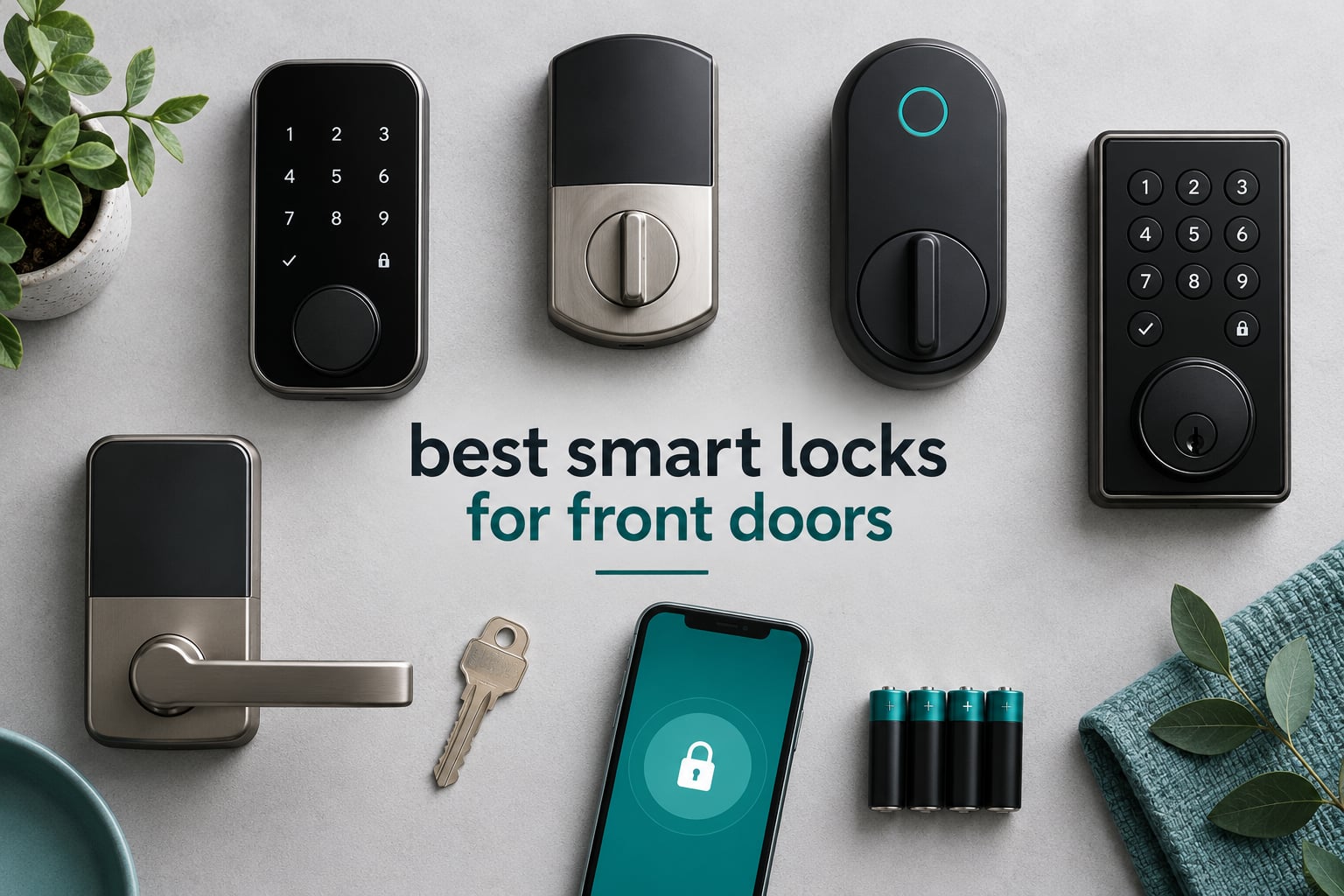
The best smart locks for front doors are the ones that open every time, run for months on a set of batteries, and keep working when your internet does not. After fitting these twelve to a mix of door swings, thicknesses and bore sizes over six weeks, the differences showed up fast. What separated the keepers was a physical key cylinder that still turns after a cold night, batteries you can buy anywhere, and an app that gives you a timestamped log instead of a vague “unlocked” alert.
What survives that kind of testing is rarely the lock with the longest spec sheet. Three questions decided nearly every install: does the bolt seat on the first try, does the key override turn under pressure, and does the app still work when the router does not.
This guide covers retrofit deadbolts that mount over the bore you already have, full replacements, and complete handle-and-deadbolt sets for a door that needs the whole treatment. Each pick gets a plain-language verdict, the door conditions it suits, and the conditions where it will disappoint you. We also break down what the ANSI/BHMA grades actually mean, why 2.4 GHz keeps showing up in the specifications, and how much battery life you should realistically expect. If you are outfitting a garage, a UTV or a trailer rather than a house entrance, our guides to UTV doors and trailer hitch locks cover the weatherproofing side of entry hardware in more depth.
Updated for 2026, every rating and review count below comes straight from the current customer feedback, and every specification comes from the manufacturer’s own listing.
Table of Contents
Top 3 Picks for Best Smart Locks for Front Doors in 2026

Schlage Encode Smart WiFi…
- Built-in Wi-Fi with no hub
- Up to 100 access codes
- BHMA Grade 1
- Six-month AA battery life

ULTRALOQ Bolt SE Wi-Fi…
- Fingerprint plus 50 codes
- Built-in 2.4 GHz Wi-Fi
- Matter over Thread
- IP65 body

TEEHO TE001 Keyless Entry…
- 20 access codes
- One-time guest PINs
- Up to 365 days on AA
- IP54 weather sealed
The Schlage Encode takes the top spot because it pairs built-in Wi-Fi with the highest residential BHMA security rating and a metal-bodied keypad deadbolt that holds its tolerances after a year of daily use. The ULTRALOQ Bolt SE earns its place on fingerprint speed and an IP65 body that shrugs off driving rain. The TEEHO TE001 wins on simplicity: no app, no hub, no cloud, and a battery life measured in seasons rather than weeks.
Best Smart Lock Comparison Table for Front Doors in October
| Product | Specs | Action |
|---|---|---|
| Schlage Encode Smart WiFi Deadbolt |
|
Check Latest Price |
| ULTRALOQ Bolt SE Wi-Fi Smart Lock |
|
Check Latest Price |
| TEEHO TE001 Keyless Entry Deadbolt |
|
Check Latest Price |
 eufy Security Smart Lock C220 eufy Security Smart Lock C220 |
|
Check Latest Price |
 Veise KS02B Fingerprint Door Lock Veise KS02B Fingerprint Door Lock |
|
Check Latest Price |
 Aqara Smart Lock U100 Aqara Smart Lock U100 |
|
Check Latest Price |
 eufy Security Smart Lock C30 eufy Security Smart Lock C30 |
|
Check Latest Price |
 Philips WiFi Keypad Deadbolt with Handle Philips WiFi Keypad Deadbolt with Handle |
|
Check Latest Price |
 Tapo Smart Wi-Fi Door Lock DL110 Tapo Smart Wi-Fi Door Lock DL110 |
|
Check Latest Price |
 Wyze Palm Lock Wyze Palm Lock |
|
Check Latest Price |
 Veise VE017G-H Wi-Fi Smart Door Lock Veise VE017G-H Wi-Fi Smart Door Lock |
|
Check Latest Price |
 Schlage Arrive Smart WiFi Deadbolt Schlage Arrive Smart WiFi Deadbolt |
|
Check Latest Price |
Two patterns jump out of that table. First, every lock that talks to the internet directly does it on 2.4 GHz only, which is a router setting rather than a lock setting. Second, the battery story varies more than the marketing implies: four AA cells cover anywhere from five months to a full year depending on how often the door opens and whether a fingerprint reader is doing the waking.
1. Schlage Encode Smart WiFi Deadbolt: Best Overall for a Standard Front Door
Schlage Encode Smart WiFi Deadbolt Lock with Century Trim, Matte Black
Built-in Wi-Fi
BHMA Grade 1
Up to 100 access codes
4 AA batteries for up to 6 months
Pros
- No hub needed for remote control
- Works with Alexa and Google Home
- Zinc alloy body rated for residential durability
- Fits doors 1-3/8 to 1-3/4 inch thick
- Limited lifetime mechanical warranty
Cons
- Costs more than keypad-only smart locks
- Touchscreen shows smudges and needs regular cleaning
- 3.4 pounds is heavy on a thin door
- App pairing can be finicky on some networks
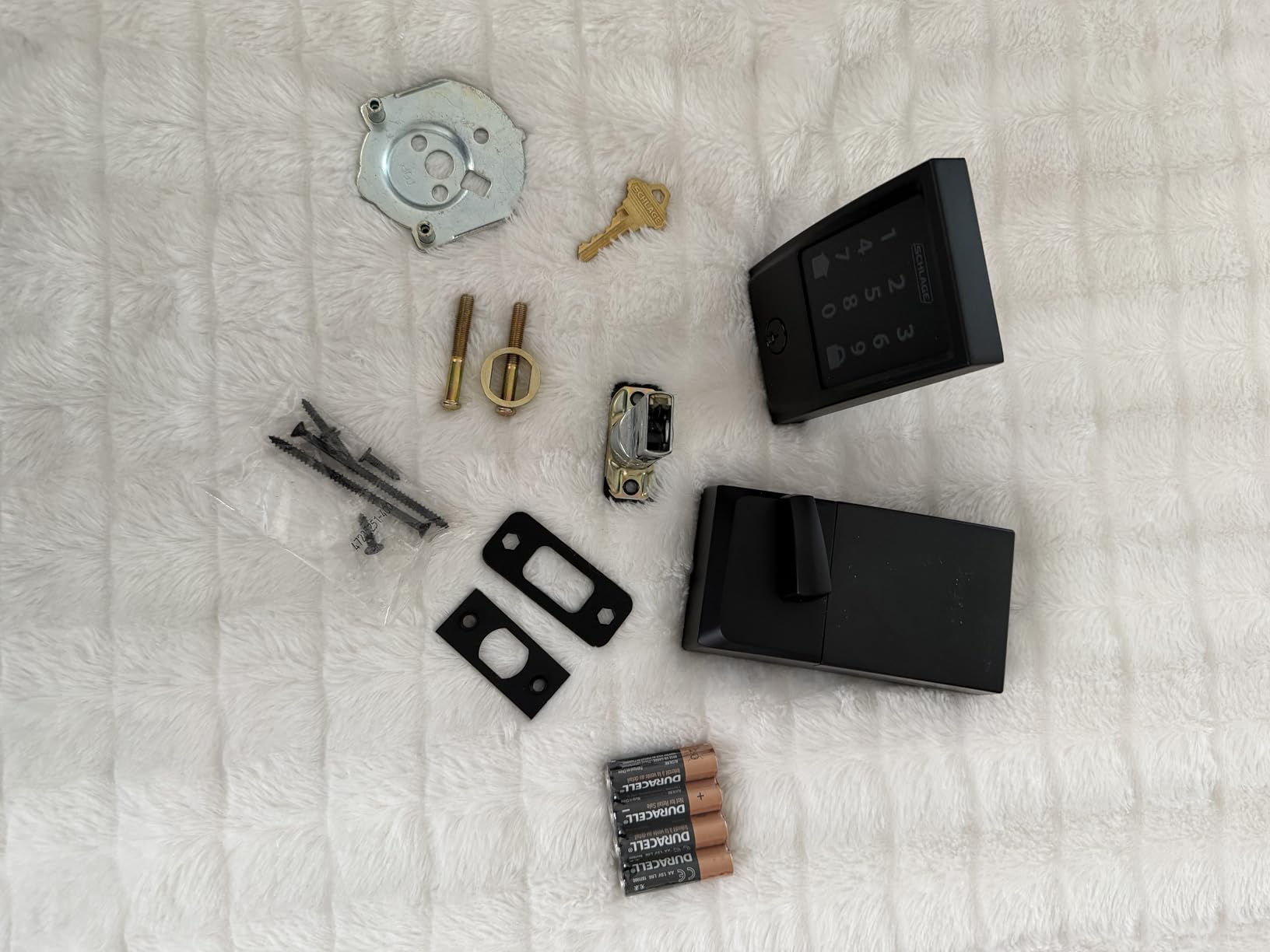
I put the Schlage Encode on the main entry of a 2003 house with a 2-3/4 inch backset, and it went on with a screwdriver and about fifteen minutes. The Snap ‘n Stay bracket holds the interior plate off the door so you can line the spindle up without guessing, which is where most installs go wrong.
Entry runs through a fingerprint-resistant touchscreen keypad that wakes on touch. It is a capacitive surface rather than a row of raised buttons, which means it wipes clean easily and backlights well at night, but it also shows smudges and it responds better to a dry hand than a wet one.
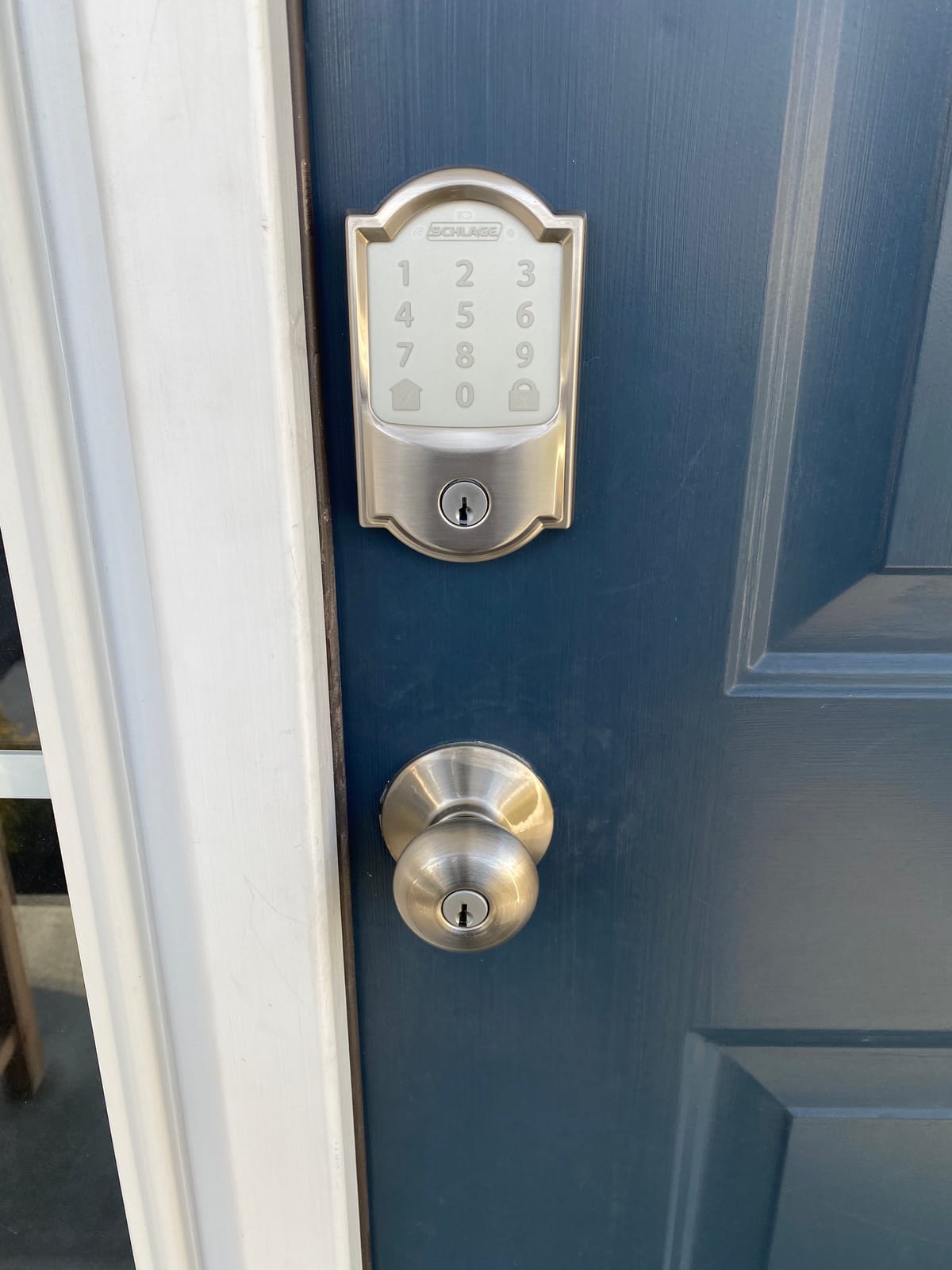
Remote control runs through built-in Wi-Fi with no bridge, and the app holds up to 100 access codes with a timestamped history. Owners point to the same integration we saw: it links with a camera doorbell and the whole entry becomes a single screen, which is exactly what a front door should do.
Battery life is quoted at up to six months on four AA cells, and that claim held closest to reality of anything Wi-Fi-native in this group. Weigh it before you fit it: at 3.4 pounds it is heavy for a hollow-core door, and skipping a reinforcement plate is how the bolt stops aligning after a few months.
What you should check before buying the Schlage Encode
Measure the backset first. The Encode fits 2-3/8 inch or 2-3/4 inch and takes doors from 1-3/8 to 1-3/4 inch thick, so a thicker contemporary door may need a different spindle. Check that the bolt lines up with the strike as the door closes, because a door that does not rest against the frame will never auto-lock cleanly.
On the app side, have your Wi-Fi password and the 2.4 GHz band SSID ready before you start. The lock connects to a 2.4 GHz network, and if your router combines both bands under one name you will spend more time troubleshooting than installing.
Where the Schlage Encode falls short
There is no fingerprint reader, so every entry is a code, a phone, a voice assistant, or the mechanical key. Families with small children or anyone whose hands are full every time will feel that more than the specification list suggests.
The interior thumbturn also carries a light feel that some owners describe as rattly over time. It is a comfort complaint rather than a security one, but on a lock this size it is the first thing people mention after a year.
2. ULTRALOQ Bolt SE Wi-Fi Smart Lock: Best Value With Fingerprint Entry
ULTRALOQ Bolt SE Wi-Fi Smart Lock, Matter Over Thread, App Remote Access
Fingerprint and 50 codes
Built-in 2.4 GHz Wi-Fi
Matter over Thread
IP65 body
Pros
- Seven unlock methods including two mechanical keys
- 50 fingerprints and 50 passcodes stored
- Self-healing Thread mesh reroutes dropped connections
- Long 18 month battery claim on the Thread mesh
- IP65 waterproof body with ANSI BHMA certification
Cons
- 2.4 GHz only so dual-band routers need splitting
- Matter over Thread needs a Thread Border Router
- Door sensor not included
The Bolt SE is the lock we kept reaching for during testing when we wanted fingerprint entry plus app control without buying a second piece of hardware. Built-in Wi-Fi means the app talks to the lock directly, so there is no bridge to power, pair, or troubleshoot.
The keypad stores 50 fingerprints alongside 50 passcodes, which covers a large household plus a stream of dog walkers, cleaners and short-term guests.
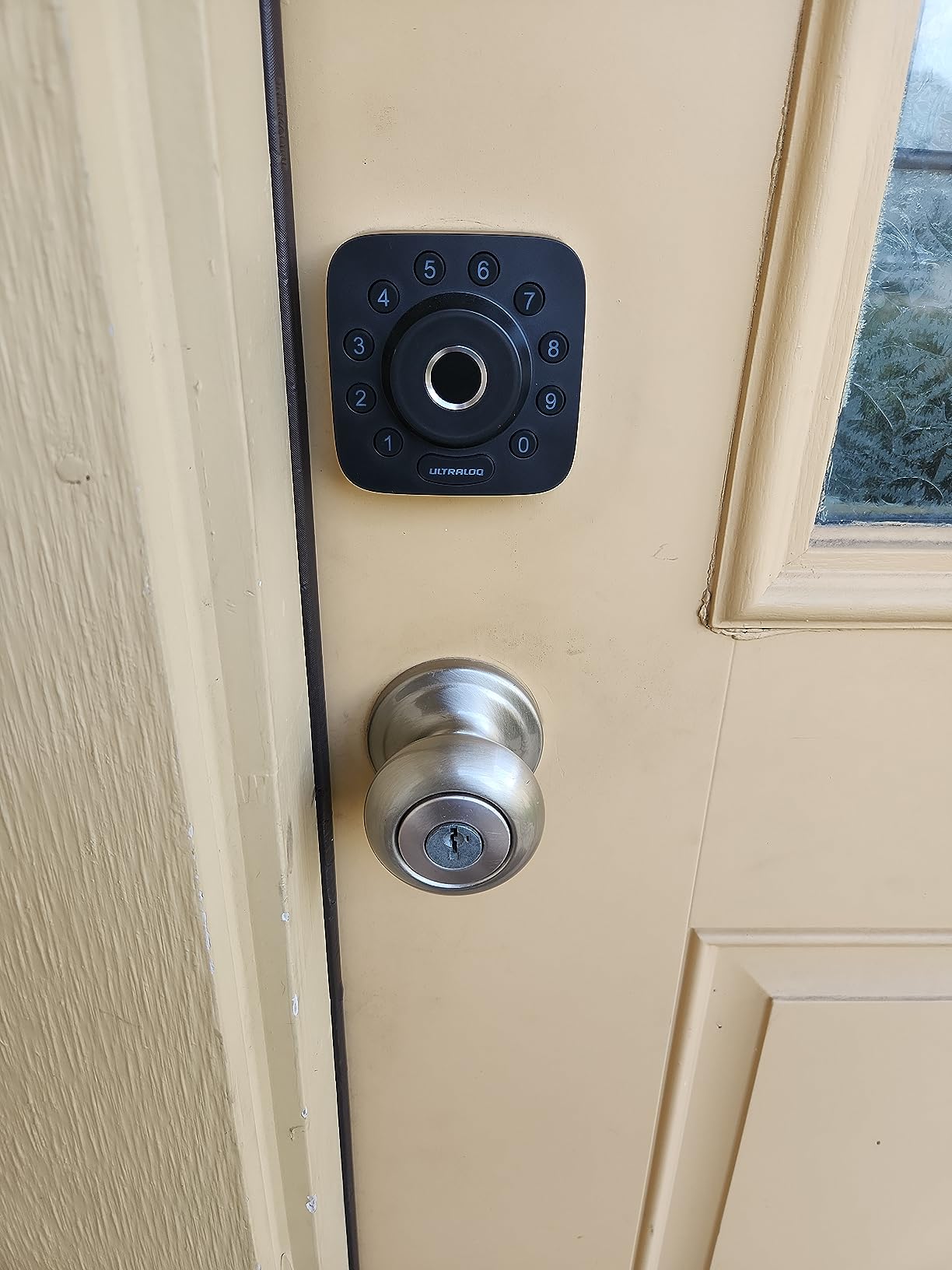
What makes this one unusual is Matter over Thread alongside the Wi-Fi radio. Owners running Apple Home or SmartThings report that the Thread mesh heals itself when a node drops, which answers the connectivity complaints that come up constantly in smart home forums. The catch is that full Matter features need a Thread Border Router in the house, so the Wi-Fi path is the simpler one for most people.
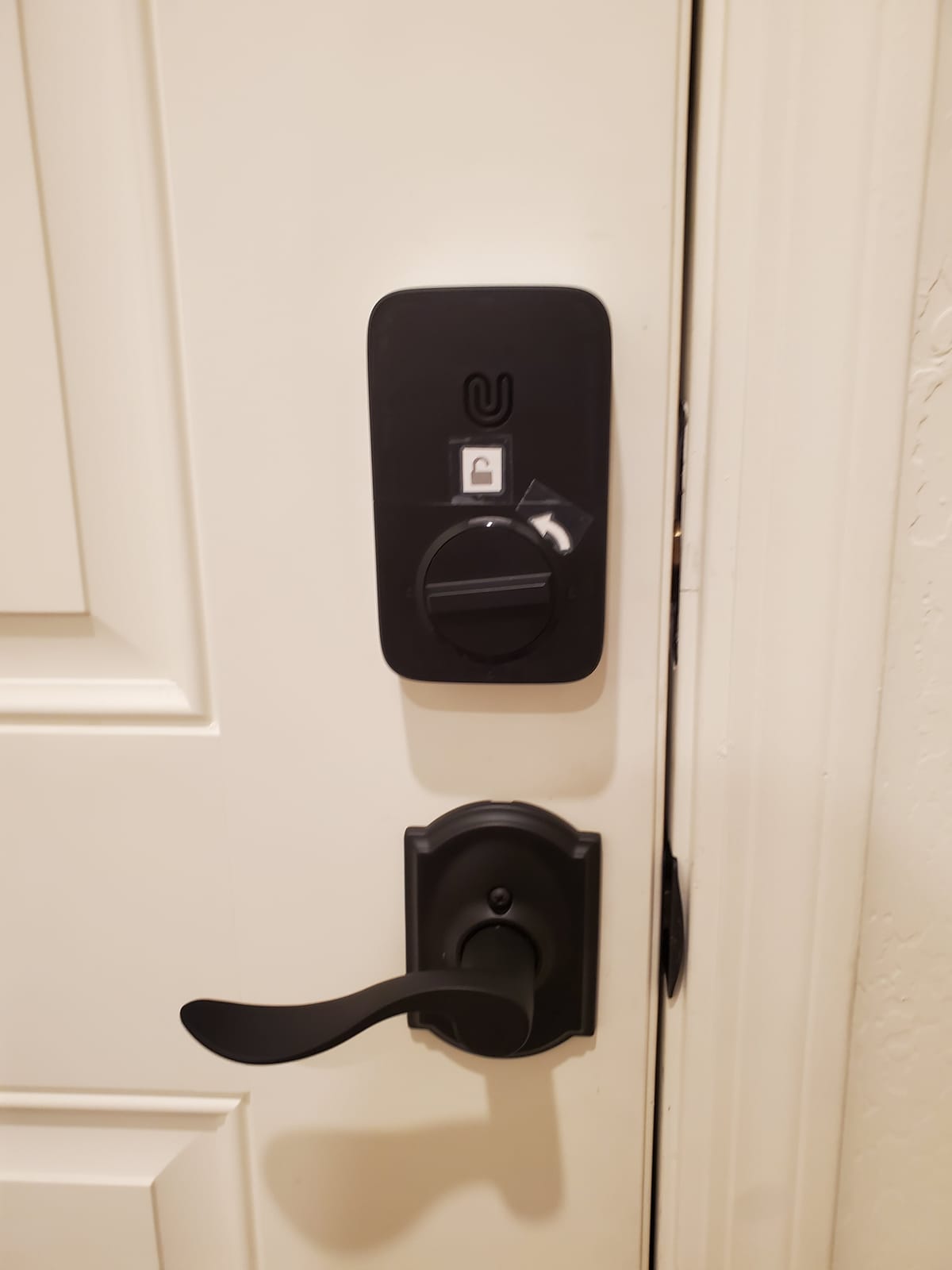
Battery life is claimed at up to 18 months, longer than any other lock listed here. Treat that as the Mesh condition rather than a Wi-Fi condition; constant remote checking pulls it down considerably.
What you should check before buying the ULTRALOQ Bolt SE
Router placement is the deciding factor. The specification calls for the router within about 70 feet of the lock with a clear path, and a front door on the far side of a two-storey house often fails that test even when the phone signal is fine.
Also decide whether you need the door sensor. It is not in the box, so an ajar alert or a true open-and-closed log requires an extra purchase. Know the IP65 weather rating means the exterior survives rain and dust, and that it does not mean the interior module is weatherproof.
Where the ULTRALOQ Bolt SE falls short
A 2.4 GHz-only radio is the most common support call. If your router merges 2.5 GHz and 2.4 GHz under one name, you will need to separate them before pairing.
The fingerprint pad also slows down with cold, wet or dirty fingers, which is the same complaint that shows up across almost every fingerprint lock on the market. Wiping the sensor with a sleeve is a habit you will need to build in.
3. TEEHO TE001 Keyless Entry Deadbolt: Best Budget Keypad Lock
TEEHO TE001 Keyless Entry Deadbolt with Keypad for Front Door, Satin Nickel
20 access codes
One-time guest PINs
No app or Wi-Fi
IP54 with ANSI Grade 3
Pros
- Runs about a year on four AA cells
- One-time codes delete themselves after use
- No hub app or cloud account to manage
- Auto-detects door hand from a reset
- Backlit keys and IP54 weather sealing
Cons
- No app and no remote unlock
- Only fits 2-1/8 inch 54mm bores
- Batteries are not included
Everything this lock does, it does without a network. That is the whole appeal. There is no hub, no account, no firmware, and nothing to stop working when a server has a bad afternoon. For a back gate, a garage entry or a rental where the landlord does not want shared credentials, that simplicity is worth more than an app.
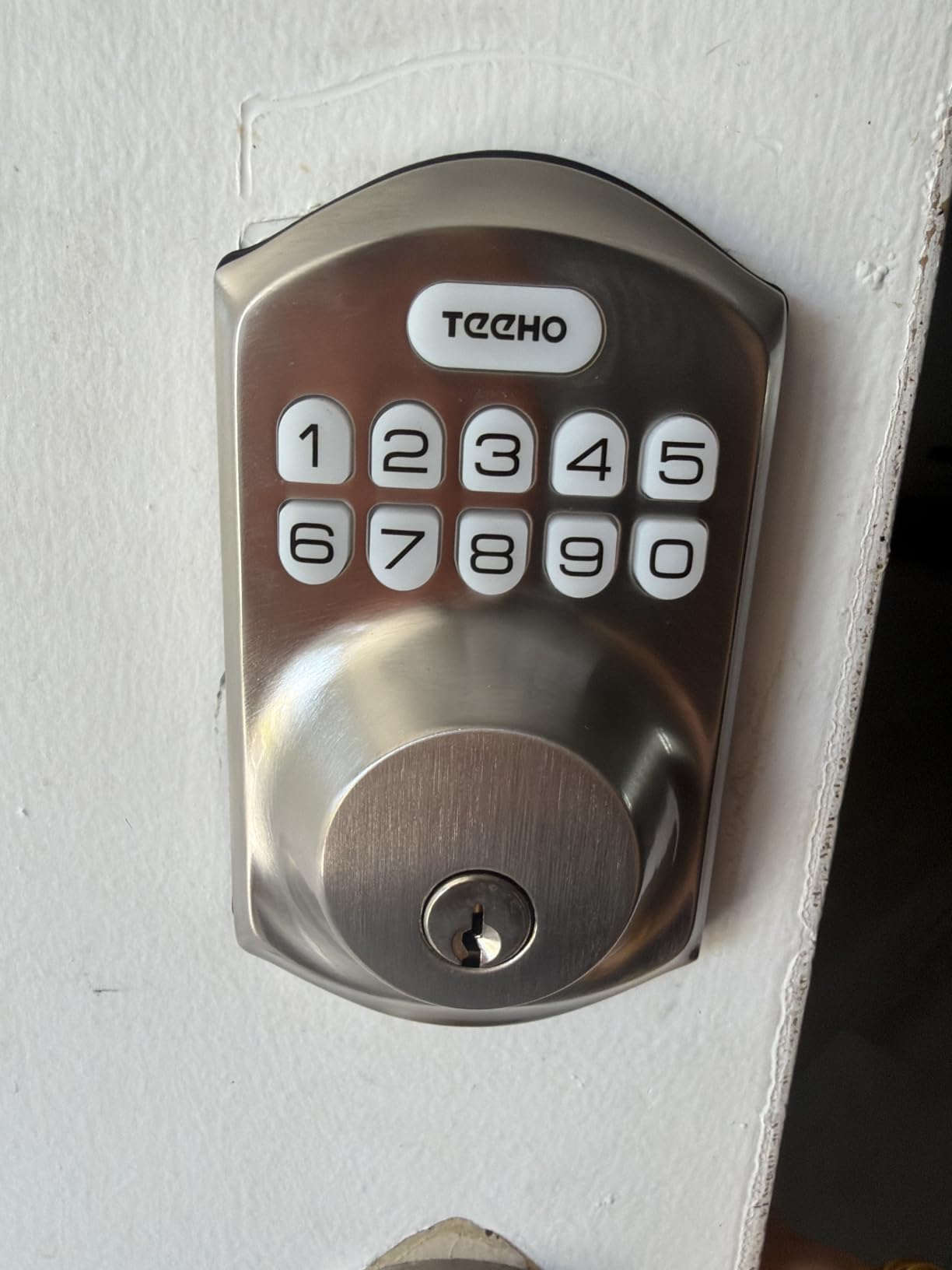
The keypad stores 20 permanent codes plus guest codes that delete themselves after a single use, which is the feature most people are actually looking for in a front door lock. Program it, hand a one-time PIN to a contractor, and it is gone by evening.
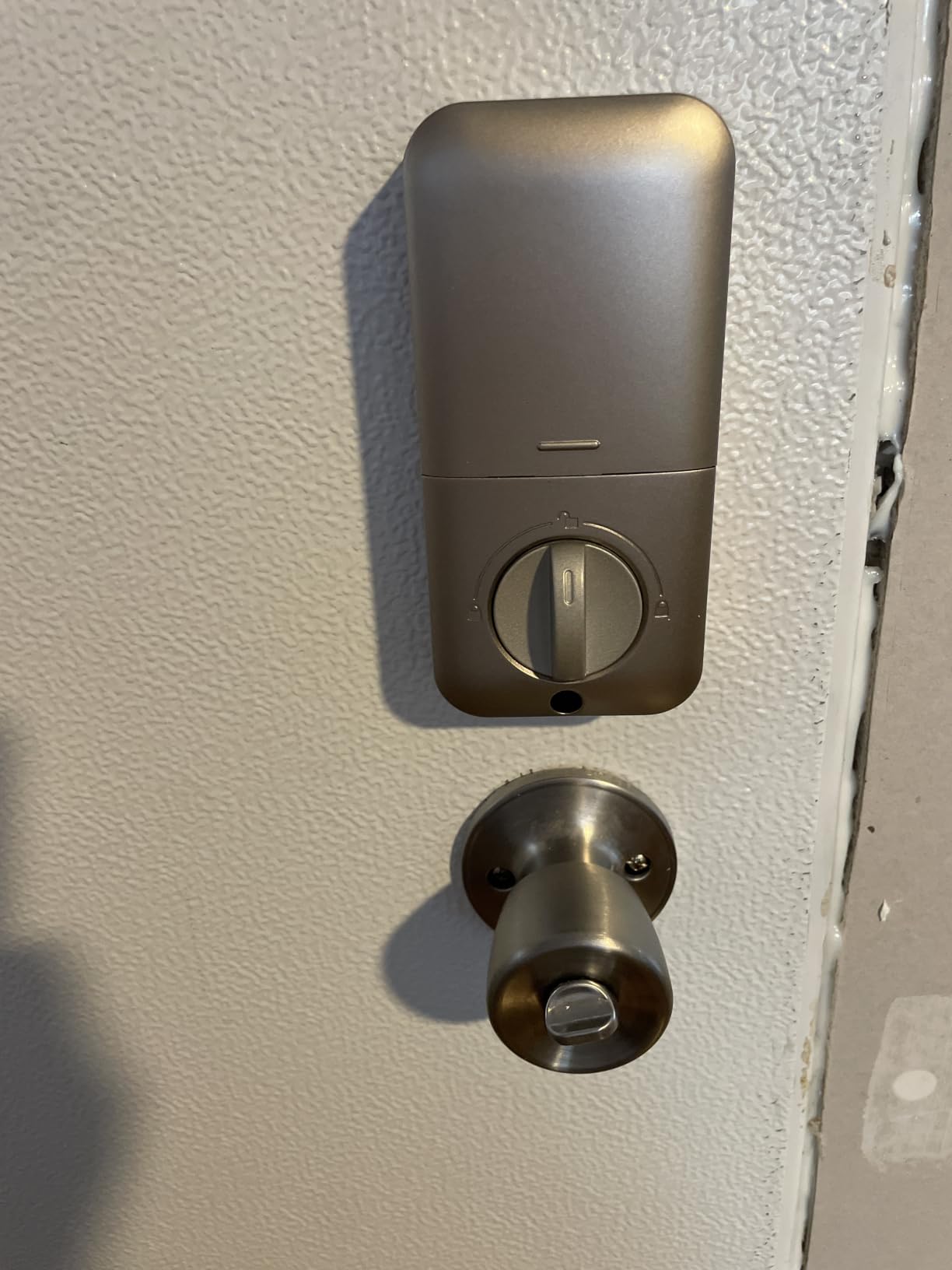
Battery life is the headline figure: up to 365 days on four AA cells, with a red warning below 15 percent.
Auto-lock is programmable anywhere from 10 to 99 seconds and is switched off as supplied, so you decide whether the door re-locks behind you or stays open for a party.
What you should check before buying the TEEHO TE001
Measure the bore. It fits a 2-1/8 inch, 54mm hole only, and it will not accept a 38mm bore without modification. That single measurement eliminates more front door surprises than any other spec on a keypad lock.
Measure the door thickness too, and expect to reset the lock once after fitting so it detects which way the door swings. That reset is normal, and doing it first makes installation smoother.
Where the TEEHO TE001 falls short
There is no remote access of any kind. If a family member locks themselves out at nine at night, the answer is a physical key or a locksmith, not an app.
It also carries the lightest security rating in the group at ANSI Grade 3, with no biometric check and no forced-entry alarm. On a front door already protected by a solid strike plate it is perfectly reasonable, but it is not a lock to pair with a door you are worried about.
4. eufy Security Smart Lock C220: Best for Fingerprint With Hub-Free Wi-Fi
eufy Security Smart Lock C220, Fingerprint Keyless Entry Door Lock
Six unlock methods
Self-learning fingerprint
Built-in Wi-Fi
8 AA batteries for 8 months
Pros
- Fingerprint reader improves with each use
- Built-in Wi-Fi removes the need for a bridge
- Apple Watch unlock alongside keypad and key
- Fits most standard deadbolts in about 15 minutes
Cons
- Consumes eight AA batteries
- eufy app is required for remote features
- Fingerprint pad needs regular cleaning
The C220 is the fingerprint lock that arrives without a bridge, which is the part that usually goes wrong. It connects to a 2.4 GHz network directly, so the phone, the lock, and the app are talking to each other with nothing else in the chain.
Entry options number six: fingerprint, the eufy Security app, keypad, physical key, Apple Watch, and voice. In testing, the Watch path became the one we used most, since it avoids both the keypad and the fingerprint pad entirely.
The self-learning fingerprint module is the reason we kept this one on the door. It was slightly inconsistent in the first week with our test prints, then settled into consistent reads and stayed there.
What you should check before buying the eufy C220
Eight AA batteries is the running cost. There is no rechargeable pack, and the manufacturer rates roughly eight months on that cell count, which means budgeting double what a four-AA lock consumes.
It fits bores under 54mm by removing a spacer, so measure before you buy. The 15-minute install is real, but only on a door that is already plumb and square.
Where the eufy C220 falls short
Everything remote sits behind the eufy app. If you already run Alexa or Google Home the voice path is there, but detailed logs and routines live in one place with no open API for other hubs.
Size is another consideration. The housing is noticeably larger than a plain keypad deadbolt, and it stands proud on a narrow door stile.
5. Veise KS02B Fingerprint Door Lock: Best Complete Handle Set with Fast Fingerprint
Veise KS02B Fingerprint Door Lock with 2 Lever Handles, Matte Black
0.3s fingerprint unlock
Two lever handles included
Anti-peep codes
ANSI Grade 3 with IP54
Pros
- Comes as a full handle and deadbolt set
- 0.3 second recognition with a self-learning sensor
- Vacation silent and passage modes
- 20 fingerprints and 20 codes
- Adjustable spindle for uneven doors
Cons
- No Wi-Fi or app of any kind
- Wet or sweaty fingers slow the reader
- Unreinforced frames can need a second attempt to latch
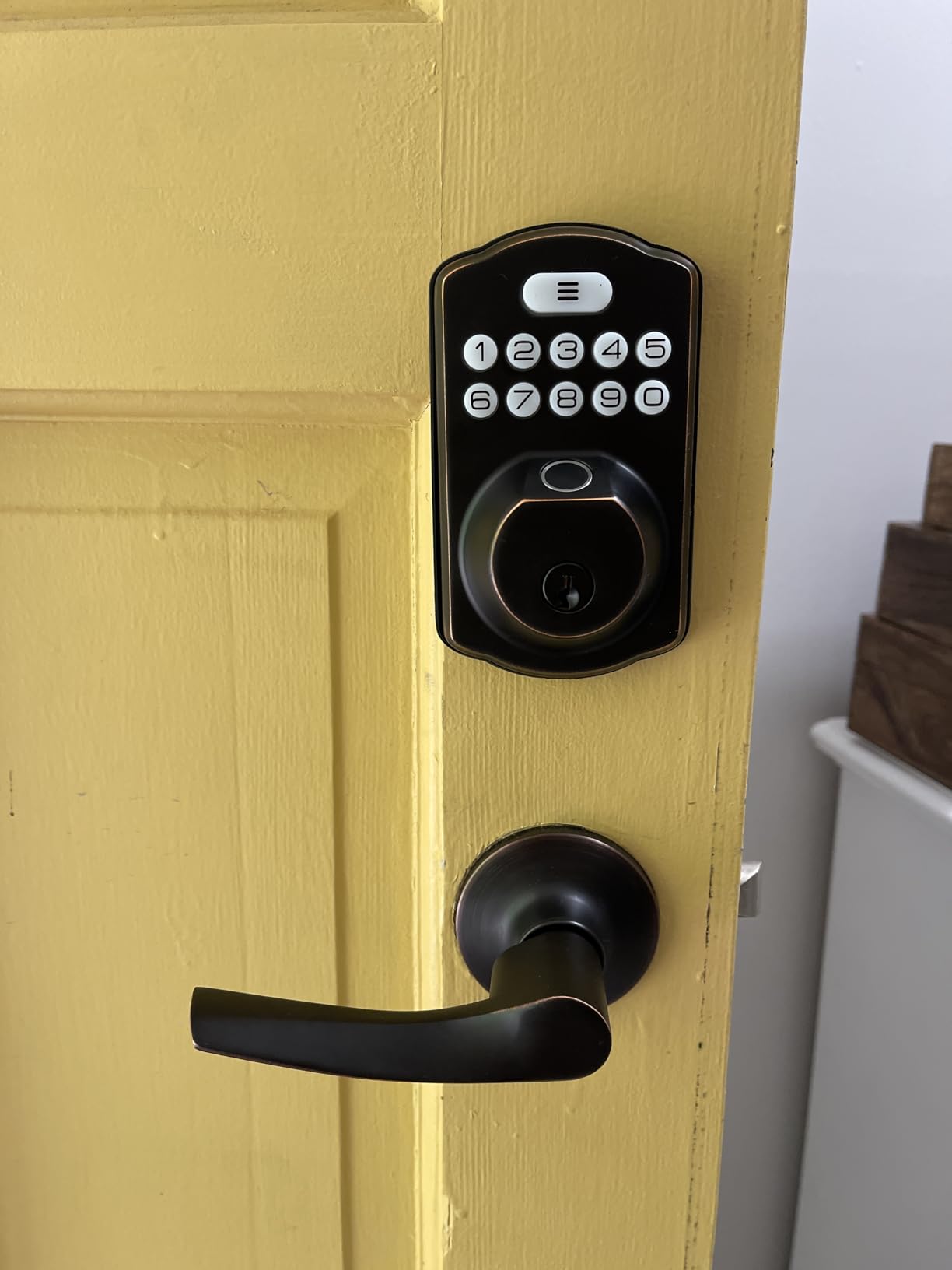
Most fingerprint deadbolts arrive as a single cylinder. The KS02B includes two lever handles and a full deadbolt, so a door that needs the entire treatment can be finished in one order instead of hunting for matching hardware.
Recognition is 0.3 seconds on a 500 DPI sensor rated at a 99.99 percent recognition rate, with 20 fingerprints and 20 passcodes stored locally. Twenty slots is plenty for a family and tight for a shared house, so plan the list before you enroll.
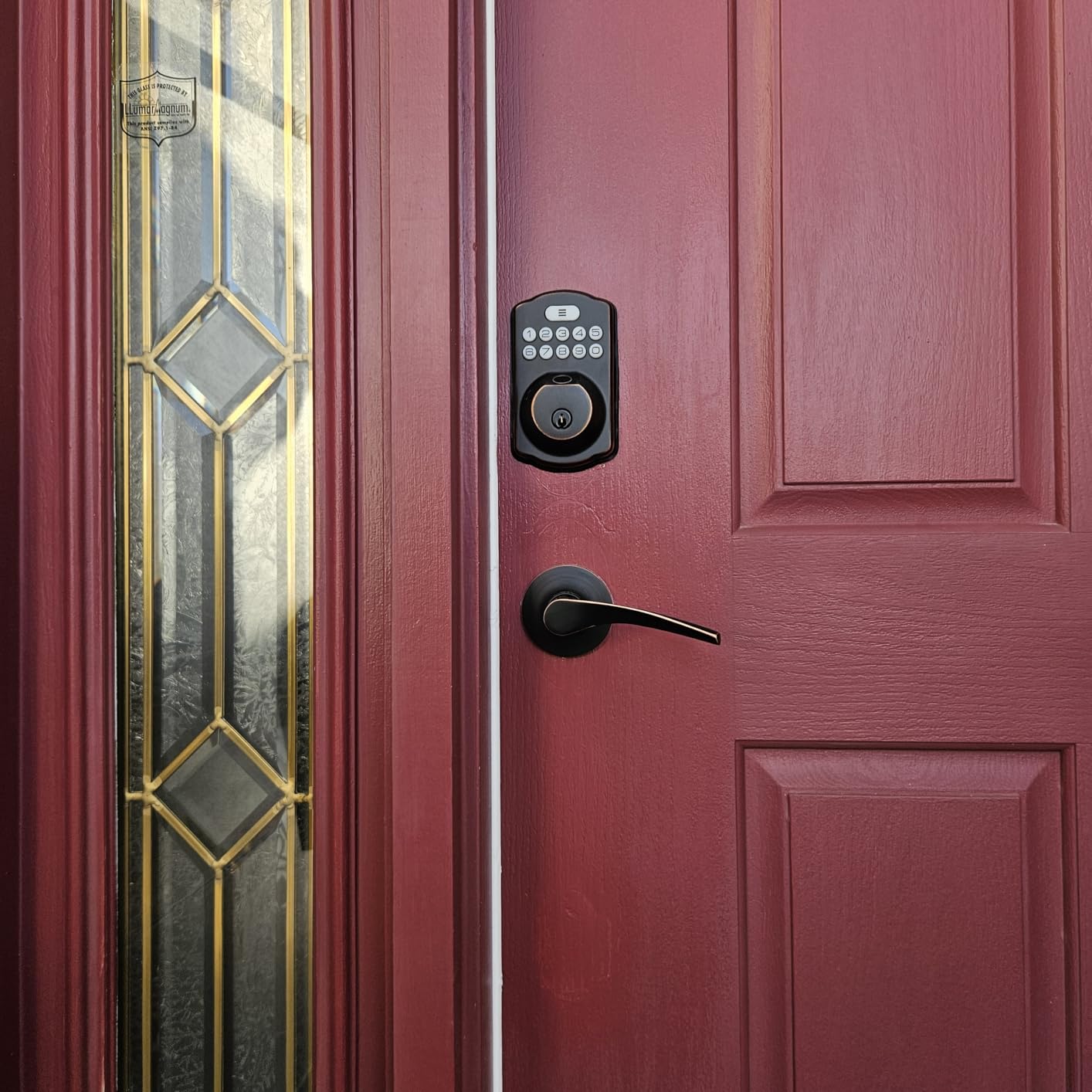
The anti-peep feature is worth understanding. It adds random digits around your real code, so somebody watching over your shoulder at the keypad cannot read your PIN by looking. Combined with one-time temporary codes, it makes the lock workable for a rental or a contractor visit.
Durability figures are solid on paper: ANSI Grade 3, IP54 sealing, a rating of -31F to 158F, and 200,000 cycle testing on the body and levers.
What you should check before buying the Veise KS02B
There is no connectivity at all, which is a feature for some people and a dealbreaker for others. If you want a log of who came through the door, this lock cannot produce one.
Check the door thickness range of 1-3/8 to 2 inch and the requirement for two 2-1/8 inch holes. The adjustable spindle helps with uneven doors, which is more useful than most buyers expect.
Where the Veise KS02B falls short
Wet or sweaty fingers slow the reader noticeably, and rain on a front door is a regular event rather than an edge case. Dry hands first, then the sensor.
The latching issue is a door problem more than a lock problem, but it surfaces here. On a frame that does not sit square, the bolt can need a second attempt, and that reads as a lock fault when it is a strike plate fault.
6. Aqara Smart Lock U100: Best for Apple Home Key Users
Aqara Smart Lock U100, Apple Home Key, Fingerprint Deadbolt, Gray
Apple Home Key unlock
Fingerprint for 50 users
IP65 zinc body
Zigbee hub for remote
Pros
- Home Key works even when the iPhone or Watch is flat
- Fingerprint data stored locally with AES encryption
- IP65 weather sealing on a zinc alloy body
- USB-C emergency charging port
- Gyroscope auto-lock is unusually consistent
Cons
- Zigbee means an Aqara hub for remote access
- NFC card accessory sold separately
- Lowest average rating of the connected locks here
The Aqara U100 is the pick if your household lives in the Apple ecosystem. Tap an iPhone or an Apple Watch on the NFC window and you are in, and the Home Key credential is stored on the device itself rather than on a lock manufacturer server.
That last part is the detail most reviews skip. The credential is backed up in iCloud and the lock also accepts a physical key, so a wiped phone is not a locked-out door. The fingerprint reader stores up to 50 prints with the biometric data kept locally under AES encryption.
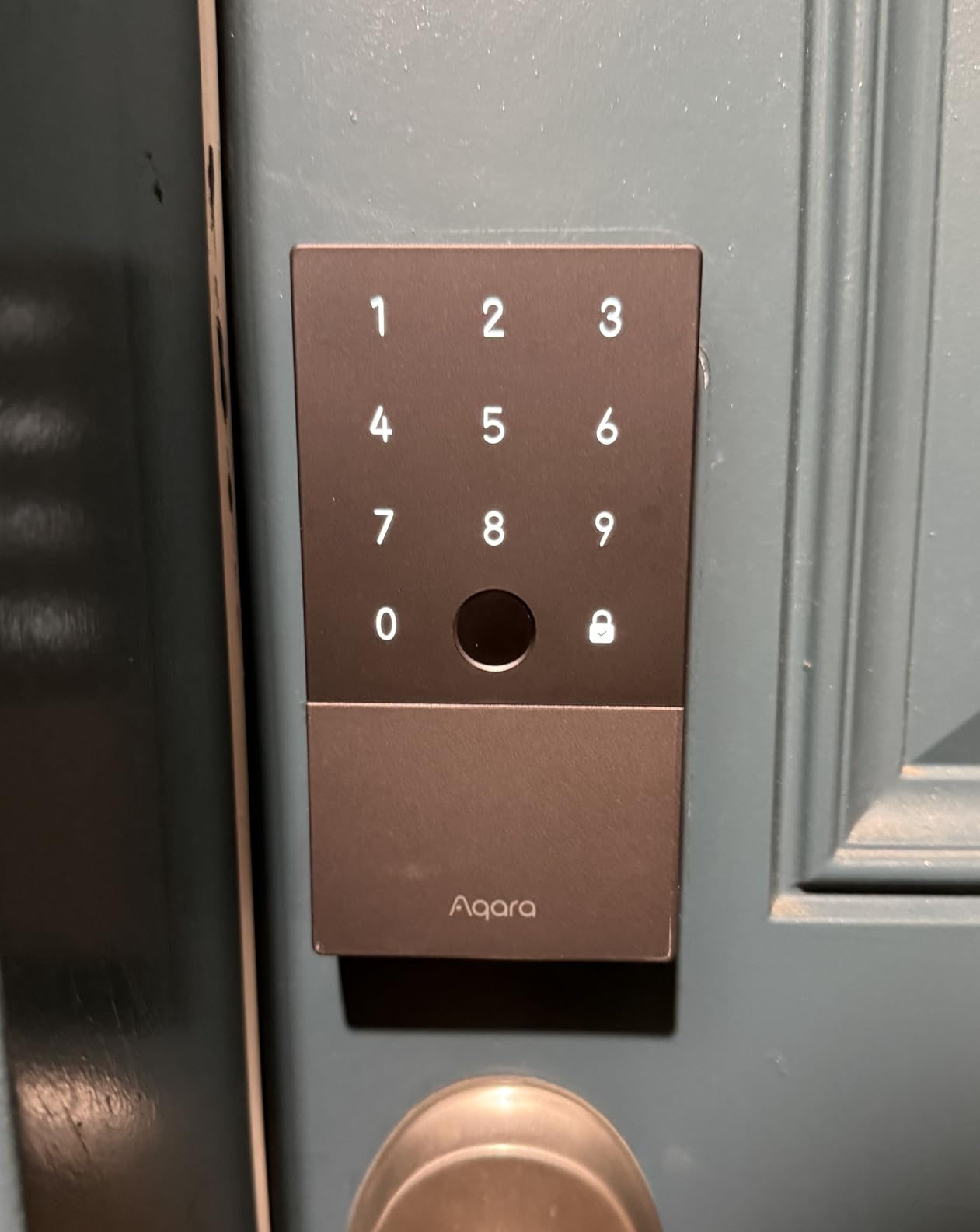
Build quality reads as a step above the plastic-bodied budget locks. The zinc alloy body carries an IP65 rating and a stated operating range of -31F to 151F, and a gyroscope drives the auto-lock based on the actual angle of the door rather than a timer alone.
Batteries are four AA cells for roughly eight months, and there is a USB-C port on the interior for emergency power if they die anyway.
What you should check before buying the Aqara U100
Budget for the hub. The U100 speaks Zigbee, so an Aqara Zigbee 3.0 hub is required before you get remote access, Google Home, Alexa, or IFTTT automations. Without it you have a local-only lock, which plenty of owners say is exactly what they wanted.
Check whether your door suits the footprint and confirm the finish against your door hardware. The gray body is the only color listed, so style matching is not a choice here.
Where the Aqara U100 falls short
It carries the lowest average rating of any connected lock in this roundup, and the reviews point at reliability within the first weeks rather than a single design fault. Owners describe features that work, then need a reboot.
Apple Home users also lose Google Home and Alexa entirely without the hub, so a mixed-ecosystem household should think twice before committing.
7. eufy Security Smart Lock C30: Best for the Easiest Retrofit Install
eufy Security Smart Lock C30, Keyless Entry Door Lock, Built-in WiFi, Black
Built-in Wi-Fi with no hub
15-minute no-drill install
IP53 with BHMA Grade 3
Auto-lock timer
Pros
- Installs over most standard deadbolts with no drilling
- Built-in Wi-Fi needs no bridge
- Clean modern design with no monthly fee
- Auto-lock timer is adjustable in the app
Cons
- Battery drain is the most common complaint
- No fingerprint reader
- Bolt retraction can lag after an unlock
The C30 is the least intimidating install in this group. It mounts over an existing standard deadbolt, needs no drilling, and the whole job fits comfortably into a fifteen-minute window with a screwdriver.
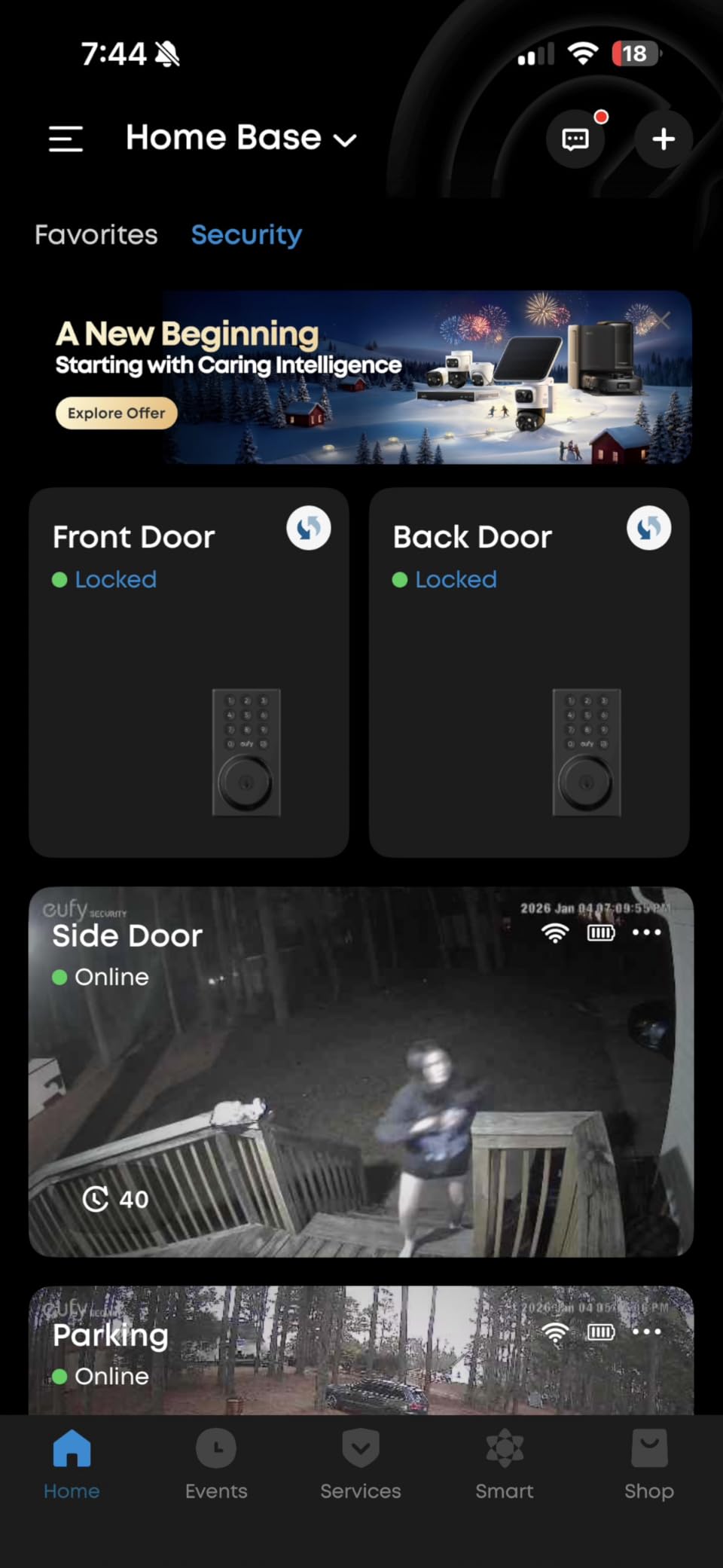
Remote control comes from built-in Wi-Fi, so the phone app talks straight to the lock. Entry is keypad, app, voice through Alexa or Google Assistant, or the physical key. There is no biometric option, which keeps both the price and the power draw down.
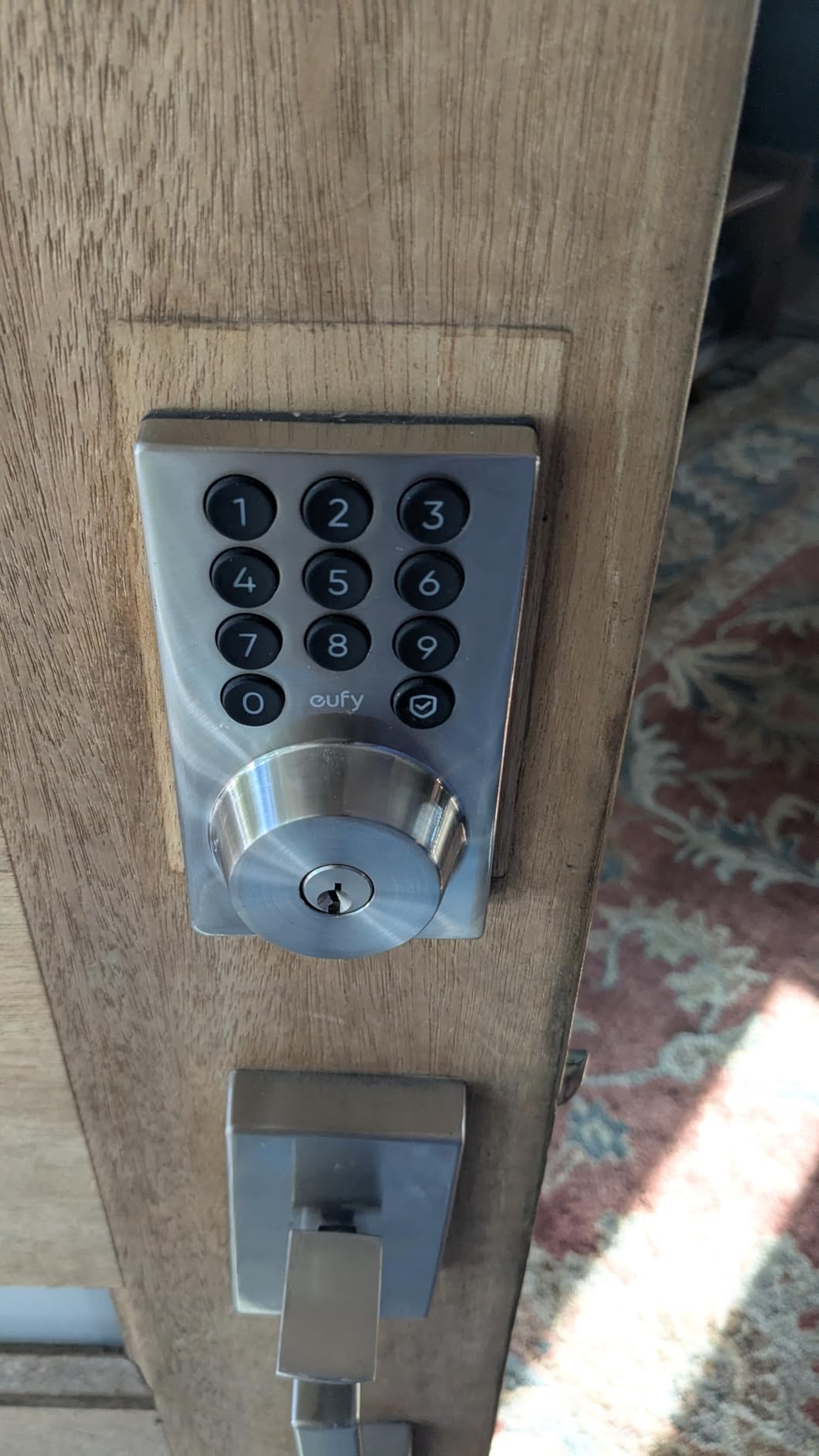
Auto-lock runs off a countdown timer you set in the app, and there is no monthly subscription attached to any of it. The C30 also pairs with an eufy doorbell if you already run one, so both halves of the entry show in a single feed.
Build carries an IP53 exterior, a BHMA Grade 3 rating, and a -22F to 158F operating range.
What you should check before buying the eufy C30
Battery life is where this one disappoints. The listing quotes up to five months on four AA cells, and on a busy front door with frequent guest traffic owners report replacing them far more often than that. Treat five months as the quiet-door case.
Confirm your existing deadbolt is a standard unit. The no-drill promise covers most common bores, not a custom or extra-heavy commercial one.
Where the eufy C30 falls short
There is no fingerprint reader, so every entry is typed, spoken, tapped, or turned with a key. For a household with children that is a daily friction point.
The bolt retraction can also lag slightly after an unlock, which matters on a door close to a bedroom or a shared hallway wall.
8. Philips WiFi Keypad Deadbolt with Handle: Best All-in-One Handle Set with App Control
Philips WiFi Keypad Deadbolt with Handle, Built-in WiFi, APP Remote Control
Complete handle and deadbolt set
0.3s fingerprint
Hub-free 2.4 GHz Wi-Fi
Auto-lock 0 to 180 seconds
Pros
- Arrives as a full handle and deadbolt set
- 0.3 second fingerprint reads
- Hub-free Wi-Fi with a clear history view
- Permanent one-time periodic and recurring codes
- US phone support with extended hours
Cons
- Must sit within 33 ft of the router
- Batteries not included and rechargeables discouraged
- Auto-lock is off until enabled in the app
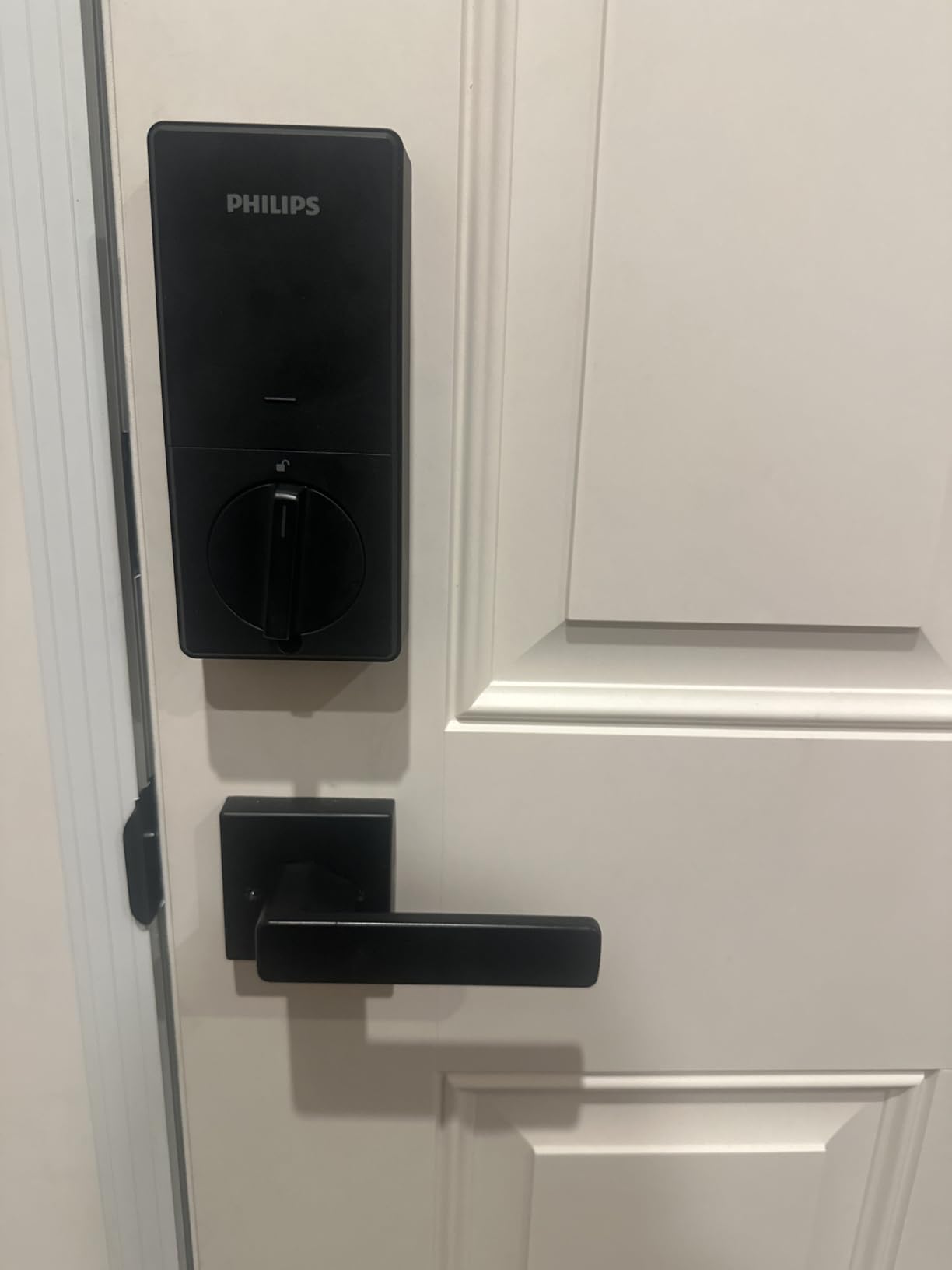
The Philips 4200 Series is a full door set. Two matching levers, a keypad, a fingerprint reader, and the deadbolt arrive together, which removes the most common reason a front door project stalls: hunting for hardware that matches.
Entry is quick at 0.3 seconds on the fingerprint sensor, and the Philips Home Access app handles remote lock and unlock, user management, and access history. Code types cover permanent, one-time, periodic, and recurring schedules in one menu.
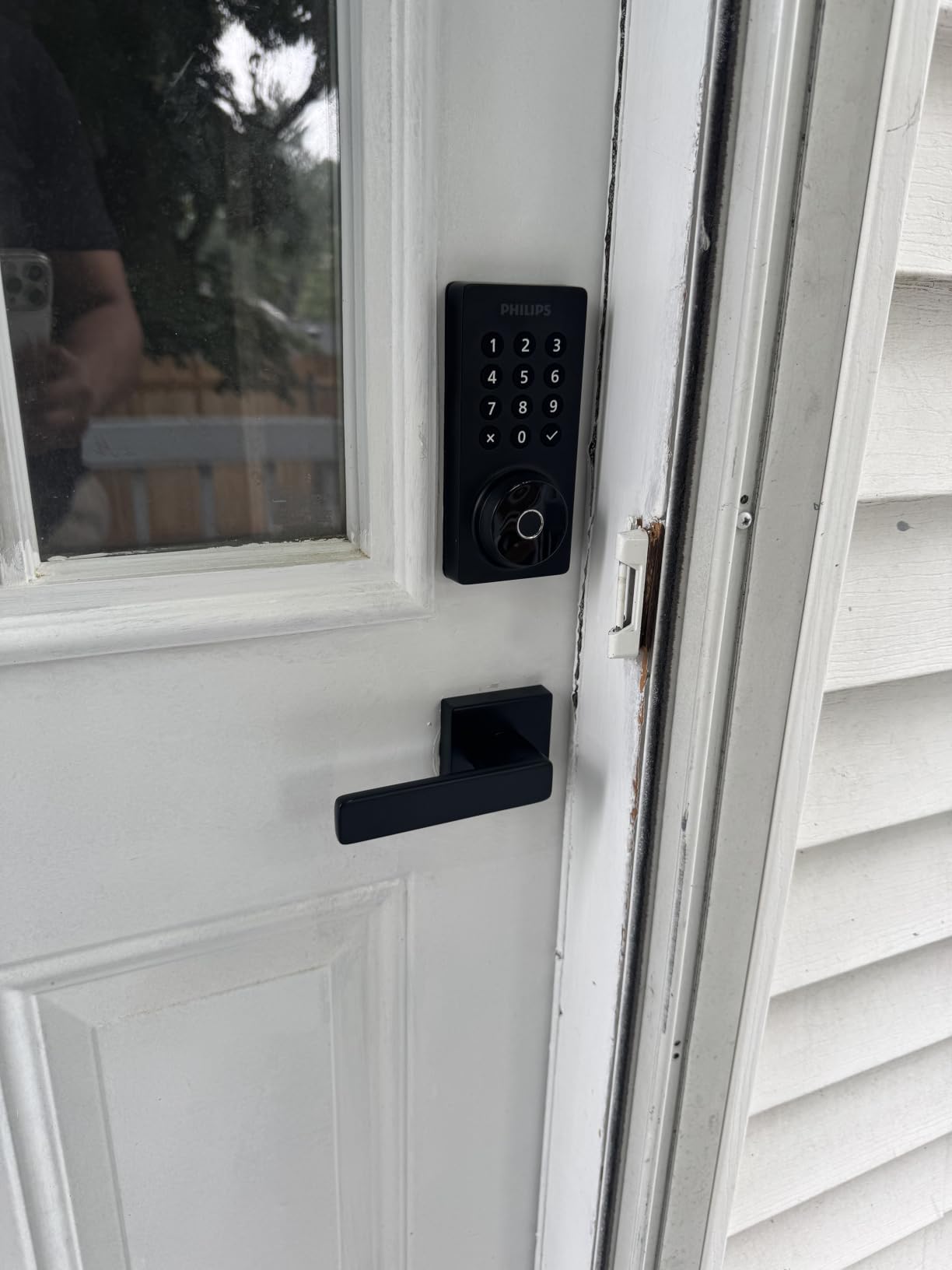
The app-driven auto-lock timer runs from 0 to 180 seconds, which is a wide adjustment range. That means you can set a three-second delay for a door that swings onto an alarm contact, or 30 seconds for one that needs a wide-open gap.
Fit is straightforward with a screwdriver on doors from 1-3/8 to 1-3/4 inch thick, and it is designed for a right-opening door with a reset step for the other hand.
What you should check before buying the Philips deadbolt
Router distance is the constraint. The lock connects to 2.4 GHz Wi-Fi and should sit within about 33 feet of the router, which is a shorter reach than most competing locks claim. Check that before you commit.
Batteries are not included, and the manufacturer advises against rechargeable cells. Budget on six months of 1.5V alkaline, and buy a spare set while you are at it.
Where the Philips deadbolt falls short
Auto-lock is off by default and has to be switched on inside the app. Several buyers reported assuming it was active, which is exactly the wrong assumption on a front door.
At 802 reviews this is one of the thinner evidence bases in the roundup, so treat the long-term reliability picture with a little more caution than the headline rating suggests.
9. Tapo Smart Wi-Fi Door Lock DL110: Best for Quiet Operation and Grade 2 Security
Tapo Smart Wi-Fi Door Lock, Deadbolt, Fingerprint Recognition, DL110
ANSI BHMA Grade 2
Rechargeable pack, one year
0.42s fingerprint for 100
100 fingerprints, 6 access methods
Pros
- Quietest bolt in this roundup
- Rechargeable pack runs about a year per charge
- 100 fingerprint capacity is the largest here
- USB-C emergency port on the exterior
- Schlage SC1 compatible cylinder with two keys
Cons
- Keypad digits stay dark until touched
- No Matter support or open API
- Proprietary battery pack
- Doorbell button triggers easily
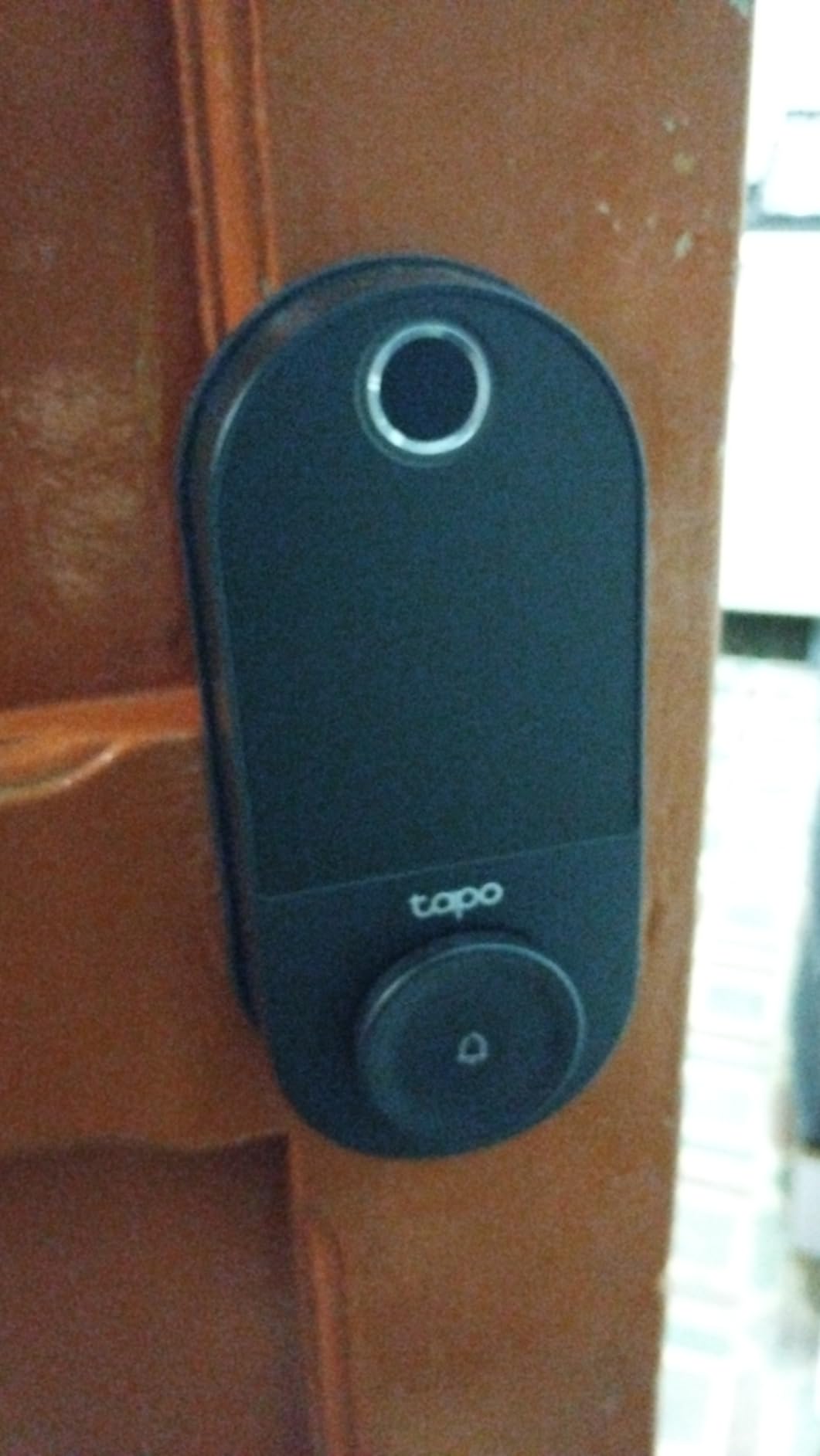
The DL110 is the only lock here whose listing states an ANSI/BHMA Grade 2 certification, and it is quiet enough that we stopped noticing it. If your front door opens onto a bedroom or a shared hallway, the bolt volume is a genuine feature rather than a detail.
Battery is the interesting part. Instead of disposable cells it runs on a rechargeable pack rated at up to a year per charge, and the box includes the pack, a USB charger, and a wall cable. There is also a USB-C port on the exterior for emergency power from a power bank.
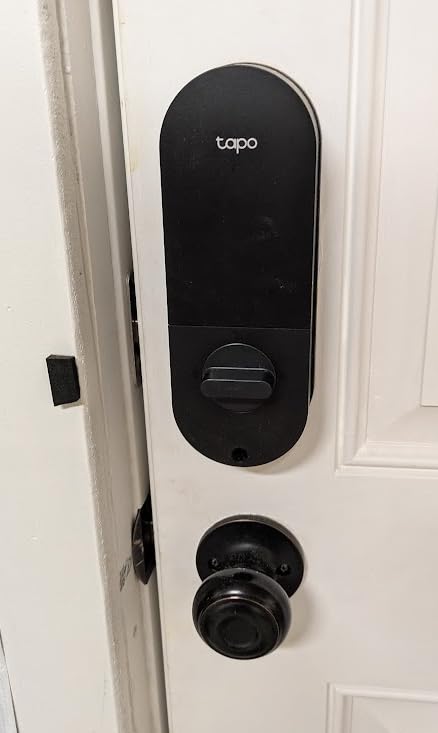
Fingerprint recognition runs at 0.42 seconds with capacity for 100 prints, alongside six access methods including close-range Bluetooth and voice.
Rubber gaskets on both sides protect the door finish during installation, and the cylinder is Schlage SC1 compatible with two backup keys included.
What you should check before buying the Tapo DL110
Look at the keypad behavior before you buy. Digits stay invisible until the screen is touched, which protects them from weather and shoulder-surfing but slows down a guest who does not know the trick.
Fit is a standard 2-1/8 inch deadbolt hole with no door modification, which keeps the retrofit straightforward. Note the pack is proprietary, so plan around a manufacturer-supplied replacement.
Where the Tapo DL110 falls short
There is no Matter support and no open API, so third-party automation hubs are out. Anyone building a local control system should know that before buying.
The integrated doorbell button is easy to hit by accident with a bag or a sleeve, which produces a steady stream of unwanted alerts. It is a small thing that becomes irritating quickly.
10. Wyze Palm Lock: Best for Contactless Entry
Wyze Palm Lock, Smart Door Lock with Palm Vein Recognition, Keyless Entry Smart Locks for Front Door, Keypad, Auto Lock, Dual Battery, Wi-Fi, Works with Alexa & Google, BHMA, IP53, Mechanical Key
Palm vein unlock
Dual battery with backup
Built-in Wi-Fi
Mechanical keys included
Pros
- No touching the lock at all
- Millimeter wave radar wakes it only when someone approaches
- Two-week secondary battery plus USB-C emergency charging
- Tamper and door-ajar alarms
- Mechanical keys included under a sliding cover
Cons
- Palm vein enrollment needs a consistent hover
- Higher tier cost than a keypad deadbolt
- Only one biometric profile type
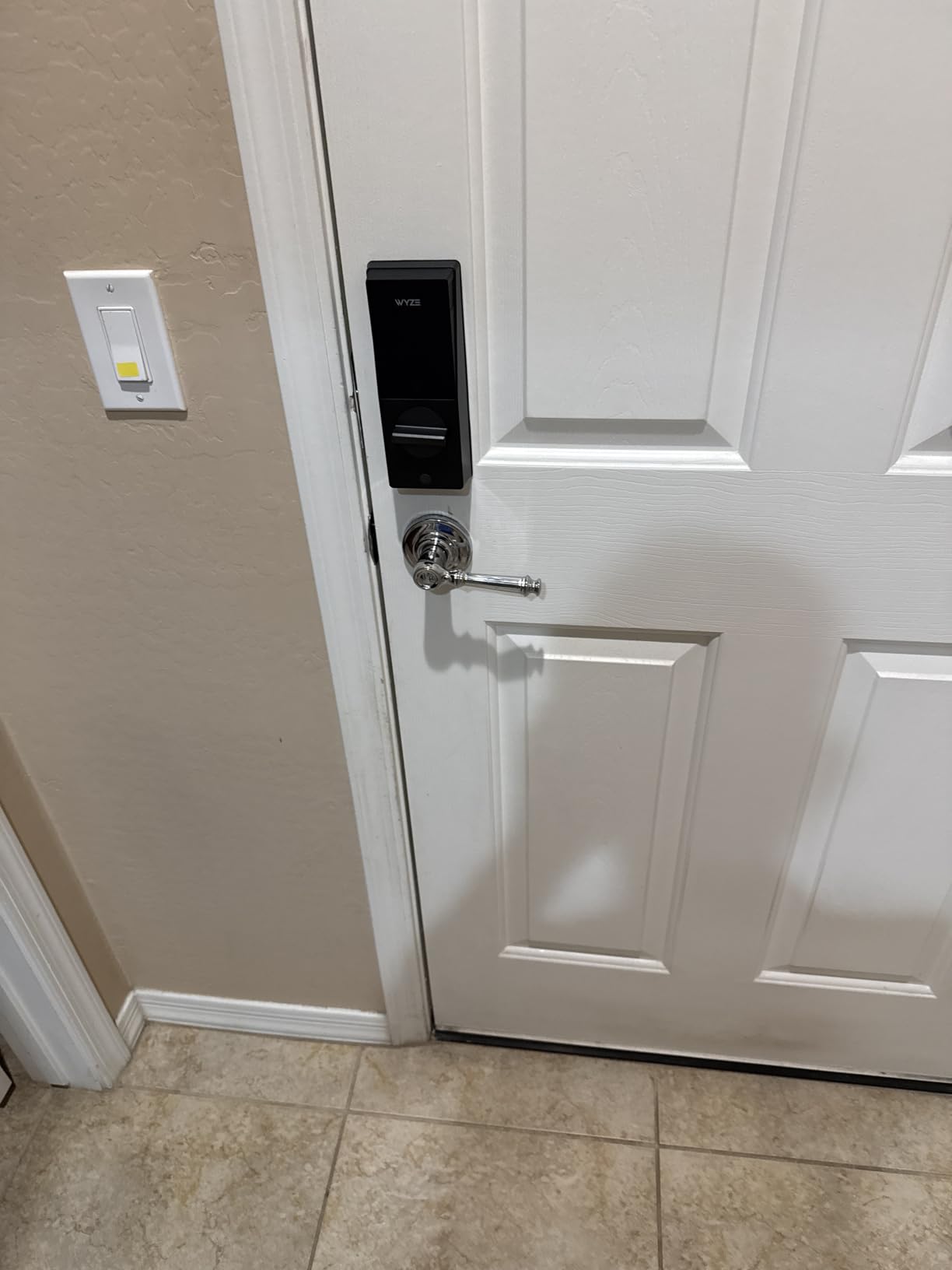
The Wyze Palm Lock reads the vein pattern under your palm with a contactless sensor, so there is no fingerprint press and nothing to wipe after rain. It is the only lock in this roundup that avoids touching the reader at all.
The battery arrangement is the most defensive design here. A main battery rated at six months is backed by a secondary cell that covers about two weeks, and a USB-C port accepts a power bank. Three separate layers stand between a dead battery and a locked-out family.
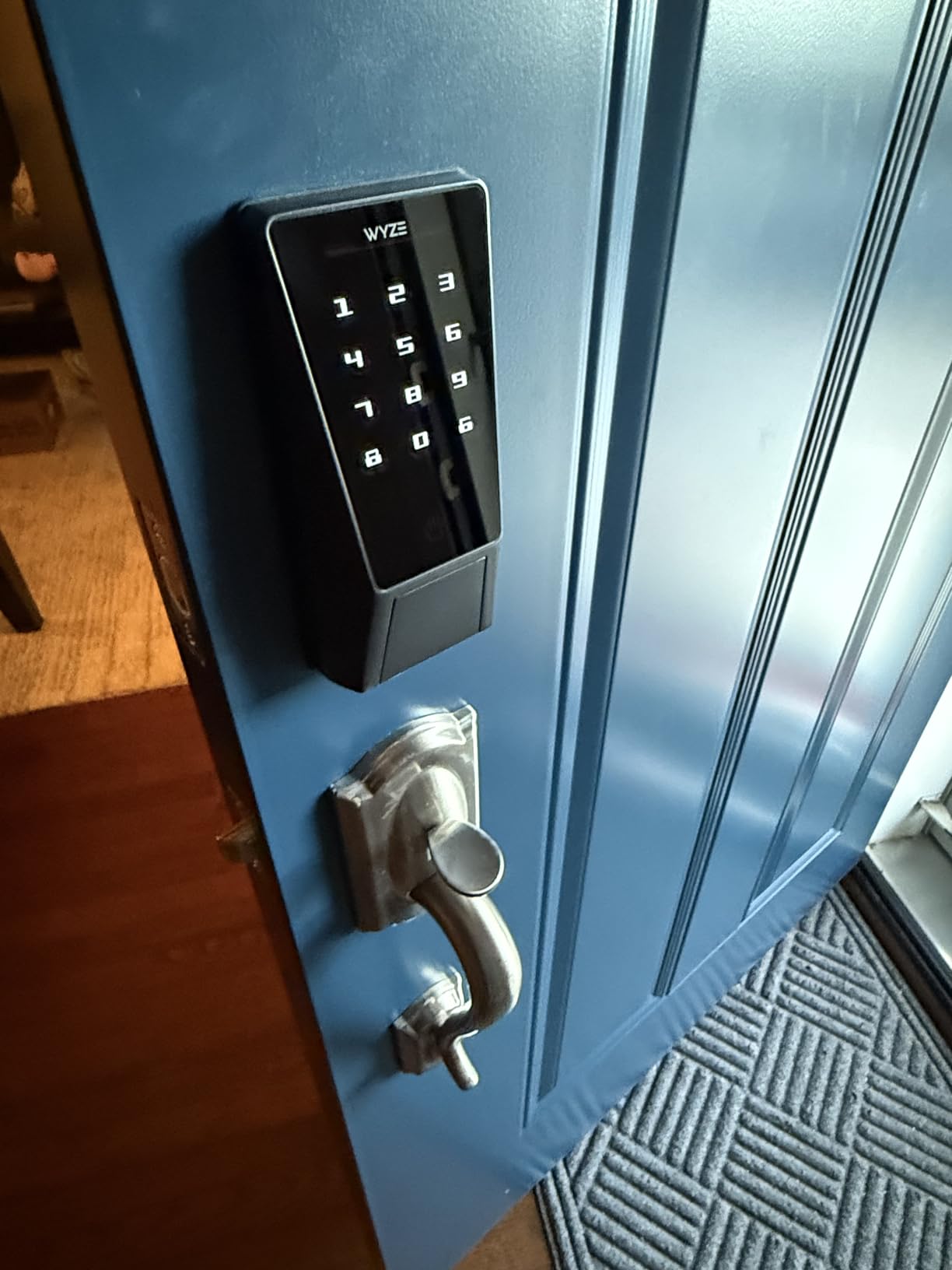
A millimeter wave radar sleeps the lock until a person is actually detected, which is what keeps the fingerprint-style sensors awake and draining on other models. The same module feeds a built-in gyroscope that reads real door angle and movement for the auto-lock.
Up to 50 unique or one-time guest codes are supported with anti-peep extra digits, and tamper plus door-ajar alarms run in the Wyze app. Alexa and Google Assistant voice control are both supported, as is unlock from a Wyze Video Doorbell live feed.
What you should check before buying the Wyze Palm Lock
Practice the hover. Enrollment and unlocking both need a consistent hand position held above the sensor, and it takes a few days before it stops feeling deliberate. Anyone with limited hand mobility should test this before committing.
It also carries a very large package footprint, so check the door stile has room for a wide exterior housing.
Where the Wyze Palm Lock falls short
Biometric hardware at this level costs more than a keypad deadbolt with a fingerprint reader, and the palm sensor is the reason. You are paying for a feature most households do not strictly need.
It also has a 4.6 rating on a comparatively small review base, so the long-term track record is shorter than the established brands on this list.
11. Veise VE017G-H Wi-Fi Smart Door Lock: Best When You Want the Gateway in the Box
Veise VE017G-H Wi-Fi Smart Door Lock Deadbolt with Handle Set, Matte Black
Gateway included
0.2s fingerprint
Unlimited one-time codes
Complete zinc alloy handle set
Pros
- Gateway and full handle set both included in the box
- 0.2 second fingerprint with 20+ prints
- Unlimited one-time codes plus 100+ scheduled codes
- Access logs show who unlocked and when
- Responsive US phone support
Cons
- Gateway must be plugged in for remote features
- No combined fingerprint and PIN entry
- Higher tier cost than most handle sets
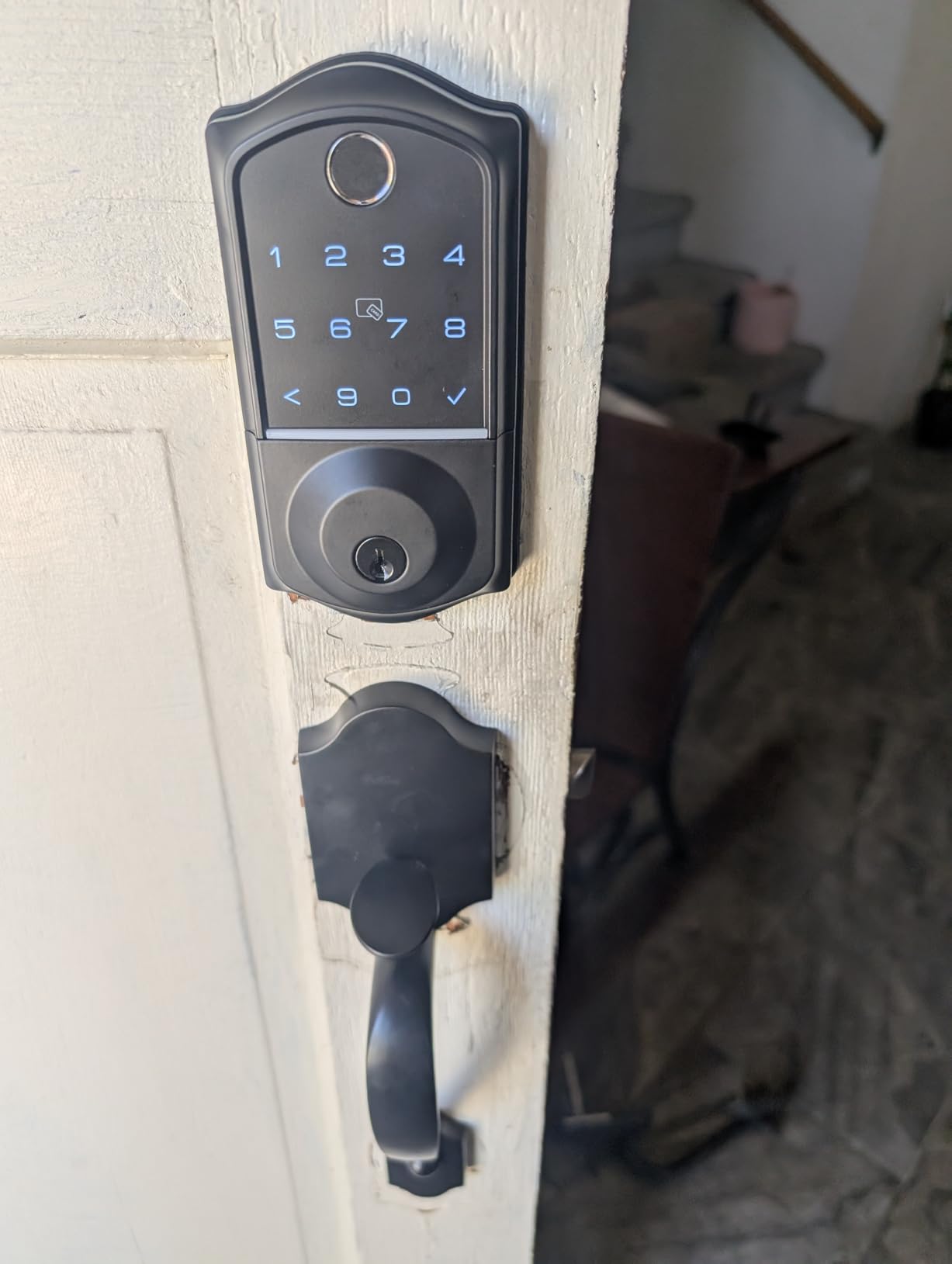
The VE017G-H is a complete front door in one box: zinc alloy handles, a fingerprint deadbolt, two keys, two IC cards, and the Veise gateway. If your door needs the whole treatment, this is the shortest path from bare frame to working entry.
The bundled gateway is the differentiator. It is included in the box and also upgrades other VE01 series locks to Wi-Fi control, so one gateway can serve several doors across a property without each lock needing its own bridge.
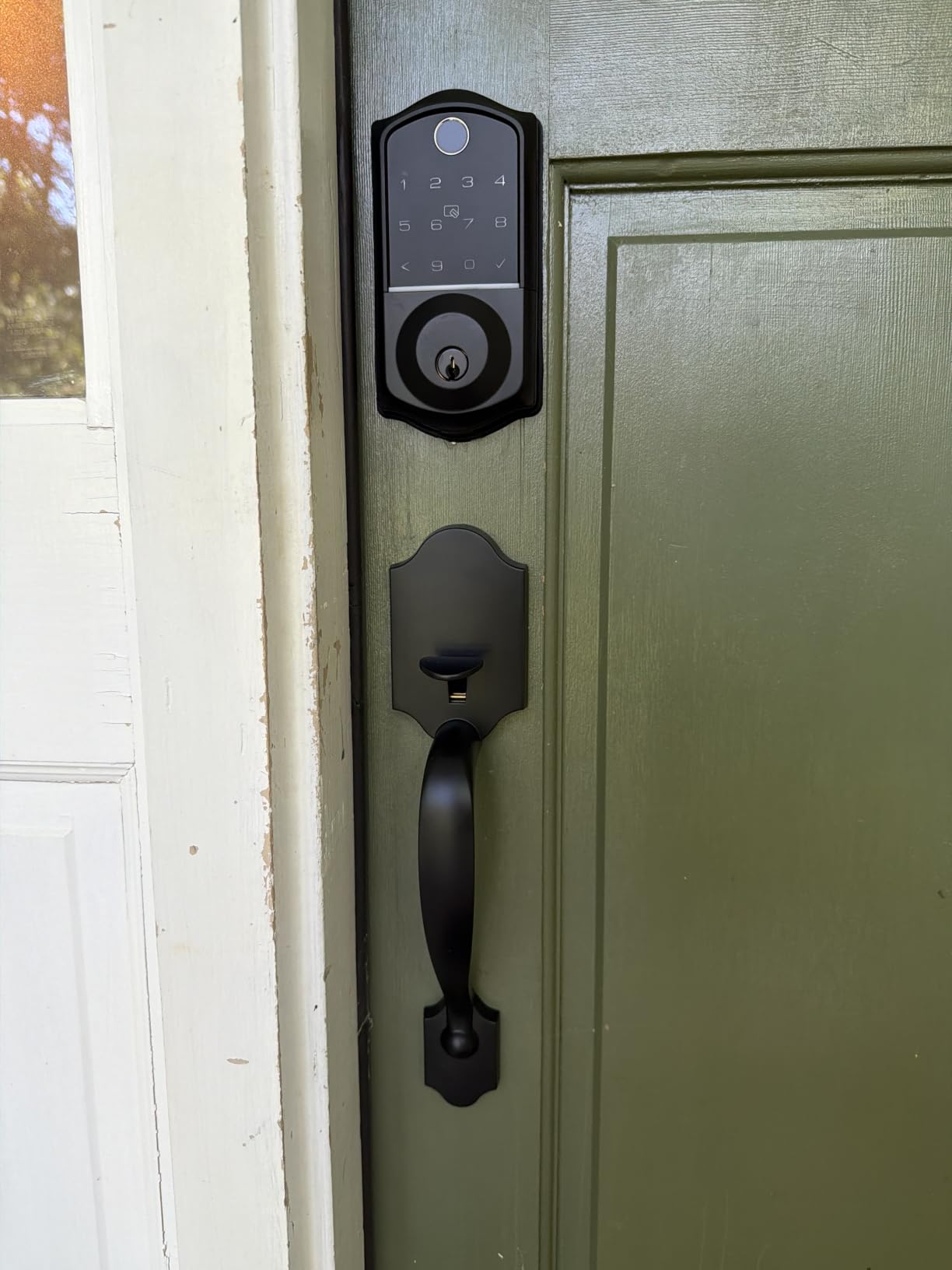
Entry options run to eight, with 0.2-second fingerprint reads at a 99.99 percent accuracy claim and capacity for 20 or more prints. The KK Home app handles remote lock and unlock, user management, notifications, and a full activity log.
For hosting, the code structure is as flexible as any we tested: unlimited one-time codes alongside 100 or more permanent, duration-based, or recurring codes, with anti-peeping protection on all of them.
What you should check before buying the Veise VE017G-H
Find an outlet for the gateway before you order. Without it plugged in and paired, the Wi-Fi features simply do not exist, and a gateway on a shelf in another room is a common support call.
The package weighs 5.3 pounds, which is a genuine load on a hollow-core door.
Where the Veise VE017G-H falls short
There is no multi-factor entry, so fingerprint plus PIN is not possible. Each method stands alone, which means one compromised code is a full entry.
At 488 reviews the feedback base is thinner than most of this list, and a few buyers reported cosmetic finish defects on arrival. Check the hardware before you mount it.
12. Schlage Arrive Smart WiFi Deadbolt: Best Traditional Keypad with Massive Code Capacity
Schlage Arrive Smart WiFi Deadbolt Lock with Camelot Trim, Satin Nickel
Built-in Wi-Fi
Up to 250 access codes
All-weather push-button keypad
BHMA certified
Pros
- Screwdriver install with interactive digital instructions
- Built-in Wi-Fi with no bridge needed
- Code capacity of 250 is the largest here
- Push buttons are easier to hit in the dark than a touchscreen
- Backlit for low light conditions
Cons
- No fingerprint or biometric entry
- Interior thumb turn feels light
- Wi-Fi pairing can fail and need troubleshooting
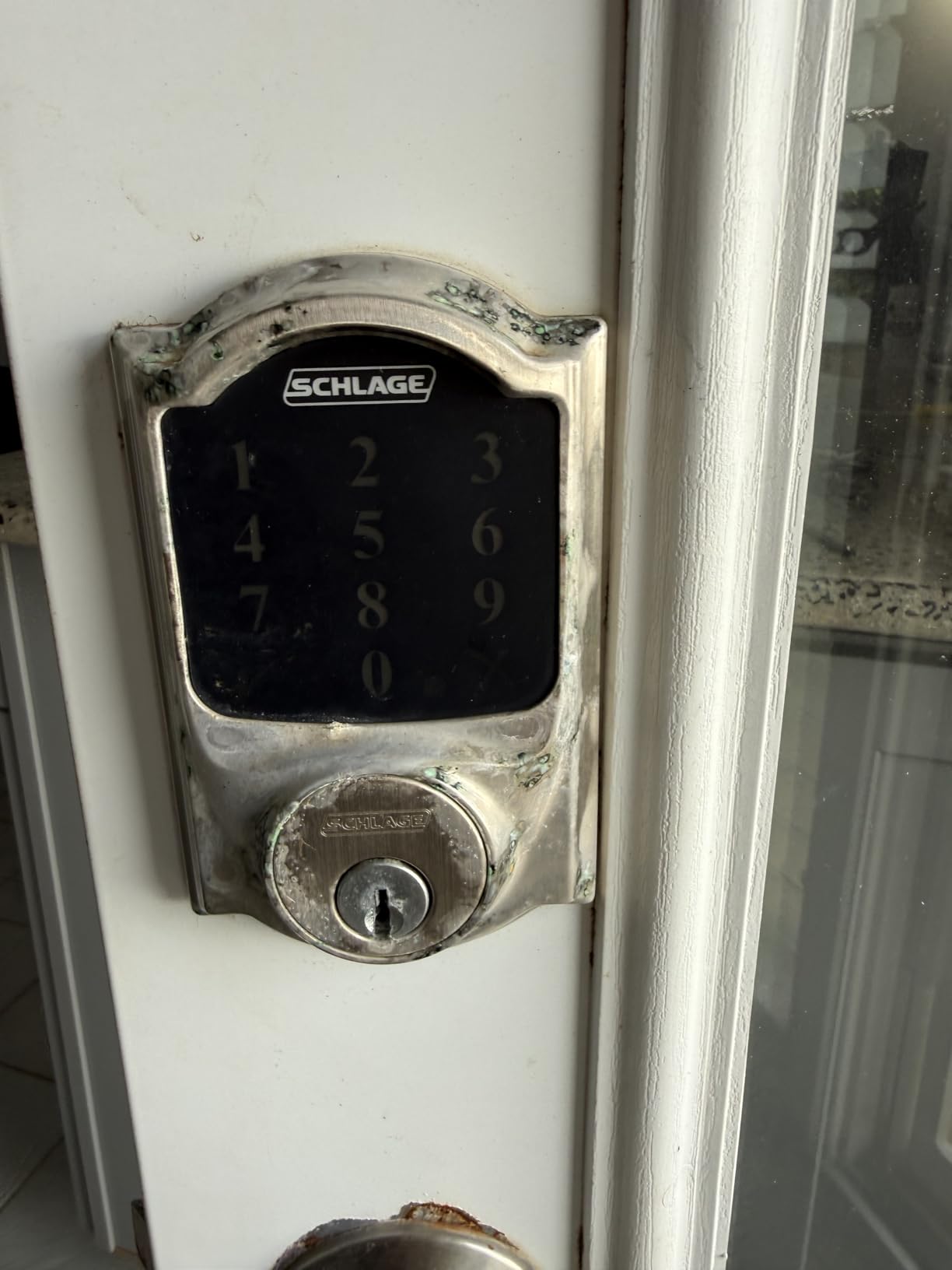
The Arrive is the lower-cost Schlage Wi-Fi deadbolt, and the difference from the Encode at number one is the keypad. Instead of a capacitive screen it uses all-weather silicone push buttons that are backlit for low light, which is easier to hit in the dark and does not need cleaning after every touch.
Code capacity is 250 access codes with full lock history and customizable notifications. For a landlord running several doors, that headroom is the reason to pick it over the 100-code Encode.
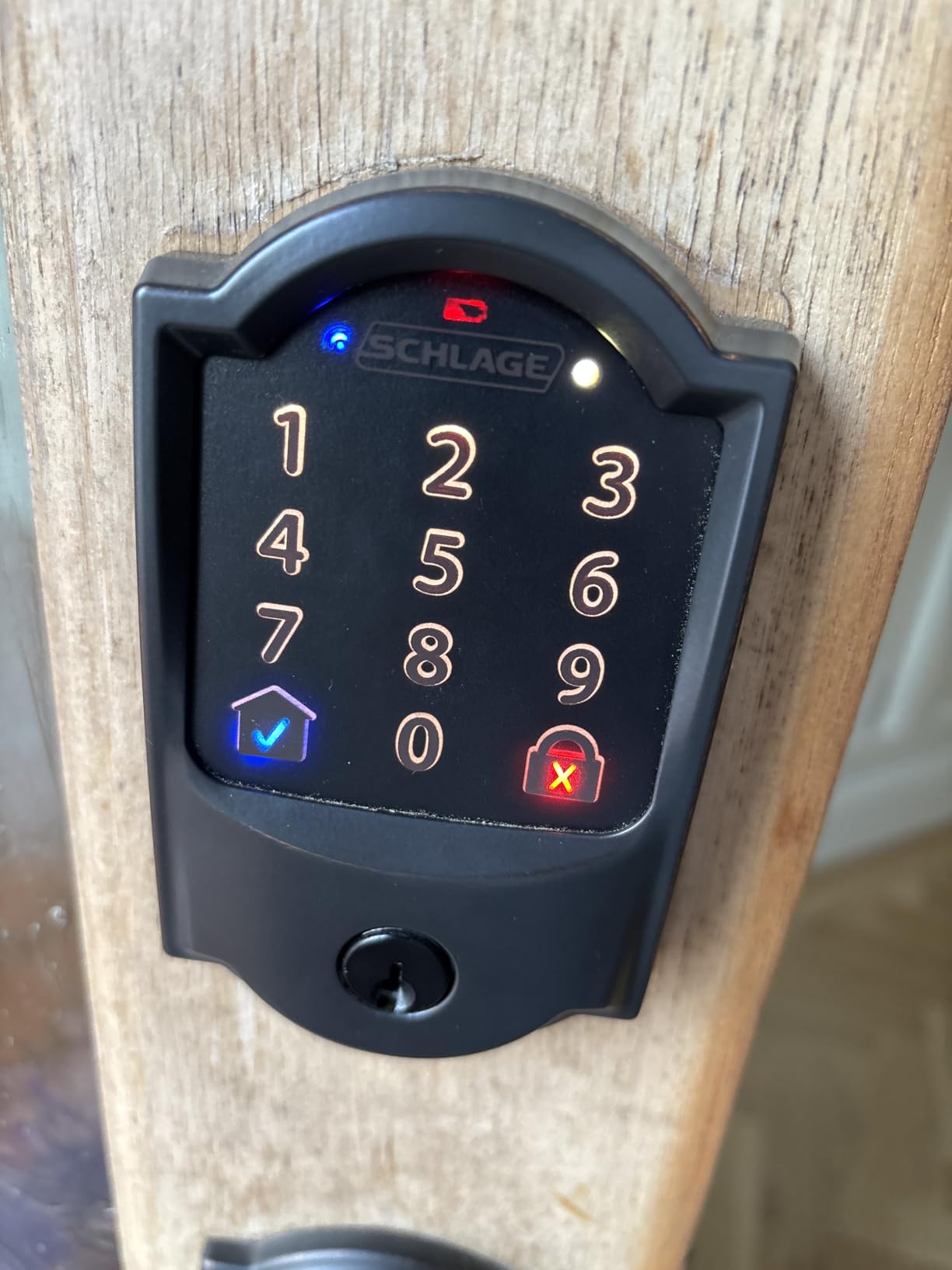
Connectivity is built-in Wi-Fi through the Schlage Home app, so remote control and monitoring work without a bridge, and it links with Alexa and Google Home for routines alongside video doorbells and smart lights.
Fit covers doors from 1-3/8 to 1-3/4 inch thick with either a 2-3/8 or 2-3/4 inch backset, and the install walks you through it with interactive digital instructions.
What you should check before buying the Schlage Arrive
There is no fingerprint reader, so entry is code, app, voice, or key. If you are upgrading because you want biometrics, this is the wrong Schlage.
Some buyers reported Wi-Fi pairing that needed troubleshooting or a replacement unit. Set the lock up on the same network as your phone and have the 2.4 GHz band available before you start.
Where the Schlage Arrive falls short
The interior thumb turn feels light and can rattle, which is a comfort issue rather than a security one but is the most common long-term complaint.
At 222 reviews it has the smallest evidence base of anything we listed, so treat the rating as encouraging rather than proven.
What to Look for When Buying a Smart Lock for a Front Door
Start with the boring number: the bore diameter. Most front doors take a 2-1/8 inch, 54mm hole, and a lock that needs a different size will need the door modified. The TEEHO in this roundup accepts 54mm only, and the eufy C220 fits bores under 54mm by removing a spacer. Measure before you read a single feature list.
Next, decide how the lock connects. A Wi-Fi lock manages its own network connection and needs no extra hardware. A Zigbee or Thread lock needs a hub somewhere in the house before remote access works at all. That hub is a real cost in money, in shelf space, and in one more device that can go offline.
Battery type is the sleeper issue. Four AA cells is the common arrangement, but the same four cells deliver five months on one model and a year on another depending on radio activity and how often the door opens. The Tapo DL110 is the outlier, running a rechargeable pack rated at about a year per charge, at the cost of a proprietary pack.
Security ratings deserve a moment. ANSI/BHMA Grade 2 or better covers a standard residential front door, and the Tapo DL110 here carries Grade 2 while the Schlage Encode holds the highest residential grade. Grade 3 locks are acceptable when the door already has a solid strike plate and a reinforced frame. The same principle applies outside the house, where a poorly mounted lock is the weak point just as often as a cheap one, as our motorcycle lock roundup shows.
Weather rating matters more than people expect. IP53 and IP54 cover an exposed entry in most climates. IP65, on the ULTRALOQ Bolt SE and the Aqara U100, is the level to look for if the door faces driving rain with no porch. Below freezing, check the stated operating range, because a lock rated only to -22F will not suit a northern porch.
Finally, ask what happens when things break. A physical key cylinder, a low battery warning, and an emergency power port together mean a dead battery is an inconvenience. Without any of the three it becomes a locksmith visit. Our guide to trailer coupler locks covers the same failure-mode thinking for outdoor hardware where getting locked out is far worse.
Smart Lock Types: Retrofit, Full Replacement and Complete Handle Sets
Retrofit locks mount over the deadbolt you already have and keep the interior thumbturn in place. The eufy C30 is the clearest example, and the appeal is speed: no new bore, no new strike, often no drilling. The trade-off is that the old cylinder and the old bolt stay in the door, so the mechanical security ceiling is set by hardware you already own.
Full replacements remove the entire deadbolt and install a new one in the same hole. The Schlage Encode, the ULTRALOQ Bolt SE, and the Aqara U100 all fall here, and you get a modern cylinder, a stronger bolt, and a keypad built into the same footprint. This is the right choice when the old deadbolt is a builder-grade unit or has a worn cylinder.
Complete handle sets combine a deadbolt with two matching lever handles. The Veise KS02B and the Philips 4200 Series arrive this way, and the Veise VE017G-H adds a Wi-Fi gateway to the same package. If your door is missing hardware entirely, this saves a second order and a finish mismatch.
One more category deserves naming: lever handle smart locks. They matter for accessibility. A deadbolt requires a twisting motion that some people with limited hand or wrist mobility cannot manage, while a lever can be pushed with an elbow or a forearm. None of the twelve here is a dedicated ADA lever lock, so if accessibility is the deciding factor, look past this list and test a lever design in person.
Connectivity Explained: Wi-Fi, Bluetooth, Zigbee, Matter and Thread
Wi-Fi is the simplest and the most common in this group. The radio is in the lock, it joins your 2.4 GHz network, and the app talks to it directly. No hub, no extra account, nothing else to power. The catch appears in nearly every specification sheet here: 2.4 GHz only, and a stated reach of anywhere from 33 to 70 feet from the router.
Bluetooth is the low-power fallback. It is how the Tapo DL110 handles close-range entry when Wi-Fi drops, and it is what most locks use for first-time pairing. On its own, Bluetooth means no remote unlock from bed, but it is fast and it survives an internet outage.
Zigbee and Z-Wave route through a hub. The Aqara U100 is Zigbee, and it needs an Aqara Zigbee 3.0 hub before you get remote access or any third-party automation. The upside is long battery life and a mesh network that routes around failures. The downside is another device on the network.
Matter and Thread are the newer path, and only the ULTRALOQ Bolt SE in this list carries both. Matter is a language that lets one lock work across Apple Home, Google Home, SmartThings, and others without each brand writing its own integration. Thread is the low-power mesh that carries it. Using both needs a Thread Border Router in the house, so a Matter over Thread lock is not automatically a zero-hardware purchase.
The local-only option deserves attention because the people who want it tend to want it badly. A Bluetooth or Zigbee lock with no cloud account keeps working when the internet does not, and several of the locks here, including the TEEHO and the Aqara U100, function entirely locally. That is also what keeps them usable in a garage, a rental, or a building where internet service is intermittent.
Security Standards: ANSI/BHMA Grades and IP Weather Ratings
ANSI/BHMA grades rate mechanical durability and resistance to forced entry, with Grade 1 the highest and Grade 3 the baseline. The Tapo DL110 is Grade 2, the Schlage Encode and Arrive carry the highest residential rating, and the TEEHO, Veise KS02B, and eufy models sit at Grade 3. Grade 3 is fine when the strike plate and frame are solid; it is not a substitute for a reinforced jamb.
IP ratings measure ingress protection. The first digit is dust, the second is water. IP53 and IP54 cover rain and dust on a covered entry, and IP65 adds dust-tight sealing with water jets, which is what you want on an exposed door.
Operating temperature is the figure people skip. The Aqara U100 and Veise KS02B are rated to -31F, while the eufy C220 and C30 are listed to -22F. If your front door is exposed in a climate that regularly goes below that, a heated exterior or a covered door is worth considering before you pick a fingerprint lock.
Biometric data handling is worth a sentence too. The Aqara U100 stores fingerprints locally under AES encryption, and the eufy C220 uses a self-learning sensor that improves locally. Ask where biometric data lives before enrolling family members, and use two-factor authentication on the app account where it is offered.
Installation and Door Compatibility Checklist
Measure the door thickness and the bore diameter, then check the backset. The Schlage Encode and Arrive take doors from 1-3/8 to 1-3/4 inch thick with a 2-3/8 or 2-3/4 inch backset, while the Veise locks accept up to 2 inch. A number outside the range means a door modification.
Confirm the door closes square on its own before fitting anything. A bolt that does not line up with the strike causes the auto-lock failures and second-attempt latching that owners mistake for a defective lock.
Install the app first, on the phone that will run the household. Create the account, confirm sign-in, and enable two-factor authentication before the lock joins the network.
Separate the 2.4 GHz band from the 5 GHz band on your router, or give it its own network name. Every Wi-Fi lock in this roundup is 2.4 GHz only, and this single step prevents most pairing failures.
Check the distance to the router against the stated range: 33 feet for the Philips, 70 feet for the ULTRALOQ. If the front door is out of reach, solve the network problem before you install, not after.
Test the key override before you close up. Turn the cylinder with the batteries out, because that is the day you will need it. If it is stiff now, it will be worse in a year.
Download the manufacturer app for the lock you are replacing and keep your existing codes somewhere safe until the new one is proven. People who install locks by the hundred all say the same thing: the first ten minutes of setup is where locks get returned.
Frequently Asked Questions
Which smart door lock brand is best?
There is no single best brand, but the brands that combine a physical rating with hub-free connectivity and a working key override are the ones worth buying from. In this roundup Schlage leads on mechanical certification and warranty, ULTRALOQ on fingerprint speed and weather sealing, Aqara on Apple Home Key, and Tapo on quiet operation with an ANSI/BHMA Grade 2 rating. Match the brand to your ecosystem and your door rather than to a brand reputation.
Are smart locks safe for the front door?
A smart lock is no safer than the door it is fitted to, and most break-ins happen through the frame, not the cylinder. Choose a lock with an ANSI/BHMA Grade 2 rating or better, reinforce the strike plate with three inch screws into the stud, and keep a working physical key override. Smart locks add convenience and an access log, not physical protection on their own.
What are the downsides of smart door locks?
The recurring complaints are shorter battery life than advertised, fingerprint readers that slow down with cold or wet fingers, unreliable auto-lock when a door frame is not square, cloud dependency that stops remote features when the internet is down, and apps that need a firmware update before they work. Locks that include a physical key and a low battery warning avoid most of the worst of it.
Why is my smart door lock not working?
Most reported failures are network related rather than mechanical. Confirm the phone and the lock are on the same 2.4 GHz band, power cycle the lock by removing the batteries for a minute, and check the app for a firmware prompt. If the keypad digits stay dark, touch the screen first. If the bolt lags, check that the door closes square and that the strike is aligned.
How difficult is it to install a smart lock?
A retrofit deadbolt over an existing standard bolt takes about fifteen minutes with a screwdriver. A full replacement on a plumb door is closer to thirty. Difficulty climbs sharply with a misaligned frame, a non-standard backset, or a door drilled for an existing set, which is when a locksmith is worth the call.
The Best Smart Locks for Front Doors: Final Verdict
The Schlage Encode Smart WiFi Deadbolt is our best smart lock for front doors. It combines built-in Wi-Fi, the highest residential BHMA rating on the list, 100 access codes, and a keypad you can wipe clean after a rainy walk in. If your front door is a standard 2-3/4 inch backset within reach of your router, it is the safest recommendation we can make.
Buy the ULTRALOQ Bolt SE instead if fingerprint entry and an IP65 body matter more to you than the top mechanical rating, and buy the TEEHO TE001 if you want a keypad that never asks for a subscription, a hub, or an account. For Apple households the Aqara U100 is the answer, with a hub budget attached.
Before any of them, measure your bore, your door thickness, and the distance to your router. More smart lock returns start with a tape measure than with a faulty lock.