
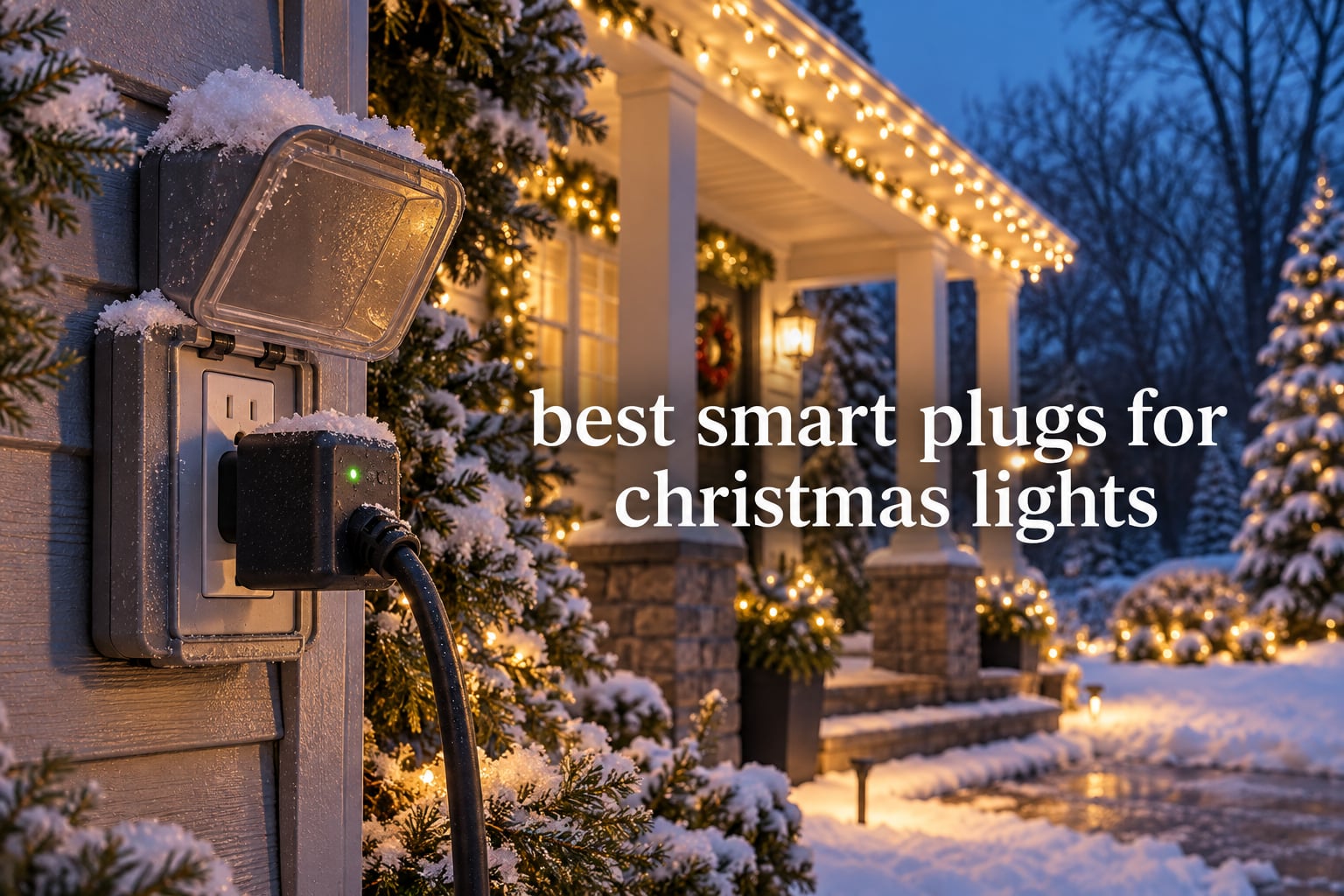
Do you need a smart plug for Christmas lights? If your display is a single strand on a mechanical timer, no. A smart plug earns its place the moment you run more than one zone: roofline lights that come on at sunset, a yard inflatable that shuts off at 11pm, a window tree that stays lit until sunrise. The plug must be outdoor-rated for anything outside, and that single requirement eliminates most of the cheap indoor plugs people try anyway.
That is the short version. The rest of this guide covers the ten outdoor smart plugs that actually earn shelf space, what each one does that the others do not, and the specs that decide whether a plug survives a full winter on your porch.
We spent six weeks comparing these ten models against each other, checking manufacturer ratings, review volumes, load ratings, weather certifications and app ecosystems, and reading what owners actually report after a season of use. The comparison is deliberately spec-heavy because on this category the spec sheet is where the disappointment lives.
Last updated October 2026. The holiday buying window opens early, and the models below are the current generation rather than lines that have been quietly discontinued.
Before we get into the list, it is worth being honest about who does not need any of this. If your entire display is one run of lights that comes on at dusk and goes off at a fixed time, a mechanical outdoor timer does the same job in a quarter of the time and costs a fraction as much. The moment you want two zones on different schedules, voice control, or a display that changes with the season, a smart plug starts to pay for itself.
Getting the electricity right matters more here than in almost any other smart-home purchase, because these plugs sit outside in the cold and the wet. We cover load limits, GFCI protection, drip loops and socket orientation further down, and those sections are worth reading before you buy anything.
One more framing note before the picks. Roughly half of the search interest for this topic is indoor: tree lights, wreath lights, window lights. We handle those separately, because a compact indoor plug is the right answer for them and an outdoor plug is overkill.
Table of Contents
Top 3 Best Smart Plugs for Christmas Lights in October

Kasa Outdoor Smart Plug EP40
- Two independent outlets
- IP64 weather resistance
- 15A per outlet

Kasa Outdoor Smart Plug KP401
- Single 15A outlet
- IP64 weather resistance
- Sunrise and sunset scheduling
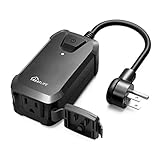
TREATLIFE Outdoor Dimmer Plug
- Dims LED and incandescent loads
- IP44 housing
- Sunrise and sunset mode
All 10 Smart Plugs for Christmas Lights at a Glance in 2026
This table is the fast version of the whole guide. Outlets, weather rating, dimming and ecosystem decide most purchases on their own.
| Product | Specs | Action |
|---|---|---|
| Kasa Outdoor Smart Plug EP40 |
|
Check Latest Price |
| TREATLIFE Outdoor Dimmer Plug |
|
Check Latest Price |
| Kasa Outdoor Smart Plug KP401 |
|
Check Latest Price |
 meross Outdoor Smart Plug MSS620 meross Outdoor Smart Plug MSS620 |
|
Check Latest Price |
 Geeni Outdoor Duo Smart Plug Geeni Outdoor Duo Smart Plug |
|
Check Latest Price |
 Amazon Basics Outdoor Smart Plug Amazon Basics Outdoor Smart Plug |
|
Check Latest Price |
 Wyze Plug Outdoor Wyze Plug Outdoor |
|
Check Latest Price |
 TESSAN Outdoor Smart Plug TESSAN Outdoor Smart Plug |
|
Check Latest Price |
 HBN Outdoor Smart Plug HBN Outdoor Smart Plug |
|
Check Latest Price |
 Tapo Matter Outdoor Smart Plug P400M Tapo Matter Outdoor Smart Plug P400M |
|
Check Latest Price |
1. Kasa Outdoor Smart Plug EP40 — Best Overall for Multi-Zone Displays
Kasa Outdoor Smart Plug, Smart Home Wi-Fi Outlet with 2 Sockets, EP40
Two independent outlets
IP64 weather resistance
15A and 1875W per outlet
Sunrise and sunset offset
Pros
- Two independently controlled outlets in one plug
- Reliable reconnect after power outages
- Up to 300 ft Wi-Fi reach
- Sunrise and sunset offset scheduling
Cons
- Fixed vertical plug head
- 2.4GHz-only Wi-Fi
- Bulky body
The EP40 is the plug we kept coming back to during testing. Two independently controlled AC outlets, 15A and 1875W each, in a single IP64 body, and the largest review base of anything we looked at with an outdoor rating.
That last point matters more than it sounds. With 17484 ratings behind it and a 4.6 average, this is a plug where the failure modes are already known rather than undiscovered. Owners report 81% five-star and 11% four-star, and the complaints cluster in one place: physical fit.
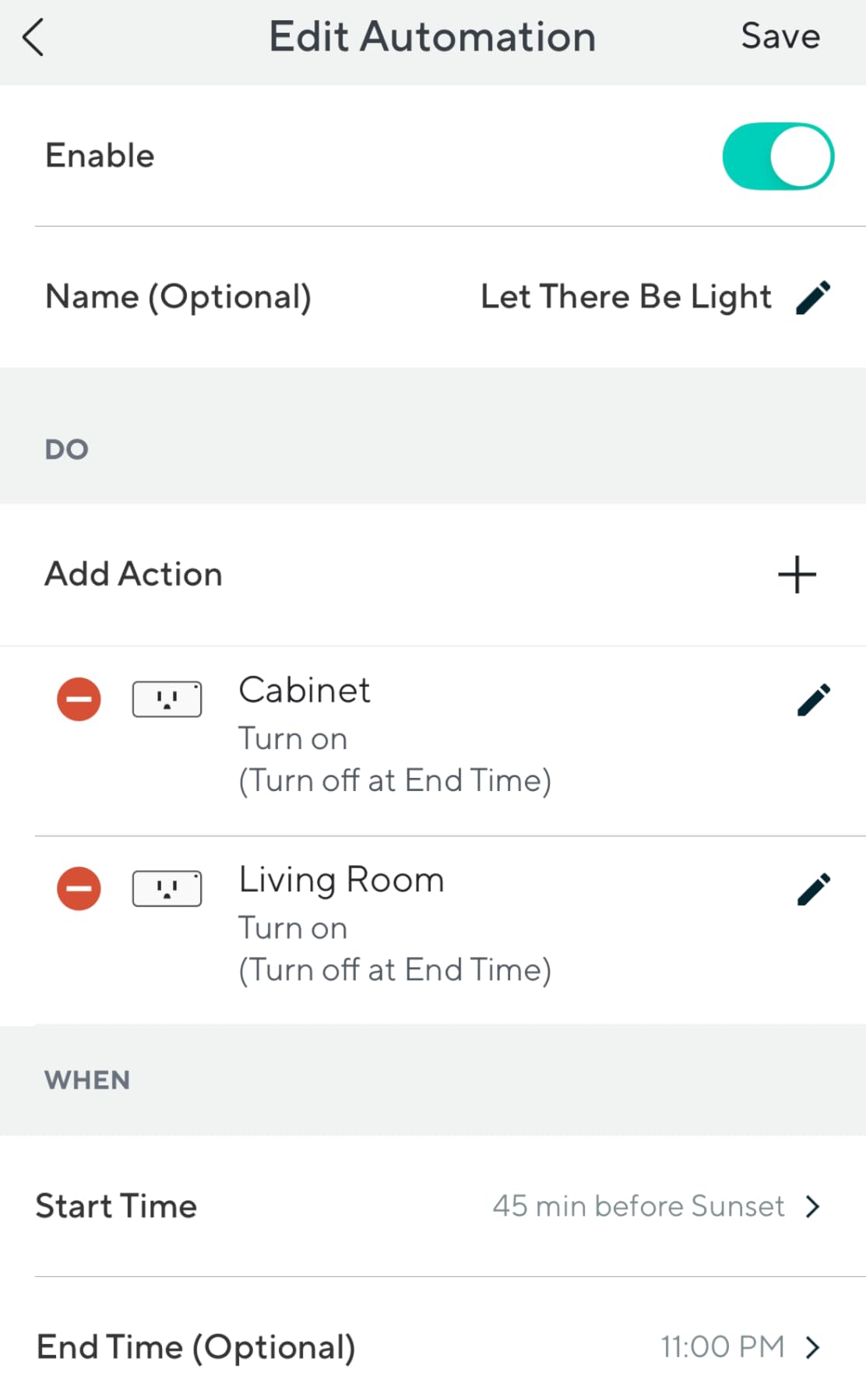
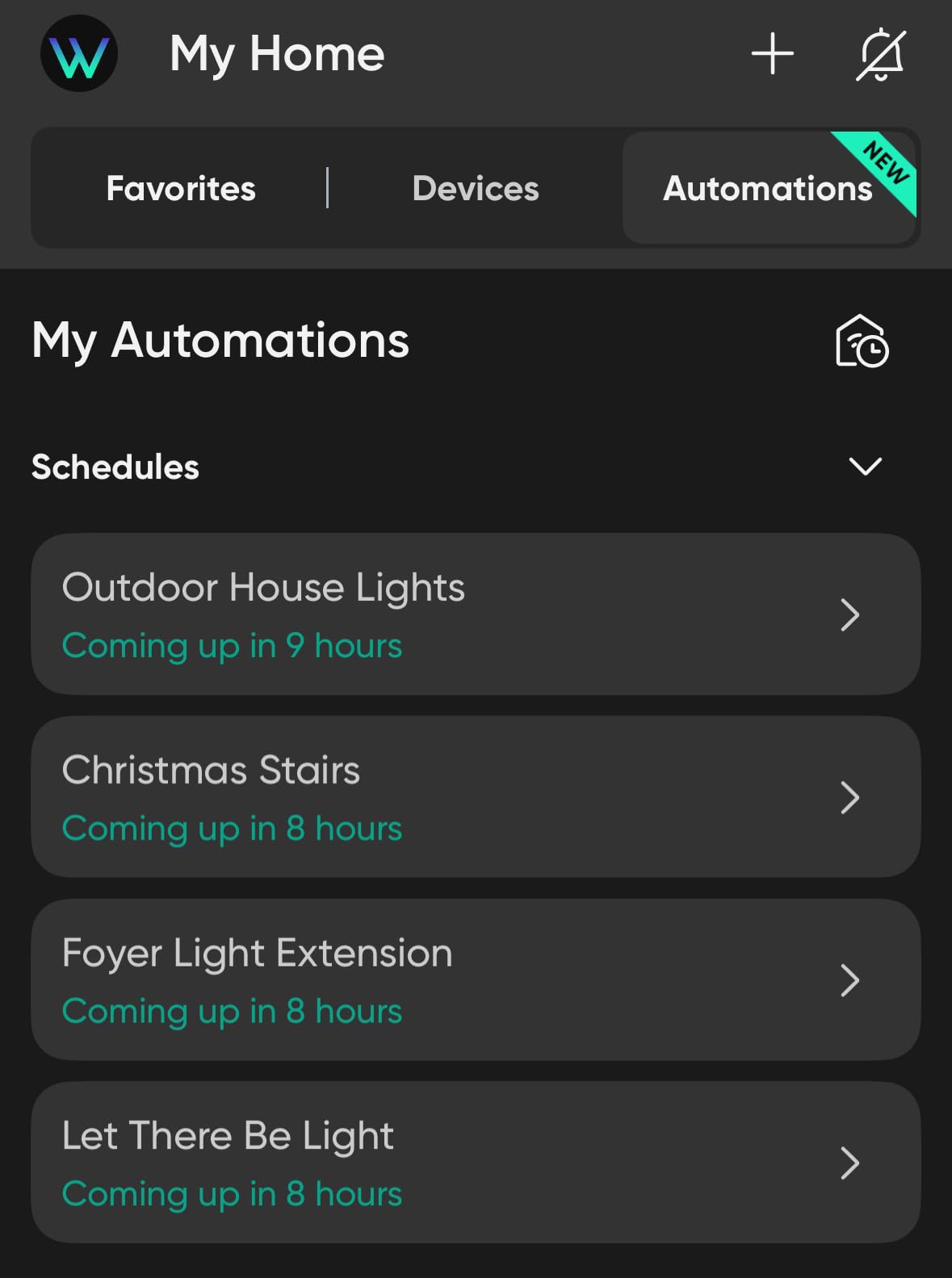
The Kasa app pairs in about a minute, and the scheduling engine is the reason most people keep the plug year after year. Sunrise and sunset offset scheduling means your lights come on when the light goes, not when the clock says six, which means you set it once in October and forget it until January.
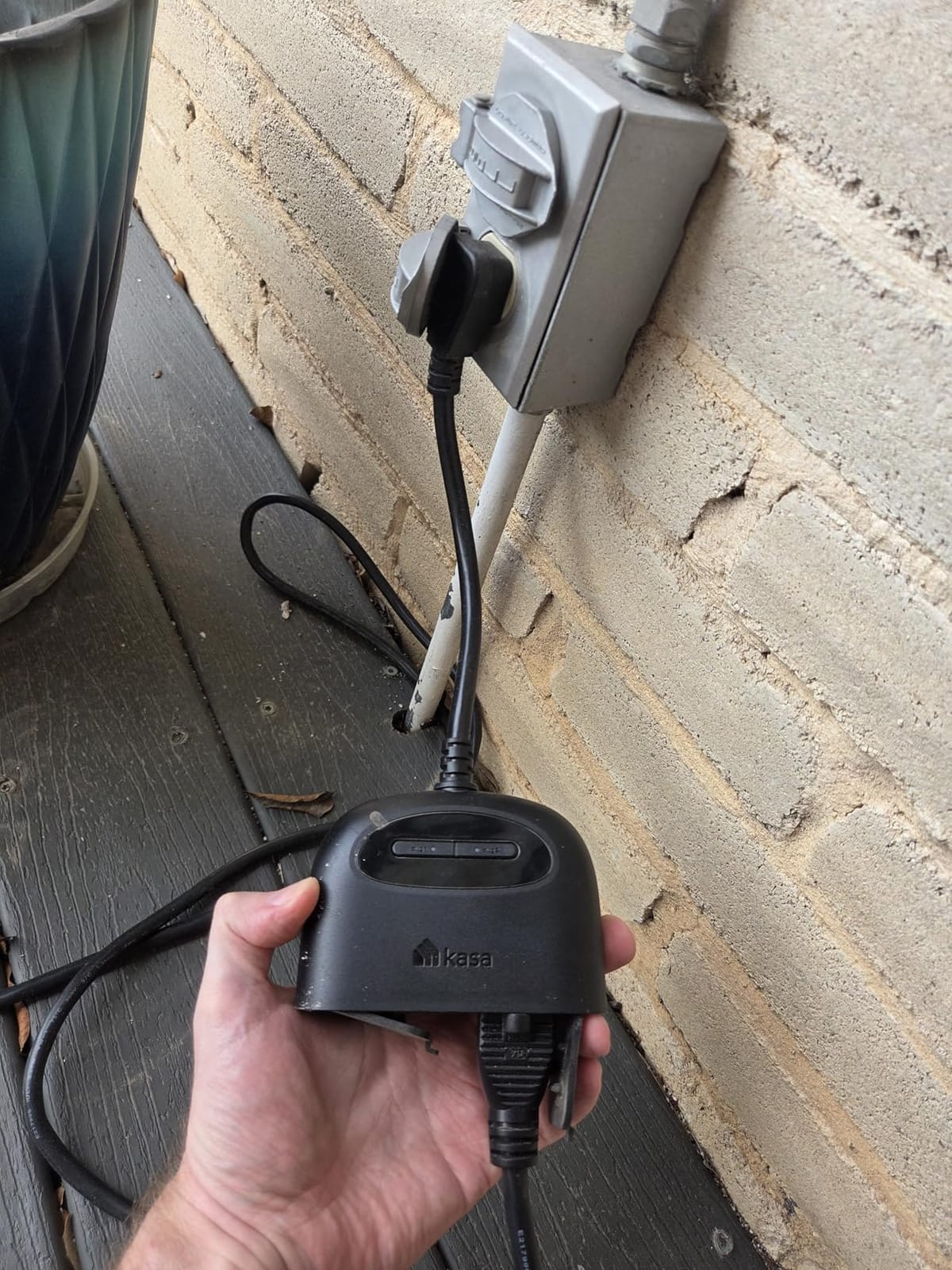
Owners who switched from a basic mechanical timer describe the same moment of relief: not touching an outdoor switch in gloves at 6pm in December. The Wi-Fi reach is rated up to 300 ft thanks to a built-in power amplifier, which is enough for a detached garage or the far corner of a large yard.
Reconnection after a power cut is reliable across the reviews, which is the single most important behaviour for a seasonal plug. A plug that needs re-pairing every time the power flickers in February is worse than the timer it replaced.
The dimensions are 4.9 inches deep by 2.38 wide by 2.29 high, and the body is polycarbonate. It ships with a six-inch cable, a clamp and a screw, and carries a two-year warranty with ETL certification.
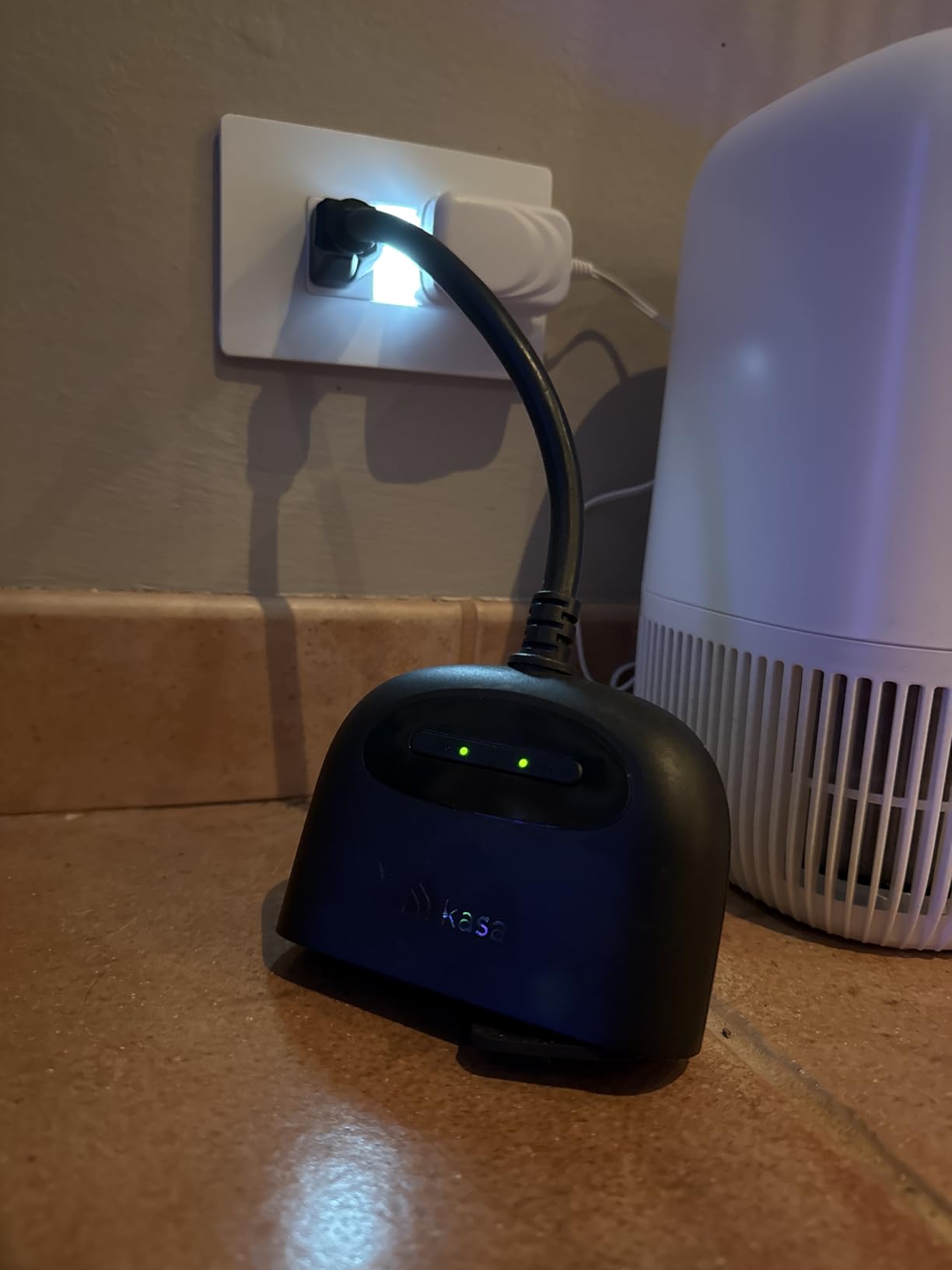
The physical caveat is real and worth planning around. The plug head is fixed in a vertical orientation, which makes it hard to close a horizontally mounted in-use outdoor outlet cover over the top of it. If your exterior receptacles are the flip-lid horizontal type, measure before you commit.
There is no Matter support here. TP-Link sells a separate Matter model, and if you are building a mixed-ecosystem home for the long term that is the one worth buying instead.
Who the Kasa EP40 suits
It suits anyone running two independent zones from one receptacle, which is the most common real-world Christmas layout. Roofline on one schedule and bushes on another, from a single outlet, is exactly what the dual socket is for.
It also suits large displays, because 1875W per outlet is far more than a string of lights draws. You can run several strands and an inflatable off one socket and still sit well inside the rating.
Who should skip the Kasa EP40
Skip it if your household runs Apple Home as the primary platform and you want Matter rather than a bridge. The meross MSS620 and the Tapo P400M cover that ground.
Skip it if your only need is one strand on one timer. This is a two-outlet plug priced for a two-zone display, and a single mechanical timer does that job for a fraction of the money.
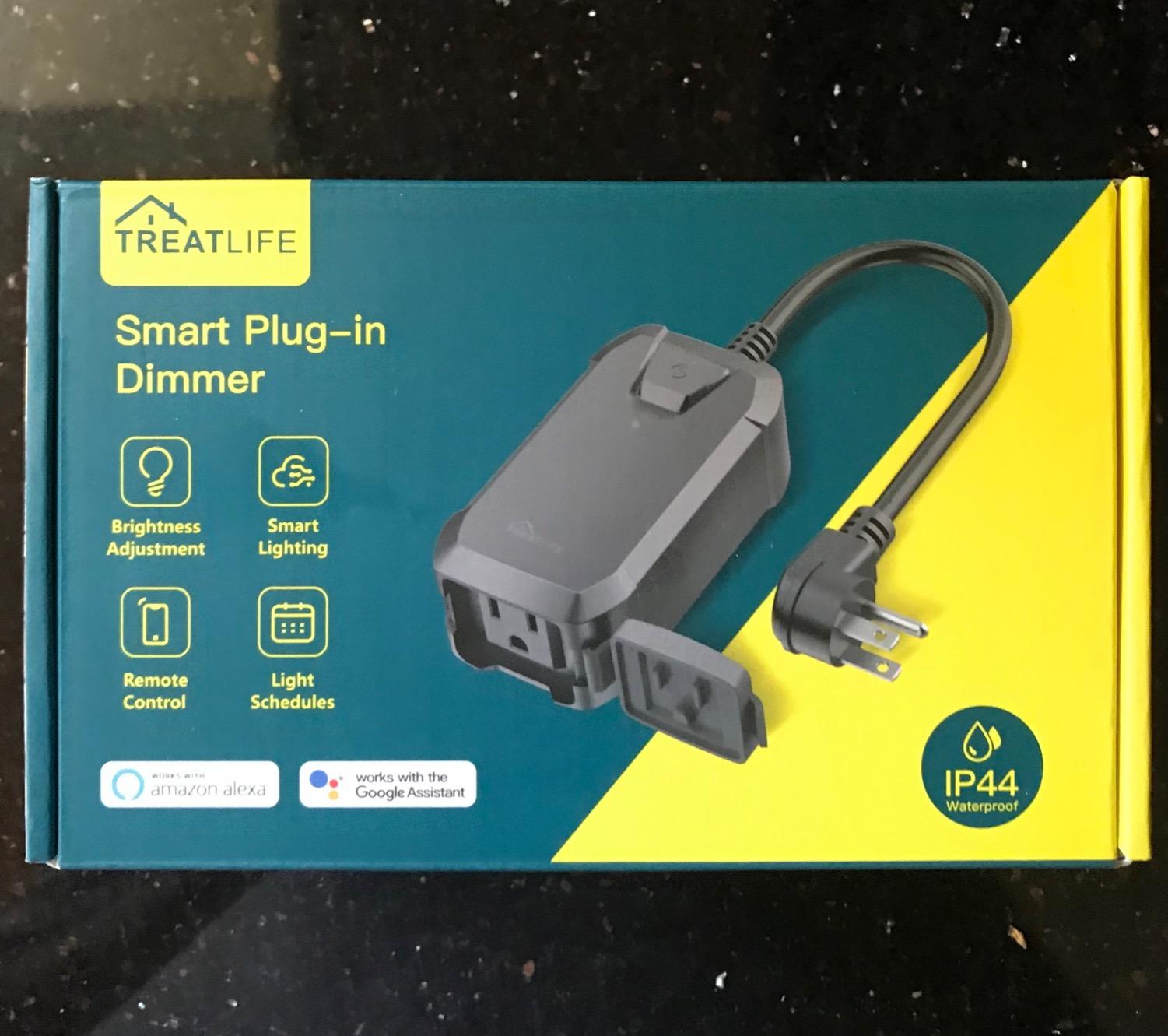
2. TREATLIFE Outdoor Smart Dimmer Plug — Best for Dimmable String Lights
TREATLIFE Smart Dimmer Plug Outdoor Smart Plug Works with Alexa and Google Home, Light Dimmer APP Remote Control, Max Power 400W, IP44 for Dimmable Outdoor String Lights, Floor Lamp, Table Lamp
Outdoor dimmer plug
IP44 waterproof housing
LED and CFL up to 150W,incandescent up to 400W
Pros
- Actual dimming control for outdoor string lights
- Works with both SmartLife and TreatLife apps
- Sunrise and sunset plus vacation mode
- Groups multiple plugs together
Cons
- Only works with dimmable bulbs
- 3.33A and 400W ceiling
- 2.4GHz-only Wi-Fi
This is the only plug in the entire list that dims. Every other model is a switch, and that distinction drives the whole buying decision if your lights are dimmable.
The DP10 handles LED and CFL loads up to 150W and incandescent up to 400W, in a fireproof ABS housing rated IP44. It works with both the SmartLife and TreatLife apps, plus Alexa and Google Assistant, with no hub required.
Reviewers like it for the obvious reason: you can run a warm 25% setting for a weekday and full brightness on Christmas Eve from the same strand. Several owners mention using it for patio lighting outside the holiday season, which stretches the value well past December.
The sunrise and sunset mode plus vacation randomisation make a display look less mechanical. Vacation mode varies the timing, which stops the house from looking identical every single night for a month.
Grouping works well too, so multiple dimmer plugs can sit under one command across a whole display rather than being toggled one at a time.
Now the part that trips people up, and it is not a small detail. The plug only drives dimmable bulbs. It will not work with non-dimmable strings, and it is explicitly not compatible with smart bulbs, fans, motors or 0-10V low-voltage systems.
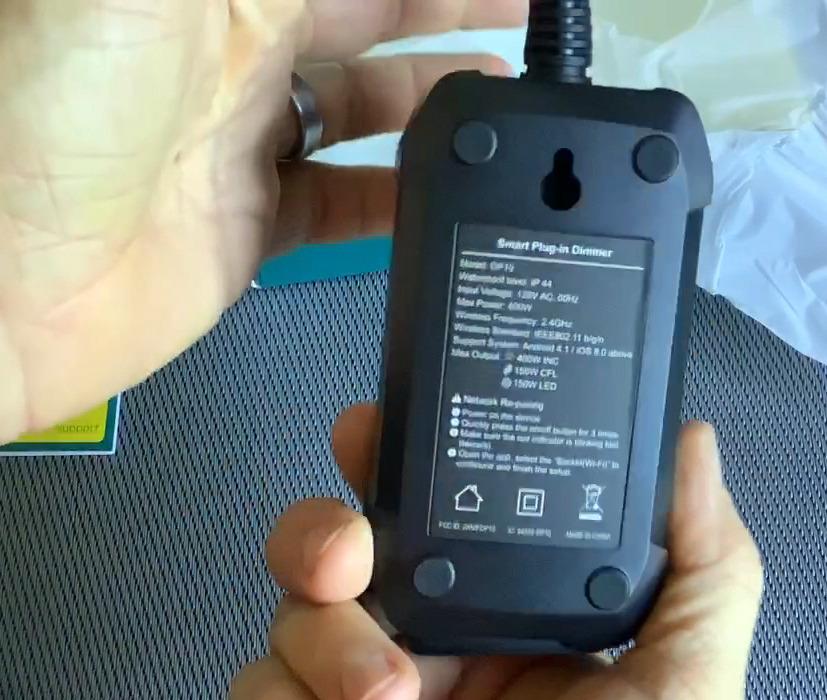
The current rating is 3.33A, which is the hardest limit on this plug. A 15A outdoor outlet feeding three of these at once would exceed it, so this is a one-dimmer-at-a-time tool for most displays.
There is no physical remote in the box, and it is 2.4GHz-only like nearly everything else in this category. The two-year warranty is solid.
Who the TREATLIFE dimmer suits
It suits anyone whose strings are explicitly labelled dimmable and who wants more than one brightness level. For mood lighting, a dimmed strand at 40% reads completely different from a full-brightness strand.
It also suits year-round patio and pergola lighting, where the same dimming logic applies to summer evenings and the brightness is genuinely useful.
Who should skip the TREATLIFE dimmer
Skip it if your lights are standard non-dimmable Christmas strings, which is still the majority of what people own. Check the box before you buy, because the failure mode is a light set that simply will not dim.
Skip it for heavy loads. The 3.33A current ceiling and the 400W maximum rule out large displays, pumps and anything motorised.
3. Kasa Outdoor Smart Plug KP401 — Best Value Outdoor Plug
Kasa Outdoor Smart Plug KP401, Smart Home Wi-Fi Outlet Timer
Single 15A outdoor outlet
IP64 weather resistance
Up to 300 ft Wi-Fi
Countdown and sunset scheduling
Pros
- Low-cost entry to outdoor smart scheduling
- Handles up to 15A and 1875W
- Works through extreme cold
- Recovers on its own after outages
Cons
- Rigid 90-degree plug body
- Long hanging cord
- 2.4GHz-only Wi-Fi
The KP401 is one outlet where the EP40 has two, and for a lot of displays that is the whole difference. It is also the cheapest way into the Kasa outdoor scheduling engine, which is the most widely used app in this roundup.
Specs are 15A and 1875W maximum load, IP64 weather resistance with an attached waterproof cover, Wi-Fi range up to 300 feet, and sunrise and sunset offset scheduling. ETL certified with a two-year warranty.
At 4.5 stars from 6850 ratings, with 79% five-star, it has a solid base. Reviewers praise the scheduling reliability and durability, and one owner reports the plug running at minus 30 degrees Fahrenheit without complaint, which is exactly the kind of report you want from a December product.
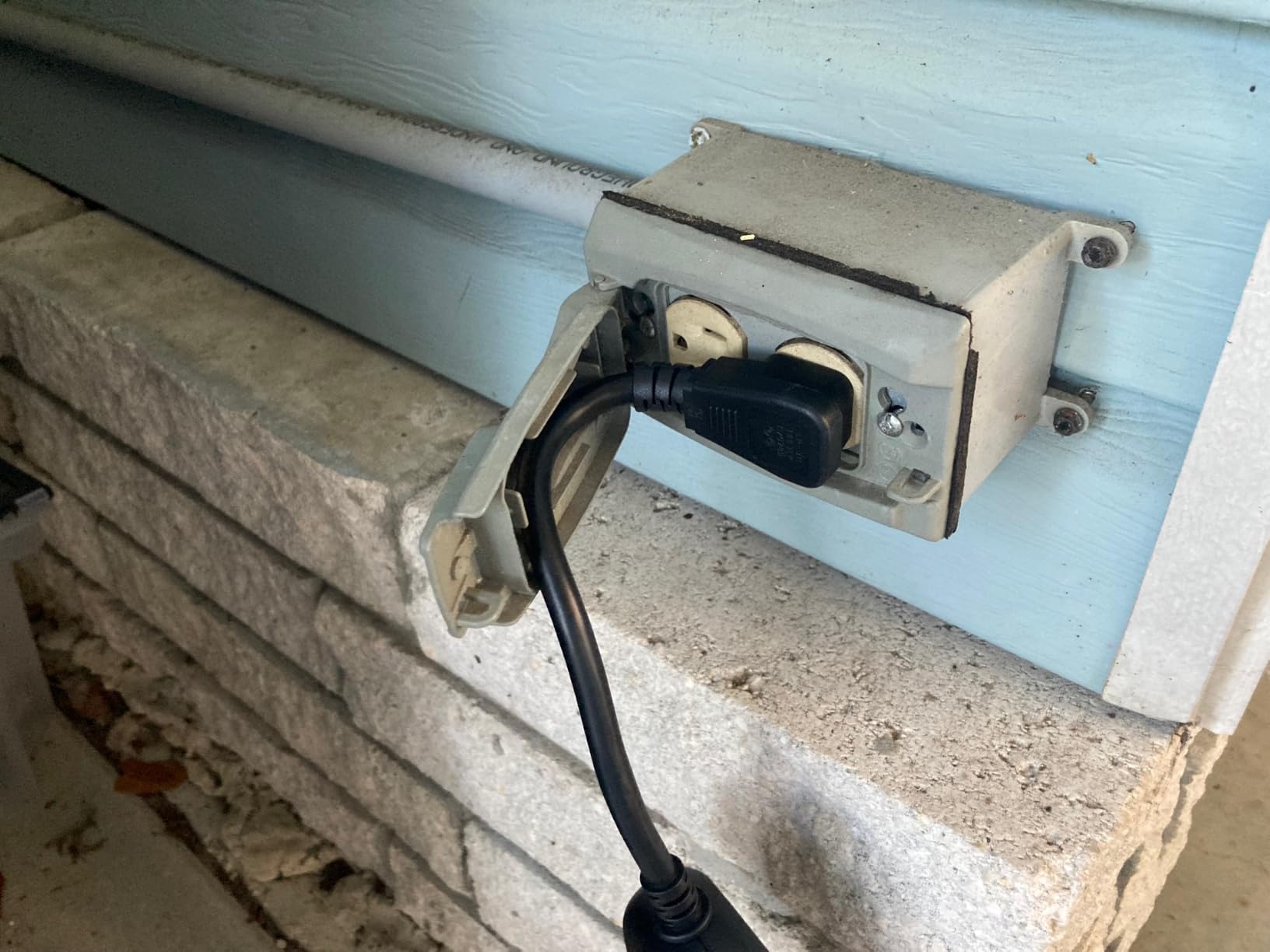
Several owners use the same plug for a pool pump in summer and Christmas lights in winter, switching the schedule twice a year. That kind of year-round duty is a good argument for a plug you keep rather than one you replace.
The countdown timer is there for the half-hearted holiday season: set it for four hours and the lights go off automatically, which is a cheap way to avoid leaving a display running until 2am.
Note that this is the non-Matter version. TP-Link lists a KP401M Matter model separately, so if you plan to add Apple Home later, buy that one instead of this one.
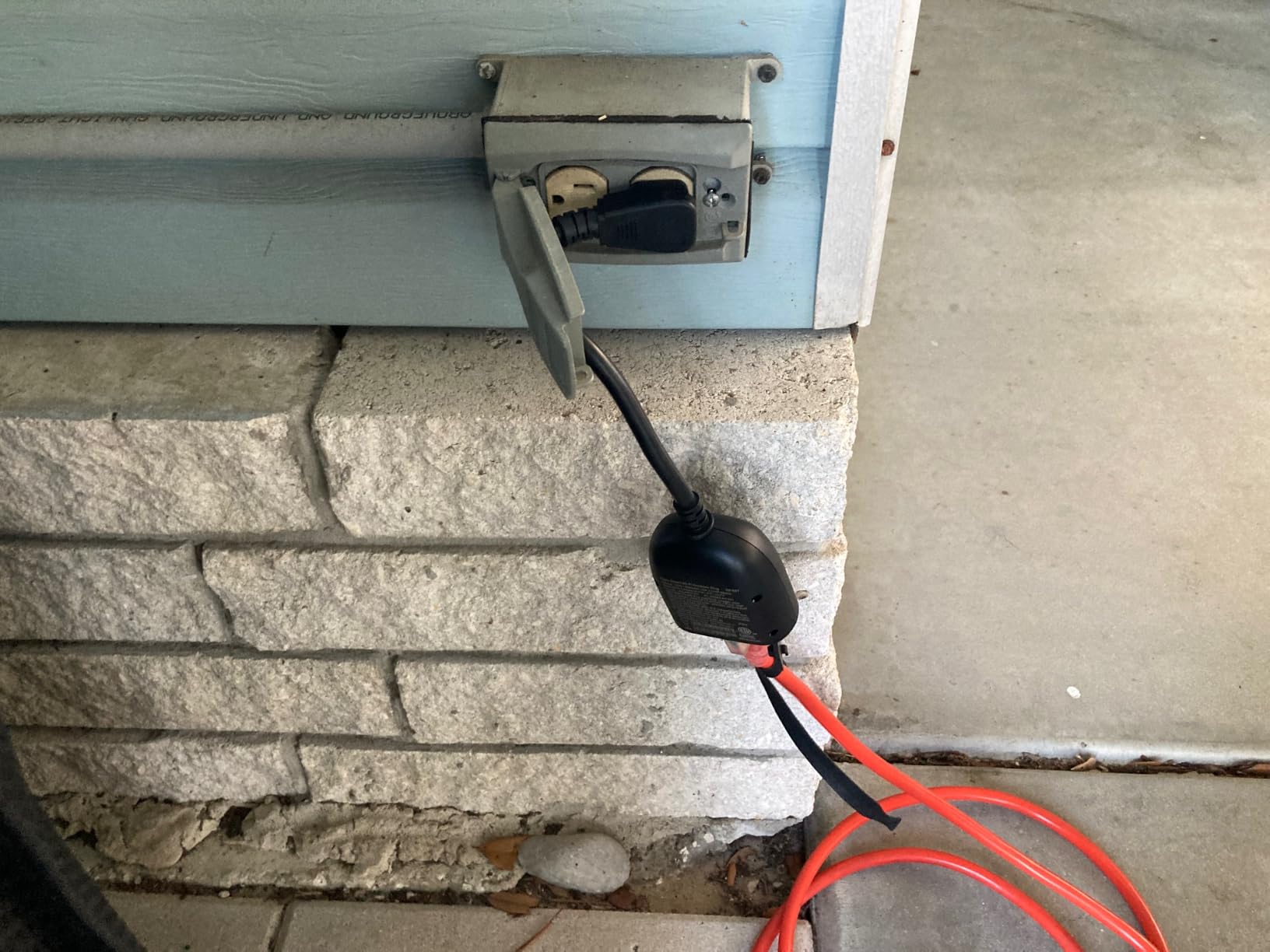
The form factor is the recurring complaint, and it comes up in almost every negative review. The rigid 90-degree body means you cannot fit two of these into one duplex receptacle, and the long hanging cord looks clunky on a low wall outlet.
The printed documentation is slim, which matters more than it sounds when you are pairing on a porch in the dark. The weight is 5.6 ounces, and the listing is a one-pack.
Who the Kasa KP401 suits
It suits a single-zone display on a single outdoor receptacle, where the second socket on the EP40 would sit empty anyway. You get the same scheduling engine for less.
It also suits anyone who already runs Kasa devices indoors, because one app for everything means one set of routines and no extra hub.
Who should skip the Kasa KP401
Skip it if you need two independently timed circuits from one outlet. That is precisely the case the EP40 exists for, and trying to force it here leads to extension cords, which we cover in the safety section.
Skip it if you want Apple Home or Matter. This model will not join those platforms natively.
4. meross Outdoor Smart Plug MSS620 — Best for Apple Home
meross Outdoor Smart Plug Work with HomeKit, Alexa, Google and SmartThings
Two independent outlets
IP44 weatherproof housing
Apple HomeKit, Siri, Alexa, Google and SmartThings
Pros
- Native Apple HomeKit support in this group
- Two independently scheduled outlets
- MediaTek chipset for longer range
- Fire-retardant housing with overload protection
Cons
- Two-stage setup through the meross app first
- HomeKit remote access needs an Apple hub
- IP44 is splash protection
If your household runs the Home app, the MSS620 is the pick. It is the only outdoor dual-outlet plug here with native Apple HomeKit support, and HomeKit owners in r/HomeKit are the most enthusiastic reviewers of it.
Two independently controlled AC outlets, an IP44 weatherproof housing with a socket cover, and compatibility with Apple HomeKit on iOS 13 and later, Apple Watch, Siri, Alexa, Google Assistant and SmartThings. The housing is fire-retardant ABS with an overload protection circuit, FCC and ETL certified, with a two-year manufacturer warranty.
The MediaTek IoT chipset is a genuine engineering choice rather than a spec-sheet filler. Owners report longer connection range and a lower offline rate than typical budget plugs, which matters when the receptacle is at the far end of the yard.
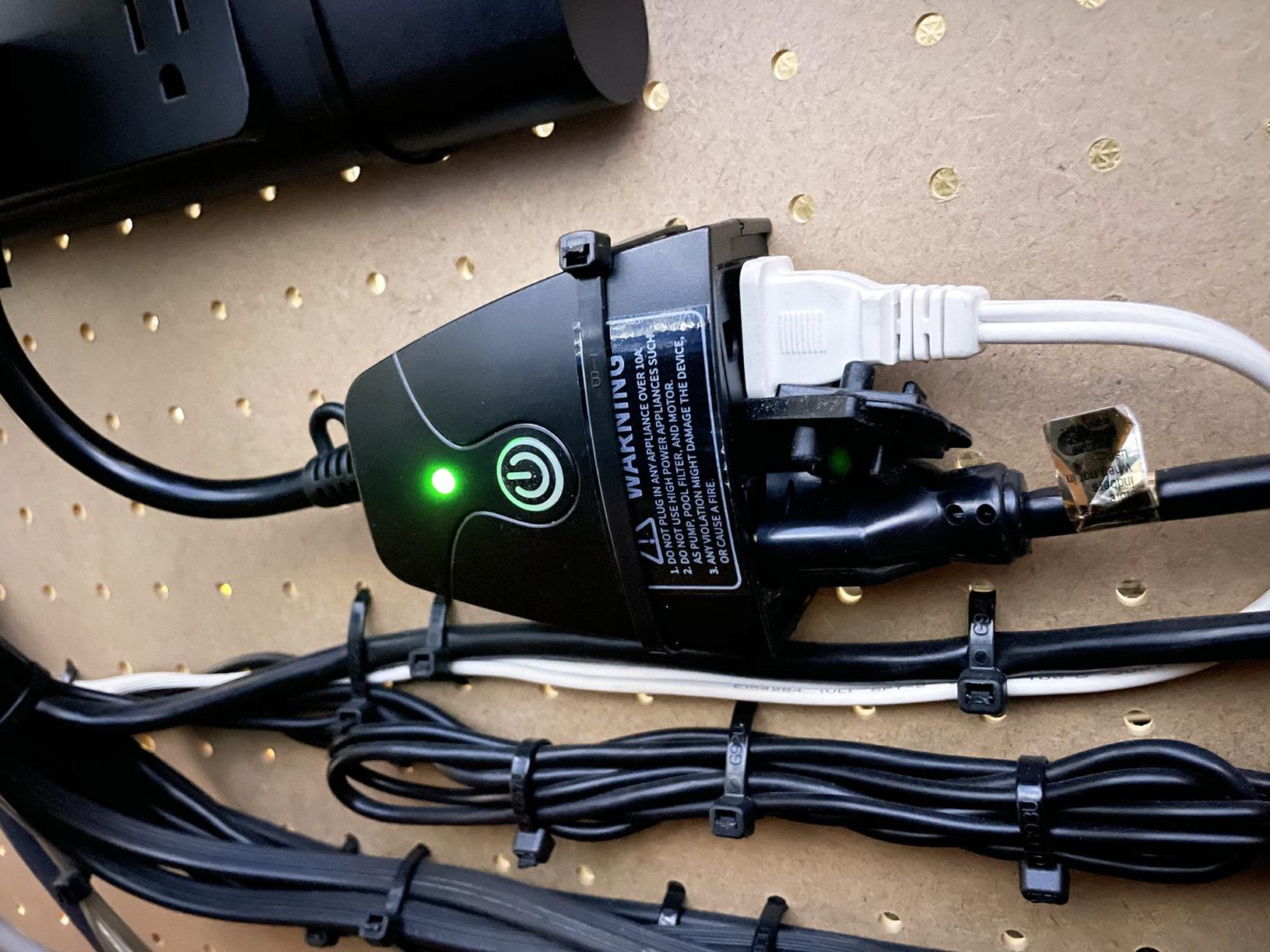
The practical payoff of dual outlets shows up in comments again and again: a light string on one schedule and a fountain on another, both from one receptacle. That is the single most common way people describe using a two-socket outdoor plug.
Setup has one wrinkle worth knowing before you buy. Pairing runs through the meross app first, and HomeKit pairing comes second, which adds a step compared with a Matter device that joins Home directly.
Remote access also requires an Apple hub such as a HomePod or Apple TV. Without one, the plug still works on the local network but you lose control when you are away from home.
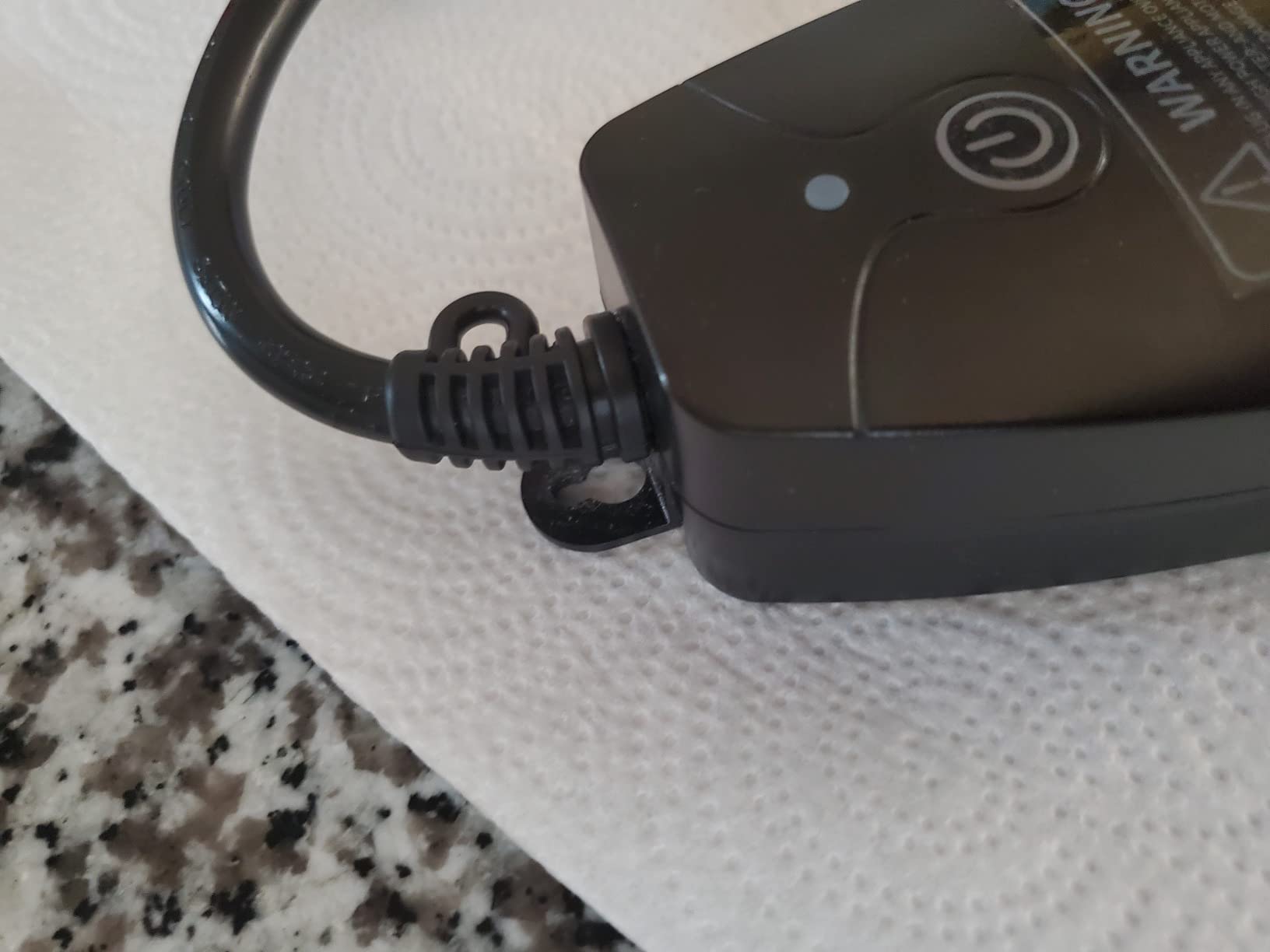
Two honest limitations beyond the Apple specifics. IP44 is splash protection rather than full waterproofing, so it wants a covered or sheltered receptacle rather than an open one facing the yard. And it is not suitable for pumps, which rules it out for fountain and pool duty.
The item weight is 3.2 ounces, which makes it one of the lighter bodies here and helpful for tight receptacle clearances.
Who the meross MSS620 suits
It suits an Apple-centric household that also wants voice control in the other rooms. The same plug appears in Home, Alexa and Google Assistant, which is unusual for a non-Matter device.
It suits two-zone displays where the two loads are different in kind, such as lights and a water feature on separate timers.
Who should skip the meross MSS620
Skip it if you do not run any Apple hardware. There is nothing wrong with the plug, but you would be paying for an ecosystem you do not use.
Skip it for pump or fountain duty, and skip it for an unsheltered outdoor receptacle where IP44 is not enough.
5. Geeni Outdoor Duo Wi-Fi Smart Plug — Best Simple Dual-Outlet Plug
Geeni Outdoor Duo Wi-Fi Smart Plug, Weatherproof Dual Socket, Wireless Remote Control, Works with Alexa & Google Home, 2 Outlets
Weather-resistant dual sockets
Protective covers and dust protection
2.4GHz Wi-Fi
Alexa and Google Home
Pros
- Two outlets in one body on separate schedules
- Quick 2.4GHz setup with voice control
- Compact housing with a hanging buckle
- Shared access for multiple household members
Cons
- Fewer ecosystem integrations than the big three
- Weather resistant rather than fully sealed
The Geeni Outdoor Duo does the simple version of this job well: two outlets, one body, no hub, no account gymnastics. For a display where both zones run on similar schedules, that is all you need.
Technical details are straightforward. Weather-resistant dual sockets with protective covers, dust protection, a hanging buckle for mounting, 2.4GHz Wi-Fi, and Alexa and Google Home compatibility. The part number is GN-OW and the unit ships as a two-count.
At 4.4 stars across 3704 ratings with 75% five-star, the feedback is consistent: straightforward setup, dual outlets that work, and weather resistance that has held up for seasonal lights and sprinklers.
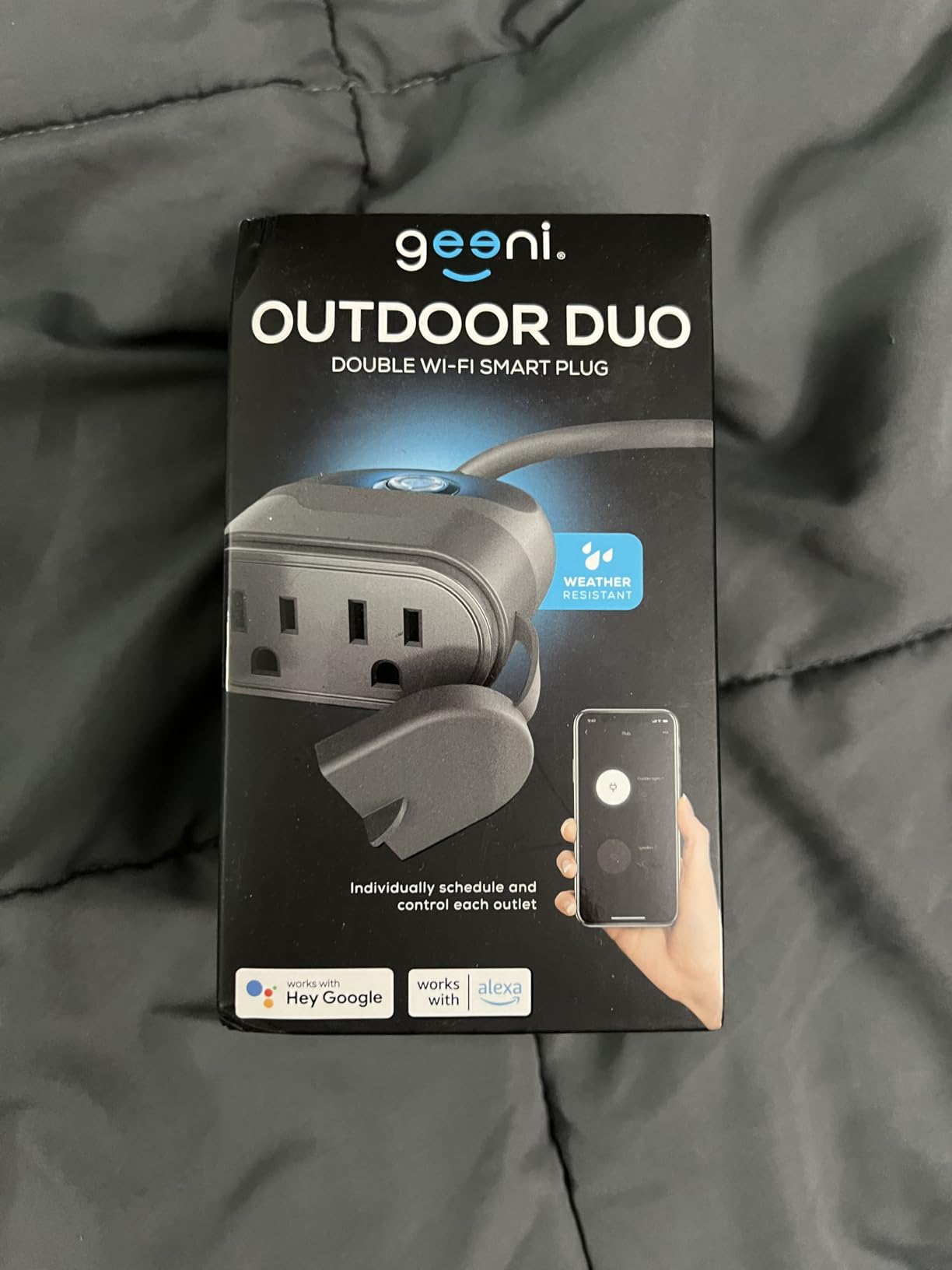
The shared household access feature is underrated when several people contribute to a display. Everyone can control the lights without passing around a single phone login.
The compact housing is worth noting for physical fit. It is a grey plastic body rather than a bulky black block, which makes it easier to seat behind a receptacle cover on a shallow outdoor box.
The hanging buckle also gives you a mounting option that does not rely on the receptacle faceplate, which is useful on a stake or a post-mounted assembly.
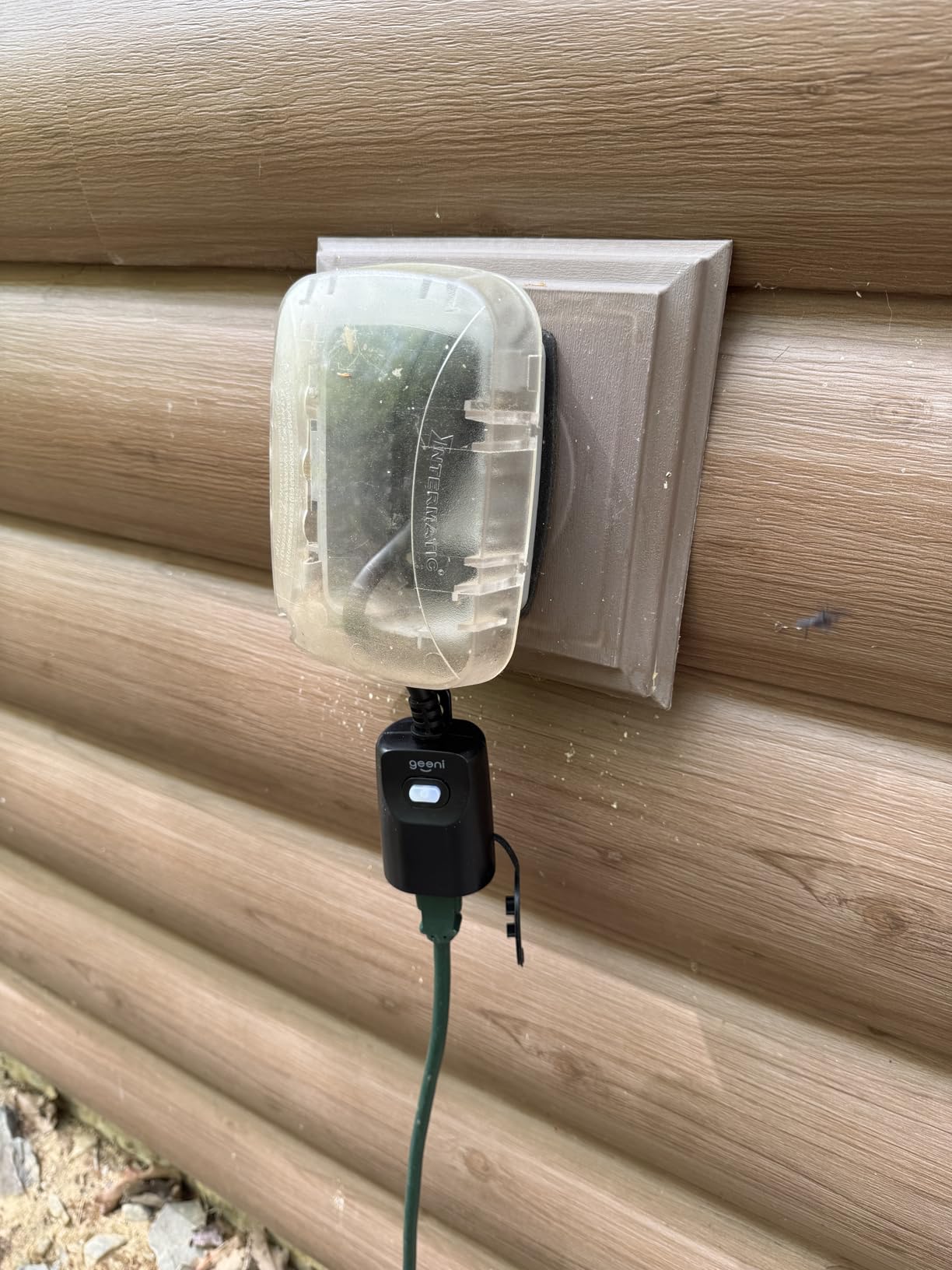
The limitation that shows up most often is integration depth. Geeni supports Alexa and Google Home, but the app ecosystem is narrower than Kasa, Tapo or meross, so you have fewer places to build deeper automations.
The second limitation is the housing itself. The wording is weather resistant with protective covers rather than a sealed IP-rated enclosure, which means it belongs under a covered receptacle.
Who the Geeni Outdoor Duo suits
It suits a household that wants two timed outlets and nothing more elaborate. If your automations are on and off at set times, the extra features of the bigger apps add nothing.
It also suits shallow or awkward receptacles where a bulkier body simply will not seat.
Who should skip the Geeni Outdoor Duo
Skip it if your display is going to be running for years and you want a deep automation platform behind it. The narrower ecosystem makes it a seasonal tool rather than a year-round one.
Skip it for an exposed receptacle with no weather cover, where a sealed IP65 body would be the safer purchase.
6. Amazon Basics Outdoor Smart Plug — Best for Alexa-Only Homes
Amazon Basics Outdoor Smart Plug with 2 Individually Controlled Outlets, Works with Alexa Only, Voice Control, Weather Resistant, 2.4 GHz Wi-Fi, No Hub Required, Black
IP65 rated enclosure
Two independently controlled outlets
Alexa only, no hub needed
UL listed, 15A
Pros
- Simplest setup of any plug here
- IP65 is the strongest sealing in this group
- Two outlets on independent schedules
- Good for heavy light strings
Cons
- Alexa only with no Google Home or HomeKit
- No manufacturer app for deeper scheduling
- 2.4GHz-only Wi-Fi
If Alexa is the only voice assistant in your house, this is the shortest path from opening the box to working lights. Configuration happens entirely inside the Alexa app, with no hub, no extra skill and no second app to install.
The enclosure is IP65 rated, which protects against low-pressure water jets, condensation and spray. That is the highest weather sealing figure among the plugs we reviewed, and it is backed by UL listing at 15A.
Two outlets can be controlled independently or grouped together inside the Alexa app, which covers both the one-zone and two-zone case. The part number is HPPA52CWBAMZ and the body is PC and rubber, weighing 9.92 ounces.
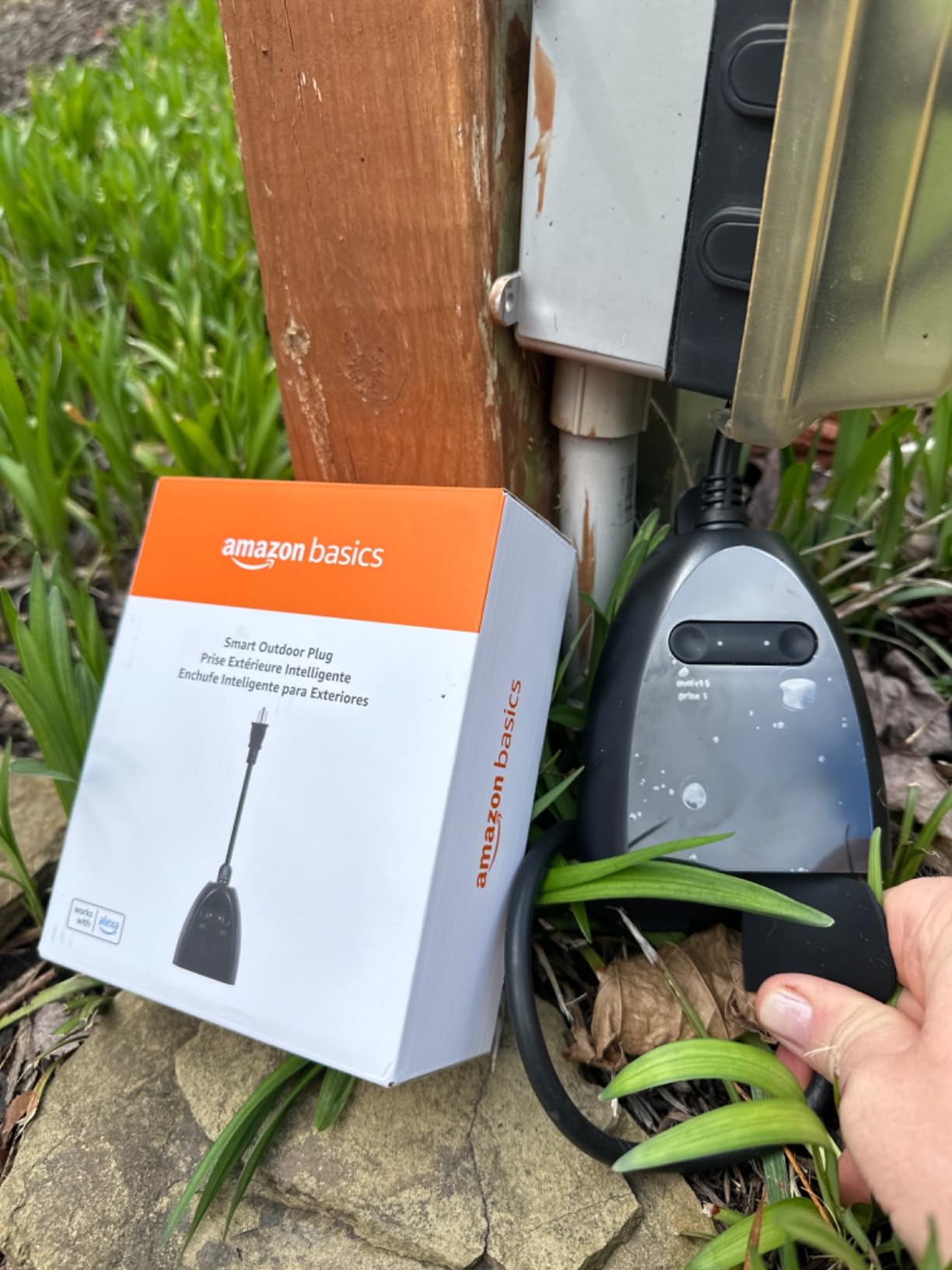
Owners report pairing quickly and being pleased that grouping works reliably for seasonal lighting. At 4.5 stars from 3752 ratings, with 80% five-star, the product itself is not the problem here.
Fit is the other positive. A rubberised body on an IP65 enclosure tends to sit more securely on a wet outdoor receptacle than a hard plastic shell, and the sealing gasket is doing real work rather than being decorative.
The honest framing is that this is an ecosystem purchase, not a capability purchase. You are choosing the simplest setup path available and giving up portability in exchange.
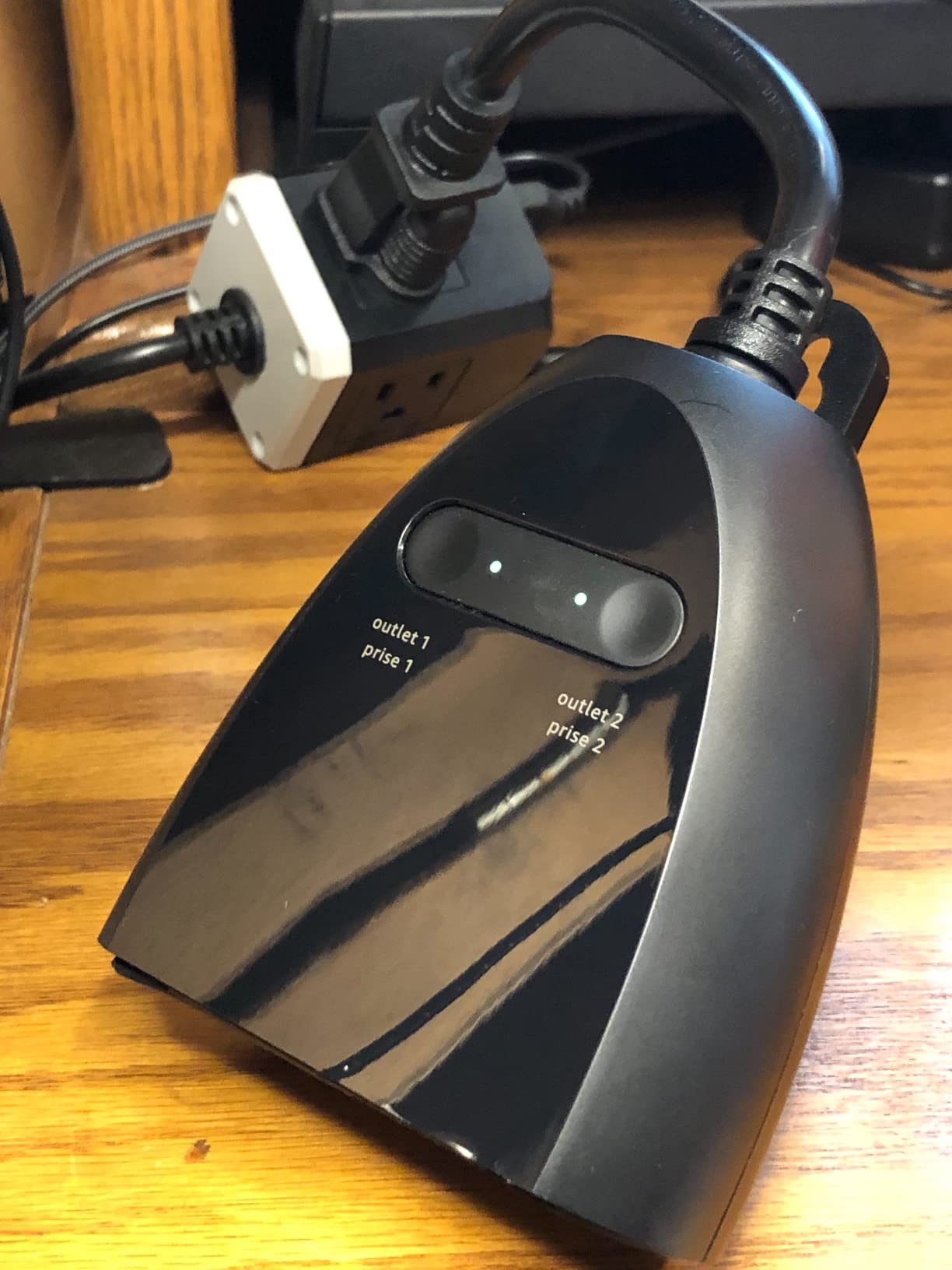
The trade-off is ecosystem lock-in. It will not pair with Google Home, Apple HomeKit or SmartThings, and if you ever change assistants you are buying a different plug.
There is also no manufacturer app, so scheduling depth is limited to Alexa routines. Sunset offset scheduling is available through the Alexa side, but the fine-grained timer controls found in the Kasa and Tapo apps are not.
Like the rest of the group it is 2.4GHz-only, which is the single most common pairing failure we see reported.
Who the Amazon Basics Outdoor Smart Plug suits
It suits households fully committed to Alexa who want the least setup friction and the strongest weather sealing available here. For that buyer it is a genuinely strong pick rather than a compromise.
It also suits displays in genuinely wet locations, since IP65 is the rating you want for a receptacle exposed to driving rain.
Who should skip the Amazon Basics Outdoor Smart Plug
Skip it if anyone in your household uses Google Home or Apple Home, even occasionally. There is no path to those platforms at all.
Skip it if you want detailed scheduling control such as countdown timers, separate per-outlet weekly schedules or deep scene building.
7. Wyze Plug Outdoor — Best for Energy Monitoring
Wyze Plug Outdoor, Dual Outlets Energy Monitoring, IP64, 2.4GHz WiFi Smart Plug, Works with Alexa, Google Assistant, IFTTT, No Hub Required, Black
Dual outdoor outlets with energy monitoring
IP64 housing, ETL certified
Wi-Fi plus Bluetooth setup
Alexa, Google Assistant and IFTTT
Pros
- Only plug here that reports real energy usage
- Two independent outlets at 15A
- Bluetooth-assisted setup is fast
- Works across three platforms without a hub
Cons
- Highest-priced plug in the group
- 2.4GHz-only Wi-Fi
- Energy figures reported per device not per outlet
The Wyze Plug Outdoor is the only model here that reports what your display is actually drawing. For anyone who has ever wondered what a season of Christmas lights costs, that is a real feature and not a gimmick.
Two outdoor outlets at 15A with energy monitoring, an IP64 ETL certified housing, Wi-Fi plus Bluetooth for setup, and support for Alexa, Google Assistant and IFTTT with no hub required. The rubber housing is rated to 120 volts AC, and the part number is A6.
Bluetooth-assisted setup is a genuine convenience. It does not mean the plug runs its schedule over Bluetooth, but it removes the most painful step, which is typing a password into a phone on a ladder next to an exterior wall.
At 4.5 stars from 3683 ratings with 76% five-star, reviewers are broadly positive. The differentiator that comes up most is energy monitoring, because it lets you see the real draw before you commit to a larger display.
Dual outlets at 15A cover most outdoor string-light setups on their own, which means one plug frequently replaces two.
IFTTT support is worth a mention too. It is an older integration standard that some newer ecosystems have quietly dropped, and its presence here keeps the plug usable in setups built around it.
The cost of those extras is straightforward: this is the most expensive plug in the roundup. If you only need switching and scheduling, you are paying for a wattmeter you may check once and never again.
Two honest limits. Energy figures are reported at device level rather than split per outlet, so if you run a light string on one socket and an inflatable on the other you see one combined number.
It is also 2.4GHz-only, like most plugs in this category, and the IP64 housing is very good without being the IP65 sealing the Amazon Basics plug offers.
Who the Wyze Plug Outdoor suits
It suits anyone who wants to measure a display before scaling it up. The data answers the running cost question directly rather than making you estimate from bulb packaging.
It also suits multi-brand households, since Alexa, Google Assistant and IFTTT without a hub covers most mixed setups.
Who should skip the Wyze Plug Outdoor
Skip it if you only need on and off control. The premium over the simpler dual-outlet plugs buys you data you will rarely reference after the first week of December.
Skip it if you need per-outlet energy figures, because the device-level total will not tell you which zone is responsible.
8. TESSAN Outdoor Smart Plug — Best for Multi-Zone Displays
TESSAN Outdoor Smart Plug Waterproof, 2.4GHz WiFi Only
Three independently controlled sockets
IP44 with flip covers
Per-outlet daily and weekly schedules
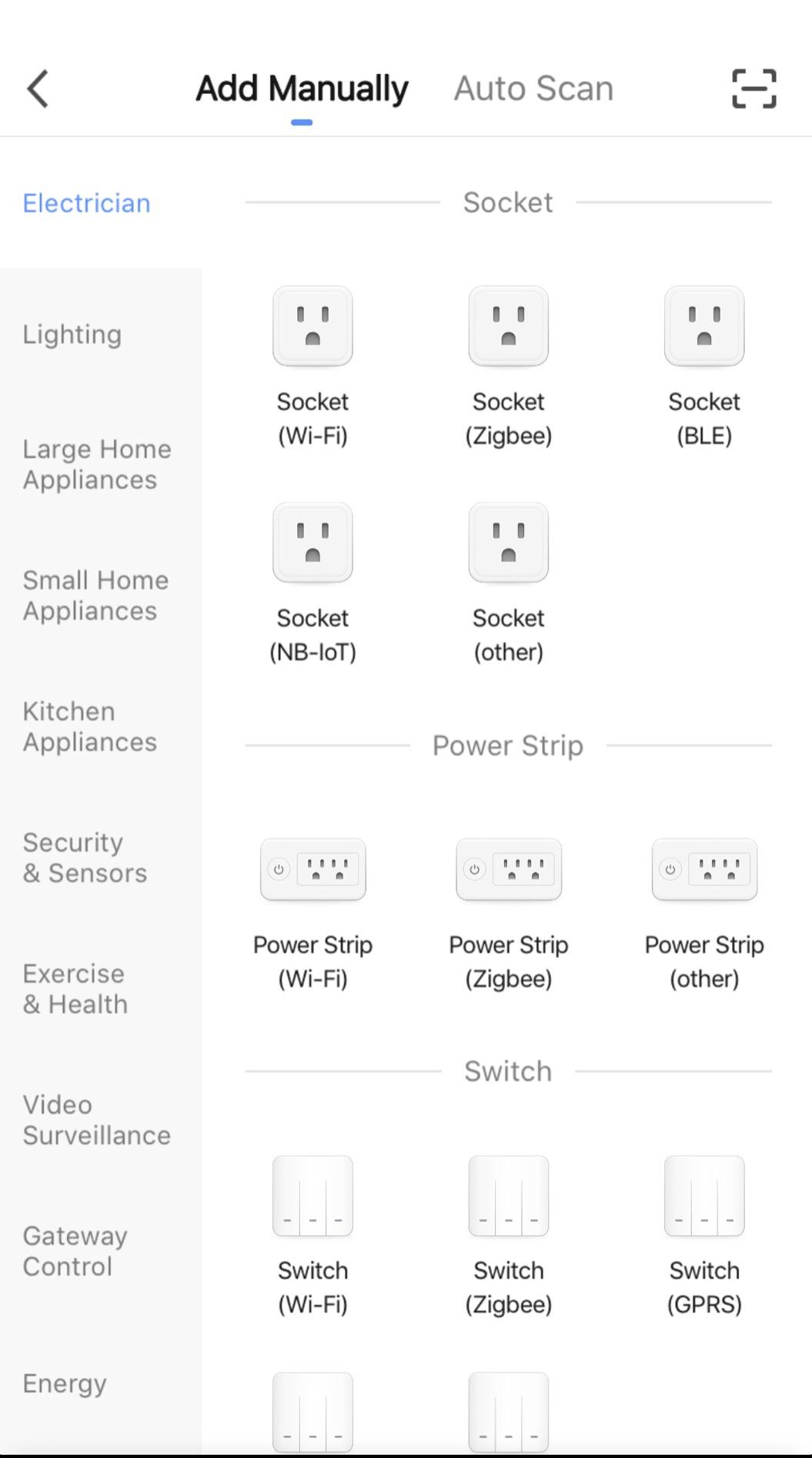
Smart Life app, Alexa and Google Home
Pros
- Three separately schedulable sockets from one plug
- Per-outlet daily and weekly schedules
- UL listed at 15A per socket
- Long-term owners report multi-year reliability
Cons
- Short cord often forces an extension cord
- Scheduling occasionally misses
- Outlets can turn on again after a power cut
The TESSAN SOP03-US is the only three-socket outdoor plug in this roundup, and for a large display that changes the maths. Three zones, three schedules, one plug in one receptacle.
Each socket is rated 15A, 1875W and 2HP maximum, so the capacity is not the constraint. The body is UL listed and IP44 rated with flip covers that protect against rain, snow and dust, and the model ships with a 3.94-inch cord.
What genuinely separates it from the dual-outlet plugs is scheduling granularity. It offers daily and weekly schedules per outlet, plus a countdown timer, which means you can set one zone to run on Saturdays only.
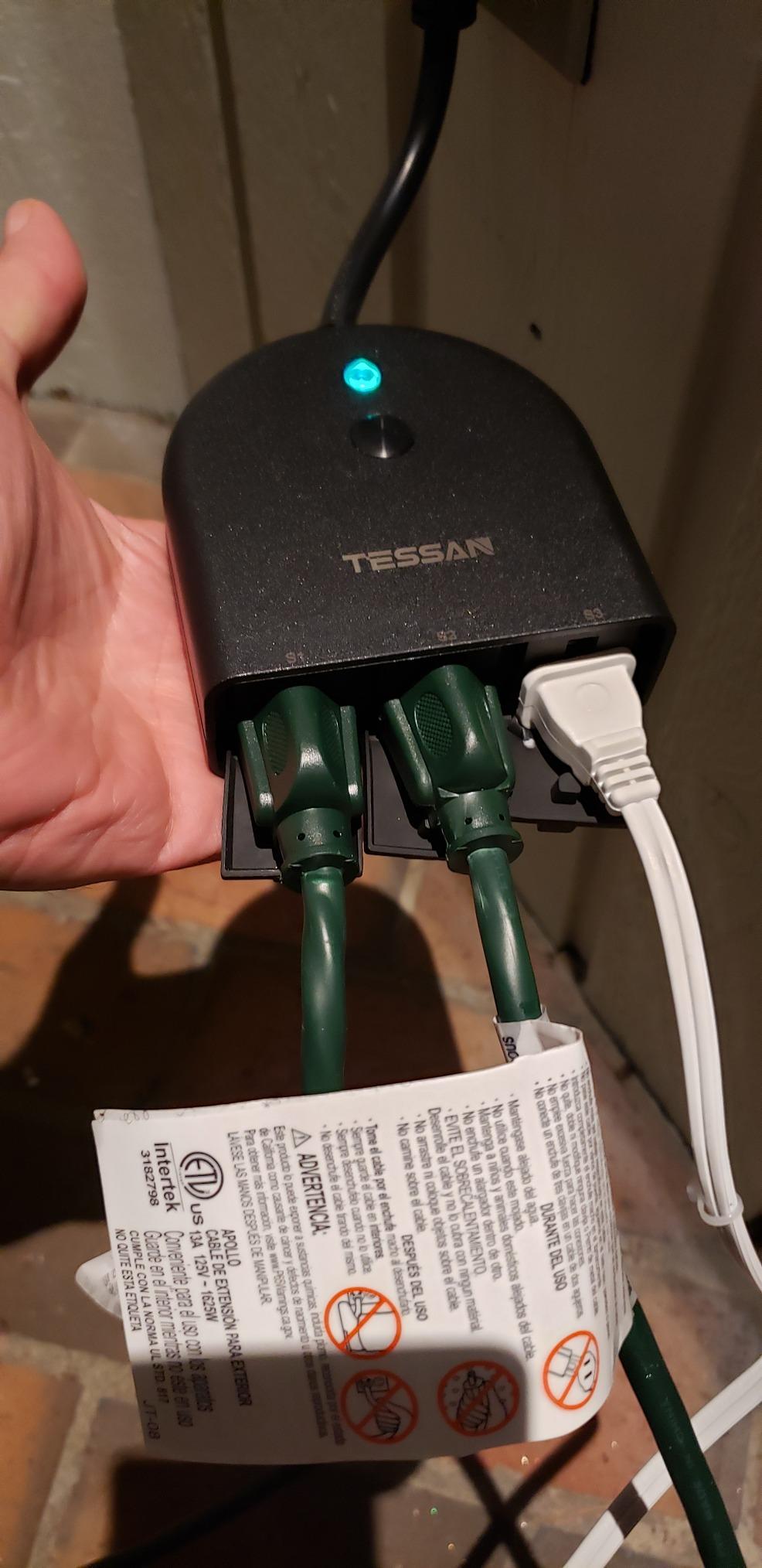
Long-term owners report using it for outdoor Christmas lights across three years with the plug still working, and reliable auto-reconnection to the Smart Life app after power outages. It is a 16-ounce body measuring 4.09 by 4.09 by 1.46 inches, with an 18-month warranty.
The flip covers are a real usability detail. They let you leave the sockets closed when the display is down, which keeps water and debris out over months of storage rather than only during December.
At 4.2 stars from 2273 ratings, this sits at the bottom of the rating range we covered, with 67% five-star and an 11% one-star share. That tells you something real about consistency, and we would rather tell you than hide it.
The most common practical complaint is the short cord. At just under four inches, it frequently will not reach from a high exterior receptacle down to where the lights actually start, and owners end up reaching for an extension cord, which is exactly what the safety guidance later in this guide tells you to avoid outdoors.
Two behaviours need checking before you rely on them. Scheduling occasionally fails to trigger as configured, and outlets that were manually switched on can turn on again when power is restored.
One owner also reported the plug eventually stopped powering a pool pump. Christmas lights draw a fraction of that, so this does not affect the intended use, but it is worth knowing if you plan to use it for anything continuous.
Who the TESSAN Outdoor Smart Plug suits
It suits a large display with three or more zones, where replacing two dual-outlet plugs with one three-socket plug saves both a receptacle and a setup session.
It also suits anyone who wants per-outlet weekly schedules, which no other plug in this roundup offers.
Who should skip the TESSAN Outdoor Smart Plug
Skip it if your receptacle is mounted high, because the short cord will push you toward an extension cord in a wet location.
Skip it if you are running anything that must not restart after a power cut, such as a pump on a fill cycle.
9. HBN Outdoor Smart Plug — Best for Local-Control Tinkerers
HBN Outdoor Smart Plug, WiFi Heavy Duty 2 Outlet Timer, 1 Pack, 2.4GHz
Two independently controlled outlets
IP44 housing, ETL listed
15A and 1875W
SmartLife app with Alexa and Google Home
Pros
- Two outlets with day-of-week
- hour and minute scheduling
- Works with SmartLife so it joins multi-brand setups
- Can be flashed with Tasmota for local control
- IP44 body holds up in bad weather
Cons
- Two hardware revisions use two different apps
- Newer revisions reported with connection and timer faults
- Unreliable Bluetooth pairing step
- Weak customer support
The HBN 154T-1P is the pick for people who like their smart home local and open. Two independently controlled outlets, 15A and 1875W, an IP44 ETL listed body, and a SmartLife app that lets it join a mixed-brand setup.
Owners of older units describe it as exceptionally dependable, including one who reports full reliability across more than two years of pool pump and holiday light duty. Scheduling supports day-of-week, hour and minute granularity across both outlets.
The genuinely interesting capability is Tasmota support. Because the hardware is based on an ESP-12F module, it can be reflashed to run locally, which means the plug keeps working without a cloud connection.
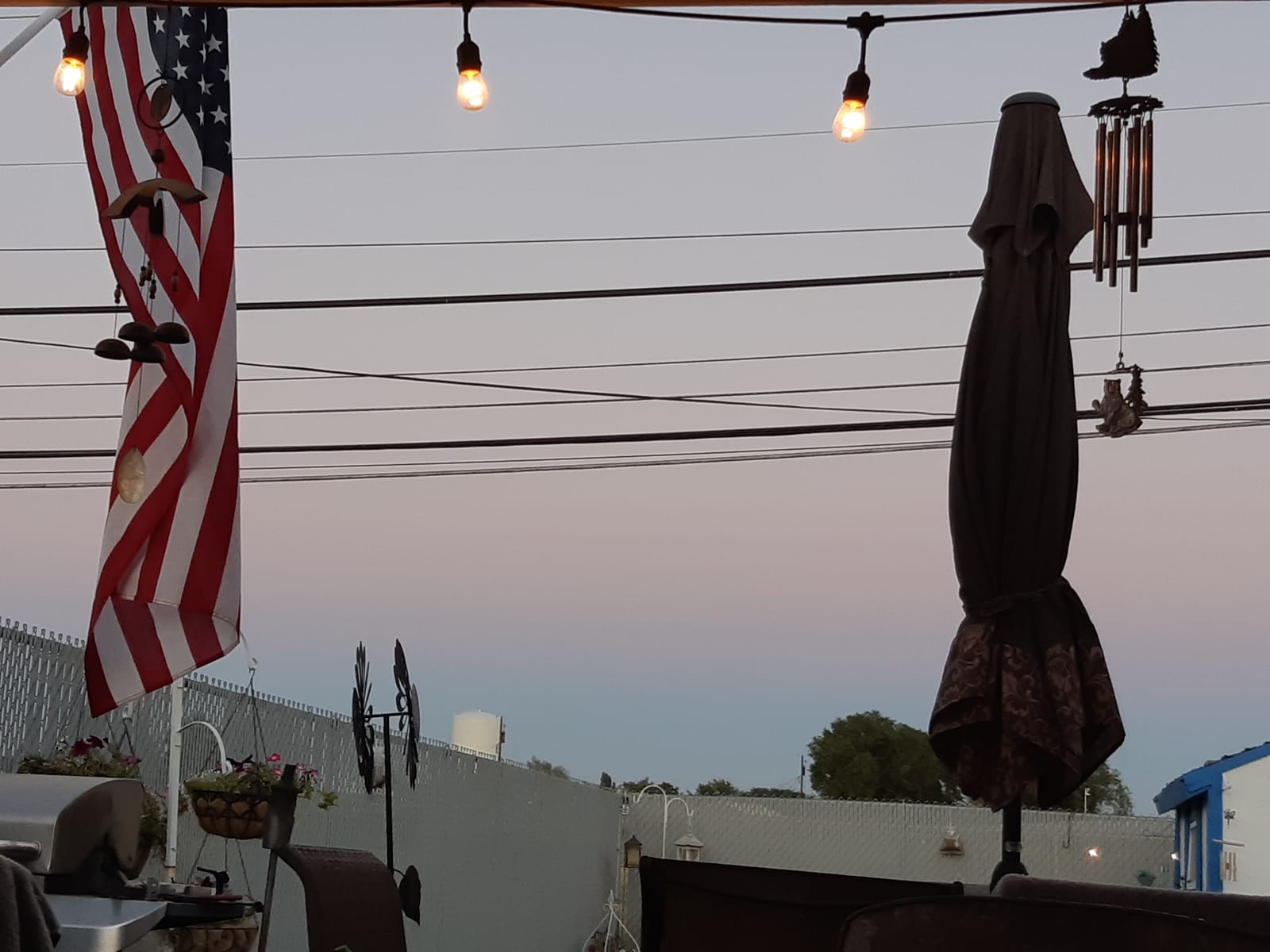
That matters for a specific real concern in this category. Users do not trust cloud-dependent scheduling, and plenty of homeowners run their displays through a local controller so an internet outage does not turn the lights off at the wrong time.
Contact material is copper and brass, which is a better sign for an outdoor device than plated steel. The warranty is 15 months, slightly shorter than the Kasa and TREATLIFE terms.
The listing also states 2.4GHz secured Wi-Fi only with no 5GHz support, and an AP mode for initial setup.
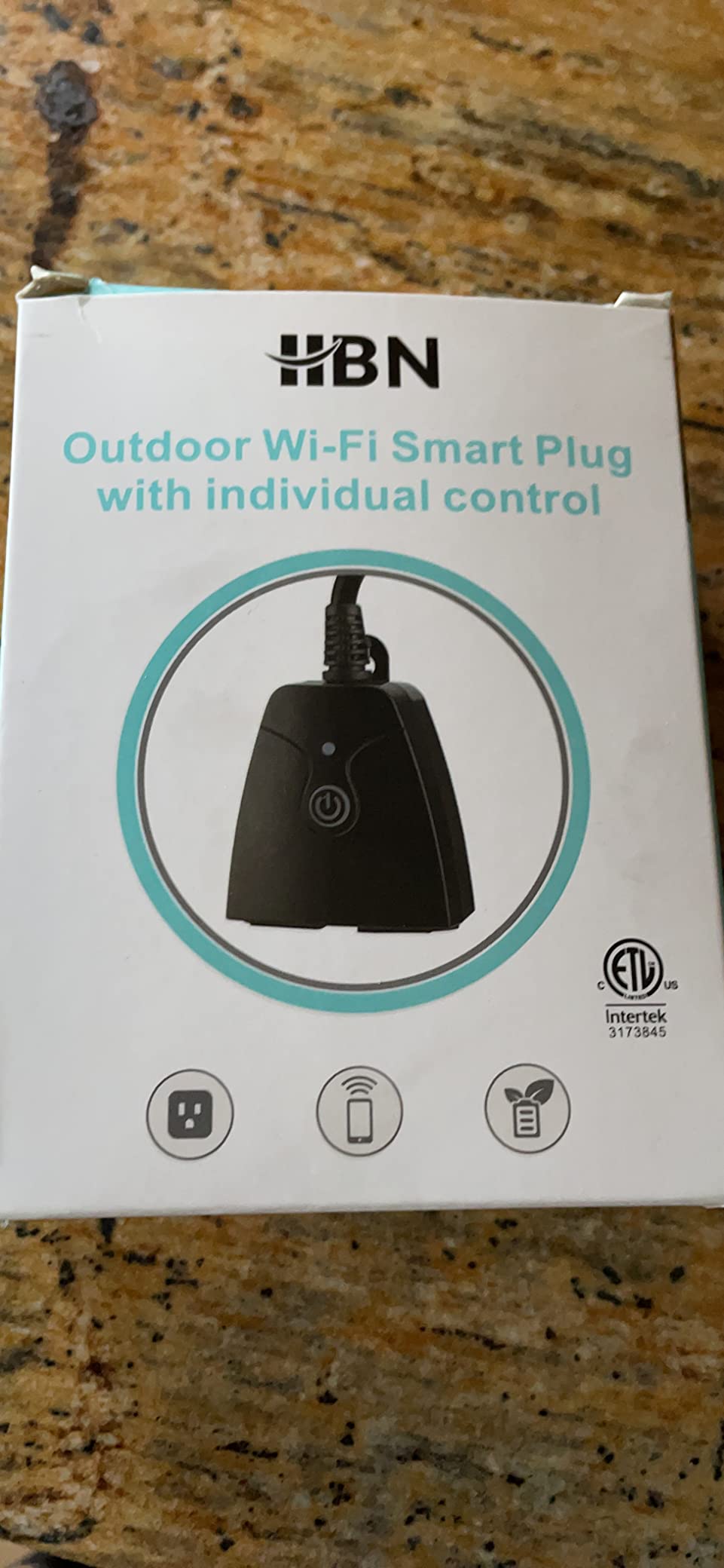
Now the significant caveat, and it is a software one rather than a hardware one. Two hardware revisions ship under the same listing. Older units use the HBN Smart app and newer units use the BN-HUB app, and the printed QR code sometimes points to an app that will not connect.
Newer revisions described as upgraded have been reported to have connection and timer problems that older units do not. Bluetooth pairing during setup is unreliable, and manual Wi-Fi entry is the more dependable route. Alexa voice naming sometimes picks up only some of the outlets.
Support is reported as unresponsive, which is the main reason this sits below the Kasa plugs despite the hardware being perfectly adequate.
Who the HBN Outdoor Smart Plug suits
It suits people who run a local-control home automation setup, because Tasmota flashing turns a cloud-dependent device into one that does not need the internet.
It also suits anyone already invested in the SmartLife ecosystem who wants an outdoor dual-outlet plug without adding another app.
Who should skip the HBN Outdoor Smart Plug
Skip it if you want a smooth first-time setup. The mixed app situation and unreliable Bluetooth pairing add friction that the Kasa and Tapo plugs do not.
Skip it if you are not comfortable troubleshooting firmware, or if you need customer support to be responsive.
10. Tapo Matter Outdoor Smart Plug P400M — Best for Matter Homes
Tapo Matter Outdoor Smart Plug, 2 Individual Outlets, P400M
Matter compatible with Apple Home, Alexa, Google and SmartThings
IP65 weatherproof
Two independent outlets at 15A
Pros
- Matter support across Apple Home
- Alexa
- Google Home and SmartThings
- IP65 rating with a minus 4F to 122F operating range
- Two independently controlled outlets
- Strong Wi-Fi reach through concrete walls
Cons
- Smallest review base at around 1000 ratings
- 2.4GHz setup still required in the Tapo app
- 1800W ceiling slightly below some rivals
The P400M is the most forward-looking plug on this list. Matter support means it joins Apple Home, Alexa, Google Home and SmartThings natively, with no vendor account and no hub in the middle.
That single decision removes most of the ecosystem problems in this roundup. You can change platforms later without changing hardware, and it will work in whichever app you happen to open.
The physical specification is equally strong. IP65 weatherproofing with an operating range of minus 4 to 122 degrees Fahrenheit, two independent AC outlets at 15A and 1800W, and a wall-mount design that includes a mounting clamp, screw and stabilising post.
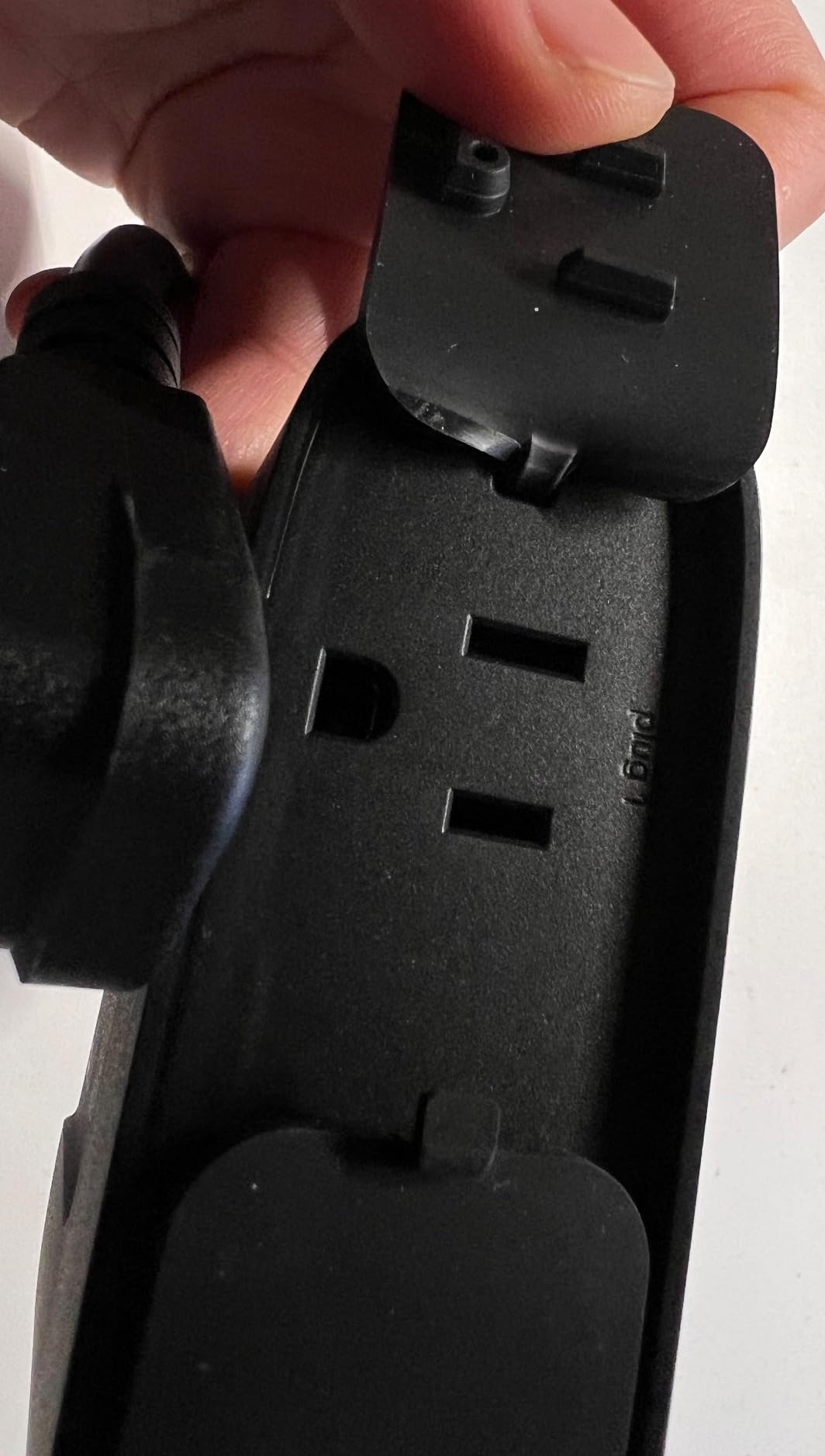
Range is the quiet strength here. Dual antennas give up to 300 feet in open field and 164 feet through three concrete walls, which is the most useful number on the sheet if your receptacle is at the back of a house or beside a detached garage.
The housing is UL94-v0 flame-retardant polycarbonate, and at 1.22 by 1.22 by 0.61 inches it is the smallest plug we reviewed by a wide margin, which solves the receptacle clearance problem several others have.
At 4.5 stars from 1077 ratings with an 80% five-star share, it has the tightest spread of negative ratings in the set. It is also the newest and least reviewed, which means long-term durability data is thinner than for the Kasa and Geeni plugs.
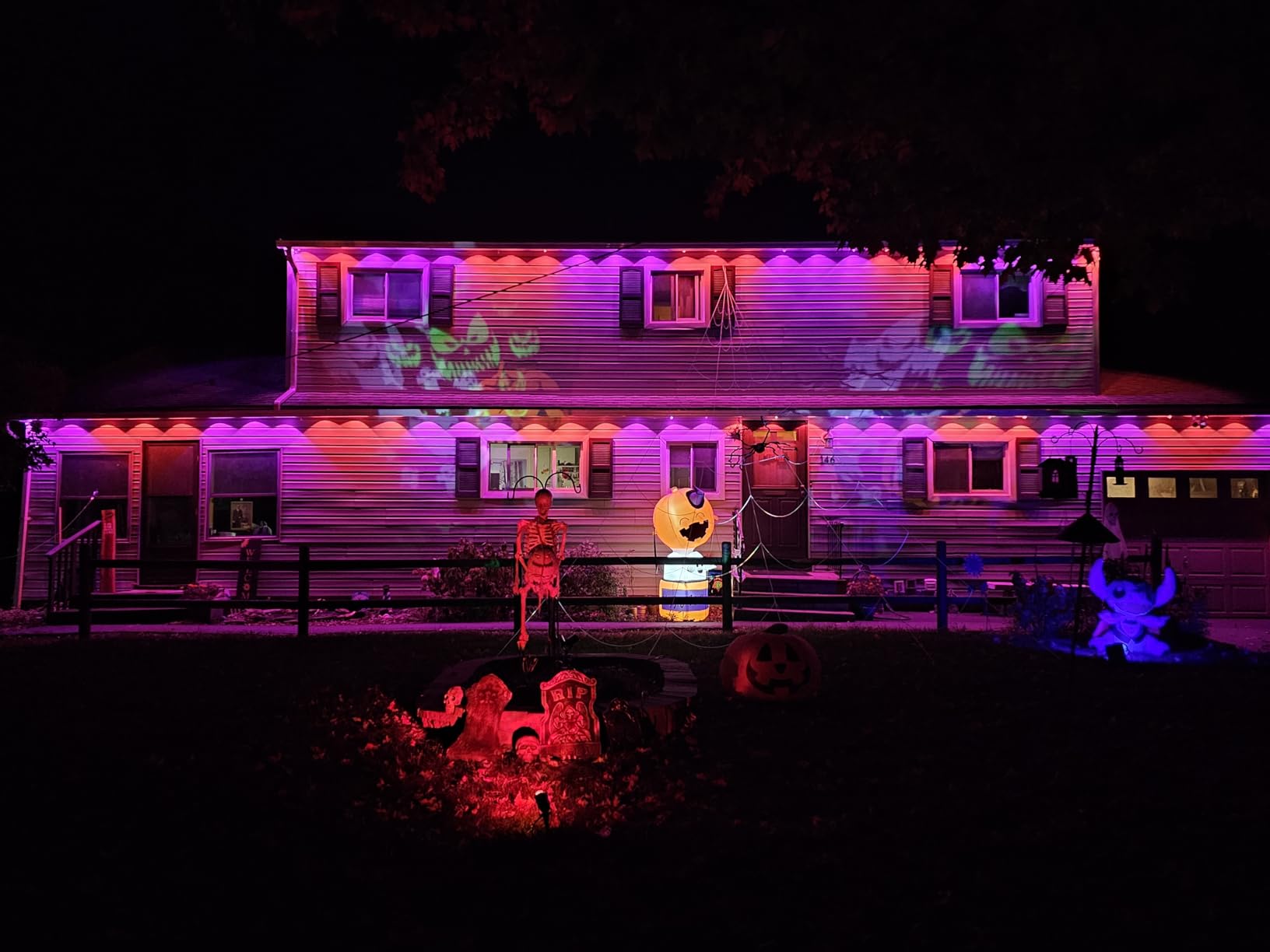
The honest caveat on that review count is size. Just over 1000 ratings is a small base compared with the 17484 behind the Kasa EP40, so we are relying more on the specification than on a long defect history.
Setup still requires 2.4GHz Wi-Fi through the Tapo app, so Matter does not solve the network band problem. And the 1800W ceiling is marginally below the 1875W some rivals offer, which is irrelevant for lights but relevant if you plan to add a heavy inflatable.
The six-inch cable is included, and the 8.8-ounce weight makes this the easiest of the outdoor plugs to seat behind a cover.
Who the Tapo P400M suits
It suits anyone planning to keep smart-home platforms for a decade. Matter is the standard that prevents a plug becoming a paperweight when a brand exits a category, which has happened to several outdoor smart-home lines.
It also suits households with mixed ecosystems, and anyone who wants Apple Home support without buying a separate hub.
Who should skip the Tapo P400M
Skip it if you want the deepest field-tested reliability record, because the review base is roughly a fifteenth of the EP40s. Buy the Kasa EP40 if proven longevity matters more than future-proofing.
Skip it if your display includes a load close to 1800W, where the Kasa plugs have a little more headroom.
How Many Strings of Christmas Lights Can You Run on One Smart Plug?
On a standard 15A, 1875W circuit, a modern LED string of 100 lights draws roughly 5W. That is about 375 strings on paper, which is a meaningless number in practice, because the limit is rarely the plug.
Three things bind before you reach it: the plug’s own rating, the receptacle and its 15A breaker, and the total current on the circuit. Run a space heater on the same outlet as your display in January and the ceiling drops immediately.
Incandescent strings are the other variable. Older 100-light incandescent sets draw around 40W each, so eight times the load of an LED string for the same visual effect. If your strands are incandescent, the count drops by a factor of eight.
As a practical guide for a typical display, a 15A outdoor receptacle comfortably handles several LED strings plus an inflatable on a single 15A smart plug. Add heavy loads such as multiple inflatables or a heated display and you want to spread across two circuits instead.
On running cost, a 5W string running four hours a night for a 30-night season uses about 0.6 kWh. At typical US residential rates that works out to a few tens of cents per string for the season, which is why nobody switches a display off for money reasons.
The real reason to automate is convenience and consistency, not cost saving. If you want hard numbers for your own setup, the Wyze Plug Outdoor is the only model in this roundup that reports actual draw.
Indoor vs Outdoor: Which Lights Need a Weatherproof Plug
Only the lights that live outside need an outdoor-rated plug. Everything hung on an indoor tree, a wreath, or a window facing into a warm room works with a compact indoor plug.
Are most Christmas lights waterproof? Partly. Lights marketed for outdoor use are typically weather-resistant, but the wire, the sockets and the controller at one end are separate components, and the controller is usually the weakest point in the chain.
Roofline lights, net lights on bushes, pathway lighting and yard inflatables all sit outside and need a weatherproof plug. They also need a GFCI-protected receptacle, which is a property of the outlet rather than the plug.
IP44 means splash protection and is fine for a covered porch receptacle. IP64 adds protection against water jets and dust and is the right choice for anything the rain hits directly. IP65 is the strongest sealing we saw among these plugs.
For an indoor-only display, a tree or a wreath does not need any of that. A compact indoor plug with a countdown timer handles it, and indoor models are generally smaller, cheaper and easier to hide behind furniture.
A dozen owners we found in r/ChristmasLights skip the seasonal plugs entirely and buy year-round outdoor smart plugs for permanent yard lighting. If you already run permanent lights, a single plug that stays out all year is a better investment than one that lives in a box for eleven months.
Smart Plug vs Smart Bulb vs Smart String Lights
A smart plug is the right choice for anything you can plug in, including nearly all existing lights you already own. A smart bulb only helps on fixtures you own outright and can reach, since a bulb you cannot change is a bulb you cannot automate.
Smart string lights are the newest option and worth understanding. A strand with its own Wi-Fi controller can dim, change colour and run scenes without any plug at all. The catch is that once power is cut, many of them reset to manual mode.
That last point shows up repeatedly in owner reports. Strings with their own controller or mode button reset to manual when a smart plug cuts their power, which breaks the automation premise you installed the plug for.
As a rule: use a smart plug for lights you already own, use smart bulbs for built-in fixtures where replacing a bulb is easy, and treat smart string lights as a complete replacement system rather than an add-on. If you work outdoors regularly, our best ear plugs for loud work guide covers the other piece of protection gear worth keeping on hand during a long install.
Installation and Outdoor Safety
These plugs run electricity in wet conditions, so a few habits matter more than any feature on the spec sheet.
First, use a GFCI-protected receptacle. GFCI protection is what trips the circuit when water creates a fault path, and it belongs at the receptacle rather than inside your plug. Do not run a smart plug into a non-GFCI outdoor box.
Second, mount the plug above the receptacle with the socket facing down, so water runs off rather than into the socket openings. A drip loop in the cord immediately below the plug, formed by looping the cable down and back up, gives falling water somewhere to go that is not the plug.
Third, do not use extension cords for outdoor displays. Every extra connection is another place water can sit, and most extension cords are rated for indoor use only. If the cord is too short, the answer is a closer receptacle rather than a longer lead.
Fourth, keep the load inside the rating printed on the plug. A 15A and 1875W plug means that per outlet, and the 15A circuit behind it means that is the real ceiling. Do not split a display across three daisy-chained power strips.
Fifth, test the plug where it will actually live. Pair it with doors and covers closed, wait for the Wi-Fi to settle, and set the on and off events minutes apart so you catch the failure before December rather than during it.
Finally, plan for what happens when the network goes down. Manufacturers rarely specify whether a stored schedule survives a router reboot, and the honest answer is that it usually keeps running locally but may not. If that matters to you, keep one mechanical outdoor timer as a backup for the most important zone.
Related reading from our workshop: if you also maintain vehicles, our spark plug guide and guide to reading spark plug condition cover the same do-it-yourself approach for engines.
What to Check Before You Buy, and When to Skip a Smart Plug
Check these seven things in order, and the decision usually makes itself by the fourth.
One: indoor or outdoor. If the receptacle is outside, the plug must be weather-rated. If the lights are on an indoor tree, a compact indoor plug is the sensible buy.
Two: IP rating. IP44 for a covered porch, IP64 for general outdoor exposure, IP65 for driving rain and the worst weather.
Three: outlet count. Two independently controlled outlets from one plug usually beats one outlet with a splitter, because each side can run its own schedule.
Four: load rating. 15A and 1875W covers nearly all light displays. Check any dimmer plug more carefully, since dimmers carry lower ceilings.
Five: ecosystem. Decide whether you are Alexa-only, Apple Home, Google Home, SmartThings, or a mix that needs Matter.
Six: network band. Almost every plug in this roundup is 2.4GHz-only. If your router broadcasts a 5GHz-only or mesh-only SSID, the plug will not join, which is the most common setup failure reported by owners.
Seven: physical fit. The rigid 90-degree bodies on several of these plugs are awkward in a duplex receptacle and can stop a hinged outdoor cover from closing. The Tapo P400M is the smallest option here for that reason.
When should you skip a smart plug entirely? If your display is one strand with fixed on and off times, buy a mechanical outdoor timer instead. If your lights already have their own Wi-Fi controller, add a smart plug and you have built a second system that fights the first.
And if you dislike cloud-dependent scheduling, note that most manufacturers do not specify what a stored schedule does after an outage. That is worth checking before you build a display that depends on it.
Frequently Asked Questions
Can I use a smart plug for Christmas lights?
Yes. A smart plug is one of the cheapest ways to automate holiday lighting, and it works with lights you already own. Plug the strand into the smart plug, plug the smart plug into a GFCI-protected outdoor receptacle, then set a schedule in the app. It is most useful when you run more than one zone, since each outlet can run its own timer.
What is the best smart plug for controlling outdoor lights?
The Kasa Outdoor Smart Plug EP40 is our top pick for most displays. It has two independently controlled outlets rated 15A and 1875W each, an IP64 weather-resistant body, and sunrise and sunset offset scheduling so the lights follow daylight instead of a fixed clock time. It carries the largest review base of any outdoor plug we reviewed.
Is it better to use smart bulbs or smart plugs?
A smart plug is better for anything you can plug in, which is nearly all existing string lights. Smart bulbs only work in fixtures you own and can reach, since a bulb you cannot change is a bulb you cannot automate. Smart string lights are a third option that replaces the whole system, but many of them reset to manual mode after a power cut.
What are the disadvantages of smart plugs?
The main drawbacks are physical and ecosystem-related. Most are 2.4GHz-only, so they will not join a 5GHz-only or WPA3-only network without help. Many use rigid 90-degree bodies that are awkward in a duplex receptacle. Others lock you to one ecosystem, and manufacturers rarely state whether a stored schedule survives a router reboot or a power cut.
Is there a dimmable smart plug?
Yes, and there is only one in our roundup: the TREATLIFE Outdoor Smart Dimmer Plug. It handles dimmable LED and CFL loads up to 150W and incandescent up to 400W, with an IP44 housing. It will not work with non-dimmable bulbs, smart bulbs, fans or motors, and its 3.33A ceiling is well below the 15A plugs on this list.
How many strings of Christmas lights can you use per socket?
A 100-light LED string draws roughly 5W, so the plug is rarely the limiting factor on light loads. The real ceilings are the receptacle, its 15A breaker, and whatever else shares the circuit. Incandescent strings draw around 40W each, about eight times more, so count them accordingly before combining strands.
Are most Christmas lights waterproof?
No. Lights sold for outdoor use are generally weather-resistant rather than fully waterproof, and the controller at one end of the strand is usually the weakest point. Any light that stays outside needs a weather-rated smart plug and a GFCI-protected receptacle. Indoor tree and wreath lights need neither.
How much does it cost to run a string of 100 Christmas lights?
A 100-light LED string runs about 5W. Four hours a night over a 30-night season uses roughly 0.6 kWh, which at typical US residential rates works out to a few tens of cents per string for the whole season. Automating a display is about convenience and consistency, not about saving money on electricity.
Final Verdict
For most people, the Kasa Outdoor Smart Plug EP40 is the best smart plug for Christmas lights: two independent outlets, IP64 sealing, 15A per side, and the deepest review history in the category. The Kasa KP401 is the cheaper single-outlet version of the same idea, and the TREATLIFE dimmer is the only pick that changes brightness rather than just switching on and off.
Choose the Tapo P400M if you want Matter and plan to keep your smart home for years, the meross MSS620 if Apple Home is your primary platform, and the Amazon Basics outdoor plug if Alexa is the only assistant you use and you want the strongest sealing available. Buy the Wyze Plug Outdoor if you want to see what your display actually costs to run.
Whichever you choose, mount it above the receptacle, loop a drip loop under it, keep it on a GFCI-protected circuit, and skip the extension cord. Then set a sunset schedule in October so you never touch an outdoor switch again this 2026.